Paid-social teams need many short vertical ad variants each week, and AI video tools split that work into different jobs. This guide ranks five tools by the step each one covers, from product-link ad generation to resizing a finished cut.
These picks apply to teams producing short paid-social ads, roughly 6 to 30 seconds long, for Meta, TikTok and YouTube Shorts, where variant volume and speed matter more than broadcast polish. The generators here bill by a credit or minute meter, and Canva caps AI generations by plan, so the real cost depends on how many takes you discard, and AI ads need platform labels.
How We Chose These AI Video Tools For Social Ads
Social video now outpaces CTV in US digital video ad spend, growing 13% against 11% for CTV in IAB's 2026 Digital Video Ad Spend and Strategy report, so the tools below are judged on how fast they turn one idea into many vertical ad variants.
The wider market of AI video tools mixes presenter avatars, scene generators and editors, and few of them were designed around ad testing. A tool made this list only if it met three tests:
- It outputs vertical short-form video suited to Instagram Reels, TikTok and YouTube Shorts.
- It offers a route to variants, whether batch generation, templates, hook variants or resizing.
- It documents publicly how it meters usage, so a team can budget a test before it starts.
Five tools met that bar. Output quality still varies by prompt and by generation, and these products change features often, so read each section as a fit assessment rather than a promise of results.
The ranking follows the job each tool does in a social-ad workflow, not a single score. Ad generators that start from a product link come first, then a template and UGC studio, a footage generator, an agent editor and a resizing layer. Each tool covers a different step, so a team that wants both drafts and every placement size will need a generator plus a finishing tool. The order is also a rough guide to which tool to evaluate first.
Two tools that other ranking lists often include were considered and left out:
Considered, not included
| Tool | Reason |
|---|---|
| Adobe Firefly | Image-first, commercially safe stills |
| Smartly | Enterprise, custom pricing |
Best AI Video Tools For Social Ads Compared
Creatify and Higgsfield start from a product link or image and output ready-made ad drafts, while Runway generates original footage clip by clip, InVideo uses an agent to script and cast variants, and Canva resizes a finished cut for each placement. The table compares them on the points a paid-social buyer weighs first.
| Tool | Free plan | Starting price | Best for | Starts from | Variant route |
|---|---|---|---|---|---|
| Creatify | Yes | From $10 per month, billed annually | Product-link ad batches | Product link | Batch mode |
| Higgsfield | Yes | From $19 per month, billed annually | UGC and template ads | Product image or link | Template library |
| Runway | Yes | From $12 per month, billed annually | Original generated footage | Prompt or image | One clip per generation |
| InVideo | From $10 per month, billed annually | Agent-built hook variants | Product link and script | Hook variants on request | |
| Canva | Yes | From $144 per year | Resizing and finishing | Existing design or prompt | Magic Switch resize |
The ranking puts the five tools in the order to evaluate them for ad production.
- CreatifyBest for product-link ad batches
- HiggsfieldBest for uGC and template ads
- RunwayBest for original generated footage
- InVideoBest for agent-built hook variants
- CanvaBest for resizing and finishing
Each tool covers a different step of the same job. A generator produces the drafts, and a finishing tool fits the approved cut to every placement, so a team that wants both will need a generator plus a finishing tool. Picking the wrong pair means credits spent on takes that never run, which is the kind of overlap a stack review catches early.
Creatify
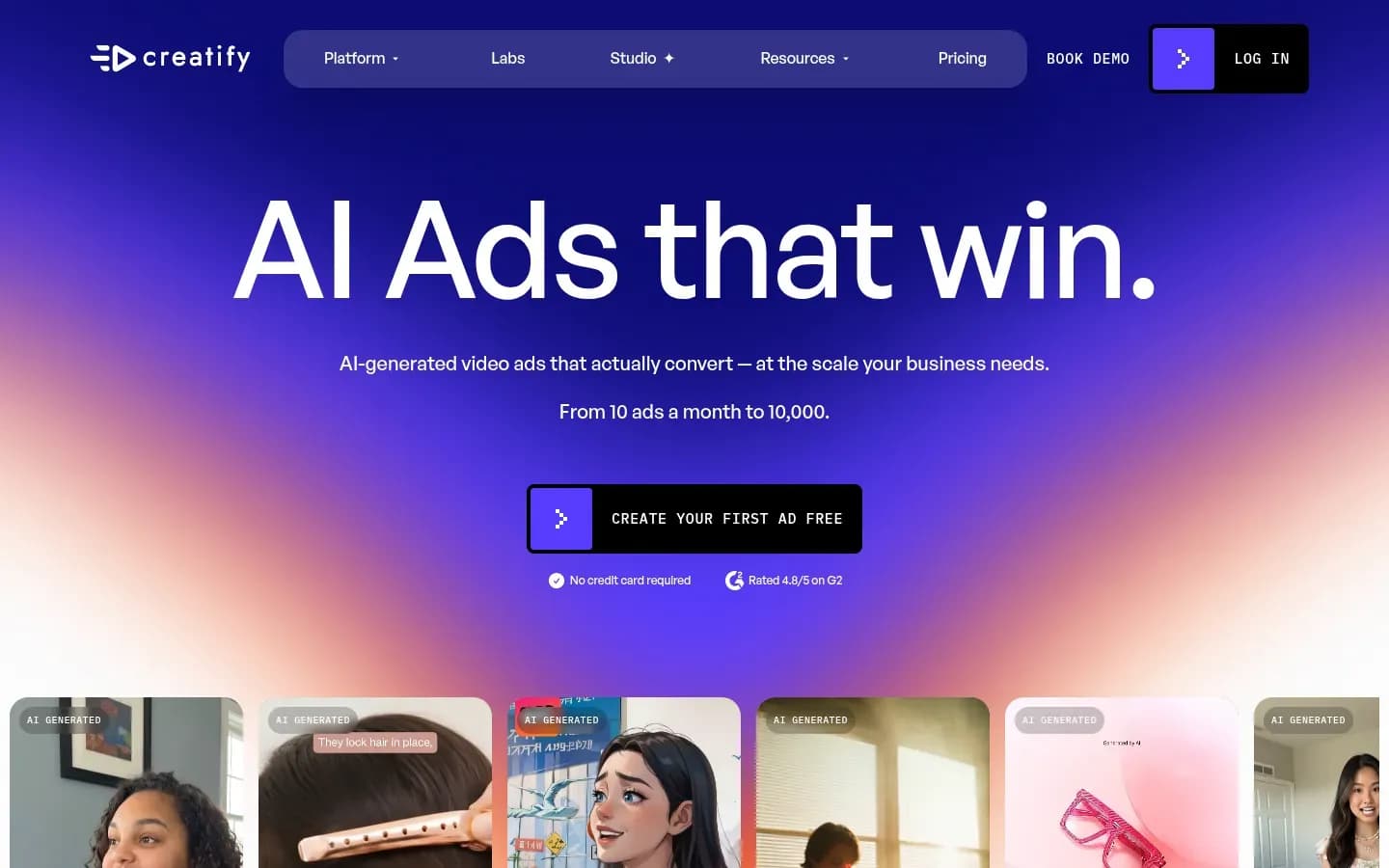
Creatify turns a product page link from Amazon, Etsy, eBay or your own site into 16 video drafts in one run, with a batch mode for A/B variations and export in 9:16, 1:1 or 16:9.
Creatify
AI ad generator that turns product URLs into video ads, for marketers, e-commerce brands and agencies.
Creatify is an AI ad generator that turns product URLs into video ads for marketers, ecommerce brands and agencies. It reads the product details and images on a page and returns ad drafts with avatars and scripts. It suits teams that test many variants a week.
- Free plan
- Yes
- Platforms
- API, Web
- Public API
- Yes
- Compliance
- SOC 2
Verdict: Creatify ranks first because it is built for the exact job this list covers, a product link in and multiple ad drafts out, with variant batches ready for a creative test.
What it does: Paste a product link from Amazon, Etsy, eBay, your own website or another ecommerce platform under AI video ads, and Creatify builds 16 video drafts from that page in one run. Avatar options cover realistic, stylized and custom avatars.
Social-ad features: Batch mode produces several variations for A/B testing at once. The site also lists a Competitor Tracker and an AI Ad Library for studying what other brands run, and the app shows a credit-usage reminder before rendering begins.
Aspect ratios and formats: Creatify exports in 9:16 for Shorts and Reels, 16:9 and 1:1, which covers the three ratios most social plans need.
Pricing: The tool card above shows Creatify's pricing model and free plan status.
Real cost meter: Credits are the meter. Fast.io's Creatify review, which draws on G2 reviewer feedback, finds consumption hard to predict because rewrites, avatar swaps and re-renders all draw credits, and some users in that review report running out of credits mid-month. The same review expects 40 to 60% of outputs to need editing or discarding, so budget credits for roughly twice the drafts you plan to run.
Best fit: Ecommerce and app teams with live product pages who need many vertical variants each week and can finish the best ones in an editor. Creatify suits less well a brand that needs original scenes or tight editorial control inside one tool.
Limitations: Scripts tend to be formulaic, so hooks need a human rewrite. Editing depth is shallow, and teams finish in Premiere Pro, CapCut or DaVinci Resolve. Avatars hold up in 15 to 30 second clips but show lip-sync drift in longer formats, according to the same review.
Higgsfield
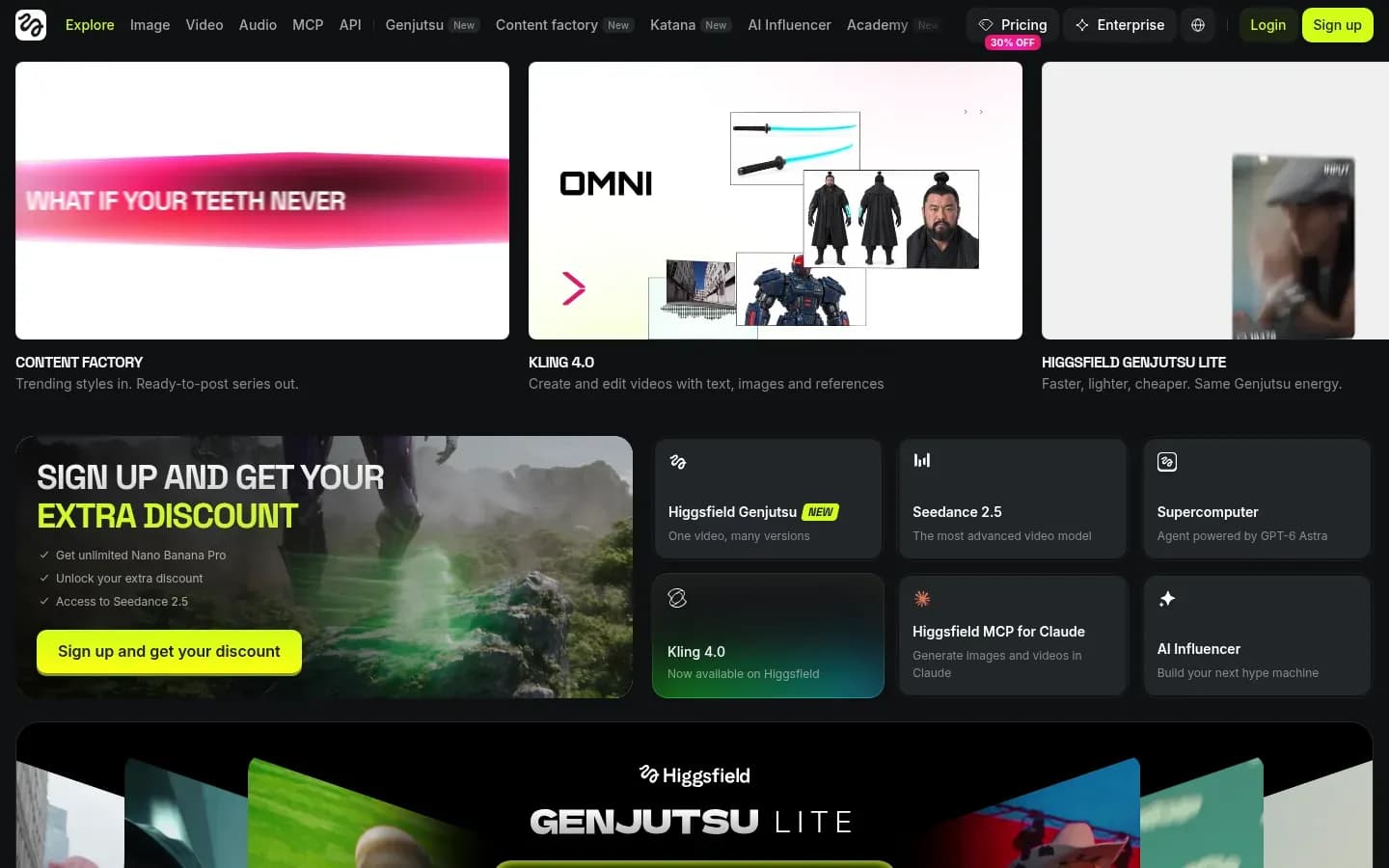
Higgsfield Marketing Studio builds ads from a product image, a product page link or a reference ad you are allowed to use, with UGC-style and vertical TikTok templates and a product-link output its help centre describes as ready for TikTok, Reels and Shorts.
Higgsfield
AI creative suite for creators to generate images, videos and voice from text prompts or reference material.
Higgsfield is an AI creative suite for generating images, video and voice from text prompts or reference material. Its Marketing Studio turns that into ad production, with templates organised by use case and avatars for ads that need a person on screen.
- Free plan
- Yes
- Platforms
- Chrome extension, Web
- Public API
- Yes
Verdict: Higgsfield is the pick for creator-style UGC and template-led ads when a team wants a large template library more than a single product-link workflow.
What it does: Marketing Studio starts from a product image, a product page link or a reference ad you have the right to use. Ads with a person can use a gallery avatar, an AI Influencer, your own avatar or a new one. A brand connects by uploading a product image or pasting a website link.
Social-ad features: Higgsfield's Marketing Studio update made the studio template-first, with a library of more than 1,500 templates. Categories include UGC for creator-style ads that look phone-shot, TikTok for vertical video ads, Product Motion running on Higgsfield Motion, and Ads built to Meta and Google placement specs. The Ads category is image-based, so video ads come from the UGC, TikTok and Product Motion templates.
Aspect ratios and formats: TikTok templates output vertical video, and the Product Link output is a video ad the help centre calls ready for TikTok, Reels and Shorts. The placement-spec Ads templates cover Meta and Google, but as images.
Pricing: Higgsfield's current plans and prices are in the table below.
Higgsfield pricing
| Plan | Price | Billing | Notes |
|---|---|---|---|
| Starter | $19 | per month, billed annually | |
| Plus |
|
| |
| Ultra | $99 | per month, billed annually |
Real cost meter: Higgsfield shows the credit cost on the Recreate button before you confirm a generation. FluxNote's Higgsfield review reports that subscription credits expire each billing period and on cancellation, and that refunds apply only if no credits were used. FluxNote sells a competing product, and its review draws on Higgsfield's pages, terms and public reviews. Offers marked unlimited run as 7-day windows on named models under fair-use limits, so they do not replace a credit budget for a full test cycle.
Best fit: Teams that want UGC-style and TikTok-native ads from templates, and that can review each generation before it runs. Higgsfield suits less well a team that needs predictable turnaround on a launch deadline.
Limitations: Higgsfield's own help centre says voiceover and pacing in UGC videos can vary by generation and should be reviewed before publishing. Recent reviews summarised by FluxNote report long waits, and Trustpilot reviews mix praise with complaints about price, credits running out and consistency.
Runway
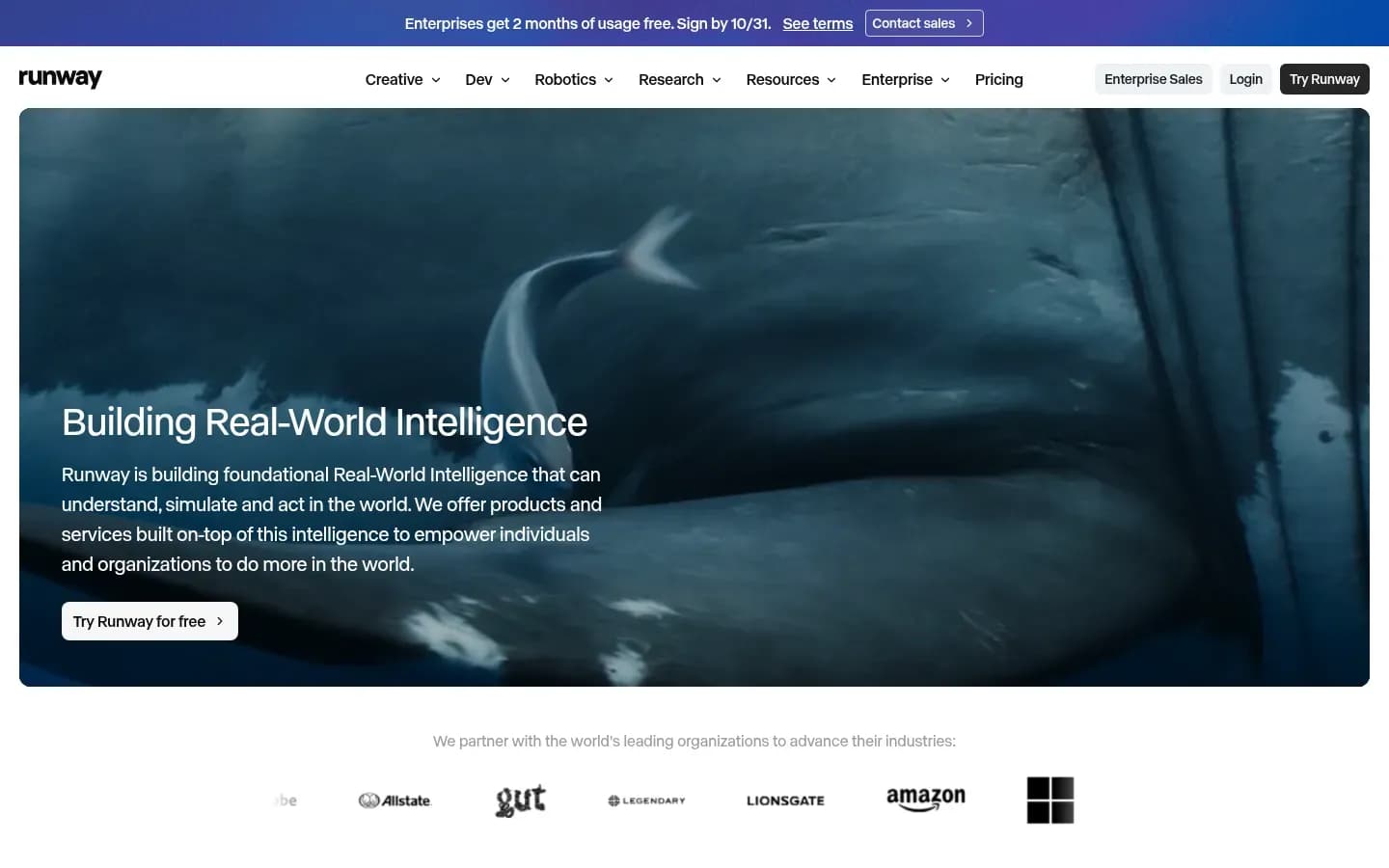
Runway Gen-4.5 generates 720p clips of 5, 8 or 10 seconds in six aspect ratios including 9:16 and 1:1, and a 5-second clip uses 125 credits, which sets how many usable shots a monthly plan buys.
Runway
AI platform for generating and editing video, images and audio, for creatives, teams and developers.
Runway is an AI platform for generating and editing video, images and audio. For social ads it is the footage generator, producing original scenes and product shots from a text prompt or an image rather than presenter-led avatar ads.
- Free plan
- Yes
- Platforms
- Android, iOS
- Public API
- Yes
- Compliance
- SOC 2
- Ratings
- G2 4.2/5 (40 reviews)
Verdict: Runway earns its place when the ad needs original cinematic footage or product motion without a shoot, and when a team is willing to budget credits clip by clip.
What it does: Gen-4.5 turns text or an image into video at 720p, in clips of 5, 8 or 10 seconds. Each clip is one generation, so a longer ad is built from several shots.
Social-ad features: Plans scale by monthly credits, with 625 on Standard, 2,250 on Pro and 9,500 on Max. Standard exports carry no watermarks and allow up to 3 projects. Brand Kits start on Pro, with one on Pro and up to three on Max, and custom voice clones are listed on Pro and Max, not Standard. On rights, Runway's terms, as quoted by Novoads, state that "The Company does not claim ownership of any of your Inputs or Outputs."
Aspect ratios and formats: Gen-4.5 outputs 16:9 at 1280x720, 9:16 at 720x1280 and 1:1 at 960x960, plus 4:3, 3:4 and 21:9. That covers the three main social ratios natively, with no resizing step.
Pricing: Runway's plans and prices are in the table below, and a separate guide covers Runway's plans, credits and rollover rules in full.
Runway pricing
| Plan | Price | Billing | Notes |
|---|---|---|---|
| Free | $0 | per month | |
| Standard |
|
| |
| Pro |
|
| |
| Max |
|
|
Runway Runway Creative pricing
| Plan | Price | Billing | Notes |
|---|---|---|---|
| Free | $0 | per month | |
| Standard |
|
| |
| Pro |
|
| |
| Max |
|
| |
| Enterprise | Custom pricing |
Real cost meter: Gen-4.5 costs 125 credits for 5 seconds, 200 for 8 seconds and 250 for 10 seconds. Standard's 625 monthly credits therefore cover five 5-second clips, before any discarded take. Novoads, which sells a competing product, notes that each generation costs the same whether the take is kept or discarded, and that monthly credits do not roll over on Standard and Pro. Max rolls unused credits over for one month.
Best fit: Brands that need original scenes, product motion or cinematic B-roll for ads, paired with an editor or Canva for captions and sizing. Runway suits less well a team that wants a presenter talking to camera from a script.
Limitations: Runway's research post, as quoted by Novoads, lists object permanence as a limitation, with objects appearing or disappearing across frames. Credits spent on unusable takes are gone, and each generation tops out at 10 seconds.
InVideo
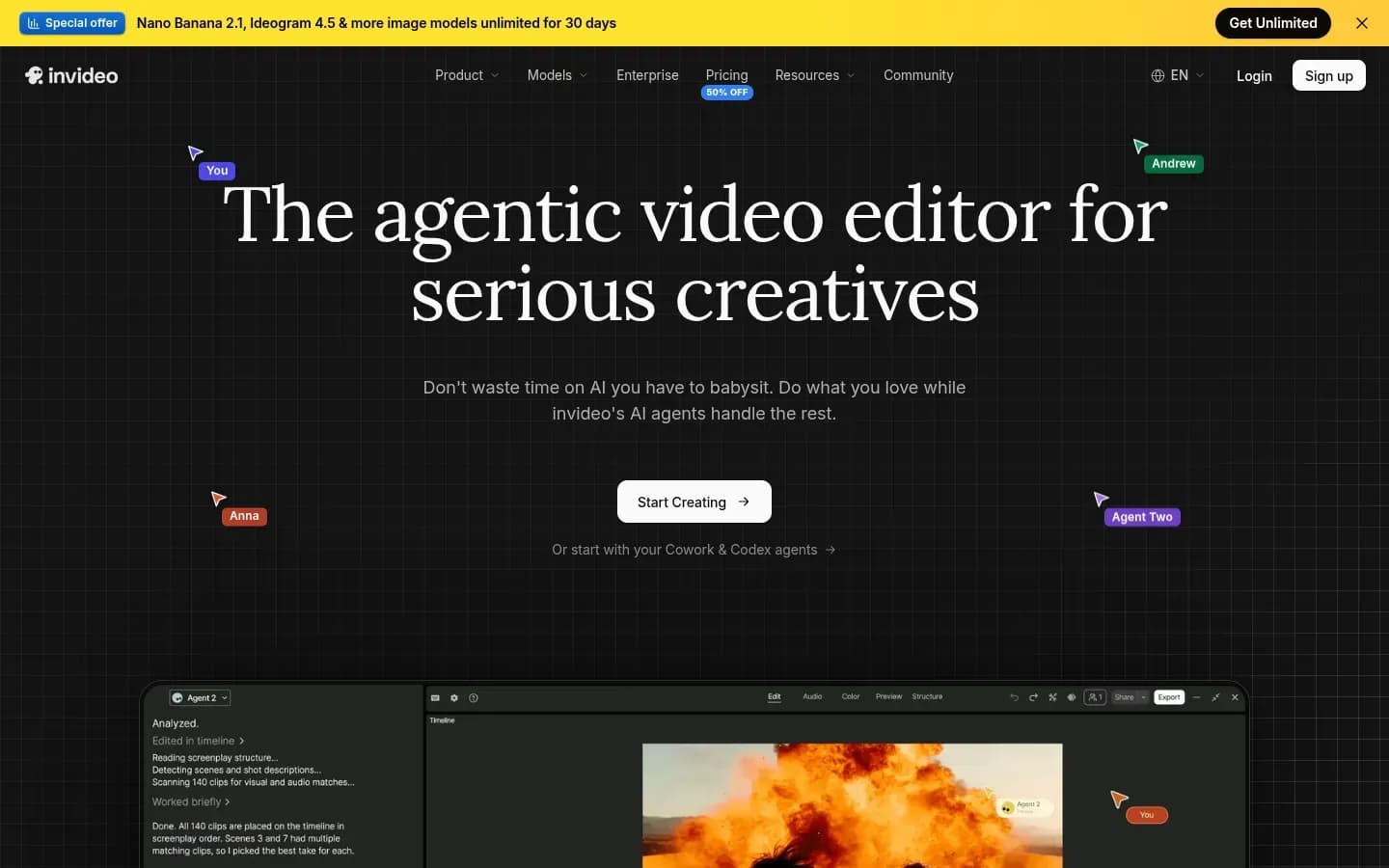
InVideo runs UGC ads through an agent that takes a product or app link, a script and a description of the creator, and its product page says that if you ask for ten hooks, the agent builds ten.
InVideo
AI video editing platform with an editing agent, for creatives, marketing teams and enterprises making ads, social and film content.
InVideo is an AI video editing platform built around an editing agent, used by marketing teams for ads, social and film content. Its UGC ads agent writes, casts and sizes creator-style ads from a link and a brief.
- Platforms
- Android, iOS
- Compliance
- GDPR, SOC 2
Verdict: InVideo fits small teams that want one agent to script, cast and localise many hook variants, and that accept slower renders in exchange.
What it does: Paste the product or app link, add your script and describe the creator you want on screen. The agent pulls product details, imagery and the app interface into context before it builds the ad.
Social-ad features: InVideo's product page says "Ask for ten hooks and the agent builds ten, each a different angle and read." You can cast as many creators as you want to test faces, personas and demographics. For new markets, the agent can use a creator who reads as local and a voice in the local language.
Aspect ratios and formats: The agent sizes the ad for the placement you name, so name the placement, such as TikTok or Reels, in the request.
Pricing: InVideo's plans and prices are in the table below.
InVideo pricing
| Plan | Price | Billing | Notes |
|---|---|---|---|
| Starter |
|
| per seat |
| Plus |
|
| per seat |
| Team |
|
| per seat |
| Max |
|
| per seat |
| Scale |
|
| per seat |
| Enterprise | Custom pricing | per seat |
Real cost meter: Generation minutes are the main cost driver, according to Fast.io's InVideo review, and unused minutes expire each billing cycle. A batch of hook variants draws down minutes for every version, kept or not, so a ten-hook request is ten generations on the same pool.
Best fit: Teams testing many hooks, faces and languages for app or product ads, without an editor on staff. InVideo suits less well a team that needs to preview and approve shots quickly.
Limitations: Fast.io finds that detailed prompts often need 3 to 4 rounds of edit-by-command corrections, and renders can take 10 to 30 minutes with no preview until they finish. Generic stock footage can look out of place in niche industries, and avatars that convince in short clips can look uncanny in longer segments.
Canva
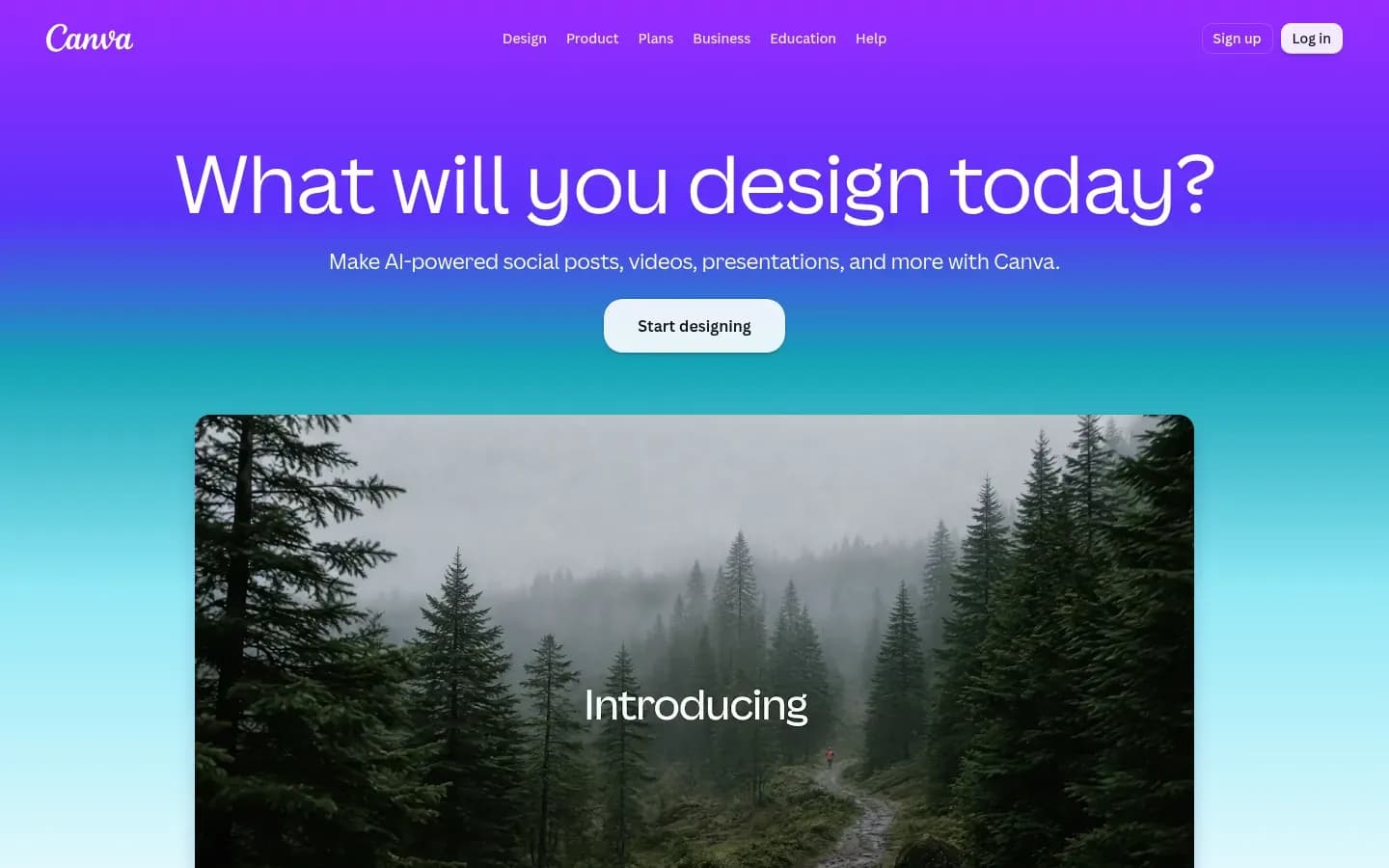
Canva Magic Switch refits a finished video to any aspect ratio, with presets for Instagram Reels, Stories and TikTok, which makes it a quick way to turn one approved cut into every placement size.
Canva
Online design platform for creating social media graphics, presentations, videos and documents, with AI features, for individuals and teams.
Canva is an online design platform for social graphics, presentations, video and documents, with AI features built in. In a social-ad workflow it is the finishing layer, where an approved cut gets resized, branded and exported.
- Free plan
- Yes
- Free trial
- Yes
- Platforms
- Android, iOS, Mac, Web, Windows
Verdict: Canva is the finishing and resizing layer rather than the generator, and it earns the most for teams whose brand assets already live in Canva.
What it does: Canva's premium Magic Switch tool makes a video fit any aspect ratio. You can resize the current video or save a copy at the new size, with presets including Instagram Story, Reels and post and TikTok, plus standard portrait 9:16 and square 1:1.
Social-ad features: Canva's AI video generator offers AI avatars with more than 300 voices in more than 40 languages, and downloads as a high-resolution MP4. Create a Video Clip, as Tom's Guide reported at its launch, uses Google's Veo 3 to generate an 8-second clip with synchronized audio from a short prompt.
Aspect ratios and formats: Magic Switch covers 9:16, 1:1 and any other ratio a placement needs, so one master cut can become every size.
Pricing: Canva's plans and prices are in the table below.
Canva pricing
| Plan | Price | Billing | Notes |
|---|---|---|---|
| Free | $0 | per year | per user |
| Pro | $144 | per year | per user |
| Business | $250 | per year | per user |
| Enterprise | Custom pricing | per contact |
Real cost meter: Create a Video Clip generations are plan-gated and capped each month. Heavy generation belongs in a dedicated generator, with Canva used for the resize and finish.
Best fit: Teams with an existing Canva design system that need every placement size from one approved cut. Canva suits less well a team that wants to generate dozens of new variants from scratch.
Limitations: Generated clips run 8 seconds, and Canva is not built for batch variant generation. Generations are plan-gated and capped, so it cannot carry a high-volume test on its own.
Which AI Video Tool Should You Choose For Social Ads?
If you sell from product pages and need many ad variants each week, choose Creatify; if the ad needs original footage rather than a presenter, choose Runway and resize the final cut in Canva. The right pick depends on your starting input and on how many variants a test needs.
Use these decision rules by situation:
- Ecommerce or app team with product pages, testing many variants: Creatify, for product-link ad batches, because one link produces 16 drafts and batch mode builds A/B sets in one pass.
- Team wanting creator-style UGC from templates: Higgsfield, for UGC and template ads, with UGC and TikTok templates and avatars from a gallery, an AI Influencer or your own.
- Brand needing original scenes or product motion without a shoot: Runway, for original generated footage, with clips in 9:16, 1:1 or 16:9 from a prompt or an image.
- Small team wanting an agent to script, cast and localise hooks: InVideo, for agent-built hook variants, where asking for ten hooks returns ten and each creator can read as local.
- Team with an existing design system needing every placement size: Canva, for resizing and finishing, using Magic Switch to resize one approved cut.
- Team that needs both drafts and every placement size: One generator for drafts, plus Canva for resizing and finishing.
Start from the input you already have. A product page points to Creatify, Higgsfield or InVideo, a product image or a reference ad points to Higgsfield, and a creative concept with no footage points to Runway. Then count the variants a test needs and check that the tool's meter covers them with room for discards.
Presenter ads and scene ads are different jobs. If you are weighing an avatar on camera against generated scenes, the guide to AI avatar video versus generative video sets out when each fits and how their meters bill.
Two warning signs suggest the wrong pick. A tool whose allowance runs out before a test finishes is too small for your volume. A tool whose outputs need heavy editing every time belongs earlier in the workflow, as a draft source rather than a finisher.
Teams whose videos serve sales and product marketing more than paid social should start from the shortlist of AI video tools for B2B marketing teams instead, since its criteria are team review and disclosure rather than variant volume.
What Aspect Ratios And Formats Do Social Video Ads Need?
Vertical 9:16 is the format to generate first for Reels, Stories, TikTok and Shorts, and Runway Gen-4.5 and Creatify both output it natively alongside 1:1 and 16:9. Square 1:1 works as a cross-platform format, and landscape 16:9 covers placements that still run wide.
Social ad ratios and how each tool outputs them
| Ratio | Typical placement | Output route in these tools |
|---|---|---|
| 9:16 vertical | Reels, Stories, TikTok, Shorts | Creatify, Runway, Higgsfield TikTok templates, Canva resize |
| 1:1 square | Cross-platform square placements | Creatify, Runway, Canva resize |
| 16:9 landscape | Landscape placements | Creatify, Runway |
| 4:3, 3:4 and 21:9 | Specialist and wide formats | Runway |
| Any named placement | The placement set in the request | InVideo agent, Canva Magic Switch |
Generate the vertical master first. Vertical is the format the main short-form placements share, and a vertical cut that works can then be refit to square or landscape with Canva's Magic Switch, or re-rendered in Runway at a different ratio.
Each tool reaches vertical by a different route. Creatify picks the ratio at export, with 9:16 labelled for Shorts and Reels. Higgsfield's TikTok templates output vertical video, and its help centre calls the Product Link output ready for TikTok, Reels and Shorts. InVideo's agent sizes each ad for the placement you name in the request.
Runway sets the ratio per generation, with 9:16 rendered at 720x1280 and 1:1 at 960x960. A team that needs both ratios from Runway pays for two generations, while Canva's Magic Switch refits an existing cut without a new render. For a test across Reels, TikTok and a square placement, that sets a clear working order. Generate the vertical master in the tool that suits the ad, then resize the approved winners in Canva rather than rendering every ratio from scratch.
How Many Creative Variants Should You Make For Social Ads?
Plan to render more variants than you intend to run, because an independent Creatify review expects 40 to 60% of outputs to need editing or discarding before they are ready for paid placement. Change one element per variant, such as the hook, the presenter or the offer, so each result has one cause.
Creatify's own guidance is to select 6 to 8 variations to compare in a test. That is the vendor's advice rather than a market figure, but it gives a working target. If every output in that 40 to 60% range had to be discarded, reaching 6 to 8 usable variants would take roughly 10 to 20 drafts, a range that includes the 16 drafts one Creatify run produces. Outputs that only need editing cost less than discarded ones, so the real draft count can sit lower.
Keep avatar variants short. Fast.io's reviews find Creatify avatars hold up in 15 to 30 second clips before lip-sync drift appears, and InVideo avatars convince in short clips but can look uncanny in longer segments. Short hook tests are safer ground for avatars than long explainers.
GenAI video creative is spreading across the market. In IAB's 2025 Digital Video Ad Spend and Strategy report, 86% of buyers were using or planning to use GenAI to build video ad creative, and buyers projected GenAI creative would reach 40% of all ads by 2026. With more ad creative built by GenAI, a test that changes one element at a time shows which element moved results.
Order the variables by what each test costs. Hooks are easy to vary in volume, since InVideo builds ten on request and Creatify returns 16 drafts from one link. Presenters cost more, because each avatar swap draws credits again. Offers often need a new script, so test them once the hook and presenter are settled.
For the full test setup on Meta and TikTok, see how to create AI video ad variations that test one thing at a time.
What Do AI Video Ads Cost To Produce?
AI video ad tools bill by a meter rather than by finished ad, and Runway shows why that matters, since a 5-second Gen-4.5 clip uses 125 credits whether you keep it or discard it. The cost of one usable ad is the meter's charge per render multiplied by the renders it takes to get a keeper.
The tools in this guide meter usage in different ways, from credits per generation and credits per clip length to generation minutes and plan caps, and the plan prices sit in each tool's section. The table shows what each meter charges for and how the allowance behaves.
How each tool meters ad production
| Tool | Meter | What draws on it | Allowance rule |
|---|---|---|---|
| Creatify | Credits | Renders, rewrites, avatar swaps, re-renders | Usage reminder before each render |
| Higgsfield | Credits | Each generation, cost shown first | Subscription credits expire each period |
| Runway | Credits per clip length | 125 per 5 seconds of Gen-4.5 | No rollover on Standard, Pro |
| InVideo | Generation minutes | Every generated video | Unused minutes expire each cycle |
| Canva | Plan-gated generations | 8-second Veo 3 clips | Monthly cap set by plan |
Worked example: Runway's Standard plan includes 625 credits a month. At 125 credits per 5-second Gen-4.5 clip, that is five clips. If half of those takes are discarded, the month yields two or three usable 5-second shots. Pro's 2,250 credits cover eighteen 5-second clips, and Max's 9,500 cover 76, again before discards.
The same logic works for every tool here. Cost per usable ad equals the credits or minutes per render, times the renders needed per keeper, times what a credit or minute costs on your plan. Two details push the real figure up. Discarded and failed takes cost the same as kept ones, and allowances on several of these plans lapse at the end of each cycle, so unused capacity is lost rather than banked.
Budget for the discard rate before you buy. A team that needs 8 usable variants a week and discards half should size its plan for 16 renders a week, plus re-renders for edits. Users in Fast.io's Creatify review report running out of credits mid-month, which is what happens when a plan is sized for kept ads only.
Add the finishing step too. A generator plus Canva means two meters, and Canva's capped generations are best kept for small fixes rather than new drafts.
Do AI-Generated Social Ads Need A Label?
TikTok's advertising policy rejects or restricts ads with undisclosed AI-generated content and accepts either its AIGC label or a clear disclaimer, caption, watermark or sticker as disclosure. Meta labels ads made or significantly edited with its own generative AI tools, and is moving to detect third-party AI tools too, so plan to label AI ads on both.
TikTok: The policy treats using AI voice cloning to make the primary subject say something they did not say as significant AI modification. It bars misuse of likeness and false endorsements by public figures. Routine edits such as lighting, colour, background removal and denoising do not count as significant edits.
Meta: Ads created or significantly edited with Meta's generative AI tools carry an "AI info" label, and when those tools add an AI-generated photorealistic human, the label sits next to "Sponsored". Meta's June 2026 update moves these labels into a new "About this ad" section in the three-dot menu, and says Meta will begin automatically detecting ads created or edited with third-party AI tools through industry-standard signals.
That detection change matters for every tool in this guide, since Creatify, Higgsfield, Runway, InVideo and Canva all sit outside Meta's own ad tools. An ad you did not label may still be identified as AI-made, so disclosure is the safer default on both platforms.
AI voice cloning that makes someone say what they did not say counts as significant AI modification under TikTok's policy. A localised voice reading an approved script for a new market is a different use from a clone that puts words in a real person's mouth.
Run these checks before each AI ad goes live:
- The ad carries TikTok's AIGC label or a clear disclaimer, caption, watermark or sticker
- Any AI voice says only what the speaker agreed to say
- No public figure's likeness or endorsement appears without permission
- Ads edited with Meta's generative AI tools are expected to show the AI info label
- Edits limited to lighting, colour, background removal or denoising are recorded as non-significant
This is general information, not legal advice.
FAQ
Creatify, Higgsfield and InVideo all accept a product page link as the starting input and build ad drafts from the product details and images on that page.
Can you make social video ads from a product link with AI?
Yes, and three tools in this guide are built around it. Creatify turns one link from Amazon, Etsy, eBay or your own site into 16 video drafts in one run. Higgsfield's Product Link output is a video ad ready for TikTok, Reels and Shorts, and InVideo's agent pairs the link with your script and creator.
Do you own the commercial rights to AI-generated ad videos?
Runway's terms, as quoted by Novoads, state that the company does not claim ownership of your inputs or outputs. Rights also run through inputs, so Higgsfield's Marketing Studio takes a reference ad only when you are allowed to use it. Feed any tool only scripts, footage, faces and voices you hold rights to, and label the ad as AI-generated.
Are AI avatars convincing enough for paid social ads?
In short clips, usually yes. Fast.io's reviews find Creatify avatars hold up in 15 to 30 second clips but show lip-sync drift in longer formats, and InVideo avatars convince in short clips but can look uncanny in longer segments. Keep avatar ads short, test the presenter as one variable and label the ad as AI-generated.
Is there a free AI video tool for social ads?
Each tool card shows that tool's free plan status. For paid social, the size of the allowance decides whether free access is useful. Runway's free plan is shown on its tool card, and its small credit allowance covers about one 5-second Gen-4.5 clip. Discarded takes use the same credits as kept ones, so a full test batch needs a paid monthly allowance.
Sources
Sources
- U.S. Digital Video Ad Spend to Surpass $80B in 2026; Growing 20% Faster Than the Total Ad Market, According to IAB · iab.com
- Higgsfield AI Review 2026: Worth It, Legit, Who It Fits · fluxnote.io
- novoads.ai
- invideo.io
- imagine.art
- runway.com
- Nearly 90% of Advertisers will Use Gen AI to Build Video Ads, According to IAB's 2025 Video Ad Spend & Strategy Full Report · iab.com
- Misleading and false content | TikTok Advertising Policies · ads.tiktok.com
- creatify.ai
- Expanding GenAI Transparency for Meta's Ads Products · about.fb.com
- Creatify AI Review 2026: What You Actually Get at Each Price Tier · fast.io
- canva.com