These picks apply when you are dubbing video you already have, with real speakers on screen or on the audio track, for business audiences in several markets. No dub ships without a native-speaker review of the script and brand terms, and the company publishing a cloned-voice dub owns consent and the AI label, whichever tool renders it.
Best AI Video Translation And Dubbing Tools Compared
For B2B teams dubbing existing product, webinar and training video, Rask AI is the strongest all-round pick, HeyGen suits teams already making avatar video, and ElevenLabs gives the closest control over each speaker's dubbed audio. Synthesia and VEED cover narrower jobs.
- Rask AIBest for multi-speaker webinars and demos
- HeyGenBest for avatar-led marketing teams
- ElevenLabsBest for audio-led content
- SynthesiaBest for presenter video in Synthesia
- VEEDBest for single-speaker clips to edit
The order rests on how well each tool handles the job of dubbing footage a team already owns:
- Rask AI ranks first because it is localization-first, with a translation dictionary per language, a distinct voice for every detected speaker and guest reviewers on Business.
- HeyGen is second for its reach of 175+ languages and dialects, a brand glossary and invited proofreaders.
- ElevenLabs is third. It gives per-speaker audio control, but its dubbing adds no lip sync.
- Synthesia is fourth. It suits teams already making presenter video, though editing the dubbed script sits on Enterprise.
- VEED is fifth. It is editor-first, and every speaker in a dub gets the same voice.
The table sets the five side by side on the points that decide a dubbing project:
| Tool | Free plan | Best for | Lip sync | Speaker voices | Pre-render editing | Meter |
|---|---|---|---|---|---|---|
| Rask AI | No | Multi-speaker webinars and demos | From Creator Pro | Each speaker kept distinct | Guest reviewers on Business | Plan minutes |
| HeyGen | Yes | Avatar-led marketing teams | Yes, weak past 30° turns | Clones original speaker | Proofread from Pro | Shared credit pool |
| ElevenLabs | Yes | Audio-led content | None | Track per speaker | Edit in speaker cards | Source minutes per language |
| Synthesia | Yes | Presenter video in Synthesia | Optional, double credits | Clones each speaker | Edits on Enterprise | Plan credits |
| VEED | Yes | Single-speaker clips to edit | Beta only | One voice for all | Proofread on Enterprise | Seats times plan |
How These Tools Were Selected
Five tools made this list against one bar. Each must dub existing video into other languages with a cloned or matched voice. Each must also let the buyer check the translation and document its plans and limits on its own site. That bar leaves out AI video tools that generate new footage from prompts, because this guide is about localizing video a team already owns.
Each tool was then judged on six criteria, in this order:
- Multi-speaker handling. Whether each speaker in a recording keeps a distinct voice.
- Pre-render review. Who can correct the translation before render, and on which plan.
- Lip sync and its limits. Credit multipliers, quality limits and beta status.
- Language coverage. The count each vendor states for its own product.
- The cost meter. Minutes, credits or seats, and what multiplies them.
- Consent and labelling. What the tool asks of the uploader and how it marks output.
Eight tools that recur across buyer shortlists were weighed against this bar, and five made it. Language counts are the vendors' own figures, and output quality varies with the source audio.
Three of the eight tools did not make the final five:
Considered, not included
| Tool | Why not included |
|---|---|
| Dubverse | Below the inclusion bar above |
| Maestra AI | Below the inclusion bar above |
| Deepdub | Below the inclusion bar above |
Rask AI
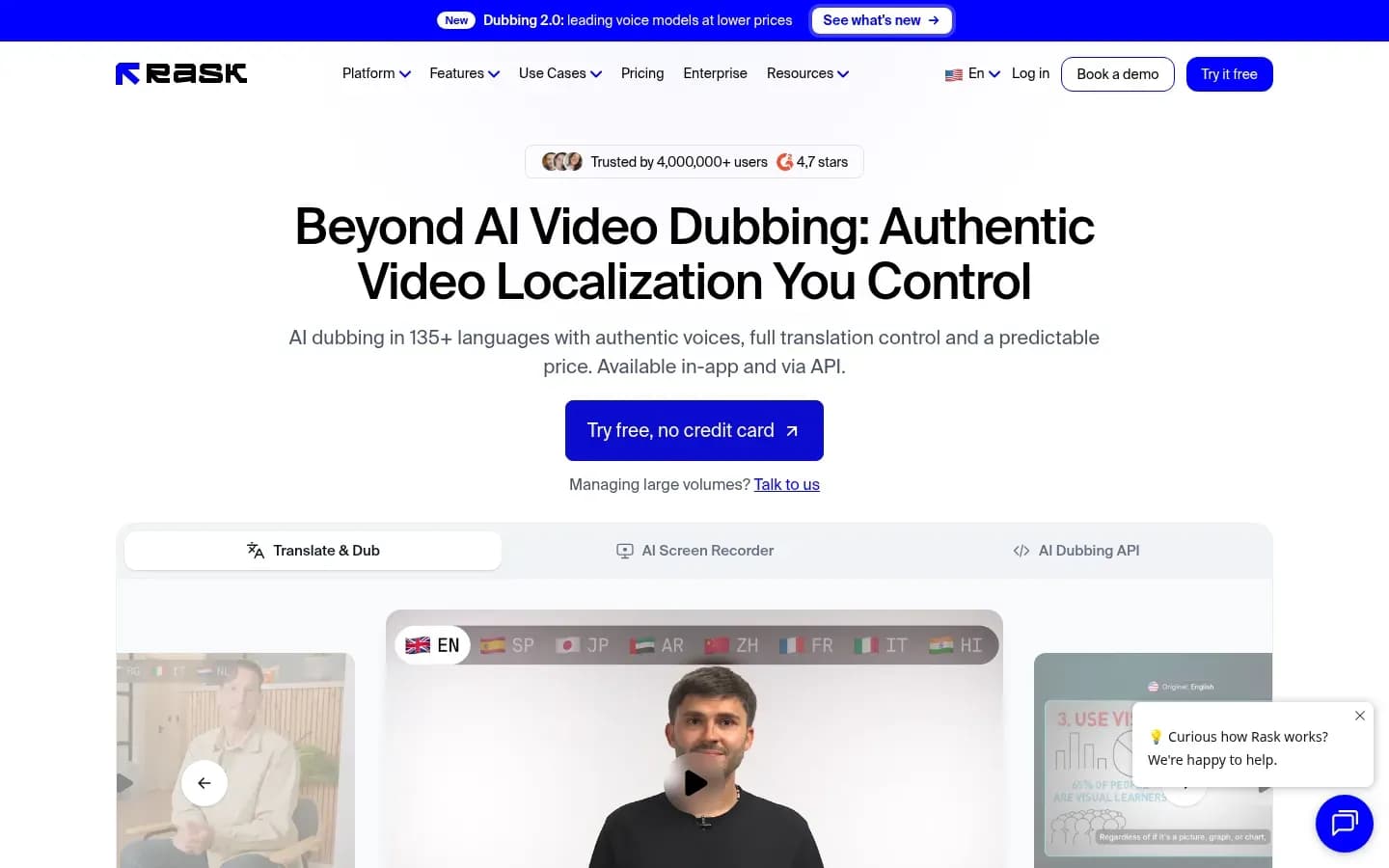
Rask AI is built for localization first, turning one master recording into 135+ language versions with a per-language translation dictionary that stops feature names and brand terms from being mistranslated.
Rask AI
AI video dubbing and localization platform that translates speech into 135+ languages with voice cloning and lip-sync, for creators, marketers and localization teams.
Rask AI is an AI dubbing and localization platform for marketing, customer-education and localization teams. It translates speech with voice cloning and lip sync, keeps each speaker's voice distinct, and lets reviewers correct the translation before a video goes out.
- Free plan
- No
- Free trial
- Yes, no card needed
- Public API
- Yes
- Compliance
- GDPR, SOC 2
Verdict: The best all-round pick for multi-speaker webinars, product demos and training video that carry product terms.
What it does: Every Rask AI plan includes translation into 135+ languages. One master recording becomes a set of language versions, with translated subtitles and transcripts that reviewers can edit.
Standout features:
- A translation dictionary per language keeps feature names, UI labels and brand terms intact.
- Every speaker's voice is detected and preserved distinctly.
- Reviewers join with one click and edit translated subtitles and transcripts.
- SRT download and upload, plus translation of on-screen text.
Pricing: Rask AI's plans and prices are shown below.
Rask AI pricing
| Plan | Price | Billing | Notes |
|---|---|---|---|
| Free trial | $0 | per month | |
| Creator |
|
| |
| Creator Pro |
|
| |
| Business |
|
| |
| Enterprise | Custom pricing |
Real cost drivers: Rask AI meters plan minutes. Creator includes 25 minutes a month, Creator Pro 100 and Business 250. Extra minutes cost $3 each on Creator Pro and Business, while Creator users must move up to Creator Pro for more. Size the plan on the minutes you expect to dub each month across every language, not on one video.
Review controls: Lip sync and team collaboration for up to 3 members start on Creator Pro. Business adds on-screen text translation, batch uploads, up to 5 team members and guest reviewers, so a native speaker outside the team can check each language.
Best fit: Product marketing and customer-education teams with multi-speaker recordings and a list of product terms to protect.
Limitations: Custom voice clones and lip sync are not on the entry plan. Clones come with Creator Pro (up to 3 voices), Business (up to 10) and Enterprise, and each voice needs samples of 1 to 10 minutes with one speaker and a consistent speaking style. On G2, Rask AI reviewers praise ease of use and translation, but on a thin base of reviews.
Pros
- Translation dictionary protects product and brand terms
- Distinct voice for every detected speaker
- Guest reviewers can check each language on Business
Cons
- Lip sync and voice clones start above the entry plan
- Thin independent review base on G2
HeyGen
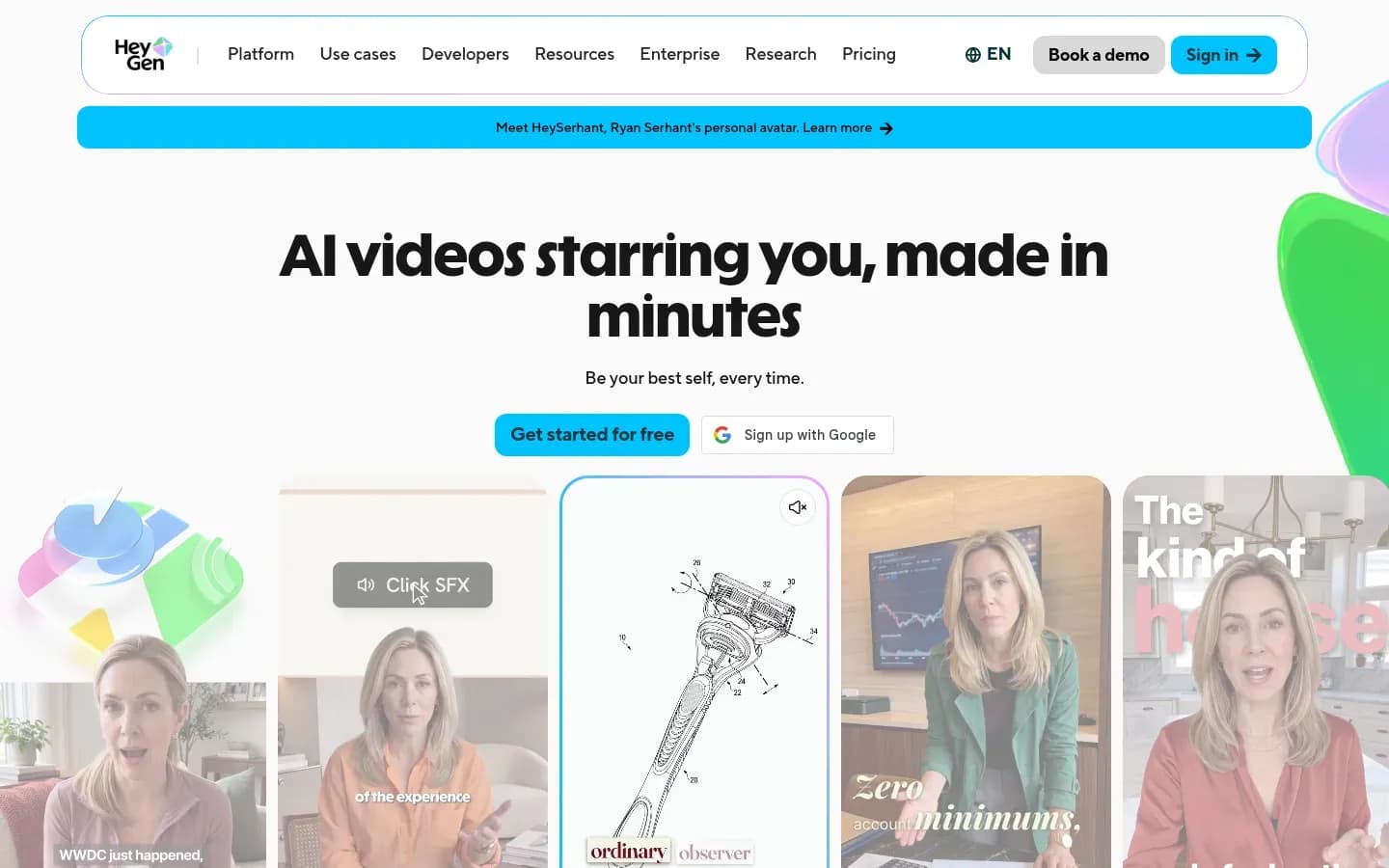
HeyGen translates a video into 175+ languages and dialects with the original speaker's cloned voice and lip sync, and its brand glossary can force translations, protect terms and fix pronunciation.
HeyGen
AI video platform that turns scripts into videos with AI avatars and voices, for marketing, sales and training teams.
HeyGen is an AI video platform best known for avatar presenters, with video translation built in. Marketing, sales and training teams that already make avatar video can translate the same footage into up to 10 languages at a time.
- Free plan
- Yes
- Public API
- Yes
- Compliance
- GDPR, SOC 2
- Ratings
- G2 4.8/5 (1,974 reviews) · Capterra 4.7/5 (320 reviews)
Verdict: The strongest choice for teams already making avatar video in HeyGen that want many language versions from one upload.
What it does: HeyGen translates uploaded video into 175+ languages and dialects, up to 10 languages at a time. Voice cloning keeps the original speaker's tone, and lip sync matches the mouth to the new audio. An audio-only translation without lip sync is also available.
Standout features: The brand glossary supports forced translations, protected terms and pronunciation rules. It has to be selected when a Proofread is created and cannot be added to an existing proofread, so set it up before the first dub.
Pricing: HeyGen's plans and prices are shown below.
HeyGen pricing
| Plan | Price | Billing | Notes |
|---|---|---|---|
| Free | $0 | per month | |
| Creator (billed annually) | $24 | per month, billed annually | |
| Creator | $29 | per month | |
| Pro | $49 | per month |
Real cost drivers: HeyGen meters a shared credit pool across its tools. Creator includes 600 credits, Pro 1,000 credits (scaling to 100,000 credits a month) and Business 1,500 credits. Translation draws on the same pool as avatar work, and each extra Business team member costs $20 per seat per month.
Review controls: Proofread is on Pro, Business, Team and Enterprise plans. On Business, every invited teammate needs a Team plan seat. On Enterprise, invited proofreaders use no seat, but each one sees a single language version. A proofread costs nothing once it becomes a translation, and a fee of 4 credits per minute applies only if it never does.
Best fit: Avatar-led marketing teams that need many languages quickly and already budget for HeyGen credits.
Limitations: Lip sync may be imperfect when a speaker's head turns more than 30 degrees or the face appears too small in the frame, which rules out some panel and wide-shot footage. On G2, HeyGen reviewers most often praise ease of use and output quality, and most often complain about cost.
Pros
- 175+ languages and dialects, up to 10 at a time
- Brand glossary forces translations and fixes pronunciation
- Enterprise proofreaders use no seat
Cons
- Lip sync weakens with head turns past 30 degrees
- Translation shares one credit pool with avatar work
ElevenLabs
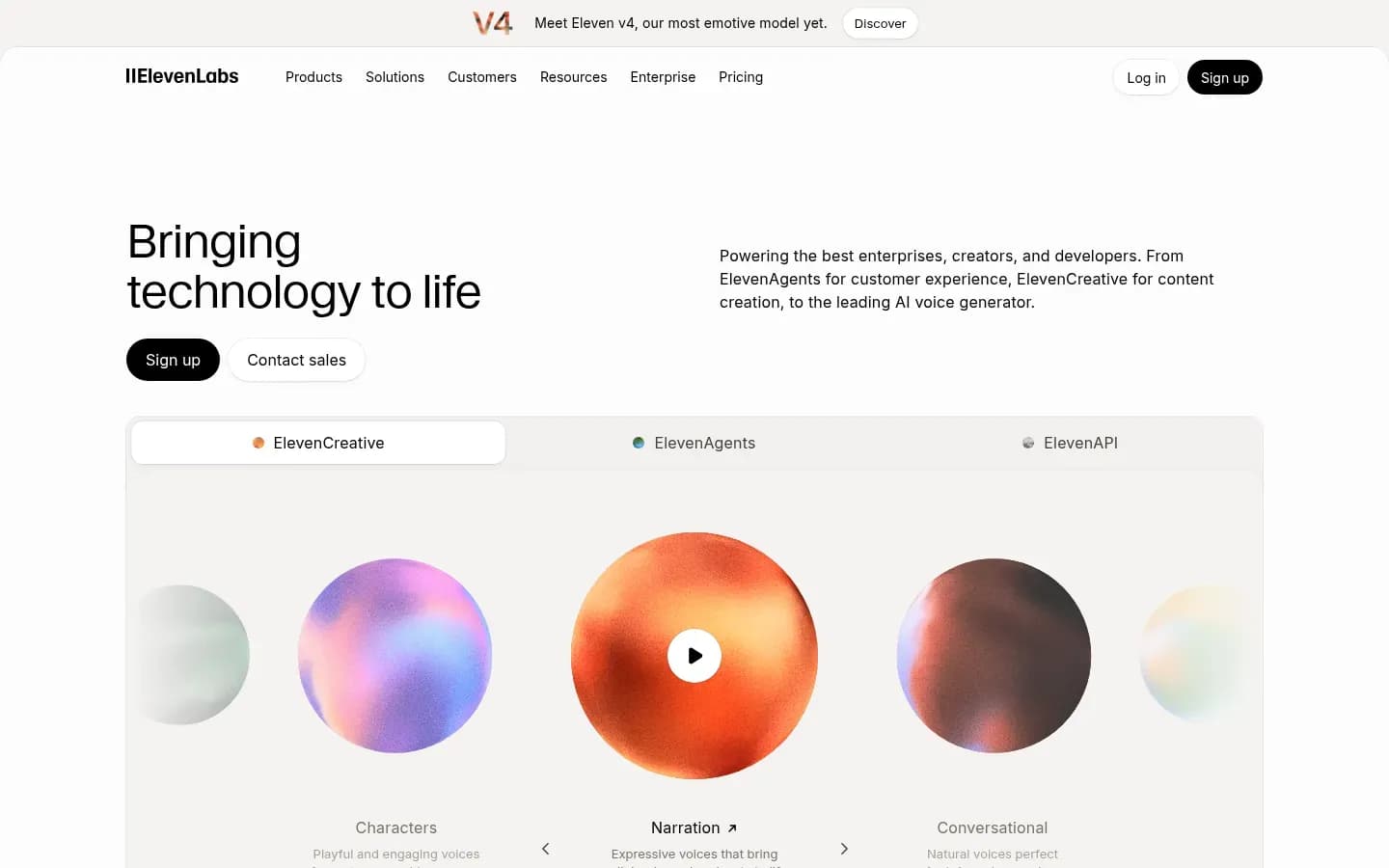
ElevenLabs gives close control over dubbed audio, with a separate track per speaker, editable transcripts and translations and adjustable clip timing, but its dubbing does not include lip sync.
ElevenLabs
AI audio platform for text-to-speech, speech-to-text, voice cloning, music and sound effects, for creators, developers and enterprises.
ElevenLabs is an AI voice platform for text to speech, voice cloning and dubbing, used by creators, developers and enterprises. It is an audio tool rather than a video platform, so it ranks here for audio-led dubbing, not as a like-for-like video editor.
- Free plan
- Yes
- Platforms
- API, Web
- Public API
- Yes
- Compliance
- GDPR, HIPAA, SOC 2
Verdict: The right choice when the audio matters more than the face, with fine control over each speaker's dubbed track.
What it does: ElevenLabs gives each speaker a track. Transcripts and translations are editable in speaker cards, and clips can be retimed, split or merged. Voices can be clip clones, track clones or library voices, and exports include AAC, MP3, WAV, AAF, SRT, CSV and MP4.
Standout features: Dubbing v2 is the default project type, and the older Dubbing Studio is in maintenance mode. Dubbing v2 accepts website uploads of up to 2 GB and 180 minutes, with video up to 4K, which covers a full webinar recording.
Pricing: ElevenLabs' plans and prices are shown below.
ElevenLabs pricing
| Plan | Price | Billing | Notes |
|---|---|---|---|
| Free | $0 | per month | |
| Starter | $6 | per month | |
| Creator | $22 | per month | |
| Pro | $99 | per month | |
| Scale | $299 | per month | |
| Business | $990 | per month | |
| Enterprise | Custom pricing | per contact |
Real cost drivers: ElevenLabs charges dubbing per minute of source media for each target language, at a rate set by the model. Three target languages triple the meter for the same video. Plans also meter monthly credits and set the voice-cloning tier. Starter includes Instant Voice Cloning, Creator adds Professional Voice Cloning, Scale includes 3 seats and 3 Professional Voice Clones, and Business includes 10 of each.
Review controls: Speaker cards let a reviewer correct each line of the transcript and translation in the editor. Editing transcripts and regenerating audio programmatically in Dubbing v2 needs Enterprise, and Enterprise adds managed dubbing through Productions for teams that want people in the loop.
Best fit: Podcasts, voiceover-led product demos and screen recordings where no presenter is on camera.
Limitations: ElevenLabs does not offer lip sync as part of Dubbing, so an on-camera presenter will look visibly out of sync in the dubbed version.
Pros
- Separate track and editable transcript for every speaker
- Clip timing can be adjusted, split or merged
- Wide export range, including SRT, AAF and MP4
Cons
- No lip sync in dubbing
- Cost multiplies with every target language
Synthesia
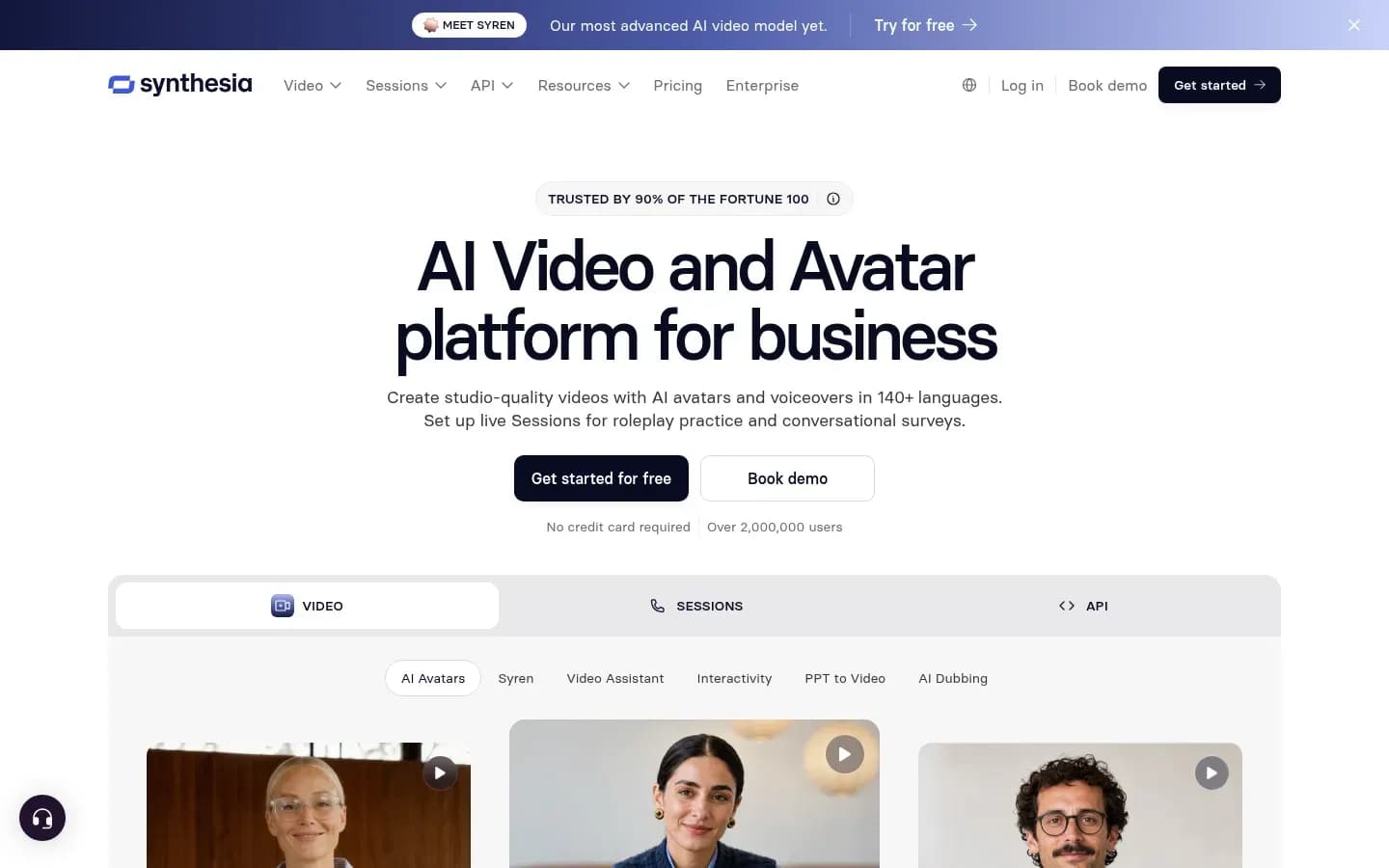
Synthesia dubs uploaded video into 130+ languages and clones each detected speaker's voice separately, which suits teams already producing presenter video on its platform.
Synthesia
AI video platform for businesses that creates avatar presenter videos in 140+ languages, aimed at training, HR and sales enablement teams.
Synthesia is an AI video platform for avatar presenter video, aimed at training, HR and sales enablement teams. Its dubbing feature also takes uploaded footage, so a team can localize recorded video alongside the presenter video it already makes.
- Free plan
- Yes
- Platforms
- API, Chrome extension
- Public API
- Yes
- Compliance
- GDPR, ISO 27001, SOC 2
- Ratings
- G2 4.6/5 (2,855 reviews)
Verdict: A sound pick for teams already producing presenter or training video in Synthesia, provided Enterprise is in reach for script edits.
What it does: Synthesia dubs uploaded video into 130+ languages, including regional accents. When it detects several speakers, it clones each voice separately, and lip sync is optional.
Standout features: A glossary sets translation rules, and Pronunciation Controls fix terms the AI misreads, which matters for product names and acronyms.
Pricing: Synthesia's plans and prices are shown below.
Synthesia pricing
| Plan | Price | Billing | Notes |
|---|---|---|---|
| Basic | $0 | per month | |
| Starter |
|
| |
| Pro |
|
| |
| Enterprise | Custom pricing |
Real cost drivers: Dubbing draws on plan credits. On Basic, Starter and Pro it counts against plan usage limits, and the Basic allowance includes 10 minutes of Studio video or dubbing a month. Lip sync consumes twice as many credits and is not available on Basic. On Enterprise, dubbing is a paid add-on.
Review controls: The transcript review step before generation is free, and proofreading and retranslating dubbed videos use no extra credits. Editing the transcript or the dubbed translation is an Enterprise capability, so lower tiers can check a script but not correct it. Synthesia requires uploaders to confirm they hold all necessary rights, licenses and permissions, and says it labels AI-generated content in line with EU AI Act Article 50.
Best fit: Training, HR and enablement teams already making presenter video in Synthesia. Teams still weighing avatar video and generative video for new content face a different choice from dubbing footage they already own.
Limitations: Dubbing uploads are capped at 5 GB or 2.5 hours, so a long recording may need splitting. Script edits sit on Enterprise, and lip sync is not on Basic.
Pros
- Clones each detected speaker separately
- Glossary and Pronunciation Controls for product terms
- Proofreading and retranslating use no extra credits
Cons
- Editing the dubbed script needs Enterprise
- Lip sync doubles credit use and is not on Basic
VEED
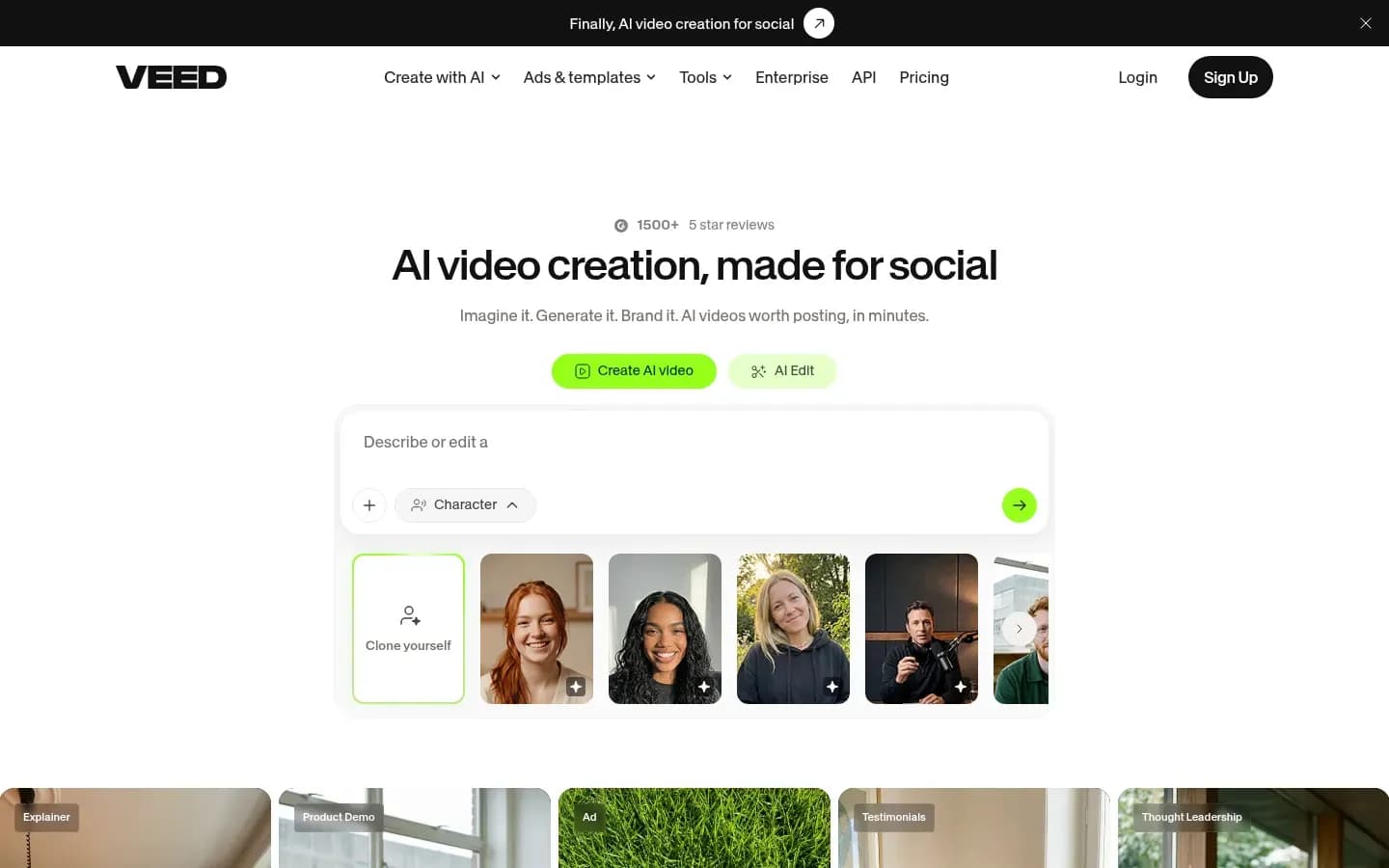
VEED adds AI dubbing to a browser video editor, which suits single-speaker clips that still need cutting and captions, because its dubs use the same voice for every speaker.
VEED
Online AI video creation and editing platform with AI avatars, dubbing and subtitles, for marketers and creators.
VEED is a video editor with AI dubbing, subtitles and avatars, used by marketers and creators. Dubbing sits inside the editor, so a team can translate a clip and keep cutting, captioning and exporting in one place.
- Free plan
- Yes
- Platforms
- Web
- Public API
- Yes
- Compliance
- GDPR
- Ratings
- G2 4.6/5 (2,190 reviews)
Verdict: A practical pick for single-presenter clips that still need editing, and a poor fit for panels or interviews.
What it does: VEED detects the source audio automatically and supports over 70 languages. Dubbed output comes with matching subtitles and can be edited further in the editor.
Standout features: Paid plans include unlimited subtitle generation under a fair-use limit of 50 hours a month, and translations count toward the plan allowance, so captions and dubs come from one workspace.
Pricing: VEED's plans and prices are shown below.
VEED pricing
| Plan | Price | Billing | Notes |
|---|---|---|---|
| Creator | $12 | per month, billed annually | per user |
| Pro | $22 | per month, billed annually | per user |
| Studio | $39 | per month, billed annually | per user |
| Enterprise | Custom pricing |
Real cost drivers: VEED charges plans per seat, multiplied by the number of editors in the workspace, and translations are minute-based. Dubbing is capped by plan. Creator users get one dubbing try, Pro includes 6 hours a year, Studio 12 hours a year and Enterprise a custom amount. Credits for failed dubs are returned.
Review controls: Proofread, which lets a reviewer edit the translation before dubbing, and SRT upload are Enterprise only. On other plans, corrections happen after the dub, in the editor.
Best fit: Marketers dubbing single-presenter clips that still need cutting and captions.
Limitations: VEED uses the same voice for all speakers in a dubbed video and generates a new voice clone for each video, so multi-speaker recordings and one consistent voice across a series are weak spots. Lip sync is in beta. It is optional, can take hours, and downsamples video to 1080p. On G2, VEED reviewers praise ease of use and captioning but complain about slow performance and limited features.
Pros
- Dubbing, subtitles and editing in one workspace
- Credits for failed dubs are returned
Cons
- Same voice for every speaker in a dub
- New voice clone generated for each video
- Proofread and SRT upload are Enterprise only
Do You Need Subtitles, Dubbing Or Lip Sync?
YouTube reports that channels using multi-language audio saw over 25% of their watch time come from views in the video's non-primary language, so dubbing earns its cost when an audience listens, while subtitles cover muted feeds and lip sync matters only when a face fills the frame. YouTube published the figure in 2025 from its own platform data.
The three formats do different jobs. Subtitles translate the words on screen and leave the original audio alone. Dubbing replaces the original speech with a translated track in a cloned or matched voice. A voiceover lays one translated narration over the video without matching each speaker.
Native-language content also matters to buyers more broadly. In a consumer survey of 8,709 people in 29 countries, CSA Research found in 2020 that 76% of online shoppers prefer to buy products with information in their native language. It is a consumer figure, not a B2B one, but it points the same way.
Use this as the decision rule:
Subtitles, dubbing and lip sync compared
| Format | Use when | Watch out for |
|---|---|---|
| Subtitles | Muted social feeds, quick reach | Viewers must read along |
| Dubbing | Viewers listen, voice-led content | Needs native-speaker script review |
| Lip sync | A face fills the frame | Extra credits, beta status or none |
Lip sync is not a free switch. Synthesia's lip sync consumes twice the credits and is not on Basic. HeyGen warns that lip sync may be imperfect past a 30-degree head turn or when the face is small. VEED's lip sync is a beta that can take hours and downsamples video to 1080p, and ElevenLabs offers none in dubbing.
Turn lip sync on for presenter-led videos where the face is large on screen. Dub the audio only for screen recordings, slides and voiceover demos, and add subtitles to every version for viewers who watch muted.
How To Choose An AI Video Translation And Dubbing Tool
Choose an AI dubbing tool on four tests in this order, how many speakers your videos carry, whether reviewers can correct the translation before render on the plan you will buy, how the tool meters each target language, and whether you hold consent for every cloned voice. The order matters because the early tests rule tools out entirely.
Run these checks before you start a trial:
- Count the speakers per video. Rask AI, Synthesia and ElevenLabs keep speakers separate, while VEED uses one voice for all of them.
- Confirm which plan unlocks pre-render editing. HeyGen Proofread starts on Pro, Rask AI guest reviewers sit on Business, and Synthesia script edits and VEED Proofread sit on Enterprise.
- Decide whether you need lip sync. Synthesia charges double credits for it, VEED's is in beta, and ElevenLabs has none in dubbing.
- Price the project per target language on each tool's meter, as the cost section below shows.
- Confirm written consent for every voice you will clone, and decide how you will label the output.
- Check glossary support for product terms. Rask AI has a translation dictionary, HeyGen a brand glossary, and Synthesia a glossary with Pronunciation Controls.
- Check subtitle files. Rask AI takes SRT in and out, ElevenLabs exports SRT, and VEED's SRT upload is Enterprise only.
Speaker count comes first because a tool that gives every speaker the same voice cannot fix a panel recording after render. Plan gating comes second because a tool that suits the job on paper may only allow script corrections on Enterprise, which changes the budget conversation.
If two tools pass every test, run the same recording through both, in the language you sell into most, and let a native speaker pick the better result.
How Much Does AI Video Dubbing Cost?
AI dubbing tools bill in four different units, source minutes per target language at ElevenLabs, plan minutes at Rask AI, shared credits at HeyGen and Synthesia, and editor seats at VEED, so the same three-language project can price very differently. Price each project per target language before comparing monthly plan prices.
Start with one worked rule. A 20-minute webinar dubbed into three languages is 60 dubbed minutes on a per-target-language meter such as ElevenLabs'. Then check what else multiplies that figure on each tool:
How each tool meters dubbing
| Meter | Tool | What drives spend |
|---|---|---|
| Source minutes per target language | ElevenLabs | Model rate times target languages |
| Plan minutes | Rask AI | Monthly allowance, then $3 per extra minute |
| Shared credit pool | HeyGen | Translation competes with avatar work |
| Plan credits | Synthesia | Lip sync doubles credit use |
| Seats times plan | VEED | Editor count, minute-based translations |
The table hides a few traps:
- On Rask AI, minutes beyond the allowance cost $3 each on Creator Pro and Business, while Creator users must upgrade for more.
- On HeyGen, a busy month of avatar videos leaves fewer credits for translation, and each extra Business seat costs $20 a month.
- On Synthesia, turning lip sync on doubles the credits a dub uses, and on Enterprise dubbing is a paid add-on.
- On VEED, the bill grows with each editor seat, and dubbing hours are capped per year by plan.
A fair comparison prices the same project on every shortlisted tool. Take your typical video length, multiply it by the number of target languages, add the lip-sync multiplier where you need it, and count the seats your editors and reviewers will need. The lowest monthly plan can turn out to be the dearer option once those four numbers are in.
Plan prices sit in each tool's pricing table above. To fold in rejected renders and editing time, use this method to calculate the cost of an AI video for one accepted output.
Is AI Voice Cloning Legal? Consent And Disclosure Rules
Article 50 of the EU AI Act applies from 2 August 2026, and under it the company that publishes an AI-dubbed video making a real person appear to say words they never recorded must tell viewers, without relying on the vendor's embedded watermark. In practice, that means written consent from every cloned speaker and a clear AI label.
The Commission's guidance adds that the disclosure must reach a person clearly and noticeably, at the latest when they first see the content.
The duty itself sits in Article 50(4). Deployers of an AI system that generates or manipulates audio or video content constituting a deep fake must disclose that the content has been artificially generated or manipulated. For evidently artistic, creative, satirical or fictional work, the duty is limited to a disclosure that does not hamper the work. Business video such as product demos and webinars should plan for the full disclosure.
Vendors help, but they do not carry the duty for you. Synthesia requires users to confirm they hold all necessary rights, licenses and permissions to upload and dub content, and says it labels AI-generated content in line with Article 50. ElevenLabs offers an Unauthorized Use of Voice report for anyone who believes their voice was used without consent.
Three steps cover most teams:
- Get written consent from every speaker whose voice will be cloned, naming the languages and channels.
- Add a visible AI label to every dubbed video, in the video or the player.
- Keep a record of consents, reviewer approvals and published versions.
This section is general information, not legal advice.
How To Review AI-Dubbed Videos Before Publishing
An AI-dubbed video is ready to publish only after a native speaker has checked the translated script, brand terms and pronunciation before render, and on Synthesia and VEED that pre-render editing sits on Enterprise plans. Fixing a script before render is cheaper than re-dubbing after a viewer spots the error.
Work through the review in this order:
- Set the glossary or translation dictionary before the first dub, with product names, UI labels and acronyms.
- Have a native speaker review the translated script, brand terms and pronunciation before render.
- Check that each speaker is assigned the right voice.
- Watch the final render in full for sync, names and on-screen text.
Each tool puts the review step in a different place:
- HeyGen. Proofread starts on Pro, the glossary must be chosen when the proofread is created, and Enterprise proofreaders use no seat but see one language each.
- Rask AI. Guest reviewers join on Business and can edit translated subtitles and transcripts.
- Synthesia. The transcript check before generation is free, but editing the transcript or translation needs Enterprise.
- VEED. Proofread, which edits the translation before dubbing, is Enterprise only.
- ElevenLabs. Reviewers edit each speaker's transcript and translation in speaker cards.
Two habits make the review faster. Give the reviewer the glossary and the source transcript side by side, so a mistranslated feature name is caught once and fixed in the glossary rather than in every video. And review the first video in each language more closely than the rest, because the errors a native speaker finds there tend to repeat across a series.
For the full workflow from scripts to labels, see the playbook on localizing AI video for several markets.
Which AI Dubbing Tool Should You Choose?
If your videos carry several speakers and product terms, choose Rask AI; if you already make avatar video, choose HeyGen; if the content is audio-led, choose ElevenLabs; if you produce presenter video in Synthesia, choose Synthesia; and for single-presenter clips you still edit, choose VEED.
Each pick has a case where it is the wrong choice:
- Rask AI is a poor fit for teams that need lip sync or voice clones on the entry plan.
- HeyGen is a poor fit when panels or wide shots make up most of the footage.
- ElevenLabs is a poor fit for any video with a presenter on camera.
- Synthesia is a poor fit for teams that must correct scripts without an Enterprise plan.
- VEED is a poor fit for interviews, panels and any recording with more than one speaker.
Shortlist one or two tools, trial them on the same recording, and pick the plan that unlocks the review and lip-sync features you need. Teams localizing course libraries should also compare AI video tools for training content.
Frequently Asked Questions
Most AI dubbing tools let you try a short dub before paying, but the features business teams need, such as lip sync, voice clones and reviewer access, sit on paid tiers.
Is there a free AI video dubbing tool?
Yes, for testing. The Free plan column in the comparison table and each tool card show which of the five tools offer a free plan or trial. Treat a free dub as a test only, because ElevenLabs watermarks dubs on its lowest tier, VEED gives Creator users one dubbing try, and Synthesia keeps lip sync off Basic.
Can AI dubbing handle videos with several speakers?
Yes, but not every tool handles it well. Rask AI detects and preserves each speaker's voice, Synthesia clones each detected speaker separately, and ElevenLabs gives every speaker a separate track. VEED uses the same voice for all speakers in a dub, so it suits single-presenter clips. Check speaker handling before trialling any tool on a panel.
How many languages can AI dubbing tools translate into?
Vendor figures run from over 70 to 175+. HeyGen states 175+ languages and dialects, Rask AI 135+ languages, Synthesia 130+ languages including regional accents, and VEED over 70 languages. These are the vendors' own counts. Quality in the few markets you sell into matters more than the length of the list, so test those first.
Can I upload my own subtitles or translation before dubbing?
Yes, on some tools and plans. Rask AI supports SRT upload and download, and its reviewers can edit translated subtitles and transcripts. VEED's SRT upload and Proofread are Enterprise only. Synthesia lets you review the transcript before generation, but editing it needs Enterprise. HeyGen's Proofread, from Pro, lets you correct the translation before render.
Does AI dubbing replace human translators?
No. AI dubbing produces a fast first pass, but a native speaker should still review the translated script, brand terms and pronunciation before render. Glossaries in Rask AI, HeyGen and Synthesia cut errors on product names. For high-stakes work, ElevenLabs Enterprise includes managed dubbing through Productions, which puts people back into the process.
Sources
Sources
- Survey of 8,709 Consumers in 29 Countries Finds that 76% Prefer Purchasing Products with Information in their Own Language · csa-research.com
- Unlock a world of viewers with multi-language audio · blog.youtube
- Article 50: Transparency obligations for providers and deployers of certain AI systems · ai-act-service-desk.ec.europa.eu
- HeyGen, Rask AI vs VEED Comparison · g2.com
- Transparency obligations under Article 50 of the AI Act · digital-strategy.ec.europa.eu
- elevenlabs.io