These picks apply to B2B outbound sales email. They change if you already own a sender, which favours a research layer, or need one platform, which favours an all-in-one tool. Personalization lifts replies modestly in reply-rate datasets, so the relevance of the context matters more than the number of personalized lines.
What Is A Sales Email Personalization Tool?
A sales email personalization tool collects facts about each prospect, such as a LinkedIn post, a hiring signal or a funding round, and turns them into lines or whole drafts inside a cold email, which basic mail merge with a first name and company cannot do.
Mail merge swaps in fields you already hold. A personalization tool goes and finds the context first, then decides how it shows up in the message. That is the core of sales personalization for outbound teams.
The tools in this category fall into three types:
- Research layer: Gathers and enriches prospect data and writes snippets that feed any sender. Clay is the clearest example, with AI snippets built from its enrichment columns.
- Line generator: Writes icebreakers and full emails from public sources such as LinkedIn activity, websites and podcasts, then hands them to a separate sender. SmartWriter works this way.
- Personalization inside the sender: The same tool that sends the sequence also finds the context and writes the lines. lemlist, Regie.ai and Amplemarket sit here.
The type matters more than any single feature. A research layer needs a sender beside it. A line generator needs both a sender and someone to move the lines across. An all-in-one tool saves that work but ties your personalization to one platform's data.
How We Chose These Tools
Growth Tribune judged sales email personalization tools on five criteria, namely where each gets prospect context, whether that context gives a reason to reach out, what a rep can review before sending, how the email gets sent and which meter drives the bill.
To qualify, a tool had to create or feed per-prospect personalization for B2B sales email, not only send templates. The five criteria in full:
- Research inputs: Where the prospect context comes from.
- Relevance: Whether the context is tied to a reason to reach out, such as a buying signal, or is decoration.
- Review before send: What a rep can check, edit or approve before anything goes out.
- Path to send: Whether the tool sends the email itself or feeds a sender.
- The meter: What unit drives the bill as volume grows.
Seven tools were considered against this bar and five are covered. Vendor reply-lift claims are weighed as claims, against published reply-rate datasets. This post compares the pipeline that feeds the email, while our guide to AI sales email writing tools judges message quality and seller workflow.
Tools considered and not included
| Tool | Why it is not covered |
|---|---|
| Lavender | An inbox coach for emails reps write one at a time, covered in our AI sales email writing tools list |
| Saleshandy | A cold email sending platform where personalization is one feature among sending tools |
The ranking is a merit order on the criteria. Clay leads on research inputs from 200+ providers, lemlist on personalization plus sending in one tool, Amplemarket on signal-led drafting, Regie.ai on rep-controlled drafting, and SmartWriter follows as a narrow line generator.
Best Sales Email Personalization Tools Compared
Of the five sales email personalization tools compared here, Clay pulls prospect data from 200+ providers, lemlist and Amplemarket personalize inside the tool that sends, Regie.ai keeps every send behind rep approval and SmartWriter only generates lines to paste elsewhere.
- ClayBest for research layer for any sender
- lemlistBest for personalization and sending in one tool
- AmplemarketBest for signal-led outreach across several reps
- Regie.aiBest for rep-approved drafts in your own voice
- SmartWriterBest for first lines for an existing sender
| Tool | Pricing model | Free trial | Main context source | Output | Sends email itself |
|---|---|---|---|---|---|
| Clay | Freemium | 14 days | Data marketplace and Claygent | AI snippets in columns | Syncs to own sequencer |
| lemlist | Paid | 14 days, no card needed | Lead database and signals | Variables, Liquid, custom images | Yes |
| Amplemarket | Paid | Yes | Buying signals every 24h | Duo first-touch drafts | Yes |
| Regie.ai | Freemium | No | Website and why-now signals | Full drafts in your voice | From rep's Gmail or Outlook |
| SmartWriter | Paid | 7 days, no card needed | LinkedIn, news, websites, podcasts | Icebreakers and full emails | No, export to sender |
Read the table from left to right as a pipeline. The context source decides how relevant a line can be, and the output decides how much a rep still has to write. What each tool lets a rep check before sending is covered in the section on AI personalization below.
The last column splits the field in two. Tools that send need nothing else, while Clay and SmartWriter are usually paired with a sender you already run.
Clay
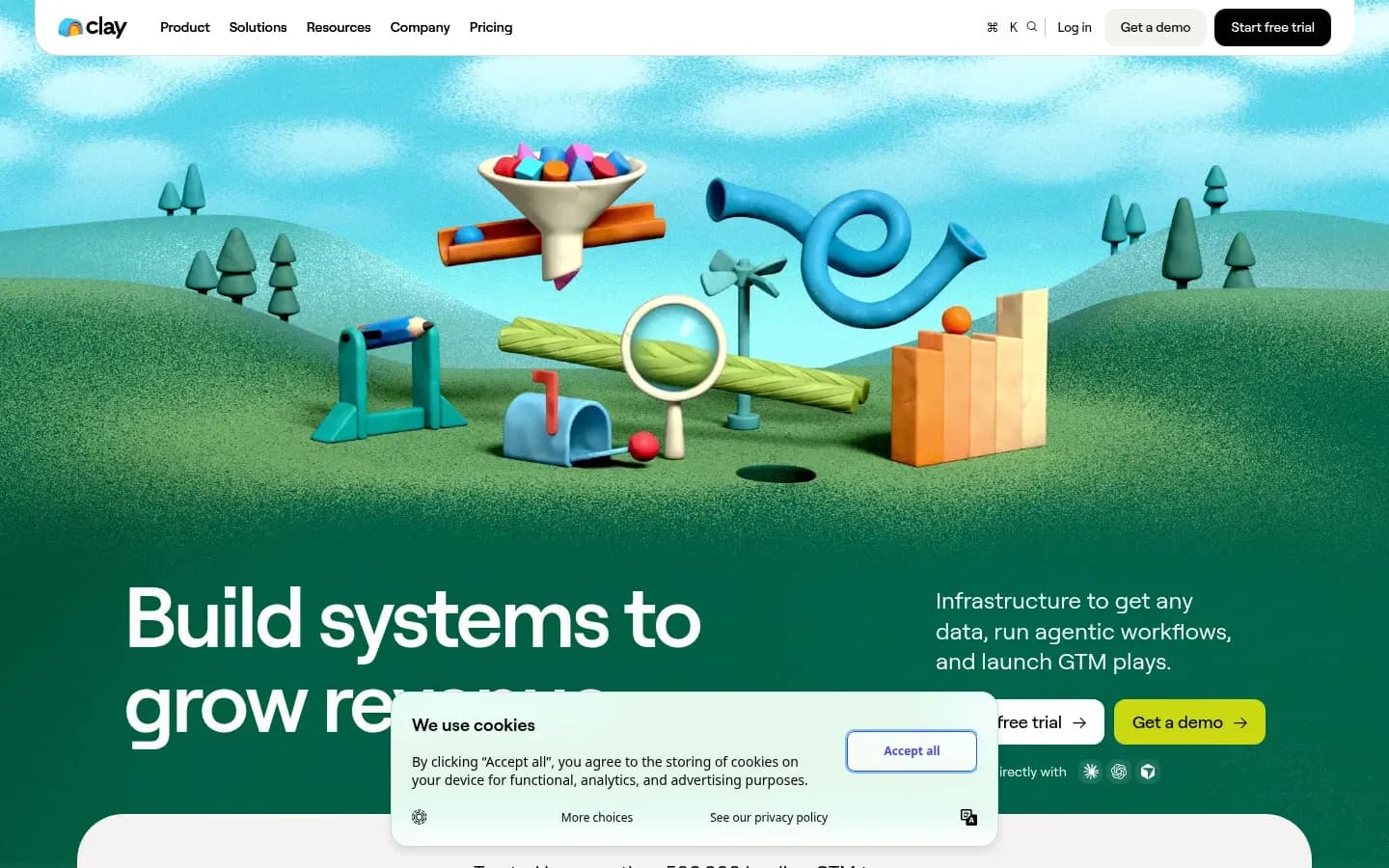
Clay ranks first as a research layer for sales email personalization because it pulls prospect data from more than 200 providers, chains them in waterfall enrichment and lets AI snippets write from that data inside a template the team controls. It rewards teams that can build and maintain tables.
Personalization inputs: Clay says teams can buy data from 200+ providers in one place, chain providers in waterfall enrichment for coverage, and use Claygent to research target companies and people with AI.
How context reaches the email: Templates are built from AI snippets, so the team fixes the structure and the AI fills defined slots. Clay says its agents write copy from business context, campaign goals and the enrichments in the table.
Review before send: Clay posts AI-drafted reply follow-ups in Slack for reps to approve or edit before sending. Campaigns carry exclusions, blocklists and cooldowns, and Clay describes enriched leads syncing to its own sequencer.
What drives the bill: Clay bills on two meters. Actions cover platform usage for enrichment and GTM execution and reset each billing cycle, while data credits buy data and AI from marketplace vendors. Extra credits on Launch and Growth cost a 30% premium. A run with your own API key counts as one action and no data credits, and an enrichment that returns nothing is not charged. Two meters make the real monthly cost harder to forecast than a seat price.
Clay pricing
| Plan | Price | Billing | Notes |
|---|---|---|---|
| Launch |
|
| |
| Growth |
|
| |
| Enterprise | Custom pricing |
Best fit: An ops or growth person who can build tables and wants the same research to feed any sender.
Limitations: On G2's Clay vs lemlist comparison, Clay reviewers most often cite a steep learning curve and expensive pricing, and Clay's ease-of-use and ease-of-setup scores sit below lemlist's.
lemlist
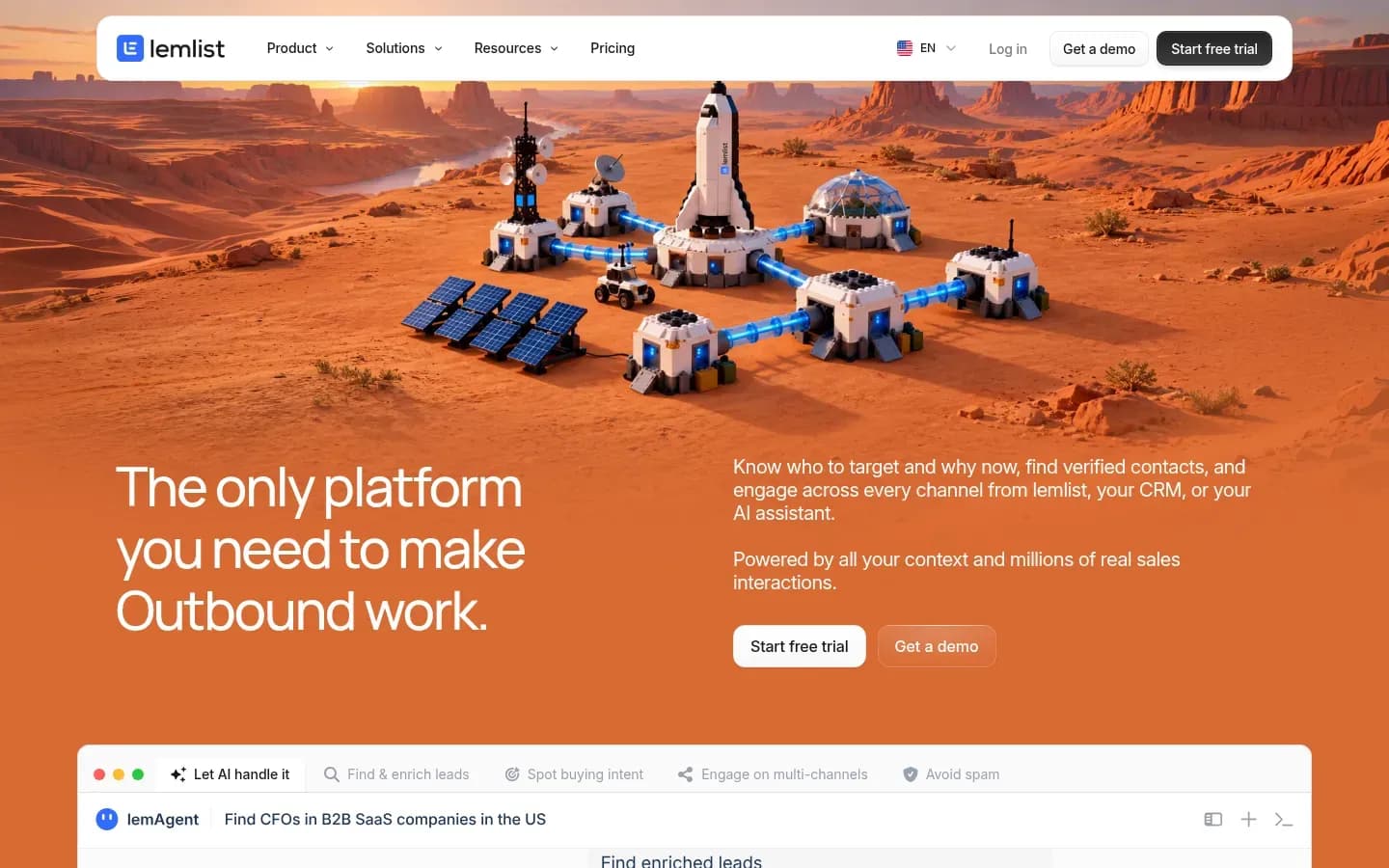
lemlist suits teams that want personalization and sending in one tool, since every plan includes custom text and images and Liquid syntax for conditional lines, while lead enrichment and buying-intent signals are sold as add-ons.
Personalization inputs: lemlist says it has a 650M+ lead database with ICP filters, Intent Signal Agents that add leads to campaigns when high-intent events occur, and Data Enrichment Agents. lemlist itself describes Clay as stronger on raw data coverage and custom research agents.
How context reaches the email: Custom text, custom images and Liquid syntax for conditional personalization appear on all lemlist plans. Per-lead images work by reading a public image URL from a CSV column used as a variable, so each lead receives its own image in the email.
What drives the bill: The Email plan includes 50,000 emails a month and unlimited users, while Multichannel is priced per seat with 5 senders per user. Data costs extra. Lead enrichment is an add-on at $16 a month billed yearly for 2,000 credits a month, enough for 400 emails or 100 phone numbers. Buying-intent signals cost $21 a month billed yearly for 100 signals a month. A team that relies on lemlist's own data should budget for both add-ons.
lemlist pricing
| Plan | Price | Billing | Notes |
|---|---|---|---|
|
| ||
| Multichannel |
|
| per user |
| Enterprise | Custom pricing |
lemlist lemlist pricing
| Plan | Price | Billing | Notes |
|---|---|---|---|
|
| per user | |
| Multichannel |
|
| per user |
| Enterprise | Custom pricing | per user |
Best fit: A small team that wants personalized text and images and the sending in one place.
Limitations: On G2's Amplemarket vs lemlist comparison, lemlist reviewers most often cite missing features and cost.
Amplemarket
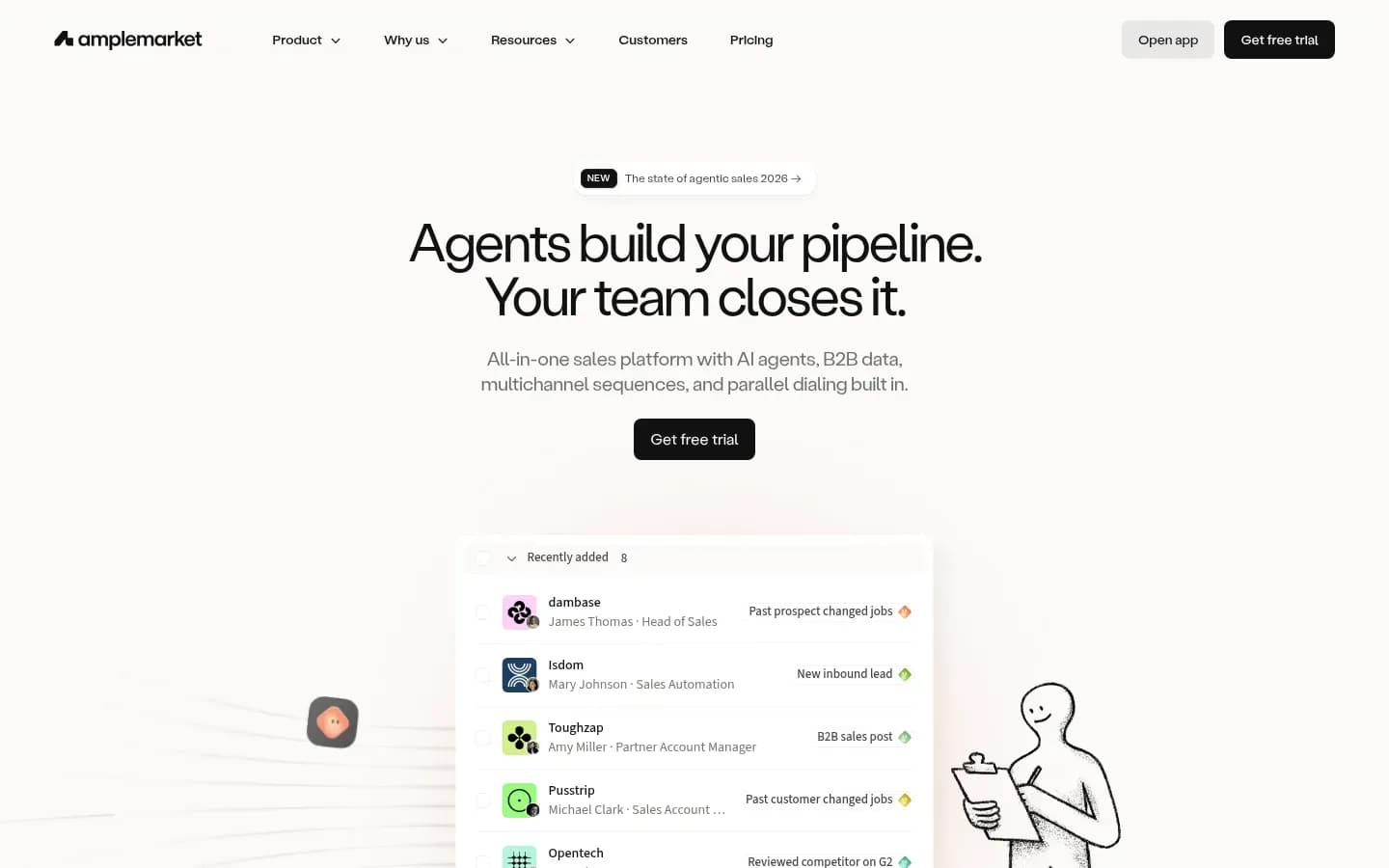
Amplemarket personalizes from buying signals, with its Duo assistant scanning the web every 24 hours, tracking prospects who engage with competitors on G2 and LinkedIn and drafting first-touch emails in the tone a team sets. It is built for teams buying data, signals and sending as one platform.
Personalization inputs: Duo scans the web every 24 hours for buying signals on chosen leads and accounts, tracks prospects engaging with competitors on G2 and LinkedIn, and accepts custom signals from a CRM or a Clay table.
How context reaches the email: Duo Copywriter creates personal first-touch emails using messaging settings for tone, narrative and positioning, so the signal and the team's positioning shape each draft.
Review before send: By default, Duo presents a prioritized lead list each morning for the rep to work through. Autopilot mode schedules outreach for Duo-recommended leads without waiting for manual review. Keep Autopilot off until the messaging settings have proven themselves on reviewed sends.
What drives the bill: Amplemarket sells on an annual term with a set number of users included in each plan, and extra users can be bought. Each plan sets yearly email and phone credits per user, with Startup at 13,500 email and 600 phone credits, plus a contact allowance. Duo Voice and Duo Inbox come only on higher plans.
Amplemarket pricing
| Plan | Price | Billing | Notes |
|---|---|---|---|
| Startup | $600 | per month, billed annually | |
| Elite | Custom pricing | ||
| Growth | Custom pricing |
Best fit: A sales team of several reps buying one platform for data, signals and sending.
Limitations: On G2's Amplemarket vs lemlist comparison, Amplemarket reviewers most often cite missing features and a learning curve, though its quality-of-support score is the higher of the two.
Regie.ai
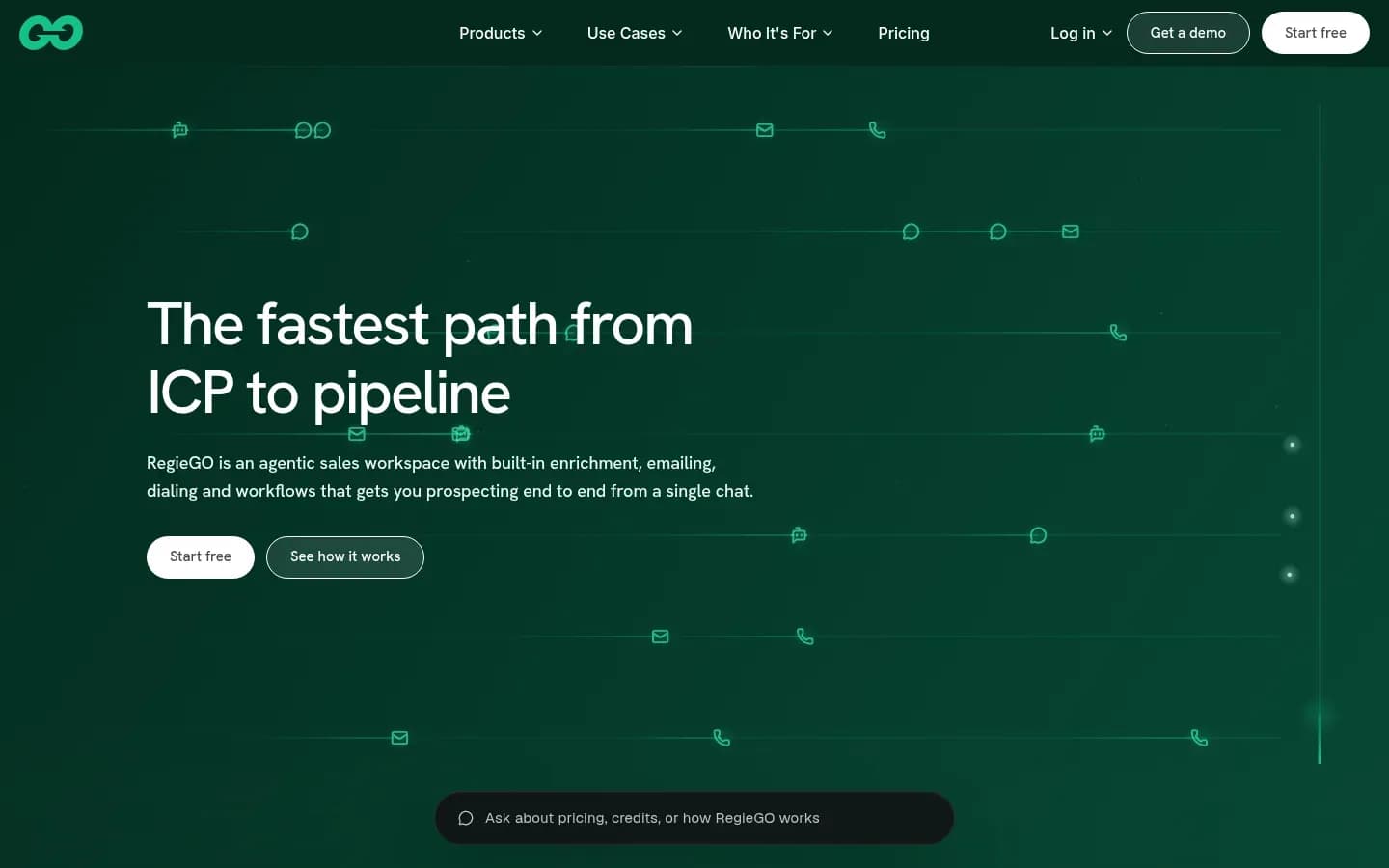
Regie.ai, through its RegieGO platform, drafts sales emails in a rep's own pitch and voice from dated why-now signals, and nothing sends from the rep's Gmail or Outlook until the rep approves it. RegieGO is Regie.ai's prospecting platform.
Personalization inputs: RegieGO reads your website to suggest target companies and roles, finds contacts through waterfall enrichment across up to seven providers with each record's source shown, and surfaces dated why-now signals.
How context reaches the email: RegieGO drafts full emails and call scripts in the rep's pitch and voice, and verifies email addresses before anything sends.
Review before send: Reps approve drafts as they are, edit them, or ask for changes in chat. Regie.ai states that nothing sends or dials unless the rep says so. Emails go from the rep's own Gmail or Outlook, with a built-in CRM and optional HubSpot or Salesforce sync.
What drives the bill: RegieGO runs on credits shared in one pool. Pro includes 5,000 credits a month, and Team includes 15,000 credits per seat a month with a two-seat minimum. Enrichment that finds nothing is not charged.
Regie.ai pricing
| Plan | Price | Billing | Notes |
|---|---|---|---|
| Pro (annual billing) | $41 | per month, billed annually | per user |
| Pro | $49 | per month | per user |
| Team (annual billing) | $125 | per month, billed annually | per seat |
| Team | $150 | per month | per seat |
| Enterprise | Custom pricing | ||
| Free | $0 | one-time | per user |
Best fit: A founder or small team of reps who want drafts in their own voice and approve every send.
Limitations: On G2, the negative review topics for Regie.ai are inaccuracy and messaging issues, each raised a handful of times. That pattern is why the approval step matters.
SmartWriter
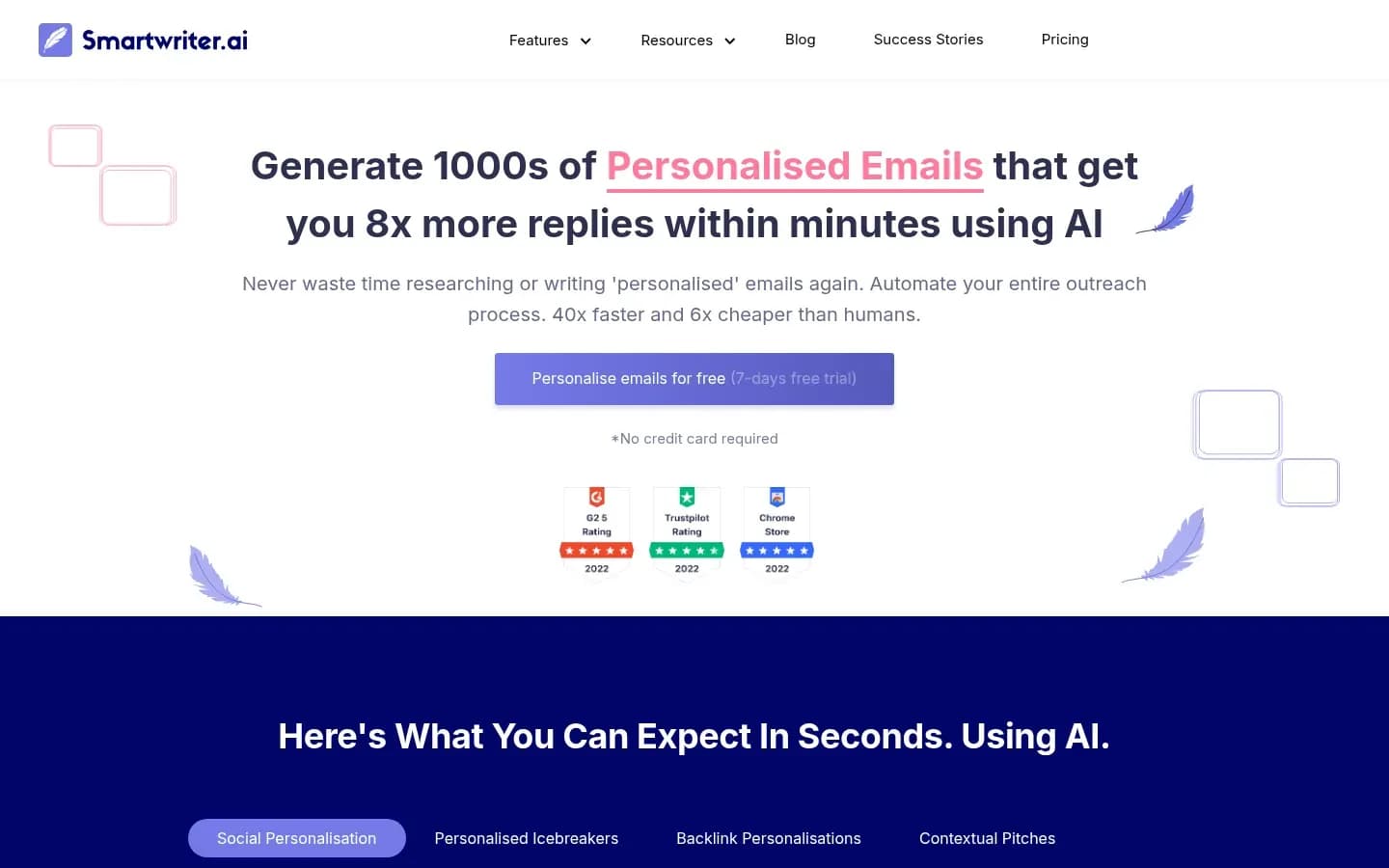
SmartWriter generates icebreakers and full cold emails from a prospect's LinkedIn activity, company website, news mentions and podcasts, and suits teams that already have a sending tool and only need the personalized lines. It is a line generator, not a sender.
Personalization inputs: SmartWriter draws on LinkedIn activity, recommendations and job changes, company websites and case studies, news and article mentions, blogs, podcasts and interviews, and says it uses 42 more data sources.
How context reaches the email: SmartWriter outputs icebreakers, first lines, full cold emails, follow-ups and backlink outreach. Prospects go in by CSV upload or through its Chrome extension, and the lines are pasted or exported into a separate sender.
What drives the bill: SmartWriter meters by lead credits. Each lead gets up to 15 personalised lines, and SmartWriter says unused credits roll over without expiring.
Free option: 7-day trial (no card). Plans and prices on SmartWriter’s site →
Best fit: A solo founder or agency writer who wants first lines to drop into an existing sender.
Limitations: SmartWriter's homepage claims emails that get 8x more replies and output 40x faster and 6x cheaper than humans, with no methodology, sample or baseline given. SmartWriter also has only five responses on G2's Clay vs SmartWriter comparison, too few for G2 to show pros and cons, so buyers have no independent complaint pattern to weigh.
Does Personalization Improve Cold Email Reply Rates?
Personalization lifts cold email replies, though by less than some vendors claim, as Hunter's analysis of 31 million emails found a 5.6% reply rate with two custom attributes against 3.6% without. Hunter calls that a 56% higher reply rate, a real gain but far short of the multiples some tools advertise.
5.6%
Reply rate for cold emails with two custom attributes in the body, against 3.6% for non-personalized emails, in Hunter's State of Email Outreach 2026 report.
2025 · 31 million emails sent by Hunter users · Source
Hunter is an email outreach vendor, and the figures come from its own users' sends in 2025. The same report puts the average sequence reply rate at 4.5%. In Hunter's survey for that report, 67% of decision makers say personalization using publicly available information makes them more likely to reply.
A second dataset, from an agency rather than a sending tool, tells a different story on the baseline. Belkins' 2026 study of 7,530,489 B2B cold emails sent in 2025 tracked 34,393 replies, an average reply rate of 0.45%. Belkins is an outbound agency, and its dataset and counting basis differ from Hunter's.
The tenfold gap between those averages is the useful lesson. Reply benchmarks depend on who sent the emails, to whom, and how replies were counted. Measure a tool against your own baseline before and after you switch it on, never against a vendor's headline.
Vendor claims sit further out still. SmartWriter's 8x more replies comes with no methodology, sample or baseline. Treat any multiple of that size as marketing until a test on your own list shows it.
What this means for choosing a tool:
- Relevance of the context beats the number of personalized lines. Hunter's lift came from just two custom attributes.
- A tool that surfaces a reason to write, such as a signal or a dated event, is worth more than one that decorates a template.
- Plan a holdout group so the lift you see is your own.
Our cold email research covers how to design a matched-cohort test on your own list.
Can AI Personalize Cold Emails Automatically?
AI can personalize and send cold emails without a rep, as Amplemarket's Autopilot mode does, but a Gartner survey of 646 B2B buyers found 67% prefer a rep-free buying experience, and that same buyer may read only one email from you. The tools differ in how much they let AI act alone.
The same Gartner survey found 45% of buyers reported using AI during a recent purchase.
What a rep can check before an AI-personalized email sends
| Tool | What a rep can check before send |
|---|---|
| Clay | Slack approval of AI reply drafts |
| Amplemarket | Daily lead list, unless Autopilot |
| Regie.ai | Approve, edit or chat |
| SmartWriter | Editable text before export |
Clay campaigns also carry exclusions, blocklists and cooldowns, and Regie.ai sends nothing unless the rep says so.
Review matters because AI drafts get facts wrong. On G2, inaccuracy is one of the two negative review themes for Regie.ai, a tool that puts approval in front of every send. A tool without that step would let the same errors through.
A sensible policy for most teams:
- Start with every AI draft reviewed by the rep who owns the account.
- Track which personalization sources produce errors, such as stale job titles or misread news.
- Allow automatic sending only for segments where reviewed drafts have run clean for several weeks.
- Keep exclusions and blocklists in place so automation never reaches current customers or open deals.
The best fix sits upstream of the tool. A clear AI sales email brief that defines the buyer problem, approved proof and one ask gives the AI less room to invent.
Sales Personalization Software Selection Checklist
Choose sales personalization software by where your prospect context already lives, whether you need a research layer for an existing sender or an all-in-one tool, who will maintain the workflows and what a rep must approve before anything sends. Work through the steps in this order, since each answer narrows the next.
- Map where prospect context lives today, in the CRM, a list or a signal feed, and confirm the tool can read it
- Decide between a research layer that feeds your current sender and an all-in-one tool that sends
- Name the person who will build and maintain the workflows
- Set the approval step a rep must pass before any email sends
- Price your monthly prospect volume through each tool's meter
Step 1, context source: If your context lives in custom data or signals from several vendors, a research layer fits. Clay pulls from 200+ providers, and Amplemarket accepts custom signals from a CRM or a Clay table. If you start from scratch, a tool with its own database saves a step.
Step 2, research layer or all-in-one: If you already run a sender you like, add a research layer and keep the sender. If you are choosing a sender anyway, lemlist and Amplemarket bundle a lead database and signals with sending. Teams that first need to turn an ICP into prospecting filters should do that before choosing.
Step 3, ownership: If no one on the team can own tables and workflows, skip Clay. Clay's steep learning curve is a repeated theme in its G2 reviews. Many teams should enrich the CRM records you already hold before adding a new data source.
Step 4, approval: If reps must sign off every email, favour Regie.ai's approve-or-edit flow or Clay's Slack approval for replies. If you want automation, Amplemarket's Autopilot mode schedules outreach without manual review, while its default is a daily lead list a rep works through. Make it your own rule to use Autopilot only for segments where reviewed sends have run clean.
Step 5, the meter: Match the meter to your volume. The cost section below shows what drives each bill.
How Much Do Sales Email Personalization Tools Cost?
The real cost of a sales email personalization tool depends on its meter, which is actions plus data credits at Clay, seats and add-ons at lemlist, users and yearly credits at Amplemarket, a shared credit pool at Regie.ai and lead credits at SmartWriter. The headline plan price rarely equals the monthly bill.
Each tool's plan prices sit in its pricing table above. The table below shows what makes the bill move.
What drives the bill for each tool
| Tool | What drives the bill | Extra costs to plan for |
|---|---|---|
| Clay | Actions plus data credits | Top-ups at a 30% premium on Launch and Growth |
| lemlist | Flat Email plan or per-seat Multichannel | Enrichment add-on at $16 a month billed yearly, signals at $21 a month billed yearly |
| Amplemarket | Annual term with users included per plan | Extra users, and yearly email and phone credits per user |
| Regie.ai | One shared credit pool | Team priced per seat with a two-seat minimum |
| SmartWriter | Lead credits, up to 15 lines per lead | Larger credit bundles as lead volume grows |
A few patterns hold across the five:
- Two meters are harder to forecast than one. Clay's actions and data credits both run down, and buying more mid-cycle costs a 30% premium.
- Data is often sold separately. lemlist's Email plan covers sending for unlimited users, but enrichment and intent signals are add-ons.
- Annual terms lock in seats. Amplemarket sells on an annual term, so the seat and credit commitment runs a full year.
- Empty lookups are free in some tools. Clay and Regie.ai do not charge for an enrichment that finds nothing, which helps on low-match lists.
- Unused credits can carry over. SmartWriter says its credits roll over without expiring.
To compare fairly, take your monthly number of new prospects, the share you will enrich, and the number of reps who need a seat. Run those three numbers through each meter before you look at a plan name.
Is Personalized Cold Email Legal?
Personalized B2B cold email still falls under CAN-SPAM, since the FTC says the law makes no exception for business-to-business email and each violating email can cost up to $53,088. In the US it is legal when each message carries a valid postal address, honest headers and subject lines, and a working opt-out.
The FTC guide also requires opt-out requests to be honored within 10 business days. Personalization does not change any of this, and a highly tailored email without an address or opt-out breaks the same rules as a template.
Deliverability rules cap volume too. Gmail treats a sender as bulk at close to 5,000 messages a day to personal Gmail accounts, and expects bulk senders to keep the user-reported spam rate below 0.1% and never let it reach 0.3%. Bulk senders must set up SPF and DKIM, add a DMARC record and offer one-click unsubscribe on marketing and promotional messages.
The practical rule is simple. Personalization that reads as relevant keeps complaints down, so use the extra research to send fewer, better-aimed emails rather than more of them. Set authentication up before you switch on any of these tools, and keep suppression lists synced between the personalization tool and the sender.
This section is general information, not legal advice.
Which Sales Email Personalization Tool Should I Choose?
Pick Clay if someone can build research workflows for an existing sender, lemlist for personalization and sending in one tool, Amplemarket for signal-led outreach across several reps, Regie.ai when reps approve every send and SmartWriter for first lines only. The right pick depends on the sender you own and who maintains the setup.
- You have an ops or growth person and an existing sender: Choose Clay. Its 200+ providers, waterfall enrichment and AI snippets feed any sender, as long as someone can climb its learning curve.
- You are a small team that wants personalization and sending in one tool: Choose lemlist. Custom text, images and Liquid syntax come on every plan, and data add-ons are there when you need them.
- You have several reps and want signals to decide who and why: Choose Amplemarket. Duo scans for buying signals every 24 hours and drafts first-touch emails in your team's tone.
- Reps must approve every email in their own voice from their own inbox: Choose Regie.ai. RegieGO sends nothing until told and sends from the rep's Gmail or Outlook.
- You only need first lines for a sender you already use: Choose SmartWriter. It writes icebreakers and full emails from LinkedIn, websites, news and podcasts for export.
FAQ
Do I need a separate sending tool for personalization?
A separate sending tool is needed only with a research layer or line generator such as Clay or SmartWriter, because lemlist, Regie.ai and Amplemarket personalize and send from the same platform. If you already like your sender, a research layer keeps it in place and adds the context on top.
Which data sources matter most for sales email personalization?
The sources that give a reason to write matter most, such as buying signals, job changes and recent news, ahead of static firmographics. Clay combines 200+ data providers, SmartWriter reads LinkedIn activity, websites and podcasts, and lemlist adds intent signals to campaigns when high-intent events occur.
How many personalization variables should a cold email have?
Two well-chosen variables are enough to show a lift. Hunter's 2026 report, drawn from its own users' sends, found emails with two custom attributes reached a 5.6% reply rate against 3.6% for non-personalized emails. Spend effort on one relevant reason to write rather than stacking extra lines that add little.
Sources
Sources
- g2.com
- Gartner Sales Survey Finds 67% of B2B Buyers Prefer a Rep-Free Experience · gartner.com
- State of Email Outreach 2026 Report · hunter.io
- CAN-SPAM Act: A Compliance Guide for Business · ftc.gov
- clay.com
- clay.com
- What are B2B cold email response rates? Belkins' 2026 study · belkins.io
- Email sender guidelines FAQ - Gmail Help · support.google.com