AI video generators now create usable ad, social and product footage from a prompt or a still image. This comparison looks at how each tool lets a team generate, direct, edit and pay for each shot, and who each one suits.
These picks apply to marketing teams generating new brand, ad and social footage from prompts and images; teams that need talking-head presenters should look at avatar tools instead. Clip quality varies by prompt and changes with each model release, so trial two shortlisted tools on your own briefs before committing.
Best AI Video Generators Comparison
For marketing teams producing brand and campaign footage, Runway offers prompt-based clip edits with Aleph, Google Flow generates Veo clips with audio, Kling AI plans multi-shot scenes, Adobe Firefly trains its own model on licensed content and Luma Dream Machine animates stills with HDR output.
All five are scene generators: they create new footage rather than presenter videos. The table compares what a buyer weighs first, which is how each tool generates a shot and how much control it gives afterwards.
The five AI video generators side by side
| Tool | Pricing model | Free plan | Public API | Best for | Generation modes | Editing control |
|---|---|---|---|---|---|---|
| Runway | Freemium | Yes | Yes | Editing generated footage | Text, image, video-to-video | Prompt-based clip edits (Aleph) |
| Google Flow | Short clips with sound | Text, frames, ingredients | Insert, extend, frame control | |||
| Kling AI | Paid | Yes | Yes | Multi-shot dialogue scenes | Text, image, references | Six-shot storyboard per clip |
| Adobe Firefly | Freemium | Yes | Yes | Licensed-data brand footage | Text, image, partner models | Camera, motion, Premiere hand-off |
| Luma Dream Machine | Paid | Yes | Animating product stills | Text, image, video-to-video | Modify, reframe, reference assets |
Two patterns stand out. Four of the five edit existing video: Runway with Aleph, Google Flow with Gemini Omni Flash 1.1, Luma Dream Machine with Modify Video and Adobe Firefly through partner models. That matters if your team reworks footage rather than starting from scratch.
Adobe Firefly and Luma Dream Machine also host other vendors' models, including Kling 3.0 and Seedance 2.0. Firefly limits Kling 3.0 Omni and Seedance 2.0 to individual plans.
Output quality and audio differ by tool:
- Runway: Gen-4.5 clips of 5 or 10 seconds; Aleph edits at up to 720p.
- Google Flow: Veo 3.1 generates dialogue, effects and ambience with the picture.
- Kling AI: 720p or 1080p clips with native dialogue in five languages.
- Adobe Firefly: MP4 downloads up to 4K; several models add native audio.
- Luma Dream Machine: native 1080p with a 4K upscaler, HDR EXR from Ray3, ElevenLabs audio models.
Each tool section below covers the same points in the same order where the vendor documents them: generation modes, editing control, audio, clip length and resolution, what drives running cost, commercial terms, best fit and limitations.
Text to Video vs Image to Video: Generation Modes and Editing Control
AI video generators work in four modes that matter to a buyer: text-to-video, image-to-video, reference-to-video and video-to-video editing, and 63% of video marketers in Wyzowl's 2026 survey of 266 respondents say they have used AI video tools to create or edit marketing videos.
That figure is up from 51% in Wyzowl's previous edition, and the same survey found 91% of businesses use video as a marketing tool. The question for most teams is no longer whether to use AI video generation, but which mode fits the footage they need.
Text-to-video creates a shot from a written prompt. It is the fastest way to explore an idea, and the least predictable: the model decides framing, subject and motion from words alone.
Image-to-video starts from a still. A first-frame shot animates one image; a first-and-last-frame shot fills in the motion between two images you supply. For a team with product photography or approved key art, this mode keeps the subject on brand.
Video-to-video editing changes footage that already exists: restyling a clip, inserting an object or rewriting part of a scene from a text prompt. Extension lengthens a clip from its last frame.
Which tools offer each generation mode
| Mode | Tools that offer it |
|---|---|
| Text-to-video | All five |
| Image-to-video |
|
| Reference-to-video | Google Flow, Kling AI, Luma Dream Machine |
| Video-to-video editing | Runway, Google Flow, Luma Dream Machine, Adobe Firefly |
| Extension | Google Flow (Veo 3.1 Lite), Luma Dream Machine |
Editing control is the second half of the choice. In practice it means four things: camera and motion controls, multi-shot storyboards that plan several shots in one generation, region or object edits on an existing clip, and reference assets that hold a character or product steady across shots.
Mode matters more than model rank. A team that reworks existing footage needs video-to-video editing, which Runway's Aleph, Google Flow's Gemini Omni Flash 1.1, Luma's Modify Video and Adobe Firefly's partner models provide. A team with product stills needs strong image-to-video and references. A team storyboarding a short narrative ad needs multi-shot control. Pick the mode first, then compare tools that offer it.
How We Chose These AI Video Generators
Growth Tribune included an AI video generator only if it creates new footage from text and images, gives control beyond a single prompt and sells a self-serve plan to marketing teams; OpenAI discontinued the Sora web and app experiences on April 26, 2026, so Sora is not covered.
The full inclusion bar has four parts:
- It generates new footage from text and images.
- It offers control beyond a single prompt: frames, references, editing or storyboards.
- It is a self-serve web product a marketing team can buy.
- It is live and maintained, with a current model.
Five tools met the bar. The list judges product fit for marketing work, not the quality of a single clip, because output varies by prompt and changes with each model release.
The top four places on the Artificial Analysis text-to-video leaderboard (with audio) are held by Wan 3.0, Utopai X, Dreamina Seedance 2.5 and MiniMax H3, ranked from blind pairwise human votes, with Google's Gemini Omni Flash 1.1 in eighth place. An earlier ByteDance model, Seedance 2.0, is offered inside both Adobe Firefly and Luma Dream Machine; Firefly limits it to individual plans.
Leaderboards also move fast. Runway's Gen-4.5 took the top spot on the same benchmark at its launch in December 2025, with 1,247 Elo points; it has since been overtaken.
Considered, not included
| Tool | Why not included |
|---|---|
| Synthesia | Avatar presenter videos, a different category |
| HeyGen | Avatar and localisation videos, a different category |
| OpenAI Sora | Discontinued |
Runway
Runway
AI platform for generating and editing video, images and audio, for creatives, teams and developers.
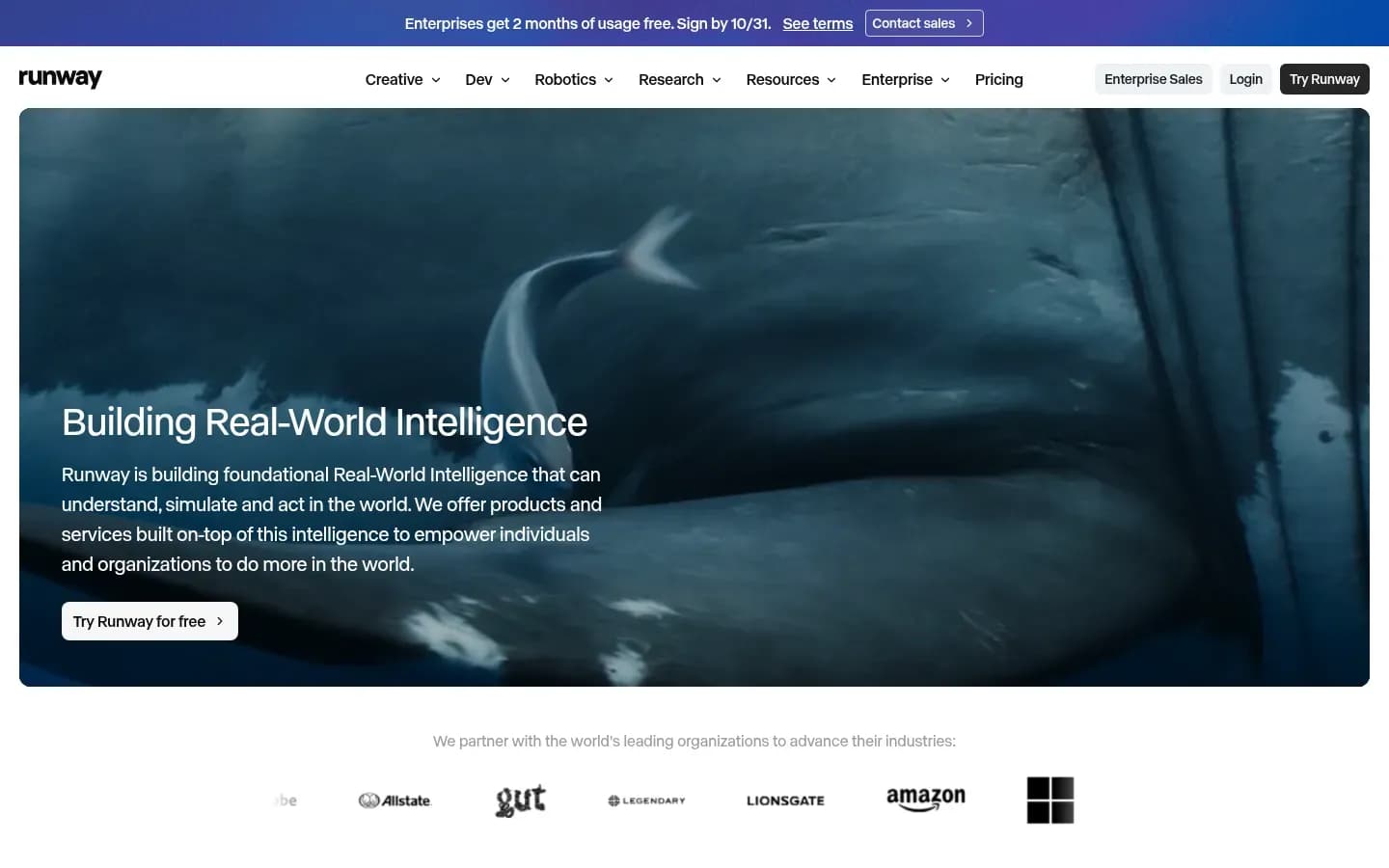
Runway is an AI platform for generating and editing video, images and audio. Its Gen-4.5 model creates new shots from text and images, and its Aleph model edits existing footage from a prompt.
- Free plan
- Yes
- Public API
- Yes
- Compliance
- SOC 2
- Ratings
- G2 4.2/5 (40 reviews)
Runway is the pick for teams that need to edit footage after generating it: its Aleph model rewrites existing clips from a text prompt, while Gen-4.5 generates new shots at 12 credits per second of video.
Verdict. Runway is the right choice for teams that direct footage in several passes: generate a shot, then change it, rather than rerolling from scratch.
Generation modes. Gen-4.5 handles text-to-video and image-to-video. It is available on Runway's own platform, through its API and inside partner products, including Adobe Firefly.
Editing control. Aleph is Runway's video-to-video model. You give it a clip, an optional image and a text prompt describing the change, and it returns an edited version. That covers restyling a scene, changing an object or reworking a shot without a full regeneration. Aleph requires the Standard plan or higher.
Clip length and resolution. Gen-4.5 clips run 5 or 10 seconds. Aleph edits 1 to 5 seconds per generation at up to 1280x720 in 16:9, with other 720p-class aspect ratios. Videos that do not scale to a supported ratio are cropped automatically.
Real cost drivers. Gen-4.5 costs 12 credits per second, so a 5-second clip is 60 credits and a 10-second clip is 120. Aleph costs 15 credits per second. The Standard plan includes 625 credits a month, Pro 2,250 and Max 9,500. Standard and Pro credits expire on the billing date; Max credits roll over for up to one month. Extra credits come in 1,000-credit minimums, and app credits are separate from API credits, so a team using both pays twice.
Commercial terms. Runway says content created in Runway is yours to use without non-commercial restrictions from Runway. Users keep ownership of their generations and do not need to credit Runway.
Best for
- Teams that generate a shot, then edit it with prompts
- Creative teams on the Max plan that need credits to roll over
Not for
- Teams that need edits longer than 5 seconds per generation
- Teams that need edited clips above 720p resolution
Limitations. Runway itself acknowledges that Gen-4.5 still struggles with causality, such as a door opening before its handle is pressed, and with object permanence, where items vanish once briefly hidden. It also shows a "success bias": actions succeed more often than they would in reality. For Aleph, Runway notes that subjects and objects taken from images may not stay consistent.
Runway Runway Creative pricing
| Plan | Price | Billing | Notes |
|---|---|---|---|
| Free | $0 | per month | |
| Standard |
|
| |
| Pro |
|
| |
| Max |
|
| |
| Enterprise | Custom pricing |
Google Flow
Google Flow
Google's AI creative studio for turning ideas into video and images, for creatives.
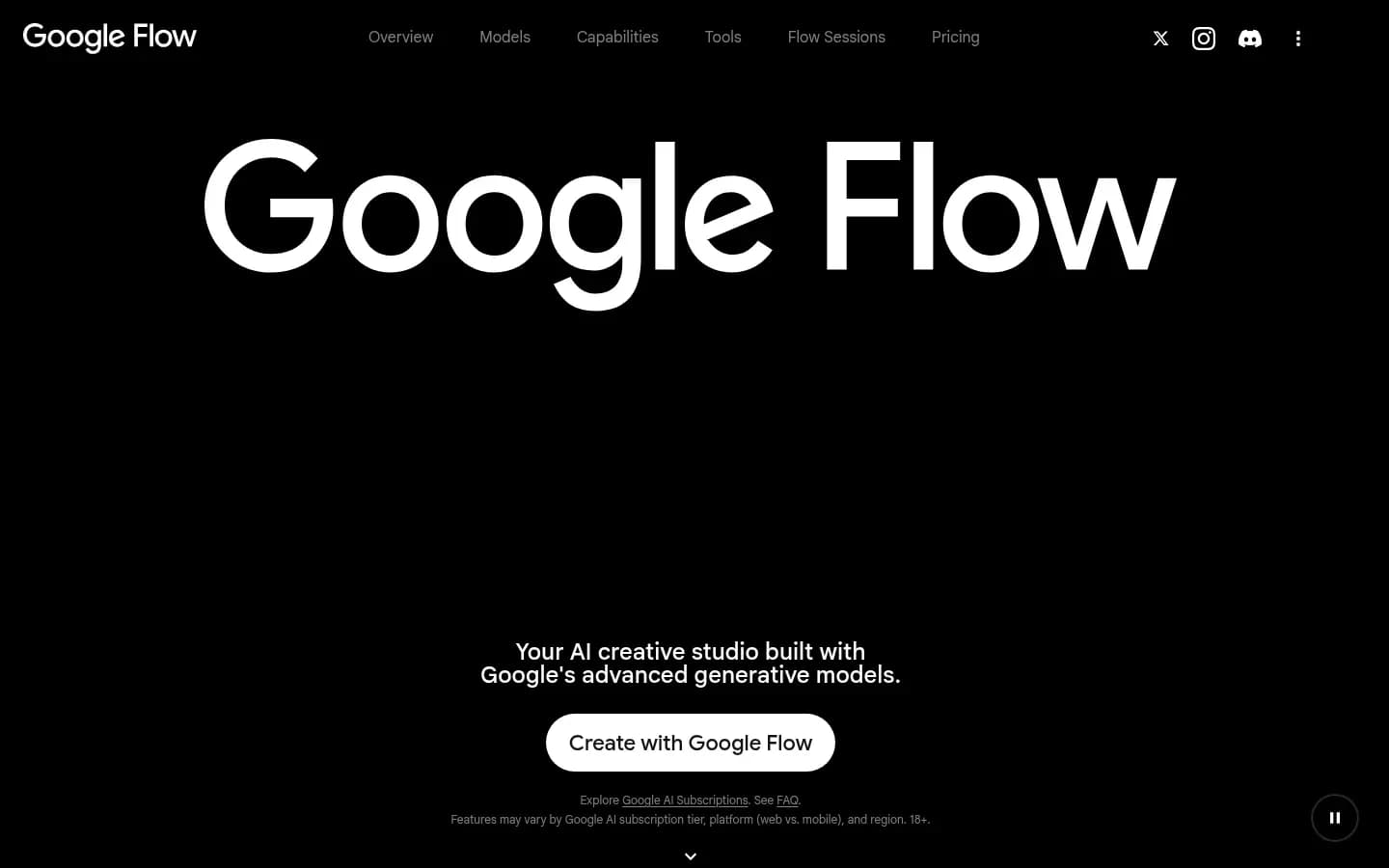
Google Flow is Google's AI creative studio for its Veo video models. It turns text, frames and reference images into short clips with generated audio, inside Google's AI plans.
Google Flow is Google's workspace for its Veo 3.1 video models, and an 8-second Veo 3.1 Fast clip costs 20 Flow credits for non-Ultra subscribers while the Quality model costs 100 credits per 8-second generation.
Verdict. Google Flow generates short Veo clips with audio for a team already paying for a Google AI plan, with Lite and Fast for iteration and Quality for finals.
Generation modes. Veo 3.1 Lite, Fast and Quality all support text-to-video, first-frame and first-and-last-frame generation, in both aspect ratios. Ingredients-to-video, where reference images guide the shot, runs on Lite and Fast only, at 8 seconds.
Editing control. Veo 3.1 added Insert, which adds elements to a scene with shadows and lighting handled. Extend lengthens an 8-second clip, but only on Veo 3.1 Lite. Veo models do not edit existing video; for that, Flow offers Gemini Omni Flash 1.1, which adds video-to-video editing.
Audio. Veo 3.1 brought generated audio to Ingredients to Video, Frames to Video and Extend, so dialogue, effects and ambience come out with the picture.
Clip length and resolution. Veo generations run 4, 6 or 8 seconds. Gemini Omni Flash 1.1 edits up to 10 seconds, at 720p in standard mode and 360p in draft mode.
Real cost drivers. Each generation has a fixed credit cost. Veo 3.1 Fast costs 20 credits (10 for Ultra subscribers), Veo 3.1 Quality costs 100, and Veo 3.1 Lite costs 10 (5 for Ultra). Google AI Plus includes 200 Flow credits a month, Google AI Pro 1,000, and the two Ultra tiers 10,000 and 25,000. On Pro, that is about 50 Fast clips or 10 Quality clips a month before rerolls. Unused monthly credits do not roll over; subscribers in supported regions can buy extra AI credits.
Best for
- Teams already on a Google AI plan
- Short social and ad clips that need sound
Not for
- Teams that need clips longer than 8 seconds without extending
- Teams that want references on the top-quality model
Limitations. Base clips stop at 8 seconds. The Quality model, the one most teams would use for final renders, does not support ingredients or extension. Monthly credits expire, so a quiet month is lost spend.
Kling AI
Kling AI
AI video and image generator for filmmakers, marketers and e-commerce sellers.
Kling AI is an AI video and image generator for filmmakers, marketers and e-commerce sellers. Its 3.0 models plan multi-shot scenes with native dialogue in several languages.
- Free plan
- Yes
- Public API
- Yes
Kling AI 3.0 plans up to six shots in one 3-to-15-second generation with native dialogue, though DataCamp's review found it sometimes mixed up two characters or swapped their positions between shots.
Verdict. Kling AI fits short narrative ads: several shots, several speakers and dialogue in one generation.
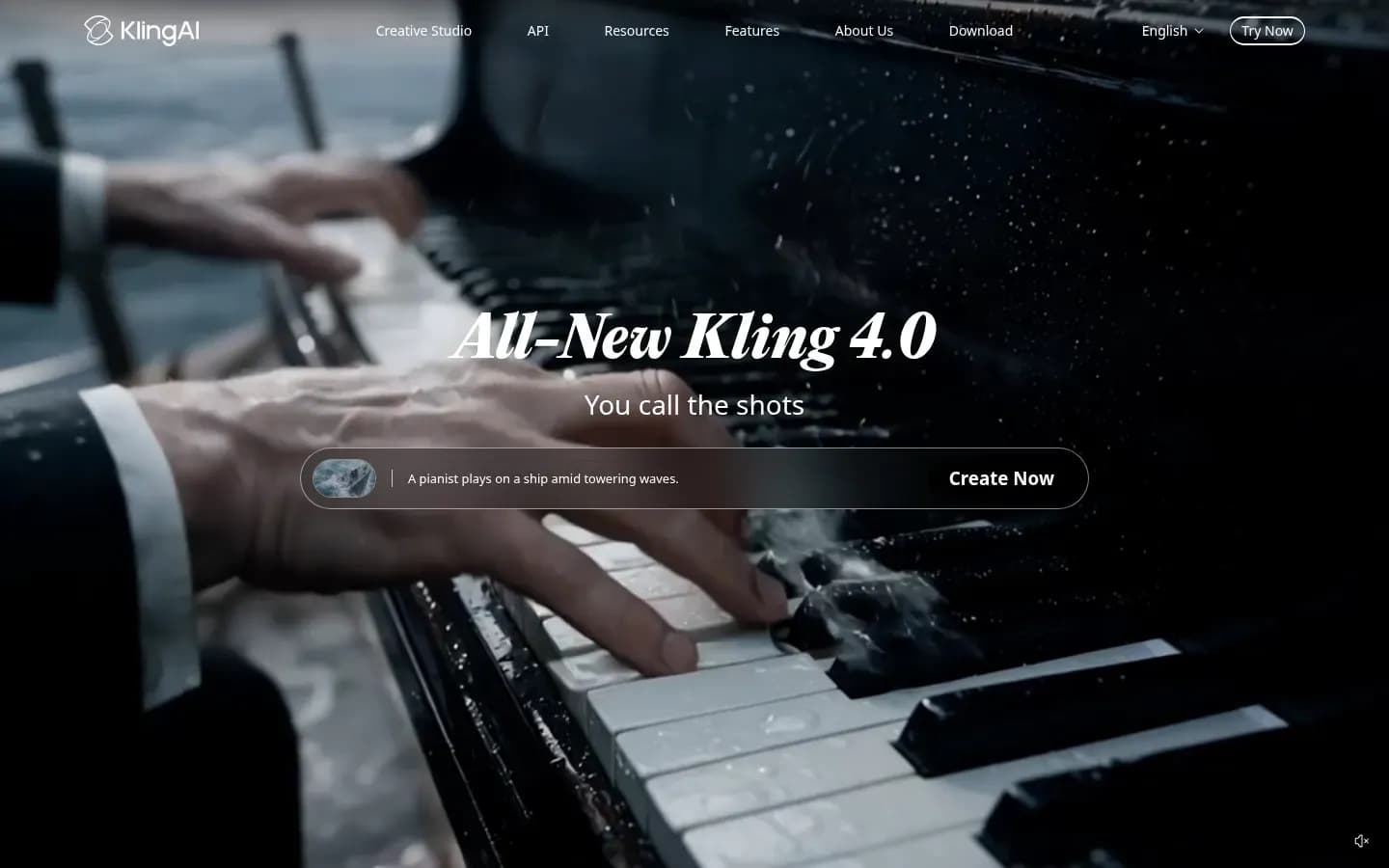
Generation modes. Kling 3.0 handles text-to-video and image-to-video. Reference videos and multiple image references keep characters, objects and scenes consistent across a clip. Kling's site now promotes a newer model, Kling 4.0.
Editing control. The Video 3.0 Omni multi-shot storyboard sets duration, shot size, perspective, narrative and camera movement for each shot. The custom multi-shot editor accepts up to six shots and up to three reference images per element.
Audio. Kling Video 3.0 generates native audio with dialogue in English, Chinese, Japanese, Korean and Spanish. For a team localising one ad for several markets, that removes a dubbing step.
Clip length and resolution. Kling 3.0 generates clips of 3 to 15 seconds at 720p or 1080p.
Real cost drivers. In DataCamp's independent tutorial, a clip with native audio used 12 credits per second at 1080p and 9 at 720p. A 10-second 1080p clip with sound therefore costs about 120 credits. Resolution and audio are the two settings that move spend.
Best for
- Multi-shot narrative ads with several speakers
- Campaigns that need dialogue in non-English languages
Not for
- Firefly users whose data rules bar sending prompts to Kling's developer
- Footage where characters must never swap between shots
Limitations. In DataCamp's runs, Kling 3.0 occasionally reassigned a line of dialogue to the wrong character, as well as mixing up characters between shots. Data routing is the second issue. Adobe notes that generating with Kling 3.0 or Kling 3.0 Omni inside Firefly sends prompts and reference files to the Chinese company that developed the model. Teams with data-residency rules that plan to run Kling models through Firefly should clear that with legal first.
Free option: Free plan. Plans and prices on Kling AI’s site →
Adobe Firefly
Adobe Firefly
Adobe's generative AI app for creating and editing images, video, audio and vector graphics from text prompts, for designers, marketers and creators.
Adobe Firefly is Adobe's generative AI app for images, video, audio and vector graphics. It combines Adobe's own Firefly Video Model with partner models from Google, Luma, Runway, Kling and others.
- Free plan
- Yes
- Free trial
- Yes
- Platforms
- Android, iOS, Web
- Public API
- Yes
Adobe Firefly is the pick for brand-sensitive footage because Adobe trains its Firefly Video Model on licensed and public-domain content and calls its output safe for commercial use, but the partner models in the same app carry their own terms.
Verdict. Adobe Firefly suits brand and creative teams that already work in Adobe tools and whose legal review asks where the training data came from.
Generation modes. Firefly generates video from text or an image. Its partner list includes Google Veo, Luma Ray3, Ray3.14 and Ray3.14 HDR, Runway Gen-4.5 and Aleph 2.0, Kling 3.0 and 3.0 Omni, Dreamina Seedance 2.0 and Topaz Astra for upscaling. Kling 3.0 Omni and Seedance 2.0 are limited to individual plans.
Editing control. Firefly offers aspect ratio, camera angle and motion controls, and partner models add prompt-based editing. Clips connect to Premiere Pro, Adobe Express and Photoshop, so a generated shot can go straight into an edit timeline.
Audio. Several models in Firefly generate native audio, including dialogue, effects and ambience.
Clip length and resolution. Most models generate clips up to 8 seconds, and some reach 15. Downloads are MP4 files up to 4K.
Real cost drivers. Video generation and partner models are premium features that draw generative credits from the monthly allocation, and plan tiers list their allowances in five-second videos.
Commercial terms. Adobe trains the Firefly Video Model on licensed content such as Adobe Stock and on public-domain material, not on Adobe user content, and states that its videos are safe for commercial use. Eligible enterprise customers can receive IP indemnification for select Firefly outputs through enterprise-specific plans. Adobe also states that user content is not used to train partner or Adobe models.
Best for
- Brand teams whose legal review asks about training data
- Teams editing in Premiere Pro or Adobe Express
Not for
- Teams that want one licence to cover every model in the app
- Teams needing Kling Omni or Seedance on team plans
Limitations. Adobe's commercial-use statement covers its own Firefly Video Model, not the partner models. Adobe says partner models are not developed by Adobe, may have different usage terms, and that users decide whether a model suits their project. Generating with Seedance 2.0, Kling 3.0 or Kling 3.0 Omni sends prompts and reference files to their Chinese developers.
Adobe Firefly pricing
| Plan | Price | Billing | Notes |
|---|---|---|---|
| Firefly Standard | $9.99 | per month | |
| Firefly Pro for teams | $19.99 | per month, billed annually | per seat |
| Firefly Pro | $19.99 | per month | |
| Firefly Pro Plus (first-year offer, save 30%, ends Oct 21) | $34.97 | per month | |
| Firefly Pro Plus for teams | $49.99 | per month, billed annually | per seat |
| Firefly Pro Plus | $49.99 | per month | |
| Firefly Premium (first-year offer, save 30%, ends Oct 21) | $139.91 | per month | |
| Firefly Premium for teams | $199.99 | per month, billed annually | per seat |
| Firefly Premium | $199.99 | per month |
Luma Dream Machine
Luma Dream Machine
Luma AI's generative video and image creation tool for creative professionals, marketing teams and agencies.
Luma Dream Machine is Luma AI's generative video and image tool for creative professionals, marketing teams and agencies. It runs Luma's Ray models alongside third-party models and ElevenLabs audio.
- Public API
- Yes
Luma Dream Machine suits teams that start from product stills or need print-grade colour: Luma's Ray3 model outputs 16-bit HDR EXR files, and Ray3.14 renders native 1080p across Dream Machine's core workflows.
Verdict. Luma Dream Machine fits image-led product work and teams delivering into a professional colour pipeline.
Generation modes. Ray3.14 handles text-to-video, image-to-video and video-to-video. Dream Machine also animates stills, builds transitions between frames, and extends, reframes and restyles video. It hosts Luma's Ray3.2 and Ray3.14 plus third-party models: Veo 3.1, Kling 3.0, Kling Omni and Seedance 2.0.
Editing control. Modify Video edits clips up to 18 seconds. Visual annotation lets you draw on an image to direct motion. Master Reference Assets keep characters, products, logos and brand elements consistent, which matters for a product shot that must match packaging.
Audio. ElevenLabs music, sound-effect and voice models run inside the platform.
Clip length and resolution. Ray3.14 renders native 1080p, with a neural upscaler to 4K. Ray3 generates HDR video as 10-, 12- and 16-bit ACES2065-1 EXR files for professional pipelines.
Real cost drivers. Luma says Ray3.14 is three times cheaper and four times faster than Ray3 at 720p. Draft Mode gives fast, low-cost exploration before final renders, so teams spend full credits only on shots they keep. The Team plan adds shared credits, usage analytics and SSO.
Commercial terms. Luma lists commercial use as a Plus-plan feature.
Best for
- Animating product photography and key art
- Teams delivering HDR into a colour-graded pipeline
Not for
- Edits that need character references in Modify Video
- Teams that want HDR output from edited clips
Limitations. Character references and HDR/EXR output are not supported in Modify Video, so edited clips lose two of Dream Machine's main strengths.
Luma Dream Machine pricing
| Plan | Price | Billing | Notes |
|---|---|---|---|
| Plus |
|
| |
| Pro |
|
| |
| Ultra |
|
| |
| Enterprise | Custom pricing | ||
| Team | Custom pricing |
Which AI Video Generator Should You Choose?
Choose by the job, not the leaderboard: pick Runway to edit existing footage, Google Flow for short clips with generated sound, Kling AI for multi-shot dialogue scenes, Adobe Firefly when legal review needs licensed training data and Luma Dream Machine to animate product stills.
Each rule below starts from the footage a team needs, then names the tool whose documented features fit it.
Choose by situation
| If you need to... | Choose | Why |
|---|---|---|
| Edit or restyle existing footage | Runway | Aleph edits clips from a prompt |
| Add dialogue and sound to short ad clips | Google Flow | Veo 3.1 generates audio with the picture |
| Storyboard multi-shot scenes or non-English dialogue | Kling AI | Six shots and five dialogue languages |
| Pass a legal review on training data | Adobe Firefly | Own model trained on licensed content |
| Animate product photos or deliver HDR | Luma Dream Machine | Reference assets and EXR output |
You edit or restyle footage you already have. Choose Runway. Aleph takes an existing clip and a prompt and returns the changed version, so a team can adjust a shot rather than regenerate it.
You need dialogue and sound in short ad clips and already pay for Google AI. Choose Google Flow. Veo 3.1 generates audio in Ingredients, Frames and Extend, and Google AI plans include monthly Flow credits.
You storyboard multi-shot narrative scenes or need non-English dialogue. Choose Kling AI, which plans several shots in one generation and speaks five languages. Teams running Kling models through Adobe Firefly should note that Adobe sends their prompts and reference files to the model's developer.
Your legal or brand review demands licensed training data or indemnification. Choose Adobe Firefly and stay on its own Firefly Video Model. Adobe trains it on licensed and public-domain content, and enterprise plans can include IP indemnification for select outputs.
You animate product photography or need HDR for high-end delivery. Choose Luma Dream Machine. Master Reference Assets hold products and logos steady, and Ray3 outputs 16-bit EXR.
One generator rarely covers every job. Adobe Firefly and Luma Dream Machine both offer Kling, Seedance and Veo models alongside their own, though Firefly limits Kling 3.0 Omni and Seedance 2.0 to individual plans. A team can add a second tool only for the job its main pick handles poorly.
How to Choose AI Video Software: Test Before You Buy
Choose AI video software by cost per usable clip rather than list price: multiply the credits a generation costs by the takes your team needs for one accepted shot, because leaderboards such as Artificial Analysis rank single clips by blind pairwise human votes.
A leaderboard tells you which model won a blind comparison on the same text prompt. It does not tell you whether the tool can hold your product steady across six shots, or how many rerolls a usable take needs. DIY AI's ranking calls this metric attempts per accepted clip. Leaders also change as models ship: Runway's Gen-4.5 led the same benchmark at launch and has since been overtaken.
AI video software selection works better as a short, repeatable trial:
x
Write the shot list first. A list of real shots, such as "product rotates on a plinth" or "two founders talk at a desk", shows which mode each one needs. Most campaigns mix image-to-video for product shots and text-to-video for scene-setting.
Use identical briefs. Running the same three prompts through each tool makes the comparison fair. Keep reference images and aspect ratios the same.
Count takes, not clips. Record how many generations it took to get one shot you would publish. At Runway's 12 credits per second, a 10-second shot accepted on the third try costs 360 credits, not 120.
Test consistency. Character and product drift is the failure that kills marketing use. DataCamp's Kling 3.0 tutorial saw characters swap positions between shots, and Runway notes that Aleph may not keep subjects from images consistent. Test with your own product and people.
Read the model's terms. In Adobe Firefly, Adobe's own model and the partner models carry different terms. Check the licence for the model you actually used.
Check team controls. Shared credit pools matter once several people generate. Luma's Team plan adds shared credits, analytics and SSO.
Once the videos ship, measuring which of your content AI answers cite is a separate job, covered in our guide to the best AI visibility platforms.
How Much Do AI Video Generators Cost to Run?
AI video generators charge in credits, so cost depends on length and model: Runway's Gen-4.5 uses 12 credits per second, a 10-second clip costs 120 credits, and Google Flow charges 100 credits for one 8-second Veo 3.1 Quality generation. Rerolls multiply both figures.
Plan prices sit in each tool's pricing table above. What those tables do not show is how fast a team burns through the credits a plan includes. Credit-based pricing hides the true cost of a finished video in three ways.
Per-second or per-generation burn. Runway charges by the second, so a 10-second clip costs twice a 5-second one. Google Flow charges a fixed amount per generation, set by model: 10 credits for Veo 3.1 Lite, 20 for Fast and 100 for Quality. Kling 3.0 used about 12 credits per second at 1080p with audio in DataCamp's tutorial.
Settings and models. Resolution, audio and model choice all move the rate. In Kling 3.0, dropping from 1080p to 720p cut the rate from 12 to 9 credits per second. In Adobe Firefly, video and partner models are premium features that draw generative credits, and Luma says Ray3.14 is three times cheaper than Ray3 at 720p.
Expiry and rollover. Credits that expire turn a quiet month into lost spend.
What drives the cost of one clip
| Tool | How a clip is costed | What raises spend |
|---|---|---|
| Runway |
| Aleph edits at 15 credits/s |
| Google Flow | 20 Fast, 100 Quality per 8 s | Quality model, rerolls |
| Kling AI | 12 credits/s at 1080p, audio | 1080p and native audio |
| Adobe Firefly | Five-second clip allowances per tier | Premium partner models |
| Luma Dream Machine | Draft Mode for low-cost tests | Final renders after Draft Mode |
Rollover rules differ. Runway's Standard and Pro credits expire on the billing date, while Max credits roll over for up to one month. Google Flow's monthly credits do not roll over. Runway's app credits and API credits are separate pools, so a team that uses both buys both.
A worked example. A 10-second Gen-4.5 clip costs 120 credits. Runway's Standard plan includes 625 credits a month, which covers five such clips before any rerolls. If the team needs three takes per accepted shot, each finished clip costs 360 credits and the same allotment yields one, with credits left over. That is the number to budget against: credits per generation times takes per accepted clip, against the monthly allotment.
Can You Use AI-Generated Video Commercially?
You can usually use AI-generated video commercially under paid vendor terms, but the US Copyright Office concluded that prompts alone do not supply human authorship, so footage your team does not arrange or modify may not be protectable. Check the licence of the exact model too.
For a US or EU marketing team, four questions decide whether a clip is safe to run. The same questions apply to any generated asset in a content and owned audience programme.
1. The vendor licence. Runway says content created in Runway is yours to use without non-commercial restrictions, and users keep ownership. Adobe states that its own Firefly Video Model's output is safe for commercial use, and enterprise customers can receive IP indemnification for select outputs. Luma lists commercial use as a Plus-plan feature.
2. Copyright in the output. The US Copyright Office's report on copyrightability, released January 29, 2025, found that providing prompts does not by itself make a person the author. Protection can apply where a human-authored work is perceptible in the output, or where a person makes creative arrangements or modifications of it. A campaign cut that edits, sequences and combines generated shots stands on firmer ground than a single prompt-only clip.
3. Disclosure. EU AI Act Article 50 requires deployers to disclose that deepfake video has been artificially generated or manipulated, and requires providers of systems that generate synthetic video to mark outputs in a machine-readable format. Evidently artistic, creative, satirical or fictional work carries a lighter duty. These obligations reportedly apply from August 2, 2026, with a transition to December 2, 2026 for machine-readable marking by systems already on the market.
4. Where your data goes. Partner models may route prompts and reference files to their developer. Adobe notes that generating with Seedance 2.0, Kling 3.0 or Kling 3.0 Omni sends prompts and reference files to the Chinese companies that developed them. Teams with data-residency rules should check this before uploading product or customer material.
Frequently Asked Questions
Most AI video generators produce short clips: Google Flow's Veo 3.1 models generate 4, 6 or 8 seconds, Kling 3.0 generates 3 to 15 seconds, and longer sequences come from extending or stitching shots.
What happened to OpenAI Sora?
OpenAI discontinued the Sora web and app experiences on April 26, 2026, and discontinued the Sora API on September 24, 2026. Teams that used Sora for marketing footage now need another generator. Runway, Google Flow, Kling AI, Adobe Firefly and Luma Dream Machine all create new footage from text and images for the same kind of work.
Can AI video generators create audio and dialogue?
Yes, several can. Google Flow's Veo 3.1 generates audio with the picture, Kling 3.0 produces native dialogue in five languages, and several models in Adobe Firefly add dialogue, effects and ambience. Luma Dream Machine runs ElevenLabs music, effects and voice models. Live conversational voice is a separate category: see AI voice agents.
How long can an AI-generated video clip be?
Most clips run between 4 and 15 seconds. Google Flow's Veo 3.1 models generate 4, 6 or 8 seconds, Kling 3.0 generates 3 to 15 seconds, and most Adobe Firefly models stop at 8 seconds. Editing runs longer in places: Luma's Modify Video handles clips up to 18 seconds. Longer videos are built by extending or stitching shots.
Is Google Flow the same as Google Veo?
No. Veo is Google's family of video models; Google Flow is the creative workspace where you use them. Flow runs Veo 3.1 Lite, Fast and Quality for generation, adds tools such as Insert and Extend, and also offers Gemini Omni Flash 1.1 for video-to-video editing, which the Veo models do not do.
Sources
- Video Marketing Statistics 2026 · wyzowl.com
- What to know about the Sora discontinuation · help.openai.com
- Text to Video Leaderboard (With Audio) | Artificial Analysis · artificialanalysis.ai
- Kling 3.0: A Guide With Practical Examples · datacamp.com
- Copyright Office Releases Part 2 of Artificial Intelligence Report · copyright.gov
- eweek.com
- blog.google
- Article 50: Transparency obligations for providers and deployers of certain AI systems · ai-act-service-desk.ec.europa.eu