An agency adding AI visibility tracking as a client service needs more than a dashboard for one brand. It needs separate client data, reports a client can read, seats for the team and a bill that stays predictable as clients are added. This guide compares five tools on exactly those points.
The pick changes with three things: how many clients you track, which AI engines each client needs, and whether the agency already pays for Semrush. AI answers also vary from one run to the next, so any tool's numbers are a trend across many prompts and runs, not a fixed ranking. Per-client cost depends on prompts, engines and tracking frequency, not on plan names.
Best AI Visibility Tools for Agencies
For an agency, the five AI visibility tools worth shortlisting differ less on which engines they track than on how they separate clients, brand client reports and charge as the roster grows. The table shows each tool's pricing model and trial from its record, then the four agency criteria that decide the shortlist. Rows follow the ranking in this guide, and each tool's own section explains the detail behind the short cells.
| Tool | Pricing model | Free trial | Client separation | Branded reporting | Seats and client access | Best for |
|---|---|---|---|---|---|---|
| Peec AI | Paid | Yes | Isolated client projects | Branded dashboards, Looker Studio | Unlimited seats, read-only links | GEO service, 3–25+ clients |
| OtterlyAI | Paid | Yes | Unlimited workspaces (Standard+) | Branded Looker Studio (partners) | Unlimited team members | A few client brands |
| Rankscale | Paid | Brand dashboard slots | White-label links (Growth) | No per-seat surcharge | Many small client brands | |
| Promptwatch | Paid | 7 days | Unlimited client projects (agency) | Whitelabel dashboard | Branded read-only client access | Tracking plus content work |
| Semrush | Freemium | Per tracked domain | White-label My Reports | Role-based permissions | Agencies already on Semrush |
How We Chose These Tools
Growth Tribune included an AI visibility tool here only if one agency account can track several client brands separately, produce client-facing reports or exports, and buy on published plans or agency terms. That bar removes tools built for a single in-house brand, however good their tracking is.
Each eligible tool was then compared on five criteria, in this order:
- Client separation: whether each client's prompts, competitors and data sit in their own project or workspace.
- Reporting and exports: branded reports, Looker Studio templates, CSV exports and shareable links.
- Seats and client access: how many team members are included and whether clients can see their own data.
- Per-client cost drivers: the unit the tool bills on (credits, prompts, domains, seats) and the add-ons that raise it.
- API access: whether the data can feed the agency's own dashboards.
Nine tools were considered against the bar, and five made the list. Readers who want the general view of these platforms for a single brand can compare the best AI visibility platforms for in-house teams.
These four tools appear on other agency lists but fall short of this guide's bar:
Considered, not included
| Tool | Why not on this list |
|---|---|
| Profound | Growth tier caps seats at three |
| Scrunch | Agency Core caps client workspaces at three |
| AthenaHQ | Agency use runs through a separate partner programme |
| SE Ranking (SE Visible) |
|
Peec AI
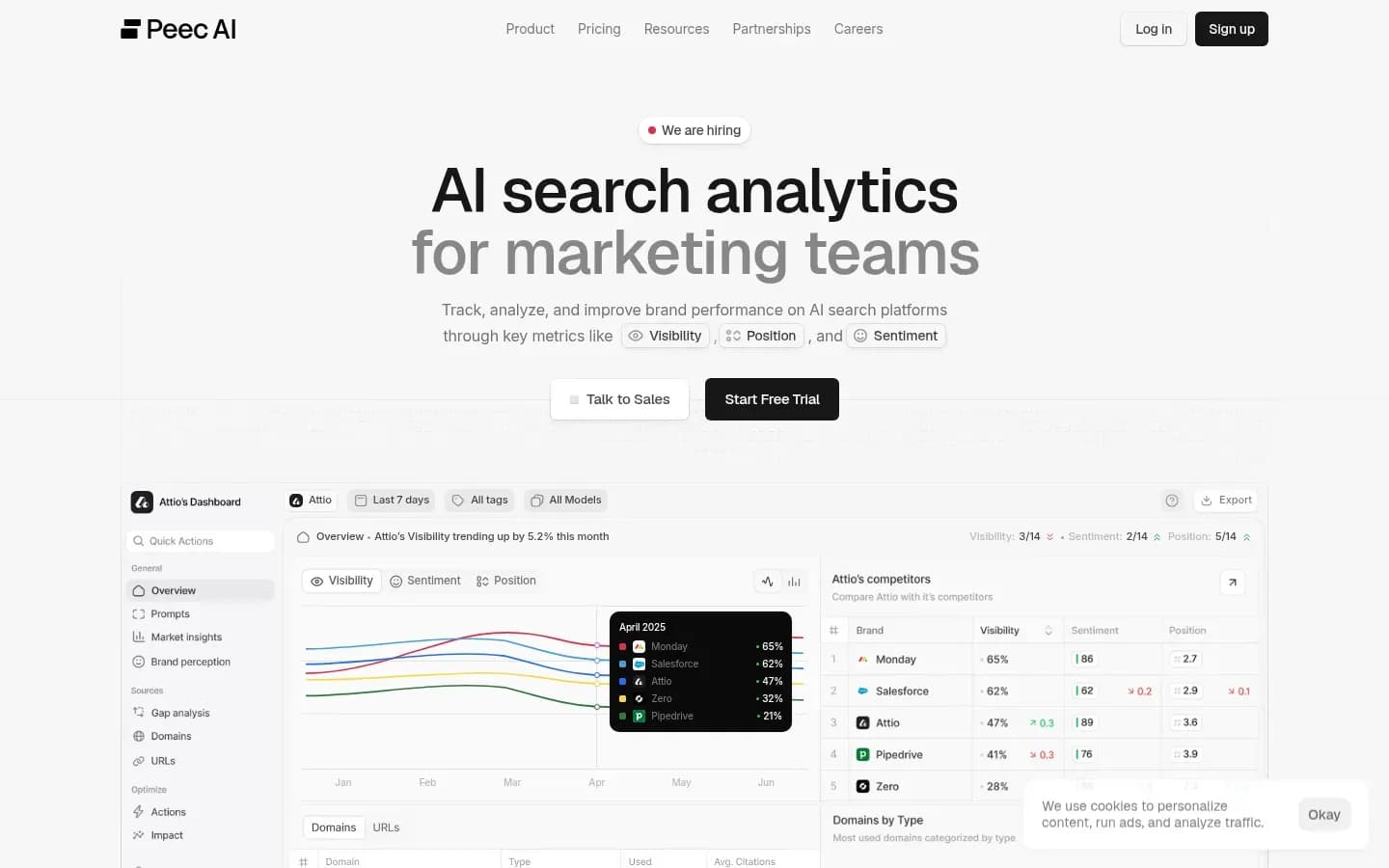
Peec AI gives each agency client an isolated project with its own prompts, competitors and AI channels, and adds free seven-day pitch projects that sit outside the client quota.
Peec AI
AI search analytics platform for marketing teams and agencies that tracks brand visibility, position and sentiment in AI search tools.
Peec AI ranks first because it is built around the agency workflow rather than adapted to it. Agency plans are tiered by client count, clients stay separate, pitching prospects does not eat into paid capacity, and clients can open their own data without a login. The trade-off is credit planning: engines and cadence decide how many clients a plan really holds.
- Free plan
- No
- Free trial
- Yes
- Platforms
- API
- Public API
- Yes
- Ratings
- G2 4.7/5 (21 reviews)
Client separation. Each client is an isolated project with its own prompts, competitors and channels, and the agency runs every client from one account. Pitch projects are free, last seven days and sit outside the client quota. Peec AI's agency tiers (Essential, Growth and Scale) are a separate line from the plans in its pricing table, and they include 3 active pitch projects on Essential, 10 on Growth and 25 on Scale.
Reporting and exports. Peec AI produces automated weekly reports and dashboards in the agency's own branding. One Looker Studio (Data Studio) dashboard template can be cloned for each client, and data exports to CSV.
Seats and client access. Every agency plan includes unlimited client seats. Agencies can also share read-only links that clients open without a Peec login.
Pricing. Peec AI's standard plans are shown below. Its agency tiers are sold separately from these plans and scale by credits, projects and pitch projects.
Peec AI pricing
| Plan | Price | Billing | Notes |
|---|---|---|---|
| Starter |
|
| |
| Pro |
|
| |
| Advanced |
|
| |
| Enterprise | Custom pricing |
What drives cost per client. Peec AI agency plans include a fixed pool of credits that the agency allocates across client projects. Credits decide how many prompts each client can track, and allocated credits do not reset each month. Trakkr, a competing vendor, works out the credit logic in its agency review: one prompt on one model tracked daily uses 30 credits a month, and each client project has a 900-credit minimum. Adding models or moving a client to daily tracking therefore changes which tier fits.
Best for
- Boutique agencies managing 3–10 clients (Growth agency tier)
- Established agencies managing 11–25+ clients (Scale agency tier)
- Agencies that pitch AI visibility audits to prospects often
Not for
- Agencies that want billing with no credit planning per client
Limitations. Credit planning adds friction: each new engine or a switch to daily cadence uses more of the pool, so the agency must re-plan allocations as clients grow. Client access runs through read-only links and seats; Trakkr's review lists no separate client portal.
OtterlyAI
OtterlyAI includes unlimited workspaces from its Standard plan, and its Agency Partner program adds a separate environment per client under one login, one invoice and Looker Studio reports in the agency's own branding.
OtterlyAI
AI search monitoring platform that tracks brand mentions and website citations across ChatGPT, Perplexity, Google AI Overviews and other AI engines, for marketing teams and agencies.
OtterlyAI fits an agency that tracks a handful of client brands and reports in Looker Studio. Workspaces and team members are unlimited from Standard, and the partner program adds the agency features. Prompt caps and per-engine add-ons are what limit it as the roster grows.
- Free trial
- Yes
- Platforms
- Web
- Public API
- Yes
- Compliance
- GDPR, ISO 27001, SOC 2
- Ratings
- G2 4.7/5 (54 reviews)
Client separation. Lite includes one workspace; Standard, Premium and Enterprise include unlimited workspaces. Agencies can apply to the Agency Partner program after subscribing to Standard or Premium. The program promises "separate environments for every client, one login for your team", one invoice for all workspaces and pitch workspaces for prospect audits.
Reporting and exports. All plans include unlimited brand reports, detailed reports and export. Partners get custom Looker Studio reports in the agency's own branding. This is branded reporting through Looker Studio, not a native white-label app. For agencies feeding their own dashboards, Standard includes 2,000 API requests a month and Premium 5,000, covering brand reports, prompts, citations and workspace data.
Seats and client access. All plans include unlimited team members, so adding account managers does not raise the bill.
Pricing. OtterlyAI's plans are shown below.
OtterlyAI pricing
| Plan | Price | Billing | Notes |
|---|---|---|---|
| Lite |
|
| |
| Standard |
|
| |
| Premium |
|
| |
| Enterprise | Custom pricing |
What drives cost per client. Prompts and engines set the bill. Partners get 150 prompts on Standard (instead of 100) and 500 on Premium (instead of 400). Extra packs of 100 prompts are billed monthly and are not available on Lite. Plans track ChatGPT, Google AI Overviews, Perplexity and Microsoft Copilot. Google AI Mode, Gemini and Claude are paid add-ons priced per plan: Google AI Mode or Gemini costs $59 a month on Standard, and Claude costs $109 a month on Standard and $439 a month on Premium. A client who needs all seven engines costs noticeably more to track than one who needs the base four.
Best for
- Agencies tracking a handful of client brands
- Agencies that already deliver client reports in Looker Studio
Not for
- Agencies monitoring high prompt volumes across many brands
- Agencies whose clients all need Claude and Gemini tracked
Limitations. SE Ranking's SE Visible, a competing vendor, finds in its review that OtterlyAI fits focused, few-brand tracking better than high-volume monitoring. G2 reviewers describe its sentiment classifier as oversensitive, tagging neutral mentions as negative, so an agency should check sentiment before it reaches a client report. Costs also rise quickly as engines and prompts are added.
Rankscale
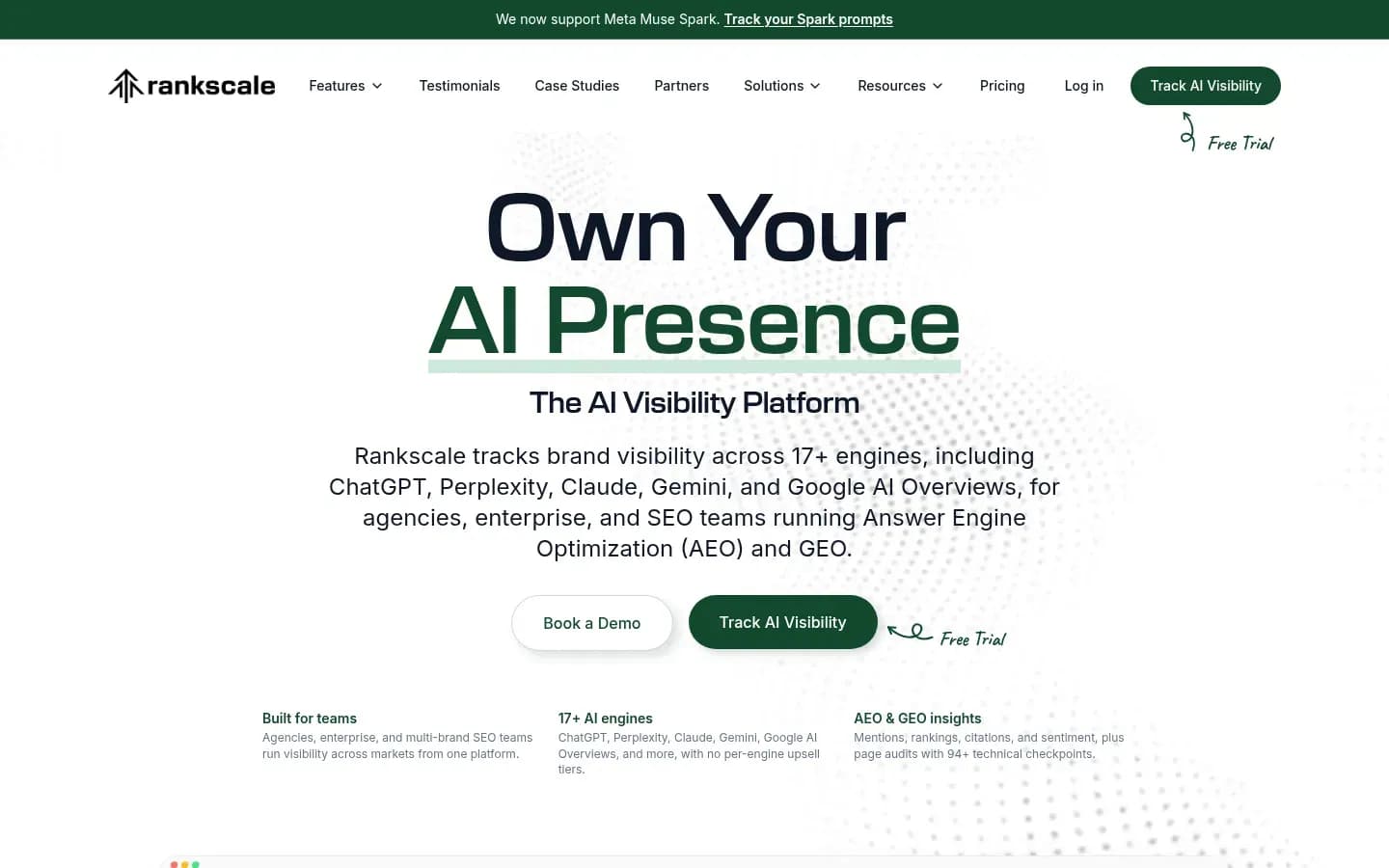
Rankscale sells AI visibility tracking by credits and brand dashboard slots, and its Growth plan adds white-label dashboard links for agency reporting.
Rankscale
AI visibility platform that tracks brand mentions, rankings, citations and sentiment across AI engines, for agencies and enterprise SEO teams.
Rankscale suits agencies with many smaller client brands, because its plans scale by brand dashboard slots and the Growth plan adds white-label dashboard links. Credits are the unit to manage: the engine mix decides how far a plan stretches.
- Public API
- Yes
Client separation. Each client brand takes a dashboard slot: 10 on Pro, 25 on Pro+, 50 on Growth and 100 on Enterprise. Extra slots can be bought in the app. Rankscale says agencies can manage multiple brands from one dashboard and "manage every brand and report under their own identity".
Reporting and exports. The Growth plan adds white-label dashboard links, 10 prompt research runs a month, and programmatic access to metrics and share links. Rankscale also describes white-label reporting and exports for agencies.
Seats and client access. Rankscale states there are no per-seat surcharges and no per-engine surcharges, and claims 17+ AI engines on every plan. Clients see their data through the white-label dashboard links on Growth.
Pricing. Rankscale's plans are shown below.
Rankscale pricing
| Plan | Price | Billing | Notes |
|---|---|---|---|
| Essentials | $17 | per month, billed annually | |
| Pro |
|
| |
| Pro+ |
|
| |
| Growth |
|
| |
| Enterprise |
|
| |
| Custom Plan | Custom pricing |
What drives cost per client. Credits. A typical AI engine query costs about 0.25 credits, a DeepSeek query 1 credit and a Claude query 2 credits, so a client tracked on Claude uses credits eight times faster per query than one tracked on most other engines. Credit top-ups can be bought in the app, and unused credits roll over up to 2x on Pro and Pro+ and up to 3x on Growth and Enterprise. Rollover softens months when a client's tracking spikes.
Best for
- Agencies with many smaller client brands
- Agencies that need white-label dashboard links (Growth)
Not for
- Agencies that want hands-off billing with no credit planning
- Agencies relying on a large base of public user reviews
Limitations. Toolradar's directory listing notes that the entry Essentials tier carries no tracking credits, that the credit system needs careful management for high-volume users, and that public review counts are very small. An agency choosing Rankscale is relying more on the vendor's own documentation than on a body of peer reviews.
Promptwatch
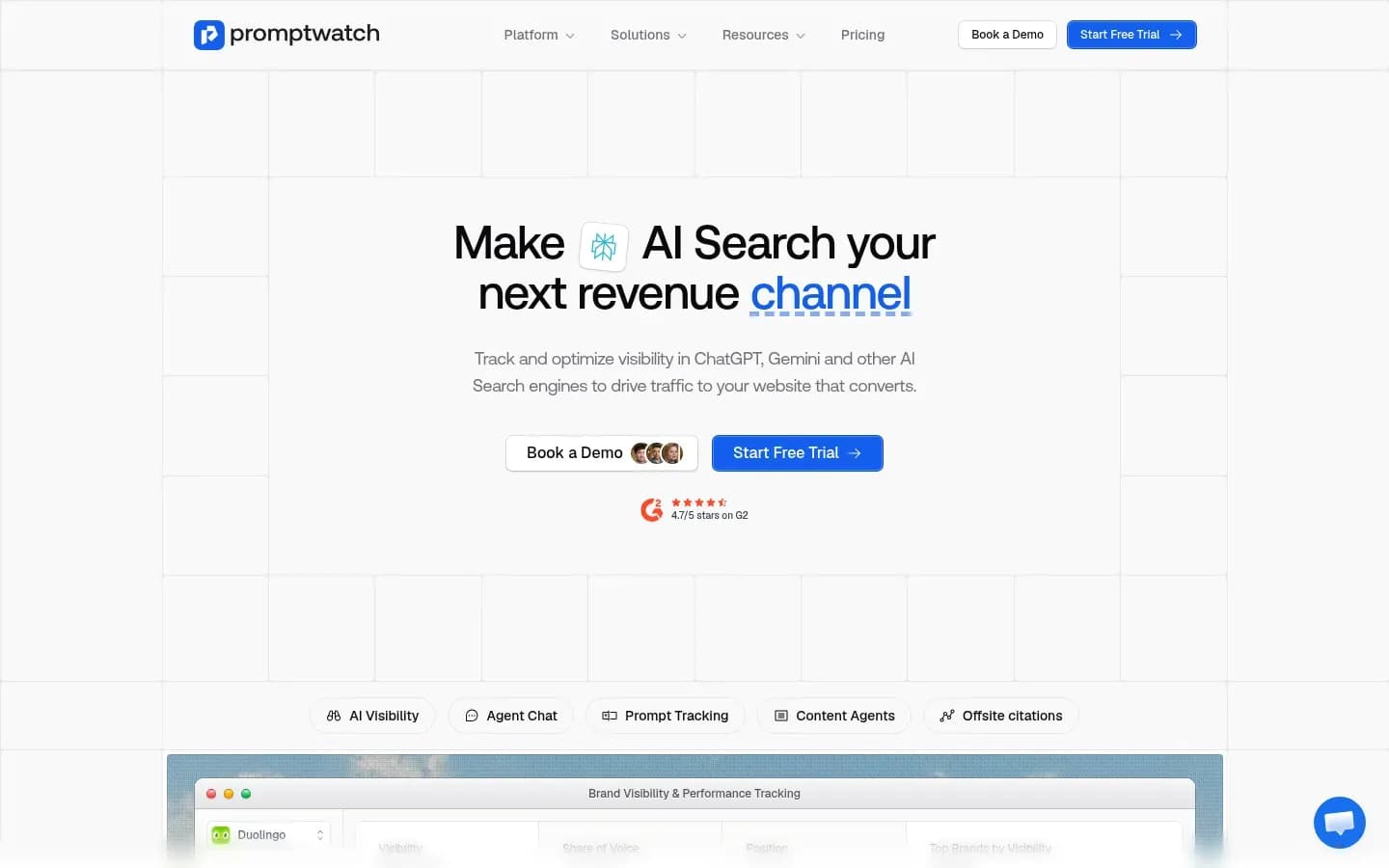
Promptwatch runs each agency client as its own project with its own website, prompts and competitors, and lets agencies give clients branded, read-only access to their own reporting.
Promptwatch
AI search visibility platform that tracks how brands appear in AI answers and helps create content designed to be cited, for marketers, SEO teams and agencies.
Promptwatch fits agencies that sell content and technical GEO work, not only tracking. Its agency tiers cover unlimited client projects and branded client access, and its platform adds AI crawler logs and AEO article generation. Agency pricing is by quote, which makes it harder to compare up front.
- Free trial
- 7 days
- Platforms
- Chrome extension
- Public API
- Yes
- Ratings
- G2 4.6/5 (21 reviews)
Client separation. Agency tiers support unlimited client projects under one account. Each client is its own project with its own website, prompts, competitors and content.
Reporting and exports. Promptwatch offers a whitelabel dashboard and a Data Studio connection for agencies feeding their own reporting. It tracks ChatGPT, Gemini, AI Overviews, Claude, Perplexity, DeepSeek and Grok, and AI crawler logs show when AI crawlers view a client's content.
Seats and client access. Each agency tier includes 10 seats, usable by staff or client contacts. Clients can get branded, read-only access to their own reporting, and the agency receives one subscription invoice.
Pricing. Promptwatch's brand plans are shown below; agency tiers are sold by custom quote.
Promptwatch pricing
| Plan | Price | Billing | Notes |
|---|---|---|---|
| Essential | $95 | per month | |
| Professional | $245 | per month | |
| Business | $579 | per month |
What drives cost per client. The brand plans scale by projects, prompts and seats: Essential holds 1 project, 50 prompts and 1 seat; Professional 2 projects, 150 prompts and 2 seats; Business 5 projects, 350 prompts and 5 seats. Professional adds 5 AEO articles a month and Business 10. With five projects at most on the brand plans, an agency with more clients should price on the agency tiers.
Best for
- Agencies selling content and technical GEO work with tracking
- Agencies that want branded read-only access for clients
Not for
- Agencies that need a published per-client price before buying
- Agencies that want unlimited seats for large teams
Limitations. The brand plans hold few projects and seats, so they do not suit a multi-client agency. Agency tiers fix that, but their pricing comes by quote, and the 10 seats per agency tier are shared between staff and client contacts.
Semrush
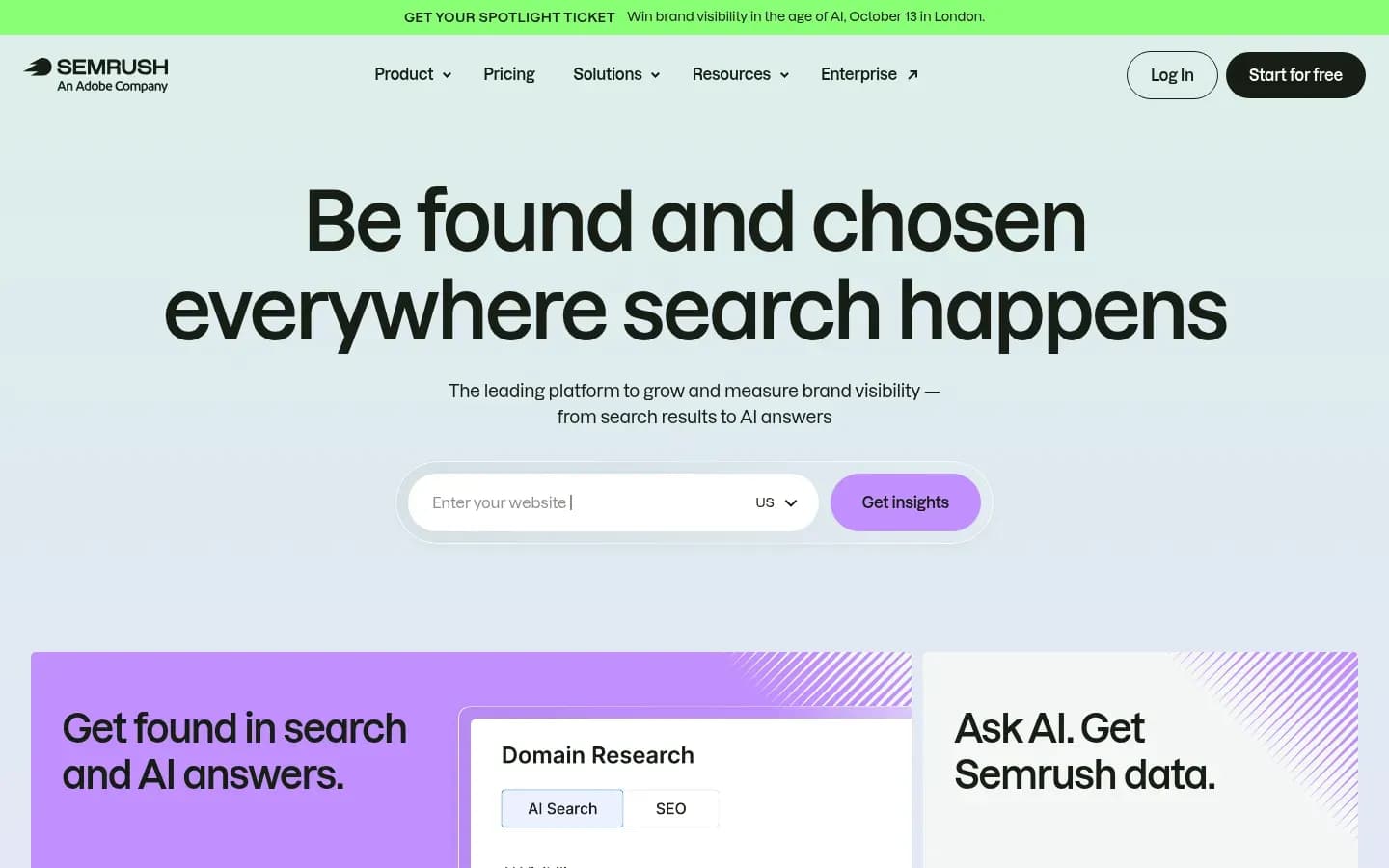
Semrush fits agencies that already deliver client SEO in Semrush, because Semrush One bundles the SEO and AI Visibility toolkits and My Reports automates white-label client reports, though cost grows with every tracked client domain.
Semrush
Online visibility platform covering SEO, AI search visibility, advertising and content for marketers, agencies and businesses of all sizes.
Semrush is the natural choice when client SEO already lives in Semrush: Semrush One bundles the SEO and AI Visibility toolkits in one subscription, and My Reports automates white-label client reports with live data. For AI-only work it is heavier and more complex to price than the specialist tools.
- Free plan
- Yes
- Public API
- Yes
Client separation. Each client is a tracked domain. The AI Visibility Toolkit bills additional domains per domain per month, and Brand Performance tracks each client's AI share of voice, sentiment and narratives.
Reporting and exports. My Reports automates white-label reports with live data, for agencies that already send clients branded Semrush reports.
Seats and client access. Semrush offers multi-user access with role-based permissions. Trakkr's agency review notes that the former Client Portal was sunset, so client access runs through reports rather than a dedicated portal.
Pricing. Semrush's plans are shown below; Semrush One's Starter, Pro+ and Advanced plans raise prompt tracking limits.
Semrush pricing
| Plan | Price | Billing | Notes |
|---|---|---|---|
| Free | $0 | per month | |
| SEO |
|
| |
| Starter |
|
| |
| Pro+ |
|
| |
| Advanced |
|
|
Semrush AI Visibility Toolkit pricing
| Plan | Price | Billing | Notes |
|---|---|---|---|
| AI Visibility Toolkit | $99 | per month | per user |
What drives cost per client. The AI Visibility Toolkit's base plan includes 25 prompts for Prompt Tracking on platforms such as ChatGPT and Google AI Mode. Each extra client domain is billed per month, and 50 extra prompts cost $60 a month. Trakkr's review adds that branded Pro Reports are charged per report, extra users per user, and a domain slot has a 14-day cooldown after it is changed, which matters when clients churn.
Best for
- Agencies already delivering client SEO in Semrush
- Agencies that want SEO and AI visibility in one subscription
Not for
- Agencies selling AI visibility tracking on its own
- Agencies that want simple, predictable per-client pricing
Limitations. Trakkr, a competing vendor, names pricing complexity and suite weight as Semrush's main limitations for agencies.
What Should an Agency Look for in an AI Visibility Tool?
An agency should judge an AI visibility tool first on whether each client's prompts, competitors and reports stay separate in one account, and only then on engine coverage and price. Client separation, client-facing reports, seats and a per-client cost model decide whether the tool can run a service, not just a dashboard.
AI search visibility covers how a brand appears and is cited in AI-generated answers. Agencies sell it as GEO (generative engine optimization) or AEO (answer engine optimization), and a tracking tool is the evidence base for that service. Seven checks separate tools that run a multi-client service from tools built for one brand.
- Client separation. Each client needs its own project or workspace with its own prompts and competitors. Peec AI isolates client projects, OtterlyAI gives unlimited workspaces from Standard, and Promptwatch's agency tiers run each client as its own project.
- Pitch workspaces outside the client quota. Prospect audits should not use paid client capacity. Peec AI's pitch projects sit outside the client quota, and OtterlyAI partners get pitch workspaces.
- Client access. Decide how each client will see their own data. Peec AI shares read-only links that need no login, and Promptwatch gives branded read-only access.
- Reporting and exports. Look for a Looker Studio template you can clone per client, CSV exports, or white-label links and reports. Peec AI and OtterlyAI partners use Looker Studio, Rankscale Growth adds white-label links, and Semrush uses white-label My Reports.
- Engine coverage and engine pricing. Check whether the engines each client needs are included. OtterlyAI charges add-ons for Google AI Mode, Gemini and Claude, while Rankscale states it has no per-engine surcharges.
- Programmatic access. If the agency reports from its own dashboards, check which plan opens data access: OtterlyAI's API requests start on Standard, Rankscale's programmatic access comes with Growth, and Promptwatch adds a Data Studio connection.
- A cost model you can forecast per client. Know the billing unit before signing: Peec AI's credit pool, Rankscale's credits per query, or Semrush's per-domain billing.
Use this list before a demo, so each vendor answers the same questions:
- Each client gets an isolated project or workspace
- Pitch or prospect workspaces do not use client quota
- Clients can view their data through read-only links or seats
- Reports can carry the agency's branding or a Looker Studio template
- The engines each client needs are included or priced clearly
- An API or MCP connection feeds the agency's own dashboards
- The billing unit (credits, prompts, domains) can be forecast per client
How Much Does AI Visibility Tracking Cost per Client?
Per-client cost in AI visibility tools is set by prompts, engines and tracking frequency rather than plan names: Peec AI and Rankscale meter credits, OtterlyAI meters prompts and engine add-ons, and Semrush bills each tracked domain. A plan's client count says how many clients fit at light tracking, not at the depth a client pays for.
The five tools bill on four different units. The table shows what raises the cost of each extra client.
What drives cost per client
| Tool | Billing unit | What raises cost per client |
|---|---|---|
| Peec AI | Credit pool across client projects | More prompts, models or daily cadence |
| OtterlyAI | Prompts per plan | Engine add-ons, 100-prompt packs |
| Rankscale | Credits and brand slots | Claude and DeepSeek queries, extra slots |
| Promptwatch | Projects, prompts and seats | Agency tier by quote |
| Semrush | Tracked domains and prompts | Extra domains, prompt packs, users, reports |
The unit costs that sit outside the pricing widgets show how quickly spend moves:
- Peec AI: Trakkr's review calculates that one prompt on one model tracked daily uses 30 credits a month, with a 900-credit minimum per client project. Three models on the same prompt triple the draw.
- OtterlyAI: extra 100-prompt packs are billed monthly. Claude tracking adds $109 a month on Standard, and Google AI Mode or Gemini adds $59 a month on Standard.
- Rankscale: a typical engine query costs about 0.25 credits, DeepSeek 1 credit and Claude 2 credits.
- Promptwatch: brand plans step up by projects, prompts and seats, so a multi-client agency moves to a quoted agency tier.
- Semrush: each extra domain is billed per month, 50 extra prompts cost $60 a month, and branded Pro Reports and extra users carry their own charges.
To price a client before quoting a retainer, work it out in four steps:
- List the client's prompts, the engines that matter to their buyers, and how often you will track (daily or weekly).
- Multiply prompts by engines by runs per month to get the client's monthly query volume.
- Convert that volume into the tool's unit: credits for Peec AI and Rankscale, prompt allowance for OtterlyAI and Promptwatch, domains plus prompts for Semrush.
- Add the extras each client triggers: engine add-ons, prompt packs, extra users or branded report fees.
The method also shows where margin goes. A client who wants Claude and Gemini tracked daily costs more on OtterlyAI (add-ons) and Rankscale (Claude at 2 credits a query) than one tracked weekly on the base engines. Pass that difference into the retainer rather than absorbing it.
How Reliable Is AI Visibility Data for Client Reporting?
AI assistants rarely repeat the same brand recommendations: SparkToro found ChatGPT, Claude and Google AI Overviews returned the same list of brands less than once in 100 runs, so agencies should report visibility share across many prompts and runs, not a single rank. Clients need the trend, explained honestly.
The reason clients care is that AI answers change how people click. A Pew Research Center study of Google searches in March 2025 measured the effect:
8%
Google users who saw an AI summary clicked a traditional result link in 8% of visits, against 15% of visits with no AI summary.
2025 · 900 U.S. adults, 68,879 Google searches · Source
The same Pew study found users ended their browsing session on 26% of pages with an AI summary, against 16% of pages with only traditional results. Being named in the answer itself now carries more of the weight in search and AI visibility.
The measurement problem is that the answers are unstable. In SparkToro's study, run by Rand Fishkin with Gumshoe.ai's Patrick O'Donnell and not peer-reviewed, 600 volunteers ran 12 prompts through ChatGPT, Claude and Google AI Overviews 2,961 times. The brand lists almost never came back in the same order. SparkToro concludes that visibility percentage across dozens to hundreds of prompts, each run several times, is a reasonable metric, while a "ranking position in AI" is not meaningful.
For client reporting, that means:
- Report share of visibility and its trend across a stable prompt set, not single screenshots.
- Do not report a rank position in an AI answer as a fixed result.
- Tell the client which prompts you track, on which engines and how often.
- Keep the prompt set stable between reports, so a change reflects the market rather than your setup.
How Do Agencies Report AI Visibility to Clients?
Agencies report AI visibility to clients in three ways: a Looker Studio template cloned per client, a branded read-only dashboard link, or white-label reports such as Semrush My Reports. CSV exports and API feeds cover agencies that build their own dashboards. The right route depends on where the client already reads its reports.
"White-label" means different things in each tool, so it is worth knowing what a client will actually see:
Client reporting routes by tool
| Tool | Reporting route | What the client sees |
|---|---|---|
| Peec AI | Looker Studio template, read-only links | Agency-branded dashboards, no login |
| OtterlyAI | Looker Studio reports (partners) | Agency-branded Looker Studio report |
| Rankscale | White-label dashboard links (Growth) | Dashboard under the agency's identity |
| Promptwatch | Whitelabel dashboard, Data Studio | Branded read-only client access |
| Semrush | My Reports | White-label report with live data |
- Looker Studio templates. Peec AI lets an agency build one Looker Studio dashboard template and clone it per client. OtterlyAI partners get custom Looker Studio reports in the agency's branding. Promptwatch connects to Data Studio. This suits agencies whose clients already get monthly SEO reports in Looker Studio.
- Read-only links and portals. Peec AI shares read-only links that clients open without a login. Promptwatch gives clients branded read-only access to their own reporting, using seats on the agency tier.
- White-label dashboard links. Rankscale's Growth plan adds white-label dashboard links, so the client sees the agency's identity rather than Rankscale's.
- White-label reports. Semrush My Reports automates white-label reports with live data, alongside the client's SEO data.
- CSV exports and data feeds. Peec AI exports CSV, and OtterlyAI includes export on every plan. Agencies that report from their own stack should check which plan opens data access: Standard on OtterlyAI, Growth on Rankscale.
Which AI Visibility Tool Should an Agency Choose?
Agencies building AI visibility as a multi-client service should start with Peec AI, while agencies whose client SEO already runs in Semrush should look first at Semrush One, which bundles the SEO and AI Visibility toolkits. The other three fit narrower situations, set by client count, reporting route and whether the agency sells content work.
Match the tool to the agency's situation:
- Building GEO as a service across 3 to 25+ clients and pitching often: choose Peec AI. Its tiers are set by client count, and pitch projects sit outside the client quota.
- Running a handful of client brands and reporting in Looker Studio: choose OtterlyAI, and join its Agency Partner program for branded Looker Studio reports and pitch workspaces.
- Managing many small client brands that need white-label dashboard links: choose Rankscale on its Growth plan.
- Selling content and technical GEO work alongside tracking, with branded client access: choose Promptwatch on an agency tier.
- Running client SEO in Semrush already and wanting one subscription: choose Semrush One, which bundles the SEO and AI Visibility toolkits, and keep sending white-label reports through My Reports.
FAQ
Can agencies white-label AI visibility reports?
Yes, agencies can brand AI visibility reports, but the form differs by tool: OtterlyAI partners get branded Looker Studio reports, Rankscale Growth offers white-label dashboard links, and Semrush offers white-label My Reports. Promptwatch offers a whitelabel dashboard on its agency tiers, and Peec AI builds dashboards in the agency's branding.
Can clients see their AI visibility data without a login?
Yes, with some tools. Peec AI lets agencies share read-only links that clients open without a Peec login. Promptwatch gives clients branded, read-only access to their own reporting, using seats on the agency tier. Rankscale's Growth plan adds white-label dashboard links that agencies can share with clients directly.
How often should an agency measure AI visibility for clients?
Report monthly, built on repeated runs of a stable prompt set. SparkToro concludes that visibility percentage across dozens to hundreds of prompts, each run several times, is a reasonable metric, while a ranking position in AI is not meaningful. A monthly report of that share and its trend gives the client a figure worth acting on.
Can an agency pitch AI visibility to prospects before they sign?
Yes. Peec AI offers free seven-day pitch projects that sit outside the client quota, with 3 active pitch projects on Essential, 10 on Growth and 25 on Scale. OtterlyAI's Agency Partner program includes pitch workspaces for prospect audits, so an agency can show a prospect its AI visibility before signing.
Sources
Sources