Most B2B prospecting tools promise the same thing, a large database and smart filters. The differences that matter are where the data comes from, how a search becomes a list you can rerun, and what the bill actually counts.
These picks apply to B2B teams building outbound lists from scratch or topping up a CRM. The right choice depends on whether you sell to named accounts, whether you call or email, and how often you rebuild lists. Database sizes and accuracy rates are vendor claims, so test a frozen sample of your own ICP in each trial before you commit.
Best B2B Prospecting Tools Comparison
The five strongest B2B prospecting tools each win a different job, with Apollo for an all-in-one database and outreach, LinkedIn Sales Navigator for account discovery and buyer filters, Clay for repeatable multi-source list workflows, Cognism for European phone data, and Lusha for per-contact reveals.
B2B prospecting tools side by side
| Tool | Pricing model | Best for | Data source | Main meter |
|---|---|---|---|---|
| Apollo | Freemium | All-in-one outbound | Vendor database | Credits |
| LinkedIn Sales Navigator | Paid | Account discovery | LinkedIn members | Plan tier and InMail |
| Clay | Freemium | Repeatable list workflows | Multi-provider waterfall | Actions and data credits |
| Cognism | Quote only | Calling European buyers | Vendor database | Package sized to needs |
| Lusha | Freemium | Per-contact reveals | Vendor database | Credits per reveal |
The last two columns matter more than they look. Data source decides what you can find. Sales Navigator searches what LinkedIn members put on their profiles, Apollo, Cognism and Lusha sell their own databases, and Clay queries several providers in turn.
Main meter decides what you pay for. Two tools with similar plan prices can produce very different bills once phone reveals, exports or reruns start drawing down credits. The pricing model column comes from each vendor's record, each tool card shows its free plan or trial, and each tool's section below shows its full plan table.
How We Chose These Tools
A tool made this list only if a B2B team can find accounts or people with buyer filters and save the result as a reusable list, judged on account discovery, buyer filters, contact data, list workflow and the meter that sets its cost.
That bar comes straight from the job of prospecting and list building. A contact finder that cannot search by buyer attributes fails it. So does a tool that returns results you cannot save, rerun or push into a CRM.
The five criteria:
- Account discovery: Can you find the right companies, not just people?
- Buyer filters: Can you narrow by function, seniority, tenure or technology?
- Contact data: Does the tool return emails and phone numbers, or only profiles?
- Repeatable list workflow: Can you save, refresh and rerun a list?
- Cost meter: What does each search, reveal or export draw down?
Nine tools come up again and again in B2B prospecting shortlists. Five clear the bar for this post.
One limit applies to all of them. Database-size and accuracy figures are counted by the vendors, and some contradict themselves. Lusha's homepage gives 515M+ verified contacts in one place and 132M US contacts in another. Clay's waterfall page claims 150+ data providers while its own meta description says 50+. Treat any headline number as a starting point and test database coverage against your own ICP sample before you sign.
Considered, Not Included
| Tool | Why not included |
|---|---|
| ZoomInfo | Quote-based enterprise contract, reviewed separately |
| LeadIQ | LinkedIn capture layer overlapping Sales Navigator plus Lusha |
| Hunter | Email-first finder without account-level buyer search |
| Clearbit | Free version discontinued in April 2025 |
ZoomInfo is the tool most buyers ask about next. Its contract shape and data claims are covered in our ZoomInfo review.
Apollo
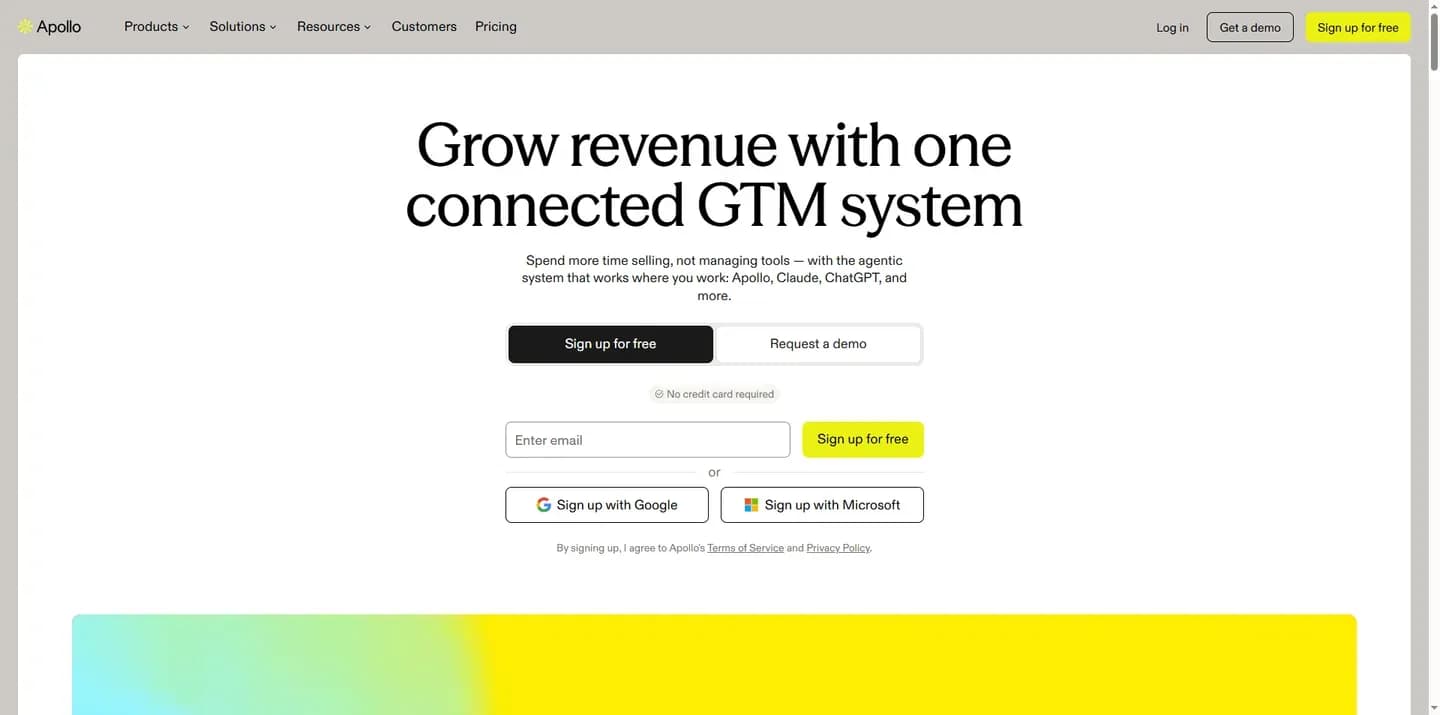
Apollo is the best all-round B2B prospecting tool for small and mid-size teams because it combines a contact database Apollo puts at 240M+ people, 65+ search filters, buying intent data and email sequences in one platform.
Apollo
AI sales platform combining a B2B contact and company database with outreach and engagement tools for sales teams.
Apollo pairs a B2B contact and company database with outreach tools. A seller can search, build a list and start a sequence without leaving the product.
- Free plan
- Yes
- Compliance
- GDPR, ISO 27001, SOC 2
- Ratings
- G2 4.7/5 (9,843 reviews) · Capterra 4.5/5 (398 reviews)
Verdict: The broadest single platform for a small or mid-size team, because database, buyer filters, intent data and sequences sit in one tool.
What it does: Apollo says its database holds 240M+ contacts and 30M companies, searchable with 65+ filters. Those counts are Apollo's own. Up to 10,000 leads can be selected and exported in one click.
Standout features:
- Buying intent data that flags prospects researching products like yours
- An add-on that shows emails and phone numbers while you work in other tools
- Automated sequences, so a saved list moves straight into outreach
- An AI Assistant, Apollo MCP and background agents in the same platform
Pricing:
Apollo pricing
| Plan | Price | Billing | Notes |
|---|---|---|---|
| Free | $0 | per month | per seat |
| Basic |
|
| per seat |
| Professional |
|
| per seat |
| Organization |
|
| per seat |
Apollo pitches Basic at individual sellers doing regular outbound and Professional at full-time reps who need higher credit limits, AI features, call recording and advanced CRM integrations. Credits are pooled across the team, and annual billing is paid upfront at a lower monthly cost than month-to-month.
Real cost drivers: Credits set the bill. Apollo charges no more than 1 credit per contact for an email, but exporting company data can also use credits. Credits do not roll over into the next billing cycle or on renewal. Add-on credits renew every cycle until you remove them, so a one-off top-up quietly becomes a recurring charge.
Best fit: A team of individual sellers, or a founder-led team, that wants one tool for search, contact data and sequences instead of a stack.
Limitations: TrustRadius reviewers praise Apollo as good value for smaller teams. Their recurring complaints are unexpected credit consumption, LinkedIn steps that lack automation, and slow resolution of technical issues. Teams that live on LinkedIn will still need manual work there.
Why it's on the list: Apollo covers four of the five criteria in one product. A small team gets account search, buyer filters, contact data and a repeatable list-to-sequence workflow without stitching tools together.
LinkedIn Sales Navigator
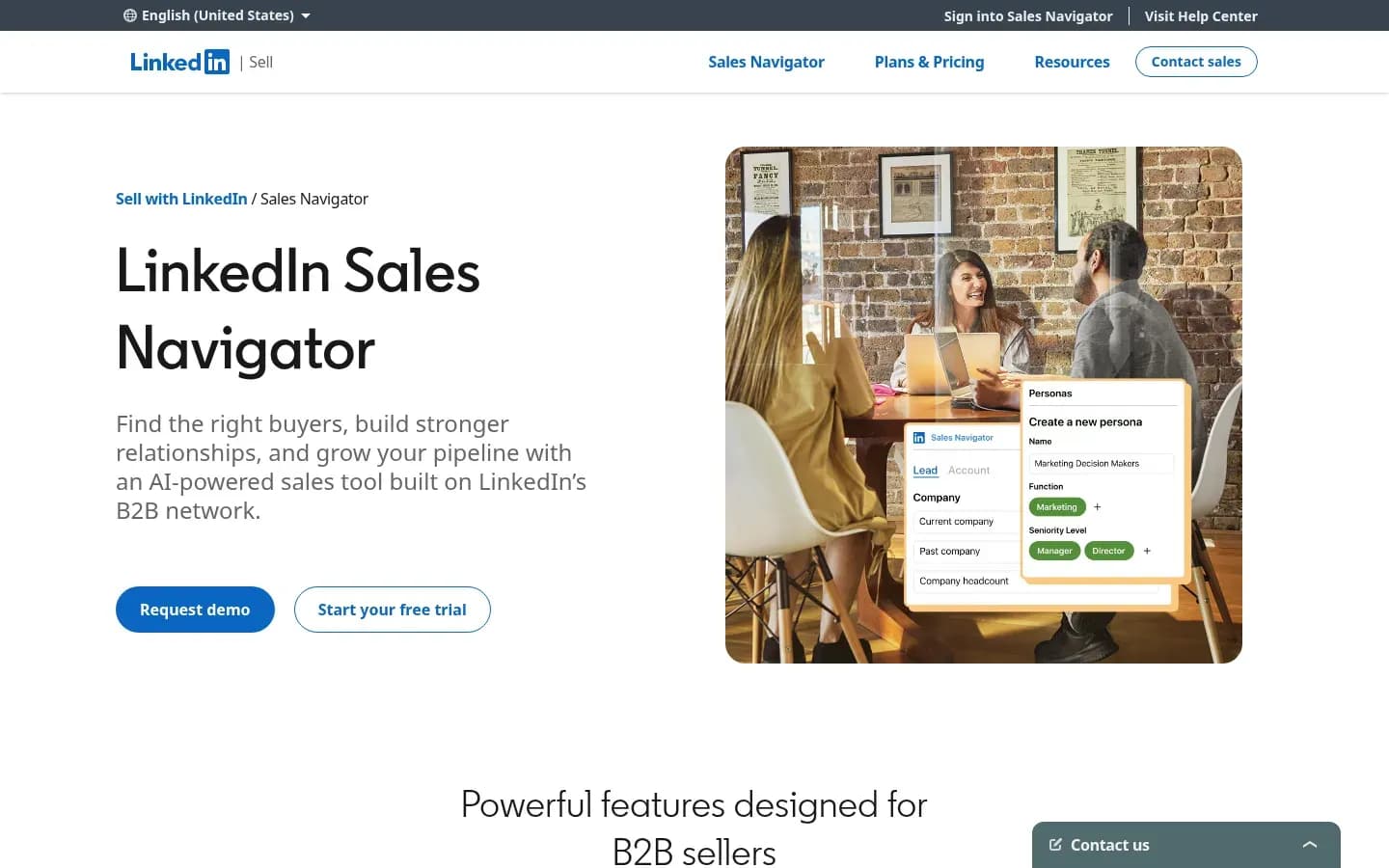
LinkedIn Sales Navigator is the best B2B prospecting tool for account discovery because it searches more than one billion LinkedIn members with 50+ filters, such as function, seniority and years at company, and alerts you when a saved lead changes job.
LinkedIn Sales Navigator
LinkedIn's sales prospecting tool that helps individual sellers and sales teams find buyers, research accounts and reach out, with CRM integrations.
Sales Navigator is LinkedIn's prospecting product for individual sellers and sales teams. It turns LinkedIn's member network into a searchable source of accounts and buyers, with saved lists and alerts.
- Free plan
- No
- Free trial
- Yes, card needed
- Platforms
- Android, iOS
Verdict: The strongest tool for finding and tracking named accounts and the buyers inside them.
What it does: Sales Navigator is built on LinkedIn's network of 1+ billion members. You search with 50+ filters, including function, seniority, years at company and experience, then save leads and accounts to custom lists.
Standout features:
- Saved searches for repeat prospecting
- Alerts when a saved lead changes job or role
- Custom lead and account lists for account-based work
Message Assist, an AI drafting feature, is listed by LinkedIn as public beta in select languages only, so treat it as upcoming rather than part of the current product.
Pricing:
LinkedIn Sales Navigator pricing
| Plan | Price | Billing | Notes |
|---|---|---|---|
| Core |
|
| |
| Advanced |
|
| |
| Advanced Plus | Custom pricing |
Real cost drivers: The plan you need is set by CRM sync. Adding leads to a CRM, Lead and Contact creation, content-engagement alerts and Sales Navigator for Microsoft Teams are Advanced Plus features. Shared-activity alerts need Advanced or Advanced Plus. InMail is the outreach meter, and LinkedIn's product page cites 50 monthly InMail credits.
Best fit: Account-based teams that research and track named accounts, and want to know when a buyer moves.
Limitations: TrustRadius reviewers rate search and filtering as its strongest point. They also note that its data is only what members choose to share, that the LinkedIn and Sales Navigator inboxes get confused, and that sorting large lists is slow. Sales Navigator is not a contact database and outreach inside it runs on InMail, so teams often pair it with Apollo, Cognism or Lusha for emails and phone numbers.
Why it's on the list: No other source on this list starts from LinkedIn's own member profiles. For account discovery and buyer filters, that first-party view and the job-change alerts set the standard the others are measured against.
Clay
Clay is the best B2B prospecting tool for repeatable list workflows because its waterfall enrichment checks data providers such as Apollo, Lusha, Hunter and People Data Labs one after another until it finds a valid match.
Clay
Go-to-market data platform for GTM teams to enrich leads, run AI agent workflows and launch outreach plays.
Clay is a go-to-market data platform. Teams use it to build a list, enrich each row from several providers and run AI research on top, with each row checked against several providers in sequence.
- Free plan
- Yes
- Free trial
- 14 days
- Public API
- Yes
Verdict: The best fit when a list is built from several providers in one table, not a one-off export from a single database.
What it does: Clay's waterfall enrichment searches several data providers in sequence until one returns a valid match. Clay puts its provider count at 150+ databases and names Prospeo, Dropcontact, Datagma, Hunter, People Data Labs, Apollo, Lusha and Snov among them. Clay says you pay for what you find, with no contracts needed.
Standout features:
- Waterfall enrichment across many providers in one table
- Claygent, an AI research agent that researches target companies and people to fill custom columns
- Native Salesforce and HubSpot integrations, which TrustRadius reviewers single out
Pricing:
Clay pricing
| Plan | Price | Billing | Notes |
|---|---|---|---|
| Launch |
|
| |
| Growth |
|
| |
| Enterprise | Custom pricing |
Real cost drivers: Clay runs on two meters, actions and data credits, across its Launch, Growth and Enterprise plans. Top-ups on Launch and Growth cost a 30% premium, and Enterprise top-ups are custom-priced. Actions do not roll over, and data-credit rollover is capped. Users can connect their own provider accounts, which can cut data spend.
Best fit: A RevOps lead or growth engineer who builds multi-provider list workflows, and is comfortable owning the logic.
Limitations: TrustRadius reviewers praise Clay for combining many providers and shaping data before use. Their complaints are that stopped or accidental runs still consume credits, that column limits force work to be split across tables, and that it can be hard to tell whether a workflow is running correctly. Two meters also make the monthly bill hard to forecast.
Why it's on the list: Clay is the strongest answer to the repeatable-list criterion. For a broader look at stacking it with Apollo, Make and Airtable, see our guide to no-code prospect list building tools.
Cognism
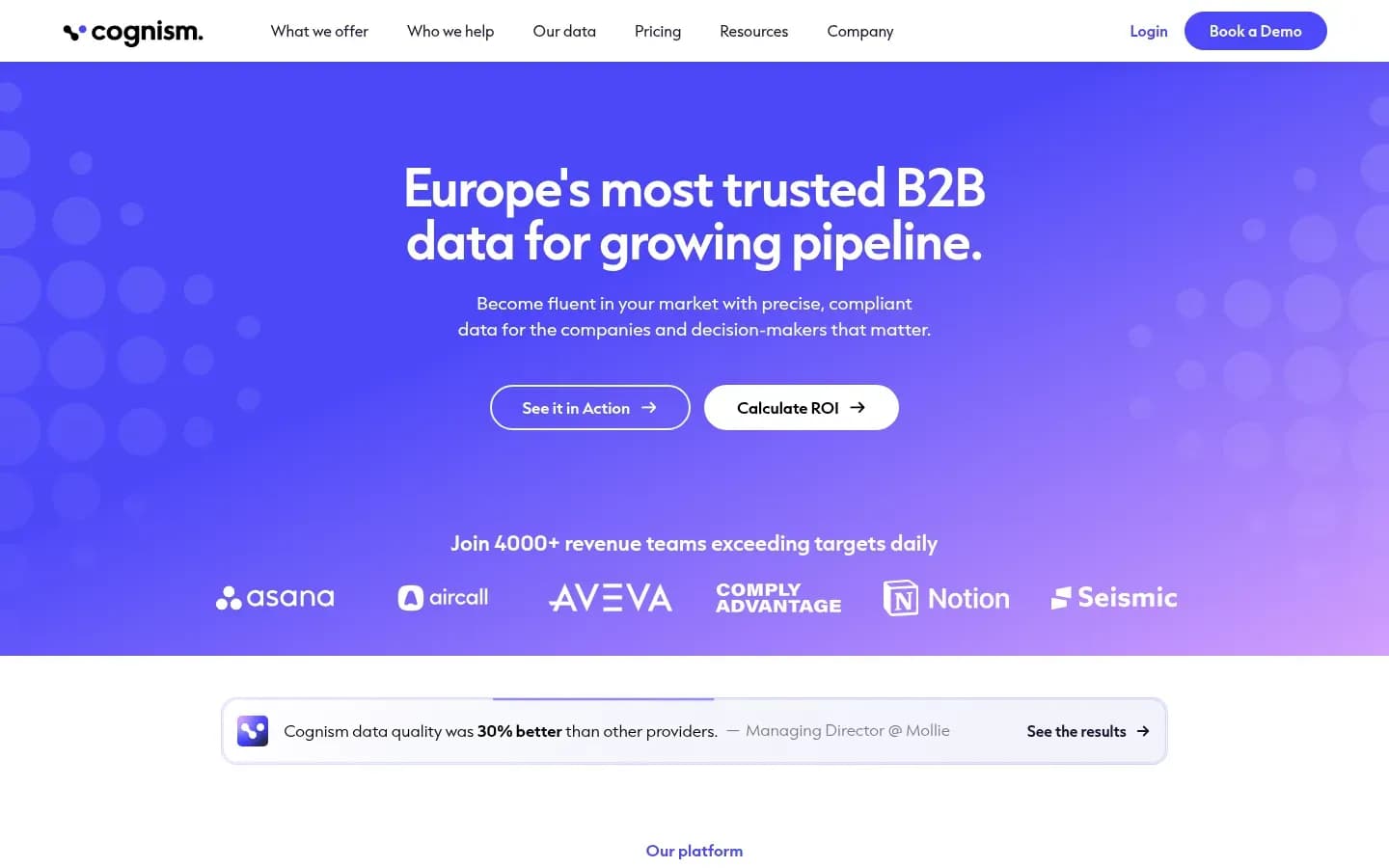
Cognism is a B2B prospecting tool built for teams calling European buyers. It phone-verifies mobile numbers by calling them and screens its data against 16 national Do-Not-Call lists, including the UK's TPS and CTPS.
Cognism
B2B sales intelligence platform with contact and company data, including phone-verified mobiles, strong in European markets.
Cognism is a B2B sales intelligence platform with contact and company data. It positions itself as Europe-first, with a global database and phone-verified mobiles for teams that prospect by phone.
- Public API
- Yes
- Compliance
- GDPR, ISO 27001, SOC 2
- Ratings
- G2 4.5/5 (1,372 reviews) · Capterra 4.7/5 (266 reviews)
Verdict: The best fit for outbound teams that call decision makers in Europe and need numbers that connect.
What it does: Cognism describes its data as built for growth in Europe, with a global database. By Cognism's account, decision-maker data at Director level and above is refreshed every 30 days. Records export to Salesforce, HubSpot and Pipedrive, and Cognism offers MCP access for AI assistants.
Standout features:
- Phone-verified mobiles, confirmed by a routine process that calls the number to check the right person answers
- 10m+ phone-verified contacts globally, by Cognism's count
- On-demand verification of a contact's mobile in under 48 hours
- Screening against 16 Do-Not-Call lists, covering the US, Australia, the UK, France, Germany and other European countries
Pricing:
Cognism Sales prospecting pricing
| Plan | Price | Billing | Notes |
|---|---|---|---|
| Pro | Custom pricing | per seat | |
| Standard | Custom pricing | per seat |
Cognism prices each package on business needs, and every package includes both contact and company data.
Real cost drivers: The package you negotiate is the cost driver, so write down what you need from it before the first call with sales. Cognism claims an average 3x connect rate for its phone-verified mobiles, but that figure is Cognism's own measurement.
Best fit: Outbound teams calling EMEA decision makers, where DNC screening and verified mobiles save wasted dials.
Limitations: TrustRadius reviewers praise its phone-type labels (direct, mobile, HQ), email verification and Do-Not-Call flags. Recurring complaints cover mobile-number quality and connect rates, no lookalike feature or sub-industry filter, and cost relative to value. The review base is small, so read the pattern as thin.
Why it's on the list: Cognism is built around calling European buyers. Phone verification and DNC screening answer the contact-data criterion for teams where the phone is the main channel.
Lusha
Lusha is a B2B prospecting tool for revealing a single contact's email or direct dial inside its Chrome extension or prospecting search, and its own documentation sets the price, with a phone number at 5 credits, an email at 1 and a re-viewed contact at 0.
Lusha
B2B contact and company data platform for sales, marketing and recruiting teams, with a Chrome extension and API.
Lusha is a B2B contact and company data platform for sales, marketing and recruiting teams. Reps use it to reveal an email or direct dial while browsing, and to build lists in its prospecting search.
- Free plan
- Yes
- Platforms
- API, Chrome extension, Web
- Public API
- Yes
- Compliance
- GDPR, ISO 27001, SOC 2
- Ratings
- G2 4.3/5 (1,667 reviews)
Verdict: A simple route to a direct dial or email when a rep needs a handful of contacts, not a platform.
What it does: Lusha Prospecting searches contacts or companies by job title, department, seniority, location, company name, industry, revenue, technologies used and headcount. Saving results to tables costs no credits. Lists export to CSV or push to Salesforce, HubSpot or Pipedrive.
Standout features:
- A last-updated date on every phone number and email, which makes list hygiene easier
- 77 fields per record and dated buying signals
- Native Salesforce and HubSpot integrations, plus Zoho, Pipedrive, Bullhorn, Dynamics and Capsule
- Intent topics on the Premium and Scale plans
Lusha states 515M+ verified contacts and 29M+ companies in one part of its homepage and 132M US contacts elsewhere. Both are Lusha's own figures.
Pricing:
Free option: Free plan. Plans and prices on Lusha’s site →
Real cost drivers: A phone reveal costs 5 credits against 1 for an email, so the phone share of your reveals drives the bill. Re-viewing a contact you already revealed costs 0 credits. Bulk reveal is capped per action at 25 contacts on the entry plans, 50 on Pro, 5,000 on Premium and 10,000 on Scale, so list building at volume pushes you up the plan ladder.
Best fit: Small sales teams that need direct dials without buying a full platform.
Limitations: TrustRadius reviewers praise its mobile numbers, a quick Chrome extension and affordability. Their complaints are generic switchboard numbers, no view of how many contacts or which titles exist before revealing, and occasional CRM disconnects. Many teams use Lusha as a supplement to another database rather than as the main source.
Why it's on the list: Lusha meets the bar with a filterable prospecting search, and its dated records and simple per-reveal meter make small volumes simple to budget for.
How To Approach B2B Prospecting Software Selection
Choose B2B prospecting software by the job first, the data source second and the billing meter third, because the right list depends on what you sell and how you reach buyers. A Gartner survey found 67% of B2B buyers prefer a rep-free experience.
That survey covered 646 B2B buyers and was published in March 2026. The same survey found 45% of buyers used AI during a recent purchase. Our view is that this makes timing worth paying for. When buyers research on their own, intent data and job-change alerts help a rep reach them while they are still deciding, and that can matter more than adding records.
Step 1, the job: Decide what the tool must do. Finding accounts, finding people, getting contact data and building repeatable lists are different jobs, and no single tool on this list is strongest at all four.
Step 2, the data source: Match the source to the job. LinkedIn member data suits account discovery. A vendor database suits contact data. A multi-provider waterfall suits teams that need higher match rates and are willing to manage the workflow.
Step 3, the meter: Price the meter at your real monthly volume. A tool that looks cheaper per seat can cost more once phone reveals, exports or reruns start drawing credits.
Before any trial, turn your ICP into prospecting filters so every tool runs the same search. Then work through these checks:
- Write the ICP as account filters, person filters and exclusions
- Freeze one ICP sample and run it in every trial
- Count verified, in-role contacts returned, not total records
- Check which plan unlocks CRM sync, such as Sales Navigator's Advanced Plus
- Check bulk-reveal caps per plan, such as Lusha's per-action limits
- Price the meter at your monthly reveal volume and phone share
- Confirm how the tool handles Do-Not-Call lists and opt-outs
A tool that passes on your own sample and fits your meter beats one with a bigger headline database.
Which B2B Prospecting Tool Should You Choose?
If you need one tool for search, contact data and email sequences, choose Apollo; if you sell to named accounts, start with LinkedIn Sales Navigator; if you rebuild lists from several data sources every week, choose Clay. Teams calling European buyers should look at Cognism, and reps who need a few direct dials should look at Lusha.
Pick by situation
| Situation | Pick | Why |
|---|---|---|
| Founder or small team wanting one tool | Apollo | Database, filters and sequences together |
| Account-based team researching named accounts | LinkedIn Sales Navigator | 50+ filters and job-change alerts |
| RevOps team rebuilding lists weekly from several sources | Clay | Waterfall enrichment across providers |
| Outbound team calling EMEA decision makers | Cognism | Phone-verified mobiles and DNC screening |
| Reps needing a few direct dials a day | Lusha | Per-contact reveals, dated records |
Each pick is a decision rule, not a ranking of overall quality. Apollo leads the list because it covers the most criteria in one product, but a team selling to a fixed list of named accounts gets more from Sales Navigator's alerts than from a bigger database.
Teams often combine two tools. Sales Navigator data is only what members choose to share, and its outreach runs on InMail, so a common pairing adds a contact database such as Apollo, Cognism or Lusha for emails and direct dials.
How Much Do B2B Prospecting Tools Cost To Run?
What a B2B prospecting tool costs depends on its meter more than its list price. Lusha charges 5 credits for a phone number against 1 for an email, Apollo credits do not roll over, and Clay bills actions and data credits separately. Estimate your monthly reveals and phone share before you compare plans.
Each tool's pricing table above shows its plans. This table shows what those plans actually count, and where the bill surprises people.
What each tool charges on
| Tool | What you pay for | What catches buyers out |
|---|---|---|
| Apollo | Credits per contact and export |
|
| LinkedIn Sales Navigator | Plan tier and InMail credits | CRM sync needs Advanced Plus |
| Clay | Actions plus data credits | 30% premium on Launch and Growth top-ups |
| Cognism | A package sized to business needs | Cost is set in negotiation |
| Lusha | Credits per reveal |
|
Apollo: Unused credits are lost at the end of each billing cycle, so buying for a peak month wastes money in quiet months. Add-on credits renew automatically until someone removes them.
LinkedIn Sales Navigator: The plan, not the usage, sets the bill. A team that needs leads pushed into its CRM has to buy Advanced Plus, whatever its search volume.
Clay: Two meters, actions and data credits, draw down separately. Actions do not roll over, data-credit rollover is capped, and top-ups on Launch and Growth cost a 30% premium. Stopped or accidental runs consume credits too, according to TrustRadius reviewers.
Cognism: The package covers contact and company data together, so the negotiation is about scope. Agree on what the package covers before you sign.
Lusha: The phone share decides everything. A rep revealing 200 contacts a month, half of them with phone numbers, uses 100 credits on emails and 500 on phones, so 600 credits in total.
The rule: Write down your monthly reveal count and the share that needs a phone number, then price each tool's meter against those two figures. List prices only become comparable after that.
Is B2B Prospecting Data Legal To Use?
Using B2B prospecting data is legal in the US and UK when outreach follows the rules, but CAN-SPAM makes no exception for business-to-business email and every message needs a working opt-out and a postal address.
In the US, the belief that B2B email is exempt is a myth. In the UK, the email rule depends on whether the recipient is a corporate or an individual subscriber, and UK GDPR still applies to named contacts.
United States: The FTC's CAN-SPAM guide says opt-out requests must be honoured within 10 business days, and every message must include a valid physical postal address. Each email that breaks the law can draw a penalty of up to $53,088.
United Kingdom: The ICO explains that the PECR email marketing rule does not apply to corporate subscribers. Sole traders and some partnerships count as individual subscribers, so they need specific consent. UK GDPR still applies to the personal data of named business contacts, and the ICO says organisations should honour a corporate subscriber's opt-out.
What to do in practice:
- Keep one suppression list and sync it to every tool you prospect from
- Process opt-outs inside the 10-business-day window, across all sequences
- Flag sole traders and partnerships in UK lists before emailing them
- Record where each contact came from, so you can answer a data request
This section is general information, not legal advice.
How To Keep B2B Prospect Lists Accurate
B2B prospect lists go stale because people move jobs, and median employee tenure in the US was 4.1 years in January 2026, falling to 3.0 years for workers aged 25 to 34. Keeping a list accurate means dating every record, watching for job changes and re-enriching on a schedule.
3.0years
Median tenure with the current employer for US workers aged 25 to 34, against 4.1 years for all wage and salary workers, per the Bureau of Labor Statistics.
January 2026 · US wage and salary workers aged 25 to 34 · Source
Younger workers change employers fastest, so lists aimed at early-career roles decay soonest. Any list starts ageing the day you build it. For the wider evidence by field and segment, see how fast B2B contact data decays.
Steps that keep a list usable:
- Prefer dated records: Lusha shows when each phone number and email was last updated, so you can drop stale records before a sequence starts.
- Read refresh claims as vendor claims: Cognism says it refreshes Director-level and above data every 30 days. Check that against your own bounce and connect rates.
- Use job-change alerts: Sales Navigator alerts you when a saved lead changes job or role, which turns decay into a reason to reach out.
- Re-enrich on a schedule: Send records past your cut-off date back through enrichment. A waterfall such as Clay's checks several providers in sequence until one returns a valid match.
A short list with dated, recently enriched records is worth more than a large one nobody has touched since it was built.
Frequently Asked Questions
Is there a free B2B prospecting tool?
Yes, several tools on this list have a free entry point, either a free plan or a free trial, and each tool card above shows which one applies. Whatever the entry point, use it to run your frozen ICP sample before paying, and watch how fast reveals and exports draw down credits.
What is the difference between a prospecting tool and a CRM?
A B2B prospecting tool finds and qualifies new accounts and contacts, while a CRM records the relationship once outreach starts, so the prospecting tool should sync into the CRM. Check which plan includes that sync, because Sales Navigator, for example, keeps CRM lead creation on Advanced Plus.
What is waterfall enrichment?
Waterfall enrichment checks several data providers in sequence until one returns a valid match for a contact. Clay runs waterfalls across providers such as Apollo, Lusha, Hunter and People Data Labs. The aim is a higher match rate than any single database, at the cost of a workflow someone has to maintain.
Does Sales Navigator give you emails and phone numbers?
Sales Navigator is built for finding and tracking buyers, not for supplying contact details. Its data is what members choose to share on LinkedIn, and outreach inside it runs through InMail credits. Teams that need emails and direct dials often pair Sales Navigator with a contact database such as Apollo, Cognism or Lusha.
Sources
Sources