A B2B prospect list no longer needs an engineer to build, but it does need the right mix of tools. Five tools cover the job between them, and each does a different part of it.
These picks apply to B2B teams building outbound or ABM lists without engineering help, at the scale of hundreds to tens of thousands of records. Most tools here meter usage (Clay, Apollo, Ocean.io and Make bill in Actions or credits), while Airtable caps records and automation runs per plan, so the realistic cost depends on list size and how many enrichment steps each row runs.
What is a no-code prospect list building tool?
A no-code prospect list building tool turns a target-customer definition into a usable list of accounts and contacts through filters, tables and visual workflows, and it matters because only 35% of sales professionals completely trust the accuracy of their organization's data, according to Salesforce's sixth State of Sales survey of 5,500 sales professionals.
The category covers any software a non-engineer uses to go from "who we sell to" to rows of accounts and contacts ready for outreach. Filters, spreadsheet-style tables and drag-and-drop steps replace scripts and database queries.
The cost of a bad list shows up in rep time. The same Salesforce survey, run in 2024, found that non-selling tasks such as administrative work and meeting preparation take up 70% of reps' time. A list that reps have to clean by hand adds to that pile.
Good prospect list building splits into five jobs, and no single tool here does all five equally well:
- Find accounts: companies that fit the ideal customer profile. Ocean.io finds them from a seed website; Apollo finds them with filters.
- Find contacts: the people at those accounts. Apollo searches its own database; Clay pulls them from integrated providers.
- Join and enrich: match records across sources and fill missing fields. This is Clay's core job.
- Connect and schedule: move rows between tools on a trigger or a timetable. This is Make's job.
- Store and review: a shared place where people check rows before outreach. This is Airtable's job.
The join-and-enrich job rests on one technique that most of these tools use or feed into.
How we chose these tools
Growth Tribune ranked five no-code prospect list building tools on workflow configuration, data joins and export controls, and ranked each tool by how much of the list workflow it covers on its own.
The inclusion bar. A non-engineer can build or refresh a B2B prospect list in the tool without writing code, and the tool covers at least one of the five jobs above. All five tools here meet that bar.
The criteria:
- Workflow configuration: how a list workflow is set up, run and repeated.
- Data joins: how the tool matches and combines records from more than one source.
- Export controls: selection limits, what an export costs and how data leaves the tool.
- Real running cost: the usage unit each vendor bills and what makes it climb.
- Fit: which team and starting point each tool suits.
The limits. No tool is scored on contact accuracy or database coverage. Data sources and builders are ranked together because a working list needs both.
The ranking:
- Clay covers sourcing, joins, enrichment and CRM sync in one place.
- Apollo builds a list from its own database with no workflow to set up.
- Ocean.io discovers accounts by lookalike.
- Make orchestrates the hand-offs across tools.
- Airtable stores the list and hosts the human review step.
Best no-code prospect list building tools compared
Clay, Apollo, Ocean.io, Make and Airtable each cover a different job in a no-code prospect list: Clay joins and enriches data, Apollo and Ocean.io supply contacts and lookalike accounts, Make connects the steps and Airtable stores the list for review.
No-code prospect list building tools by role
| Tool | Pricing model | Free plan | Public API | Role in the stack | Data joins | Export controls |
|---|---|---|---|---|---|---|
| Clay | Freemium | Yes | Yes | Join and enrich | Multi-provider waterfall | Each export is an Action |
| Apollo | Freemium | Yes | Contact database | Built on own data | Up to 10,000 per click | |
| Ocean.io | Paid | Yes | Lookalike accounts | Clay source or enrichment | Free exports on Growth | |
| Make | Freemium | Yes | Connect and schedule | Data stores between runs | Moves data between apps | |
| Airtable | Freemium | Yes | Yes | Store and review | Find and update records | No send-to-webhook action |
Read the table by role first: the tools are layers of one stack, not five versions of the same product. Most teams combine a data source with one or two builders, so compare the tools within a role and pick one per job.
Clay
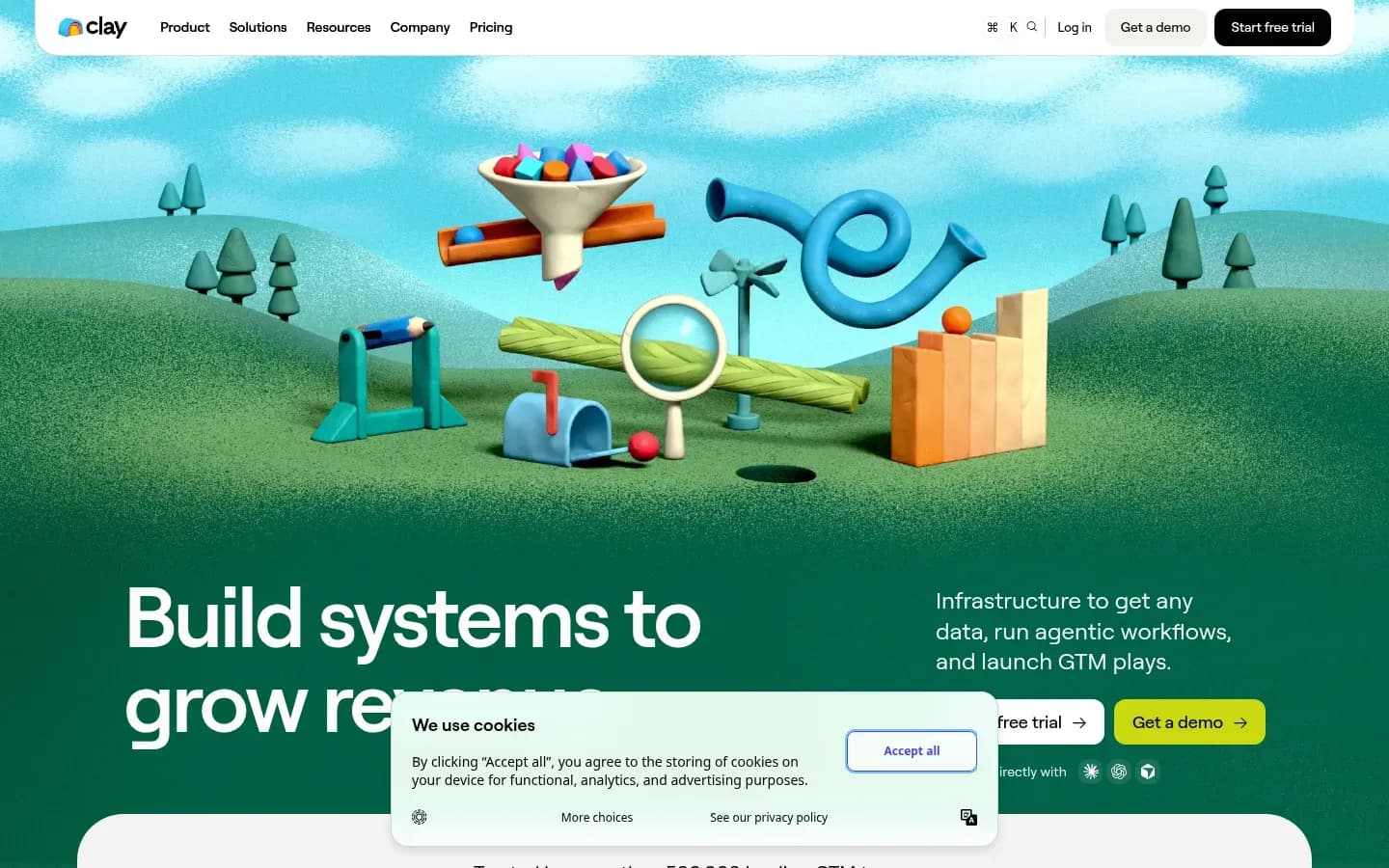
Clay builds prospect lists in a spreadsheet-style table that pulls companies and people from integrated data providers and fills each field with a waterfall that stops at the first provider to return a valid result, billing platform work as Actions and third-party data as Data credits.
Clay
Go-to-market data platform for GTM teams to enrich leads, run AI agent workflows and launch outreach plays.
Clay is a table-based workspace for building and enriching prospect lists from many data providers at once. It suits RevOps and growth teams that need to join several sources and push the result into a CRM.
- Free plan
- Yes
- Public API
- Yes
Verdict. Clay ranks first on merit: its documentation shows sourcing from integrated providers, multi-provider waterfall enrichment and CRM sync in one table-based workflow. The trade-off is a real learning curve and usage that climbs with table size.
What it does. Clay has no proprietary contact database. It works from lists you import and from the third-party providers built into it, and Clay says it is pre-integrated with hundreds of data providers for company enrichment.
Workflow configuration. Each list lives in a table, and each column can run an enrichment, an AI model or a push to another system. The Free plan includes unlimited seats and tables and runs up to 200 rows per table, which is enough to build and test a workflow but not to run a full list. Every plan lets you bring your own API key for a provider, and Enterprise adds custom actions.
Data joins. Clay's waterfall pulls data from multiple providers in a set order. The order starts with the most cost-effective provider and can be rearranged for your ICP's coverage. If a provider returns nothing, Clay moves to the next one, and it stops once it finds a data point or runs out of providers.
Export controls. Exporting data out of Clay counts as an Action, as does sending data to a third-party system. A large export is a usage event, not a free download.
Real cost drivers. Actions measure platform work: enriching data, running a table, calling an AI model and sending data out. Data credits buy data and AI from vendors in Clay's marketplace. An enrichment that returns no result costs neither. With your own API key, each run counts as one Action and uses no Data credit. Spend therefore scales with rows, enrichment columns and how far down the waterfall each row travels.
Clay pricing
| Plan | Price | Billing | Notes |
|---|---|---|---|
| Launch |
|
| |
| Growth |
|
| |
| Enterprise | Custom pricing |
Best fit. RevOps and growth teams that join several sources, want enrichment and CRM sync in one place, and can give the setup a few days of attention.
Limitations. G2 reviewers describe a real learning curve, with Clay "overwhelming at first", and credits that "burn fast on large tables and stacked waterfalls". Several of those reviewers also find the pricing expensive.
Integrations. Clay lists auto-sync and enrichment of the CRM, calls to any HTTP API, webhook automation and data-warehouse sync under its Growth plan. Its plan comparison marks CRM integrations, HTTP API and webhooks as not included on Free and Launch.
Pros
- Waterfall enrichment across many providers in one table
- No charge when an enrichment returns nothing
- Bring your own API key on every plan
Cons
- Steep learning curve for first-time users
- CRM sync, HTTP API and webhooks only from Growth
- Usage climbs fast on large tables
Apollo
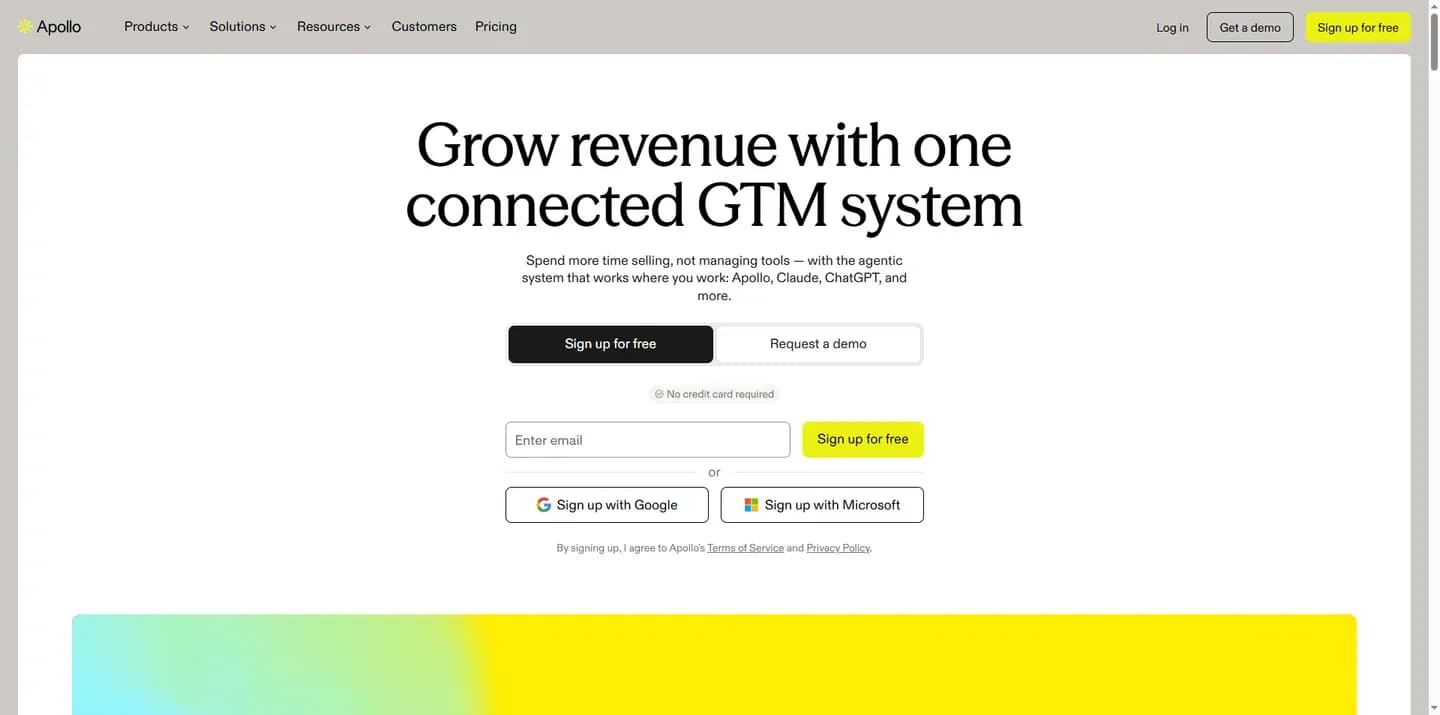
Apollo builds a prospect list from its own B2B contact database with search filters, lets a user select up to 10,000 leads in one click on plans without a record selection limit, and charges one credit for each net-new person with a verified email.
Apollo
AI sales platform combining a B2B contact and company database with outreach and engagement tools for sales teams.
Apollo is a B2B contact and company database with built-in outreach tools. It suits sellers and small teams who want contacts quickly more than a custom workflow.
- Free plan
- Yes
- Compliance
- ISO 27001, SOC 2
- Ratings
- G2 4.7/5 (9,843 reviews)
Verdict. Apollo needs no workflow: set filters, save and export. It is built around its own data rather than around enriching a list you bring.
What it does. Apollo combines a contact database with search filters and uses credits as its currency for activities such as revealing emails and phone numbers and email warmup.
Workflow configuration. There is no workflow to build: you set filters, save the results and export them. Apollo pitches Basic at individual sellers, with email sequencing and core integrations, and Professional at full-time reps, with higher credit limits, AI features, call recording and advanced CRM integrations. A Custom tier covers custom volumes, SSO and advanced security.
Data joins. An industry comparison published by an email verification vendor describes Apollo's enrichment as mostly its own data, and says it is not designed to enrich an existing list you bring. For how its database compares on coverage, see our guide to the best B2B contact databases.
Export controls. Apollo's own help pages set out the rules:
- Without a record selection limit, you can select and export up to 10,000 leads in one click; higher tiers come with higher or no limits.
- Exporting saved contacts to a CSV uses no credits.
- Each net-new person with a verified email uses 1 credit.
- Exports of more than 1,000 contacts may take several minutes.
- A field you do not select in export settings appears blank in the CSV.
Real cost drivers. Credits reset at the start of each billing cycle and do not roll over if unused. Size the plan to your monthly list volume: unused credits are lost, and a spike in one month cannot draw on a quiet one.
Apollo pricing
| Plan | Price | Billing | Notes |
|---|---|---|---|
| Free | $0 | per month | per seat |
| Basic |
|
| per seat |
| Professional |
|
| per seat |
| Organization |
|
| per seat |
Best fit. Solo founders, individual sellers and small teams who need contacts now and have no appetite for building a workflow.
Limitations. Apollo is built around its own data, so it fits a list you start in Apollo better than one you bring. The same industry comparison says the data thins out for niche industries and markets outside the US. Apollo acquired Pocus, a revenue intelligence platform, in March 2026 to add signal intelligence and CRM signal analysis; that is an announced addition, not a feature to buy Apollo for yet.
Integrations. Apollo integrates with Salesforce, HubSpot, Outreach, SalesLoft and Marketo.
Pros
- Lists from filters with no workflow to build
- Saved contacts export to CSV without credits
- Up to 10,000 leads selectable in one click
Cons
- Built around its own data, not a list you bring
- Unused credits do not roll over
- Coverage thins in niche industries and outside the US
Ocean.io
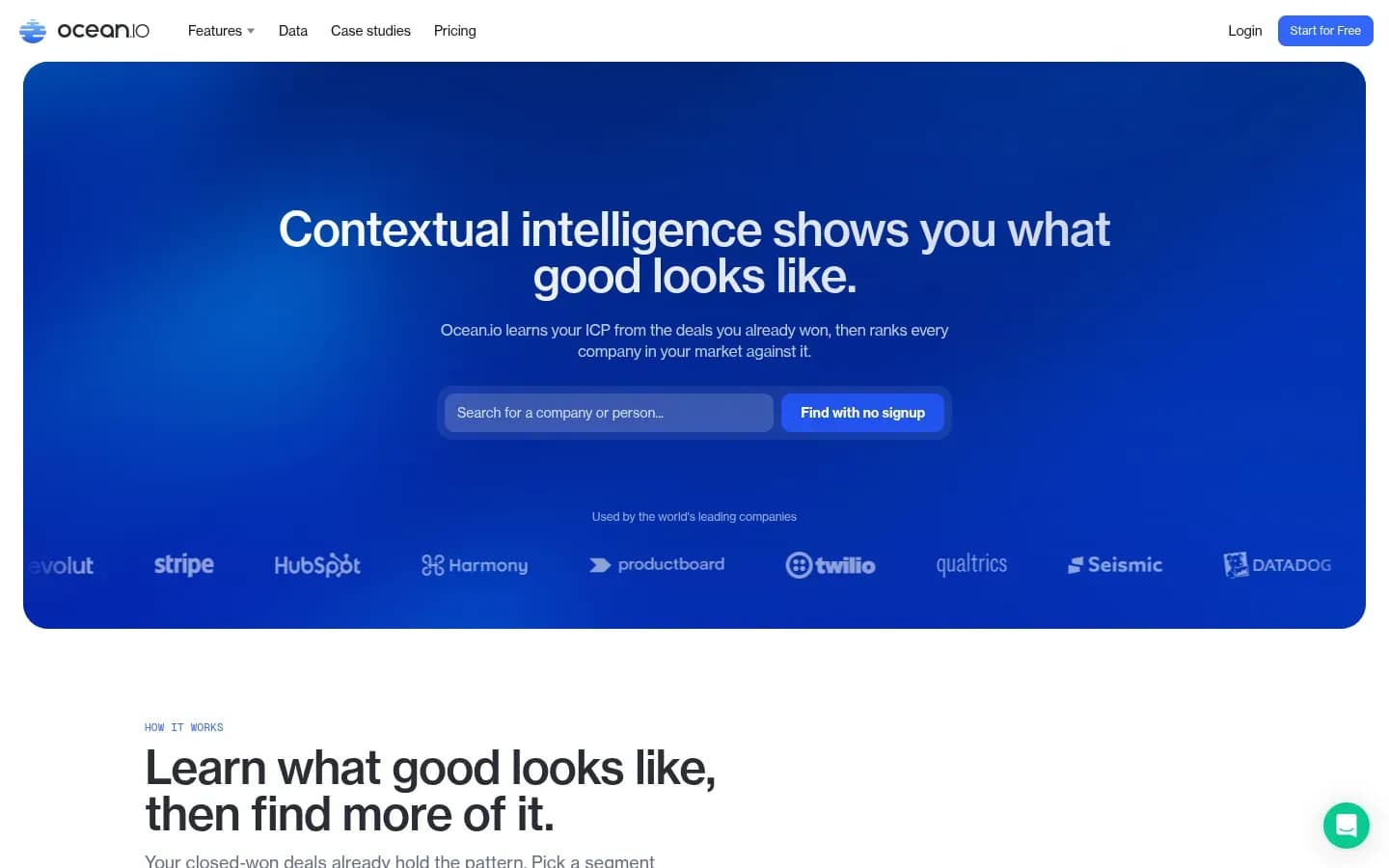
Ocean.io builds account lists by profiling a seed company's website for what it offers, who it serves and how it positions itself, then returning companies with a similar profile that a user can narrow by industry, size or business model.
Ocean.io
Company data platform for revenue teams that finds lookalike accounts and ranks a market against the ICP learned from won deals.
Ocean.io is a company data platform that finds lookalike accounts from a seed company's website. It suits ABM and revenue teams that start from their best customers rather than from a list of job titles.
- Free trial
- Yes
- Platforms
- API, Chrome extension
- Public API
- Yes
- Compliance
- GDPR, SOC 2
Verdict. Ocean.io is the account-discovery layer: give it your best customers and it returns companies that resemble them. Its contact data is the weaker half, so plan for a second contact source or a strong verification step.
What it does. Ocean.io creates what it calls a "digital impression" of a company from its website, covering what it offers, who it serves, what problems it solves and how it positions itself, instead of matching keywords. It compares that impression to millions of other companies and returns the most similar. One URL is enough to start.
Workflow configuration. Optional filters refine results by industry, size or business model. The Growth plan adds waterfall enrichment across 16+ data sources, double email verification including catch-all addresses, direct phone numbers, workflow reruns and skip controls. Ocean.io also offers MCP server access, so an AI assistant can query it.
Data joins. Ocean.io runs inside Clay in two ways, according to Clay's lesson on company lookalikes:
- As a source: start a table from up to 10 seed domains.
- As an enrichment: add lookalikes to an existing companies table, the approach Clay recommends for most workflows.
Company domain is the primary matching field, with optional filters for excluded domains, countries, company size and industry. Each company returns at least 10 lookalikes with a similarity score and company details. In the lesson's example, 10 starting companies produced 90+ lookalikes.
Export controls. Exports are free on the Growth plan, and reruns and skip controls stop a workflow from paying twice for rows it has already processed.
Real cost drivers. A credit measures usage such as enriching a company or revealing a work email or phone number. Credits on the Growth plan stay valid for 12 months, which suits teams whose list building comes in bursts. Phone reveals are the expensive line.
Ocean.io pricing
| Plan | Price | Billing | Notes |
|---|---|---|---|
| Growth | $250 | per month, billed annually | |
| Revenue Navigator | Custom pricing |
Best fit. ABM teams and founders who start from accounts, especially those already using Clay or Apollo for contacts.
Limitations. Reviewers on G2 and Capterra name contact data quality as Ocean.io's biggest weakness, citing bounced emails and stale phone numbers. The same review pattern describes export customization as limited, which causes CRM field-mapping friction, and notes that direct phone numbers cost significantly more credits than emails. Parent and subsidiary structure is not reliably shown. Lookalike search is the feature reviewers praise most.
Integrations. Ocean.io states that every integration is available on every plan: Salesforce, HubSpot, Pipedrive, Close, Attio, Salesloft, Apollo, Instantly, Lemlist, Slack and a custom webhook.
Pros
- Lookalike accounts from a single seed URL
- Every integration on every plan
- Growth credits stay valid for 12 months
Cons
- Contact data quality is the weak point
- Limited export customization for CRM mapping
- Phone reveals cost more credits than emails
Make
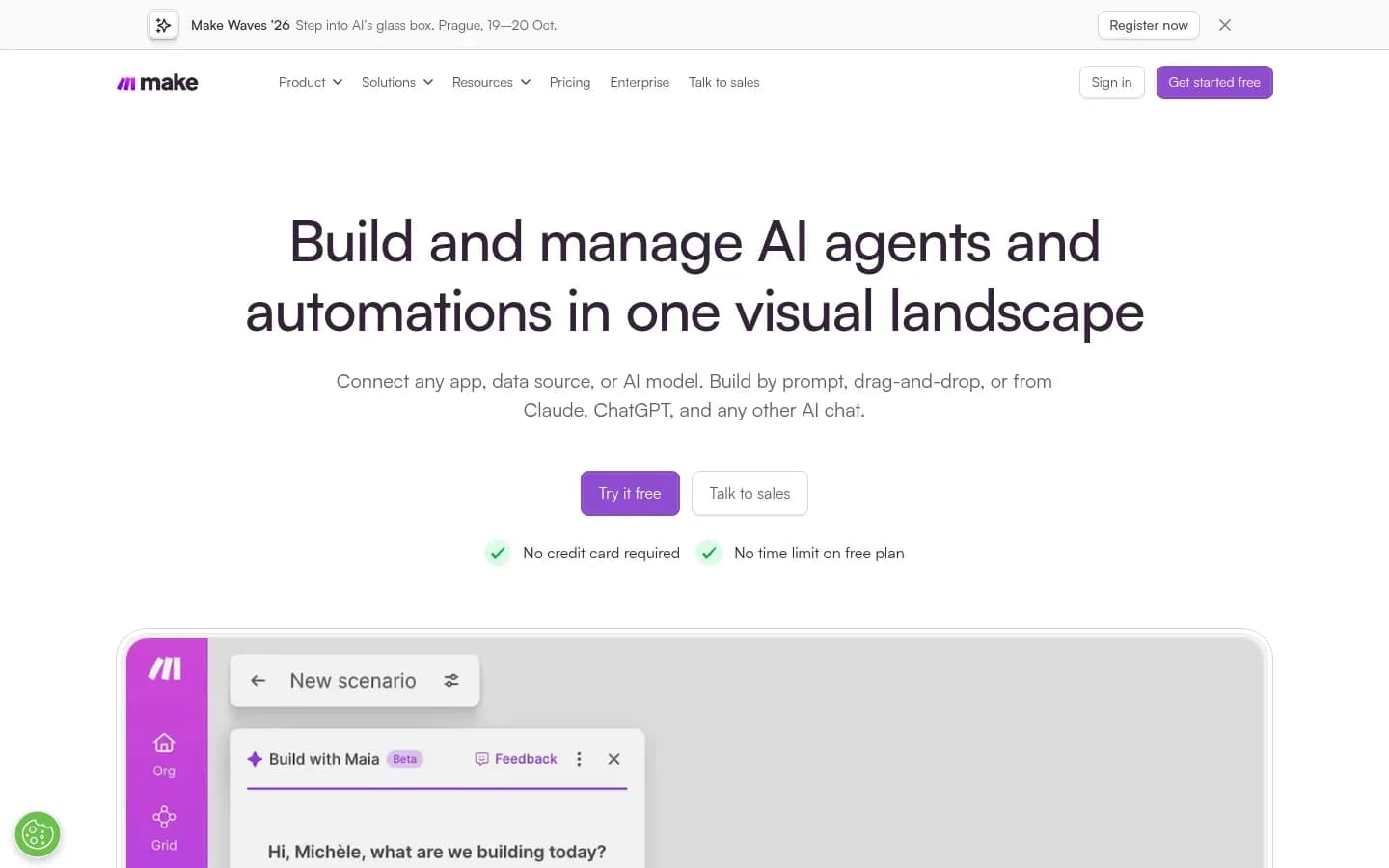
Make connects the tools in a prospect list workflow through scenarios of modules, and it bills in credits for the operations those modules run, where a module's operation count depends on how many bundles of data it processes.
Make
Visual automation platform for building AI agents and automated workflows across thousands of apps, for teams that want to automate without code.
Make is a visual automation platform that links apps into scheduled or triggered scenarios. In a list workflow it moves rows between the data sources, Clay, Airtable and the CRM.
- Public API
- Yes
- Compliance
- GDPR, SOC 2
Verdict. Make is the connective layer, not a data source. It earns its place once a list touches three or more tools and someone is copying rows between them by hand.
What it does. A Make scenario is a chain of modules: a trigger that watches for new data, then actions that look up, transform and send it. In a list workflow, a scenario might take new rows from Ocean.io, pass them to Clay, write the result to Airtable and create records in the CRM.
Workflow configuration. Make separates two units. Operations count the activities your scenarios perform, while credits are what you pay for those activities. A module's operations depend on the number of bundles, or items of data, it processes. A trigger module runs once per check and counts one operation per check.
Data joins. Data stores keep records inside Make between runs, which lets a scenario check a row against earlier runs before passing it on. The smallest credit allowance comes with 1 MB of data storage and one data store.
Real cost drivers. Most actions use 1 credit. Each 10,000 credits per month carry a 5 GB data transfer and 10 MB data storage allowance.
Best fit. Teams already running more than one list tool that want the hand-offs and refreshes to run on a schedule.
Limitations. Cost scales with every bundle each module processes. A list of thousands of rows passing through several modules multiplies usage row by row.
Pros
- Connects the whole stack on a schedule or trigger
- Data stores keep state between runs
Cons
- Usage multiplies with rows and modules
- Every trigger check counts an operation
Airtable
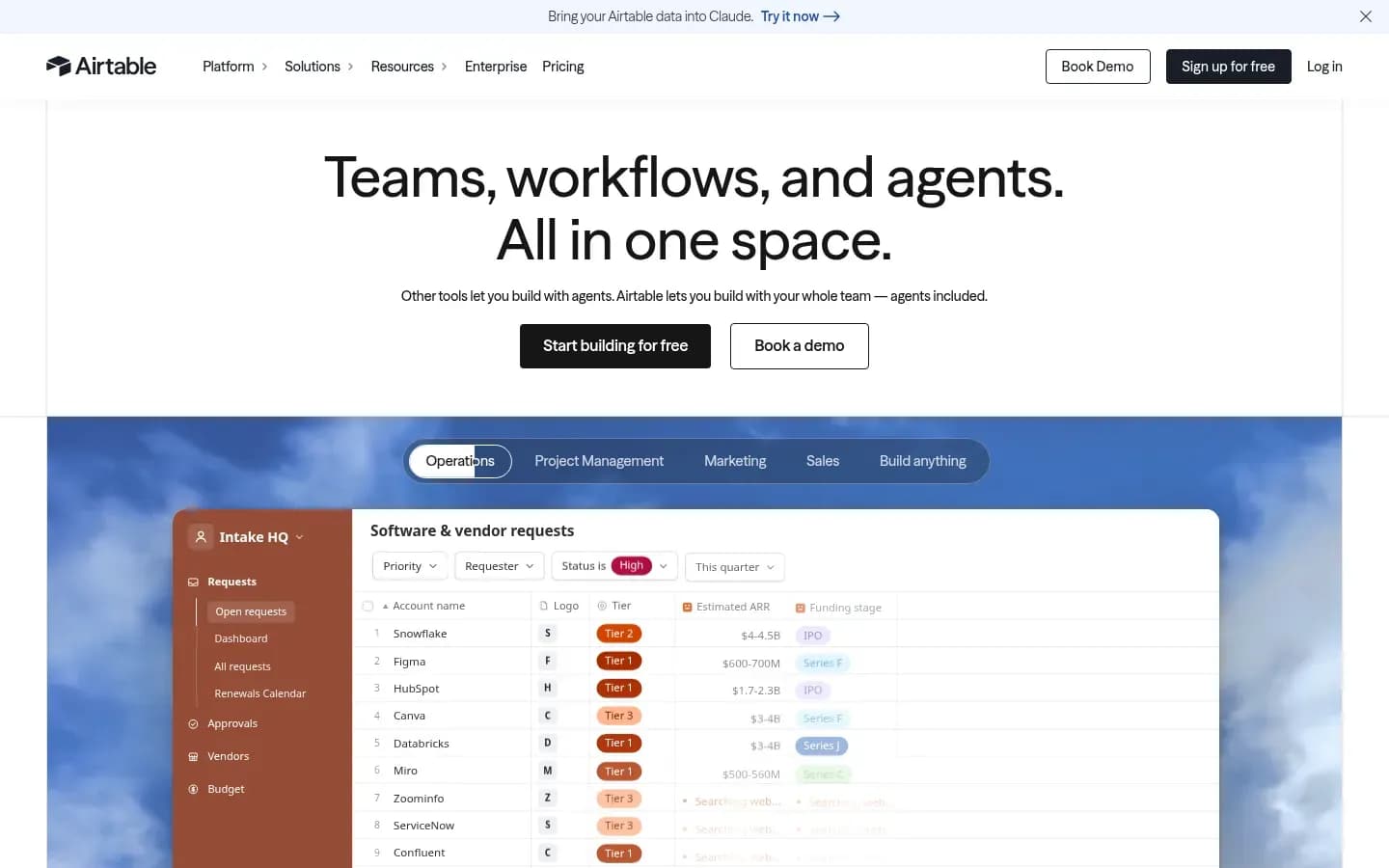
Airtable works as the review layer of a no-code prospect list, where automations triggered by a webhook, a schedule or a record entering a view can find, create and update records before the list moves on to a CRM.
Airtable
No-code platform for building custom apps, databases and workflows on connected data, used by business teams.
Airtable is a no-code database for building shared bases and workflows. In a list workflow it is where a team reviews, tags and approves rows before they reach the CRM or a sequencer.
- Free plan
- Yes
- Platforms
- Android, API, iOS, Mac, Windows
- Public API
- Yes
- Compliance
- HIPAA, ISO 27001, SOC 2
Verdict. Airtable is the place a human checks the list. It adds review and shared visibility to the stack, while sourcing and enrichment stay with the other tools.
What it does. A shared base holds the list as records that a team can filter, tag and approve. Views let each reviewer see only the rows waiting for them.
Workflow configuration. Airtable automations start from triggers including a record entering a view, being created, updated or matching a condition, a form submitted, a scheduled time, a webhook received and a button click. Actions include creating, updating, deleting and finding records, sending an email, running a script (unavailable on the Free plan) and Slack, Salesforce, Google Workspace and Outlook actions. Airtable's help article lists no send-to-webhook action, so pushing rows out to another tool usually runs through Make or a native integration.
Real cost drivers. Two ceilings matter more than the plan itself:
Airtable limits by plan
| Plan | Records per base | Automation runs per month |
|---|---|---|
| Free | 1,000 | 100 |
| Team | 50,000 | 25,000 |
| Business | 125,000 | 100,000 |
| Enterprise Scale | 500,000 | 500,000 |
A run counts each time a trigger fires, and the run limits apply per workspace and reset on the first day of each month. An independent explainer of Airtable's plan limits notes that a base over its record limit shows an upgrade banner and cannot take new records.
Airtable pricing
| Plan | Price | Billing | Notes |
|---|---|---|---|
| Team |
|
| per seat |
| Business |
|
| per seat |
| Enterprise Scale | Custom pricing | per seat | |
| Free | Custom pricing | per seat |
Best fit. Teams that need a human review step and shared approval before outreach, such as agencies or founders checking lists with a sales hire.
Limitations. Airtable's owner is about to change: Bending Spoons agreed to acquire Airtable in an all-cash deal valuing it at $1.285 billion in enterprise value, expected to close later in 2026 pending regulatory review. Neither company has said what the deal means for the product's direction. Keep the list exportable so the review layer can move if it needs to.
Integrations. Automations include Slack, Salesforce, Google Workspace and Outlook actions, and a webhook-received trigger lets Make or Clay push rows in.
Pros
- Shared review and approval before outreach
- Webhook and schedule triggers for incoming rows
- Find, create and update records in automations
Cons
- Records per base capped by plan
- No send-to-webhook action listed
- Sale to Bending Spoons still pending
How do data joins and enrichment waterfalls work without code?
A no-code enrichment waterfall queries data providers one after another for the same field and stops at the first valid result, and Clay's pricing states that an enrichment returning no result is charged neither Data credits nor Actions. A data join is the step before it: matching rows from two sources on a shared key.
Data joins. A join needs one field that both sources share. For B2B lists, company domain is the safest key: Clay's lesson on Ocean.io lookalikes uses company domain as the primary matching field. Names drift between sources ("Acme Inc." against "Acme"), while a domain stays the same. Join accounts on domain first, then attach people to each account.
Waterfalls. Once the rows are joined, each empty field goes through a waterfall. In Clay, providers run in a set order, starting with the most cost-effective. If a provider returns nothing, Clay moves to the next one until it finds a valid result or runs out of providers.
Three settings decide how well a waterfall works:
- Provider order. Rearrange providers by their coverage of your ICP. A provider strong in one region may be weak in another.
- Stopping rule. The waterfall stops at the first valid result, so put the providers you trust most where they will be reached first.
- Verification last. When finding work email addresses, run verification after the finder steps so it checks only the addresses you plan to use.
Paying only for hits. Because Clay does not charge Data credits or Actions when an enrichment returns nothing, a longer waterfall costs more only on the rows that reach the later providers. Ocean.io runs its own waterfall across 16+ data sources on its Growth plan, which suits teams that would rather not maintain a provider order themselves.
How do you build a prospect list without code, step by step?
Building a prospect list without code takes seven steps: define the ideal customer profile, find matching accounts, join contacts on company domain, enrich each field through a provider waterfall, review and dedupe the rows, schedule refreshes, and sync the list to the CRM. Each step maps to one of the covered tools.
- Step 1: Define the ICP and pick five to ten seed accounts that look like your best customers
- Step 2: Find matching accounts with Ocean.io lookalikes or Apollo filters
- Step 3: Join on company domain and find the people at each account
- Step 4: Enrich each field with a waterfall, with email verification last
- Step 5: Dedupe and review the rows in a shared Airtable base
- Step 6: Schedule refreshes and hand-offs in Make
- Step 7: Export or sync the approved rows to the CRM and sequencer
Steps 1 and 2: accounts. Ocean.io needs only one URL per seed company and returns accounts with a similar profile, which you can narrow by industry, size or business model. Apollo reaches a similar place with filters on its own database. Visitors to your own site are another source of accounts, covered in our guide to website visitor identification tools.
Step 3: join. In Clay, Ocean.io lookalikes can start a table from up to 10 seed domains or enrich an existing companies table. Keep company domain as the key for every later step.
Step 4: enrich. Run each field through a waterfall that stops at the first valid result. On Ocean.io's Growth plan, double email verification covers catch-all addresses.
Step 5: review. Push the enriched rows into Airtable through its webhook trigger, and let an automation move each row into a view for the right reviewer. Reviewers drop duplicates and poor fits before anything reaches outreach.
Step 6: schedule. A Make scenario can rerun the workflow on a timetable. Keep the trigger interval sensible, because every check counts an operation.
Step 7: hand off. Respect each source's credit rules at export: in Apollo, saved contacts export to CSV without credits, but each net-new verified person uses one. Choose the export fields before you export, because unselected fields arrive blank. The approved list then moves to sending, which our comparison of cold email platforms covers.
What export controls should a prospect list tool have?
The export controls that decide whether a no-code prospect list stays usable are bulk selection limits, the credit charged per export, field selection and native CRM sync, and Clay, for example, lists CRM sync, HTTP API calls and webhooks on its Growth plan but not on Free or Launch.
Export controls by tool
| Tool | Selection and fields | Cost of exporting | CRM sync and webhooks |
|---|---|---|---|
| Clay | 200 rows per table on Free | Each export is an Action | Growth plan and above |
| Apollo |
|
| Advanced CRM integrations on Professional |
| Ocean.io | Reruns and skip controls on Growth | Free exports on Growth | Every integration on every plan, custom webhook included |
| Airtable | Records per base capped by plan | Automation runs counted per trigger |
|
Four controls deserve a check before you buy:
- Bulk selection. Apollo's record selection limit sets how many leads one click can take. Higher tiers raise or remove it.
- Export cost. The same CSV costs nothing in one tool and a usage unit in another. Clay counts an export as an Action; Apollo charges only for net-new verified people.
- Field selection. In Apollo, a field left out of export settings arrives blank. Map fields before the first export, not after.
- Integrations on your plan. This is where plans differ most. Clay keeps CRM sync, HTTP API calls and webhooks off Free and Launch, while Ocean.io states every integration is on every plan. Airtable accepts webhooks in but lists no action to send one out.
Check the plan you would actually buy, not the top tier on the pricing page.
What does a no-code prospect list stack cost to run?
The running cost of a no-code prospect list stack depends on usage as well as plan price: Clay bills Actions and Data credits, Make bills credits per operation, Apollo and Ocean.io bill credits per reveal or enrichment, and Airtable caps records per base and automation runs by plan. Plan prices sit in each tool's pricing widget above.
What drives spend in each tool
| Tool | Billing unit | What makes it climb |
|---|---|---|
| Clay | Actions and Data credits | Rows times enrichment columns and providers reached |
| Apollo | Credits |
|
| Ocean.io | Credits | Company enrichments and reveals, phones most |
| Make | Credits per operation | Bundles processed per module, trigger checks |
| Airtable | Plan ceilings | Records per base and automation runs |
Clay. Actions cover platform work, Data credits cover marketplace data. An empty result costs neither. Bringing your own API key turns each run into one Action with no Data credit, which moves the data cost to your provider contract.
Apollo. Each net-new person with a verified email uses one credit, and saved contacts export free. Credits reset each billing cycle and do not roll over, so an oversized plan wastes credits every month.
Ocean.io. A credit covers enriching a company or revealing a work email or phone number. Growth credits stay valid for 12 months, and phone numbers cost significantly more credits than emails.
Make. Most actions use 1 credit, and a module's operations rise with the bundles it processes. A row passing through four modules spends roughly four operations.
Airtable. The ceilings are records per base and automation runs per month, with a run counted each time a trigger fires.
A rule of thumb. Cost per finished row equals the sum of the units every step spends on that row. Take one account found in Ocean.io (a company enrichment credit), joined in Clay and enriched for an email through a two-provider waterfall where the first provider finds nothing (no charge) and the second does (Data credits plus an Action), passed through a three-module Make scenario (about three credits) and stored in Airtable (one record, one automation run). Multiply that row cost by list size and refresh frequency, and you have the real monthly figure.
How do you choose a no-code prospect list building tool?
Choose a no-code prospect list building tool by where your list starts, accounts or contacts, how many data sources you must join, and which usage unit you will spend fastest, then run a ten-row pilot before scaling, as Clay's own lookalike lesson advises.
- Decide where the list starts: accounts that look like your best customers, or contacts by title
- Count the data sources you must join, and whether one database is enough
- Decide whether a human must approve rows before outreach
- Check which integrations are on the plan you would buy, not the top tier
- Name the usage unit you will burn fastest and estimate it per row
- Run a ten-row pilot before committing a full list
Start point. A list that starts from accounts points to Ocean.io; a list that starts from titles and filters points to Apollo. A list that blends several sources points to Clay.
Sources to join. One source rarely needs Clay. Three sources and a CRM usually do, and that pushes you to a Clay plan that lists CRM sync, HTTP API and webhooks, which Clay places on Growth.
Learning curve. "No-code" is not "no learning". G2 reviewers describe Clay as overwhelming at first and report credits burning fast on large tables and stacked waterfalls. Budget setup time, and keep early tables small.
Contact quality. Lookalike tools solve account discovery, not contact accuracy. Reviewers on G2 and Capterra name contact data quality as Ocean.io's weakest point, so pair account discovery with verification or a second contact source.
Pilot first. Clay's lookalike lesson recommends testing on about 10 rows before scaling. A ten-row pilot shows hit rates, cost per row and field-mapping problems before they reach a list of thousands.
The stakes are practical. With only about a third of sales professionals fully trusting their organization's data in Salesforce's survey, a list built without a review step and a pilot adds to the problem rather than solving it.
Is no-code prospect list building compliant with GDPR and CAN-SPAM?
A no-code prospect list does not shift compliance to the tool: GDPR Article 14 requires telling a person where their data came from at the latest at the first communication, and the FTC states that CAN-SPAM makes no exception for business-to-business email. The sender carries these duties however the list was built.
GDPR Article 14. When personal data was not obtained from the person, the controller must tell them which source it came from, including whether it came from publicly accessible sources. That information is due within a reasonable period after obtaining the data and at the latest within one month. If the data is used to contact the person, it is due at the latest at the first communication.
CAN-SPAM. The FTC's compliance guide states that the law makes no exception for business-to-business email. Opt-out requests must be honored within 10 business days, and each separate email that violates the law is subject to penalties of up to $53,088, as the FTC states the figure.
What this means for a no-code list:
- Keep a source column on every row, filled by the tool that found the record, so you can tell a person where their data came from.
- Carry that column through every join, so the source survives enrichment and export.
- Sync opt-outs back to every tool that can send, not only to the sequencer.
This section is general information, not legal advice.
Which no-code prospect list building tool should you choose?
If you need contacts today and have no workflow to build, choose Apollo; if you start from your best customers' accounts, choose Ocean.io; and if you must join several data sources and sync them to a CRM, choose Clay on a plan that includes CRM sync.
Picks by team situation
| Situation | Pick | Decision rule |
|---|---|---|
| Solo founder or single seller who needs contacts now | Apollo |
|
| ABM team starting from best-customer accounts | Ocean.io |
|
| RevOps or growth team joining several sources | Clay | Choose a plan that lists CRM sync |
| Team running several tools that wants hand-offs scheduled | Make | Worth it once rows move between three or more tools |
| Team that needs human review before outreach | Airtable | Keep the list exportable while the sale is pending |
Most teams end up with two or three of these. A common pattern is Ocean.io or Apollo as the source, Clay for joins and enrichment, and Airtable as the review step, with Make added once the hand-offs become a daily chore.
Frequently asked questions
Do I need Make if I already use Clay?
Not always. Clay lists webhooks and HTTP API calls on its Growth plan, which covers many hand-offs in and out of a table. Make adds value when rows must move on a schedule between several other tools, such as Airtable, a CRM and a data source, since each scenario can watch for new data and pass it along.
Can Airtable replace a CRM for prospect lists?
Airtable works better as the review layer than as a CRM. Each base has a record limit by plan, from 1,000 records on Free to 500,000 on Enterprise Scale, and automation runs are capped per workspace each month. Use it to review and approve rows, then sync approved rows to the CRM.
Does Ocean.io work with Clay and Apollo?
Ocean.io works with both: Clay offers Ocean.io lookalikes as a list source or an enrichment step, and Ocean.io lists Apollo among the sales tool integrations available on every plan. In Clay, each company returns at least 10 lookalikes with a similarity score, matched on company domain.
Sources
Sources
- Sales AI Statistics 2024 (State of Sales, sixth edition) · salesforce.com
- Clay Review: Test and Review of the Data Enrichment Platform · hackceleration.com
- apollo.io
- clay.com
- Art. 14 GDPR – Information to be provided where personal data have not been obtained from the data subject · gdpr-info.eu
- CAN-SPAM Act: A Compliance Guide for Business · ftc.gov
- Ocean.io Review · salesrobot.co
- Bending Spoons Acquires Airtable for $1.285B · reworked.co
- clearlyacquired.com