These picks apply to B2B teams sending one-to-one outbound from their own mailboxes and domains, from a solo founder to an agency running many clients. No platform fixes a bad list or a weak offer, and mailbox providers' spam-rate limits and the law apply whichever tool you pick.
What is a cold email platform?
A cold email platform sends personalised one-to-one sequences from your own connected mailboxes, warms and rotates those mailboxes, and collects replies in one shared inbox, which is why its sending controls matter as much as its copy tools. It is built for outreach to people who have not asked to hear from you.
That last point separates cold email platforms from newsletter and bulk marketing tools. A newsletter tool sends one campaign to a subscribed list in bulk. A cold email platform sends small daily volumes from many ordinary mailboxes that you own, so each message looks and behaves like a person writing to a person.
Most platforms in the category share four parts:
- Sequences. A series of emails, and on some tools LinkedIn steps or calls, with delays and conditions between steps.
- Mailbox connection and rotation. You connect your own mailboxes, and the platform spreads a campaign's sends across them.
- Warm-up. The platform exchanges messages between your mailboxes and a network of real inboxes, building a sending history before and during campaigns.
- A shared reply inbox. Replies from every mailbox land in one place, where a person or an AI agent sorts and answers them.
The quality gap between platforms shows up in the controls around these parts: how strictly each one caps volume per mailbox, how it handles warm-up, and how replies get triaged. Copywriting features matter less than whether the platform keeps each mailbox inside what mailbox providers such as Gmail and Yahoo will tolerate.
How we picked the best cold email platforms
Growth Tribune's shortlist admits only dedicated cold email platforms that send from your own mailboxes, document their sending controls and offer a shared reply inbox on a self-serve plan, which is why Gmail add-ons, prospecting databases and enterprise sales-engagement suites are listed separately below.
Eleven tools were considered. Five made the list.
What a tool needed to qualify:
- It is a dedicated cold email platform, not a feature inside another product.
- It sends from mailboxes the buyer connects and owns.
- It documents its sending controls: warm-up, rotation and volume limits.
- It has a shared inbox for replies.
- An in-house team can buy it on a self-serve plan.
How the five were ranked:
- Campaign execution. How sequences are built, which channels they reach and how they branch.
- Reply workflow. How replies are gathered, tagged and answered, and what approval step any AI reply feature has.
- Sending controls. Rotation, warm-up and the volume limits the platform applies or recommends.
- Real running cost. What drives the bill beyond the plan price: mailbox caps, seats, credits and add-ons.
- Fit. Which buyer each tool suits, and which it does not.
Rankings weigh what each vendor documents in its product pages and policies against the patterns independent reviewers report. Review patterns describe recurring themes across many reviews, not single opinions. The shortlist ranks on documented controls rather than on inbox-placement percentages, because placement varies with the list, the domain and the copy.
Considered, not included
| Tool | Why not included |
|---|---|
| GMass | A Gmail-based sender, not a standalone platform |
| Apollo.io | A prospecting database with sequencing added |
| Outreach | Enterprise sales engagement, not cold-email specific |
| Hunter | Built around email finding and verification |
| Mailshake | Appears mainly in older roundups |
| Saleshandy | Same mailbox-based model as the picks, outside the five-tool cap |
One more thing to know when reading other rankings: several of the articles that rank for this topic are published by a vendor or by a vendor's partner, and they tend to place the publisher's own tool first. This list states its bar and its exclusions so you can judge it on its own terms.
Cold email platforms comparison
Side by side, the five platforms split on where control sits: Instantly and Smartlead are built to run many mailboxes, lemlist and Reply.io add LinkedIn, calls and messaging to the same sequence, and Woodpecker caps its own volume to stay under each provider's daily limit. That split matters more than any single feature.
- InstantlyBest for small teams, many mailboxes
- SmartleadBest for agencies, technical operators
- lemlistBest for multichannel personalisation
- Reply.ioBest for aI SDR-led outbound
- WoodpeckerBest for small, cautious senders
| Tool | Pricing model | Free trial | Best for | Channels | Reply workflow | Sending control |
|---|---|---|---|---|---|---|
| Instantly | Paid | Small teams, many mailboxes | Unibox + AI reply agent | Warm-up pool, placement tests | ||
| Smartlead | Paid | Agencies, technical operators | Master inbox, intent tags | Auto rotation, IP rotation | ||
| lemlist | Paid | 14 days, no card needed | Multichannel personalisation | Email, LinkedIn, calls, WhatsApp, SMS | Unified multichannel inbox | lemwarm, domain health alerts |
| Reply.io | Paid | AI SDR-led outbound | Email, LinkedIn, calls, SMS, WhatsApp | Jason AI, approval mode | MailToaster warm-up | |
| Woodpecker | Paid | 14 days, no card needed | Small, cautious senders | Email, LinkedIn | Centralized inbox | Adaptive sending, catch-all checks |
How to read the table:
- Mailbox-first tools (Instantly, Smartlead) treat volume as a matter of connecting more mailboxes and rotating sends across them. They suit teams whose outbound is mostly email.
- Multichannel tools (lemlist, Reply.io) put LinkedIn, calls and messaging steps in the same sequence as email. They suit teams whose buyers answer on LinkedIn as often as by email.
- Volume-capped tools (Woodpecker) slow sending down on their own when a mailbox nears its provider's limit. They suit teams that would rather send less than risk a domain.
The reply workflow column is where the tools differ most in daily use. Instantly and Reply.io both offer an AI agent that answers replies, each with a mode where a person approves before anything is sent. Smartlead tags replies by intent across every client. lemlist and Woodpecker keep replies in one inbox for a person to work through.
Instantly
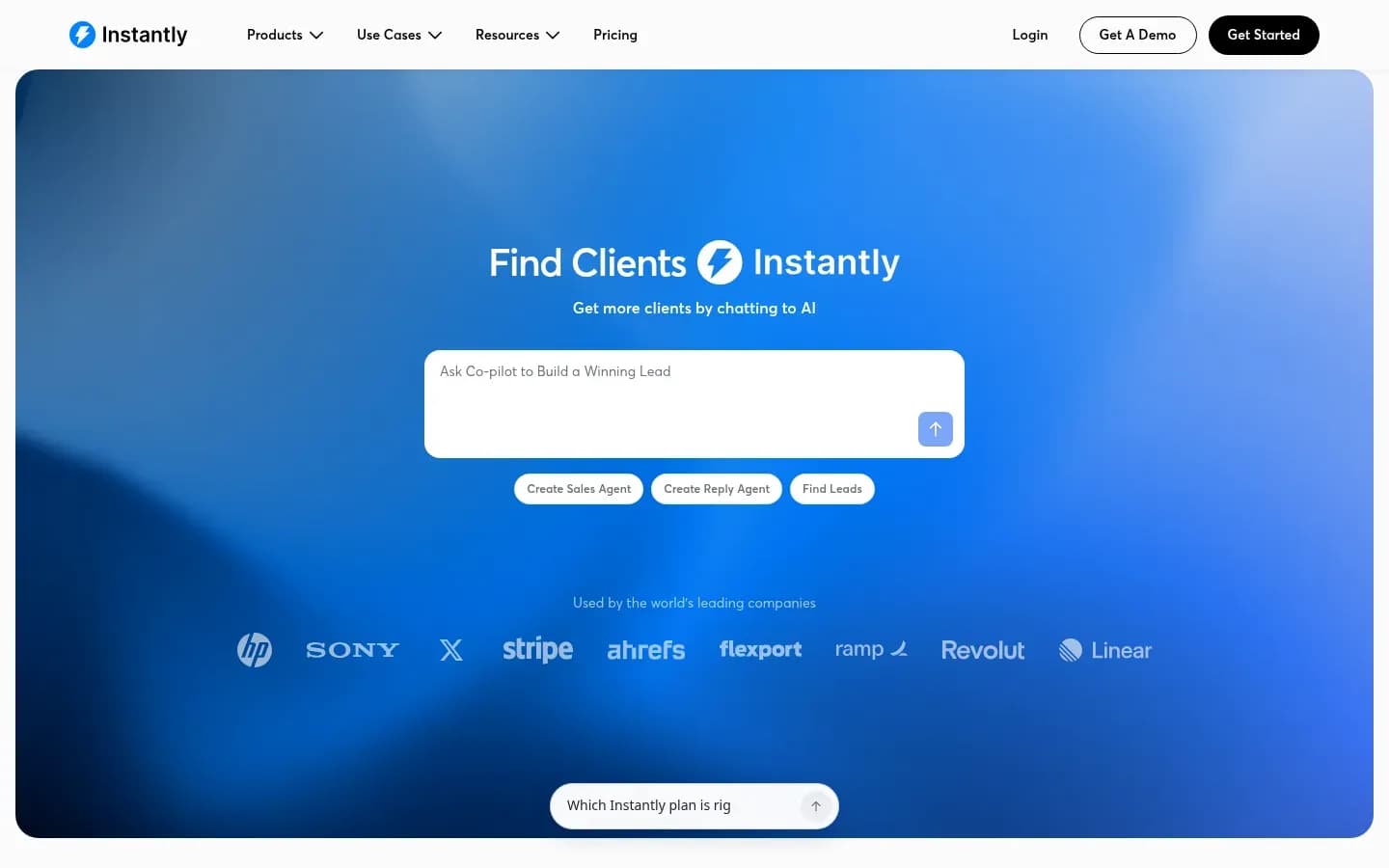
Instantly is a simple all-in-one cold email platform for a small B2B team: it pairs automated warm-up from what it describes as a pool of over a million real accounts with a Unibox where an AI reply agent drafts responses for approval or sends them on autopilot.
Verdict. Instantly ranks first because it puts warm-up, deliverability scoring, a lead database, a CRM and an AI reply agent in one product, with little setup for a team without sales operations support. The trade-off is that its built-in data is uneven across segments.
Instantly
Cold email outreach and lead database platform with deliverability tools for sales teams, agencies and founders.
Instantly combines email accounts and warm-up with a lead database, email verification and a CRM that tracks opportunities, pipeline and revenue. It adds inbox placement testing, website visitor identification and AI agents. It serves founders and small sales teams who want one tool for list-building, sending and replies.
- Public API
- Yes
- Ratings
- G2 4.8/5 (4,161 reviews)
Sending controls. Instantly says its warm-up draws on a deliverability pool of over 1,000,000 real email accounts and ramps warm-up volume gradually. A deliverability score shows how many emails land in the inbox and how many land in spam, which gives a non-technical operator an early warning before a campaign scales.
Reply workflow. Replies collect in Unibox. Instantly's AI Reply Agent reads each inbound reply, works out its intent and responds, in under five minutes according to Instantly. It runs in two modes:
- Human-in-the-Loop: the agent drafts, and a person approves before sending.
- Autopilot: the agent sends without review.
Starting in Human-in-the-Loop mode lets a team see how the agent handles objections and pricing questions before it answers on its own.
Real cost drivers. The AI Reply Agent uses 5 credits for each reply it generates, so a busy campaign with the agent switched on spends credits in proportion to reply volume. A comparison by Valley, a publisher that discloses a partnership with Instantly, names database credits as the main extra cost for teams that build large lists inside Instantly.
Instantly Outreach pricing
| Plan | Price | Billing | Notes |
|---|---|---|---|
| Growth | $47 | per month | |
| Hypergrowth | $97 | per month | |
| Light Speed | $358 | per month | |
| Enterprise | Custom pricing |
Best for
- Solo founders and small teams that want little setup
- Non-technical operators who want warm-up and rotation automated
Not for
- Teams that depend on niche segments in a bundled database
Limitations. The review-site complaint pattern Valley summarises is that the quality of Instantly's lead database varies by segment. Teams selling into narrow or technical markets should check a sample of contacts against their own sources before relying on it. Autopilot mode also means replies go out without a person reading them, which is a risk on high-value accounts.
Smartlead
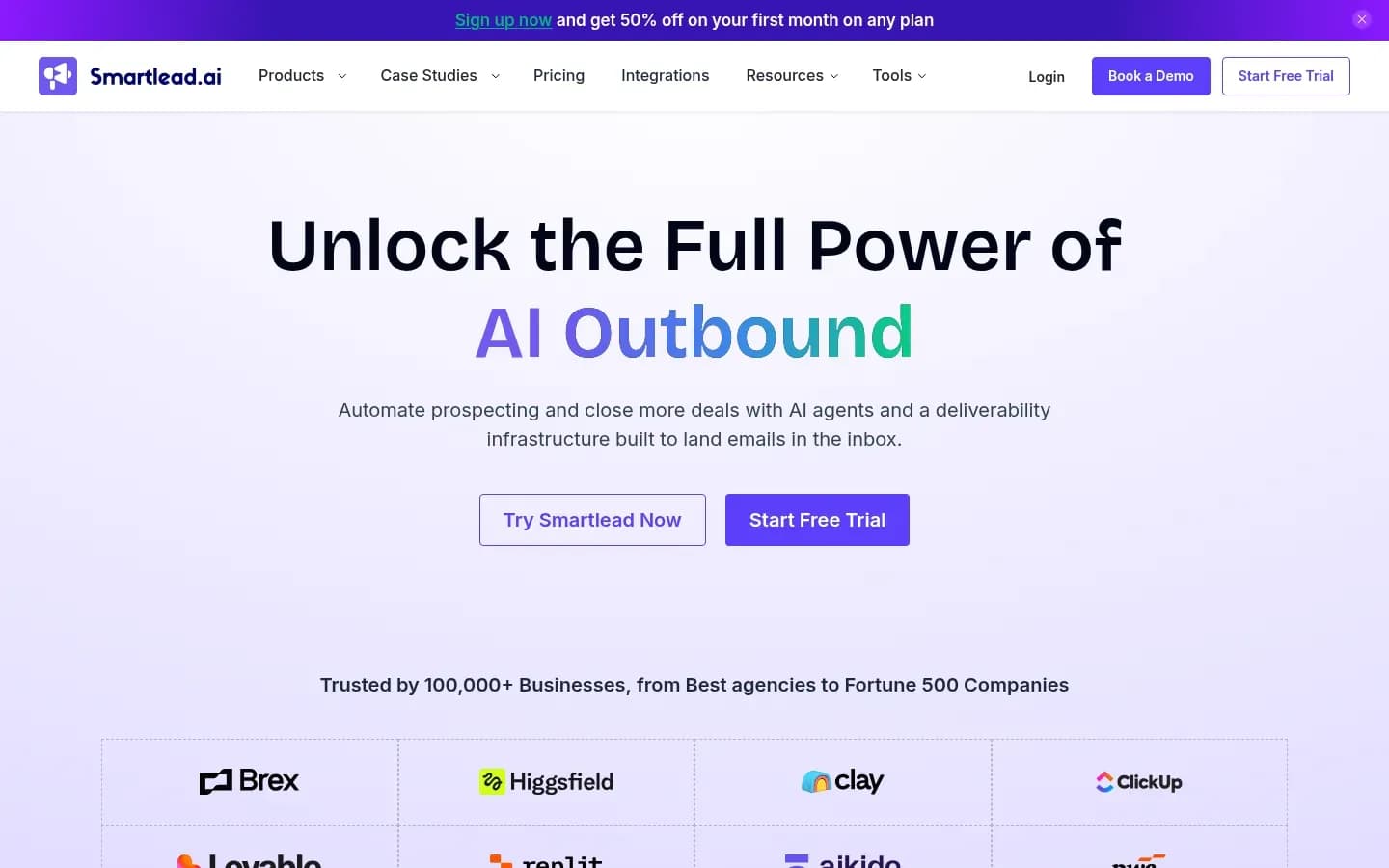
Smartlead suits agencies that run cold email for several clients: one master inbox gathers replies from every campaign and client, client access can be white-labelled, and mailbox rotation and warm-up run automatically, within the per-plan mailbox caps its fair-use policy sets.
Verdict. Smartlead ranks second because it is built for operator control: unlimited mailboxes inside plan caps, automatic rotation and a client-ready inbox. It sits behind Instantly for small teams because it has no bundled lead database and asks more of the person running it.
Smartlead
Cold email outreach platform with unlimited mailboxes, warm-up and a unified inbox for sales teams and agencies running outbound at scale.
Smartlead says users can add unlimited mailboxes and store unlimited leads, paying only for what they send. It handles DNS setup, warm-up and sender rotation automatically. Its AI agents research leads, write personalised emails, update the CRM, optimise send times and classify replies.
- Platforms
- Android, iOS
- Public API
- Yes
- Compliance
- GDPR
- Ratings
- G2 4.5/5 (455 reviews)
Sending controls. Smartlead's FAQ describes automated mailbox rotation and unique IP rotation per campaign. The word "unlimited" has limits, though. Smartlead's Fair Use Policy caps mailboxes by plan, from 100 mailboxes on its entry tier to 800 on the highest tier the policy names, and it treats abuse of the unlimited warm-up as unreasonable use.
Reply workflow. The master inbox shows responses from all campaigns and all clients in one shared view. It sorts replies by intent automatically and supports notes, scheduled follow-ups and bulk actions. For an agency, that means one person can triage every client's replies without switching accounts.
Real cost drivers.
- Fair-use exposure. For serious or uncorrected breaches, the policy lets Smartlead suspend or limit the service immediately and terminate it without a pro-rata refund of prepaid fees. Read the policy before prepaying for a long term.
- Data. Smartlead has no bundled lead database, so buyers bring their own data and pay for it separately.
Smartlead Smartlead pricing
| Plan | Price | Billing | Notes |
|---|---|---|---|
| Base |
|
| per workspace |
| Pro |
|
| per workspace |
| Unlimited Smart |
|
| per workspace |
| Unlimited Prime |
|
| per workspace |
Best for
- Agencies that need white-label client access
- Technical teams that want control over sending infrastructure
Not for
- Non-technical teams that want built-in lead data
Limitations. The reviewer pattern Valley reports flags Smartlead's interface polish and its learning curve for non-technical users. The lack of a lead database also adds a second tool and a second bill for most buyers.
Integrations. Smartlead offers a full white-label experience with client access for agencies. It integrates with HubSpot, Salesforce, Pipedrive, Clay and Listkit, and supports webhooks and an MCP server.
lemlist
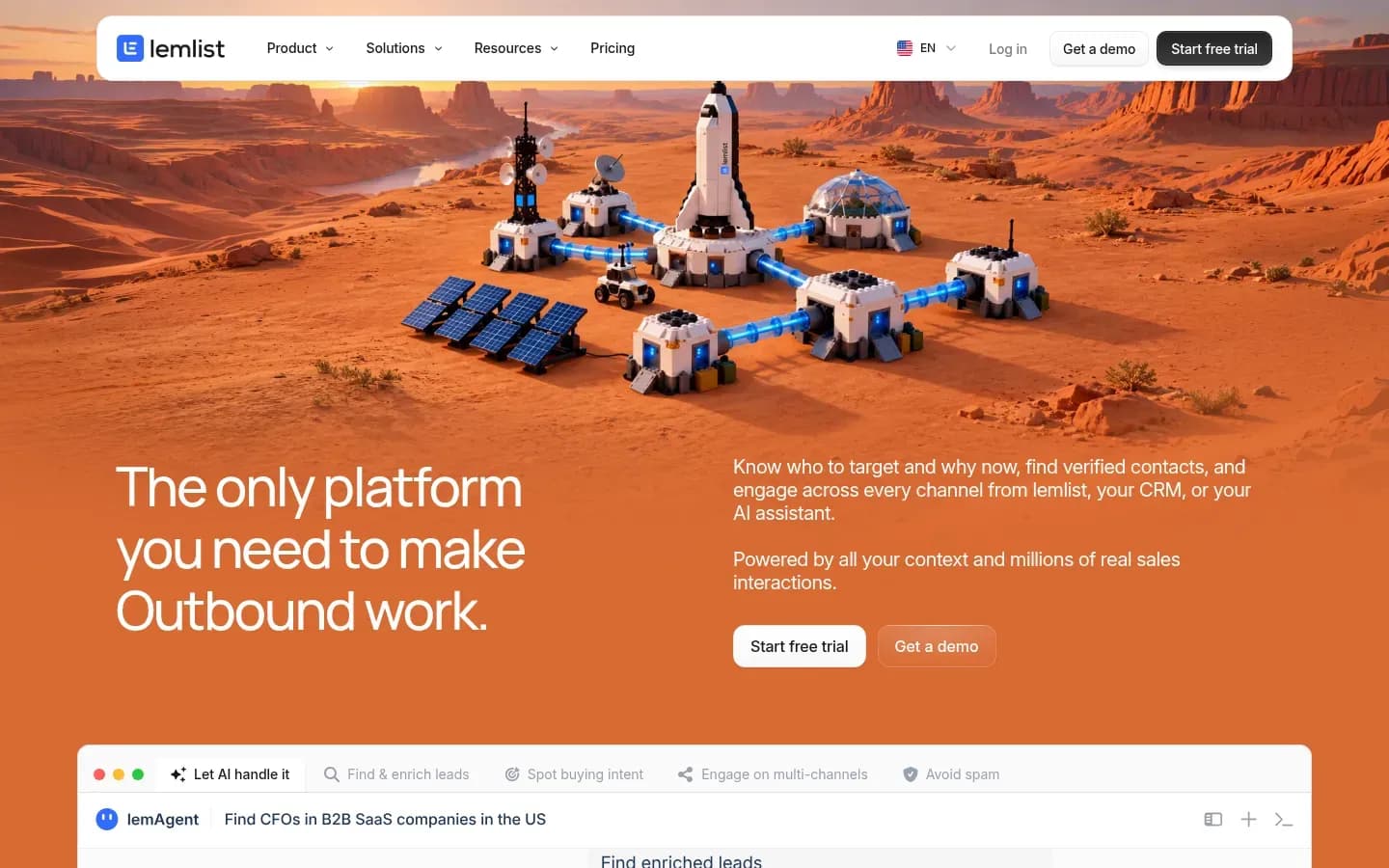
lemlist is a strong fit when one campaign must reach a lead by email, LinkedIn, calls, WhatsApp and SMS, with every reply landing in a unified inbox, a lemwarm warm-up and a built-in lead database alongside, but its unified inbox connects up to 15 email addresses per user, so inboxes are tied to users.
Verdict. lemlist ranks third because it is the multichannel pick: email, LinkedIn and calls sit in one sequence with a lead database alongside. It ranks behind the mailbox-first tools for pure email volume, because its multichannel plans are billed per user and inboxes are tied to users.
lemlist
Sales engagement platform for finding leads and running personalized multichannel outreach across email, LinkedIn and calls.
lemlist runs outreach through email, LinkedIn, calls, WhatsApp and SMS from the same campaign. It includes a B2B lead database that lemlist sizes at over 600 million contacts. It serves sales teams that want personalised, multichannel sequences rather than maximum email volume.
- Free trial
- 14 days, no card needed
- Compliance
- SOC 2
Its strength is in sequences where personalised email and LinkedIn copy does the work, such as account-based outreach to a short list of target companies.
Sending controls. lemwarm, lemlist's automated warm-up, runs alongside monitoring of mailbox and domain health, with alerts when something slips. lemlist's sending policy adds firm rules:
- Send from domains at least one month old.
- Include a clear unsubscribe link in all campaigns, and grant unsubscription immediately.
- Accounts above its acceptable thresholds can face rate limitation, or temporary or permanent suspension.
Reply workflow. lemlist's Unified Inbox manages conversations across senders and channels in one place. Teams can assign tasks, filter across users and categorise conversations, so a LinkedIn reply and an email reply from the same lead sit together.
Real cost drivers. The Unified Inbox connects up to 15 email addresses per user, depending on the plan. Valley's comparison notes that extra mailboxes and enrichment credits are add-ons, and sums up the model as "the sticker is per-user, the bill is per-team".
lemlist pricing
| Plan | Price | Billing | Notes |
|---|---|---|---|
|
| ||
| Multichannel |
|
| per user |
| Enterprise | Custom pricing |
Best for
- Teams whose buyers respond on LinkedIn as well as email
- Account-based outreach where each message is personalised
Not for
- Senders who scale by adding many mailboxes, not seats
Limitations. Review-site complaints, as Valley summarises them, centre on per-seat cost creep and on support as accounts grow. A team that adds sellers quickly should model the cost per seat before committing.
Integrations. lemlist connects with HubSpot and Salesforce, lists more than 500 integrations, and offers MCP and CLI access.
Reply.io
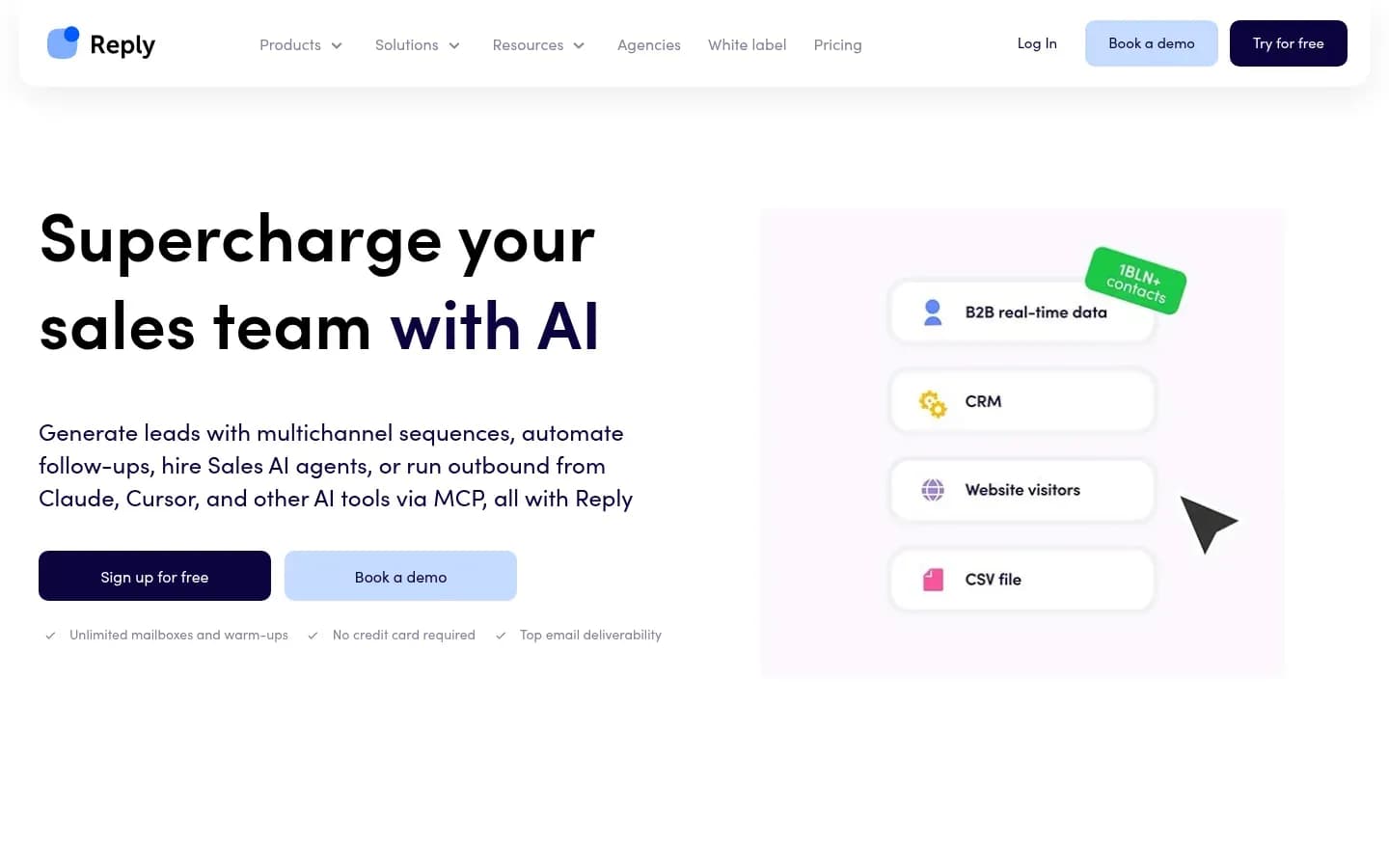
Reply.io is the pick for teams that want an AI SDR in the loop: its Jason AI agent researches prospects, writes multichannel sequences, answers replies in the sender's voice and books meetings, and it can be set to send only after a person approves each reply.
Verdict. Reply.io ranks fourth. It carries a full AI SDR workflow, but it is a broader platform with more to configure, and the AI SDR is a separate purchase.
Reply.io
Multichannel sales outreach platform with cold email sequences, LinkedIn, calls and an AI SDR agent, for sales teams and agencies running outbound.
Reply.io builds sequences that mix email, LinkedIn, calls, SMS and WhatsApp. Sequences branch on prospects' actions and data, with custom schedules and delays between emails. It serves sales teams and agencies that want multichannel outbound with an optional AI SDR.
- Platforms
- Android, Chrome extension, iOS
- Public API
- Yes
- Compliance
- GDPR, SOC 2
- Ratings
- Capterra 4.6/5 (95 reviews)
Sending controls. Reply.io warms each mailbox from the moment it connects, through MailToaster.ai, a peer-to-peer network of real inboxes.
Reply workflow. Jason AI researches prospects across LinkedIn and company websites, builds email, LinkedIn and call sequences, answers replies in the sender's voice and books meetings against real-time calendar availability. It can either generate a reply that waits for approval or send automatically. The inbox keeps email, text and social conversations together, with tags for email and LinkedIn messages.
Real cost drivers. Jason AI is packaged as its own AI SDR product with its own monthly price, shown in the pricing table below, so the AI layer sits on top of the outreach plan rather than inside it. Capterra reviewers also point to a steep jump from one paid tier to the next.
Reply.io pricing
| Plan | Price | Billing | Notes |
|---|---|---|---|
| Reply Unlimited | $166 | per month |
Reply.io Sales Outreach pricing
| Plan | Price | Billing | Notes |
|---|---|---|---|
| Multichannel | $89 | per month, billed annually | per user |
| Email Volume | $159 | per month, billed annually |
Reply.io AI SDR pricing
| Plan | Price | Billing | Notes |
|---|---|---|---|
| AI SDR (Jason) | $500 | per month |
Reply.io Agencies pricing
| Plan | Price | Billing | Notes |
|---|---|---|---|
| Agency Core | $210 | per month | |
| Agency AI SDR | $500 | per month |
Best for
- Teams that want an AI SDR with an approval step
- Multichannel outbound with branching sequences
Not for
- Small teams that only need simple email sequences
Limitations. Capterra review patterns praise Reply.io's support and its easy campaign setup. The recurring complaints are a learning curve for less technical users, some emails landing in spam, sending limits, wishes for more native CRM integration and easier reporting.
Integrations. Reply.io connects through MCP and webhooks, manages contacts, lists, sequences and accounts programmatically, and builds workflows with n8n, Make and Zapier.
Woodpecker
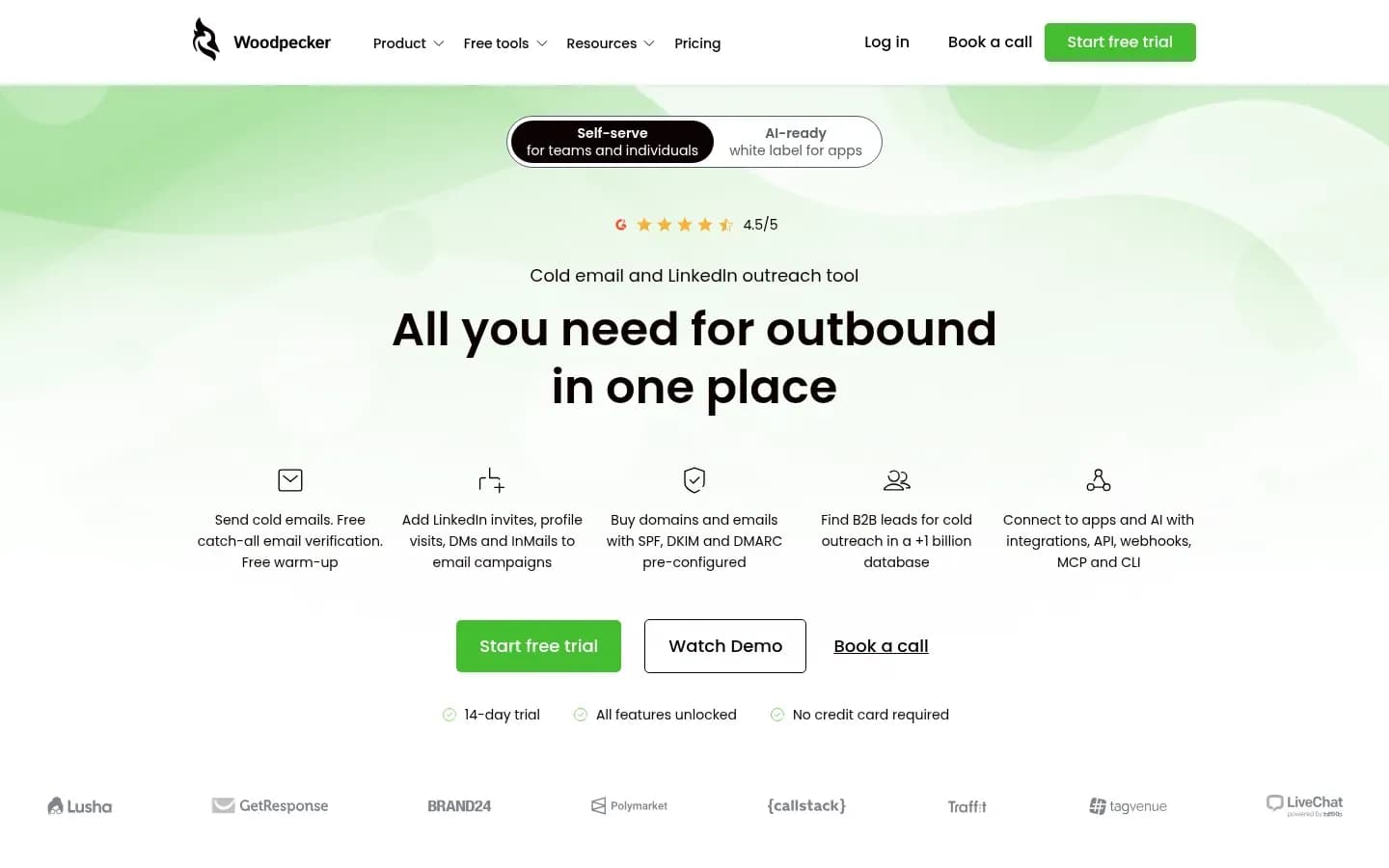
Woodpecker builds caution into sending: its adaptive sending feature tracks each mailbox's daily volume against the provider's limit and cuts sending by 50% for 24 hours when it gets close, and Woodpecker advises 25 to 35 emails a day per mailbox.
Verdict. Woodpecker ranks fifth. Capterra reviewers describe it as good at cold email but not a full sales engagement platform, and its safe-sending defaults are explicit and documented, which makes it a sound start for a team new to cold email.
Woodpecker
Outbound prospecting platform combining cold email campaigns and LinkedIn outreach with lead finding, verification and warm-up, for sales teams and agencies.
Woodpecker runs cold email campaigns and LinkedIn outreach with free warm-up, free catch-all email verification and inbox rotation. Campaigns can branch on conditions, and an agency panel is available as an add-on. It serves small sales teams and agencies that want steady, provider-aware sending.
- Free trial
- 14 days, no card needed
- Compliance
- GDPR
- Ratings
- Capterra 4.5/5 (33 reviews)
Sending controls. Adaptive sending counts each connected mailbox's sends that day against the provider's limit. Near the limit, it reduces volume by 50% for 24 hours or by 10% for 10 days, and keeps sending at the lower volume rather than pausing. Woodpecker recommends 25 to 35 emails a day per mailbox and never more than 50 from one mailbox.
Reply workflow. Replies from every connected mailbox land in Woodpecker's centralized inbox. Campaigns can branch on conditions, so different prospects can follow different paths through a sequence.
Real cost drivers. Capterra reviewers see Woodpecker as good value, but some note that team access may require an upgrade. Agencies should add the agency panel to the cost, and the pricing table below lists the other add-ons.
Woodpecker pricing
| Plan | Price | Billing | Notes |
|---|---|---|---|
| New Domains (add-on) | $1 | per month, billed annually | |
| Email addresses, Maildoso, Mailforge, Infraforge or Azure (add-on) | $4 | per month | |
| Additional warm-ups (add-on) | $5 | per month | |
| White Label (add-on) | $5 | per month | |
| Email addresses, Google or Microsoft (add-on) | $6 | per month | |
| Azure domain hosting (add-on) | $20 | per month | |
| Integrations, API, webhooks, MCP, CLI (add-on) | $20 | per month | |
| Active clients, Agency panel (add-on) | $27 | per month | |
| LinkedIn connected accounts (add-on) | $29 | per month | |
| Contacted prospects 500 (base plan, monthly) | $35 | per month | per contact |
| Dedicated servers, Infraforge (add-on) | $59 | per month | |
| Outbound workshops, 4 sessions of 2 hours (add-on) | $2,000 | one-time |
Best for
- Small teams without sales operations support
- Senders who want volume capped automatically
Not for
- Teams that need a full sales engagement suite
Limitations. Adaptive sending does not stop bounces, so the list still needs verifying. Capterra review patterns describe Woodpecker as easy to learn and good at cold email, but not a full sales engagement platform. A minority of reviewers report warm-up and spam-placement problems or slow support, and reporting is basic.
Integrations. Woodpecker integrates natively with Pipedrive and HubSpot, and offers webhooks, MCP and CLI access.
How to choose cold email software
Choose cold email software by its sending model first: platforms such as Smartlead let you connect many mailboxes on one plan, while lemlist ties connected inboxes to users, and that choice decides whether adding volume means adding mailboxes or adding seats. Work through the checks below in order.
- Sending model: if you scale by adding mailboxes, pick a mailbox-based plan; if you scale by adding sellers, a per-seat plan fits.
- Sending controls: require rotation, warm-up and a volume cap or recommended daily limit per mailbox.
- Reply workflow: require one shared inbox with intent tags, and an approval step on any AI reply feature.
- Channels: buy multichannel only if your buyers answer on LinkedIn or by phone.
- Data: decide between a bundled lead database and your own data, and plan for verification either way.
- Policy fit: read the fair-use and sending policy before you prepay.
- Integrations and compliance: check your CRM is supported, and check each toolCard for the API and compliance status.
Sending model. Smartlead says users can add unlimited mailboxes and pay for what they send, inside per-plan caps. lemlist connects up to 15 email addresses per user. A team that plans to grow volume through more mailboxes gets more from the first model. A team that grows by adding sellers gets more from the second.
Sending controls. Look for three things: automatic rotation across mailboxes, warm-up through a network of real inboxes, and a daily cap per mailbox. Woodpecker's adaptive sending enforces a cap for you, cutting volume when a mailbox nears its provider's daily limit. Instantly's deliverability score shows inbox versus spam placement as you go.
Reply workflow. A shared inbox is the minimum. Intent tagging, as in Smartlead's master inbox, saves triage time across many campaigns. If a tool answers replies with AI, as Instantly's AI Reply Agent and Reply.io's Jason AI do, start in the mode where a person approves each reply.
Channels. lemlist and Reply.io run LinkedIn and calls in the same sequence as email. If your buyers rarely use LinkedIn, an email-first tool costs less in setup.
Data. Instantly bundles a lead database and verification; Smartlead does not, so you bring your own. Either way, verify every address before it enters a sequence, using an email verification step. If you source contacts yourself, an email-finding tool fills the gap a platform without data leaves.
Policy fit. Smartlead's fair-use policy allows suspension without a pro-rata refund for serious breaches. lemlist's sending policy can rate-limit or suspend accounts above its thresholds. Read both kinds of policy before buying, because they set the real limits on how you can send.
Which cold email platform should you choose?
If you run outbound for several clients, choose Smartlead for its shared master inbox and white-label client access; if you are a small in-house team that wants a lead database and warm-up in one place with the least setup, choose Instantly. The other three picks each fit one clear situation.
Pick by situation
| Your situation | Pick | Why |
|---|---|---|
| Solo founder or team of 2 to 5 | Instantly | Built-in database, little setup |
| Agency running several clients | Smartlead | Master inbox, white-label access |
| LinkedIn-heavy, personalised outreach | lemlist | One sequence across channels |
| Want an AI SDR with approval | Reply.io | Jason AI with approval mode |
| New to cold email, cautious volume | Woodpecker | Adaptive sending caps volume |
Solo founders and small teams. Instantly bundles a lead database, verification, warm-up and a CRM, and Valley's review summary places it with solo founders and SMB teams that want little setup. Skip it if your market is narrow enough that a general database will miss most of your buyers.
Agencies. Smartlead's master inbox shows every client's replies in one view, and its white-label client access lets clients log in under the agency's brand. Skip it if nobody on the team is comfortable with DNS, rotation and integrations.
Multichannel teams. lemlist runs email, LinkedIn, calls, WhatsApp and SMS from one campaign and keeps replies across channels in one inbox. Skip it if your plan depends on many mailboxes per seller.
Teams that want AI help with replies. Reply.io's Jason AI writes sequences, answers replies and books meetings, and can wait for approval before each reply. Skip it if you only need email sequences.
Teams new to cold email. Woodpecker's adaptive sending cuts volume near each provider's limit, and Capterra reviewers describe it as easy for small teams without sales ops. Skip it if you need advanced reporting.
What cold email platforms really cost to run
The plan price is only the base cost of a cold email platform: Instantly charges credits for each reply its AI agent generates, lemlist connects a limited number of inboxes per user, and Smartlead caps mailboxes per plan under its fair-use policy. Each tool's pricing table shows its plans; the drivers below decide the real bill.
Mailbox caps and fair-use terms. Smartlead's "unlimited" mailboxes sit inside caps of 100 to 800 mailboxes depending on the plan, and serious breaches of its Fair Use Policy can end the service without a pro-rata refund of prepaid fees.
Per-user inbox limits and seats. lemlist's Unified Inbox connects up to 15 email addresses per user, depending on the plan. Valley's comparison notes that extra mailboxes and enrichment credits are add-ons, so a team that needs more inboxes pays for more seats or add-ons.
AI credits per reply. Instantly's AI Reply Agent uses 5 credits for each reply it generates. A campaign that draws hundreds of replies spends credits in line with that volume.
Data and enrichment credits. Database credits are Instantly's main extra cost for teams that build large lists, according to Valley. lemlist's enrichment credits are an add-on.
A separately packaged AI SDR. Reply.io sells Jason AI as its own AI SDR product with its own monthly price, on top of the outreach plan.
Costs outside the platform. Any setup also pays for sending domains and mailboxes, a verification tool, and lead data when the platform has none, as with Smartlead.
What drives the real cost
| Cost driver | Which tools | What to check |
|---|---|---|
| Mailbox caps, fair use | Smartlead | Plan cap, refund terms |
| Inboxes per user, seats | lemlist | Inboxes per seat, add-ons |
| AI reply credits | Instantly | Credits per reply, reply volume |
| Database or enrichment credits | Instantly, lemlist | Credits per contact |
| Separate AI SDR product | Reply.io | AI SDR price on top |
| Your own data and verification | Smartlead, all tools | Data source, verification cost |
Build a cost model from your planned daily volume, the number of mailboxes that volume needs at a safe per-mailbox rate, and the expected reply count. Those three numbers show which of the drivers above will dominate your bill.
Gmail and Yahoo sender requirements for cold email
Gmail asks anyone sending 5,000 or more messages a day to Gmail accounts to authenticate with SPF, DKIM and DMARC and to keep spam rates reported in Postmaster Tools below 0.30%, and Yahoo requires bulk senders to honor unsubscribes within 2 days. These rules come from the mailbox providers, so they apply whatever platform you use.
Gmail's requirements for senders of 5,000 or more messages a day to Gmail accounts:
- Set up SPF, DKIM and DMARC; the DMARC policy may be set to none.
- Keep the spam rate reported in Postmaster Tools below 0.30%, and aim below 0.10%.
- Support one-click unsubscribe, with a visible unsubscribe link, on marketing and subscribed messages.
Yahoo's bulk-sender requirements in its Sender Hub follow the same pattern:
- Implement SPF and DKIM.
- Publish a DMARC policy of at least p=none that passes.
- Support one-click unsubscribe through the list-unsubscribe header.
- Honor unsubscribes within 2 days.
- Keep the spam rate below 0.3%.
What this means for cold email volume. Both providers set a spam-rate threshold for the sender: below 0.30% at Gmail, with a target below 0.10%, and below 0.3% at Yahoo. A spam complaint rate of 0.3% is three complaints per 1,000 messages, and 0.10% is one complaint per 1,000. A sender who crosses either threshold is outside what the provider accepts, whichever platform sent the mail.
To set up authentication and monitor placement before you scale, see the guides on email deliverability and warm-up. Once campaigns are live, watch the spam rate in Postmaster Tools.
Is cold email legal? CAN-SPAM, PECR and GDPR
Cold email to businesses is legal in the US if it follows CAN-SPAM, and the FTC states that the law makes no exception for business-to-business email, so every message needs a real postal address and an opt-out honoured within 10 business days. In the UK, the rules depend on whether the recipient is a company or an individual.
United States: CAN-SPAM. The FTC's compliance guide sets these requirements:
- No false or misleading header information.
- No deceptive subject lines.
- Identify the message as an ad.
- Include a valid physical postal address.
- Tell recipients how to opt out, and honour opt-outs within 10 business days.
The FTC says each separate email that breaks the law is subject to penalties of up to $53,088.
United Kingdom: PECR and UK GDPR. The ICO's guidance on electronic mail marketing under PECR says you can email any corporate body, and advises keeping a do-not-email list. Sole traders and some partnerships count as individuals, so the stricter rules for individuals apply to them. You must not disguise or conceal your identity, and you must give a valid contact address for opting out. When you use personal data, such as a named person's business email address, you must also comply with the Data Protection Act and UK GDPR.
Where the platform helps. Platform features cover part of this. lemlist's sending policy, for example, requires a clear unsubscribe link in all campaigns and immediate unsubscription. The platform cannot check your postal address, your subject lines or the lawful basis for your list; those stay with you.
This section is general information, not legal advice.
Frequently asked questions
How many cold emails can one mailbox send per day?
Woodpecker's own guidance is 25 to 35 emails a day per mailbox, and never more than 50 from one mailbox. Woodpecker's adaptive sending also cuts volume when a mailbox nears its provider's daily limit. To send more, spread the volume across several warmed mailboxes rather than pushing one mailbox harder.
Should I send cold email from a new domain?
Not straight away. lemlist's sending policy asks senders to use domains that are at least one month old. A brand-new domain has no sending history, so give it time and warm-up before a campaign starts. Accounts that break lemlist's sending policy can face rate limits or suspension, so an aged, warmed domain protects the campaign as well as the inbox.
Can I use a bought or scraped lead list with a cold email platform?
Only if the list meets local privacy rules. lemlist's sending policy requires lists bought, rented or scraped from third parties to follow local privacy regulations. In the UK, the ICO says UK GDPR applies whenever you use personal data, which includes a named person's business email address. Verify any bought list before use.
Sources
Sources
- Sender Best Practices | Sender Hub · senders.yahooinc.com
- Email sender guidelines - Gmail Help · support.google.com
- CAN-SPAM Act: A Compliance Guide for Business | Federal Trade Commission · ftc.gov
- Electronic mail marketing | ICO · ico.org.uk