Running cold email for one company is a sending problem. Running it for eight clients at once is a separation problem, a permissions problem and a billing problem. This guide ranks five platforms on those three questions first and on sending volume last.
These picks apply to agencies running outbound for several B2B clients from one account. An in-house team should start from a general list instead. Client permissions and white label start on named plans, and each tool section below says which plan carries them.
Best Cold Email Platforms For Agencies
For an agency running outreach for several clients, Woodpecker, Smartlead and QuickMail separate client work most cleanly, while Saleshandy suits agencies that add clients often and Instantly suits agencies whose clients can share one workspace.
- WoodpeckerBest for strict client data separation
- SmartleadBest for per-client logins and credits
- QuickMailBest for guest view or edit access
- SaleshandyBest for adding clients without client fees
- InstantlyBest for clients sharing one workspace
Several ranking pages for agency cold email platforms are written by vendors that rank themselves first. Few of them say what a client can actually see once it logs in, or what the tenth client adds to the bill. The table below puts those questions first.
Read the typed columns this way:
- Client separation is how each tool keeps one client's prospects, mailboxes and stats away from another's.
- Client access is what the client gets when it signs in.
- White-label branding is whose name and domain the client sees.
- What each client adds is the part of the bill that grows with each new client.
| Tool | Client separation | Client access | White-label branding | What each client adds |
|---|---|---|---|---|
| Woodpecker | Prospect database per client | View-only guests | Agency subdomain, paid add-on | Active-client fee plus add-on |
| Smartlead | Client sub-account, own login | Role-based client logins | Included with client workspace | Fee per client workspace |
| QuickMail | Workspace per client | Guest view or edit | Agency logo only | Fee per extra workspace |
| Saleshandy | One dashboard, per-client stats | Branded client login | Enterprise or legacy Scale | No fee, prospect billing |
| Instantly | Workspace per client portal | View or edit campaigns | Hypergrowth and Light Speed | Subscription per portal workspace |
Read the table by roster size. An agency with three clients pays little for a workspace per client. An agency with thirty clients feels every per-client fee, and that is where Saleshandy's prospect-based billing and Smartlead's per-workspace add-on pull apart. The client access column matters from the first client, because it decides whether a client can change a live campaign.
How These Agency Cold Email Platforms Were Chosen
Each platform here had to let one agency account run several clients with client-facing access the agency controls, and was then judged first on client isolation and permissions and only then on sending scale.
The inclusion bar had three parts:
- A dedicated way to run several clients from one agency account, such as an agency panel, client sub-accounts or client workspaces.
- Client-facing access that the agency controls, with permissions it can set.
- Per-client costs the vendor documents or prices as add-ons, so an agency can model how the bill grows.
Tools that cleared the bar were then weighed on five criteria, in this order:
- Client isolation. Whether data, mailboxes and blocklists stay apart between clients.
- Client permissions. Whether the agency can choose between view and edit access per client.
- Client reporting and branding. What the client sees and whose brand it sees.
- What each client adds to the bill. The per-client fee, if any, and the add-ons a real setup needs.
- Sending scale. Mailbox and volume limits.
Sending scale comes last on purpose. Smartlead, QuickMail and Saleshandy all connect unlimited mailboxes or senders, so mailbox count rarely decides an agency's choice. What decides it is whether one client can see another client's work, and whether the tenth client costs the same as the first.
Client features change by plan, so each tool section names the plan where a client feature starts. For in-house teams rather than agencies, the general ranking of the best cold email platforms covers campaign execution, reply workflows and sending controls instead.
The tools that recur across the agency ranking pages were all considered. Three popular names did not meet the bar for agency client work:
Considered, not included
| Tool | Why it is not on this list |
|---|---|
| lemlist | Priced per user, so cost rises with each agency seat |
| Apollo | A sales data platform priced per user |
| Reply.io | Priced per user below its annual Agency plan |
Woodpecker
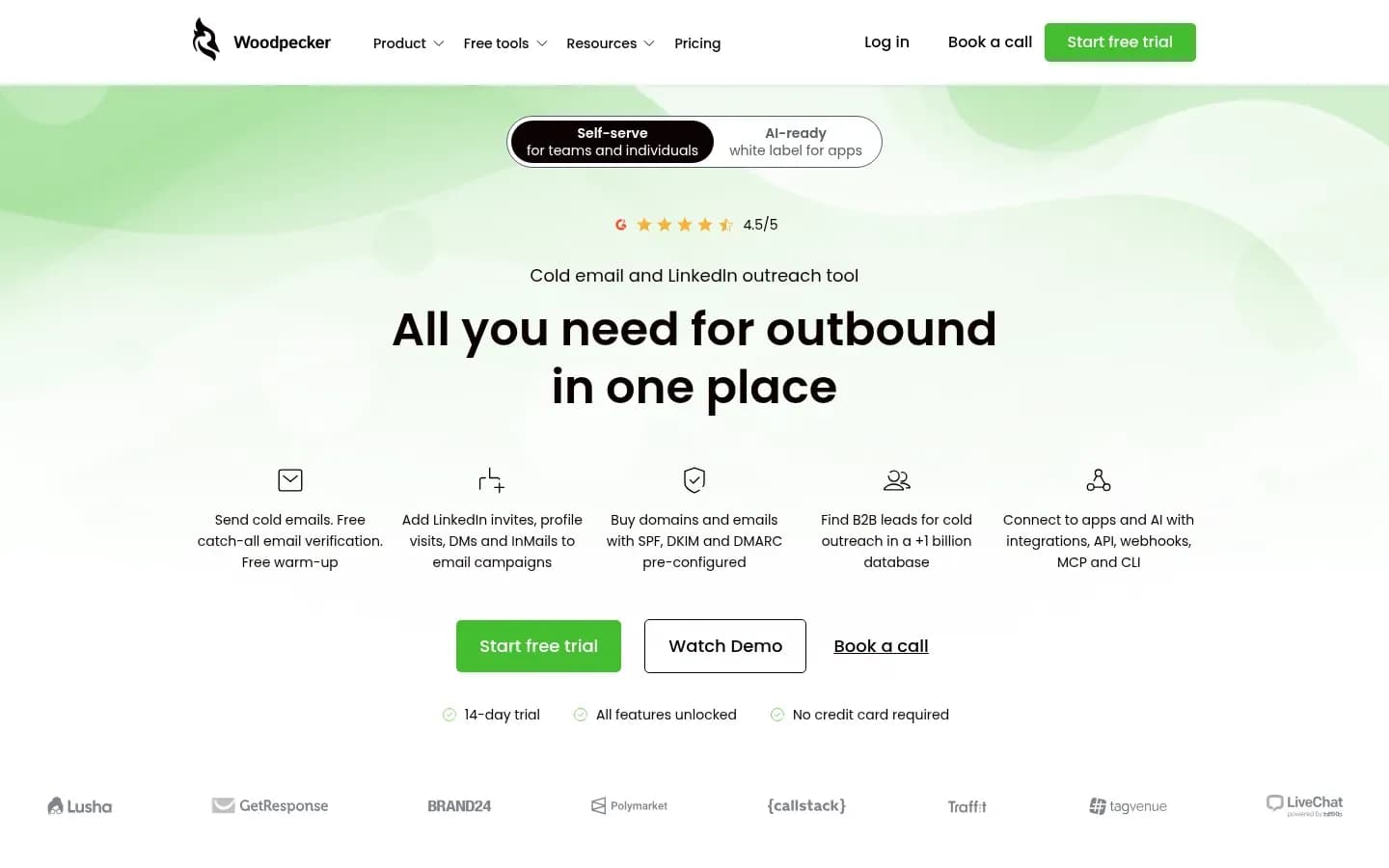
Woodpecker keeps a separate prospects database for each client, a global blacklist and automated client domain audits in its agency panel, which makes it the strongest choice here for agencies that must keep client data apart.
Woodpecker
Outbound prospecting platform combining cold email campaigns and LinkedIn outreach with lead finding, verification and warm-up, for sales teams and agencies.
Woodpecker is an outbound prospecting platform for cold email and LinkedIn outreach, with an agency panel built for running many clients from one account. It suits lead-generation agencies that report results to clients and must keep each client's prospects apart.
- Free trial
- 14 days, no card needed
- Compliance
- GDPR
- Ratings
- Capterra 4.5/5 (33 reviews)
Verdict: The first pick for agencies whose clients care most about data separation and branded reporting.
Client separation: Each client gets its own prospects database inside the agency panel. A global blacklist sits across the panel, and automated audits check client domains. Client mailboxes connect without the client sharing its passwords with the agency. Bulk campaign actions, an agency outreach calendar and all client stats in one panel keep the agency side manageable as the roster grows.
Client permissions: Guests get view-only access, and each guest is tied to one client account. A guest sees its company's campaigns in folders, campaign statistics and contacted prospects with their status and interest level. Guests cannot add accounts or connect mailboxes from the guest app, so the agency stays in control of every sending setting.
Branding and reporting: Clients get real-time access to a mobile-friendly reporting app on the agency's own domain. The Agency White Label add-on brands that guest app with the agency's subdomain, logo, colours and invitation emails. One add-on per client covers unlimited invited guests, so a client can bring its whole sales team in at no extra cost.
What each client adds: Woodpecker prices its agency offer per active client per month, and the White Label add-on is charged per client on top of that. Integrations and webhooks are a separate monthly add-on. Billing is centralised, so the agency pays one bill rather than one per client.
Pricing: The pricing table shows Woodpecker's base plan and its agency add-ons.
Woodpecker pricing
| Plan | Price | Billing | Notes |
|---|---|---|---|
| New Domains (add-on) | $1 | per month, billed annually | |
| Email addresses, Maildoso, Mailforge, Infraforge or Azure (add-on) | $4 | per month | |
| Additional warm-ups (add-on) | $5 | per month | |
| White Label (add-on) | $5 | per month | |
| Email addresses, Google or Microsoft (add-on) | $6 | per month | |
| Azure domain hosting (add-on) | $20 | per month | |
| Integrations, API, webhooks, MCP, CLI (add-on) | $20 | per month | |
| Active clients, Agency panel (add-on) | $27 | per month | |
| LinkedIn connected accounts (add-on) | $29 | per month | |
| Contacted prospects 500 (base plan, monthly) | $35 | per month | per contact |
| Dedicated servers, Infraforge (add-on) | $59 | per month | |
| Outbound workshops, 4 sessions of 2 hours (add-on) | $2,000 | one-time |
Best fit: Agencies with clients in competitive markets, where a client must never see another client's prospects, and agencies that sell branded reporting as part of the retainer. Woodpecker is not a fit for clients who expect to build and run their own campaigns, since guests only view.
Limitation: Guests cannot export prospect data and cannot connect or manage accounts themselves. A client that wants its own data out depends on the agency to pull it, which is worth settling in the contract before onboarding.
Smartlead
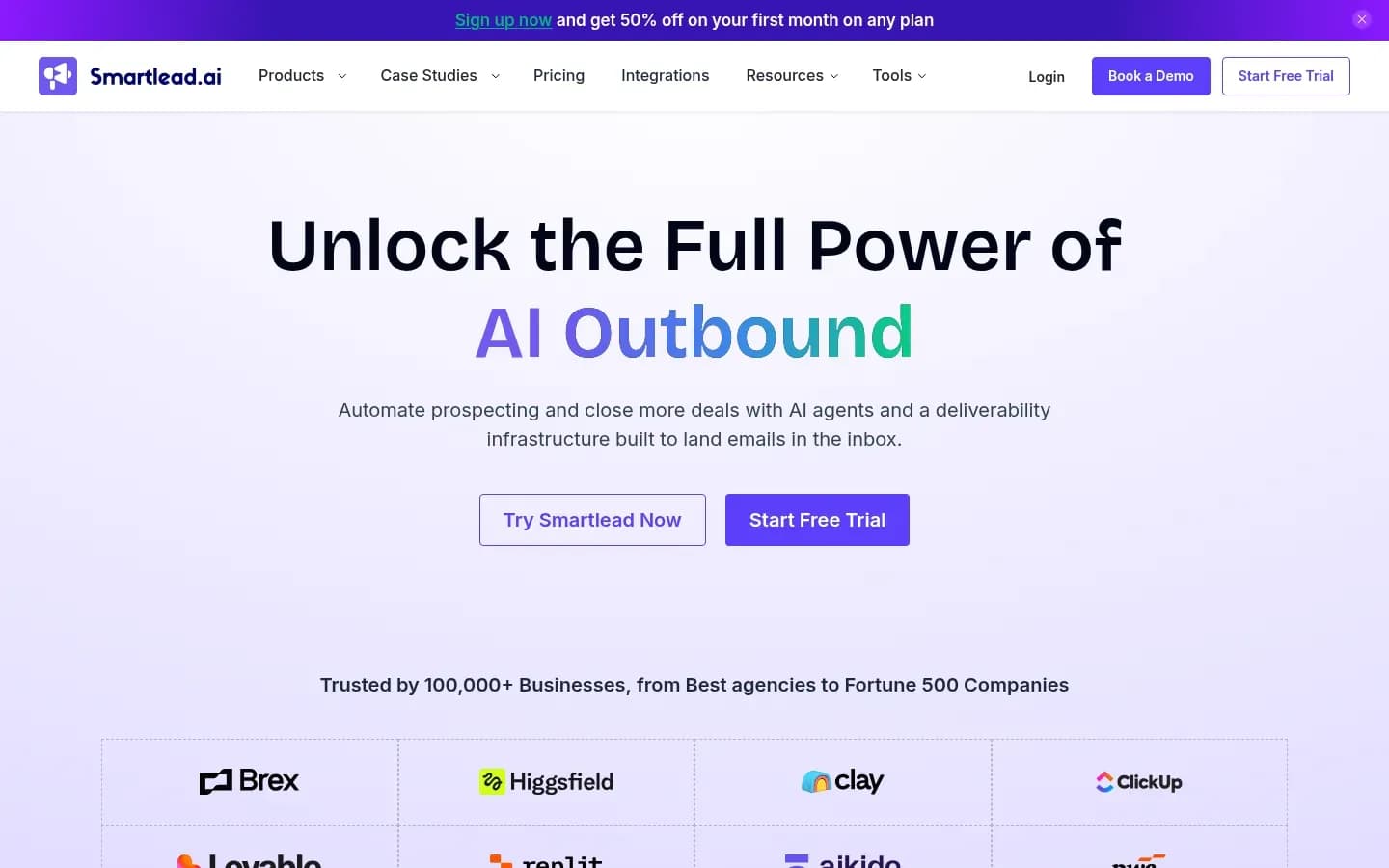
Smartlead lets an agency give each client its own login, choose which Master Inbox categories that client sees and allocate it a share of email and lead credits, with each client workspace a monthly add-on from the Pro plan.
Smartlead
Cold email outreach platform with unlimited mailboxes, warm-up and a unified inbox for sales teams and agencies running outbound at scale.
Smartlead is a cold email outreach platform with unlimited mailboxes, warm-up and a unified Master Inbox. Its client access layer turns one agency account into a set of client sub-accounts, each with its own login and permissions.
- Platforms
- Android, iOS
- Public API
- Yes
- Compliance
- GDPR
- Ratings
- G2 4.5/5 (455 reviews)
Verdict: The pick for agencies with many clients that want per-client logins and credit control inside one account.
Client separation: An agency adds each client from the Client Access Dashboard with a name, company, email and password. The client then receives its own login credentials by email. Email and lead credits are allocated per client, so each client works from its own share rather than the agency's whole balance.
Client permissions: The agency assigns each client's permissions and chooses which Master Inbox categories that client sees. Smartlead describes these as role-based permissions that set what each client can see and interact with. An agency can let one client read its interested replies while another only sees results.
Branding and reporting: Client access supports white-label branding, so the platform shows the agency's brand rather than Smartlead's.
What each client adds: Client workspaces, white label included, are a monthly add-on per client workspace from the Pro plan upward. Base includes no client workspaces, and Unlimited Prime includes three. Mailboxes are unlimited on every plan with no per-seat charge, and webhooks come with Pro and above.
A realistic agency setup also pays for some of these add-ons:
- SmartDelivery inbox placement testing, a monthly add-on whose Growth tier covers 120 sequence tests.
- SmartServers dedicated infrastructure, billed per server per month from Pro.
- Pre-warmed Google and Outlook mailboxes at $9 per month.
- Fresh mailboxes from about $3.99 per month.
- Domains at $13 to $19 per year.
- Verified prospect emails, a monthly add-on on Base and Pro.
Pricing: The pricing table shows Smartlead's plans.
Smartlead Smartlead pricing
| Plan | Price | Billing | Notes |
|---|---|---|---|
| Base |
|
| per workspace |
| Pro |
|
| per workspace |
| Unlimited Smart |
|
| per workspace |
| Unlimited Prime |
|
| per workspace |
Best fit: Agencies with a growing roster that want clients to log in, read their own replies and stay inside a credit budget. It also suits agencies building their own automation around client workspaces through webhooks.
Limitation: The bill grows with every client. Each client workspace adds its fee, the add-ons above stack on top, and the Base plan cannot host client workspaces at all, so an agency starts on Pro or higher.
QuickMail
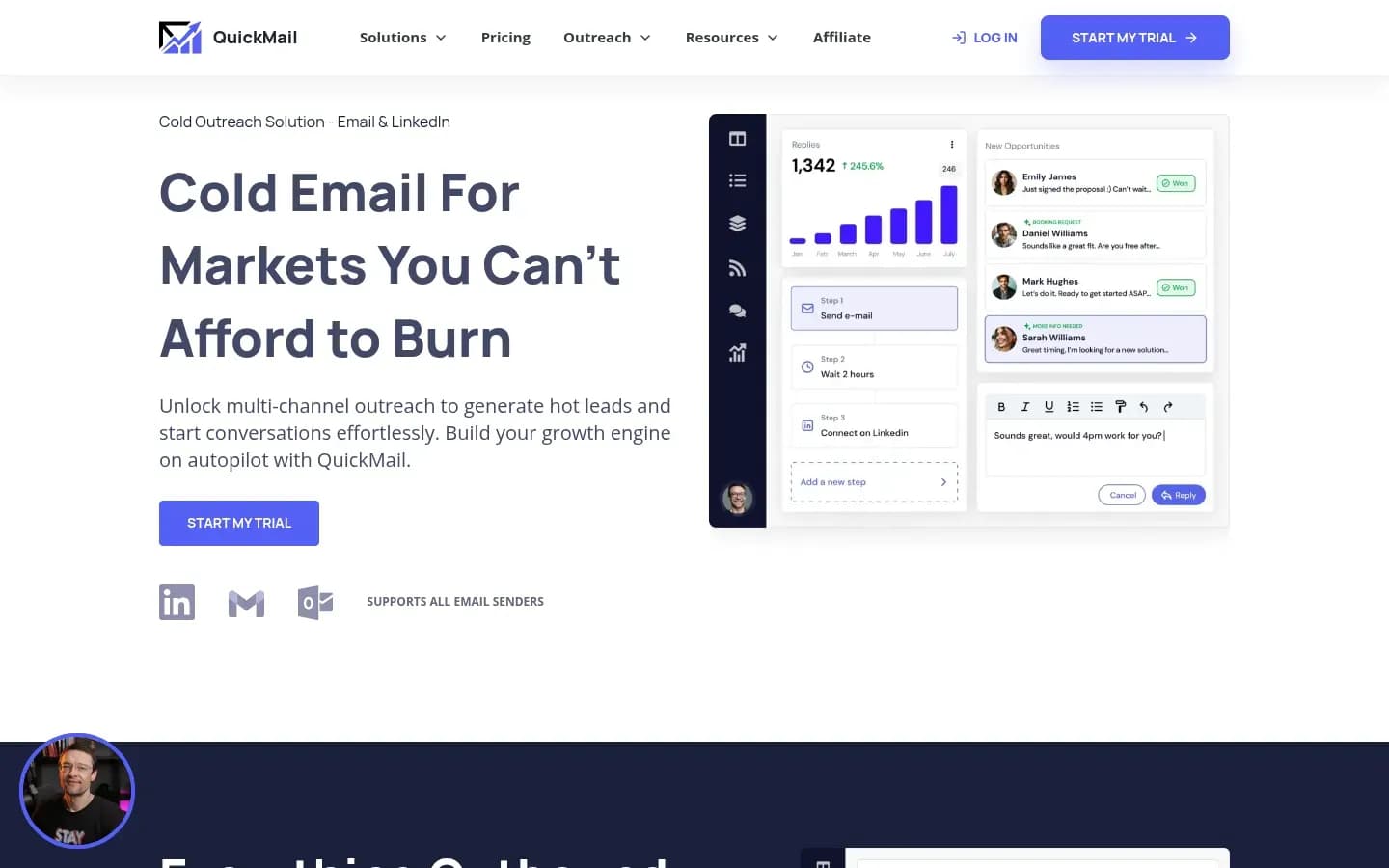
QuickMail gives each client a guest login to its own workspace and lets the agency decide per guest whether the client can edit campaigns or only view campaigns, replies and reporting.
QuickMail
Cold email and LinkedIn outreach software with automated follow-ups and built-in deliverability tools, for growth teams and lead generation agencies.
QuickMail is cold email and LinkedIn outreach software with automated follow-ups and built-in deliverability tools. Its agency model is one workspace per client, with each client invited into its workspace as a guest.
- Free trial
- 14 days, card needed
- Public API
- Yes
- Compliance
- GDPR
- Ratings
- G2 4.7/5 (119 reviews)
Verdict: The pick for smaller rosters where some clients want to edit campaigns and others only want to watch results.
Client separation: Each client sits in its own workspace. Guests cannot reach other agency workspaces, workspace settings, billing or the plan, so a client never sees another client's campaigns or what the agency pays.
Client permissions: The agency switches edit access on or off per guest. With edit access, a client can add and change campaigns and handle replies. Without it, the client only views campaigns, replies and reporting. Guests sign in with Google, Microsoft or LinkedIn, and invite links expire after 24 hours, so a forwarded invite cannot be used days later.
Branding and reporting: The client portal is a shareable link that does not expire and shows overall stats for all campaigns in a workspace. Clients cannot edit the tiles, the view or the metrics. Branding is the agency's uploaded logo.
What each client adds: Every plan includes unlimited email senders, unlimited LinkedIn accounts and unlimited users. Starter and Growth include one workspace, the Agency plan includes two, and each extra workspace is a paid add-on. Because users are unlimited, adding account managers or client team members adds nothing to the bill.
Pricing: The pricing table shows QuickMail's plans.
QuickMail pricing
| Plan | Price | Billing | Notes |
|---|---|---|---|
| Starter Plan | $49 | per month | |
| Growth Plan | $99 | per month | |
| Agency Plan | $299 | per month |
Best fit: Agencies with a handful of clients, mixed client expectations and an account team that keeps growing. QuickMail is not a fit for agencies that sell campaign-level reporting to clients.
Limitation: The portal cannot yet break stats down by individual campaign, and its branding stops at the agency's logo rather than a custom domain. Clients who want a per-campaign view need a report the agency builds itself.
Saleshandy
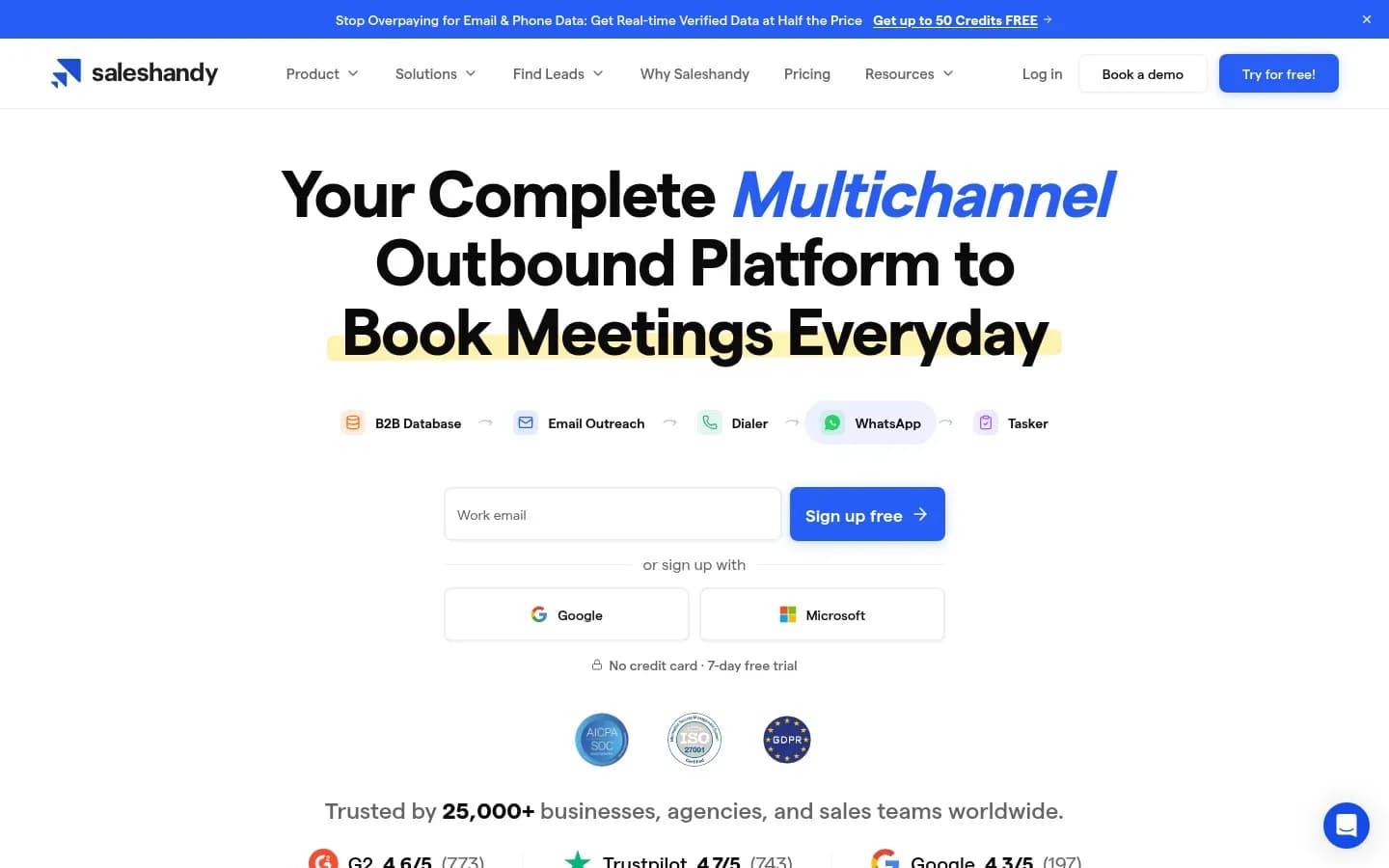
Saleshandy adds clients and mailboxes at no extra cost and bills on prospects rather than clients, but its white label is limited to the Enterprise plan and the legacy Outreach Scale plan or higher.
Saleshandy
Multichannel outbound sales platform with cold email sequences, a B2B lead finder and deliverability tools for sales teams, agencies, founders and recruiters.
Saleshandy is a multichannel outbound sales platform with cold email sequences, a B2B lead finder and deliverability tools. Its agency offer runs every client from one centralised dashboard.
- Free trial
- 7 days, no card needed
- Platforms
- Android, iOS
- Public API
- Yes
- Compliance
- GDPR, ISO 27001, SOC 2
- Ratings
- G2 4.6/5 (822 reviews)
Verdict: The budget pick for agencies that add clients often and do not want a fee each time they do.
Client separation: One centralised dashboard manages all clients, with per-client sent, open and reply figures. Replies from all accounts land in one unified inbox with positive-reply detection. Mailboxes, clients and teams connect at no extra cost.
Client permissions: Saleshandy's client-facing side is the branded login. On plans with white label, clients see only the agency's branded login URL, and client notifications and emails never mention Saleshandy.
Branding and reporting: The agency page lists branding with the agency's logo, colours and a domain such as outreach.youragency.com. White label itself needs the Enterprise plan or the legacy Outreach Scale plan or higher. It is not on Outreach Starter or Pro, and not on lifetime-deal plans. With it, Saleshandy uses a CNAME custom domain, three logos and a company name.
What each client adds: Nothing directly. The agency portal bills on prospects, not on the number of clients, so cost follows outreach volume rather than roster size. An agency that signs a small client pays for that client's prospects, not for a new seat or workspace.
Pricing: The pricing table shows Saleshandy's plans.
Saleshandy pricing
| Plan | Price | Billing | Notes |
|---|---|---|---|
| Starter |
|
| |
| Pro |
|
| |
| Scale |
|
| |
| Enterprise | Custom pricing |
Best fit: Agencies with many small clients, frequent onboarding and a reporting routine built on sent, open and reply counts per client. Saleshandy is not a fit for an agency that needs a branded portal on a lower plan.
Limitation: White label is gated to the top plans, so the branded portal on the agency page is not on every plan. Saleshandy's agency pitch also centres on volume and branding rather than per-client roles, so agencies that need view-only versus edit control client by client are better served by QuickMail or Smartlead.
Instantly
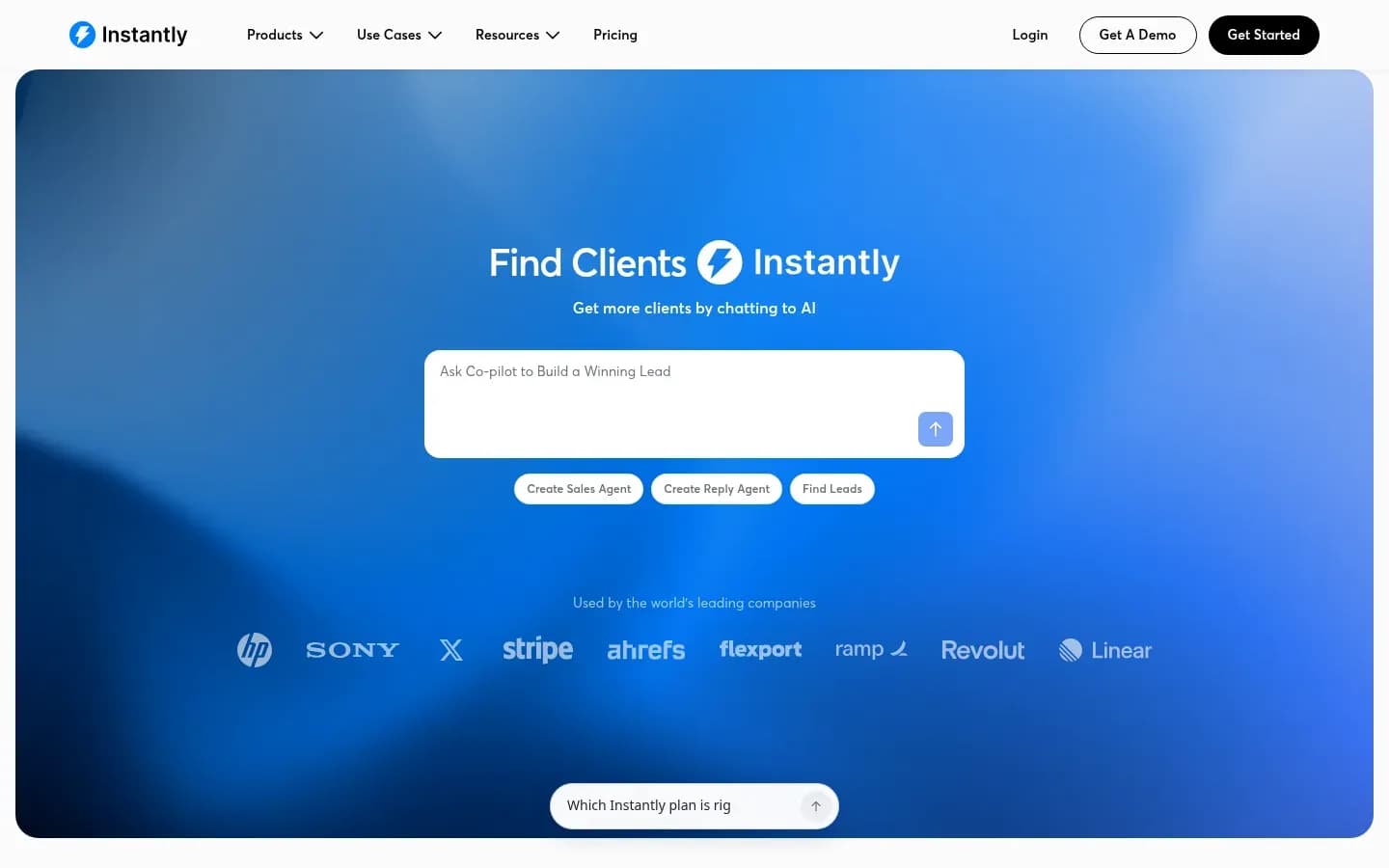
Instantly allows only one agency portal per workspace and shows clients with Campaigns access every campaign in that workspace, so agencies that need strict separation pay for a workspace per client.
Instantly
Cold email outreach and lead database platform with deliverability tools for sales teams, agencies and founders.
Instantly is a cold email outreach and lead database platform with deliverability tools. Its agency portal gives clients a branded login to the parts of a workspace the agency chooses to share.
- Public API
- Yes
- Ratings
- G2 4.8/5 (4,161 reviews)
Verdict: Fifth for client work, but a fit for agencies whose clients can accept shared visibility inside a workspace and want a branded login with access set area by area.
Client separation: Only one agency portal can be configured per workspace. Separate client portals therefore need separate workspaces, each with its own subscription. Inside a single workspace, clients are not walled off from each other's campaigns.
Client permissions: The agency grants a client access to Campaigns, with view or edit rights, and to Unibox, Analytics, CRM and Blocklist. Clients with Campaigns access see all campaigns in the workspace, not only their own. Instantly does not send invite emails, so the agency shares the invite link itself.
Branding and reporting: Agency white labeling comes with the Hypergrowth and Light Speed plans. The agency points a CNAME on its own subdomain so clients log in there, and it can upload its logo.
What each client adds: A client that needs its own portal adds a workspace subscription. Lead data, sold as Instantly Credits, is a separate subscription from the Outreach plan. Unused credits expire two months after purchase on monthly plans and one year after purchase on annual plans. When a plan's included email volume runs out, the account moves up a tier rather than paying overage.
Pricing: The pricing table shows Instantly's Outreach plans.
Instantly Outreach pricing
| Plan | Price | Billing | Notes |
|---|---|---|---|
| Growth | $47 | per month | |
| Hypergrowth | $97 | per month | |
| Light Speed | $358 | per month | |
| Enterprise | Custom pricing |
Best fit: Agencies whose clients can share one workspace, or agencies that send for a few large clients, each worth its own subscription. On Hypergrowth and Light Speed it also suits agencies that want clients to log in on the agency's own subdomain. Instantly is not a fit where one client must never see another client's campaigns inside a shared workspace.
Limitation: Instantly's G2 reviewers repeatedly mention a learning curve on campaign, account and deliverability settings, and pricing they find hard to read, with added costs for extra workspaces and premium warm-up pools.
How Do Cold Email Platforms Keep Client Data Separate?
Cold email platforms separate agency clients in three ways, a workspace per client, a client sub-account inside one agency account, or an agency panel with a separate prospect database for each client. In Instantly, a separate client portal also means a separate workspace subscription.
Three ways to separate agency clients
| Model | Tools | What stays separate | What is shared |
|---|---|---|---|
| Workspace per client | QuickMail, Instantly | Each workspace's campaigns and replies | In Instantly, every campaign in one workspace |
| Client sub-account | Smartlead | Client login, inbox categories, credits | The agency account and its plan |
| Agency panel | Woodpecker | Prospects database per client | Global blacklist |
| Shared dashboard | Saleshandy | Per-client sent, open, reply stats | One unified inbox |
Workspace per client. QuickMail and Instantly draw the line at the workspace. QuickMail guests cannot reach other agency workspaces, settings or billing, which is clean separation. Instantly allows one agency portal per workspace, and a client with Campaigns access sees every campaign in that workspace. Strict separation in Instantly therefore means one workspace, and one subscription, per client.
Client sub-account. Smartlead keeps clients inside one agency account. Each client gets its own login, its own Master Inbox categories and its own allocation of email and lead credits. The agency runs one plan and adds client workspaces as it signs clients.
Agency panel. Woodpecker gives each client a separate prospects database inside one panel, with all client stats in one place.
Shared dashboard. Saleshandy runs all clients from one centralised dashboard with per-client sent, open and reply figures. Replies from every account land in one unified inbox, so the agency team handles them in one place.
Mailboxes and blocklists are where separation gets tested in practice. Woodpecker connects client mailboxes without the client sharing passwords, so credentials stay with the client. Its global blacklist applies across the panel, which protects every client from a contact who opted out once. Instantly instead lets the agency grant a client access to the Blocklist, so the client can see or manage it inside the workspace.
The shared-workspace risk is simple. If two clients sit in one Instantly workspace and both have Campaigns access, each can see the other's campaigns. For a refresher on what a cold email platform does, including where contact data and legal duties sit, start with the definition.
What Can Clients See In A White-Label Cold Email Portal?
QuickMail and Instantly let an agency choose between view and edit access for a client, Woodpecker keeps guests to view-only reporting, and Smartlead assigns permissions and inbox categories client by client. What a client sees beyond that depends on whether it shares a workspace with other clients and on which plan carries white label.
Client permissions by platform
| Tool | Edit campaigns | Replies | Campaign visibility | Branding |
|---|---|---|---|---|
| Woodpecker | No, view-only | View-only | Own company's campaigns | Agency subdomain and colours |
| Smartlead | Set by role | Chosen inbox categories | Set per client | Agency white label |
| QuickMail | If edit access is on | Handle with edit access | Own workspace only | Agency logo |
| Instantly | View or edit | With Unibox access | All workspace campaigns | Agency subdomain and logo |
Woodpecker's guest app is a reporting view. Guests see campaigns in folders, campaign statistics and contacted prospects with status and interest level, and they cannot export prospect data or connect mailboxes.
Smartlead uses role-based permissions. The agency sets each client's permissions and picks which Master Inbox categories the client sees, so a client can be shown interested replies without the rest of the inbox.
QuickMail splits clients into two groups. Guests with edit access can add and change campaigns and handle replies. Guests without it view campaigns, replies and reporting, and the separate portal link shows overall stats only.
Instantly grants access area by area, covering Campaigns, Unibox, Analytics, CRM and Blocklist. The catch is visibility. A client with Campaigns access sees all campaigns in the workspace.
Saleshandy's client-facing side is its white-label login. On the plans that carry it, clients see only the agency's branded login URL and receive notifications that never mention Saleshandy.
How Much Does A Cold Email Platform Cost An Agency Per Client?
Each extra client adds a Smartlead client workspace fee from the Pro plan, and each QuickMail client beyond the Agency plan's two workspaces adds an extra workspace fee. Woodpecker charges per active client plus a per-client white-label add-on, Instantly needs a subscription per separate portal, and Saleshandy bills on prospects rather than clients.
"Unlimited mailboxes" and "unlimited clients" are the headline on several agency pages, and they hide where the per-client cost sits. The meter is rarely mailboxes. It is workspaces, white label and the add-ons a real setup needs.
What scales with each client
| Tool | What scales with each client | Add-ons a realistic setup needs |
|---|---|---|
| Smartlead | A client workspace fee from Pro | Inbox testing, servers, mailboxes, domains |
| Woodpecker | Active-client fee plus white label | Integrations and webhooks add-on |
| QuickMail | A workspace fee after two | None per client, users unlimited |
| Instantly | A subscription per portal workspace | Separate Instantly Credits subscription |
| Saleshandy | Nothing, billing follows prospects | White label needs a top plan |
The arithmetic changes the ranking for large rosters. Ten Smartlead clients mean ten client workspace fees on top of the plan. Ten QuickMail clients on the Agency plan need eight extra workspaces. Saleshandy adds nothing for the tenth client, though prospect volume still drives its bill.
Smartlead's add-ons are the ones most agencies end up buying. SmartDelivery inbox placement testing is a monthly add-on. Pre-warmed Google and Outlook mailboxes cost $9 per month, fresh mailboxes from about $3.99 per month and domains $13 to $19 per year.
Instantly adds two less visible lines. Lead data is a separate Instantly Credits subscription whose unused credits expire, after two months on monthly plans. When included email volume runs out, the account moves up a tier rather than paying overage.
List hygiene adds cost too. Smartlead sells verified prospect emails as a monthly add-on on Base and Pro, and agencies that clean lists outside the platform budget for one of the email verification tools instead.
Base plan prices stay in each tool's pricing table above, so the figures here are only the part that grows with the client roster.
How To Choose A Cold Email Platform For An Agency
Choose an agency cold email platform by client count, client access and per-client cost first, because those decide the monthly bill and client trust long before sending limits do.
Work through the checks in this order:
- Count clients now and in a year. A fast-growing roster favours Saleshandy's prospect billing over Smartlead's or QuickMail's per-workspace fees.
- Decide whether each client needs its own login. Smartlead sends each client its own credentials, and QuickMail invites clients as guests.
- Choose view-only or edit per client. QuickMail switches edit access per guest, and Woodpecker keeps guests view-only.
- Check whether clients connect their own mailboxes. Woodpecker connects client mailboxes without the client sharing passwords.
- Decide if a branded domain is needed. Woodpecker brands the guest app on the agency's subdomain, and Saleshandy needs Enterprise or the legacy Outreach Scale plan or higher.
- Check how opt-outs are shared. Woodpecker runs a global blacklist across the agency panel.
- Confirm per-client reporting. Woodpecker shows all client stats in one panel, and QuickMail's portal shows overall stats only.
- Price the next client. Smartlead adds a client workspace fee from Pro, and QuickMail adds a workspace fee beyond two.
- Check sending volume. Above 5,000 messages a day to Gmail, Google's bulk sender rules make authentication and one-click unsubscribe mandatory, and Microsoft applies matching rules to Outlook addresses.
The order matters. Client count sets which pricing model is cheapest over a year. Login and permission needs then remove tools that cannot give a client the access it expects. Branding and reporting decide how the agency presents its work, and sending volume comes last because the earlier checks usually settle the choice first.
Two checks are easy to skip. The first is whether a client will ever want its data out, since Woodpecker guests cannot export prospects. The second is whether two clients will share a workspace, since Instantly shows every campaign in a workspace to any client with Campaigns access.
An agency that runs these checks against its real roster usually ends up with one clear choice. Where two tools tie, the per-client cost at next year's client count is the tie-breaker.
Which Cold Email Platform Should An Agency Choose?
If your agency must keep client data apart and report on its own domain, choose Woodpecker; if you need per-client logins and credit allocation at scale, choose Smartlead. QuickMail, Saleshandy and Instantly each win a narrower situation, set out below by roster size, client access and billing model.
- Strict client data separation and reporting on your domain: Woodpecker. Per-client prospect databases, a global blacklist and a branded guest app keep clients apart.
- Many clients with per-client logins and credits: Smartlead. Each client gets its own login, inbox categories and credit share, with a client workspace fee from Pro.
- A small roster that wants guest view or edit access: QuickMail. Each client gets its own workspace, and the agency sets edit access per guest.
- Adding clients often without per-client fees: Saleshandy. Billing follows prospects, so the tenth client costs nothing extra.
- Clients who can share one workspace: Instantly. It suits agencies whose clients can see each other's campaigns, or that pay for a workspace per client.
The decision rule is short. If a client seeing another client's work would end the contract, rule out shared Instantly workspaces first. If the roster will double in a year, model Smartlead's and QuickMail's per-workspace fees against Saleshandy's prospect billing. If clients want to edit their own campaigns, keep QuickMail and Instantly on the list, weigh Smartlead's role-based permissions and drop Woodpecker.
Agencies torn between Instantly and Smartlead can read the full Instantly vs Smartlead comparison, which weighs reply handling, client access and add-on costs side by side.
Who Is Responsible For Compliance When An Agency Sends Cold Email For A Client?
Under the FTC's CAN-SPAM rules both the client whose product an email promotes and the agency that sends it can be held legally responsible, and the law makes no exception for business-to-business email. An agency cannot treat compliance as only the client's problem.
Mailbox providers add their own rules above 5,000 messages a day. Google requires bulk senders to Gmail addresses to authenticate their email, offer one-click unsubscribe on commercial email, process unsubscribes within two days and stay under a clear spam rate threshold.
Microsoft goes further on enforcement. Since May 2025, according to dmarcian's summary of Microsoft's rules, Microsoft asks senders of 5,000 or more emails a day to outlook.com, hotmail.com and live.com to pass SPF and DKIM and publish DMARC at p=none or stricter. Non-compliant messages are rejected with error 550 5.7.15 rather than sent to junk.
Platform features carry part of this load. Woodpecker's global blacklist keeps an opted-out contact out of every client's campaigns, and its automated client domain audits flag setup problems early. Instantly lets the agency grant a client access to the Blocklist, so opt-outs can be checked inside the workspace. Whichever tool an agency picks, it should own the unsubscribe process for every client rather than leave it to each client's inbox.
Authentication belongs in onboarding, before the first send. The steps to set up your first cold email campaign cover SPF, DKIM and DMARC alongside list verification and launch checks.
This section is general information, not legal advice.
Frequently Asked Questions
Do agencies need a separate workspace for every client?
Agencies do not always need a separate workspace for every client, because Smartlead and Woodpecker separate clients inside one agency account, while Instantly needs one workspace per client portal. QuickMail also runs one workspace per client, with two included on the Agency plan and a fee for each extra workspace.
Can clients connect their own mailboxes without sharing passwords?
Yes, in Woodpecker. Its agency panel connects client mailboxes without the client sharing passwords, so credentials stay with the client. Woodpecker's guest app itself is view-only, and guests cannot add accounts or connect mailboxes from it. QuickMail guests sign in with Google, Microsoft or LinkedIn rather than a separate password.
Is white-label cold email software worth paying for?
White label is worth paying for when clients log in often or when the agency sells branded reporting as part of its service. Woodpecker charges it per client, Smartlead bundles it with each paid client workspace from Pro, and Saleshandy limits it to Enterprise and the legacy Outreach Scale plan or higher.
Sources
Sources
- smartlead.ai
- helpcenter.smartlead.ai
- smartlead.ai
- Instantly Reviews | G2 · g2.com
- New Gmail protections for a safer, less spammy inbox · blog.google
- CAN-SPAM Act: A Compliance Guide for Business · ftc.gov
- help.quickmail.com
- help.instantly.ai
- saleshandy.com
- Microsoft Enforces SPF, DKIM, DMARC for High-Volume Senders · dmarcian.com