

This applies to teams verifying B2B prospect or marketing lists they already hold, before sending through their own or a third-party sending platform. The only published head-to-head accuracy test was run by a competing vendor on its own data, so its scores are directional. Verification lowers bounces, but it does not decide inbox placement.
Best Email Verification Tools
Bouncer is the best email verification tool for most B2B teams, because it pairs a strong showing in Hunter's 15-verifier accuracy benchmark with billing that skips unknown results and credits that never expire.
Email verification checks whether an address is likely to accept mail before you send to it. Each tool below does that job, but they differ in how they name results, what they do with catch-all addresses and which results they bill for. Those three differences decide most of the real-world value.
- BouncerBest for batch list cleaning before campaigns
- KickboxBest for aPI checks at sign-up
- ZeroBounceBest for catch-all-heavy enterprise lists
- EmailableBest for steady monthly verification volume
- NeverBounceBest for teams already buying from ZoomInfo
Kickbox posted the highest score of the five in Hunter's benchmark, yet Bouncer ranks first. The ranking weighs accuracy and billing together. Bouncer pairs second-place accuracy in Hunter's benchmark with billing that skips unknown and duplicate results and credits that never expire, and weighing the two puts it first. A team cleaning lists in batches is not billed for unknown results or repeated addresses.
Email Verification Tools Comparison
The table puts the five side by side on the points a buyer compares first. Detail on each sits in the tool's own section.
| Tool | Best for | Catch-all handling | Hunter benchmark |
|---|---|---|---|
| Bouncer | Batch list cleaning | Flags catch-all | 65.43% |
| Kickbox | API checks at sign-up | accept_all flag | 67.53% |
| ZeroBounce | Catch-all-heavy enterprise lists | Catch-all, Verify+ | 60.70% |
| Emailable | Steady monthly volume | Risky (Accept-All) | 59.93% |
| NeverBounce | ZoomInfo customers | Accept all | 63.17% |
Read the benchmark column as a relative signal, not a guarantee. Hunter counted accept-all and unknown results as misses, so a lower score often means more undecided addresses rather than more wrong calls.
How We Chose And Ranked These Tools
Five standalone verifiers made this list, ranked first on their scores in Hunter's benchmark of 15 verifiers on 3,000 B2B addresses weighed together with which results they bill for, then on catch-all handling and label clarity. Hunter, which ran that benchmark, was considered and left out.
Inclusion bar: A tool had to be a standalone verifier with bulk and API verification, documented result labels, a documented treatment of catch-all or accept-all addresses, and a place in at least one published head-to-head accuracy test. Tools that mainly find addresses belong with the email finder APIs instead.
Criteria, in rank order:
- Accuracy in Hunter's benchmark and billing predictability, weighed together. Billing covers which results you are charged for and whether credits expire.
- How the tool handles catch-all addresses.
- How clearly the labels separate send, do not send and decide.
How the order follows: Bouncer leads because it pairs second-place accuracy in Hunter's benchmark with billing that skips unknown and duplicate results and credits that never expire. Kickbox has the top score, but Capterra reviewers report its cost rises at large volumes. ZeroBounce scores below NeverBounce, yet it does not charge for unknowns or duplicates and adds Verify+ for catch-all addresses. Emailable has strong billing rules and the lowest score of the five. NeverBounce scores third, but reviewers report changed credit-expiry terms since its acquisition.
The benchmark's limit: Hunter sells a competing verifier, ran the test on its own activity data through Clay's default settings, and placed itself first. Hunter says its own data may favour Hunter. The scores below are directional for that reason, and they work best as a guide to which tools deserve a test on your own list.
Hunter scored 70.00% in its own benchmark, but it cannot be both referee and contender, so it was considered and left out:
Considered, not included
| Tool | Why not included |
|---|---|
| Hunter | Ran the benchmark it tops |
Bouncer
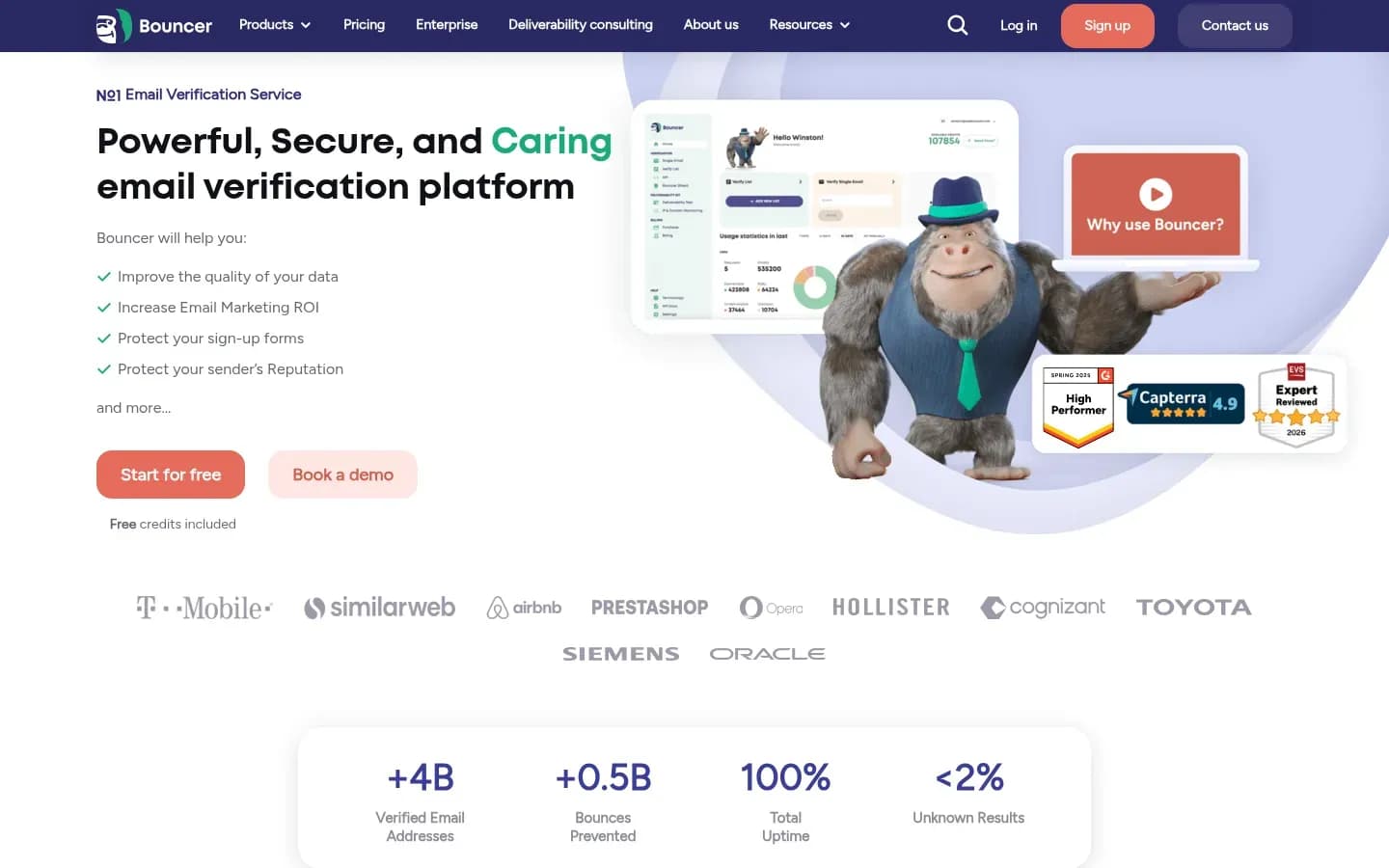
Bouncer suits B2B teams that verify lists in batches before campaigns, since it does not charge for unknown or duplicate results, its credits never expire, and it scored 65.43% in Hunter's accuracy benchmark. That pairing of second-place accuracy with billing that skips unknown and duplicate results and credits that never expire is why it ranks first.
Bouncer
Email verification platform with a web app and API for cleaning mailing lists, for marketers, agencies and SaaS teams.
Bouncer is an email verification platform for cleaning mailing lists. It serves marketers, agencies and SaaS teams that clean lists before they send.
- Free trial
- Yes, no card needed
- Platforms
- API, Web
- Public API
- Yes
- Compliance
- GDPR
Catch-all handling: Bouncer detects catch-all and disposable addresses, and its Toxicity Check flags toxic addresses inside a list. Catch-all addresses come back flagged, so the send decision on them stays with you.
What drives cost: Bouncer says it never charges for duplicated emails or unknown results, and its credits never expire. Spend tracks the number of unique addresses that return a usable answer, which keeps batch cleaning predictable even when lists sit unused for months.
Benchmark result: Bouncer scored 65.43% overall in Hunter's benchmark, second among these five behind Kickbox.
Pricing: Bouncer's plans and prices are shown here:
Bouncer Email Verification pricing
| Plan | Price | Billing | Notes |
|---|---|---|---|
| 1000 credits | $8 | one-time | per credit |
| 10000 credits | $60 | one-time | per credit |
| 100000 credits | $400 | one-time | per credit |
| 1000000 credits | $2,000 | one-time | per credit |
| 250000 credits | $750 | one-time | per credit |
| 5000 credits | $35 | one-time | per credit |
| 50000 credits | $250 | one-time | per credit |
| 500000 credits | $1,250 | one-time | per credit |
Bouncer Deliverability Kit pricing
| Plan | Price | Billing | Notes |
|---|---|---|---|
| Starter | $25 | per month | |
| Standard | $125 | per month | |
| Pro | $250 | per month | |
| Enterprise | Custom pricing |
Best fit: B2B outbound and marketing teams that clean lists before campaigns and want predictable spend. Bouncer anonymises uploaded emails across its system and hosts in the EU, which helps teams that want list data processed there.
Limitations: Bouncer trailed Kickbox in Hunter's benchmark. Catch-all addresses still need a decision from your team, since a flag tells you the domain accepts everything, not whether the person exists.
Integrations: Bouncer lists connections to marketing platforms, so a cleaned list can move back into the tool that sends it.
Kickbox
Kickbox scored highest of these five tools in Hunter's verifier benchmark at 67.53%, and its API returns a Sendex score from 0 to 1 alongside accept-all, disposable and role flags for each address.
Kickbox
Kickbox is an email verification service built around a developer API, with bulk list cleaning for marketing and lifecycle teams.
How it labels: Kickbox's official Node library documents four results, deliverable, undeliverable, risky and unknown. Each comes with a reason code such as rejected_email, low_quality, low_deliverability, no_connect or timeout. A Sendex quality score runs from 0 (no quality) to 1 (perfect quality), which lets a team set its own cut-off instead of relying on the label alone.
Catch-all handling: Each response carries a true or false accept_all flag, next to disposable and role flags. Pairing the accept_all flag with the Sendex score gives a team a way to send to the stronger catch-all addresses and hold back the weaker ones.
Benchmark result: Kickbox scored 67.53% overall in Hunter's benchmark, the highest of these five.
Best fit: Product and lifecycle teams verifying addresses at sign-up through the API, and teams that want a numeric quality score to set their own threshold.
Limitations: Capterra reviewers report that risky results often come without an explanation and that accept-all detection is weaker for some users. Some say cost rises at large volumes, so teams cleaning big lists in bulk should model spend first. Others say CRM updates can need an export and re-import.
Integrations: Capterra's Kickbox listing names more than 20 native integrations, including HubSpot, Zapier, Mailchimp, Klaviyo, Marketo Engage, ActiveCampaign and Google Sheets. Customer.io documents a workflow that calls Kickbox to verify each new person's email and saves the result, reason and disposable fields as attributes that drive segments.
ZeroBounce
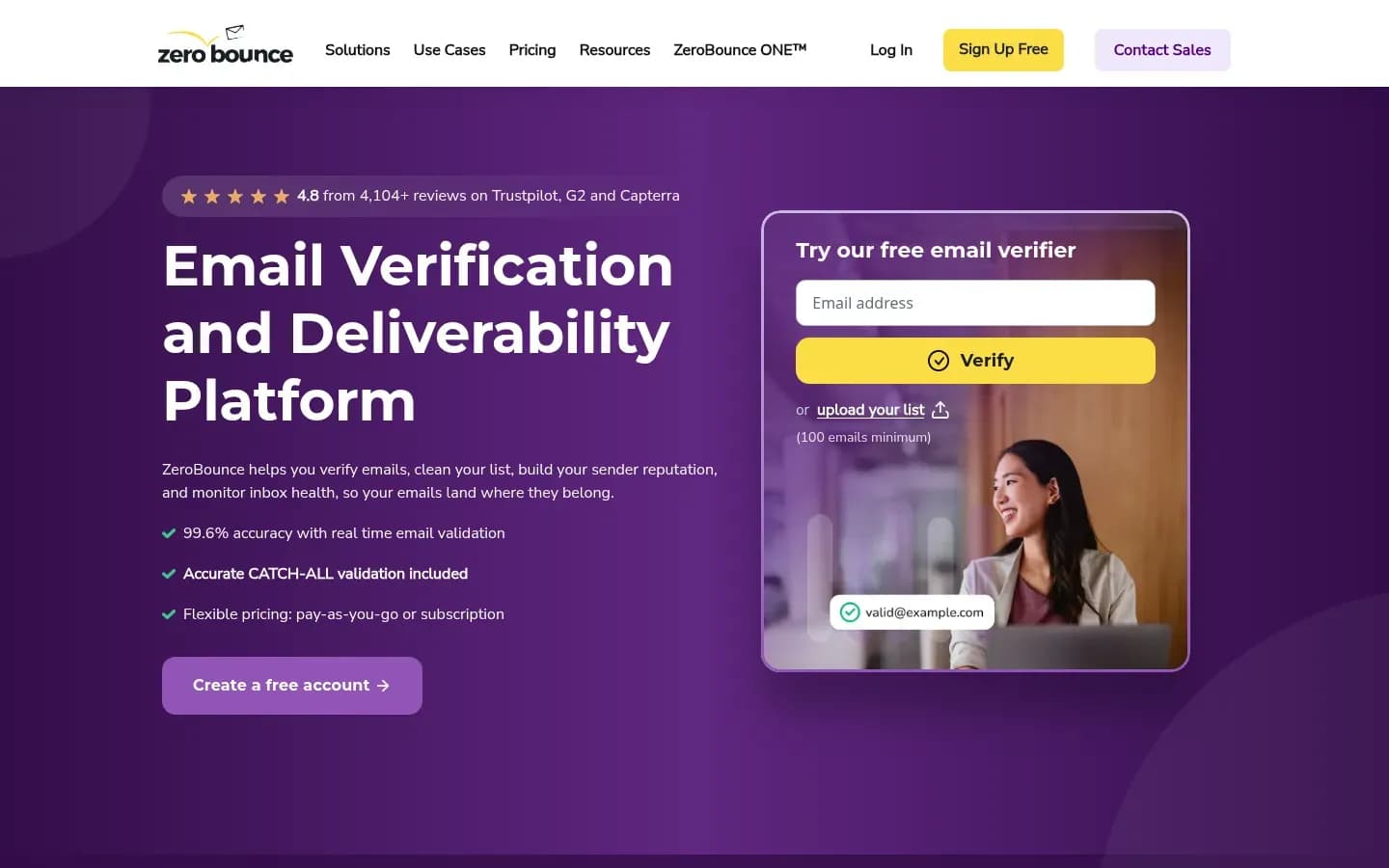
ZeroBounce is the pick for catch-all-heavy lists, because it tries to resolve catch-all addresses to Valid or Invalid and adds a Verify+ pass for the ones it cannot settle, though new accounts opened after June 1, 2026 see credits expire two years after the latest purchase.
ZeroBounce
Email verification and deliverability platform that validates addresses and cleans lists for marketers, sales teams and developers.
ZeroBounce is an email verification and deliverability platform that validates addresses and cleans lists for marketers, sales teams and developers.
- Free plan
- Yes
- Platforms
- iOS
- Public API
- Yes
- Compliance
- GDPR, HIPAA, ISO 27001, SOC 2
How it labels: ZeroBounce's catch-all documentation names three outcomes, Valid, Invalid and Catch-all, and its billing FAQ says unknown results are not charged. Its Email Scoring adds information on top, but ZeroBounce says the score is not a substitute for validation and does not decide whether a mailbox is valid.
Catch-all handling: During standard validation, ZeroBounce tries to classify catch-all addresses as Valid or Invalid. Addresses it cannot resolve stay Catch-all. With Verify+ enabled, eligible unresolved addresses go through an extra phase.
What drives cost: ZeroBounce charges one credit per verified address and does not charge for removing duplicates or for unknown results. Credit expiry depends on when the account opened. Credits on accounts created on or before June 1, 2026 never expire. On accounts created after that date, purchased credits expire two years after the most recent purchase, and each purchase restarts the clock. Credits do not expire while a ZeroBounce ONE subscription is active.
Benchmark result: ZeroBounce scored 60.70% overall in Hunter's benchmark, with 56.60% on small-company addresses and 66.20% on large-company addresses.
Pricing: ZeroBounce's plans and prices are shown here:
ZeroBounce pricing
| Plan | Price | Billing | Notes |
|---|---|---|---|
| Freemium | $0 | per month | per credit |
| Pay-As-You-Go | $39 | per month | per credit |
| ZeroBounce ONE | $99 | per month | per credit |
Best fit: Teams with catch-all-heavy enterprise lists who want an extra attempt at resolving those addresses before deciding to send.
Limitations: The small-company score sits well below its large-company score, so a list of small-business contacts may come back with more undecided results. New accounts also face the two-year expiry rule unless they hold a subscription.
Emailable
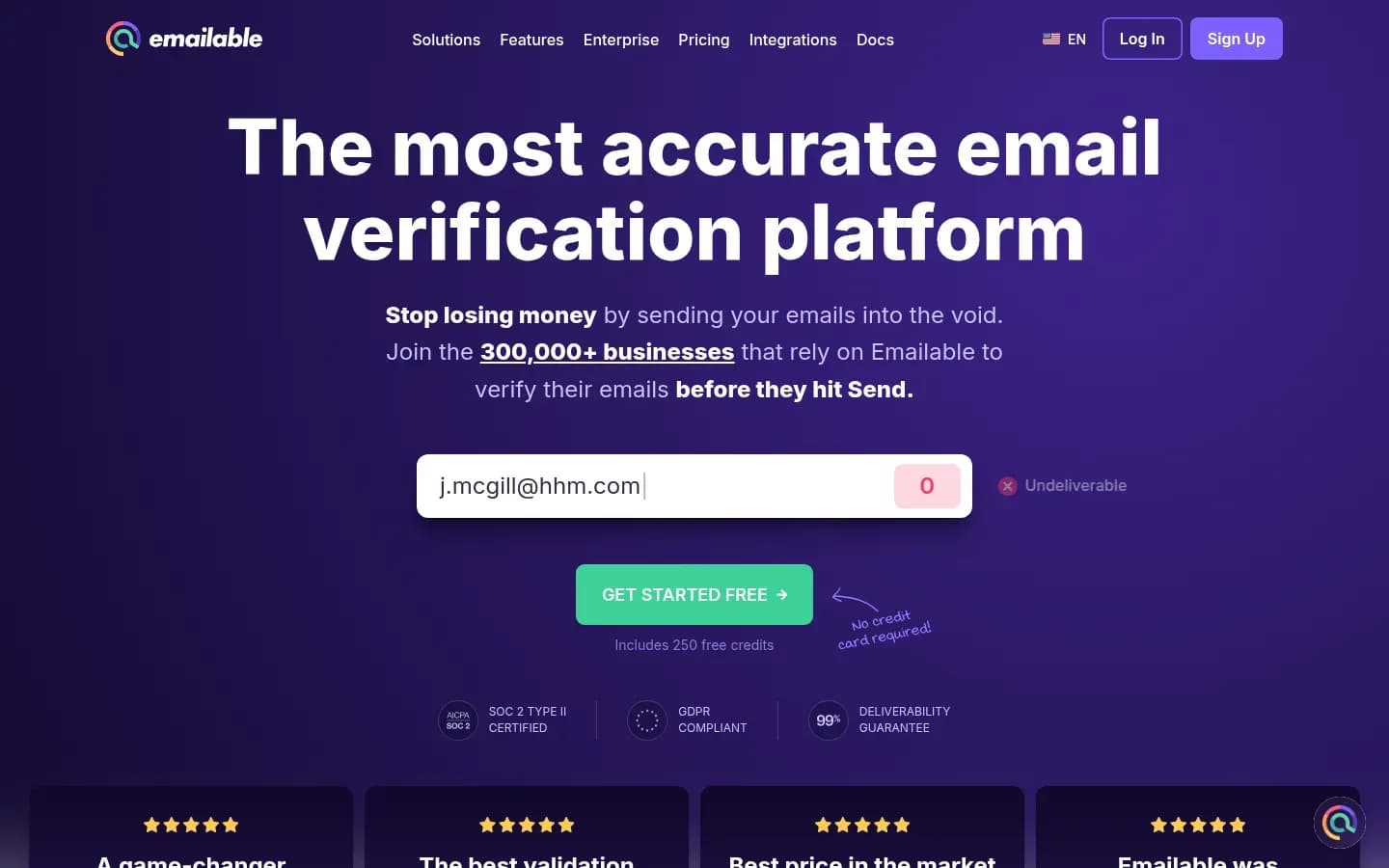
Emailable fits teams verifying a steady monthly volume, since its subscription credits roll over, unknown results are free and every Risky or Undeliverable result carries a named reason such as Rejected Email or Low Deliverability.
Emailable
Email verification service with bulk, single-address and API checks for businesses that send marketing or sales email and for developers.
Emailable is an email verification service with bulk, single-address and API checks for businesses that send marketing or sales email, and for developers.
- Free plan
- Yes
- Platforms
- API
- Public API
- Yes
- Compliance
- GDPR, SOC 2
How it labels: Emailable returns four states with reasons. Deliverable stands alone. Risky carries Low Quality or Low Deliverability. Undeliverable carries Invalid Email, Invalid Domain, Rejected Email or Invalid SMTP. Unknown carries No Connect, Timeout, Unavailable SMTP or Unexpected Error.
Catch-all handling: Emailable treats accept-all domains in certainty tiers. Some domains it fully verifies to Deliverable or Undeliverable. Otherwise it returns Deliverable or Risky (Accept-All) when it can show delivery but not prove a bounce, Undeliverable or Risky (Accept-All) in the reverse case, and Risky (Accept-All) when it can show neither.
What drives cost: Emailable charges one credit per verification across bulk, single, API and widget checks. Unknown results are not charged, and duplicates in a list are charged once with the copy removed. Credits do not expire, and unused subscription credits roll over each billing cycle. Pay-as-you-go has a minimum purchase, while subscriptions reload credits each cycle at a discount off pay-as-you-go rates.
Benchmark result: Emailable scored 59.93% overall in Hunter's benchmark, the lowest of these five.
Pricing: Emailable's plans and prices are shown here:
Emailable pricing
| Plan | Price | Billing | Notes |
|---|---|---|---|
| Monthly subscription, 5,000 credits (save 15%) | $32.30 | per month | per credit |
| Over 1,000,000 credits (sales) | Custom pricing | per contact | |
| Pay-As-You-Go, 5,000 credits | $38 | one-time | per credit |
Best fit: Teams verifying a steady monthly volume who want rollover credits and reason-level detail on each result.
Limitations: Emailable has the lowest benchmark score of the five. The pay-as-you-go minimum purchase also makes small one-off checks less efficient than a subscription.
NeverBounce
NeverBounce spells out send guidance for each of its result codes, marking a result as OK to send, do not send, use caution for accept-all, or re-verify first for unknown, and it has been part of ZoomInfo since DiscoverOrg acquired it.
NeverBounce
Real-time and bulk email verification and list cleaning service for senders who want fewer bounces and a protected sender reputation.
NeverBounce is a real-time and bulk email verification and list cleaning service for senders who want fewer bounces and a protected sender reputation.
- Public API
- Yes
How it labels: NeverBounce returns five result codes. Valid is OK to send. Invalid and Disposable are not. Accept all, also shown as Unverifiable, means use caution. Unknown means the server did not answer in time, so re-verify first.
Catch-all handling: NeverBounce describes accept-all as a setting on the recipient's mail server, not a verdict on the address. For senders on a third-party sending provider with a bounce rate below 4%, it advises sending to accept-all addresses selectively, in small segmented batches, while watching bounces.
What drives cost: NeverBounce bills one credit per email verification and sells credits in bulk at a discount. Usage beyond the starter credits is charged to the default payment method, so set a budget before connecting an automated workflow.
Benchmark result: NeverBounce scored 63.17% overall in Hunter's benchmark, third among these five.
Pricing: NeverBounce's plans and prices are shown here:
NeverBounce pricing
| Plan | Price | Billing | Notes |
|---|---|---|---|
| Growth | $49 | per month | |
| Enterprise | Custom pricing | per contact | |
| Pay as you go | $8 | one-time | per credit |
Best fit: Teams already buying from ZoomInfo, and teams that want plain send or do-not-send guidance attached to every result. G2 lists the product as NeverBounce, Powered by ZoomInfo.
Limitations: Independent reviews describe a pattern since the acquisition. Customers report credits bought without expiry being given 12-month expiry dates in 2024, slower support, and Trustpilot sentiment running far below G2 sentiment.
How Do Email Verification Tools Work?
An email verification tool checks an address's syntax, confirms the domain accepts mail, then asks the receiving server whether the mailbox exists without sending a message, which is why results such as Rejected Email, Timeout or accept-all describe the server's answer rather than the person.
The checks run in a fixed order, and each one can stop the address early:
- Syntax. The address must be well formed. Emailable reports a failure here as Invalid Email, and Kickbox as invalid_email.
- Domain and mail records. The domain must exist and be set up to receive mail. A failure shows as Invalid Domain at Emailable and invalid_domain at Kickbox.
- SMTP mailbox check. The tool opens a conversation with the receiving mail server and asks whether the mailbox exists, then stops before any message is sent. A refusal shows as Rejected Email. A server that does not answer produces No Connect or Timeout, which Emailable files under Unknown. Kickbox returns no_connect and timeout as reason codes.
- Special address types. The tool then flags addresses that need a separate decision, such as catch-all domains, disposable addresses and role addresses like sales@ or info@.
Because the SMTP check relies on what the server says, a verifier can only be as certain as the server allows. That is why the tools here all keep a middle group of catch-all and unknown results, and Hunter says no verifier avoids accept-all and unknown results entirely.
Verification predicts bounces. It does not predict whether a message lands in the inbox or the spam folder. Gmail, for example, also holds senders to a spam-rate limit that verification does nothing to lower.
What Do Email Verification Results Mean?
The verifiers here sort addresses into send, do not send and decide, but the names differ. NeverBounce calls the middle group Accept all or Unknown, Emailable and Kickbox call it Risky or Unknown, and ZeroBounce calls it Catch-all. Translate every export into those three groups before acting on it.
That makes exports from two tools hard to compare label for label. The map below lines up each tool's label with the decision it calls for:
Result labels mapped to the send decision
| Decision | ZeroBounce | NeverBounce | Emailable | Kickbox |
|---|---|---|---|---|
| Send | Valid | Valid | Deliverable | deliverable |
| Do not send | Invalid | Invalid | Undeliverable | undeliverable |
| Decide | Catch-all | Accept all | Risky (Accept-All) | accept_all flag |
| Re-verify | Unknowns, not charged | Unknown | Unknown | unknown |
Bouncer flags catch-all and disposable addresses rather than publishing a separate label set, so its catch-all flag belongs in the decide row. Disposable addresses are a remove decision wherever they appear, whether as NeverBounce's Disposable code, Kickbox's disposable flag or Bouncer's disposable detection.
Three details change how you read the middle rows.
Risky is broader than catch-all. At Emailable, Risky also covers Low Quality and Low Deliverability, not only accept-all domains. Kickbox returns low_quality and low_deliverability among its reason codes too. A risky result needs its reason code read before you decide.
Kickbox adds a number. The Sendex score from 0 to 1 lets a team set its own cut-off. A team can send to risky addresses above a chosen score and hold back the rest, rather than treating every risky result the same way.
Unknown is not a verdict. NeverBounce says an unknown result means the server did not answer in time, and advises re-verifying before sending. Emailable files No Connect, Timeout and Unavailable SMTP under Unknown for the same reason.
The practical rule is to translate every export into the same three groups before acting on it. Send the first, drop the second, and run a deliberate process for the third.
How Accurate Are Email Verification Tools?
In Hunter's benchmark of 15 verifiers on 3,000 B2B addresses, the top score was 70.00% and the covered tools ranged from 59.93% to 67.53%, mainly because accept-all and unknown results counted as misses. Accuracy looks lower once undecided results count against a tool, and that is the fairer way to read it.
70.00%
The highest overall accuracy in Hunter's benchmark, scored by Hunter itself, with Kickbox the highest of the five tools here at 67.53%.
2026 · 3,000 B2B addresses, 15 verifiers · Source
How the test worked: Hunter ran 15 verifiers through their Clay integrations on default settings. The sample held 2,700 real addresses taken from outreach replies plus 300 invalid ones, about 1,000 per company-size segment. Ground truth came from email activity recorded in Hunter.
The stated bias: Hunter is a competing vendor, and it ranked first in its own test. Hunter says its data may favour Hunter. Treat the order of the other tools as a useful signal and the absolute numbers as directional.
Why scores fall short of vendor claims: Accept-all and unknown results are not wrong answers. They are undecided answers, and Hunter scored them as not correct. Hunter also says no verifier avoids accept-all and unknown results entirely.
Why your list matters: The share of undecided results depends on who is on the list. ZeroBounce scored 56.60% on small-company addresses and 66.20% on large-company addresses, a gap of almost ten points from the same tool.
The rule that follows is simple. Judge a verifier first by how few addresses it leaves undecided on your own list, then by how many of the addresses it marks valid go on to bounce.
Should You Send To Catch-All Emails?
Send to catch-all addresses only in small, monitored batches. NeverBounce's guidance for teams on a third-party sending provider with a bounce rate under 4% is to send to accept-all emails selectively rather than exclude them outright. Re-verify unknown results before any send, and stop a batch as soon as bounces climb.
The decision rule:
- On a third-party sending provider with a bounce rate under 4%, NeverBounce advises sending to accept-all addresses selectively, in small segmented batches, and watching bounces after each one.
- For unknown results, NeverBounce advises re-verifying before sending, so decide only on the second answer.
- If bounces climb during a batch, stop it, because Gmail asks senders to cut volume when messages start bouncing.
Tool-side options before you decide:
- ZeroBounce's Verify+ runs an extra phase on catch-all addresses it could not resolve.
- Emailable's certainty tiers already split some accept-all addresses into Deliverable or Undeliverable, leaving fewer in Risky (Accept-All).
- Kickbox's accept_all flag combined with the Sendex score lets you send only to catch-all addresses above your own threshold.
Mailbox providers set the outer limit. Gmail tells senders to automatically unsubscribe recipients who have multiple bounced messages and to reduce volume when messages start bouncing or being deferred. A catch-all batch that bounces badly therefore costs you more than the addresses in it.
How Do You Test An Email Verifier On Your Own List?
To test an email verifier, run the same sample of your own addresses with known outcomes, replied-to as valid and hard-bounced as invalid, through every shortlisted tool, the method Hunter used on 3,000 addresses across 15 verifiers, and score both wrong calls and undecided results.
Your own list is the only test that reflects your mix of company sizes, domains and catch-all servers. The steps below follow the shape of Hunter's method, scaled to a single team:
- Pull a sample of a few thousand addresses from your own pipeline with known outcomes
- Mark addresses that replied or delivered as valid, and addresses that hard-bounced as invalid
- Add a known-invalid share so each tool has bad addresses to catch
- Include enterprise domains that tend to be catch-all, alongside small-company domains
- Run the same file through every shortlisted tool within a short window, on default settings
- Score each tool on correct calls, wrong calls and the share left catch-all or unknown
- Work out the cost per sendable address from each tool's billing rules
- Repeat the test on a fresh sample before renewing a large contract
Keep the window short. Mailboxes open and close over time. Running every tool within days of each other keeps the comparison fair.
Score the undecided share separately. A tool that marks fewer addresses wrong but leaves many undecided still leaves your team with work. Two numbers, wrong calls and undecided share, tell you more than one blended score.
Apply each tool's charge rules. ZeroBounce does not charge for unknowns or duplicates. Emailable does not charge for unknowns and charges duplicates once. Bouncer does not charge for duplicates or unknowns. Divide what each tool would bill for the sample by the number of addresses you could send to, and compare that figure, not the headline credit price.
Use the result to pick two. The test rarely produces one clear winner. It usually narrows the field to two tools whose strengths match your list.
How Much Does Email Verification Cost To Run?
The cost of email verification turns on which results are billed and whether credits expire. ZeroBounce, Bouncer and Emailable do not charge for unknown results, while ZeroBounce accounts opened after June 1, 2026 lose purchased credits two years after the latest purchase.
The per-credit price is only the start. These billing rules decide what a cleaned list costs in practice:
What each tool bills for
| Tool | Unknowns charged | Duplicates charged | Credit expiry |
|---|---|---|---|
| Bouncer | No | No | Never |
| ZeroBounce | No | No | Two years after last purchase, for accounts opened after June 1, 2026 |
| Emailable | No | Once | Never, subscription credits roll over |
NeverBounce bills one credit per email verification, discounts credits bought in bulk, and charges usage beyond its starter credits to the default payment method. Plan prices for every tool sit in the pricing widget in its section.
Work out cost per sendable address. Divide total spend by the number of addresses you can actually send to. A cheaper credit that leaves more results unknown or catch-all can cost more per usable address than a pricier one.
Check the purchase rules. Emailable's pay-as-you-go option has a minimum purchase, and its subscriptions reload at a discount off pay-as-you-go rates. A team verifying every month gains from the subscription, while a team with one small list pays for credits it may not need soon.
Watch expiry if you buy ahead. Teams that buy a large block of credits for the year should check the expiry rule first. Under ZeroBounce's rule for new accounts, each purchase restarts the two-year clock, and an active ZeroBounce ONE subscription stops credits expiring.
How Often Should You Verify Your Email List?
Verify every new list before its first send and re-verify unknowns, because Yahoo tells senders to remove invalid recipients from their lists promptly and Gmail asks senders to unsubscribe recipients with multiple bounced messages. For sign-up forms, verify at the point of capture so bad addresses never enter the list.
A workable cadence has three points:
- Before the first send of any new list or import. Purchased, enriched and event lists all carry addresses that have never been checked.
- At the point of capture. Sign-up forms can call a verifier through its API, as in Customer.io's documented Kickbox workflow that checks each new person's email.
- Before sending to unknowns. NeverBounce advises re-verifying unknown results first, since the server may answer the second time.
Yahoo also tells senders to monitor hard and soft bounces as well as inactive recipients, and to keep the spam rate below 0.3%. Gmail asks all senders to keep the spam rate in Postmaster Tools below 0.3%, and senders of more than 5,000 messages a day to stay below 0.10%.
Spam rate is a separate metric from bounces. Verification keeps bounces down, but it does nothing for recipients who mark mail as spam. The steps to set up your first cold email campaign cover the targeting side, and the email deliverability tools review covers inbox placement testing.
Which Email Verification Tool Should You Choose?
Choose by how you verify. Bouncer suits batch cleaning before campaigns, Kickbox suits API checks at sign-up, ZeroBounce suits catch-all-heavy enterprise lists, Emailable suits steady monthly volume, and NeverBounce suits teams that already buy from ZoomInfo. Then test your top two on your own list before you commit.
Batch-cleaning lists before outbound, with predictable spend or EU-hosted processing. Pick Bouncer. It pairs second-place accuracy in Hunter's benchmark with billing that skips unknown and duplicate results and credits that never expire.
Verifying at sign-up through an API, or wanting a numeric score to set your own threshold. Pick Kickbox. Its Sendex score and accept_all flag come back on every call, and Customer.io documents the sign-up workflow.
Lists heavy in enterprise catch-all domains. Pick ZeroBounce. Verify+ gives unresolved catch-all addresses an extra pass.
Steady monthly volume. Pick Emailable. Subscription credits roll over, and each result carries a named reason.
Already on ZoomInfo, or wanting per-result send guidance. Pick NeverBounce. It is part of ZoomInfo, and each result code comes with a plain instruction.
Best for
- B2B teams cleaning prospect lists in batches before campaigns
- Teams that want list data anonymised and hosted in the EU
Not for
- Product teams whose main need is verification at sign-up
- Teams that want a numeric quality score per address
Where your lists come from matters as much as the verifier. Teams buying data from B2B contact databases should verify every export, even when the vendor checks addresses itself.
Whichever tools make your shortlist, run the own-list test above on the top two and keep the one that leaves the fewest addresses undecided at an acceptable cost per sendable address.
Frequently Asked Questions
Is email verification the same as email validation?
In practice, yes. Vendors use both words for the same checks on an address's syntax, domain and mailbox. ZeroBounce calls its standard process validation, while NeverBounce, Kickbox and Bouncer call theirs verification. What matters is the result labels a tool returns and what each one tells you to do.
Does email verification guarantee inbox placement?
No. Email verification lowers bounce rates but does not guarantee inbox placement, because Gmail also judges senders on authentication and on keeping spam rates below 0.3%. Before a campaign, check SPF, DKIM and DMARC before sending, and keep watching complaints after verification has removed the bad addresses.
Is it safe to upload a contact list to a verifier?
It depends on how the verifier handles the data. Bouncer, for example, says it anonymises uploaded emails in all parts of its system and hosts in the EU. Check each vendor's data handling and its compliance details, shown in the tool's widget, before uploading a list of personal contacts.
Sources
Sources
- Best email verification tools in 2026 (Hunter benchmark) · hunter.io
- NeverBounce, Email Verification Firm, Acquired By DiscoverOrg · mediapost.com
- Email sender guidelines - Gmail Help · support.google.com
- Sender Best Practices | Sender Hub · senders.yahooinc.com
- zerobounce.net
- emailable.com
- zerobounce.net
- zerobounce.net
- neverbounce.com