Email deliverability tools show where your messages land before and after a send, and why. The five below are dedicated testing and monitoring products, ranked for B2B teams that need placement data and sender diagnostics they can act on.
These picks apply to B2B teams sending marketing or outbound email at volume who need to see placement around each send and diagnose authentication, blocklist and reputation problems. Every tool here measures placement with seed addresses or prediction, so read results alongside real campaign metrics and Postmaster data. No tool guarantees inbox delivery.
How we chose these email deliverability tools
Growth Tribune's shortlist includes only dedicated deliverability tools that pair inbox placement testing with at least one sender diagnostic, which is why sending services, warmup networks and verification-only tools sit in the not-included table below.
Many lists on email deliverability mix email service providers, warmup tools and verifiers into one ranking. That makes them hard to compare, because each category solves a different problem. To make this list, a tool had to be:
- a dedicated deliverability product, not an ESP, a warmup network or a verifier alone
- able to run inbox placement tests
- able to run at least one sender diagnostic: authentication, blocklist or reputation monitoring
- able to produce reporting a team can act on
Five tools clear that bar. They are ranked on these criteria, in this order:
- Placement method and provider coverage: seed, weighted seed or prediction, and which mailbox providers the test reaches.
- Sender diagnostics: SPF, DKIM and DMARC checks, blocklists and reputation data.
- Monitoring and alerts: whether the tool watches between sends or only when you run a test.
- Reporting a team can act on: fix guides, shareable or white-label reports and dashboards.
- What drives running cost: credits, overage, test bands and separately sold suites.
Placement results from all five come from tests or predictions, so the ranking treats them as a signal, not a measurement of your real inbox rate. Plan prices and review ratings sit in each tool's widgets.
Considered, not included
| Tool | Why not included |
|---|---|
| MxToolbox | Not a dedicated placement-testing product |
| EasyDMARC | Not a dedicated placement-testing product |
| Postmark | Not a dedicated placement-testing product |
| Mailtrap | Not a dedicated placement-testing product |
| Litmus |
|
| Warmy | Not a dedicated placement-testing product |
| InboxAlly | Not a dedicated placement-testing product |
Email deliverability tools comparison
The five tools follow four buying models: GlockApps and MailerCheck sell self-serve credits for placement tests, Inbox Monster sells separate suites on yearly terms, Validity Engage is sold through demos and sales with no public pricing page, and Folderly sells placement tests in bands per account.
| Tool | Pricing model | Placement method | Diagnostics | Best for |
|---|---|---|---|---|
| GlockApps | Freemium | Seed tests, spam filter checks | DMARC, 50+ blocklists, Sender Score | Few-domain self-serve teams |
| Validity Engage | Quote only | Seed tests, live monitoring | DMARC, DKIM, SPF, BIMI | Enterprise email teams |
| Inbox Monster | Paid | Weighted seed, 90+ systems | Spamtraps, SNDS, Spamhaus, DMARC | Large brand programs |
| Folderly | Placement tests, Pulse alerts | DNS, DMARC, blocklists | Teams wanting consulting help | |
| MailerCheck | Paid | Predicted placement | Spam words, links, blocklists | Small senders cleaning lists |
The buying model matters more than any single feature. A self-serve credit tool lets one operator run a test today and pay per use. Inbox Monster publishes its suites and sells them on yearly terms, with white glove setup in the Deliverability suite. Validity Engage starts with a demo and a sales conversation, and you buy a wider AI email platform. Folderly bills placement tests in bands per account and sells its other diagnostics and consulting as separate products.
GlockApps
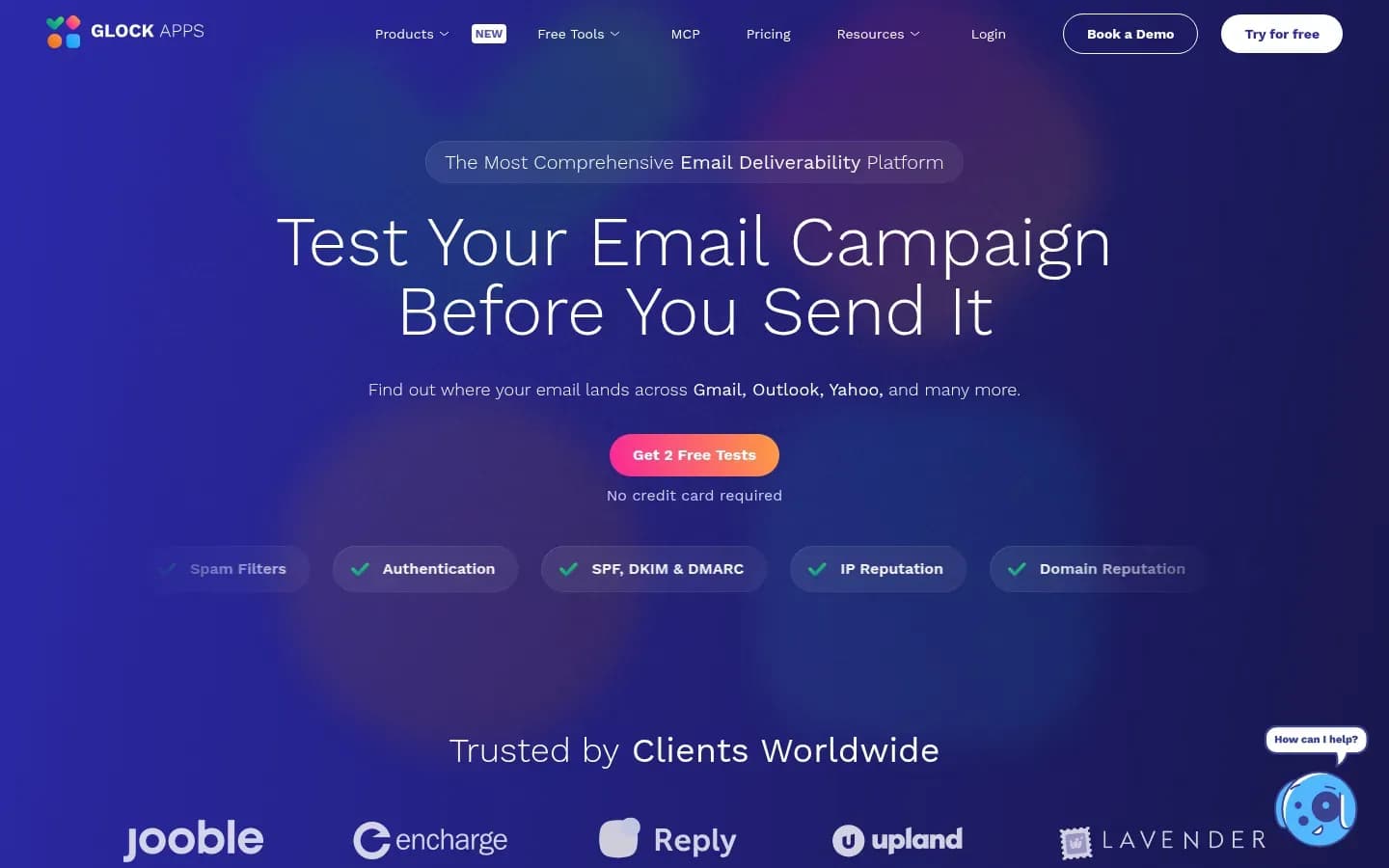
GlockApps combines inbox placement tests across Gmail, Outlook and Yahoo with spam filter checks against Google, Barracuda and SpamAssassin, DMARC report analytics and monitoring against more than 50 blocklists, all in one self-serve account.
GlockApps
Email deliverability platform that tests inbox placement, spam scores, blocklists and SPF, DKIM and DMARC authentication for senders.
GlockApps ranks first because it covers placement, authentication, blocklists and mailbox-provider data in one account a single operator can run. It suits teams that want broad diagnostics without a sales process, and it asks for some care in how credits are planned.
- Public API
- Yes
What it does. GlockApps shows where a test email lands across Gmail, Outlook, Yahoo and many other providers before you send the campaign. The same test runs the message through spam filters from Google, Barracuda and SpamAssassin, so content and filter problems show up together.
Standout features.
- DMARC Analytics with daily reports and alerts
- Monitoring against more than 50 blocklists
- IP tracking with Sender Score, plus uptime monitoring
- Google Postmaster integration with spam-rate alerts and longer data storage
- White-label PDF reports for clients or stakeholders
Pricing.
Real cost drivers. Each GlockApps plan includes a set number of spam test credits: 360 on Essential, 1,080 on Growth and 1,800 on Enterprise. DMARC Analytics adds overage per 100,000 messages: $7.5 on Essential, $5 on Growth and $2 on Enterprise. Extra tests come in credit packs that expire, from 3 credits for $16.99 valid one month to 20 credits for $75.99 valid three months. A team that tests several domains every week should size the plan on credits and DMARC volume, not on the plan name.
Best fit. Independent comparisons place GlockApps with small and mid-market teams managing a few owned domains, where fast self-serve setup and low to moderate complexity matter most.
Limitations.
- Independent reviewers report that unused credits expire monthly and that recurring tests are paid-only.
- One reviewer saw Yahoo shown as failing while direct sends reached the inbox.
- Reviewers describe the pricing structure as complicated, with separate Bundle, DMARC Analytics and credit pack options.
- Account structure for managed service providers is limited, and unknown senders in DMARC data need manual judgment.
Integrations. Google Postmaster Tools, with up to 1, 5 or 10 Postmaster users depending on plan.
Validity Engage (formerly Everest)
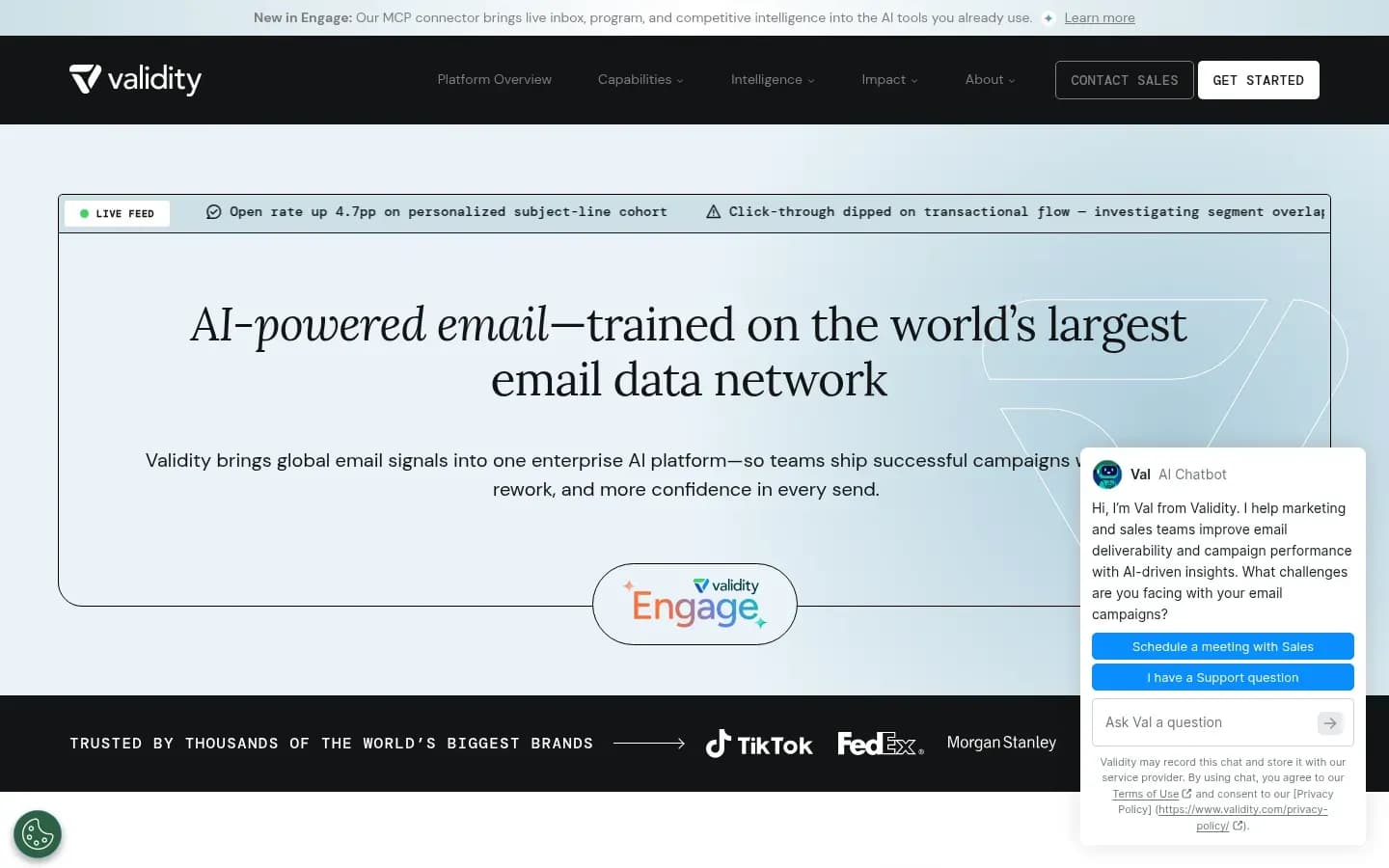
Validity Engage now carries the inbox placement and deliverability monitoring Validity previously sold as a standalone product, inside an AI email platform whose Guardian Agent watches subscriber experience and deliverability across every send.
Validity Engage
AI email platform from Validity with inbox placement testing, sender reputation monitoring and pre-send deliverability checks for enterprise email marketers.
Validity Engage ranks second for Guardian Agent deliverability monitoring, Insight Agent competitor comparison and Competitor Intelligence in one platform. Self-serve buyers lose out, because access runs through Validity's sales team and you buy a wider platform rather than a standalone tester.
- Compliance
- GDPR, ISO 27001
What it does. Validity announced Engage as an AI email platform made of four specialised agents. The Guardian Agent monitors subscriber experience and deliverability, and the Insight Agent shows how a sender compares with competitors. Validity's own blog tells buyers looking for its former deliverability product that inbox placement and deliverability monitoring are now part of Validity Engage.
Standout features.
- Inbox Placement and Deliverability
- Live Email Monitoring
- Sender Auth Monitoring with DMARC, DKIM, SPF and BIMI verification
- Competitor Intelligence and Inspiration
- An MCP connector for AI assistants
Pricing.
Real cost drivers. Validity Engage has no public pricing page; buyers start with a demo and a sales conversation. An independent comparison notes that pricing set this way is hard to plan for smaller domains, and the platform scope means you pay for more than placement testing.
Best fit. Enterprise marketing and deliverability teams that want DMARC data tied to reputation, inbox placement and campaign views, child accounts, custom dashboards and recurring reporting.
Limitations.
- An independent comparison reports slower first setup and heavier onboarding than self-serve tools.
- Placement testing now comes inside a wider AI email platform, so a team that only wants a tester buys more product than it needs.
Integrations. An MCP connector lets AI assistants work with Validity Engage data.
Inbox Monster
Inbox Monster runs inbox placement through a seed network covering more than 90 mail systems and weights the results by the mailbox providers a sender's own subscribers use, so a problem at the largest provider ranks first.
Inbox Monster
Email testing and deliverability platform for marketing and deliverability teams, covering creative rendering, inbox placement and reputation monitoring.
Inbox Monster ranks third because it weights seed placement by the mailbox providers your subscribers use. It is built and priced for large brand programs with a dedicated deliverability owner, not for a small team checking the odd campaign.
- Compliance
- GDPR, ISO 27001
What it does. Inbox Monster's seed network spans more than 90 global mail systems, including Gmail, Yahoo and Outlook, with regional coverage in North America, Europe, Asia and South America. Each send gets a spam score, ISP-level diagnostics and Gmail Primary versus Promotions placement. Subscriber Insights maps your list to the mail systems your subscribers use and weights placement by provider.
Standout features.
- Spamtrap and blocklist monitoring
- One reputation view with Gmail, Microsoft SNDS and Spamhaus diagnostics
- Real-time SPF, DKIM and DMARC monitoring
- Expert Services from Inbox Monster's deliverability team
Inbox Monster also runs a Research Suite, an email search engine with access to 56 million messages. It is a research product for studying other senders' email, not a deliverability test.
Pricing.
Real cost drivers. Inbox Monster prices its Creative suite (rendering and QA), Deliverability suite and SMS suite separately on yearly terms. The Deliverability suite includes white glove setup, Subscriber Insights, weighted inbox placement, spamtrap testing, blocklist and DMARC monitoring, real-time alerts, ESP integrations and shareable custom reporting. Professional Services packages are optional extras. A team that also wants rendering previews buys a second suite.
Best fit. Brand and lifecycle teams on enterprise ESPs that send to a large, mixed list and need placement read against the providers their subscribers actually use.
Limitations. A review from a competing deliverability vendor reports that:
- cost is high, with a setup period and a learning curve
- results need a dedicated owner to interpret them
- some users question seed-list accuracy and freshness
- SMS coverage focuses on the US and Canada
Integrations. Salesforce, Braze, SparkPost, SendGrid and Iterable.
Folderly
Folderly splits deliverability into separate products, with Inbox Insights for placement tests in Gmail, Outlook and Yahoo, Lens for DNS and authentication checks, DMARC Pilot for report analysis and Pulse for ongoing placement alerts.
Folderly
Email deliverability suite for B2B teams that monitors sender reputation, inbox placement and authentication for outbound email.
Folderly ranks fourth for a wide diagnostic set backed by deliverability consulting. The trade-off is a fragmented buy: each diagnostic is its own product, so the full stack means several purchases.
- Compliance
- ISO 27001, SOC 2
What it does. Inbox Insights shows placement results across Gmail, Outlook and Yahoo, with IP type, sender score and blacklist status for your sending IPs. The other products cover the rest of the diagnosis:
- Lens inspects DNS, authentication, reverse DNS and blocklist signals.
- DMARC Pilot turns aggregate DMARC reports into analysis you can act on.
- Pulse tracks placement over time and sends alerts.
- Flash sends a test from your real sending tool and domain.
Standout features. Inbox Insights adds domain health fix guides, shareable reports, DNS checks, blacklist delisting guides and a spam-words checker in 9 languages. Folderly also sells deliverability consulting alongside its products.
Pricing.
Real cost drivers. Inbox Insights is billed in test-count bands from 100 to more than 5,000 tests, and Folderly says the number of tests applies to an account, not to each mailbox. Yearly billing saves 15%. Folderly states that availability, access and plans vary by product, so Lens, DMARC Pilot, Pulse and consulting are separate line items. MailReach, a competitor, reports that Folderly requires a 12-month commitment and a demo before mailboxes connect, a report that may describe an older plan structure.
Best fit. Outbound and marketing teams that want placement tests, DNS and DMARC diagnostics and consulting help from a single vendor.
Limitations.
- Plans vary by product, so the full diagnostic stack means several purchases.
- A third-party report from a competitor describes annual lock-in and a demo gate.
Integrations. Folderly connects over SMTP and integrations to major ESPs and custom sending providers.
MailerCheck
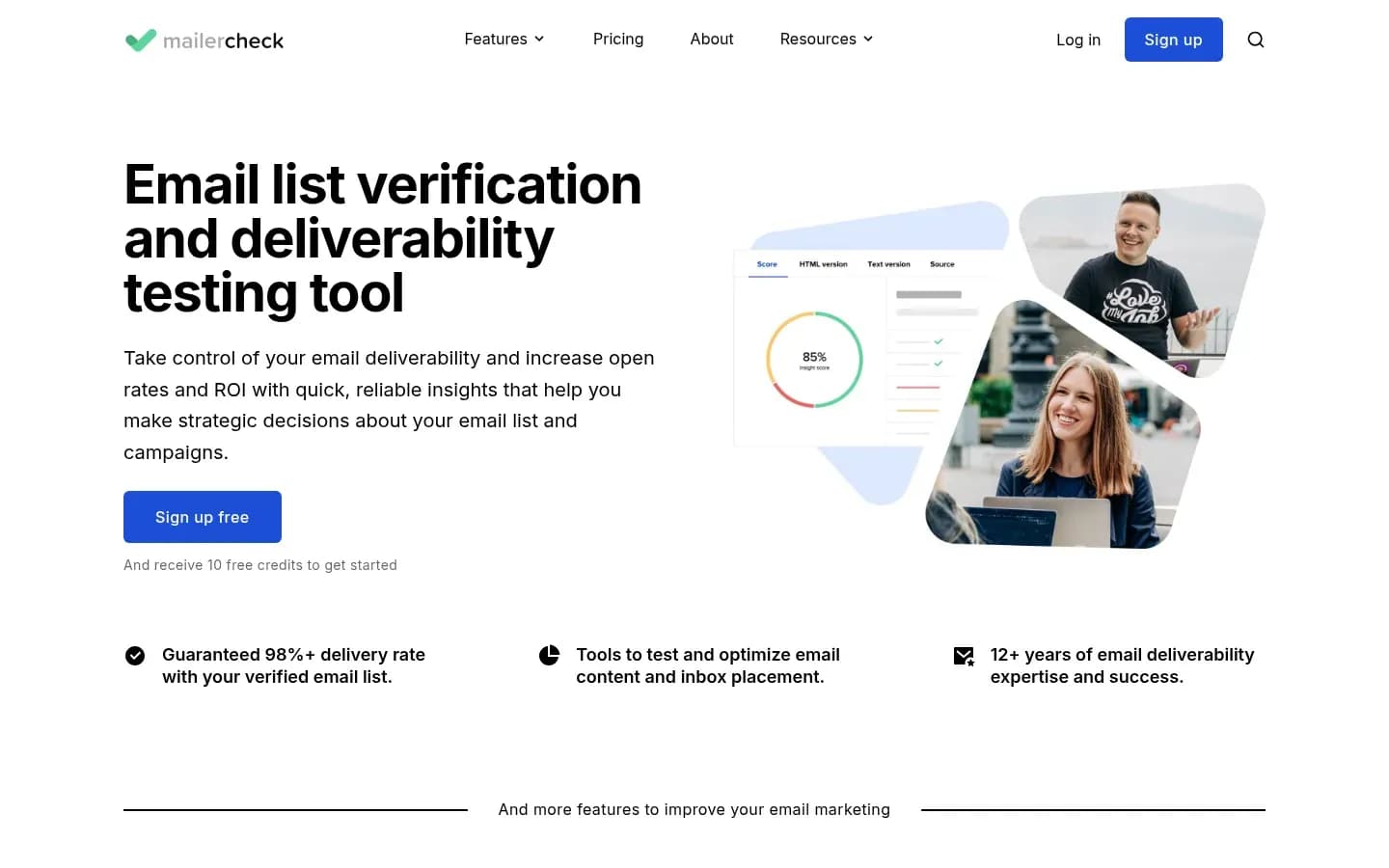
MailerCheck pairs email list verification with a pay-as-you-go inbox placement check that uses 200 credits and reports inbox, junk or not delivered across Gmail, AOL, Yahoo, GMX, Mail.com and Zoho.
MailerCheck
Email list verification and deliverability testing tool for email marketers and sales teams.
MailerCheck ranks fifth: it is pay-as-you-go with no subscription, it has no DMARC monitoring, and its placement check does not cover Outlook. It suits small senders who mainly clean lists and want a placement check before an important send.
- Public API
- Yes
- Compliance
- GDPR
What it does. MailerCheck starts with email list verification for single addresses, uploaded lists and real-time sign-ups. Email Insights checks a message for spam words, broken links and blocklist issues before sending. Inbox Placement predicts whether a message lands in the inbox or spam.
Standout features.
- Gmail tab placement: Primary, Social, Promotions, Updates or Forums
- Credits that work across verification, Email Insights and Inbox Placement
Pricing.
Real cost drivers. MailerCheck sells pay-as-you-go credits with a minimum purchase. One credit verifies one email, while one Email Insights check or one Inbox Placement check uses 200 credits. Verification and placement draw on the same balance, so a large list clean leaves fewer credits for placement checks.
Best fit. Small senders on MailerLite, Mailchimp, ActiveCampaign, GetResponse or ConvertKit who clean lists regularly and check placement occasionally.
Limitations.
- Inbox Placement covers Gmail, AOL, Yahoo, GMX, Mail.com and Zoho, so Outlook is not among the tested providers.
- MailerCheck's feature pages show no DMARC monitoring.
- MailerCheck describes its placement result as a prediction.
Integrations. MailerLite, Mailchimp, ActiveCampaign, GetResponse, ConvertKit, Zapier and Make.
What do Gmail, Yahoo and Outlook require from bulk senders?
Gmail requires senders of more than 5,000 messages a day to authenticate with SPF, DKIM and DMARC and to keep spam rates in Postmaster Tools below 0.10%, and Yahoo and Microsoft Outlook apply comparable authentication rules to high-volume senders. Gmail and Yahoo also require one-click unsubscribe, and none of the three waits for your tool to catch a problem.
Google sets the baseline for every sender: SPF or DKIM on all mail. Above 5,000 messages a day to Gmail accounts, a sender needs all three protocols, and marketing and subscribed messages must support one-click unsubscribe. Google also asks senders to avoid ever reaching a 0.30% spam rate.
Yahoo asks bulk senders to publish a DMARC policy of at least p=none that passes, alongside SPF and DKIM. Unsubscribes must work in one click through the list-unsubscribe header and be honoured within 2 days, and the spam rate must stay below 0.3%.
Microsoft's rules for Outlook arrived later. Microsoft, as reported by Petri, requires domains sending more than 5,000 messages a day to use SPF, DKIM and DMARC, and from May 5, 2025 non-compliant messages go to Junk, with rejection to follow later.
Mailbox provider rules for high-volume senders
| Provider | Threshold | Authentication | Key extra rule |
|---|---|---|---|
| Gmail | Over 5,000 messages a day | SPF, DKIM and DMARC | Spam rate below 0.10% |
| Yahoo | Bulk senders | SPF, DKIM, passing DMARC | Spam rate below 0.3% |
| Outlook | Over 5,000 messages a day | SPF, DKIM and DMARC | Non-compliant mail to Junk |
The tools in this list watch these rules from different angles. GlockApps alerts on Gmail spam rates through its Google Postmaster integration and tracks DMARC reports. Inbox Monster pulls Microsoft SNDS data and monitors SPF, DKIM and DMARC in real time. Validity Engage runs Sender Auth Monitoring for DMARC, DKIM, SPF and BIMI. Folderly checks authentication with Lens and analyses DMARC reports with DMARC Pilot.
None of them meets the rules for you. A tool can show that DMARC fails or that spam complaints are rising, but the fix sits in your DNS records, your unsubscribe handling and your sending practice.
This is general information about mailbox provider rules, not legal advice; check each provider's current sender pages before changing your setup.
How accurate is inbox placement testing?
Seed-based placement tests show a sample rather than your real inbox rate, and the sample matters most at Microsoft, where Validity's 2026 benchmark recorded 77.4% inbox placement against 89.8% at Gmail. A test is accurate about the seed addresses it reaches, and only roughly predictive of what your subscribers see.
Validity, one of the vendors in this list, builds its 2026 Email Deliverability Benchmark Report from its customers' seed tests. In 2025, global inbox placement stood at 87.2%, with 6.6% of mail in spam and 6.1% missing. Yahoo sat at 87.3% inbox. Microsoft sent 15.1% of seed mail to spam, against 6.4% at Gmail.
Seeds also behave differently from people. Seed addresses rarely reply, complain or build engagement history, and mailbox providers weigh that history when they filter. Deliverability practitioners therefore warn against changing a domain, an IP or DNS records because of a single seed test. Read patterns across several campaigns instead, alongside Postmaster data and authentication results.
Reviewers report occasional mismatches in practice. One GlockApps reviewer saw Yahoo shown as failing while direct sends reached the inbox, and some Inbox Monster users question how fresh and accurate seed lists are.
The decision rule is simple: check that a tool's seed list covers the providers your list uses, Microsoft above all.
- Inbox Monster weights placement by the providers your subscribers use, which keeps a weak provider from hiding inside an average.
- MailerCheck's placement check lists Gmail, AOL, Yahoo, GMX, Mail.com and Zoho, so a list heavy on Outlook addresses gets no read on its weakest provider.
Prediction-based checks carry a different limit. MailerCheck describes its Inbox Placement result as a prediction of inbox, junk or not delivered, so it is best read as a pre-send warning, not as proof of where a campaign landed. Seed tests and predictions both work best as before-and-after comparisons: run one before a change, run one after, and look for a consistent shift.
What do email deliverability tools cost to run?
The real cost of a deliverability tool is set by how it meters tests and data: GlockApps meters spam test credits and DMARC messages, MailerCheck charges 200 credits per placement check, and Inbox Monster prices deliverability, creative and SMS as separate yearly suites. The advertised plan is the start of the bill, not the whole of it.
What drives running cost
| Tool | Billing basis | What adds cost |
|---|---|---|
| GlockApps | Spam test credits per plan |
|
| Validity Engage | Sales-led, no public pricing page | Platform scope beyond placement testing |
| Inbox Monster | Separate yearly suites |
|
| Folderly | Test bands per account |
|
| MailerCheck | Pay-as-you-go credits, 1,000 minimum | 200 credits per placement check, shared with verification |
Four patterns drive spend across the five tools:
- Expiring credits. GlockApps reviewers report that unused credits expire monthly, and its add-on packs last one to three months. Buying more tests than you run is money lost.
- Data overage. GlockApps charges DMARC overage per 100,000 messages, so a high-volume sender's DMARC bill grows with sending, not with testing.
- Shared credits. MailerCheck draws verification and placement from the same balance. A large list clean can use up the credits you planned for placement checks.
- Separate suites and products. Inbox Monster sells rendering and SMS apart from deliverability, and Folderly sells Lens, DMARC Pilot and Pulse apart from Inbox Insights.
Folderly's test bands count per account, not per mailbox, which helps teams with many mailboxes. MailReach, a competitor, reports that Folderly requires a 12-month commitment.
Size the bill before you buy. Multiply the tests you plan per month by the number of sending domains, then add DMARC message volume where the tool meters it. List quality matters too: if your contacts come from B2B contact databases, verification volume can outgrow placement testing in a credit-shared tool.
How do you choose an email deliverability tool?
Choose an email deliverability tool by checking first that its placement test covers the mailbox providers your list actually uses, Microsoft included, and then that it monitors the SPF, DKIM and DMARC rules Gmail, Yahoo and Outlook enforce. Reporting, integrations and billing come next.
Work through these checks in order. Each one settles a part of the decision.
- Provider coverage: export your list's domain mix and confirm the tool tests each major provider. Microsoft placement lags the other big providers, and MailerCheck's check leaves Outlook out.
- Placement method: decide between plain seed tests, seed tests weighted to your list as Inbox Monster offers, or a prediction like MailerCheck's. Weighting matters most on large, mixed lists.
- Authentication monitoring: confirm the tool watches SPF, DKIM and DMARC against the rules Gmail, Yahoo and Outlook enforce for senders above 5,000 messages a day.
- Reputation data: look for the sources behind blocklist and reputation views. GlockApps connects to Google Postmaster, and Inbox Monster adds Microsoft SNDS and Spamhaus.
- Alerts and reports: pick reports your team will act on. GlockApps offers white-label PDF reports, and Folderly's Inbox Insights adds fix guides and shareable reports.
- Integrations: match the tool to your sending stack. Inbox Monster connects to Salesforce, Braze, SparkPost, SendGrid and Iterable, Folderly to major ESPs over SMTP, and MailerCheck to MailerLite and Mailchimp.
- Billing basis: compare how the tool meters tests and data with how often you plan to test, using the cost drivers above.
Your sending tool shapes the answer. If you send through a cold email platform, favour a tool that tests from your real domain and sending setup, such as Folderly's Flash, and that tracks placement over time rather than once.
Team capacity matters as much as features. Inbox Monster and Validity Engage reward a dedicated deliverability owner; GlockApps and MailerCheck suit a marketer who checks placement between other work.
Which email deliverability tool should you choose?
If you run a few domains yourself and want placement tests, DMARC analytics and blocklist checks in one account, choose GlockApps; if you run an enterprise program that buys through procurement, choose Validity Engage or Inbox Monster. Folderly and MailerCheck fit narrower needs, set out in the table.
Pick by situation
| Situation | Pick | Why |
|---|---|---|
| Small team managing a few domains | GlockApps | Placement, DMARC and blocklists in one account |
| Enterprise team buying through procurement | Validity Engage | Monitoring, competitor benchmarks, onboarding |
| Brand program on Salesforce, Braze or Iterable | Inbox Monster | Placement weighted to your own list |
| Team wanting diagnostics plus consulting | Folderly | Separate products plus consulting |
| Small sender on MailerLite or Mailchimp | MailerCheck | List cleaning plus occasional placement checks |
Two rules sharpen the choice. If Outlook addresses make up a large share of your list, rule out any tool whose placement test skips Microsoft. If no one on the team will read reports weekly, an enterprise suite will sit underused, and a self-serve tool is the better spend.
Some teams are better served by a pair than by one tool. A small sender can clean lists in MailerCheck and run occasional GlockApps tests where Outlook coverage and DMARC analytics matter. An enterprise program on Validity Engage or Inbox Monster rarely needs a second placement tool, but may add a dedicated DMARC workflow for a complex domain estate.
These tools test and monitor sending; they do not send. Teams still picking the platform that sends their outbound can compare the best cold email platforms first.
Frequently asked questions
Is there a free email deliverability tool?
Yes, for occasional checks. Folderly offers a free placement test through Inbox Insights, and MailerCheck gives new accounts 10 free credits to try list verification. GlockApps' entry options appear in its pricing table above. Reviewers report that GlockApps keeps recurring tests on paid plans, so a free check suits a one-off look rather than ongoing monitoring.
What is the difference between email delivery and email deliverability?
Email delivery means the receiving server accepted the message, while email deliverability means it reached the inbox rather than spam or nowhere, which is why Validity's 2026 benchmark reports separate spam and missing rates. A message can be delivered and still land in spam, so delivery rates alone overstate success.
What is a good inbox placement rate?
Use Validity's benchmark as a reference point: its 2026 report, built from customer seed tests, put global inbox placement at 87.2% in 2025. A seed result near or above that is healthy, but read it per provider, because Microsoft averaged 77.4% while Gmail reached 89.8% in the same data.
Does a deliverability tool replace email warmup?
No. Deliverability tools test placement and monitor authentication, blocklists and reputation; warmup tools build sending history through automated activity. They are different categories, and automated warmup activity does not prove real recipient demand. Seed addresses rarely reply, complain or build engagement history, so a seed test does not stand in for warmup either.
Do I need a separate DMARC tool if my deliverability tool monitors DMARC?
Often not. GlockApps, Inbox Monster, Validity Engage and Folderly all monitor DMARC, and GlockApps and Folderly analyse aggregate reports. A competing vendor's review notes that Inbox Monster's DMARC remediation is shallower than a dedicated DMARC workflow, so complex domain estates may still want a specialist tool.
Sources
Sources
- Email sender guidelines - Gmail Help · support.google.com
- Sender Best Practices | Sender Hub · senders.yahooinc.com
- Microsoft Outlook to Enforce Stricter Email Authentication for High-Volume Senders · petri.com
- glockapps.com
- 2026 Email Deliverability Benchmark Report · validity.com