

These picks apply when you call the finder from code (product signups, CRM enrichment, list pipelines, AI agents) and pay per found address. Find rates differ by region, industry and the share of catch-all domains in your list, so run the same sample through two APIs before you commit volume.
What is an email finder API?
An email finder API takes a person's name and company domain, or a LinkedIn profile URL, and returns a likely business address with a verification status; Hunter, for example, labels each result valid, accept_all or unknown and returns up to 20 public sources where the address appeared.
Behind that single call, the provider finds a candidate address and checks it before answering. Hunter verifies each address it finds automatically, and Findymail's checks include the SMTP handshake and catch-all deliverability. Your code receives one address (or none), and with most of these APIs a status that tells you how far the check got.
That makes an email finder different from two neighbouring tools:
- An email verification API only checks an address you already have. It never builds one.
- A contact database sells stored records you search and export. A finder answers one person at a time, from inputs you supply.
Each of the email finding tools in this guide ships a finder endpoint, but the contract behind it varies a lot. Some calls answer in seconds, some return a job ID you poll later, and each provider decides differently which results cost a credit.
This guide covers five APIs that publish their request format, response statuses and error codes: Hunter, Prospeo, Anymail Finder, Findymail and Dropcontact. Each is judged on what a developer has to build around it: inputs, responses, limits, retries and billing.
How we chose these email finder APIs
To make this list, an email finder API had to publish its request format, response statuses and error codes, accept a name plus company or a LinkedIn URL, and bill on found results; five of seven APIs considered met that bar.
Each API was then compared on six criteria:
- Request inputs accepted: name plus domain, company name, LinkedIn URL or other identifiers.
- Response fields and statuses: what comes back, and how clearly a result signals its quality.
- Published rate limits and concurrency: what the provider commits to in writing.
- Retry signals: which status codes mean wait, which mean stop, and whether reset timing or async polling is documented.
- Billing rule on misses and repeats: when a credit is charged and when a repeat lookup is free.
- Independent user reviews: recurring patterns on G2 and Capterra.
Accuracy is not one of the ranking criteria. Every accuracy figure published for these five APIs is run, reported or hosted by a vendor, including Anymail Finder's own accuracy claim with unnamed verifiers and Findymail's self-reported Clay ranking. Ranking on those numbers would mean ranking on marketing. Documented behaviour is something a developer can rely on in code, so the ranking rests on it, and the section on testing accuracy gives a protocol to run on your own records.
Two APIs that appear on other shortlists did not make this one:
Considered, not included
| Tool | Why it is not on the list |
|---|---|
| Snov.io | A sales-engagement suite where the finder API is one module. |
| Icypeas | Held out at the five-tool cap in favour of APIs with fuller public error and rate-limit documentation. |
Best email finder APIs compared
Among five email finder APIs, Hunter documents the most complete contract, publishing per-second and per-minute limits, three verification statuses and source URLs, while Dropcontact is the only one that works purely in asynchronous batches of up to 250 contacts.
Hunter ranks first because a developer can build against it without guessing: its inputs, statuses, sources, limits and even a code for people who claimed their address are all in the documentation. The others each win a narrower job, set out in the table and in each tool's section.
- HunterBest for real-time enrichment with source evidence
- ProspeoBest for linkedIn-URL and repeat enrichment
- Anymail FinderBest for large batch jobs with webhooks
- FindymailBest for two-field builds and Clay-led outbound
- DropcontactBest for eU CRM batch enrichment
| Tool | Pricing model | Inputs | Call model | Published rate limit | Billed when |
|---|---|---|---|---|---|
| Hunter | Freemium | Name + domain, or LinkedIn | Sync, waits 3-20 s | 15/s, 500/min | Not on misses |
| Prospeo | Freemium | Name, LinkedIn, email or ID |
| Plan-tiered, daily caps | Per email found |
| Anymail Finder | Paid | Name + company, or LinkedIn | Sync or webhook | None published | Valid emails only |
| Findymail | Paid | Name + domain | Sync or webhook | 300 concurrent | Verified emails only |
| Dropcontact | Paid | Name + company, LinkedIn | Async, 250 per batch | 60 per second | Verified emails only |
Hunter
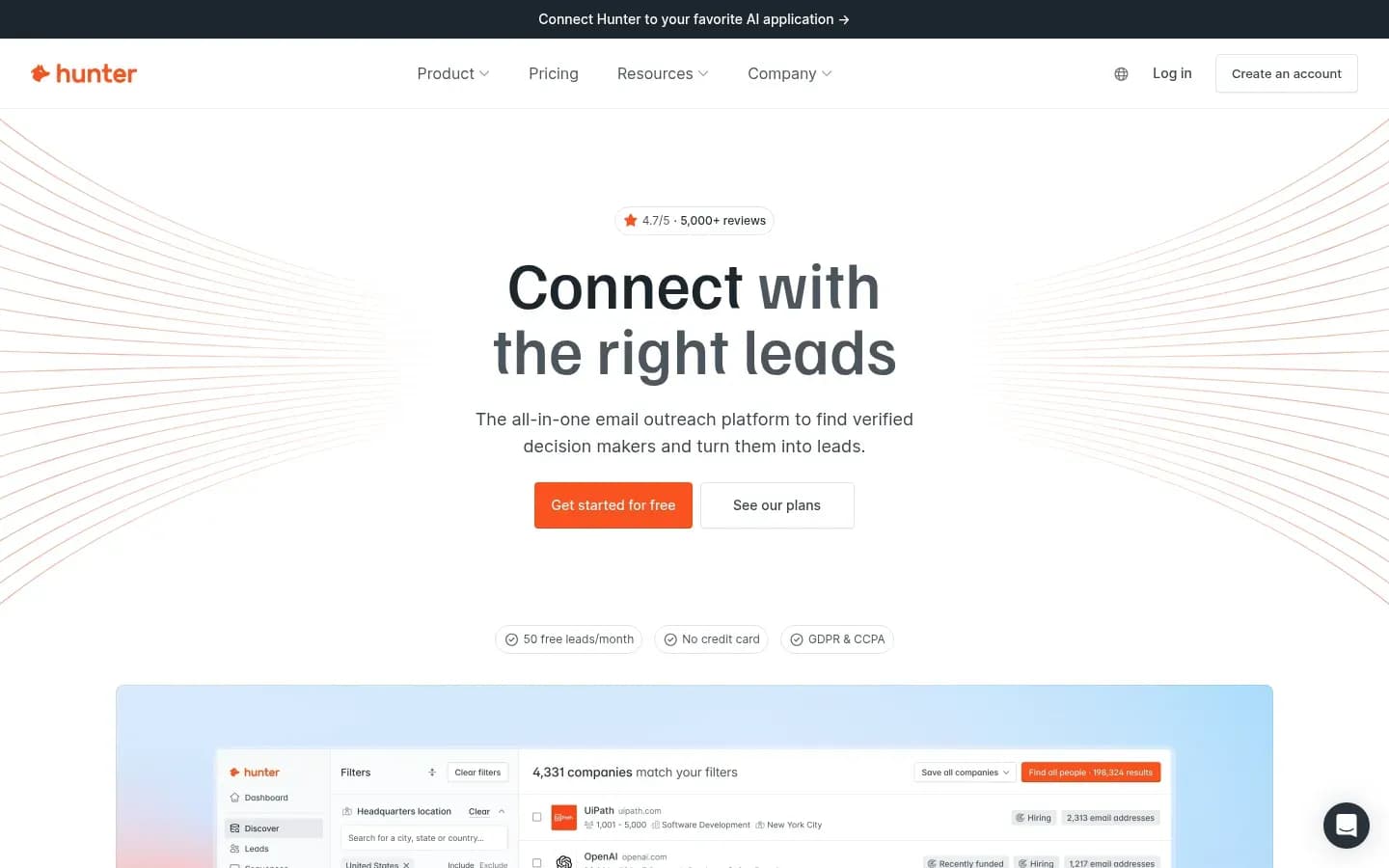
Hunter's Email Finder API accepts a name with a domain, company name or LinkedIn handle, returns a confidence score with up to 20 public sources, and charges no credit when no address is found. It is the strongest default here because every part of the contract a developer needs is written down.
Hunter
Email finding and verification platform with domain search and outreach sequences for sales, marketing and founder teams.
Hunter is an email finding and verification platform with domain search and outreach sequences. Its Email Finder endpoint is the piece product and RevOps teams call from code to turn a name and a company into a scored, sourced address.
- Free plan
- Yes
- Platforms
- Chrome extension
- Public API
- Yes
- Compliance
- GDPR
- Ratings
- G2 4.4/5 (656 reviews)
Request inputs. The Email Finder is a GET call to the v2 email-finder endpoint. It needs a domain, a company name or a linkedin_handle, plus a name (first_name and last_name, or full_name) unless a LinkedIn handle is given. An optional max_duration of 3 to 20 seconds (default 10) trades speed for depth. Authentication works through an api_key query parameter, an X-API-KEY header or a Bearer token.
Response and statuses. The response carries email, score, accept_all, position, company, sources and verification. Verification status is valid, accept_all or unknown. Each of up to 20 sources gives the domain, the URI, when it was extracted, when it was last seen and whether the address is still on the page.
Rate limits and retry. Hunter limits the Email Finder to 15 requests per second and 500 per minute. A 403 means you hit that rate limit: back off and retry. A 429 means you hit your account's usage limit: stop, because retrying will not help. A 451 means the person asked Hunter to stop processing their data, and the address must not be processed.
Billing rule. If no email is found, no credit is charged, and each found email is verified automatically.
Standout. The sources array. Hunter returns up to 20 sources per address, each with last_seen_on and still_on_page, which gives a sales rep or a fraud check something concrete to inspect.
Best for
- Product signup and CRM enrichment that needs evidence per address
- Teams that want documented limits before they build
Not for
- Pipelines that only want addresses already confirmed as deliverable
- Generic HTTP clients that treat every 429 as a wait
Limitations. Retry code must treat 403 and 429 differently, which breaks generic HTTP clients that assume 429 always means "wait". Found addresses can come back accept_all or unknown, so you need a policy for them before they reach a sequence.
Hunter All-in-one outreach platform pricing
| Plan | Price | Billing | Notes |
|---|---|---|---|
| Free | $0 | per month | |
| Starter |
|
| |
| Growth |
|
| |
| Scale |
|
| |
| Enterprise | Custom pricing |
Hunter Data Platform pricing
| Plan | Price | Billing | Notes |
|---|---|---|---|
| Bulk credit purchase | $6,500 | one-time | per credit |
Prospeo
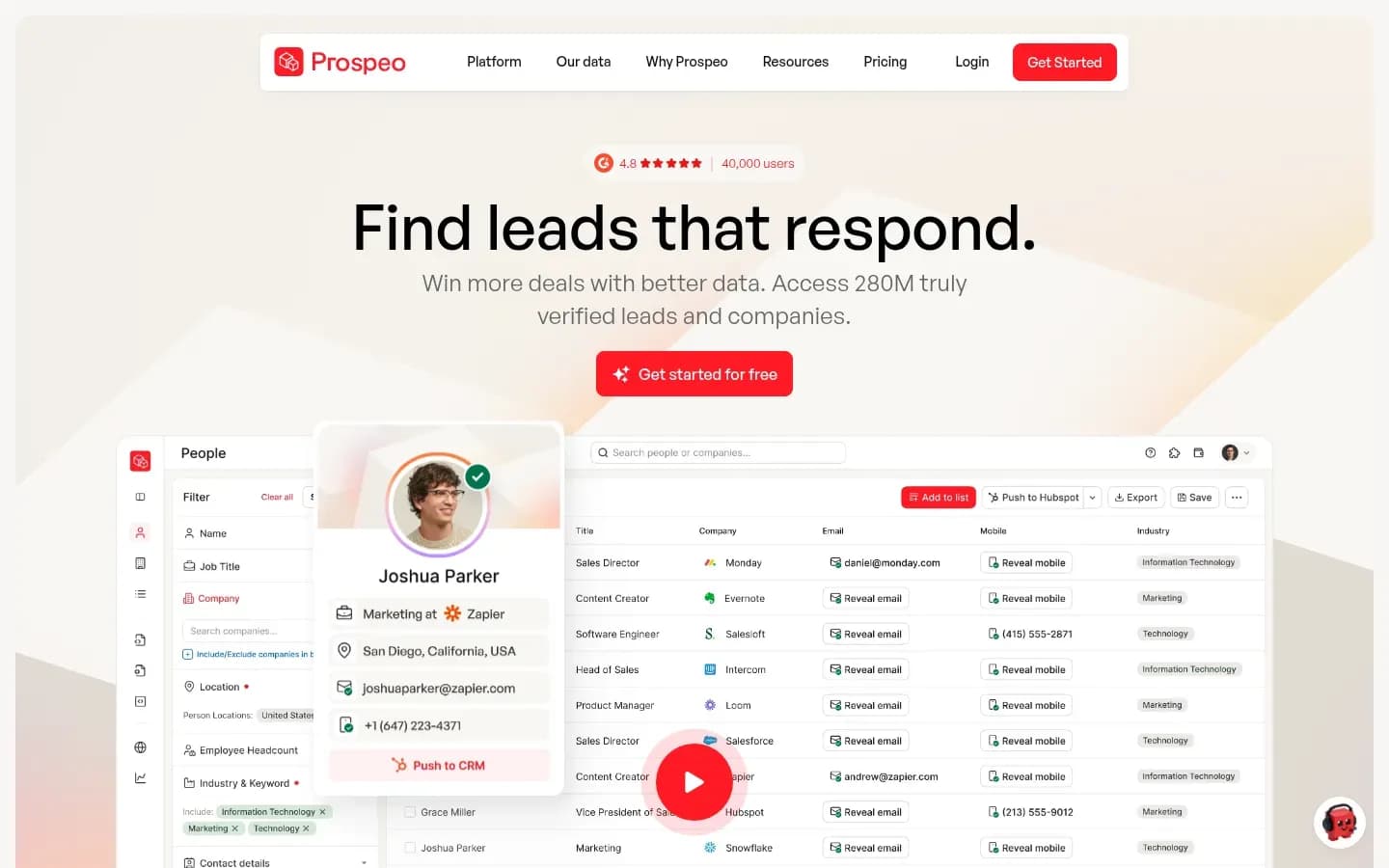
Prospeo's Enrich Person API matches on a name plus company, a LinkedIn URL, an email or its own person ID, charges one credit per email found and nothing on NO_MATCH, and re-enriches the same record free for 90 days. Prospeo matches on five input types and re-enriches the same record free for 90 days, which suits pipelines built on LinkedIn URLs or repeat lookups.
Prospeo
Finds verified business emails and mobile numbers so sales teams can reach decision-makers.
Prospeo finds verified business emails and mobile numbers. Its Enrich Person endpoint is the current API for email finding and returns a person's email, optional mobile and wider B2B data in one call.
- Free plan
- Yes
- Public API
- Yes
- Ratings
- G2 4.6/5 (938 reviews)
Request inputs. Enrich Person is a POST with an X-KEY header. It matches on first_name plus last_name plus a company field, full_name plus a company field, linkedin_url alone, email alone or person_id alone. Options include only_verified_email, enrich_mobile and only_verified_mobile. The docs advise against matching on company_name alone and recommend company_website.
Response and statuses. A single call returns a match or an error_code. The bulk endpoint takes up to 50 records, each with an identifier you set, and returns matched, not_matched and invalid_datapoints lists plus a total_cost field, so you can reconcile spend per batch.
Rate limits and retry. Enrich endpoints have per-second, per-minute and per-day limits that rise by plan and are tracked separately from search endpoints. Response headers report the remaining quota and reset time: x-daily-request-left, x-minute-request-left, x-daily-reset-seconds and x-minute-reset-seconds. Above the limit, Prospeo returns a 429, and your client can wait exactly the reset seconds the headers give.
Billing rule. Each email found costs 1 credit, and each mobile found costs 10 credits (email included). No match costs nothing, including a NO_MATCH caused by your own verification filters.
Standout. Free re-enrichment: the same record looked up again within 90 days costs no credits, and the response marks it with free_enrichment set to true.
Best for
- Pipelines whose inputs are LinkedIn profile URLs
- Teams that refresh the same records on a schedule
Not for
- Large historical backfills on an entry plan with a low daily cap
- Clients that branch on HTTP status alone
Limitations. NO_MATCH, INVALID_DATAPOINTS, INSUFFICIENT_CREDITS, INVALID_API_KEY, INVALID_REQUEST and INTERNAL_ERROR all come back as HTTP 400, so your code must read error_code to tell "no result" from "out of credits" or "server fault". The entry plan's daily cap also limits how fast you can backfill a large CRM.
Prospeo pricing
| Plan | Price | Billing | Notes |
|---|---|---|---|
| Free | $0 | per month | |
| Starter |
|
| per user |
| Growth |
|
| per user |
| Pro |
|
| per user |
Anymail Finder
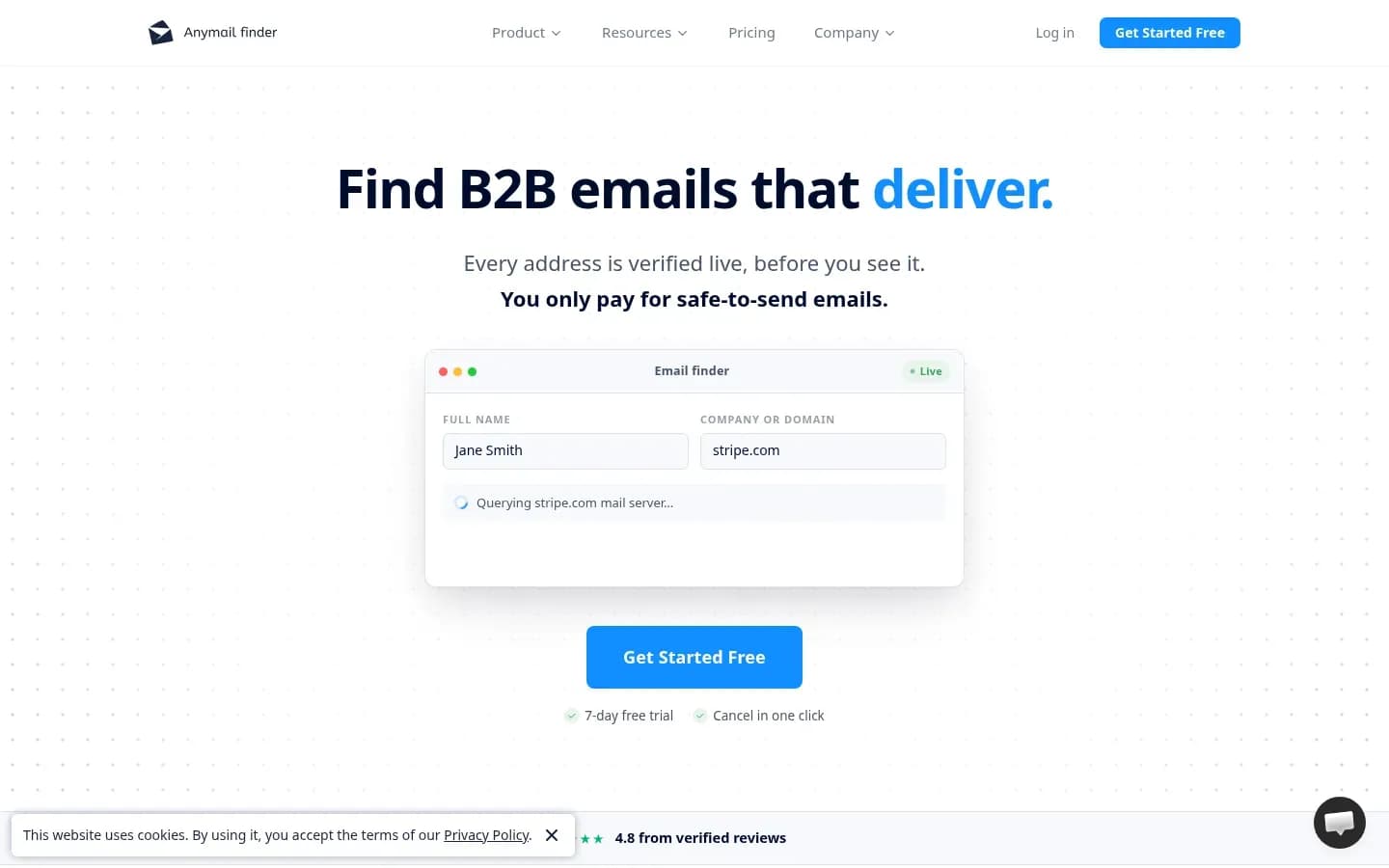
Anymail Finder charges one credit only when its API returns a valid address, re-runs the same search free for 30 days, and since 5 October 2026 returns not_found rather than risky for unconfirmed results. It is built for volume: no published rate limit and bulk jobs of up to 100,000 rows.
Anymail Finder
B2B email finder that verifies each address live against the mail server, for sales teams and developers.
Anymail Finder is a B2B email finder that verifies each address live against the mail server. Its API serves sales teams and developers who want only deliverable addresses back, one at a time or in large bulk jobs.
- Free plan
- No
- Free trial
- 7 days, card needed
- Platforms
- API, Chrome extension
- Public API
- Yes
- Compliance
- GDPR
- Ratings
- Capterra 4.3/5 (28 reviews)
Request inputs. Person search is a POST to the v5.1 find-email/person endpoint with an Authorization header. It takes full_name, or first_name and last_name, with a domain or company_name; or a linkedin_url alone; or both, in which case it tries name and company first and LinkedIn as a fallback. An optional x-webhook-url header makes the call return 200 at once and POST the result to you later.
Response and statuses. Fields include credits_charged, email, email_status and valid_email. email_status can be valid, risky, not_found or blacklisted. Since 5 October 2026, searches return not_found instead of risky, while the separate verify endpoint still returns risky.
Rate limits and retry. Anymail Finder publishes no rate limit, but that is not the same as no limits: the vendor says the only limit is your credit balance, and it recommends a 180-second timeout. Most single lookups return synchronously in about 3 seconds, according to the vendor. Errors are 400 bad_request, 401 unauthorized and 402 upgrade_needed; the last two are stop codes.
Billing rule. One credit only when a valid email is found. Risky, blacklisted and not-found results are free, and repeat searches within 30 days are free.
Standout. Throughput without a published cap, webhooks on single calls and bulk jobs up to 100,000 rows. API request logs are deleted after 14 days.
Best for
- High-volume batch enrichment that wants only deliverable addresses
- Teams that prefer webhooks over polling
Not for
- Workflows that want a scored best guess on unconfirmed addresses
- Low, irregular usage where unused credits may lapse
Limitations. Capterra reviewers report fewer verified addresses than expected for some regions, credits that expire, and no way to pause without losing credits, while generally praising the API. The switch to not_found means fewer results come back, so plan a fallback for them.
Anymail Finder pricing
| Plan | Price | Billing | Notes |
|---|---|---|---|
| 4.8k credits / yr | $228 | per year | per credit |
| 400 credits / mo | $29 | per month | per credit |
| 12k credits / yr | $384 | per year | per credit |
| 1k credits / mo | $49 | per month | per credit |
| 24k credits / yr | $708 | per year | per credit |
| 2k credits / mo | $89 | per month | per credit |
| 60k credits / yr | $1,188 | per year | per credit |
| 120k credits / yr | $1,596 | per year | per credit |
| 5k credits / mo | $149 | per month | per credit |
| 10k credits / mo | $199 | per month | per credit |
| 300k credits / yr | $2,400 | per year | per credit |
| 25k credits / mo | $299 | per month | per credit |
| 600k credits / yr | $4,008 | per year | per credit |
| 50k credits / mo | $499 | per month | per credit |
| 1.2M credits / yr | $6,420 | per year | per credit |
| 100k credits / mo | $799 | per month | per credit |
| 100k credits (credit pack) | $1,090 | one-time | per credit |
| 1M credits (credit pack) | $4,990 | one-time | per credit |
| 250k credits (credit pack) | $1,990 | one-time | per credit |
| 500k credits (credit pack) | $3,290 | one-time | per credit |
Findymail
Findymail's finder endpoint needs only a full name and a company domain, uses a credit only when it returns a verified address, and allows 300 simultaneous requests across its API. Two required fields and an optional webhook keep the integration small.
Findymail
B2B data platform that finds and verifies business emails and phone numbers, for sales teams, agencies and RevOps.
Findymail is a B2B data platform that finds and verifies business emails and phone numbers for sales teams, agencies and RevOps. It connects natively to Clay, Instantly, Lemlist, HubSpot and Salesforce.
- Platforms
- API, Chrome extension
- Public API
- Yes
- Compliance
- GDPR, SOC 2
- Ratings
- G2 4.9/5 (57 reviews)
Request inputs. Find from name is a POST to api/search/name with a Bearer token. Name and domain (or company name) are required. An optional webhook_url runs the search in the background. LinkedIn lookups use a separate endpoint.
Response and statuses. The response is a contact object with name, domain and email. There is no status or score field: an address comes back only when Findymail has verified it.
Rate limits and retry. All endpoints share a limit of 300 simultaneous requests unless stated otherwise, so cap your worker pool rather than your request rate. A 402 means not enough credits and a 423 means the subscription is paused; both are stop codes.
Billing rule. One finder credit, and only if a verified email is found.
Standout. Vendor statements on the homepage: a bounce rate under 5% guaranteed or credits refunded, checks covering syntax, spam traps, the SMTP handshake and catch-all deliverability, sourcing of business addresses on company domains only, and EU hosting. Phone data is offered only for contacts outside the EU. For teams building lists in Clay, the native connection fits the no-code prospect list building tools many outbound teams already run.
Best for
- Outbound teams that want a two-field integration
- Clay-led enrichment workflows
Not for
- Systems that need a status or score to route borderline results
- Phone enrichment for EU contacts
Limitations. The finder lists 402 and 423 as its errors, so back off on any 429 or 5xx you receive. The bare response (name, domain, email) gives your code nothing to rank or audit. The bounce guarantee and Clay ranking are Findymail's own statements.
Findymail pricing
| Plan | Price | Billing | Notes |
|---|---|---|---|
| Individual | $99 | per month | per seat |
| Team | $399 | per month | per seat |
| Scale | $999 | per month | per seat |
| Enterprise | Custom pricing | per seat |
Dropcontact
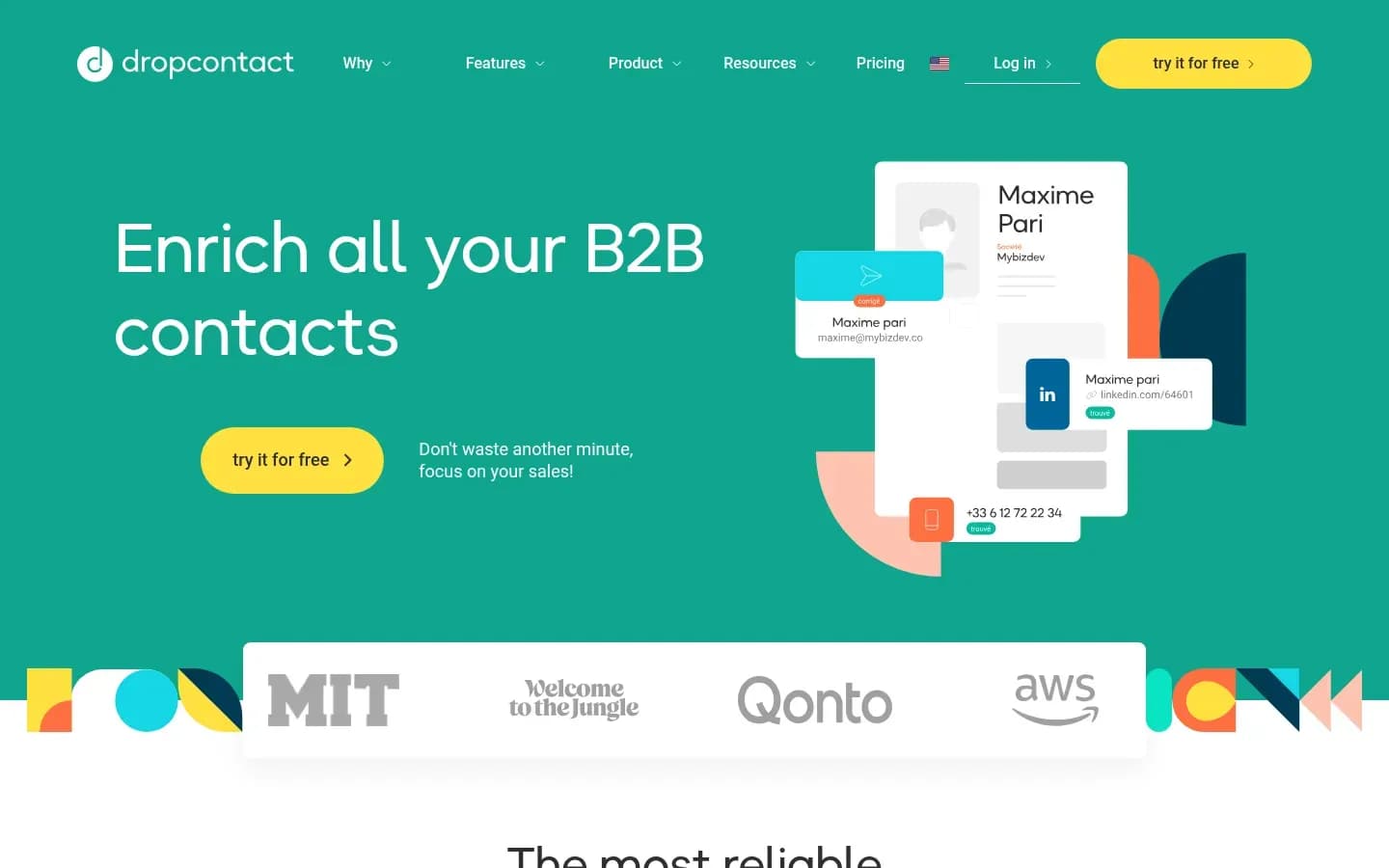
Dropcontact's API enriches up to 250 contacts per asynchronous request, returns a request ID to poll or a webhook callback, and charges a credit only when it returns a verified email. It suits batch CRM enrichment, not a signup form that needs an answer in the same request.
Dropcontact
Email finding and B2B contact data enrichment tool for sales and marketing teams.
Dropcontact is an email finding and B2B contact enrichment tool for sales and marketing teams. It says it generates every result in real time with its own algorithms and does not store or recycle contact data.
- Platforms
- API, Web
- Public API
- Yes
- Compliance
- GDPR
- Ratings
- Capterra 4.7/5 (23 reviews)
Request inputs. Enrich is a POST to v1/enrich/all with an X-Access-Token header and up to 250 contacts per request. Minimum data per contact is first_name plus last_name plus company, full_name plus company, a LinkedIn URL or an email. Set language to "en" for English output; otherwise results come back in French.
Response and statuses. The POST returns a request_id. Poll GET v1/enrich/all/{request_id}; a not-ready response suggests retrying after 30 seconds, and forceResults=true returns partial results. Each email carries a qualification that combines the local part (nominative, catch_all, generic, random or invalid) with the domain type (pro, perso or invalid), such as nominative@pro.
Rate limits and retry. The limit is 60 requests per second, with HTTP 429 above it. A webhook through custom_callback_url is the recommended route, but deliveries can arrive out of order and the same request_id can arrive more than once, so deduplicate by request_id. A 403 means quota exceeded and is a stop code.
Billing rule. A credit is charged only when a verified email is returned. Verifying an email you supply costs 1 credit.
Standout. The no-stored-database model, plus a qualification on every email that tells you whether it is a named person's address on a business domain.
Best for
- EU teams enriching CRM records in batches
- Teams that want to avoid a provider holding a contact database
Not for
- Inline signup enrichment that needs a synchronous answer
- Low-volume users watching cost per lookup
Limitations. Capterra reviewers mention missing contacts or phone numbers on some accounts, cost that feels high at low volumes and requests for more native integrations, while citing its GDPR handling as a strength. Async polling or webhooks add moving parts to a small integration.
Dropcontact pricing
| Plan | Price | Billing | Notes |
|---|---|---|---|
| Starter | €79 | per month | per credit |
| Growth | €120 | per month | per credit |
| Entreprise | Custom pricing | per credit |
Email finder API request inputs and responses
Every one of the five APIs accepts a name plus a company; Prospeo also matches on its own person ID, and Hunter returns up to 20 public sources behind each address. The bigger difference for your code is the status: Hunter, Anymail Finder and Dropcontact label results, Findymail returns an address only when it is verified, and Prospeo returns a match or NO_MATCH, with verified-only results as an option.
What each API needs and returns
| Tool | Minimum input | LinkedIn input | Statuses returned | Extra fields |
|---|---|---|---|---|
| Hunter | Name + domain or company | linkedin_handle | valid, accept_all, unknown | score, up to 20 sources |
| Prospeo | Name + company field | linkedin_url | Match or NO_MATCH | mobile option, free_enrichment |
| Anymail Finder | Name + domain or company | linkedin_url, as fallback | valid, not_found, blacklisted | credits_charged, valid_email |
| Findymail | Name + domain or company | Separate endpoint | Verified email only | name, domain |
| Dropcontact | Name + company | LinkedIn URL | Qualification, e.g. nominative@pro | request_id |
A generic request and response pair looks like this. The field names are illustrative; each vendor's own names are in its section above.
// Request
POST /find-email
{
  "first_name": "Jane",
  "last_name": "Doe",
  "domain": "example.com"
}

// Response
200 OK
{
  "email": "[email protected]",
  "status": "valid",
  "credits_charged": 1
}
Map each status to one action in code, so no result reaches a sequence by accident:
- valid: use it.
- accept_all or catch_all: a policy decision. Some teams send to high-score results only; others hold them for a second check.
- risky or unknown: run it through email verification or drop it.
- not_found, NO_MATCH or no address: send the same input to a fallback provider.
Two details save rework later. Prospeo's only_verified_email option moves the filter to the provider, so unverified results never come back. Dropcontact's language setting changes the output, so set it to "en" before you parse results.
Email finder API rate limits and retry behavior
HTTP 429 means a client sent too many requests and the server may add a Retry-After header saying how long to wait, so an email finder integration needs its own backoff, and it must not retry billing errors such as Hunter's 429 usage limit or Findymail's 402.
Because Retry-After is optional, a client that waits only when told to will hammer the API whenever the header is missing. Use exponential backoff with jitter: wait a short base time, double it on each retry, add a random offset, and cap the attempts.
The status code alone is not enough with these five APIs. Hunter uses 403 for throttling and 429 for "usage limit reached". Prospeo throttles with 429 but returns business errors, including INTERNAL_ERROR, as 400. Retry logic has to read the body as well as the code.
Retry logic per API
| Tool | Published limit | Throttle signal | Stop, do not retry | Client response |
|---|---|---|---|---|
| Hunter | 15/s, 500/min | 403 | 429, 401, 451 | Back off on 403 |
| Prospeo | Plan-tiered, daily caps | 429 with reset headers | 400 INSUFFICIENT_CREDITS | Wait the reset seconds |
| Anymail Finder | None published | Timeout (180 s) | 402, 401 | 180 s timeout or webhook |
| Findymail | 300 concurrent | Treat 429 or 5xx defensively | 402, 423 | Cap workers at 300 |
| Dropcontact | 60 per second |
| 403 quota exceeded, 401 | Poll every 30 s |
The traps, provider by provider:
- Hunter: retry 403 with backoff, but stop on 429, which is your plan's usage limit. Never retry a 451; drop that address. On the Verifier, 202 means in progress and 222 means retry later.
- Prospeo: read x-minute-reset-seconds or x-daily-reset-seconds after a 429 and wait exactly that long. On a 400, branch on error_code: NO_MATCH goes to your fallback, INSUFFICIENT_CREDITS stops the job.
- Anymail Finder: "no rate limits" still means a 180-second timeout per call and a credit balance that caps throughput. Use the webhook header for batches.
- Findymail: manage concurrency, not rate. Keep in-flight requests at or under 300.
- Dropcontact: stay under 60 requests per second, poll no faster than every 30 seconds and deduplicate webhook deliveries by request_id.
What does an email finder API cost to run?
All five APIs skip the charge when no address comes back, but they differ on what counts as found: Hunter charges nothing on a miss and verifies each address it finds automatically, Prospeo bills per email found, Findymail and Dropcontact bill only verified addresses, and Anymail Finder bills only valid ones. Your real cost is credits spent per usable address.
Plan prices sit in each tool's pricing table above. What decides your bill is how each API turns your list into credits:
- What counts as billable. Hunter charges no credit when no email is found and verifies every found email automatically, so plan how its accept_all and unknown statuses count toward usable addresses. Prospeo bills per email found. Findymail and Dropcontact bill only verified addresses. Anymail Finder bills only valid ones, and since its switch to not_found, unconfirmed results cost nothing.
- Free repeats. Prospeo re-enriches the same record free within 90 days; Anymail Finder repeats a search free within 30 days. If you refresh records often, these windows cut spend directly.
- Add-ons. A mobile found on Prospeo costs 10 credits (email included), so leave enrich_mobile off unless you need phones.
- Verification of supplied emails. Dropcontact charges 1 credit to verify an email you already have, which adds up if you pass existing addresses in a batch.
- Your find rate. Cost per usable address is credits spent divided by addresses you can actually send to. A list heavy in catch-all domains or weak regions lowers that number on every API.
How to test email finder API accuracy
Accuracy claims in this category are vendor-published, so the reliable test is your own: run the same known contacts through two APIs, send only valid results, and keep Gmail's user-reported spam rate below 0.1%.
Look closely at the published figures. Anymail Finder claims 98.9% accuracy, which it says three independent external verifiers confirmed, without naming them. Findymail states a bounce guarantee and a Clay #1 ranking that it reports itself. Benchmarks hosted on vendor pages mix tests each vendor ran on its own terms. None of these tells you how an API performs on your market.
A test protocol you can run on your own records:
- Pull a sample of contacts whose addresses you already know are good, from your own CRM, across your target regions and company sizes
- Strip the emails and keep only the inputs each API accepts (name plus domain, or LinkedIn URL)
- Run identical inputs through two APIs at the same time
- Record per contact: found or not, the status returned, the address, and credits charged
- Compare found addresses with the known ones: matches, wrong addresses and misses
- Send a small batch to valid results only, from a warmed mailbox
- Track bounces and spam complaints, and stop if complaints approach Gmail's limits
- Pick the primary on usable addresses per credit, and the fallback on what it finds that the primary missed
Google also says senders should never let their spam rate reach 0.3%, and bulk senders must authenticate with SPF and DKIM. If you need tooling to watch placement and complaint rates during the test, see these email deliverability tools.
Are email finder APIs GDPR compliant?
Using a GDPR-compliant email finder does not end the sender's duty: Article 14 of the GDPR requires telling people which source their data came from, at the latest when you first contact them. A vendor's compliance covers how it processes data; your notice to the person you email is still yours to give.
Where a tool card above shows compliance badges, they describe the vendor's own processing, not your use of the address.
Article 14 applies when personal data was not obtained from the person themselves, which is exactly what an email finder does. The controller must tell the person where the data came from, and whether it came from publicly accessible sources, within a reasonable period and at the latest within one month, or at the first communication if that comes sooner. For cold outreach, that means the first email.
Some provider features reduce risk without removing that duty:
- Hunter's 451 code marks a person who asked Hunter to stop processing their data. Your code must drop the address.
- Hunter's do-not-contact removals take people who claimed their address out of bulk results within about a month, and a DPA is available.
- Dropcontact's model generates results in real time and stores no contact database, so there is no stored record of the person at the provider.
This section is general information, not legal advice.
Which email finder API should you choose?
Choose Hunter when each address needs evidence at request time, Prospeo when your inputs are LinkedIn URLs, Anymail Finder for batch jobs in the tens of thousands, and Dropcontact when EU records must be enriched without a stored contact database. Findymail fits when a two-field build and Clay-led outbound matter most.
Turn that into decision rules:
- Real-time signup or CRM enrichment that needs evidence: Hunter. The sources array and three statuses give your code and your reps something to check.
- LinkedIn-URL or repeated enrichment pipelines: Prospeo. It matches on linkedin_url alone and re-enriches free within 90 days.
- Very large batch jobs with webhooks: Anymail Finder. No published rate limit, bulk jobs to 100,000 rows and only valid addresses billed.
- Two-field build or Clay-led outbound: Findymail. Two required fields and 300 concurrent requests.
- EU CRM batches where storing no contact database matters: Dropcontact. Async batches of 250 and a qualification on every email.
For most teams, the best setup is a primary plus a fallback. Send every not_found or NO_MATCH result to a second API with a different method, and bill only on what the fallback finds. Hunter plus Anymail Finder, or Prospeo plus Findymail, are pairings where the second API covers a different input or billing model.
Once addresses are found, sending them is a separate job for cold email platforms. If your team needs to search and export stored records rather than find one address at a time, compare B2B contact databases instead.
Frequently asked questions
Is there a free email finder API?
Free access varies by provider, and each tool's pricing table above shows its plans. Usage can also be free under billing rules: all five skip the charge when nothing is found, Prospeo re-enriches the same record free for 90 days, and Anymail Finder repeats a search free within 30 days.
What is the difference between an email finder API and an email verification API?
An email finder API builds and checks an address from a name and company, while a verification API only checks an address you already have. A finder returns a new address with a status; a verifier returns a status only. Dropcontact, for example, charges 1 credit to verify an email you supply.
What does a catch-all or accept-all result mean?
It means the company's mail server accepts mail for any address, so a server check cannot confirm the person's mailbox exists. Hunter marks these results accept_all and gives a score estimating the probability the address is valid. Decide in code whether to send, hold or verify such results.
Can an email finder API find personal email addresses?
Email finder APIs are built to find business addresses from a name and a company domain. Findymail, for example, says it only sources business addresses on company domains. Dropcontact labels each email's domain as pro or perso, which lets your code filter out personal addresses that turn up in enrichment.
Verdict
Sources
Sources
- hunter.io
- prospeo.io
- developer.dropcontact.com
- capterra.com
- RFC 6585: Additional HTTP Status Codes · rfc-editor.org
- Email sender guidelines FAQ - Gmail Help · support.google.com
- Art. 14 GDPR - Information to be provided where personal data have not been obtained from the data subject · gdpr-info.eu
- anymailfinder.com
- help.hunter.io