
Cold email sent from a new Google Workspace or Microsoft 365 inbox has no sending history, and mailbox providers treat a sudden stream of mail from a blank history with suspicion. Email warmup tools build that history first. That makes them one layer of email deliverability, not a fix for it.
Below, five warmup tools are compared for B2B outbound teams on how each warms an inbox, how it fits Gmail and Microsoft sender rules, the testing it adds and what drives its bill.
These picks apply to B2B teams sending cold or prospecting email from Google Workspace or Microsoft 365 inboxes with authentication already in place. No warmup tool overrides Gmail's or Outlook's sender rules, and GMass reports that Google pushed it to shut down its warmup system, so warmup supports good sending practice and never replaces it.
Best Email Warmup Tools
The best email warmup tools for B2B outbound teams on Gmail and Outlook are MailReach, Warmy, lemwarm, Warmup Inbox and Warmbox, ranked on how each warms an inbox, the providers it supports, the testing it adds and what drives its cost.
- MailReachBest for gmail and Outlook outreach inboxes
- WarmyBest for aI-set volume and seed-list tests
- lemwarmBest for lemlist users
- Warmup InboxBest for eSP, SMTP and dedicated-IP senders
- WarmboxBest for manual warmup control
MailReach leads because the vendor says its network is mainly Google Workspace and Office 365 accounts, and because MailReach advises keeping warmup running through live campaigns.
Warmy comes second for teams that want the daily volume set for them, with seed-list placement checks and warmup in more than 30 languages.
lemwarm sits third because every lemlist plan already includes it, which makes it the default for lemlist senders and a narrower choice for everyone else.
Warmup Inbox takes fourth for IP warmup and coverage of 25+ providers, including Yahoo, iCloud and Fastmail. Warmbox closes the list because it lets you edit the timing range, emails sent per day and reply rate for each inbox, with a narrower set of extras.
How We Chose These Email Warmup Tools
Growth Tribune shortlisted email warmup tools that connect Gmail and Outlook inboxes, document the warmup actions they perform and add monitoring, then compared five of them on warmup method, provider coverage, testing, ramp control and the cost driver behind each bill.
Inclusion bar: A dedicated warmup product, or a warmup product that a sending platform also sells on its own, that connects Gmail and Outlook inboxes, documents its warmup actions and offers monitoring.
Each tool was then judged on six criteria:
- Warmup method and actions. What the network does with your emails (opens, replies, marks important, rescues from spam) and who sets the volume.
- Provider coverage. Which mailbox providers, ESPs and SMTP setups connect.
- Testing and monitoring. Placement tests, seed lists, blacklist and DNS checks, and dashboards.
- Ramp control. Whether you, the vendor's defaults or an AI decide the daily volume.
- Cost driver. What makes the bill grow, such as inbox count or paid add-ons.
- Independent review patterns. Recurring praise and complaints in Capterra reviews.
Vendor network sizes are each vendor's own figures and count different units, so they are not compared as figures. Warmup results also depend on the sender's own list, content and authentication, which no tool controls.
MailReach ranks first for its Gmail- and Outlook-weighted network and use during live campaigns, Warmy second for AI-set volume plus seed-list testing, lemwarm third for its lemlist bundle, Warmup Inbox fourth for IP warmup and 25+ providers, and Warmbox fifth for editable ramps with a narrower set of extras.
The other four were considered and left out for these reasons:
Considered, not included
| Tool | Why it is not on the list |
|---|---|
| Instantly | Warmup comes inside a cold email sending platform |
| Woodpecker | Warmup comes inside a cold email sending platform |
| Mailwarm | Positioned as a premium warmup service |
| InboxAlly | Positioned as a premium placement service |
Email Warmup Tools Comparison
Email warmup tools differ less in whether they warm an inbox than in how. MailReach and Warmup Inbox engage from peer inbox networks, Warmy lets AI set each mailbox's daily volume, lemwarm ties warmup to lemlist and Warmbox hands the schedule to the user.
The table compares what each vendor states it does, the unit it counts its network in, the monitoring it adds and who it fits. The pricing model and trial columns come from each tool's record.
Email warmup tools compared
| Tool | Pricing model | Free trial | Warmup actions | Network unit | Monitoring | Best for |
|---|---|---|---|---|---|---|
| MailReach | Paid | Opens, important, spam rescue, replies | Inboxes | Spam and placement tests | Workspace and 365 outreach | |
| Warmy | Paid | 7 days, no card needed | AI-written, AI-set daily volume | Mailboxes | Placement by provider, seed list | Multilingual, hands-off teams |
| lemwarm | Paid | Human or personalised warmup emails | Domains | Score, blacklist and setup checks | lemlist users | |
| Warmup Inbox | Freemium | 7 days, no card needed | Replies, important, not-spam | Inboxes | Placement test and blacklists | ESP and SMTP senders |
| Warmbox | Paid | Spam rescue, opens, replies | Private inboxes | Spam score, blacklist and DNS | Manual ramp control |
Read the table from the left. The warmup actions show how close each network's behaviour comes to real recipients, and the monitoring column shows whether you can check results without buying a second tool.
MailReach
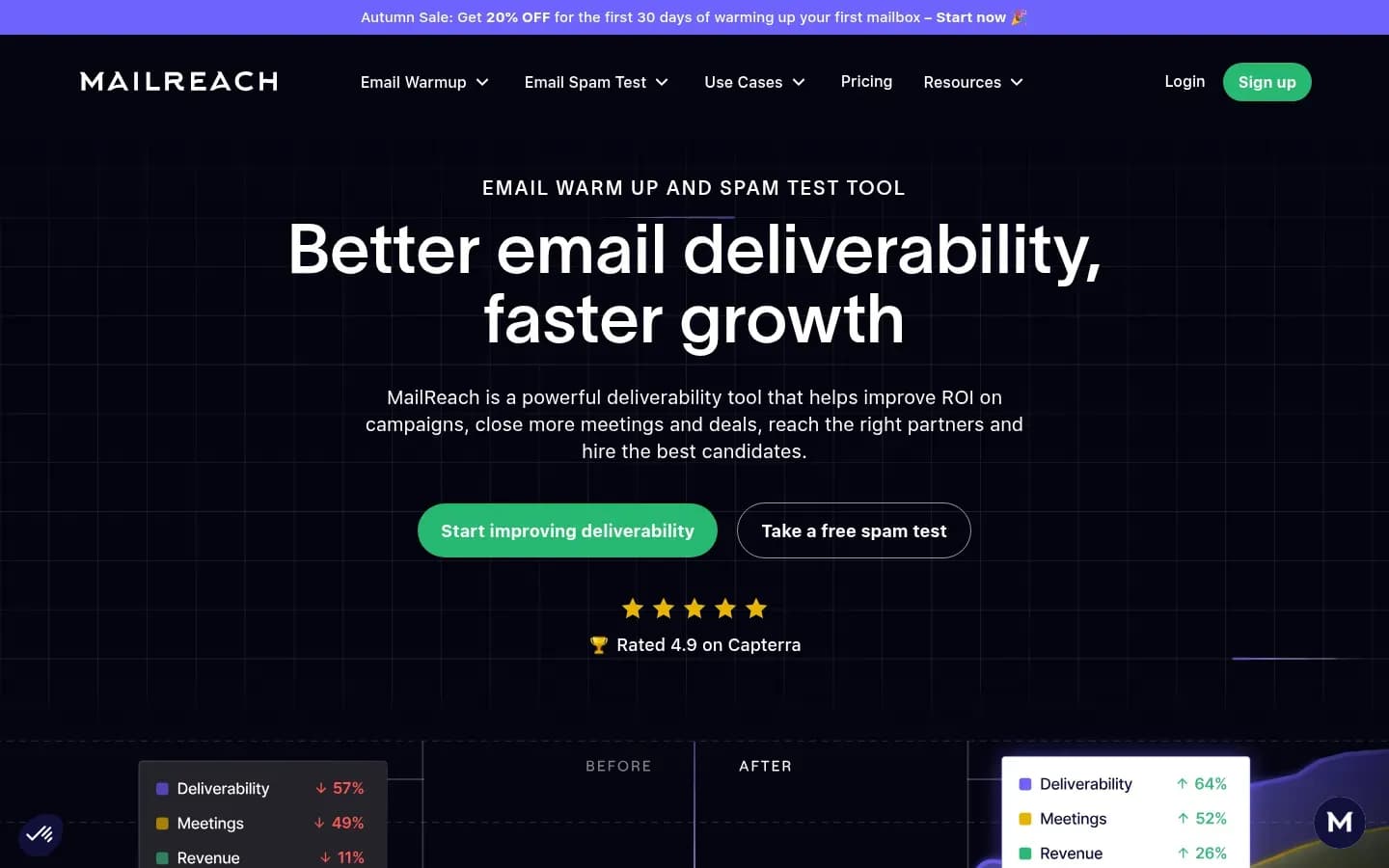
MailReach warms an inbox by having a network of mostly Google Workspace and Office 365 accounts open its emails, mark them important, pull them out of spam and reply, and the vendor recommends at least 14 days of warmup before any campaign.
MailReach
Email warmup and deliverability tool that builds sender reputation through a network of real inboxes, for B2B cold emailers, agencies and recruiters.
MailReach is an email warmup and spam-testing tool for B2B cold emailers, agencies and recruiters. It syncs sending addresses into a network the vendor says is made up primarily of Google Workspace and Office 365 accounts, and it is built to run before, during and between campaigns.
- Public API
- Yes
Verdict: MailReach is the strongest default for Gmail and Outlook outreach inboxes, because the vendor says its network is mostly Google Workspace and Office 365 accounts and it is designed to keep warming while campaigns run.
How it warms: Warmup emails from your inbox get opened, marked important, pulled out of spam and answered with positive replies. MailReach says the initial warmup phase should last at least 14 days with no campaigns, and that warmup should then keep running during and between campaigns.
Network claim: MailReach counts its network in inboxes and says they are mostly Google Workspace and Office 365 accounts.
Provider coverage: MailReach works with any SMTP provider. It names Gmail through Google Workspace, Outlook through Office 365, Zoho, Brevo, Mailjet, Mailgun, SendGrid, Amazon SES, Sparkpost, Ionos and OVH.
Monitoring and testing: Spam tests run manually or on a schedule and track inbox placement over time. A team can see whether placement holds as volume grows, rather than trusting the warmup dashboard alone.
MailReach pricing
| Plan | Price | Billing | Notes |
|---|---|---|---|
| All-In-One (email warmer + spam tester), annual billing | $20 | per month, billed annually | |
| All-In-One (email warmer + spam tester), monthly | $25 | per month |
Cost driver: MailReach frames its offer per mailbox, so the bill grows with every sending inbox you connect. Capterra reviewers point out that spam testing adds to the cost of warmup alone, so the plan that bundles both is the one to price.
Best fit: Teams on Google Workspace and Microsoft 365 that want warmup and recurring spam tests in one place, and that plan to keep warming through live campaigns.
Limitations: Capterra reviewers repeatedly ask for better bulk management and grouping once many accounts are connected, and for more control over warmup pace. They also mention a learning curve at the start. Agencies running dozens of inboxes should expect some dashboard housekeeping.
Warmy
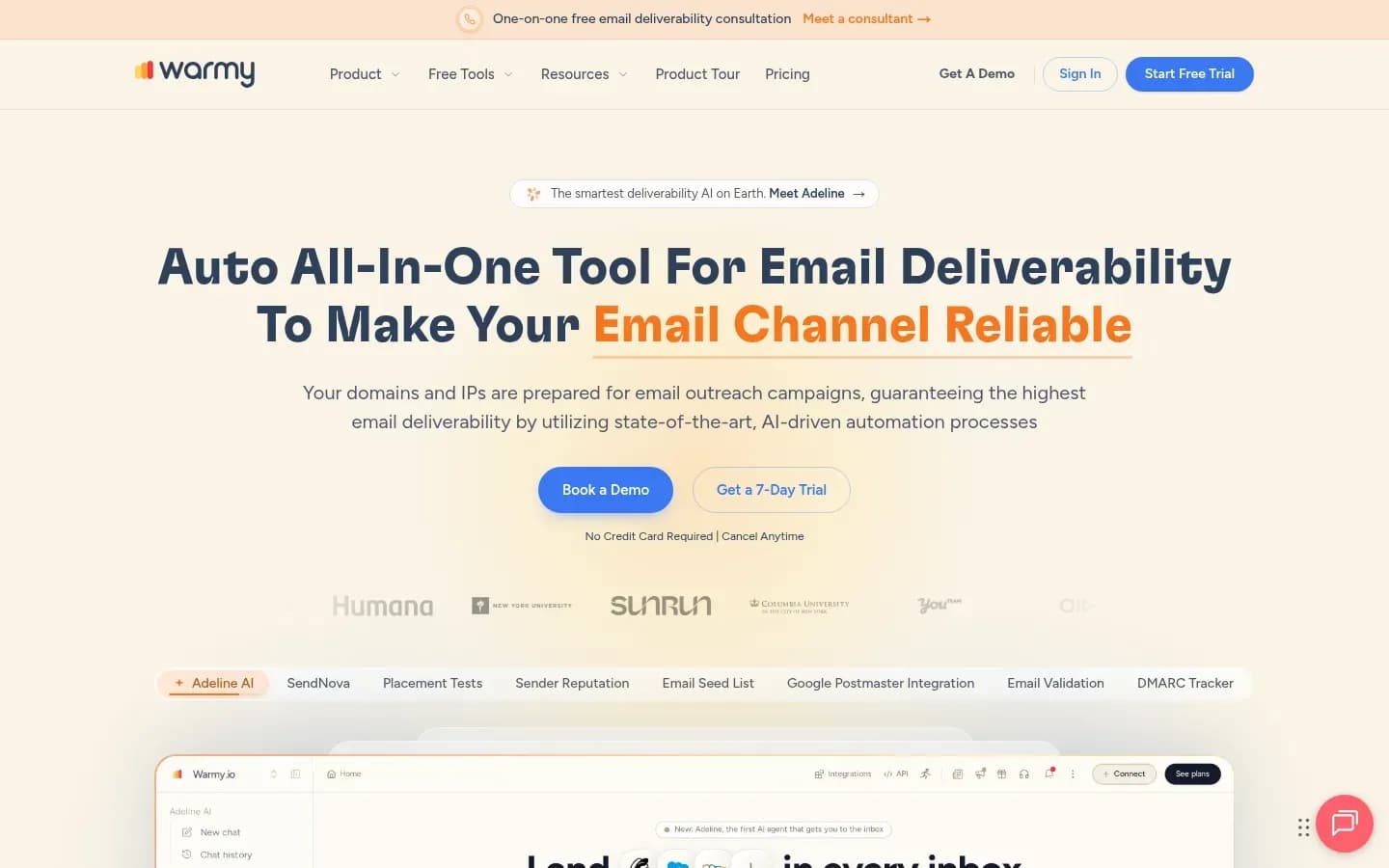
Warmy hands the warmup schedule to its AI, Adeline, which writes every warmup message, gives each mailbox its own script and adjusts each mailbox's daily volume to what Gmail, Outlook and other providers signal back.
Warmy
AI-based email deliverability platform with email warm-up, seed lists, placement tests and sender reputation monitoring for teams sending outbound and marketing email.
Warmy is an AI-based email deliverability platform for teams sending outbound and marketing email. Alongside warmup it offers seed lists, inbox placement by provider and sender reputation monitoring.
- Free plan
- No
- Free trial
- 7 days, no card needed
- Platforms
- Chrome extension
- Public API
- Yes
Verdict: Warmy is the best fit for teams that want warmup volume set for them rather than tuned by hand.
How it warms: Adeline drafts and sends every warmup message, gives no two mailboxes the same script and sets each mailbox's daily volume from provider signals. Warmup runs in more than 30 languages, which matters for teams prospecting outside English-speaking markets.
Network claim: Warmy counts its network in mailboxes across Gmail, Google Workspace, Outlook, Microsoft 365 and other providers. The user chooses the provider mix a mailbox warms against.
Provider coverage: Warmy names Gmail, Outlook, SMTP and ESPs including Klaviyo, Mailchimp, HubSpot, SendGrid and Amazon SES.
Monitoring and testing: The dashboard shows each mailbox's temperature, inbox placement by provider, a Health Score and spam rate, and Warmy integrates with Google Postmaster Tools. Warmy also offers an email seed list across Gmail, Microsoft 365, Outlook, Yahoo and other providers, sent to before each campaign, with custom seeds on request. DMARC monitoring sits alongside.
Warmy pricing
| Plan | Price | Billing | Notes |
|---|---|---|---|
| Custom Solution | $49 | per month | |
| Reach Businesses (B2B sender) | $49 | per month | |
| Reach Consumers (B2C sender) | $49 | per month |
Best fit: Multilingual outbound teams, and anyone who would rather not tune a warmup ramp by hand. Senders who want warmup and seed-list placement checks from one vendor also fit.
Limitations: Warmy's AI owns the daily volume. Operators who want to set the ramp themselves get less direct control, and a team that needs to explain why volume changed on a given day is relying on the AI's reading of provider signals.
Lemwarm
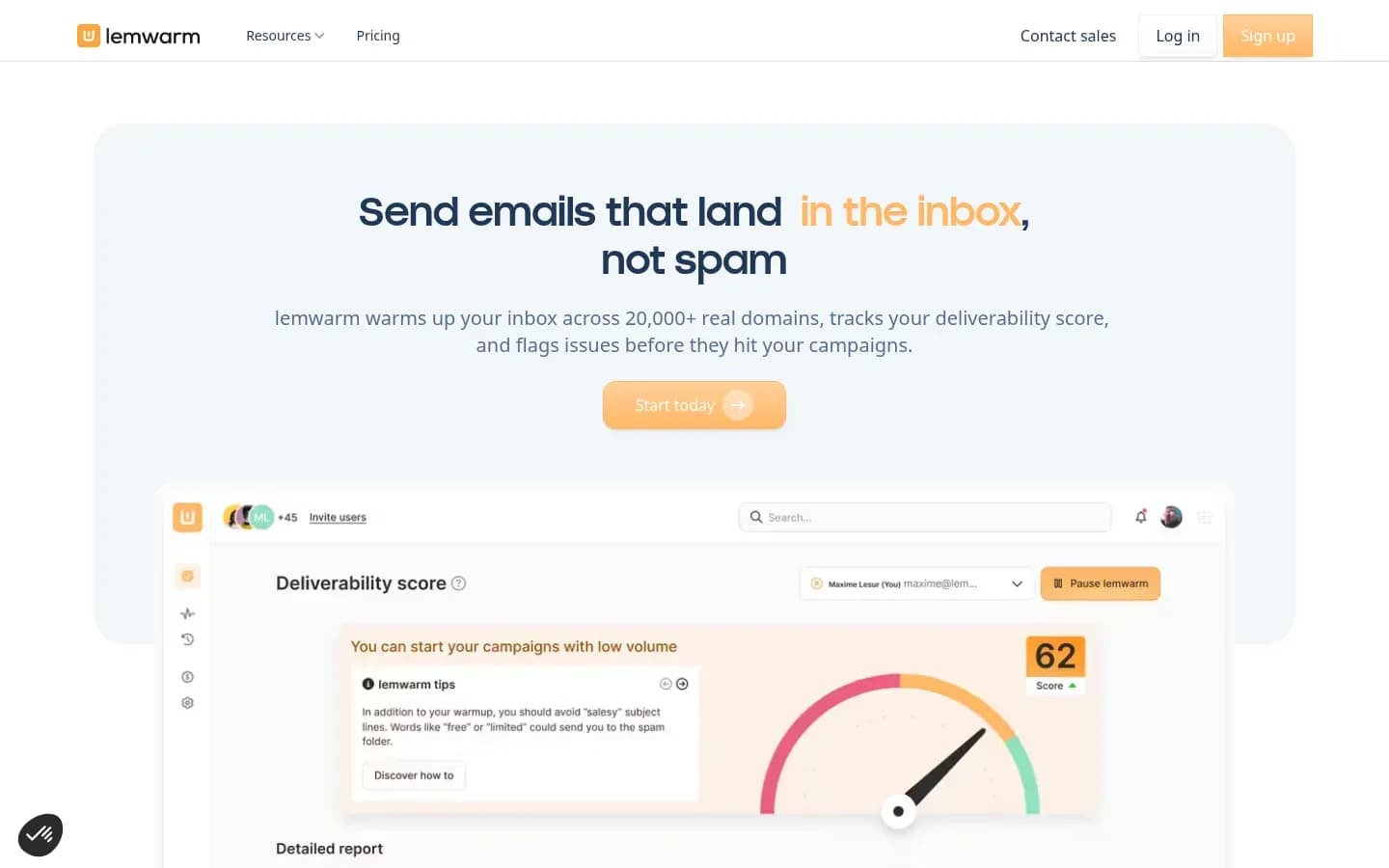
lemwarm is included with every lemlist plan, so lemlist senders already warm their inboxes, and as a standalone tool it connects Gmail and Outlook in one click and adds deliverability scoring, blacklist checks and a technical setup check.
lemwarm
Email warm-up and deliverability tool from lemlist that warms sending inboxes through a network of real domains and gives a daily deliverability score, for solo senders and sales teams.
lemwarm is the email warmup and deliverability tool from lemlist. It warms sending inboxes through a network of real domains and gives a daily deliverability score, for solo senders and sales teams.
- Compliance
- GDPR
Verdict: lemwarm is the obvious pick for lemlist users, who already have it, and a sound standalone choice for small teams that want warmup plus setup checks.
How it warms: The entry plan sends human warmup emails. The higher plan adds personalised warmup emails, warmup of the user's own templates and a network tailored to the user's industry.
Network claim: lemwarm counts its network in domains, with warmup across 100+ countries, and describes it as real inboxes and real replies with no bots.
Provider coverage: Gmail and Outlook connect in one click, and lemwarm also works with Zoho, FastMail and Proton. It runs on an IMAP-based system.
Monitoring and testing: lemwarm tracks sending volume and a deliverability score, checks blacklists and technical settings, and sends spam-risk alerts.
lemwarm pricing
| Plan | Price | Billing | Notes |
|---|---|---|---|
| Essential |
|
| |
| Smart |
|
| |
| Custom (more than 10 users) | Custom pricing |
Cost driver: lemwarm bills per sending email address each month, so the number of sending addresses sets the bill.
Best fit: lemlist customers first. Outside lemlist, small teams that want warmup, a deliverability score and a technical setup check without a separate tester.
Limitations: The industry-tailored network sits on the higher plan only. lemwarm also says that if warmup stops, reputation drops and emails go back to spam, so it is an ongoing cost rather than a one-off ramp.
Warmup Inbox
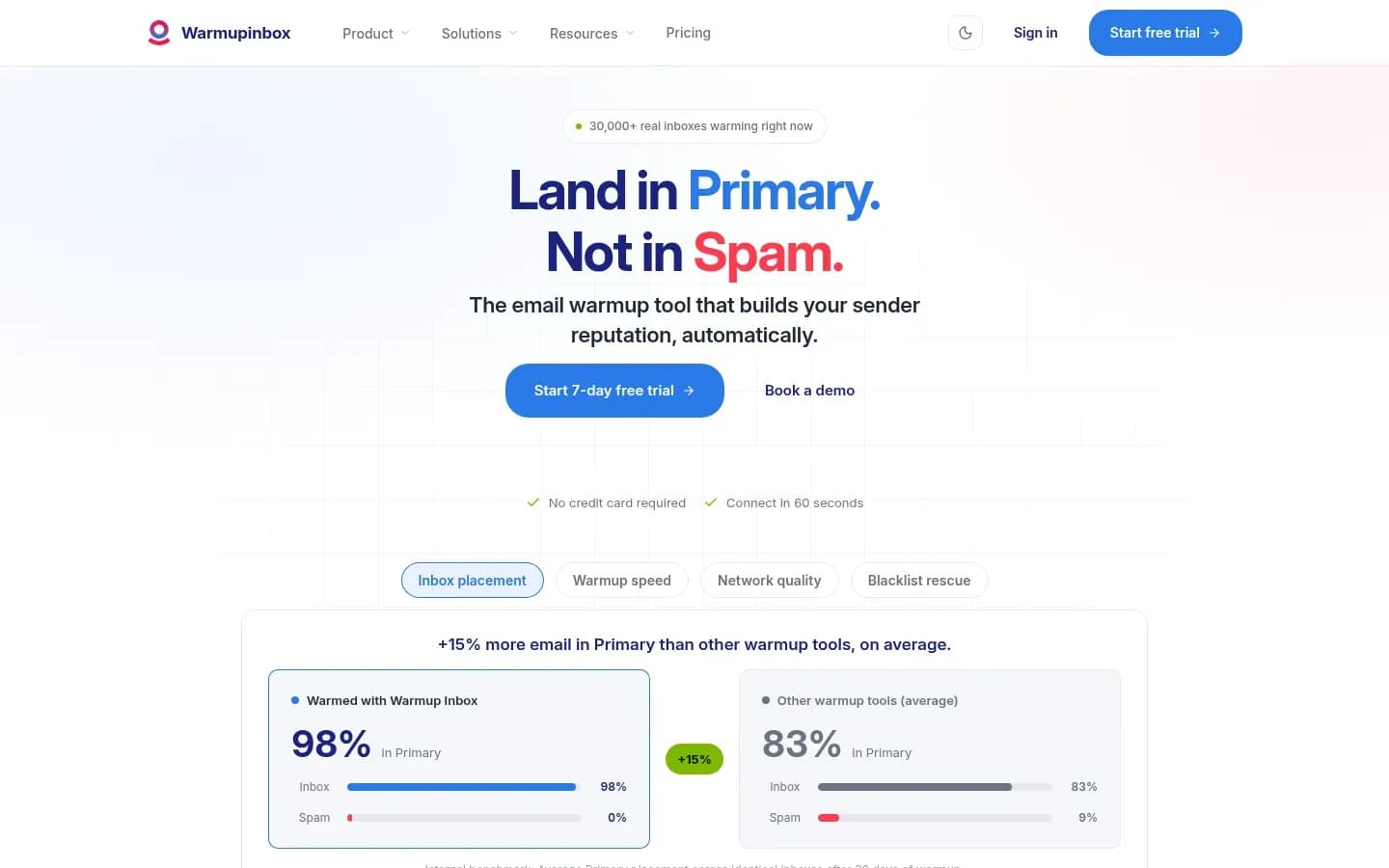
Warmup Inbox connects Gmail, Microsoft 365, Yahoo, Zoho, Amazon SES, Mailgun, SendGrid and any SMTP provider, and its network inboxes reply to warmup emails, mark them important and unmark them as spam.
Warmup Inbox
Email warmup tool that builds sender reputation by exchanging emails between your inbox and a network of real inboxes, for sales teams, marketers, agencies and recruiters.
Warmup Inbox is an email warmup tool that builds sender reputation by exchanging emails between your inbox and a network of real inboxes. It serves sales teams, marketers, agencies and recruiters, and reaches past mailboxes to ESP and dedicated-IP senders.
- Free plan
- Yes
- Free trial
- 7 days, no card needed
- Public API
- Yes
- Compliance
- GDPR
Verdict: Warmup Inbox is the best choice for senders who need IP warmup or coverage across 25+ providers, including Yahoo, iCloud and Fastmail.
How it warms: Inboxes in the network reply to your warmup emails, mark them important and unmark them as spam. The vendor describes the network as continuously changing.
Network claim: Warmup Inbox counts its network in real inboxes across 25+ providers.
Provider coverage: Gmail and Workspace, Outlook and Microsoft 365, Yahoo, Zoho, ProtonMail, Fastmail, iCloud, Amazon SES, Mailgun, SendGrid and any custom SMTP provider.
Monitoring and testing: A placement test, real-time tracking of inbox placement, spam rate and bounces with alerts, daily blacklist monitoring, and built-in DNS, SPF, DKIM and blacklist checks. Extras include IP warmup, language warmup and a cold email sequence feature.
Free option: Free plan; 7-day trial (no card). Plans and prices on Warmup Inbox’s site →
Cost driver: Capterra reviewers rate the base pricing as competitive per mailbox but find the higher Pro tier expensive, and say the Basic tier lacks features they want. The bill depends on how many inboxes you warm and whether you need the Pro features.
Best fit: Teams warming ESP or dedicated-IP senders as well as mailboxes, and anyone mixing Google, Microsoft and smaller providers in one sending setup.
Limitations: Reviewers report that technical issues needing escalation take longer to resolve, and the features many want sit on the Pro tier. The Capterra sample is small, so treat these patterns as signals rather than verdicts.
Warmbox
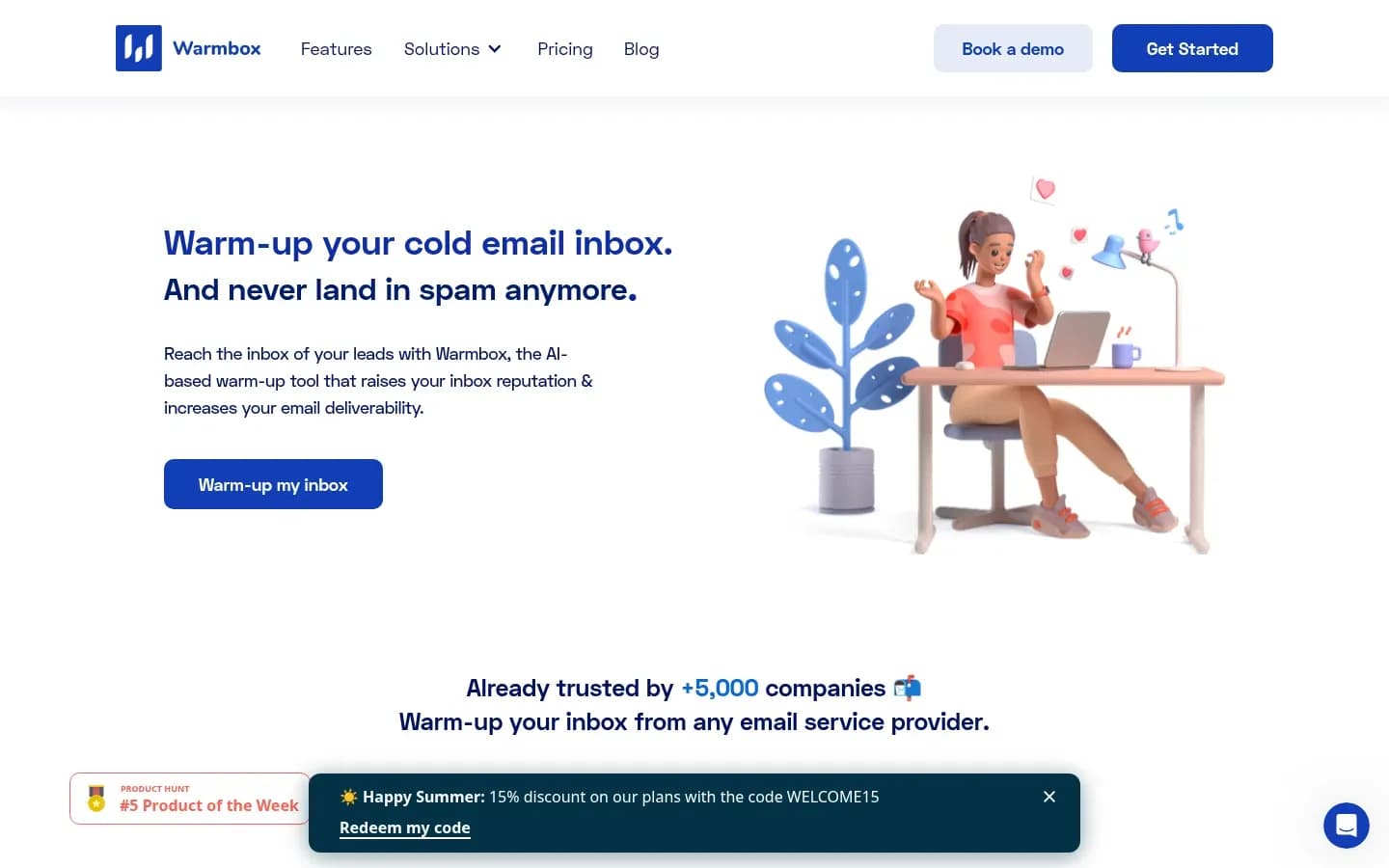
Warmbox offers four warmup recipes that run on autopilot or let you edit the timing range, emails sent per day and reply rate for each inbox.
Warmbox
AI-based email warm-up tool that builds sender reputation for sales and marketing teams running cold email campaigns.
Warmbox is an AI-based email warmup tool that builds sender reputation for sales and marketing teams running cold email campaigns. Its distinguishing trait is how much of the warmup schedule the user can edit.
- Compliance
- GDPR
Verdict: Warmbox is the best fit for operators who want to tune warmup by hand.
How it warms: The network removes warmup emails from spam, opens and bookmarks them and replies to part of them. Four warmup recipes run on autopilot, or you edit the timing range, emails sent per day and reply rate yourself.
Network claim: Warmbox counts its network in inboxes, describes it as private and spreads it across 100+ countries.
Provider coverage: Gmail, Outlook, Yahoo Mail, iCloud, AOL, Yandex, Zoho, SendGrid, Sendinblue, Mailgun, Amazon SES and SMTP.
Monitoring and testing: Spam score monitoring, an IP and domain blacklist and DNS checker, and a reporting dashboard. Inboxes and team members can be added on the fly.
Warmbox pricing
| Plan | Price | Billing | Notes |
|---|---|---|---|
| Solo | $15 | per month | |
| Start-up | $69 | per month | |
| Growth | $139 | per month | |
| Team | Custom pricing |
Best fit: Deliverability-minded operators and agencies running many inboxes that each need a different ramp.
Limitations: Warmbox's published extras stop at spam score, blacklist and DNS checks, so a seed-list placement test has to come from another tool. Manual control also means manual mistakes, so a ramp set too steep is the user's to catch.
How Do Email Warmup Tools Work
An email warmup tool connects your sending inbox to a network of other inboxes that open, reply to and rescue its emails from spam while the daily volume rises. That follows Gmail's own advice to start with a low sending volume to engaged users and increase it slowly, without sudden spikes.
The mechanism has four steps:
- Connect. You link the sending inbox, usually in one click for Gmail and Outlook or through SMTP and IMAP details for other providers.
- Send. The tool sends a small number of emails a day from that inbox to inboxes in its network, then raises the number over the following days and weeks.
- Engage. The receiving inboxes open the emails, reply, mark them important and move them out of spam when they land there.
- Repeat. The inbox builds a history of mail that recipients open and answer, the pattern Gmail asks for when it advises sending to engaged users and raising volume slowly.
The five tools on this list use three methods:
- Peer networks. MailReach, Warmup Inbox, Warmbox and lemwarm route warmup through a network of other users' or vendor-run inboxes. The differences sit in who is in the network (MailReach weights it toward Google Workspace and Office 365) and who sets the pace (Warmbox lets you edit it).
- AI-set volume. Warmy's AI writes each warmup message and decides each mailbox's daily volume from provider signals, so the ramp moves without you touching it.
- Seed lists. Warmy also sends to a seed list across Gmail, Microsoft 365, Outlook, Yahoo and other providers before each campaign. Seeds show where mail lands at each provider, which turns warmup into a placement check as well.
The ramp is where warmup earns its keep. A new inbox that jumps straight to full campaign volume looks like the spike Gmail warns against. A tool that raises volume slowly, to recipients who engage, produces the pattern Gmail asks for.
Do Email Warmup Tools Still Work With Gmail And Outlook Rules
Email warmup still runs under Gmail and Outlook rules, but only on top of them, because Gmail requires SPF, DKIM and DMARC from anyone sending more than 5,000 messages a day and a spam rate below 0.30%, and no amount of warmup engagement changes that.
Gmail's sender guidelines set these rules:
- Every sender needs SPF or DKIM.
- Senders of more than 5,000 messages a day to Gmail accounts must meet the bulk sender requirements, including SPF, DKIM and DMARC.
- Spam rates reported in Postmaster Tools should stay below 0.10% and never reach 0.30% or higher.
- Marketing and subscribed messages must support one-click unsubscribe.
Microsoft sets a similar bar for Outlook. Outlook requires domains sending over 5,000 emails a day to pass SPF and DKIM and to publish a DMARC policy of at least p=none aligned with SPF or DKIM. Microsoft says non-compliant messages are rejected with a 550 5.7.515 Access denied error, a rule in force from May 5, 2025.
Google has also pushed back on warmup itself. GMass shut down its email warmup system on January 31, 2023, and by GMass's own account Google told it to shut warmup down or lose Gmail API access, and treats warmup as a violation of its terms of service. GMass also said an IMAP workaround would be detected. That is GMass's report of what Google told it, not a policy Google has published.
Read together, the rules point to one conclusion. Warmup is tolerated rather than endorsed by the providers. It works only on top of compliant authentication and low complaint rates, and it cannot rescue a domain that fails either.
Before relying on warmup, check SPF, DKIM and DMARC before sending from every domain you use, and watch the spam rate in Google Postmaster Tools once campaigns start.
This section is general information, not legal advice.
How Long Should You Warm Up A New Inbox
Plan at least two weeks of warmup before the first campaign, and about six weeks on lemwarm. MailReach recommends at least 14 days, while lemwarm advises about 4 weeks of warmup, then 2 more before real campaigns. Keep every inbox inside Google Workspace's limit of 2,000 messages a day per user, or 500 on a trial account.
The vendors give this guidance:
Vendor warmup guidance before campaigns
| Vendor | Warmup before campaigns | After campaigns start |
|---|---|---|
| MailReach | At least 14 days, no campaigns | Keep warming during and between campaigns |
| lemwarm | About 4 weeks, then 2 more | Keep warming, or reputation drops |
lemwarm's runway runs longer because it adds 2 more weeks of warmup before real campaigns go out. MailReach is firmer about the first phase, with no campaigns at all during its first 14 days.
The daily ceiling matters as much as the calendar. Google Workspace caps each user at 2,000 messages a day, 1,500 for mail merge and 500 on trial accounts, and does not raise the limit during the trial. Warmup emails count toward the same inbox's sending. Warmup volume plus campaign volume has to stay well inside that ceiling, or the inbox hits a hard stop that no warmup tool can lift.
A practical rule is MailReach's 14 days as the floor and about six weeks when lemwarm does the warming, because lemwarm adds 2 weeks before real campaigns. Add campaign volume gradually while warmup keeps running.
What Does An Email Warmup Tool Cost To Run
An email warmup tool costs its per-mailbox plan times the number of sending inboxes, every month those inboxes send, because MailReach and lemwarm both say warmup should keep running during and between campaigns. There is no one-off fee to budget, only a recurring line for each inbox.
Three things drive the bill.
Inbox count: Warmup is bought per mailbox. lemwarm bills per sending email address each month. MailReach frames its offer per mailbox. Capterra reviewers compare Warmup Inbox per mailbox too. A team that adds sending inboxes to spread volume adds a warmup line for each one.
Duration: Warmup is not a ramp you finish and cancel. MailReach says to use it before, during and between campaigns. lemwarm says that if you stop, reputation drops and emails go back to spam. Budget warmup for as long as each inbox sends.
Add-ons and tiers: Capterra reviewers point out that MailReach's spam testing adds to the cost of warmup alone. Warmup Inbox reviewers say the fuller features sit on the higher Pro tier, which they find expensive. Price the plan that carries the testing and features you need, not the entry tier.
One exception changes the maths. lemlist users pay nothing extra for lemwarm, because every lemlist plan includes it. For a team already on lemlist, the warmup line is already in the sending budget.
The working rule in words is simple. Total cost equals the number of sending inboxes times the per-mailbox plan, plus any testing add-ons, for every month those inboxes send. Each tool's pricing table in its section above shows the plans to plug in.
Which Email Warmup Tool Should I Choose
If you already send with lemlist, use lemwarm, which every lemlist plan includes. Otherwise choose MailReach for Google Workspace and Microsoft 365 outreach, Warmy for multilingual or hands-off volume, Warmup Inbox for ESP and SMTP senders, and Warmbox for full manual control.
Match your situation to a pick:
Email warmup tool by situation
| Situation | Pick | Decision rule |
|---|---|---|
| lemlist customer | lemwarm | Already included in every lemlist plan |
| Workspace and Microsoft 365 outbound team | MailReach | Network mostly Workspace and Office 365, built to run during campaigns |
| Team sending in several languages | Warmy | Warmup in more than 30 languages |
| Team wanting volume set automatically | Warmy | AI sets each mailbox's daily volume |
| Sender on Amazon SES, Mailgun, SendGrid or a dedicated IP | Warmup Inbox | ESP and SMTP coverage plus IP warmup |
| Operator who wants to set every ramp | Warmbox | Editable timing, daily volume and reply rate per inbox |
The table settles most cases. Two overlaps need a closer look.
lemlist users with Microsoft-heavy prospects: lemwarm connects Outlook in one click and is already paid for, so start there. Add a placement test from another tool if Outlook results lag.
Agencies: Agencies with many client inboxes split between MailReach and Warmbox. MailReach suits agencies that want recurring spam tests in the same place, though reviewers flag bulk management with many accounts. Warmbox suits agencies whose clients need different ramps, at the cost of setting each one by hand.
Run three checks before you buy:
- Provider fit. The tool connects every provider you send from, including any ESP or SMTP server, not only Gmail and Outlook.
- Ongoing warmup. It lets you keep warming alongside live campaigns, which MailReach and lemwarm both recommend.
- Independent results. You can verify results with a placement test or seed list rather than the tool's own warmup score.
How Warmup Fits Into Email Deliverability Software Selection
A warmup tool is one layer of email deliverability software, building engagement history after authentication and list verification are in place and before a placement test confirms where real campaigns land. It does not measure real-campaign placement, verify lists or fix authentication.
A warmup dashboard score reflects the warmup network's engagement with your emails, not how a real campaign to real prospects lands. The network opens and replies because it is built to. Your prospects are not. Confirm with an independent placement test on a seed list before you scale. Warmup Inbox and MailReach include placement or spam tests, and Warmy offers a seed list.
Authentication comes first because Outlook rejects high-volume mail that fails it, whatever the warmup history. For placement testing and monitoring beyond what warmup tools include, compare the best email deliverability tools.
List quality comes next, so learn to interpret email verification statuses before the first send.
Work through the stack in this order:
- Authenticate every sending domain with SPF, DKIM and DMARC
- Verify the list and suppress invalid and risky addresses
- Warm each inbox for at least two weeks, or about six on lemwarm, before campaigns
- Run a placement test on a seed list before scaling volume
- Watch spam rate in Google Postmaster Tools once campaigns start
- Keep warmup running alongside campaigns, inside daily sending limits
Each layer covers a failure the others cannot see.
Frequently Asked Questions
Can I send campaigns while an inbox is warming up?
Yes, once the initial phase is over. MailReach says the first warmup phase should last at least 14 days with no campaigns at all, and that warmup should then keep running during and between campaigns. Add campaign volume gradually after that point, and keep warmup plus campaigns inside your provider's daily sending limit.
Should warmup keep running after the inbox is warm?
Yes, according to the vendors. MailReach says to use warmup before, during and between campaigns, and lemwarm says that if you stop, reputation drops and emails go back to spam. That makes warmup a recurring cost for each inbox for as long as it sends, not a one-off setup task.
Do Outlook and Microsoft 365 inboxes need warmup too?
Yes. A new Microsoft 365 inbox has no sending history, just like a new Google Workspace one. MailReach says its network is mostly Office 365 and Google Workspace accounts. Outlook also rejects mail from domains sending over 5,000 emails a day that fail SPF, DKIM and DMARC rules.
Is lemwarm included with lemlist?
Yes. lemwarm is included with every lemlist plan, so lemlist senders can warm their inboxes without buying a separate tool. lemwarm is also sold on its own, priced per email address, and connects Gmail and Outlook in one click alongside Zoho, FastMail and Proton. Teams outside lemlist can use it as a standalone warmup tool.
Does an email warmup tool replace SPF, DKIM and DMARC?
No. Warmup builds engagement history, while SPF, DKIM and DMARC prove your mail is really from your domain. Gmail requires SPF or DKIM from every sender and all three from anyone sending more than 5,000 messages a day to Gmail accounts. Set up authentication first, then warm the inbox on top of it.
Sources
Sources
- Email sender guidelines - Gmail Help · support.google.com
- Strengthening Email Ecosystem: Outlook's New Requirements for High-Volume Senders · techcommunity.microsoft.com
- GMass's Email Warmup System Is Shutting Down · gmass.co
- Warmup Inbox Software Pricing, Alternatives & More | Capterra · capterra.com
- lemwarm.com
- Gmail sending limits in Google Workspace · knowledge.workspace.google.com