A Salesforce team buying visitor identification is really buying a set of writes into its CRM. This guide compares five tools on the records they create, how they match existing Accounts, Leads and Contacts, how they keep duplicates out, who receives the record and what drives the bill.
These picks apply to B2B teams that keep Salesforce as the system of record and want identified companies, and sometimes people, written onto existing Accounts, Leads and Contacts. Company-level matches come from IP and domain data and can name the wrong business, so treat an identified visit as a signal for the account owner, not a qualified lead.
How We Chose These Salesforce Visitor Identification Tools
A visitor identification tool earns a place on a Salesforce shortlist only when its documentation says which Salesforce objects it reads, which it creates and how it matches a visit to an existing Account, Lead or Contact.
Company-level website visitor identification names the business behind an anonymous visit. For a Salesforce team, that name only helps once it lands on the right record, with the right owner, without creating a duplicate.
Each tool had to clear three bars to make the list:
- A documented Salesforce integration that writes to or enriches Salesforce records and matches visits or leads to accounts
- A published account of which Salesforce objects it reads and writes
- A company-level identification product built for B2B websites
The tools that cleared the bar were then ranked on these criteria, in this order:
- Record matching and duplicate control
- Objects created versus objects only updated
- Owner routing
- Admin effort and the Salesforce permissions the tool needs
- The basis of the bill
The ranking favours depth and safety of Salesforce record handling for an in-house B2B team over breadth of features.
Research on visitor match accuracy on known accounts shows why vendor match rates fall short of their claims, which is why record handling carries the weight in this ranking.
Six tools were considered and five made the list. One tool appeared in several rankings but fell short on Salesforce record handling:
Considered, not included
| Tool | Why it is not on the list |
|---|---|
| Leadinfo | A company connected as a Lead gets no tasks or opportunities |
Best Visitor Identification Tools For Salesforce
For Salesforce teams, Leadfeeder, Snitcher, Warmly, Demandbase and Lead Forensics differ less on whether they identify visitors than on what they write into Salesforce, and that matters because 94% of buying groups rank their preferred vendors before first contact, well before most buyers fill in a form.
That figure comes from 6sense's 2025 Buyer Experience Report, a vendor-run survey of more than 4,000 buyers across North America, EMEA and APAC. The same report found buyers chose that preliminary favourite 77% of the time, so buyers shortlist before they contact a vendor.
- LeadfeederBest for most Salesforce orgs on a paid plan
- SnitcherBest for mid-market teams with assignment rules
- WarmlyBest for email-deterministic matching and routing
- DemandbaseBest for enterprise ABM lead-to-account matching
- Lead ForensicsBest for admin-built workflows, traffic-based pricing
The table compares what each tool creates in Salesforce, the key it matches on and how it assigns owners:
| Tool | Pricing model | Creates in Salesforce | Matches on | Owner routing |
|---|---|---|---|---|
| Leadfeeder | Freemium | Accounts, tasks, opportunities | Account name and domain | Reads Account owner |
| Snitcher | Paid | Leads, Contacts, Accounts | Website or Domain field | Salesforce assignment rules |
| Warmly | Paid | Accounts and Leads | Domain, then email | One user or lead route |
| Demandbase | Quote only | No records, enriches fields | Account name, email domain | No, enriches owned records |
| Lead Forensics | Quote only | Leads or Accounts | Workflow lookup | User or queue |
Why each tool sits where it does:
- Leadfeeder ranks first because its Salesforce integration comes with every paid plan, supports four Salesforce editions and reads Account owners straight from Salesforce.
- Snitcher ranks second because it updates an existing Account, then an existing Lead, creates a Lead only when neither exists, and hands new leads to Salesforce assignment rules.
- Warmly ranks third because its matching is documented as deterministic, but it needs broad Salesforce permissions and an annual or quarterly contract.
- Demandbase ranks fourth because its lead-to-account matching is strong, but its standard sync creates no records and matching needs account lists.
- Lead Forensics ranks fifth because its workflows are flexible, but they take more admin build and reviewers report wrong or generic identifications.
Leadfeeder
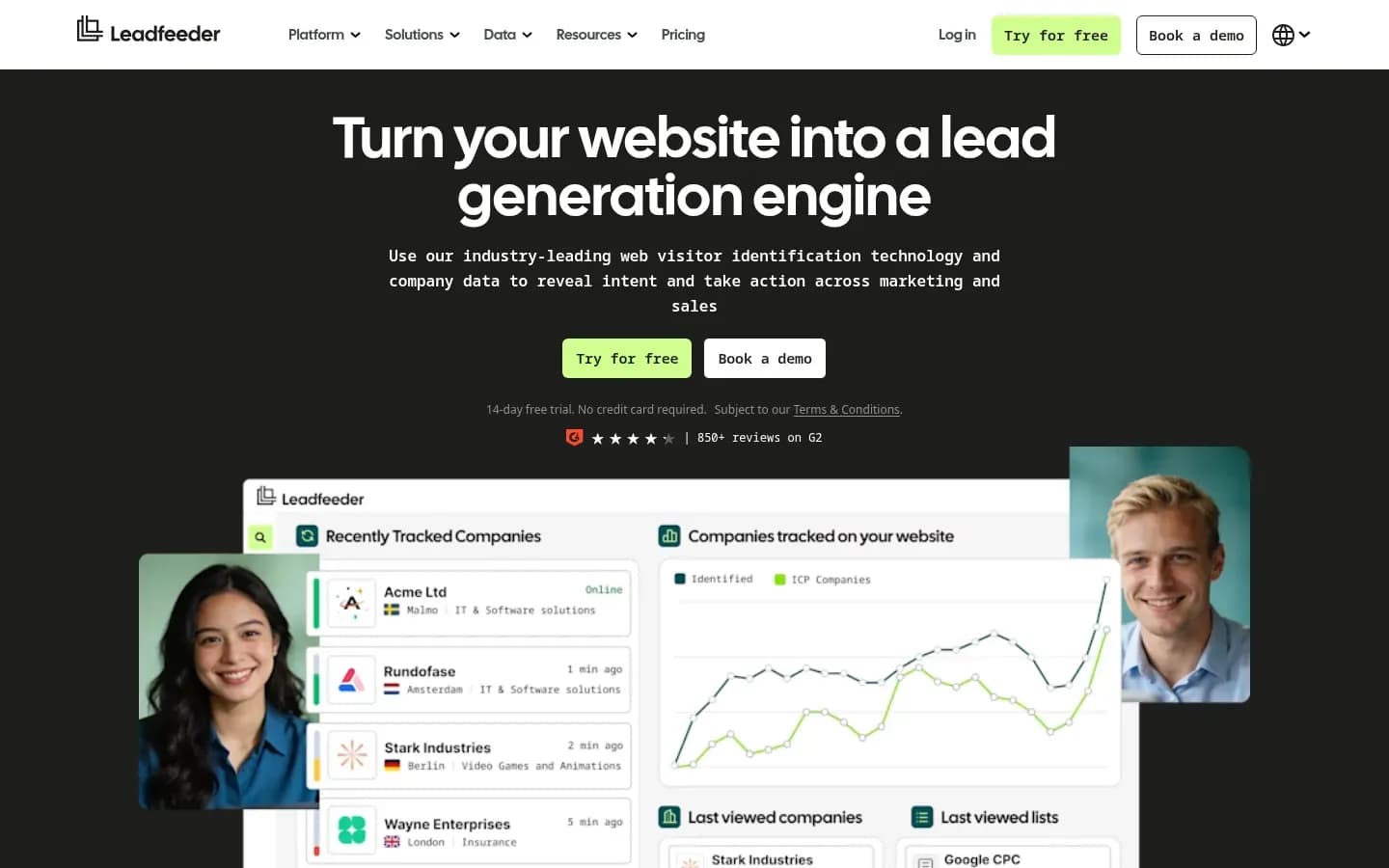
Leadfeeder includes its Salesforce integration with every paid plan and supports the Unlimited, Enterprise, Professional and Group editions, writing identified companies to Salesforce as Accounts with tasks and opportunities.
Verdict: Leadfeeder, part of Dealfront, is the safest default for Salesforce teams because the integration comes with the plan and reads Account owners straight from Salesforce.
What it does in Salesforce: Leadfeeder connects to the four supported editions, and Group Edition needs some Salesforce configuration first. Visit-related options apply to Web Visitors or Platform subscriptions.
Record matching and duplicates: Automations send identified companies to Salesforce as Accounts and can create accounts, opportunities and tasks along the way. Each automation processes an identified company once. Leadfeeder treats different locations of one business as unique companies, so a multi-office company can appear as duplicate Accounts in the CRM. Sending companies as Leads through automations has been discontinued.
Objects it reads and writes: Leadfeeder reads Accounts with account name, domain and owner. It writes Accounts, Leads, optional Contacts, Tasks and Opportunities. It also adds Web Visitors fields to Accounts, Leads and Opportunities, plus a Web Visitors Visits related list.
Owner routing: Leadfeeder reads the Account owner from Salesforce and matches Salesforce users to Leadfeeder users automatically by email. Identified visits on an owned Account stay with the rep who already owns it.
What drives the bill: Paid plans are tiered by identified companies per month, the Activate and Scale plans add monthly credits, and users are unlimited. The Lite plan does not list CRM sync, which first appears in the Discover plan.
Pricing: Leadfeeder's plans and prices:
Leadfeeder pricing
| Plan | Price | Billing | Notes |
|---|---|---|---|
| Lite | €0 | per month | |
| Discover | €79 | per month, billed annually | |
| Activate | €369 | per month, billed annually | |
| Scale | €599 | per month, billed annually | |
| Enterprise | Custom pricing |
Best fit: Small and mid-market Salesforce teams that want identified companies on owned Accounts, with tasks for reps, without a long admin project. It suits teams less well when they run several Salesforce orgs at once or want people created as Leads by automation.
Limitations: The integration needs Salesforce admin privileges, and one Leadfeeder account connects either a Sandbox or a Production org at a time. One Salesforce user token connects at most four apps. Sending visits uses API calls at 200 CRM records per call, so busy sites add to API usage. The initial sync can take several hours.
Snitcher
Snitcher matches identified companies to Salesforce on the Website or Domain field and, with Lead Flow on, updates an existing Account first, then an existing Lead, and creates a new Lead only when neither exists.
Verdict: Snitcher updates an existing Account, then an existing Lead, and creates a Lead only when neither exists, and it leaves routing to the assignment rules a Salesforce admin already maintains.
What it does in Salesforce: Snitcher logs website visits as activities on the matching record and alerts account owners when their accounts visit. Records reach Salesforce through Send to CRM or an automation, since Snitcher does not create accounts or contacts automatically on connection. The integration runs on a 30-minute sync cycle.
Record matching and duplicates: Companies match on mapped domains and contacts match on mapped email. Lead Flow gives an existing Account priority, then updates an existing Lead, and creates a new Lead only when neither exists. Snitcher does not overwrite CRM values unless Allow overwrite is checked, which protects fields reps have already cleaned.
Objects it reads and writes: Snitcher creates Leads, Contacts and Accounts and can optionally update existing records. Its Salesforce page also lists Opportunities, with deal sync enabled, and custom objects among the supported objects.
Owner routing: Snitcher lets Salesforce assignment rules route new leads and alerts existing account owners. The routing logic stays inside Salesforce, where admins already manage it.
Pricing: Snitcher's plans and prices:
Snitcher Platform pricing
| Plan | Price | Billing | Notes |
|---|---|---|---|
| Platform 0-50 company IDs |
|
| |
| Platform 51-100 company IDs |
|
| |
| Platform 101-250 company IDs |
|
| |
| Platform 251-500 company IDs |
|
| |
| Platform 501-750 company IDs |
|
| |
| Platform 751-1,000 company IDs |
|
| |
| Platform 1,001-2,000 company IDs |
|
| |
| Platform 2,001-3,000 company IDs |
|
| |
| Platform 3,001-4,000 company IDs |
|
| |
| Platform 4,001-5,000 company IDs |
|
| |
| Platform Custom | Custom pricing |
Best fit: Mid-market teams that already run Salesforce assignment rules and want domain-matched Leads, Contacts and Accounts without overwriting clean data. It suits teams less well when they want the tool itself to pick owners.
Limitations: Nothing reaches Salesforce until someone uses Send to CRM or builds an automation. Snitcher's Salesforce tokens expire periodically and may need reconnecting, and the 30-minute sync cycle means records arrive in batches rather than instantly.
Warmly
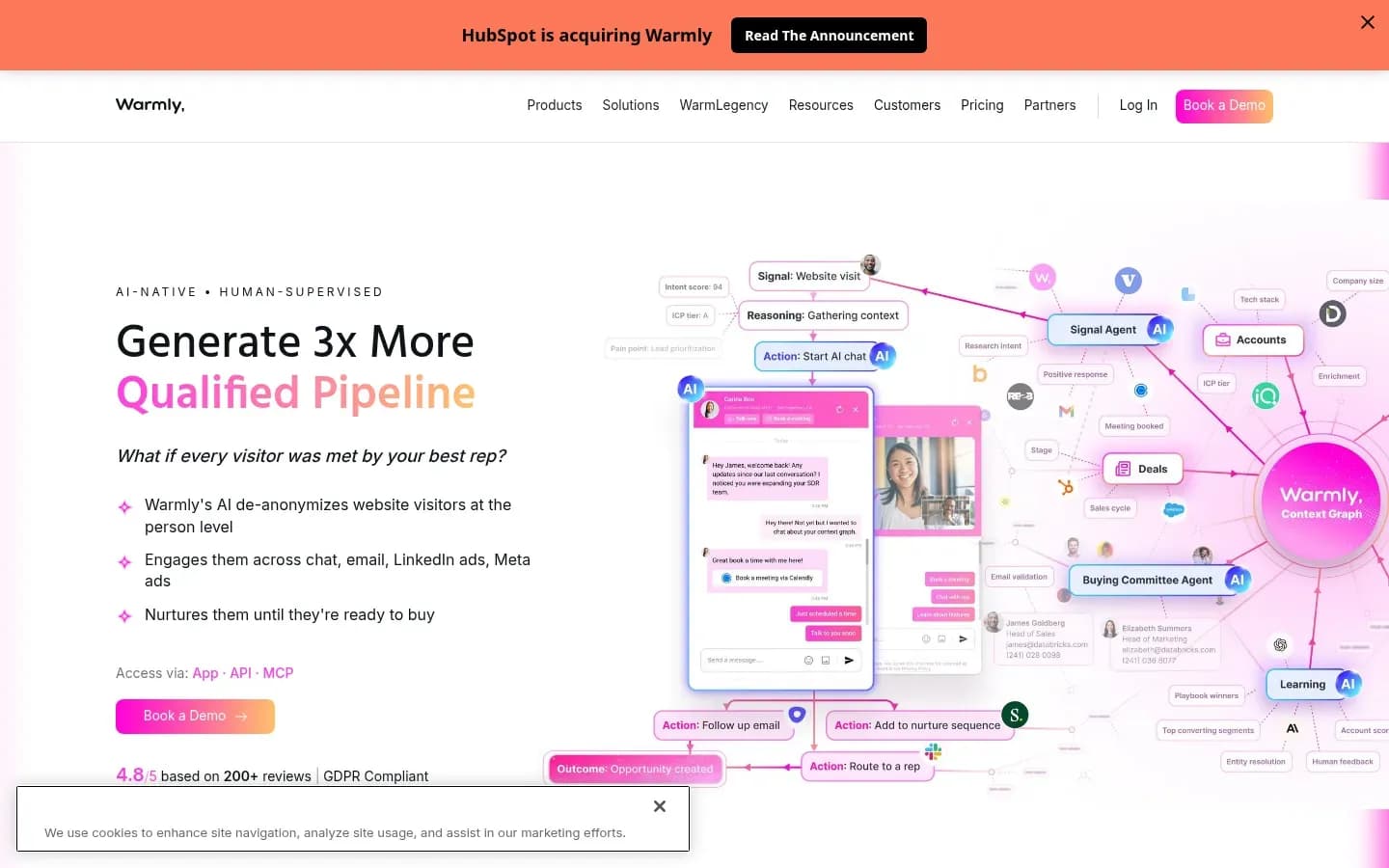
Warmly matches Salesforce Accounts by website domain and people by email, checking Contacts before Leads, and creates a new Lead only when no record matches, without overwriting populated standard fields.
Verdict: Warmly offers documented deterministic matching and flexible owner routing, on annual or quarterly contracts and with broad Salesforce permissions.
What it does in Salesforce: Warmly reads Account, Contact, Lead and Opportunity records, including Owner. It adds chat transcripts as a completed Task, and chat leads can join one Salesforce Campaign. CRM sync and lead routing are part of its entry plan.
Record matching and duplicates: Warmly strips www and paths from the website domain to match Accounts, then matches people by email, checking Contacts first and Leads second. Warmly describes the process as deterministic and designed to prevent duplicates. It never overwrites populated standard fields, but it overwrites its own custom fields on each visit. It needs a name or a configured placeholder to create a Lead, does not read custom CRM fields automatically, and does not sync visitor data tracked before the integration went live.
Objects it reads and writes: Warmly can create Accounts and Leads but only updates Contacts and Opportunities. New people therefore always arrive in Salesforce as Leads.
Owner routing: Warmly uses the owner fields it reads to assign website visitors to the correct account owner. In orchestrations, created records go to one Salesforce user or get owners dynamically through a lead route.
What drives the bill: Plans are metered in monthly credits and billed annually or quarterly. Add-ons such as the GTM Signals Package and Warm Experiences carry their own yearly prices, and the AI 24/7 Video Chat Agent is priced through sales.
Pricing: Warmly's plans and prices:
Warmly AI Web-Deanonymization pricing
| Plan | Price | Billing | Notes |
|---|---|---|---|
| AI Web-Deanonymization |
|
|
Warmly Inbound Chat pricing
| Plan | Price | Billing | Notes |
|---|---|---|---|
| Inbound Chat |
|
|
Warmly AI Inbound Autopilot pricing
| Plan | Price | Billing | Notes |
|---|---|---|---|
| AI Inbound Autopilot |
|
|
Best fit: Teams that want email-deterministic matching, owner routing and chat in one tool, can fund an annual or quarterly contract and can pass a security review on broad permissions. It suits small teams on tight budgets less well.
Limitations: The connecting Salesforce user needs profile permissions including View All Data, Modify Metadata through Metadata API functions, API Enabled, APEX Rest Services, Customize Application and Edit Tasks. It also needs View All, Modify All and View All Fields on Accounts, Contacts, Leads, Opportunities and Campaigns. A Salesforce System Administrator installs the connected app through OAuth, and a security team will likely question View All Data and Modify Metadata.
Demandbase
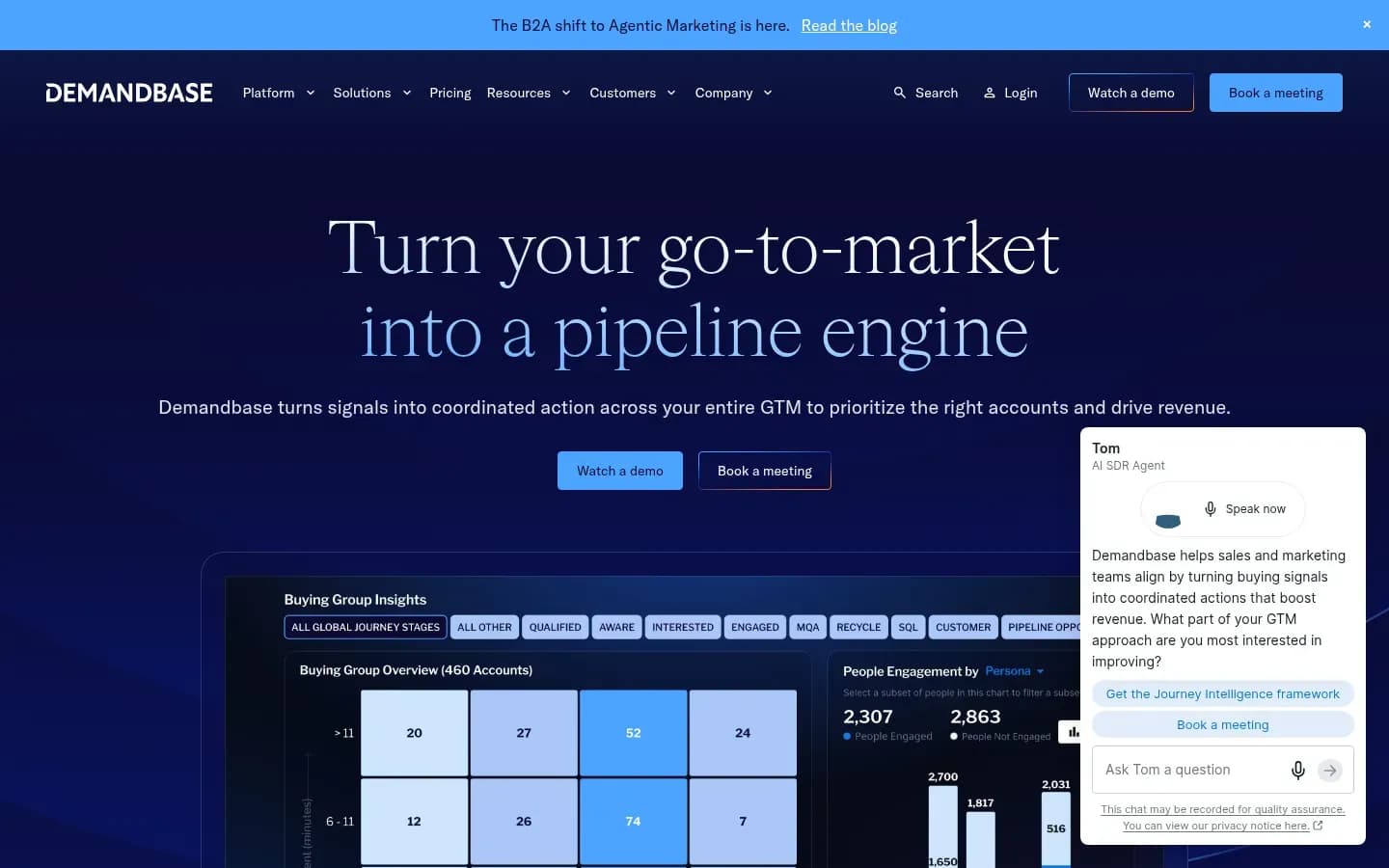
Demandbase matches Salesforce leads to accounts by account name and email domain and writes the result to Matched Account fields on the Lead, but its standard sync enriches existing records rather than creating new ones.
Verdict: Demandbase is built for enterprise ABM teams that need accounts enriched and leads matched to accounts, not new records created.
What it does in Salesforce: Demandbase reads account, contact, lead, activity, opportunity and campaign records and writes back to specified account, lead and contact fields. Writeback runs once a day, and the integration requires the Demandbase app package in the org.
Record matching and duplicates: Lead-to-account matching compares account name and email domain against the account website. It uses fuzzy name matching and geographic fields to separate close matches, then fills Matched Account custom fields on the Salesforce Lead. The account must belong to an account list, and a missing or wrong lead email prevents a match. Because the standard sync creates no records, it adds no duplicate records of its own.
Objects it reads and writes: Demandbase reads six standard object types and writes only to Demandbase fields on accounts, leads and contacts. It cannot sync custom objects. Reads take up to 3,000 records per call, and writeback runs in batches of up to 500.
Pricing: Demandbase's plan details sit on its tool card:
Demandbase
Account-based marketing and go-to-market platform for B2B marketing, sales and revenue teams.
Demandbase is an account-based marketing and go-to-market platform for B2B marketing, sales and revenue teams. In Salesforce it enriches existing accounts, leads and contacts and matches leads to accounts on curated account lists.
- Compliance
- ISO 27001, SOC 2
- Ratings
- G2 4.4/5 (2,025 reviews)
Best fit: Enterprise ABM teams with defined account lists that want leads tied to the right account and existing records enriched. Teams that want identified visitors turned into new Leads should look at the tools above.
Limitations: G2 users score Demandbase One 8.3 out of 10 for ease of setup, against 9.3 for Snitcher, and learning curve is among Demandbase One's most-mentioned cons on G2. Matching also stops at the edge of the account list.
Lead Forensics
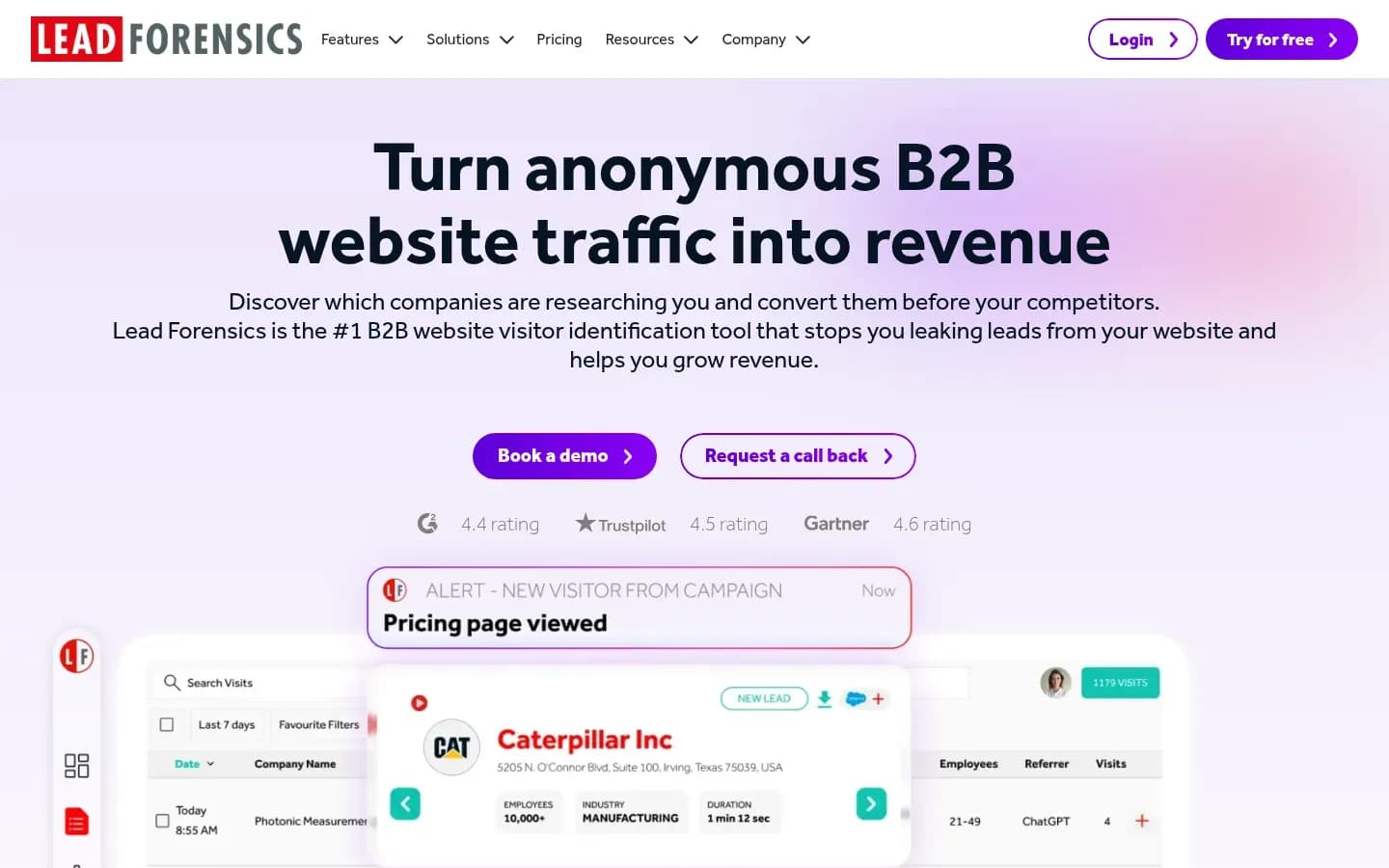
Lead Forensics pushes identified companies into Salesforce as Leads or Accounts through workflows an admin orders and assigns to a user or queue, and it prices each customer on the website traffic its site receives.
Verdict: Lead Forensics suits teams that want workflow-based Salesforce pushes priced on traffic and account management support that reviewers praise, and that accept more admin build.
What it does in Salesforce: An admin chooses whether new pushed records become Leads or Accounts. Workflows can look up existing leads or accounts, create tasks and assign records.
Record matching and duplicates: Workflows look up existing leads or accounts before acting, and Lead Forensics advises ordering flows to mitigate duplicate company records. Some field mappings are locked.
Objects it reads and writes: Lead Forensics writes Leads or Accounts, plus Tasks. An admin must first create a tracking checkbox field on both the Account and Lead objects.
Owner routing: Workflows assign records to a specific user or queue, and a default user receives records pushed manually.
What drives the bill: Lead Forensics says pricing is calculated on website visitors, across two plans, Essentials and Automate. Its feature list includes CRM integration, workflow automation and CRM lead creation, automated lead routing, ABM account matching and unlimited user access.
Pricing: Lead Forensics' plan details sit on its tool card:
Lead Forensics
B2B website visitor identification tool that shows the companies behind anonymous site visits.
Lead Forensics is a B2B website visitor identification tool that shows the companies behind anonymous site visits. In Salesforce it pushes identified companies as Leads or Accounts through admin-built workflows, on pricing calculated from website visitors.
- Compliance
- GDPR, ISO 27001
- Ratings
- Capterra 4.5/5 (270 reviews)
Pros and cons: Lead Forensics' trade-offs for a Salesforce team:
Pros
- Admin chooses Leads or Accounts for new records
- Workflows assign records to a user or queue
- Reviewers praise account management support
Cons
- Reviewers report wrong or generic identifications
- Admin must create fields and order flows
Best fit: Teams that want traffic-based pricing, account management support and Salesforce workflows an admin controls step by step. It suits teams less well when they want people named rather than companies.
Limitations: Across Lead Forensics reviews on Capterra, a pattern of complaints covers high prices and yearly price rises, company identifications that are sometimes wrong or too generic, VPN and home working limiting identification, and results that name the company but not the person.
How Do Visitor Identification Tools Match Visitors To Salesforce Records?
Visitor identification tools match a visit to Salesforce on website domain for Accounts and email for Contacts and Leads, and because Salesforce duplicate rules only warn unless an admin sets them to block, a tool that creates records can still add duplicates. The matching key decides which records a tool can find.
Three matching keys cover every tool on this list:
- Website domain: Matches an identified company to an Account. Leadfeeder, Snitcher and Warmly match companies on the domain.
- Email: Matches a person to a Contact or Lead. Warmly checks Contacts before Leads, and Snitcher matches contacts on mapped email.
- Account name plus email domain: Matches a Lead to an Account. Demandbase compares both against the account website, with fuzzy names and geography.
The key also decides whether a tool creates new records when nothing matches:
Matching key and record creation by tool
| Tool | Matching key | Creates new records |
|---|---|---|
| Leadfeeder | Account name and domain | Yes, Accounts by automation |
| Snitcher | Website or Domain field, email | Yes, Leads, Contacts, Accounts |
| Warmly | Domain, then email | Yes, Accounts and Leads |
| Demandbase | Account name and email domain | No, enriches existing records |
| Lead Forensics | Workflow lookup of leads or accounts | Yes, Leads or Accounts |
Duplicates come from two places. The first is the tool's own definition of a company. Leadfeeder treats each location of a business as a unique company, so a firm with three offices can show up as three Accounts. The second is Salesforce itself.
Salesforce's standard matching rules cover business accounts, contacts, leads and person accounts. The admin then chooses whether duplicate rules block a new record or only warn, and a warning is easy for a rep, or an integration, to bypass.
Tools differ in how hard they protect existing data. Warmly never overwrites populated standard fields, and Snitcher overwrites nothing unless Allow overwrite is checked. Lead Forensics relies on the order of its flows to keep duplicate company records down.
Decision rule: Set duplicate rules to block for the integration user before you switch on automatic record creation, then review the first week of created records by hand.
The step-by-step guide to field mapping covers which fields to map first and how to test identity matching before go-live.
How To Route Identified Visitors To The Right Salesforce Owner
Routing an identified visitor to the right Salesforce owner works best when the tool writes onto an Account that already has an owner, and Snitcher, Warmly and Lead Forensics each offer a different fallback when no owned record exists. The fallback is what decides who follows up on a new company.
Each tool handles owners in its own way:
- Leadfeeder: Reads the Account owner from Salesforce and matches Salesforce users to Leadfeeder users by email, so visits on owned Accounts reach the existing owner.
- Snitcher: Alerts account owners when their accounts visit and lets Salesforce assignment rules route new leads.
- Warmly: Assigns visitors to the correct account owner from the owner fields it reads, and sends created records to one user or through a lead route.
- Lead Forensics: Workflows assign records to a specific user or queue, and a default user receives manually pushed records.
- Demandbase: Enriches existing accounts, leads and contacts, so the owner already on the record keeps it.
Decision rule: If your Salesforce org already has assignment rules that sales trusts, prefer a tool that hands creation to them, which points to Snitcher. If it does not, use a tool that assigns in its own workflow, such as Warmly's lead route or a Lead Forensics queue.
Routing is only half the job. The rep also needs a reason to act, which usually means a task on the owned Account rather than a notification that disappears. The playbook on routing identified accounts to sales covers qualification rules and follow-up SLAs.
Before switching routing on, check these settings:
- The Account Owner field is mapped and read by the tool
- A default user or queue catches records that match no owner
- The integration user has only the permissions the tool documents
- Task creation is on for visits to owned Accounts
- Assignment rules fire for records created through the API
- Reps know which visits create tasks and which only log activity
What Does Visitor Identification For Salesforce Cost?
The real cost of visitor identification for Salesforce is set by each tool's meter, identified companies for Leadfeeder, monthly credits for Warmly and website traffic for Lead Forensics, plus the admin time to set fields, permissions and duplicate rules. The plan price is only one line of that bill.
Each meter grows with something different:
What meters the bill
| Tool | What meters the bill | What to watch |
|---|---|---|
| Leadfeeder | Identified companies per month | Lite plan lists no CRM sync |
| Warmly | Monthly credits | Add-ons priced per year |
| Lead Forensics | Website traffic | Two plans, Essentials and Automate |
Snitcher's plans appear in its pricing table and Demandbase's plan details on its tool card in the sections above.
Leadfeeder: Paid plans step up by identified companies per month, and the Activate and Scale plans add monthly credits. Users are unlimited, so adding reps does not raise the bill. CRM sync first appears in the Discover plan, so the Lite plan is not a Salesforce option.
Warmly: Plans are metered in monthly credits with annual or quarterly billing, and quarterly billing is positioned as the way to try before switching to annual. Add-ons such as the GTM Signals Package and Warm Experiences carry their own yearly prices on top.
Lead Forensics: Pricing is calculated on website visitors across the Essentials and Automate plans. A site with growing traffic should expect the price to grow with it, and Capterra reviewers report yearly price rises.
The hidden costs sit inside Salesforce:
- Admin time: Creating tracking fields, mapping owners and setting duplicate rules to block before go-live.
- API usage: Leadfeeder sends visits at 200 CRM records per call, and Demandbase reads up to 3,000 records per call.
- Security review: Warmly's connecting user needs View All Data and Modify Metadata, which adds review time.
- Clean-up: Duplicate Accounts from multi-location companies take rep and admin hours to merge.
Is Website Visitor Identification Legal Under GDPR And PECR?
Website visitor identification that relies on cookies or similar tracking needs consent under PECR, the UK rules that apply alongside UK GDPR, because the ICO says consent is needed for connecting a visitor ID to their site activity. The analytics exception does not cover identification, so a visitor identification script should wait for consent before it runs.
PECR, the Privacy and Electronic Communications Regulations, governs storage and access technologies such as cookies and tracking scripts. The ICO's guidance sets out an exception for statistical purposes.
That exception covers aggregate statistics used to improve a service. It is not for identifying, tracking or monitoring people. The ICO also says consent is needed for tracking or profiling individual visitors, and the exception does not apply to online advertising purposes.
For a Salesforce team, this changes how identification data flows into the CRM:
- Load identification scripts behind your consent banner where these rules apply.
- Plan Salesforce routing around consented visits only where these rules apply.
- Keep a record of which consent category each script sits in, so a Salesforce record can be traced back to a lawful basis.
This section is general information, not legal advice.
How To Choose Visitor Identification Software For Salesforce
Choose a Salesforce visitor identification tool by the record it writes first, Leadfeeder for Accounts on every paid plan, Snitcher for domain-matched Leads routed by your assignment rules, and Demandbase when leads must be matched to accounts on existing lists. The rest of the decision follows from your org's routing and security setup.
Match the tool to your situation:
- Small or mid-market team that wants Account writes on any paid plan: Leadfeeder. The integration comes with every paid plan and supports the Unlimited, Enterprise, Professional and Group editions.
- Team with Salesforce assignment rules already in place: Snitcher. It matches on domain, updates an existing Account or Lead before creating a new Lead, and leaves routing to your rules.
- Team that wants email-deterministic matching, owner routing and chat: Warmly. It fits when you can fund an annual or quarterly contract and grant View All Data and Modify Metadata to the connecting user.
- Enterprise ABM team with account lists: Demandbase. It matches leads to accounts on those lists and enriches existing records rather than creating new ones.
- Team that wants traffic-based pricing and account management support: Lead Forensics. An admin builds the workflows, chooses Leads or Accounts and assigns records to a user or queue.
Before you buy, confirm each of these with the vendor's documentation:
- Which Salesforce objects the tool creates and which it only updates
- The matching key for Accounts, Contacts and Leads
- Your duplicate rules are set to block for the integration user
- Where records go when no owner matches
- The permissions the connecting user needs
- The plan you are buying includes the Salesforce integration
Teams that run HubSpot instead of Salesforce can compare visitor identification tools for HubSpot on how each one handles HubSpot records.
Frequently Asked Questions
Most visitor identification tools for Salesforce name the company behind a visit rather than the person, so plan workflows around Accounts and treat named-person data as the exception.
Do visitor identification tools identify individual people or only companies?
Most visitor identification tools identify companies, not individual people, because they match a visit to a business through IP and domain data. Lead Forensics reviewers on Capterra note results that name the company but not the person. The guide to company-level vs person-level visitor identification explains where person-level data comes from and its limits.
Do I need a Salesforce admin to set up visitor identification?
Leadfeeder, Warmly and Lead Forensics each need a Salesforce admin to set up visitor identification. Leadfeeder's integration needs Salesforce admin privileges, a Salesforce System Administrator installs Warmly's connected app through OAuth, and Lead Forensics needs an admin to create a tracking checkbox field on the Account and Lead objects before records sync.
Can I test a visitor identification integration in a Salesforce sandbox?
Leadfeeder lets you test a visitor identification integration in a Salesforce sandbox. One Leadfeeder account connects either a Sandbox or a Production org at a time, so a team can trial matching and field mapping in a sandbox org and keep its production org out of the trial.
Sources
Sources
- help.leadfeeder.com
- The Timeline for Influencing B2B Buyers Is Shrinking: Insights From 6sense's 2025 Buyer Experience Report · businesswire.com
- Lead Forensics Reviews | Capterra · capterra.com
- Compare Demandbase One vs Snitcher | G2 · g2.com
- Prevent Duplicate Data in Salesforce · trailhead.salesforce.com
- support.demandbase.com
- support.demandbase.com
- docs.snitcher.com
- What are the exceptions? · ico.org.uk