AI avatar video tools turn a script into a video read by a synthetic presenter. Five tools lead for business use, and they differ less on avatar quality than on consent, languages, where the video can go and how each one meters cost.
The picks apply to teams producing scripted, presenter-led video at volume, especially multilingual or LMS-bound content. For persuasive or empathetic messages, a human presenter still does the job better.
How we chose the best AI avatar video tools
AI avatar video tools turn a typed script into a video read by a synthetic presenter, and they are now mainstream: 63% of video marketers have used AI video tools to create or edit videos, up from 51% a year earlier, according to Wyzowl's survey in 2026.
These tools sit inside the wider field of AI video generation, but they solve a narrower job: a person on screen explaining something, in as many languages as the audience needs.
The inclusion bar. A tool made this list only if it offers all four of these:
- a self-serve, presenter-led video product with stock avatars
- a route to a custom avatar
- multilingual voice
- a published plan structure
The criteria. Each tool is compared on the same six points:
- presenter options and script-to-video inputs
- custom avatar creation and consent controls
- languages and translation
- distribution: LMS export through SCORM, embedding and real-time avatars
- admin and brand controls
- what drives the running cost
The shortlist. Synthesia, HeyGen, Colossyan and D-ID are the tools buyers meet on almost every comparison list for this category. AI Studios joins them for the range of files it turns into video and its separate real-time avatar plan. The ranking reflects fit for business teams, not avatar realism alone.
Considered, not included
| Tool | Why it is not on the list |
|---|---|
| Elai | Its document-to-training strength is covered by Colossyan and AI Studios |
Best AI avatar video tools compared
HeyGen, Synthesia, Colossyan, AI Studios and D-ID all turn a script into a presenter-led video, but they split on three things that decide the pick: how a custom avatar is made, how many languages the voice covers, and whether the output goes to an LMS, a website or an embedded agent.
- HeyGenBest for multilingual marketing and sales video
- SynthesiaBest for enterprise training and enablement
- ColossyanBest for turning documents into interactive courses
- AI StudiosBest for high-volume explainers and product video
- D-IDBest for short clips and real-time agents
| Tool | Pricing model | Free plan | Best for | Custom avatar from | Languages |
|---|---|---|---|---|---|
| HeyGen | Freemium | Multilingual marketing and sales | Short video plus consent | 175+ from Creator | |
| Synthesia | Freemium | Yes | Enterprise training courses | Webcam recording plus consent | 140+ |
| Colossyan | Freemium | Yes | Documents into interactive courses | Single photo | 100+ |
| AI Studios | Freemium | Yes | High-volume explainer video | Video or photo | 150+ |
| D-ID | Paid | No | Short clips, real-time agents | Photo or video | 120+ |
Read the free-plan column as a measure of how easy it is to start, not of what video costs at volume. The meter behind each plan matters more, and the cost section below explains each one.
HeyGen
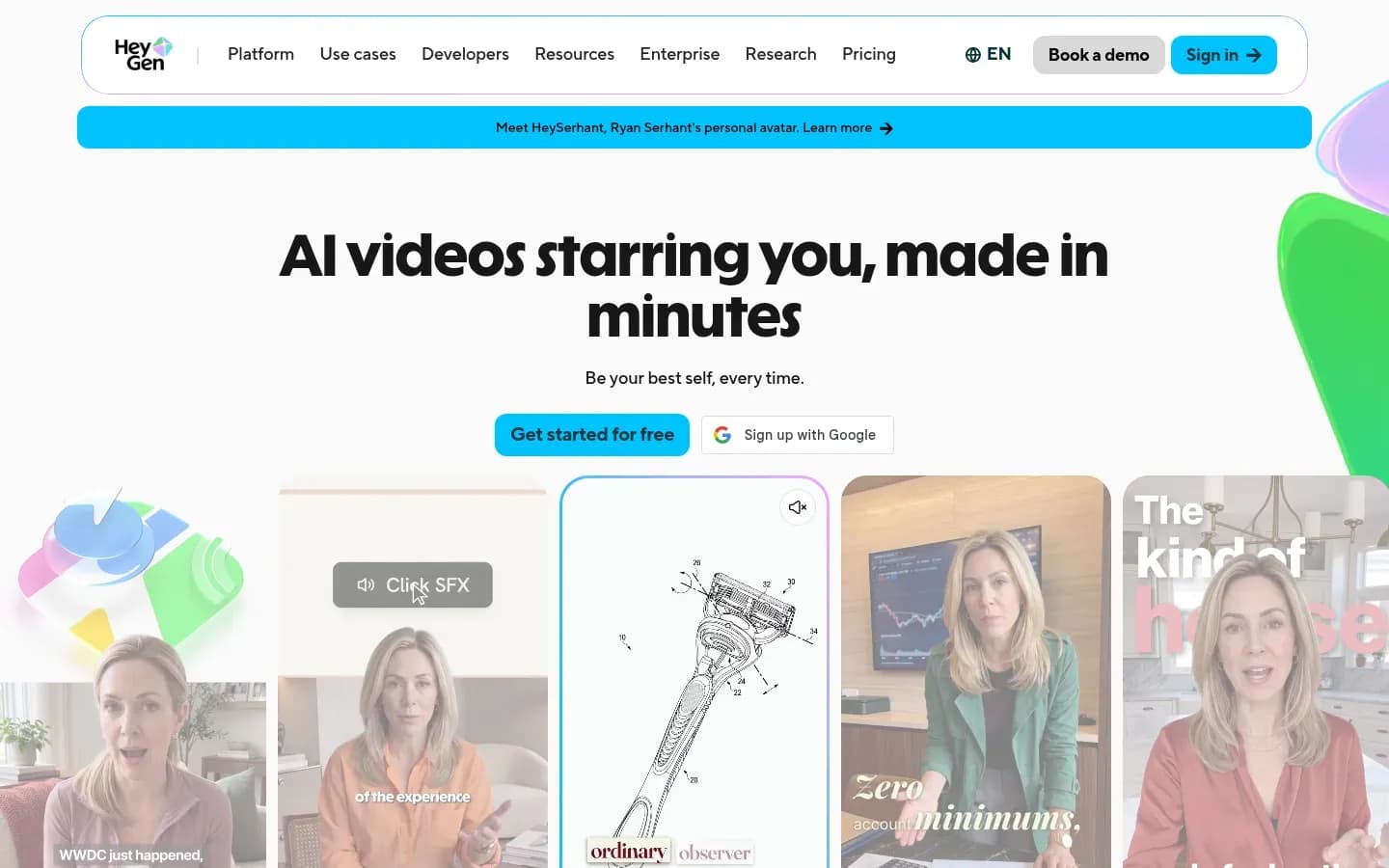
HeyGen is the pick for multilingual marketing and sales video: its Creator plan and above voice avatars in 175+ languages, and every video is paid for in credits whose cost rises with the model and length chosen.
HeyGen
AI video platform that turns scripts into videos with AI avatars and voices, for marketing, sales and training teams.
HeyGen turns scripts into videos read by stock avatars, photo avatars or a Digital Twin of a real person, and translates them into other languages. It serves marketing, sales and enablement teams that publish presenter video often and in several languages.
- Public API
- Yes
- Compliance
- GDPR, SOC 2
- Ratings
- G2 4.8/5 (1,974 reviews) · Capterra 4.7/5 (320 reviews)
Verdict. HeyGen covers multilingual marketing and sales video, and its Business plan adds LMS export and automation hand-offs.
What it does. HeyGen builds videos from a script with a stock avatar, a photo avatar or a Digital Twin recorded from short video. The Creator plan allows videos up to 30 minutes, 1080p export, one voice clone and 175+ languages and dialects. Pro adds 4K export and unlimited photo avatars.
Standout features. The Business plan is where HeyGen reaches training and operations teams:
- five custom video avatars and videos up to 60 minutes
- SAML/SSO
- SCORM export and LMS integrations
- integrations with n8n, Make, HubSpot and Zapier
- Brand Kits, which are on Business and Enterprise
Enterprise adds 10+ custom avatars, unlimited voice cloning, SCIM and multi-workspace control.
Pricing.
Real running cost. Credits are HeyGen's single currency for creation, and credit use varies by model, duration and complexity. Pro scales from 1,000 to 100,000 credits a month with the same features at every tier. Unused credits roll over for one month on monthly billing and until renewal on annual billing, and they expire after cancellation. Business is billed per additional seat. Developer access is billed separately from the app plans, so a team that automates video generation pays on two meters.
Best fit. Marketing, sales and enablement teams producing multilingual presenter video, and teams that want videos to move into a CRM or automation flow.
Limitations. Credit pricing hides the cost of mistakes. Reviewers on HeyGen's Trustpilot profile repeatedly report credits running out when they regenerate videos to fix errors, along with slow renders, no preview before the final generation and avatar fidelity that changes between generations. Budget for retakes, not only for finished minutes.
Why it's on the list. HeyGen puts marketing and sales video, consent-gated custom avatars, LMS export and automation integrations in one product.
Synthesia
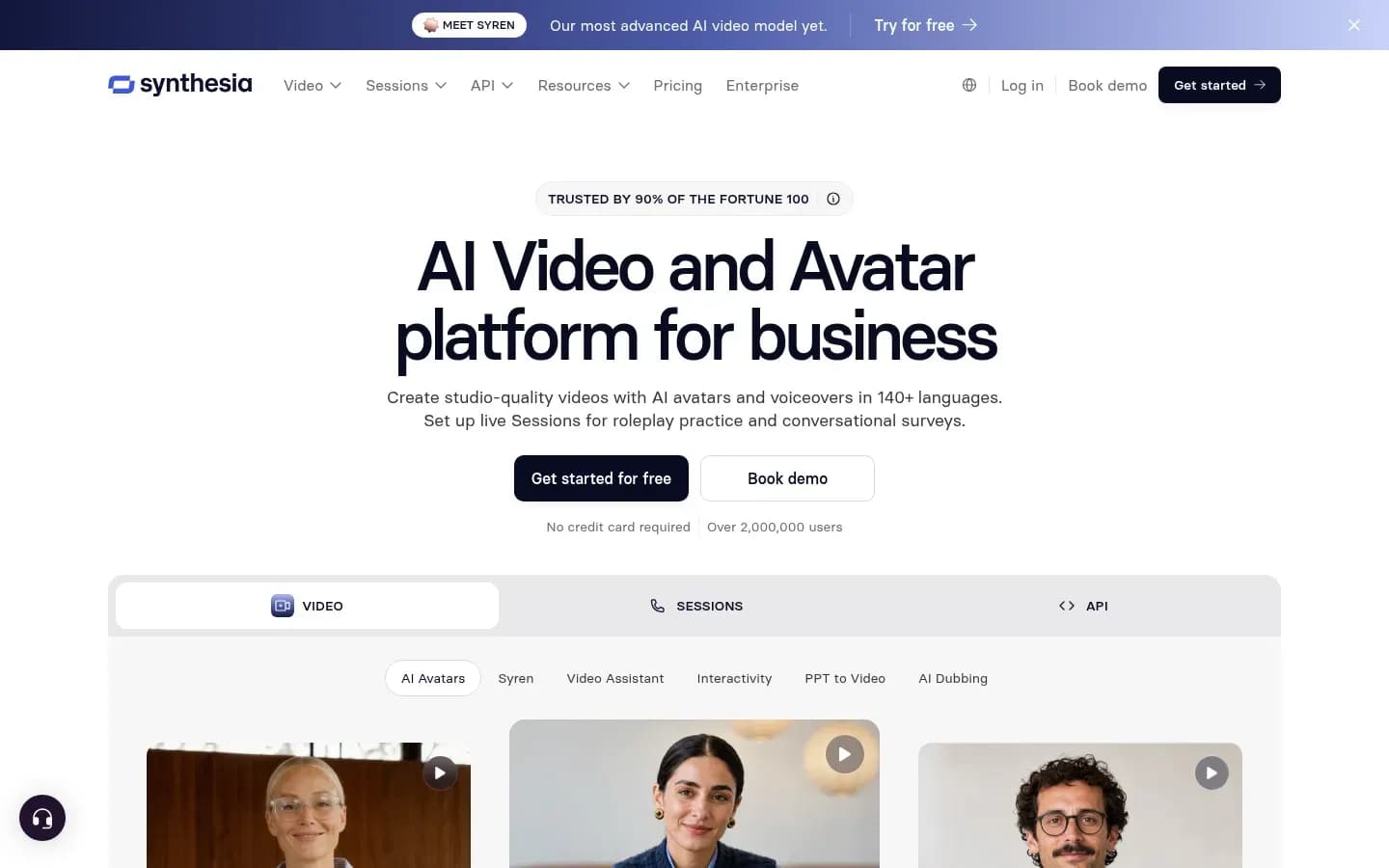
Synthesia is the pick for training teams that need a finished course rather than a clip: it adds quizzes, branching and SCORM export to avatar videos and translates them into 140+ languages.
Synthesia
AI video platform for businesses that creates avatar presenter videos in 140+ languages, aimed at training, HR and sales enablement teams.
Synthesia creates avatar presenter videos for businesses, with translation, dubbing and interactive elements built in. It is aimed at training, HR and sales enablement teams that publish courses and internal video at scale.
- Free plan
- Yes
- Platforms
- API, Chrome extension
- Public API
- Yes
- Compliance
- GDPR, ISO 27001, SOC 2
- Ratings
- G2 4.6/5 (2,855 reviews)
Verdict. Synthesia is the training-and-enablement pick: it treats a video as a course, with interactivity and LMS export, rather than a one-off clip.
What it does. Synthesia creates avatar videos and voiceovers in 140+ languages. It translates a finished video into 140+ languages in one step, dubs with lip-sync, and offers a multilingual video player that plays in the viewer's language. A Personal Avatar is recorded with a webcam or smartphone reading a short script, submitted with a consent video, and is ready the next day.
Standout features.
- quizzes, CTAs and branching scenarios, with quiz pass rates and completion metrics
- SCORM file export for an LMS
- Brand Kits, real-time collaboration and review
- password or SSO restriction of who can watch a video
Synthesia also states that its avatars are created with explicit consent and that videos are moderated, and it is a member of the Content Authenticity Initiative.
Pricing.
Synthesia pricing
| Plan | Price | Billing | Notes |
|---|---|---|---|
| Basic | $0 | per month | |
| Starter |
|
| |
| Pro |
|
| |
| Enterprise | Custom pricing |
Real running cost. Synthesia meters its plans by video minutes per month, with 10 minutes a month on the Starter tier. Minutes, not seats alone, set the volume cost: a team publishing several long courses a month moves up tiers quickly.
Best fit. L&D and enablement teams that need LMS-ready, interactive, multilingual courses, and that want consent and moderation handled by the vendor.
Limitations. Minute caps on the lower tiers limit how much finished video a team can publish each month. Synthesia also promises large savings on video production time and cost, but that claim carries no published method, so treat it as marketing rather than a benchmark.
Why it's on the list. Synthesia turns avatar video into a training format: interactivity, completion data and LMS export sit next to translation in one tool.
Colossyan
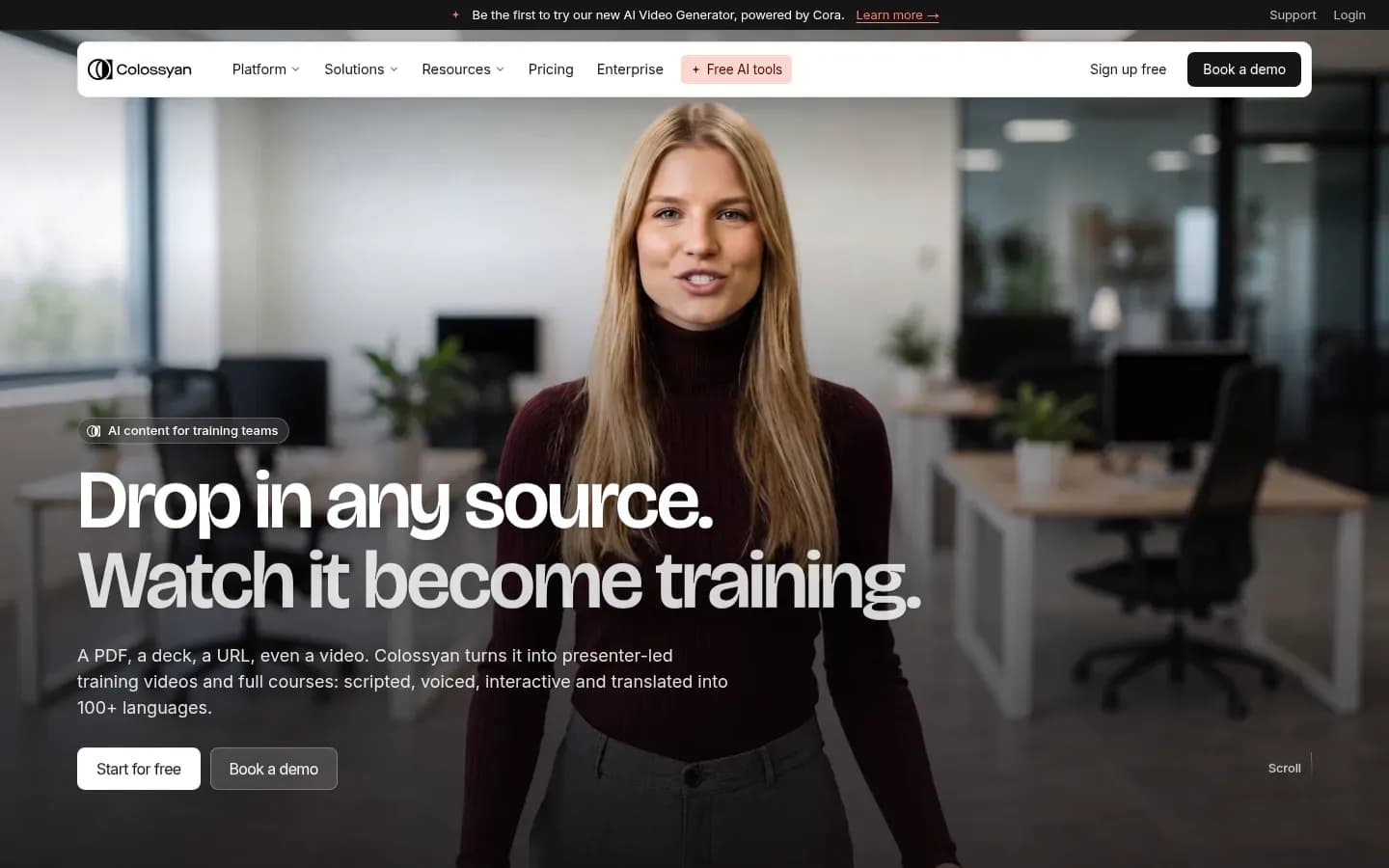
Colossyan suits learning teams that start from documents: it converts a PDF, deck or web page into an avatar video with quizzes and branching, then sends learner scores to the LMS through SCORM.
Colossyan
AI avatar video platform for turning existing knowledge into training and enablement content for teams.
Colossyan turns existing knowledge, such as PDFs, slide decks and web pages, into avatar-led training and enablement videos. It serves L&D teams that want interactive courses without starting each one from a blank script.
- Free plan
- Yes
- Free trial
- 14 days, no card needed
- Platforms
- Web
- Public API
- Yes
- Compliance
- GDPR, SOC 2
Verdict. Colossyan is the interactive L&D pick for teams converting existing material, and its entry tier is generous with custom avatars.
What it does. Colossyan converts PDF, PowerPoint, Word files and URLs into avatar videos. It offers 300+ stock avatars and builds a custom avatar of a team member from a single photo.
Standout features.
- translation into 100+ languages covering script, voiceover and on-screen text
- quizzes and branching scenarios
- SCORM export with learner scores sent to the LMS
- a stated policy that customer content is never used to train its models
Pricing.
Free option: Free plan; 14-day trial (no card). Plans and prices on Colossyan’s site →
Real running cost. Colossyan's tiers gate LMS volume. The Professional plan adds 5 SCORM exports a month, watermark removal, up to 3 editor seats and 1080p, and extra editor seats are billed per member. Unlimited SCORM exports arrive only on Enterprise, which is billed annually and adds SSO/SAML, branded and custom studio avatars, analytics and EU or US data residency.
Best fit. L&D teams converting existing PDFs and decks into interactive courses, especially small teams that publish a handful of courses a month.
Limitations. The Starter tier includes 20 minutes a month of NEO video, 15 custom avatars and 3 cloned voices, but excludes SCORM export and watermark removal. A team that ships more than 5 courses a month to an LMS needs Enterprise. Custom avatars come from a single photo, so collect the person's written consent yourself (see the consent section below).
Why it's on the list. Colossyan pairs document-to-video conversion with SCORM scoring, the combination most training teams need.
AI Studios
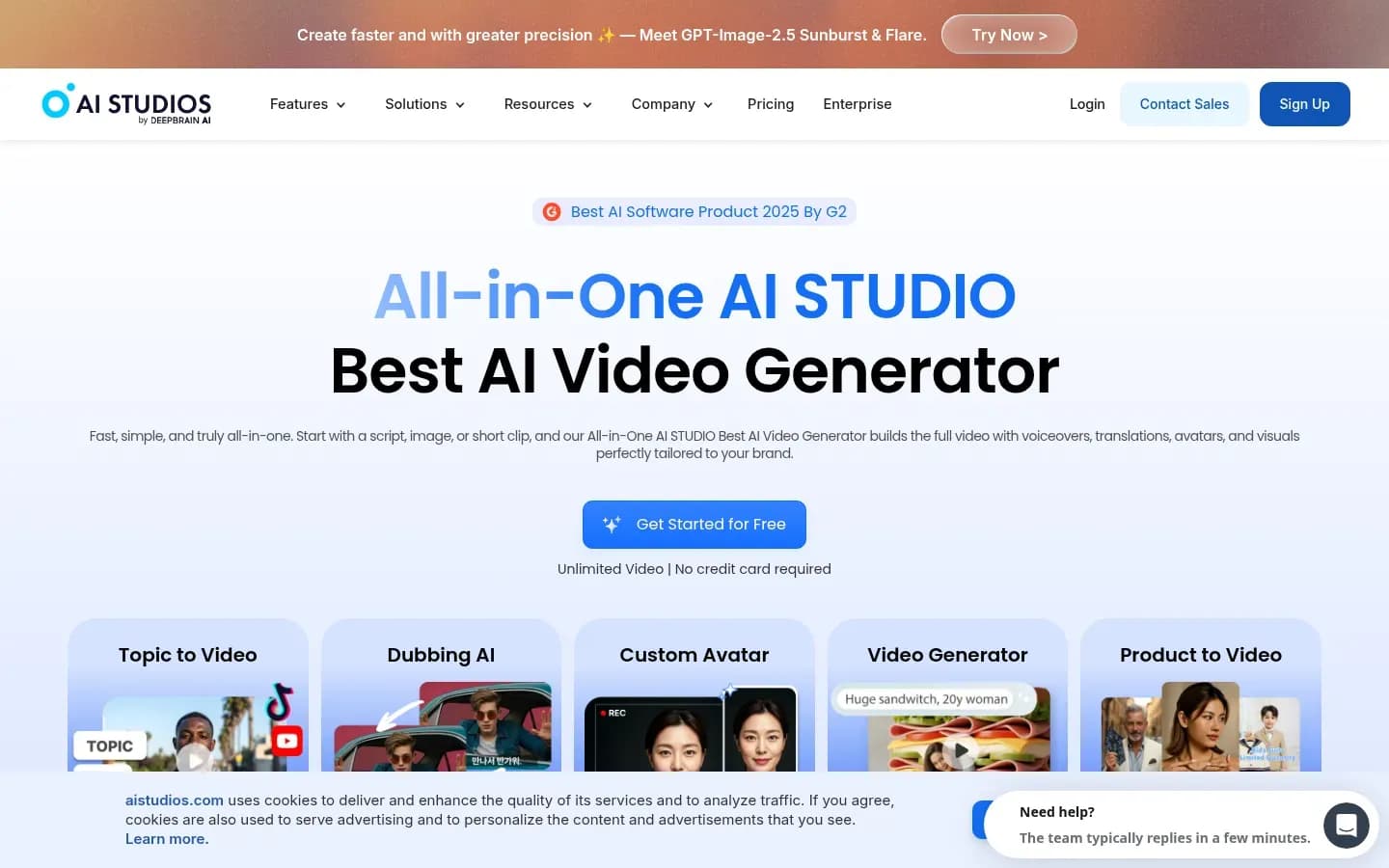
AI Studios, DeepBrain AI's video platform, gives teams a wide set of starting points: 2,000+ stock avatars and a converter that turns a PowerPoint, PDF, Word file or web link into a presenter video.
AI Studios
AI video creation platform from DeepBrain AI with text-to-video, AI avatars and dubbing for creators, teams and enterprises.
AI Studios is DeepBrain AI's video creation platform, with text-to-video, AI avatars and dubbing. It serves creators, teams and enterprises that produce explainer and product video from existing content, and it sells real-time avatars on a separate plan.
- Free plan
- Yes
- Platforms
- Android, iOS, Web
- Public API
- Yes
- Compliance
- GDPR, ISO 27001, SOC 2
Verdict. AI Studios is the pick for volume: 2,000+ stock avatars, many input routes and a real-time avatar product.
What it does. AI Studios offers custom avatars from short video recordings, photo avatars and product avatars. It dubs with lip-sync and cloned voices in 150+ languages, and turns PowerPoint, PDF, Word files or a web link into avatar videos.
Standout features. A separate Interactive Avatar plan puts real-time avatars on a website or kiosk, with session access for developers and caps on session length and concurrent users. The Personal plan allows videos up to 30 minutes and 3 custom avatars; Team allows 60-minute videos, 5 custom avatars, 4K and shared workspaces.
Pricing.
AI Studios AI Studios pricing
| Plan | Price | Billing | Notes |
|---|---|---|---|
| Free | $0 | per month | |
| Personal | $24 | per month | |
| Team | $55 | per month | per seat |
| Enterprise | Custom pricing |
AI Studios Interactive Avatar pricing
| Plan | Price | Billing | Notes |
|---|---|---|---|
| Free | $0 | per month | |
| Standard | $99 | per month | |
| Enterprise | Custom pricing |
Real running cost. Generative features run on monthly generative credits: 60 on Personal and 150 per seat on Team, and Team is billed per seat. Interactive avatars run on their own meter, at 1 credit per 5 minutes of session time.
Best fit. Teams producing high volumes of explainer or product videos from existing decks, PDFs or URLs, and teams that want an embedded real-time avatar.
Limitations. SCORM export, SAML SSO and bulk video generation are Enterprise-only, so LMS-bound training needs the top tier. AI Studios also claims large overhead savings with no published method behind the figure.
Why it's on the list. It appears on fewer comparison lists than the others, but its range of inputs and its interactive avatar plan cover jobs the rest of the list handles less directly.
D-ID
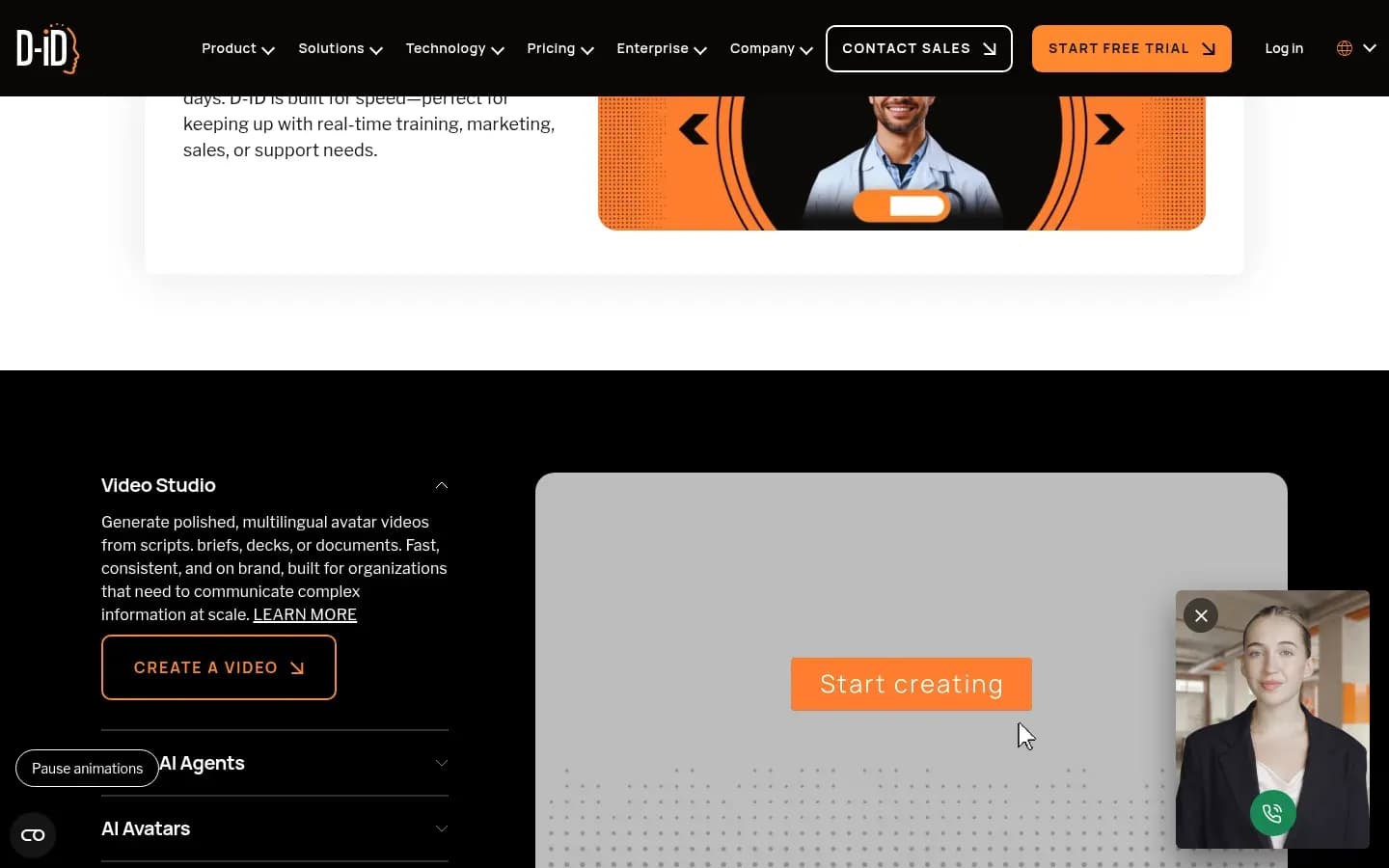
D-ID is built for short talking-photo clips and real-time agents rather than courses: its Studio and API cap each video at 5 minutes, while its Visual AI Agents hold live conversations trained on a company's knowledge base.
D-ID
Digital human platform for creating AI avatar videos and interactive avatar agents, for marketing, learning and sales teams and developers.
D-ID is a digital human platform for avatar videos and interactive avatar agents. It serves marketing, learning and sales teams that need short clips, and developers who build talking or conversational avatars into products.
- Free plan
- No
- Free trial
- 14 days
- Platforms
- Web
- Public API
- Yes
- Compliance
- GDPR, ISO 27001, SOC 2
Verdict. D-ID is the photo-to-video and real-time agent pick, not a course builder.
What it does. D-ID runs three products:
- Creative Reality Studio, for self-service avatar videos from scripts, decks or documents
- real-time streaming animation for developers
- Visual AI Agents, real-time conversational avatars trained on a company knowledge base
Standout features. D-ID builds an avatar from a single uploaded photo (JPEG or PNG up to 10 MB) or a video, speaks 120+ languages, and integrates with PowerPoint, Canva and Google Slides.
Pricing.
D-ID pricing
| Plan | Price | Billing | Notes |
|---|---|---|---|
| Lite |
|
| |
| Pro |
|
| |
| Advanced |
|
| |
| Enterprise | Custom pricing | ||
| Trial | $0 |
Real running cost. D-ID rounds video length up to the nearest 15 seconds for billing, so many short clips cost more than their raw running time suggests. Videos made on the Trial and Lite plans carry a watermark, and the Lite plan does not support premium presenters.
Best fit. Product and developer teams embedding a talking or conversational avatar in an app or site, and teams producing short personalised clips.
Limitations. The 5-minute maximum video length in Studio rules D-ID out for long-form training: a 20-minute compliance module would have to be split into several separate videos. Avatars can be built from a single photo, so collect written consent from the person depicted before creating one. And the 15-second billing rounding penalises teams that publish many very short clips.
Why it's on the list. D-ID covers the real-time, conversational end of avatar video that course-focused tools do not.
How to choose an AI avatar video tool
Choose an AI avatar video tool by where the video will live first: an LMS needs SCORM export, which HeyGen, Colossyan and AI Studios each put behind a paid tier, while a website or app needs a real-time avatar such as D-ID's. Then check the custom avatar route, languages, video length, the cost meter and admin controls.
Avatar tools are also different from generative AI video tools for campaign footage. If the job is scenes, product shots or ads without a presenter, that is a different shortlist.
- Where the video lives: an LMS needs SCORM; a website or app needs a real-time avatar
- The tier that unlocks SCORM: HeyGen Business, Colossyan Professional (5 a month), AI Studios Enterprise
- The custom avatar route and the consent step it enforces
- Languages, on-screen text translation and lip-sync dubbing
- The maximum video length on your tier
- The cost meter: credits, minutes or seats
- Admin and brand controls: Brand Kits, avatar creation limits, SSO
1. Where the video lives. This decides the shortlist before anything else. For an LMS, check the tier, not the feature list: HeyGen puts SCORM export and LMS integrations on Business, Colossyan caps Professional at 5 SCORM exports a month and lifts the cap on Enterprise, and AI Studios keeps SCORM for Enterprise. Synthesia includes SCORM export alongside quizzes and completion metrics. For a website or app, look at D-ID's real-time streaming and Visual AI Agents, or AI Studios' separate Interactive Avatar plan.
2. Custom avatar route and consent. HeyGen blocks a Digital Twin until the person records an on-camera consent statement. Colossyan and D-ID build avatars from a single photo, which is faster but leaves the consent process with you.
3. Languages. Counts range from 100+ (Colossyan) to 175+ (HeyGen's Creator plan and above). Count matters less than coverage: Colossyan's translation covers on-screen text as well as script and voiceover, and Synthesia adds lip-sync dubbing and a player that switches to the viewer's language.
4. Maximum video length. D-ID caps Studio and API videos at 5 minutes. HeyGen and AI Studios allow 30 minutes on their entry paid tiers and 60 minutes higher up, and Colossyan's Starter tier allows 20 minutes.
5. The cost meter. Credits, minutes and seats behave differently at volume; the next section compares them.
6. Admin and brand controls. HeyGen Enterprise admins can restrict custom avatar creation, AI-generated avatars and Brand Kit creation. Synthesia restricts video access by password or SSO. For a large team, these controls decide whether avatar video stays on-brand.
How much do AI avatar video tools cost to run?
The real cost of an AI avatar video tool is set by its meter, not its entry plan: HeyGen and AI Studios charge in credits, Synthesia and Colossyan in video minutes, and D-ID rounds every video up to the next 15 seconds. Regenerations, seats and LMS exports then decide where a team's bill lands.
Plan prices sit in each tool's pricing widget above. What changes the bill is how each meter behaves:
What drives cost in each tool
| Tool | Meter | Watch for |
|---|---|---|
| HeyGen | Credits | Varies by model, length |
| Synthesia | Video minutes | Low caps on lower tiers |
| Colossyan | Minutes, SCORM exports, seats | Professional: 5 exports monthly |
| AI Studios | Generative credits per seat | Separate meter for interactive avatars |
| D-ID | Video length | Rounded up to 15 seconds |
Credits (HeyGen, AI Studios). HeyGen's credit use varies by model, duration and complexity, and unused credits roll over for one month on monthly billing. Business is billed per additional seat. AI Studios gives 60 generative credits a month on Personal and 150 per seat on Team, and bills interactive avatars on a separate meter at 1 credit per 5 minutes.
Minutes (Synthesia, Colossyan). Synthesia's Starter tier includes 10 video minutes a month. Colossyan's Starter tier includes 20 minutes a month, and Professional adds editor seats (3 included, extra editor seats billed per member) and 5 SCORM exports a month.
Rounding and watermarks (D-ID). D-ID rounds every video up to the nearest 15 seconds and watermarks videos on its Trial and Lite plans, so the entry plans suit testing an idea rather than publishing.
Regenerations. Retakes are the cost most buyers miss. HeyGen reviewers report credits running out when they regenerate videos to fix errors, and the same logic applies to any credit or minute meter: every retake spends the allowance again.
Can you create a custom AI avatar of yourself or an employee?
Yes, all five tools can build a custom avatar of a real person. HeyGen blocks a Digital Twin until the person records an on-camera consent statement, and Synthesia requires a consent video. Colossyan and D-ID build an avatar from a single photo, so collect written consent yourself. Plan consent, scope and offboarding before recording anyone.
What each vendor requires:
- HeyGen: the depicted person reads an on-camera consent statement (“I, name, hereby allow HeyGen to use the footage of me to build a HeyGen avatar”). They can request removal of their likeness at any time, and Enterprise admins can restrict who creates custom avatars.
- Synthesia: a Personal Avatar is recorded on a webcam or smartphone and submitted with a consent video. Synthesia states that avatars are created with explicit consent and that videos are moderated.
- Colossyan: a custom avatar of a team member comes from a single photo.
- D-ID: an avatar comes from an uploaded photo or a video.
- AI Studios: custom avatars are built from short video recordings, with photo avatars as a separate option.
What the buyer must handle. Colossyan and D-ID build an avatar from a single photo, so keep the person's written consent on file yourself. Put three things in writing before creating an avatar of an employee:
- written consent from the person, naming the tool and the purpose
- what the avatar may and may not say, and who approves scripts
- what happens when the person leaves, using HeyGen's removal right as the model
Do you have to disclose AI avatar videos?
Under the EU AI Act, deployers of AI systems that generate deep-fake video must disclose that the content was artificially generated or manipulated, which covers an avatar of a real, identifiable person. The practical rule is to label any avatar video a viewer could mistake for a real person speaking.
When it applies. Article 50(4) of the AI Act covers image, audio or video content that constitutes a deep fake. A custom avatar of an employee, shown to an audience in the EU, falls in scope for the company deploying it.
Stock presenters. A stock avatar does not depict a real, identifiable person in the same way, so whether it counts is a judgement call. Labelling it costs little and removes the question.
Vendor signals. Synthesia is a member of the Content Authenticity Initiative, one sign that a vendor is working on provenance for generated media. A vendor membership does not move the disclosure duty off the company publishing the video.
Who the duty falls on. Article 50(4) places the disclosure duty on deployers, the organisations that use the AI system to publish content. For avatar video, that is the company releasing the training course, sales clip or website video, not the tool vendor.
A simple disclosure routine:
- Label the video itself, on screen or in the opening caption, so the label travels with clips and downloads.
- Repeat the label where the video is hosted, such as the LMS course page, landing page or video description.
- Keep the consent record for every custom avatar next to the scripts it was used for.
This section is general information, not legal advice.
Do AI avatar videos work for training?
AI avatar videos teach facts about as well as a human presenter but hold attention less: in a 2024 study of 100 undergraduates, learners taught by an AI-generated instructor scored the same on the test as those taught by a human but reported lower engagement. Use avatars for factual, frequently updated content and keep humans where empathy matters.
46.77 vs 59.46
Video Engagement Scale score, AI vs human instructor
Arkün-Kocadere and Çağlar-Özhan's IRRODL study found no significant difference in post-test scores (adjusted 7.29 vs 7.35 out of 10), but engagement was lower with the AI instructor, with the largest gap on empathy.
2024 · 100 undergraduates · Source
What the study shows, and what it does not. The study randomly assigned learners to the same 10-minute script delivered by an AI-generated or a human instructor. It is a single-topic study with a single sample, so it supports a direction rather than a rule. The finding that matters for buyers is the split: knowledge transfer held up, while engagement, and empathy in particular, fell. A course that only needs learners to remember facts can use an avatar; a course that needs learners to care can lose something.
Training is already a common job for video: Wyzowl's survey found 23% of video marketers make training videos and 23% make customer onboarding videos.
Where avatars fit:
- information-dense content, such as product updates, policies and process walkthroughs
- content that changes often, where re-recording a human is slow
- multilingual content, where translation and dubbing replace separate shoots
Where a human presenter is better: leadership messages, sensitive topics, and anything that depends on empathy or persuasion.
How to offset lower engagement. Add interactivity. Synthesia supports quizzes, CTAs and branching with completion metrics, and Colossyan offers quizzes and branching with scores sent to the LMS. Questions inside the video give learners something to do between explanations.
Which AI avatar video tool should you choose?
If you produce multilingual marketing or sales video, choose HeyGen; if you build LMS courses, choose Synthesia, or Colossyan when courses start from existing documents; if you need a real-time avatar inside a product, choose D-ID. AI Studios fits teams turning large volumes of existing files into explainers. Match the tool to where the video lives.
By situation:
- Multilingual marketing and sales video with a CRM or automation hand-off: HeyGen. Business connects to HubSpot, Zapier, Make and n8n, and Creator voices avatars in 175+ languages.
- Enterprise L&D that needs interactive, LMS-ready courses: Synthesia, for quizzes, branching, completion metrics and SCORM export.
- A small L&D team converting documents into a few interactive courses a month: Colossyan, for document-to-video conversion and SCORM scores, as long as 5 SCORM exports a month on Professional covers the volume.
- High-volume explainer and product video from decks, PDFs or URLs, or an embedded real-time avatar: AI Studios, with 2,000+ stock avatars and a separate Interactive Avatar plan.
- Developers embedding a short talking-photo clip or conversational agent in a product: D-ID, as long as each video stays under 5 minutes.
For sales teams, avatar clips work best as one step in a sequence run from your cold email platforms, not as a replacement for them.
Avatar video is one part of a content stack. Our coverage of content and owned-audience tools covers the rest of the production and distribution side.
Frequently asked questions
Is there a free AI avatar video generator?
Several tools let you start without paying, and the free-plan column in the comparison table shows which. Entry tiers cap output more than features: Colossyan's Starter tier excludes SCORM export and watermark removal, and D-ID watermarks videos made on its Trial and Lite plans. Expect to pay once videos go to customers or learners.
Can AI avatars speak multiple languages?
Yes. All five tools voice avatars in many languages: Colossyan in 100+, D-ID in 120+, Synthesia in 140+, AI Studios in 150+ and HeyGen in 175+ on its Creator plan and above. Coverage differs too: Colossyan translates on-screen text, and Synthesia dubs with lip-sync and offers a player in the viewer's language.
Can you export AI avatar videos to an LMS?
Yes, through SCORM export, but usually on a higher tier. HeyGen includes SCORM export and LMS integrations on Business, Colossyan allows 5 SCORM exports a month on Professional and unlimited on Enterprise, and AI Studios keeps SCORM for Enterprise. Synthesia offers SCORM export with quizzes and completion metrics.
How long can an AI avatar video be?
It depends on the tool and tier. D-ID caps Studio and API videos at 5 minutes. Colossyan's Starter tier allows 20 minutes. HeyGen allows 30 minutes on Creator and 60 on Business, and AI Studios allows 30 minutes on Personal and 60 on Team. Long courses need a mid or upper tier.
Sources
- Video Marketing Statistics 2026 (12 Years of Data) | Wyzowl · wyzowl.com
- HeyGen Reviews | Trustpilot · uk.trustpilot.com
- heygen.com
- heygen.com
- synthesia.io
- Article 50: Transparency obligations for providers and deployers of certain AI systems | AI Act Service Desk · ai-act-service-desk.ec.europa.eu
- Video Lectures With AI-Generated Instructors: Low Video Engagement, Same Performance as Human Instructors · irrodl.org