Brand teams that publish video every week need the fiftieth clip to look like the first. This guide maps five AI video tools to the layers of brand consistency each one controls, so a team can choose one tool, or a pair, for the layer that keeps failing.
These picks apply to in-house teams producing recurring branded video, where the same identity, presenter or look must repeat across many outputs. No tool removes the need for review. Generated characters still drift between clips, and several brand features start only on higher plans.
What Makes An AI Video Tool Good For Brand Consistency
Brand consistency in AI video means four things staying fixed across every clip (the brand identity, the people or characters on screen, the visual style and who is allowed to change them), and it matters more as 63% of video marketers in Wyzowl's 2026 survey of 266 respondents say they have used AI tools to create or edit marketing videos.
That share is up from 51% in the previous edition of Wyzowl's survey, and the same survey found 93% of video marketers see video as an important part of their overall strategy. More AI output means more chances for a logo, a face or a colour to slip between one video and the next.
Most tools sold for AI video generation control one or two of these layers well and leave the rest to the team. Treating consistency as four separate layers shows where each tool helps and where a second tool or a manual check is still needed.
- Identity: Logos, colours and fonts. A brand kit holds them in one place so every new video starts from the approved set.
- Likeness: The same character or presenter in every video. Tools handle it either with saved reference images or with avatars built from a real person.
- Style: The same visual look, such as lighting, palette and illustration style. Style references and trained style models carry it.
- Governance: Who can change brand elements and who can publish. Locking, approval steps and consent records sit here.
Use these five checks when shortlisting AI video software for brand work:
- Brand kit scope: What the kit holds (logos, colours, fonts, media, language rules) and which plan includes it.
- Reference or avatar control: How many references a generation accepts, whether they can be saved and shared, and how avatars are created.
- Style training: Whether the tool can learn a house style from brand images, and whether that feature is generally available or still in beta.
- Locking and approval: Whether an admin can stop editors switching colours and fonts, and whether publishing can wait for approval.
- Rights and consent: What the vendor says about commercial use and exclusivity, and how it handles consent for real-person avatars.
A tool that scores well on one check can still fail a brand on another. A strong generator with no locking leaves governance to the team, and a strong design tool with short clips leaves likeness to a generator.
How We Chose The AI Video Tools On This List
Each tool on this list had to document at least one control that holds a brand steady across videos, such as a brand kit, saved character references, a style model trained on brand images or consented custom avatars, and the five that qualified are ranked on how well each one does the brand-consistency job it fits best, with the four consistency layers as the frame rather than the score.
The order weighs four things. It looks at how well each tool fits its brand-consistency job, the plan tier where each brand control starts, how the vendor words commercial rights and handles consent for real-person avatars, and whether a feature is generally available or still in beta.
Covering more layers does not move a tool up on its own. Synthesia's controls reach all four layers, but its Brand Kit is Enterprise only, so it sits below tools whose main control a team can reach more easily.
A documented feature states what a control does, not how reliably it holds across every prompt. Every recommendation here assumes a person reviews each clip before it is published.
Two tools that appear often in other rankings were considered and left out:
Considered, not included
| Tool | Why it is not on this list |
|---|---|
| InVideo | Template editor overlapping Canva's brand role |
| Kling | Offered inside Firefly as a partner model |
Best AI Video Tools For Brand Consistency Compared
Runway leads this shortlist because its Gen-4 References keep characters, locations, objects and styles steady across shots, while Canva is the pick for identity control because it can lock folder designs to a Brand Kit's colours and fonts and hold them for approval.
The table shows which layer each tool controls. Pricing model and free plan come from each tool's record.
| Tool | Pricing model | Free plan | Brand kit | Likeness control | Style control | Lock or approval |
|---|---|---|---|---|---|---|
| Runway | Freemium | Yes | From Pro plan | Up to three references | Style references | Shared workspace references |
| Adobe Firefly | Freemium | Yes | Via Enterprise custom models | Custom models (beta) | Trained custom models (beta) | Admin tools on teams |
| HeyGen | Freemium | Kit plus glossary | Consented digital twins | Brand kit media | Consent check on twins | |
| Synthesia | Freemium | Yes | Enterprise only | Personal avatars | Colour themes | Default kit applied |
| Canva | Freemium | Yes | Up to 1,000 kits | Eight-second Veo clips | Brand Kit assets | Lock fonts, colours, approval |
- RunwayBest for recurring characters and scenes
- Adobe FireflyBest for trained house style (beta)
- HeyGenBest for multilingual presenter videos
- SynthesiaBest for enterprise training and comms
- CanvaBest for locked identity for many editors
Why the order runs this way:
- Runway: References for characters, locations, objects and style, plus a Brand Kit from the Pro plan.
- Adobe Firefly: Trained style models (in beta), commercially safe Adobe models and Content Credentials on outputs.
- HeyGen: A brand kit with language rules, a pronunciation glossary and digital twins that need recorded consent.
- Synthesia: A detailed Brand Kit and personal avatars, held back by a Brand Kit that is Enterprise only.
- Canva: Locking and approval for identity, with generated clips that run to eight seconds.
Runway
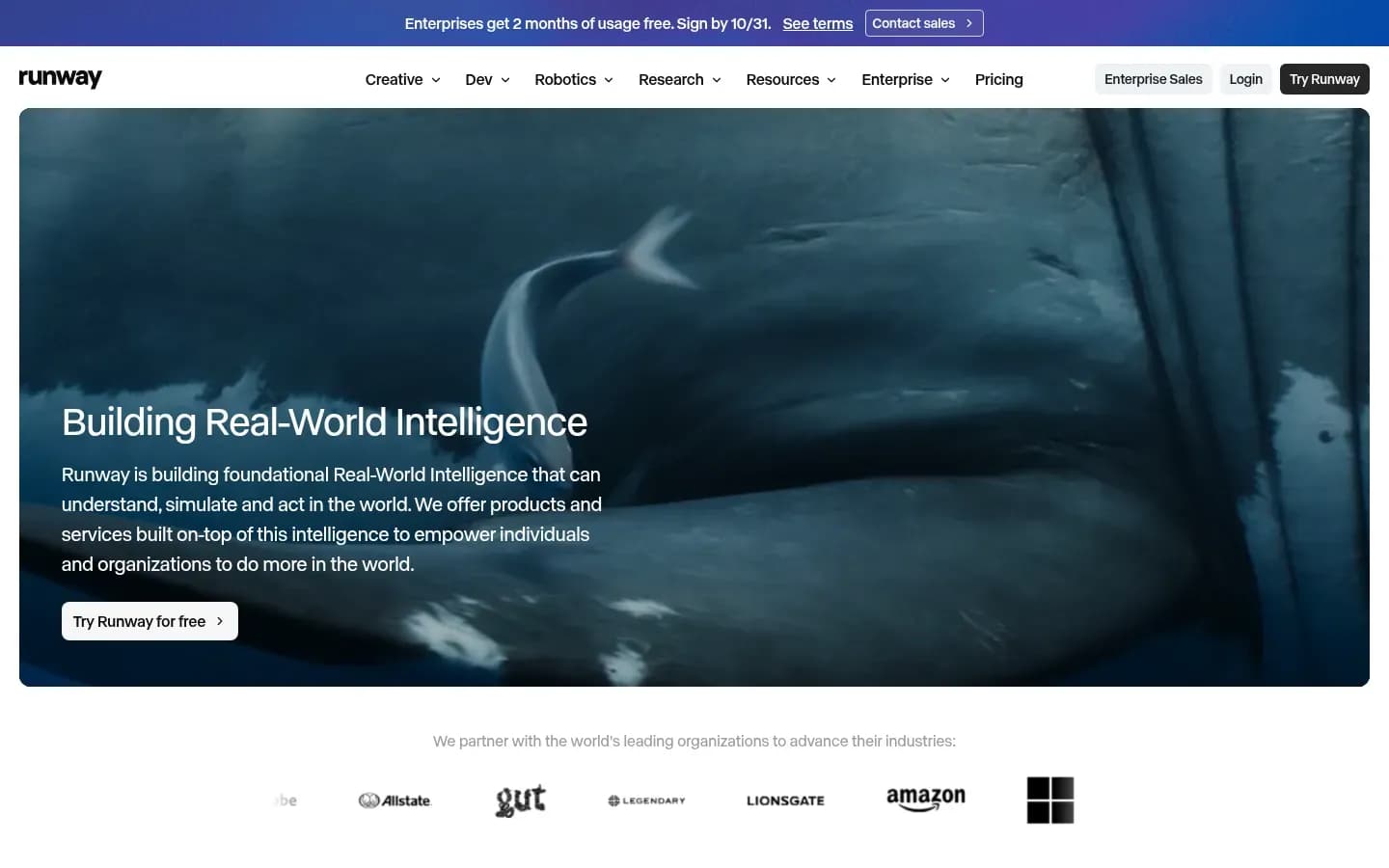
Runway is the strongest choice for keeping the same character, location or visual style across generated shots, because its Gen-4 References let a team combine up to three saved reference images in one generation and share tagged references with the whole workspace.
Runway
AI platform for generating and editing video, images and audio, for creatives, teams and developers.
Runway is an AI platform for generating and editing video, images and audio. For brand work, its Gen-4 References carry characters, locations, objects and styles from one generation into the next, and its Brand Kit holds a team's identity from the Pro plan upward.
- Free plan
- Yes
- Public API
- Yes
- Compliance
- SOC 2
- Ratings
- G2 4.2/5 (40 reviews)
Verdict: Runway is the best tool here for likeness and style across generated shots, and the one to pick when a campaign has a recurring character or setting.
Consistency layers: Runway controls likeness and style through References, and identity through its Brand Kit. Governance is limited to sharing saved references with workspace members.
Standout features:
- Up to three active References per generation, which can carry characters, locations, objects and styles.
- Uploads stay temporary to the session unless they are tagged to save, and saved References can be recalled with @ tags.
- Saved References can be shared with workspace members, so every editor starts from the same character.
- The output image is then loaded into Runway's latest video model to animate it.
- A Brand Kit on Pro (one kit) and Max (up to three kits). Pro also includes one custom voice clone.
Pricing: Runway's plans are shown below.
Runway Runway Creative pricing
| Plan | Price | Billing | Notes |
|---|---|---|---|
| Free | $0 | per month | |
| Standard |
|
| |
| Pro |
|
| |
| Max |
|
| |
| Enterprise | Custom pricing |
What drives cost: Runway spends credits per second of video, and the rate depends on the model. Standard's 625 monthly credits cover about 52 seconds of Gen-4.5 or 104 seconds of Gen-4 Turbo. Standard lists up to three projects but no Brand Kit, so a brand team's real starting point is Pro. Max adds up to three Brand Kits and lets credits roll over for one month. Team plans sit under a separate Team and Enterprise tab.
Best for
- Campaigns with a recurring character, product or location across many shots
- Creative teams that want one shared library of saved references
Not for
- Teams whose main problem is stopping editors changing colours and fonts
- Presenter-led training videos built from scripts
Limitation: Runway's own guidance says scenes with several characters are harder than single-character shots. Prompts that contradict the reference (hair colour, age or facial features) and low-quality references produce inconsistent results, and consistency can drift across generations, so regeneration is often needed.
Why it's on the list: Runway documents control over likeness and style through shareable References, and adds an identity layer through its Brand Kit. For how it compares with other generators on modes and credit cost, see the guide to AI video generators for marketing teams.
Adobe Firefly
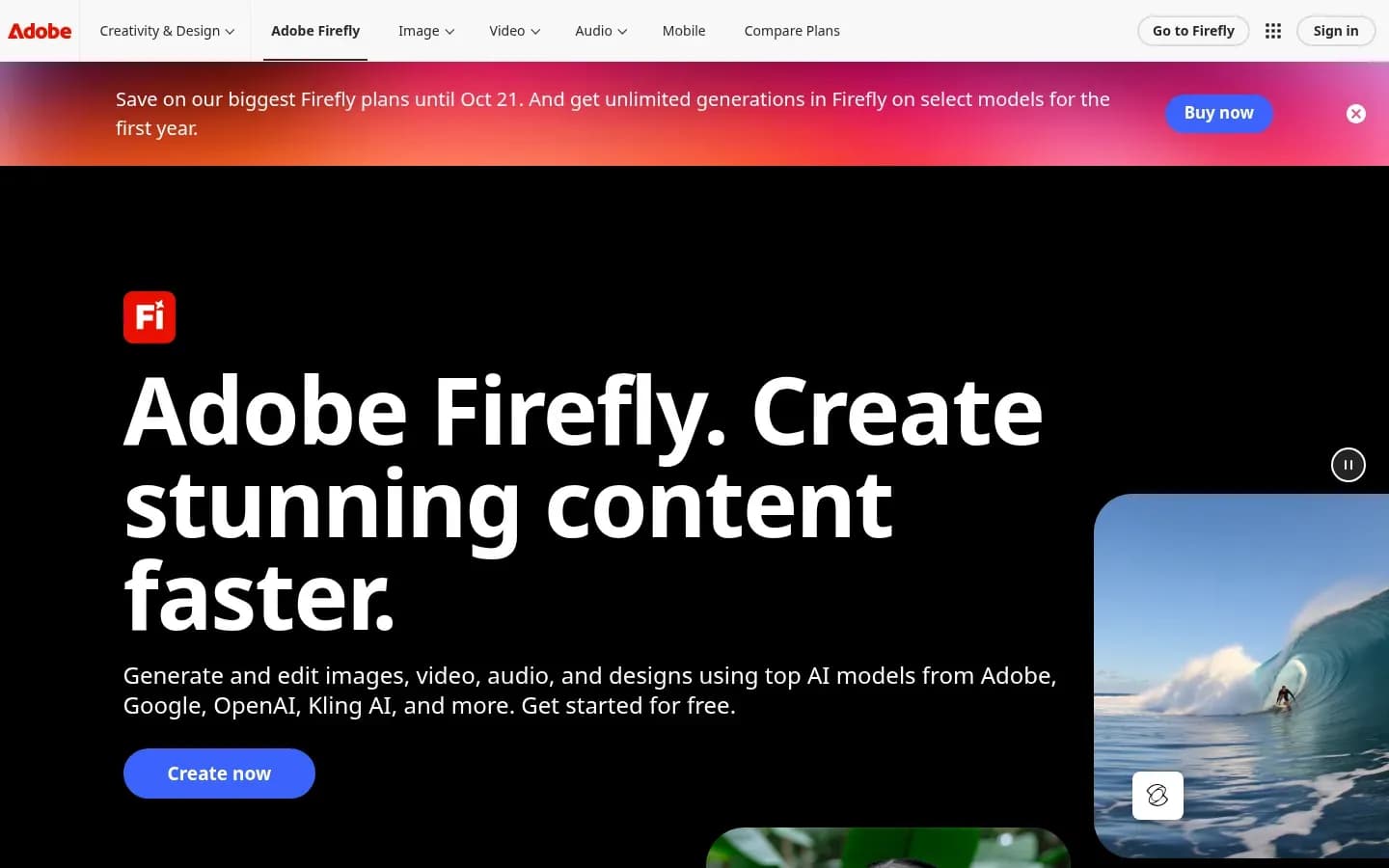
Adobe Firefly suits teams whose consistency problem is visual style, because its custom models, in public beta, train on a brand's own images to preserve details such as colour palettes, lighting and character features, and every Firefly output carries Content Credentials showing AI was used.
Adobe Firefly
Adobe's generative AI app for creating and editing images, video, audio and vector graphics from text prompts, for designers, marketers and creators.
Adobe Firefly is Adobe's generative AI app for creating and editing images, video, audio and vector graphics. For brand work, it pairs custom models trained on a team's own images (in public beta) with Adobe models that Adobe states are commercially safe.
- Free plan
- Yes
- Free trial
- Yes
- Platforms
- Android, iOS, Web
- Public API
- Yes
Verdict: Adobe Firefly is the pick for a trained brand style and commercially safe outputs, with the caveat that style training is still in beta.
Consistency layers: Firefly controls style through custom models, and likeness for characters through the same models. Governance comes from admin tools on team plans and from Content Credentials on every output.
Standout features:
- Custom models (public beta) train on a team's own images and are optimised for ideation in character, illustration and photographic styles.
- Custom models help preserve details such as stroke weight, colour palettes, lighting and character features, and they are private by default.
- Under Firefly Enterprise, Custom Models train on fewer than 30 assets of a single concept, such as a style, person or character. Adobe says it won't train its foundational Firefly models on enterprise content.
- Adobe states its Firefly models are trained on licensed content from Adobe Stock and are commercially safe. That claim covers Adobe's own models, not the partner models.
- Outputs include Content Credentials that indicate AI was used.
- Inside Firefly, creators can work with more than 30 models from Adobe, Google, OpenAI, Runway and Kling, including Veo 3.1, Runway Gen-4.5 and Kling 2.5 Turbo.
Pricing: Adobe Firefly's plans are shown below.
Adobe Firefly pricing
| Plan | Price | Billing | Notes |
|---|---|---|---|
| Firefly Standard | $9.99 | per month | |
| Firefly Pro for teams | $19.99 | per month, billed annually | per seat |
| Firefly Pro | $19.99 | per month | |
| Firefly Pro Plus (first-year offer, save 30%, ends Oct 21) | $34.97 | per month | |
| Firefly Pro Plus for teams | $49.99 | per month, billed annually | per seat |
| Firefly Pro Plus | $49.99 | per month | |
| Firefly Premium (first-year offer, save 30%, ends Oct 21) | $139.91 | per month | |
| Firefly Premium for teams | $199.99 | per month, billed annually | per seat |
| Firefly Premium | $199.99 | per month |
What drives cost: Spend follows how many generations each plan allows and whether the team needs Custom Models, which Adobe offers under Firefly Enterprise. Adobe has described unlimited video and image generation as a promotion, so budget on the plan's normal allowance rather than the offer.
Best for
- Brand teams with a distinct illustration or photographic house style
- Teams that need commercially safe outputs from Adobe's own models
Not for
- Teams that need a generally available, video-first style model today
- Presenter-led videos with a recurring spokesperson
Limitation: Custom models are in public beta, and Adobe describes them for ideation in character, illustration and photographic styles. Treat Firefly's style training as an image-led step and keep it labelled beta in any rollout plan.
Why it's on the list: Firefly trains a style model on a brand's own images, and its Content Credentials give teams a head start on disclosure.
HeyGen
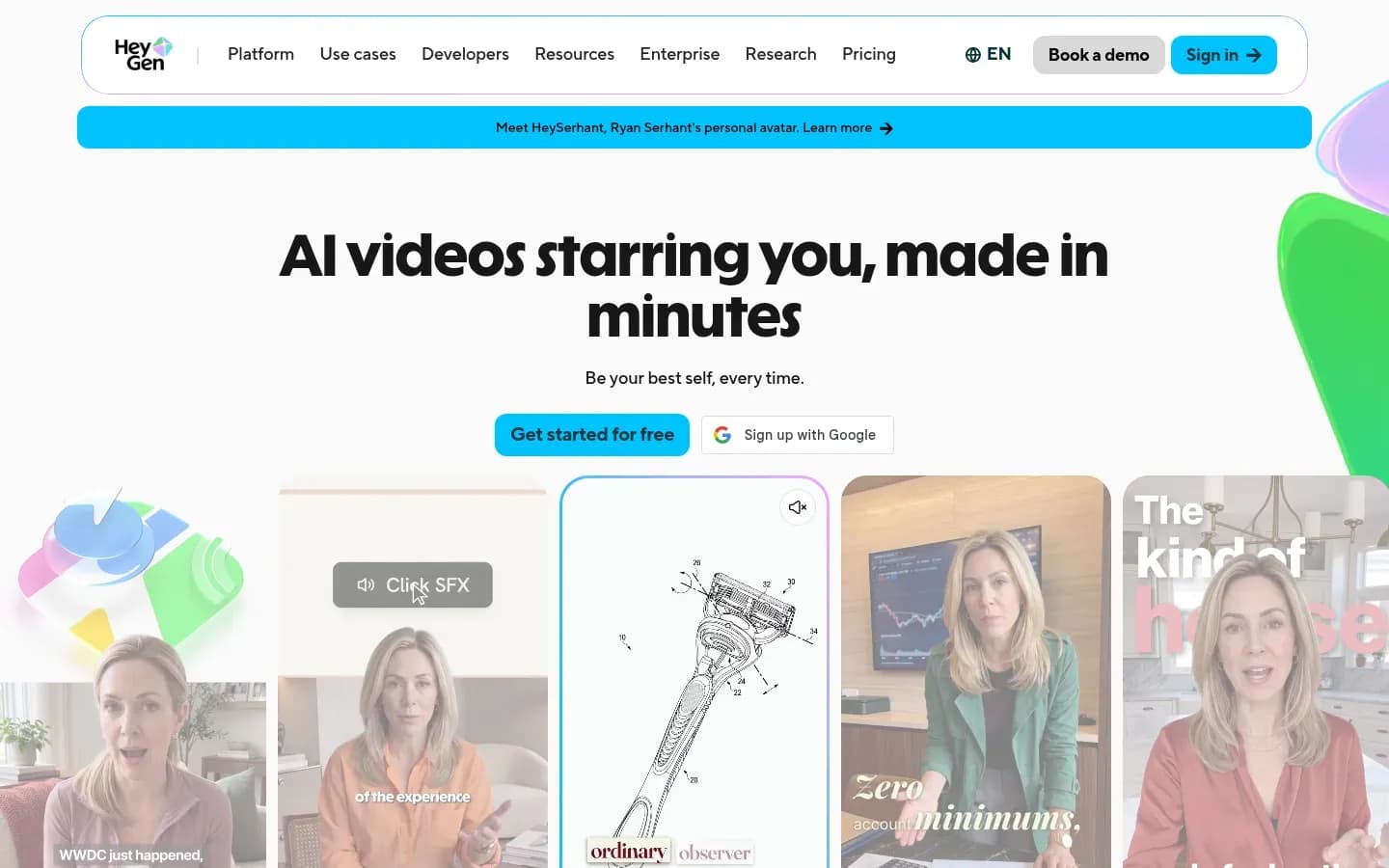
HeyGen keeps presenter videos consistent by pairing Brand Kits for logos, colours, fonts, media and language rules with a Brand Glossary that fixes how product names are pronounced or translated, so the same terms sound the same in every language version.
HeyGen
AI video platform that turns scripts into videos with AI avatars and voices, for marketing, sales and training teams.
HeyGen is an AI video platform that turns scripts into videos with AI avatars and voices, for marketing, sales and training teams. For brand work, it combines Brand Kits applied across projects with digital twin avatars that need proof of consent.
- Public API
- Yes
- Compliance
- GDPR, SOC 2
- Ratings
- G2 4.8/5 (1,974 reviews) · Capterra 4.7/5 (320 reviews)
Verdict: HeyGen is the pick for presenter-led video that must stay on brand across teams and languages.
Consistency layers: HeyGen controls identity through Brand Kits, likeness through digital twins of real presenters, and part of governance through its consent check. Style is limited to the media held in the brand kit.
Standout features:
- Brand Kits manage logos, colours, fonts, media and language rules, applied across projects so videos stay on brand across teams and languages.
- The Brand Glossary controls how key terms are pronounced or translated.
- Digital twin avatars need proof of consent before generation. A webcam consent statement is available to all customers.
- Uploading a pre-recorded consent video, or waiving the flow under an indemnity agreement, is enterprise only.
Pricing: HeyGen's plans are shown below.
What drives cost: Spend tracks how many custom avatars a team maintains and how much finished video it produces in each language. A team that needs pre-recorded consent uploads or a consent waiver is budgeting for an enterprise agreement, because those paths are enterprise only.
Best for
- Multilingual presenter videos where product names must sound the same
- Teams that want a recurring spokesperson built from a consenting real person
Not for
- Story-led campaigns with generated characters and scenes
- Teams that need admins to lock brand elements
Limitation: Photo avatars have no consent check, and keeping a consent record for them is the customer's responsibility. HeyGen's Brand Kits apply brand elements across projects, but locking them against edits is not part of what HeyGen describes.
Why it's on the list: HeyGen ties identity to language through the Brand Glossary, and backs its digital twins with a consent step. The comparison of Runway and HeyGen covers how the two split generated footage and presenter video.
Synthesia
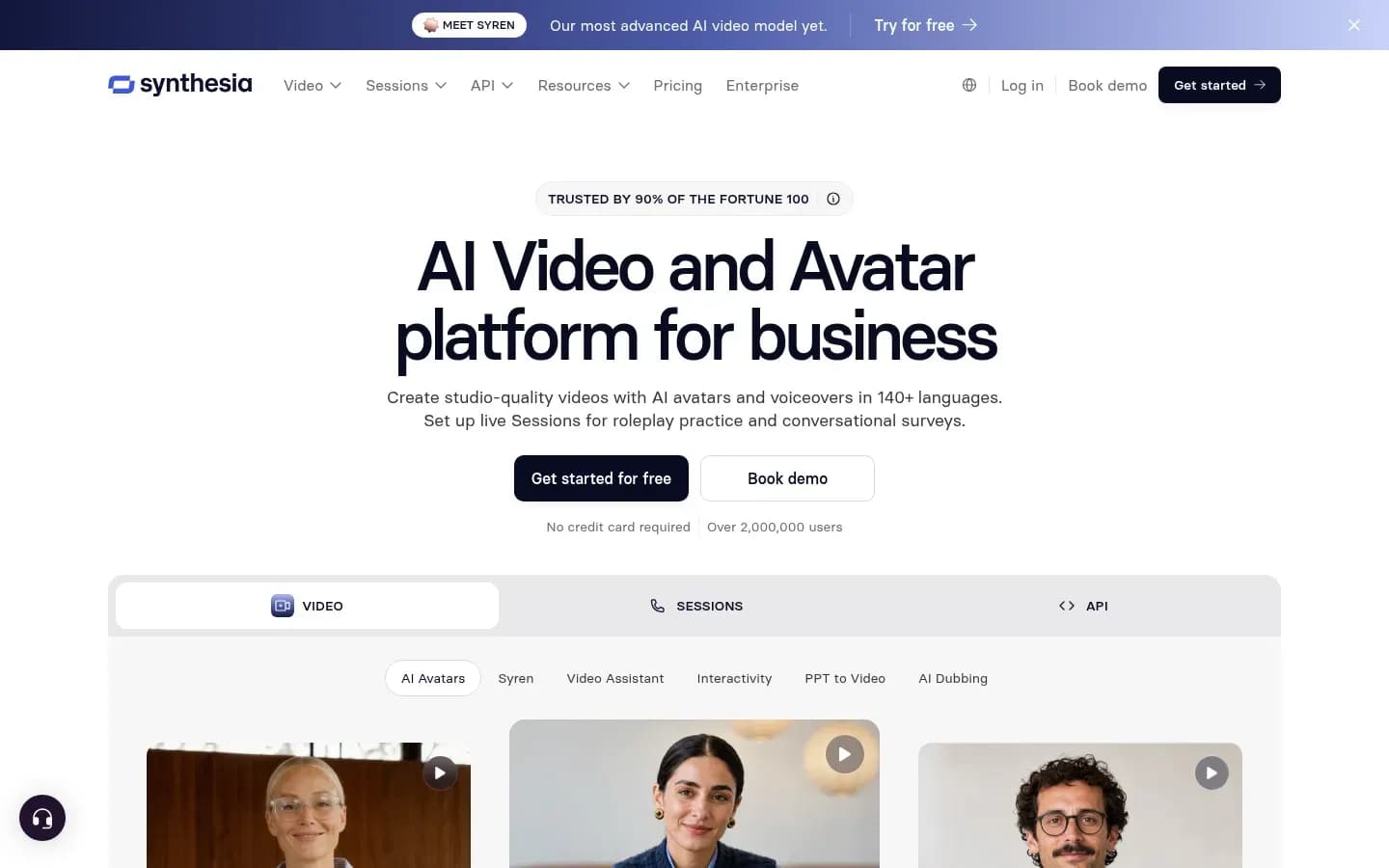
Synthesia applies a default Brand Kit to every new video, holding a team's colour themes, two fonts, logo versions and up to six preferred avatars, but the Brand Kit is available only on Synthesia's Enterprise plan. That makes it a strong fit for large teams and a poor one for small ones.
Synthesia
AI video platform for businesses that creates avatar presenter videos in 140+ languages, aimed at training, HR and sales enablement teams.
Synthesia is an AI video platform for businesses that creates avatar presenter videos, aimed at training, HR and sales enablement teams. For brand work, its Enterprise Brand Kit applies colours, fonts, logos and preferred avatars to every new video by default.
- Free plan
- Yes
- Platforms
- API, Chrome extension
- Public API
- Yes
- Compliance
- GDPR, ISO 27001, SOC 2
- Ratings
- G2 4.6/5 (2,855 reviews)
Verdict: Synthesia is the pick for enterprise training and internal comms, where a default Brand Kit should apply to every new video without anyone remembering to add it.
Consistency layers: Synthesia controls identity through the Brand Kit, likeness through personal avatars and preferred avatars, and style through colour themes. Governance comes from the default kit applied automatically to new videos.
Standout features:
- Brand Kit themes contain exactly four colours (two dark, two light), up to two fonts per kit, primary and negative logo versions, and up to six avatars and six spaces.
- Brand Kit 2.0 applies a default Brand Kit automatically when a new video starts, and styling can be applied to templates and scenes.
- AI Video Assistant turns an uploaded PDF, PPTX or URL into a branded video.
- Personal avatars (photo or video) are available from Starter upward, with three on Starter and unlimited on Enterprise.
- Avatar Builder is available on all plans.
Pricing: Synthesia's plans are shown below.
Synthesia pricing
| Plan | Price | Billing | Notes |
|---|---|---|---|
| Basic | $0 | per month | |
| Starter |
|
| |
| Pro |
|
| |
| Enterprise | Custom pricing |
What drives cost: The Brand Kit sets the tier, because it needs Enterprise. On top of that, a Custom Studio Avatar is an add-on at $1,000 per avatar, available on annual Starter and above and on Enterprise. A team with several studio-quality presenters should price each one.
Best for
- Enterprise training and comms teams producing many videos from documents
- Organisations that want the brand applied by default, not by habit
Not for
- Small teams that cannot justify an Enterprise plan for a brand kit
- Promotional videos built on stock Express avatars
Limitation: The Brand Kit is Enterprise only. Synthesia also states that its Express-1 and Express-2 stock avatars cannot be used for promotional content because of legal restrictions, so marketing teams need personal or studio avatars for ads.
Why it's on the list: Synthesia spells out exactly what its Brand Kit holds, and its default kit removes a step where brand drift often starts. For a wider look at presenter tools, see the comparison of AI avatar video tools.
Canva
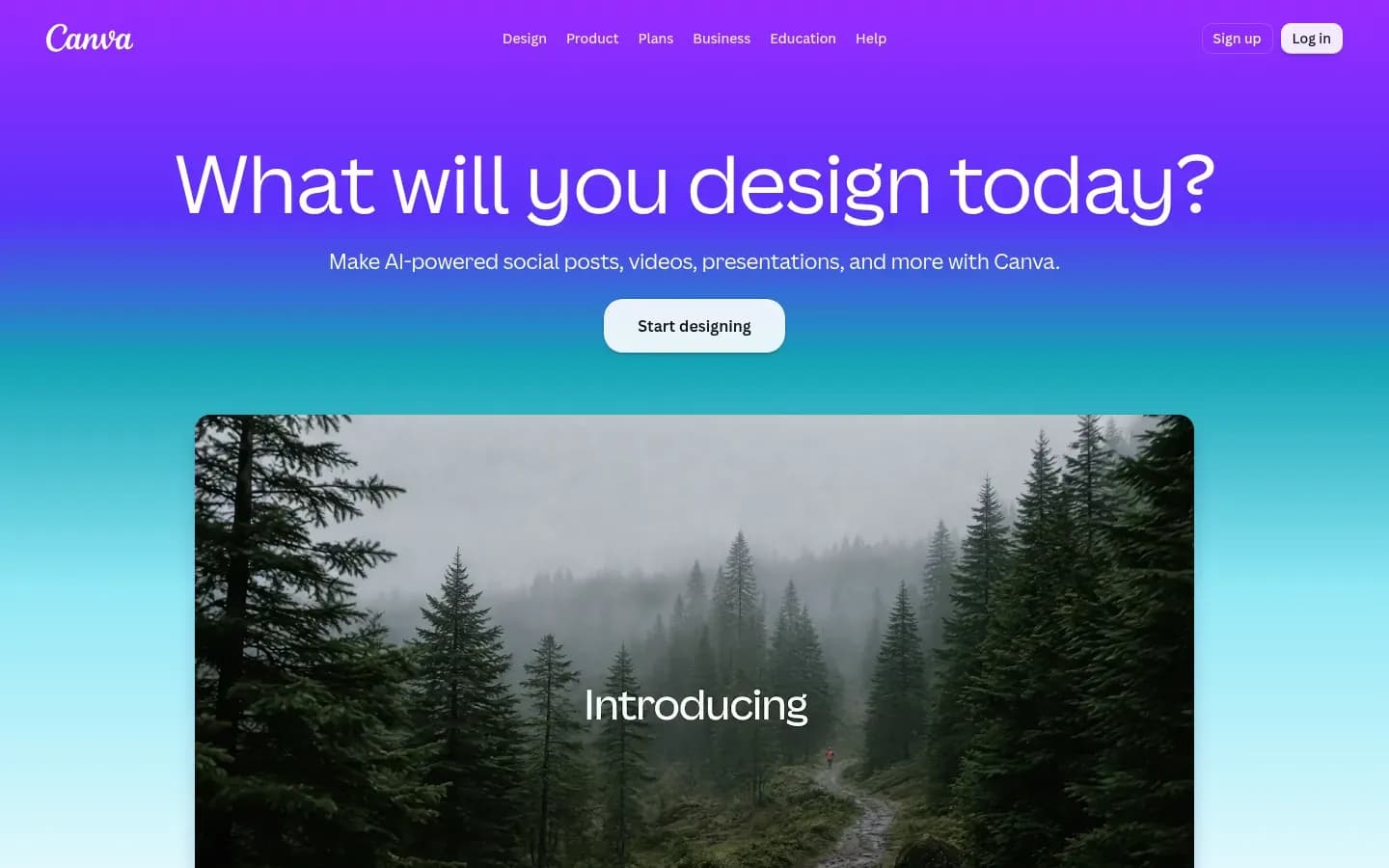
Canva is the strongest choice for locking brand identity, because its Brand Controls restrict designs in a folder to the assigned Brand Kit's colours and fonts and can stop members publishing without approval, though its Veo 3 clips run to eight seconds.
Canva
Online design platform for creating social media graphics, presentations, videos and documents, with AI features, for individuals and teams.
Canva is an online design platform for social graphics, presentations, videos and documents, with AI features, for individuals and teams. For brand work, it pairs Brand Kits with Brand Controls that lock colours and fonts and add an approval step, and it can generate short Veo 3 clips inside a design.
- Free plan
- Yes
- Free trial
- Yes
- Platforms
- Android, iOS, Mac, Web, Windows
Verdict: Canva is the pick for identity and governance, and the weakest of the five on generated likeness.
Consistency layers: Canva controls identity through Brand Kits and governance through Brand Controls. Likeness and style in generated footage are limited to short Veo 3 clips.
Standout features:
- Brand Kits hold a team's official logos, colours, fonts and assets (photos, graphics and icons). Admins and brand designers can create up to 1,000 Brand Kits, depending on subscription.
- Brand Controls restrict designs in a folder to that folder's Brand Kit fonts and colours, and lock them so users cannot switch Brand Kits.
- A design-approval control stops members publishing without approval. Brand Controls are available to Pro, Teams, Business and Education admins and brand designers.
- Create a Video Clip, powered by Google's Veo 3, makes a widescreen video of up to eight seconds with synchronised audio, one video per prompt. Clips can then be edited inside a Canva design.
Pricing: Canva's plans are shown below.
Canva pricing
| Plan | Price | Billing | Notes |
|---|---|---|---|
| Free | $0 | per year | per user |
| Pro | $144 | per year | per user |
| Business | $250 | per year | per user |
| Enterprise | Custom pricing | per contact |
What drives cost: The monthly clip allowance. Pro, Business, Enterprise and Nonprofit users get a limited number of Veo 3 clips per month, so a team that needs a lot of generated footage will hit the cap and need a generator alongside Canva.
Best for
- Teams with many non-specialist editors who must not change colours or fonts
- Brand teams that need approval before anything is published
Not for
- Campaigns with a recurring generated character across many shots
- Long-form generated footage
Limitation: Generated clips are short and capped per month. Canva allows commercial use of AI outputs under its AI terms, but warns that users may not have exclusive rights to AI-generated designs.
Why it's on the list: Canva covers the governance layer that the generators and avatar tools here leave to the team, with locking and approval built into its folders.
Character References Vs Avatars For Consistent Characters
Character references and avatars solve different likeness problems, because Runway's references rebuild a saved character inside each new generated scene, while HeyGen digital twins and Synthesia personal avatars replay a captured real person as a presenter. The right choice depends on whether the character acts in scenes or speaks to camera.
References suit stories. A team saves images of a character, location or object, then uses up to three of them in each Runway generation to place the same character in a new scene. The character can walk through a warehouse in one shot and sit in an office in the next.
Avatars suit spokespeople. A team captures a real person once, then reuses that person to deliver new scripts. HeyGen builds digital twins after a recorded consent statement, and Synthesia offers personal avatars from Starter upward. The presenter looks the same every time, but the setting is usually a studio-style frame, not a story.
Style sits apart from both. When the recurring element is an illustration style or photographic look rather than a person, Adobe Firefly's custom models (in public beta) train on brand images to preserve palettes, lighting and character features.
Which likeness method fits which job
| Need | Method | Tool on this list | Watch for |
|---|---|---|---|
| Recurring character in scenes | Character references | Runway | Drift in multi-character shots |
| Recurring spokesperson | Avatar of a real person | HeyGen or Synthesia | Consent and stock-avatar limits |
| House illustration or photo style | Trained custom model | Adobe Firefly | Beta status |
Decision rule: Scenes and stories with a recurring character call for references. A recurring spokesperson delivering scripts calls for an avatar. A brand illustration style calls for Firefly custom models, labelled beta.
References are not permanent unless they are tagged. Runway keeps uploads only for the session unless a user tags them to save, so a team that skips tagging loses its character between sessions. Tagged references still drift. Runway's guidance says multiple characters are harder than one, and prompts that contradict the reference cause inconsistent results.
For the shot-by-shot method, see how to keep characters consistent in AI video.
How Much Does A Brand Consistent AI Video Setup Cost
The cost of brand-consistent AI video is set by the plan that unlocks the brand control, not the entry plan, because Runway lists its Brand Kit from the Pro plan and Synthesia offers its Brand Kit only on Enterprise. Usage meters such as credits, avatars and clip caps then decide the monthly bill.
Each tool's plan prices sit in its pricing table above. What changes the real cost is where the brand feature starts and what the tool meters.
Where brand controls start and what drives spend
| Tool | Brand control | Where it starts | What drives spend |
|---|---|---|---|
| Runway | Brand Kit | Pro (Max for three kits) | Credits per second of video |
| Adobe Firefly | Custom Models (beta) | Firefly Enterprise | Generations per plan |
| Synthesia | Brand Kit | Enterprise | Studio avatar add-ons |
| Canva | Brand Controls | Pro, Teams, Business, Education | Monthly clip allowance |
Four cost patterns stand out:
- Credits by the second: Runway's credits are spent per second of video, at a rate set by the model. A faster model stretches the same credits further, so model choice matters as much as plan choice.
- Per-presenter add-ons: Synthesia's Custom Studio Avatar costs $1,000 per avatar on top of the plan. A brand with three studio presenters pays for three.
- Capped generation: Canva's Veo 3 clips are capped per month on paid plans. Teams that outgrow the cap need a second tool for footage.
- Consent paths: HeyGen's spend tracks the custom avatars a team maintains and the video it produces per language. Its webcam consent statement is open to all customers, while uploading a pre-recorded consent video or waiving the flow under an indemnity agreement is enterprise only.
Decision rule: Price the plan that includes the brand control you need, not the entry plan. Entry plans often lack the brand kit. Runway's Standard plan lists no Brand Kit, and Synthesia's Brand Kit is not on Starter or Pro.
Pairing tools changes the sum. A design tool for identity plus a generator for likeness means two subscriptions, but it can cost less than an enterprise tier bought only for one feature.
How To Set Up Brand Controls For AI Video
Setting up brand controls for AI video starts with one Brand Kit per brand, then locking colours and fonts and requiring approval where the tool allows it, as Canva's Brand Controls do, and saving shared references so every editor starts from the same characters.
The checklist below works across the five tools. Not every tool supports every step, so skip the ones your tool lacks and cover them with a manual check.
- Build one Brand Kit per brand with logos, colours and fonts (HeyGen, Synthesia and Canva all hold these)
- Set the brand's default kit so it applies to every new video, as Synthesia's Brand Kit 2.0 does
- Lock colours and fonts on shared folders and require approval before publishing, as Canva's Brand Controls allow
- Tag and save references, then share them with the workspace instead of relying on session uploads
- Add a pronunciation and translation glossary for product names, as HeyGen's Brand Glossary allows
- Record consent for every real-person avatar, and keep your own record for photo avatars
- Keep Content Credentials on exported Firefly files
- Review every clip for character or style drift before it is published
Two steps carry most of the risk. Saving and sharing references matters because Runway uploads vanish after the session unless they are tagged. Reviewing for drift matters because no reference or avatar holds perfectly across every generation.
Of the five tools here, Canva documents locking colours and fonts and holding designs for approval. A team that needs that control for graphics around its videos can run them through Canva's Brand Controls.
Prompts are the other lever. A prompt that contradicts a reference undoes the reference, so teams should agree a shared prompt structure. For that, see how to write prompts for AI video.
Do You Need Consent And Disclosure For AI Brand Videos
Brand teams in the EU that publish AI-generated deep fakes have a disclosure duty, because Article 50 of the EU AI Act requires deployers of deep fakes to disclose that the content has been artificially generated or manipulated. Consent is a separate question, and for some avatar types the consent record sits with the buyer.
Article 50 places duties on two parties:
- Providers: Providers of AI systems that generate synthetic audio, image, video or text must ensure outputs are marked in a machine-readable format.
- Deployers: Deployers who generate or manipulate image, audio or video deep fakes must disclose that the content is artificially generated or manipulated. A lighter duty applies to evidently artistic, creative, satirical or fictional work.
The tools handle these duties in different ways:
- Adobe Firefly: Outputs include Content Credentials that indicate AI was used.
- HeyGen: Digital twins need a recorded consent statement before generation. Photo avatars have no consent check, so the consent record is the customer's responsibility.
- Synthesia: Express-1 and Express-2 stock avatars cannot be used for promotional content because of legal restrictions.
Disclosure and consent answer different questions. Disclosure tells viewers the video is synthetic. Consent proves the person on screen agreed to be recreated. A brand video built on a real person's avatar raises both questions.
This section is general information, not legal advice.
Which AI Video Tool Should You Choose For Brand Consistency
Choose by the consistency layer that fails most often, because Runway fixes recurring characters and scenes, Adobe Firefly fixes a trained visual style, HeyGen fixes presenters and pronunciation, Synthesia fixes enterprise defaults and Canva fixes colours and fonts for non-specialist editors.
Match the situation to the tool:
- Recurring character or product scenes across a campaign: Choose Runway, and tag and share references with the workspace.
- A trained house style with commercially safe outputs: Choose Adobe Firefly, and treat custom models as beta.
- Multilingual presenter videos with fixed product pronunciation: Choose HeyGen, and use the Brand Glossary.
- Enterprise training with a default kit on every video: Choose Synthesia on Enterprise.
- Many non-specialist editors who must not change colours or fonts: Choose Canva, with Brand Controls and approval turned on.
The pairing rule holds for avatar teams too. HeyGen or Synthesia for the presenter, with Canva for locked graphics around the presenter, covers likeness, identity and governance between them.
FAQ
Can AI video tools use my brand fonts and logos?
Yes, most tools on this list accept brand fonts and logos through a Brand Kit. HeyGen's Brand Kits cover logos, colours, fonts, media and language rules. Canva's hold logos, colours, fonts and assets. Runway includes a Brand Kit from Pro. Synthesia's Brand Kit holds up to two fonts and primary and negative logos, but only on Enterprise.
Are AI-generated brand videos commercially safe?
Commercially safe and exclusive are different things. Adobe states its own Firefly models are commercially safe because they are trained on licensed Adobe Stock content, and outputs carry Content Credentials. Canva allows commercial use of AI outputs under its AI terms, but warns users may not have exclusive rights to AI-generated designs.
Can I use stock AI avatars in promotional videos?
Not always. Synthesia states its Express-1 and Express-2 stock avatars cannot be used for promotional content because of legal restrictions. For ads and promotional video, an avatar of a consenting real person is the safer route, such as a Synthesia personal avatar or a HeyGen digital twin backed by a recorded consent statement.
Why do AI video characters change between clips?
Characters change because the model rebuilds them in every generation. Runway's guidance says scenes with several characters are harder than single-character shots, prompts that contradict the reference cause inconsistency, and low-quality references weaken results. Consistency can drift across generations, so regeneration is often needed, and untagged references disappear after the session.
Sources
Sources