Founders and first sales hires buying a cold email tool need three things from it. They need a setup one person can finish, a bill that stays small while the team is small, and reporting that shows what the first campaigns taught. The five tools below meet that bar in different ways, and the biggest difference between them is the meter that drives each bill.
These picks apply to B2B startups running founder-led or first-SDR outbound from mailboxes they own, with their own list or a need for built-in lead data. Results depend on list quality, the offer and the sending setup more than on the tool. A team running multichannel sales cadences for several reps may need a sales engagement platform instead.
Cold Email Tools For Startups Comparison
For a startup, the five cold email tools worth shortlisting are Instantly, Saleshandy, Snov.io, QuickMail and Hunter, and they differ less on features than on the meter that drives the bill, from emails and uploaded contacts to credits, recipients or connected mailboxes. The table puts them side by side, with each tool's pricing model, trial and G2 score filled from its own record.
Cold email tools for startups compared
| Tool | Pricing model | Free trial | G2 rating | Best For | Main Bill Meter | Built-In Lead Data |
|---|---|---|---|---|---|---|
| Instantly | Paid | 4.8/5 (4,161 reviews) | Scaling mailboxes and volume | Emails and uploaded contacts | Separate credits subscription | |
| Saleshandy | Paid | 7 days, no card needed | 4.6/5 (822 reviews) | Setup handled in one app | Plan tier | Built-in lead finder |
| Snov.io | Freemium | Small teams, no seat fees | Credits, recipients, warm-ups | Built-in finder and verifier | ||
| QuickMail | Paid | 14 days, card needed | 4.7/5 (119 reviews) | Reps plus LinkedIn, flat plan | Uploaded contacts and emails | Own list, in-app verification |
| Hunter | Freemium | 4.4/5 (660 reviews) | Founder on one inbox | Connected mailboxes, recipients | Built-in finder and verifier |
The pattern in the table is that each tool leaves one thing unmetered and bills on something else. Instantly leaves email accounts unmetered on its entry Outreach plan and counts emails sent and contacts uploaded. Snov.io leaves seats and monthly emails unmetered and counts credits, recipients and warm-up slots. QuickMail leaves senders, LinkedIn accounts and users unmetered and counts uploaded contacts and emails. Hunter counts connected mailboxes and recipients per sequence.
So the cheapest sticker is rarely the cheapest setup. A startup that plans to add mailboxes pays least where mailboxes are not metered. A startup that needs lead data pays least where the data sits inside the same product. Each tool section below names its meter and the add-ons that sit on top of it.
How We Chose These Cold Email Tools
Each tool on this list had to let a founder or first SDR start sending sequences from the startup's own mailboxes without a sales call, and was judged on setup effort, the meter behind the bill, deliverability controls, built-in lead data and how much its reporting shows. That bar narrows the wider market of cold email platforms to self-serve sequencers with follow-ups and published plans.
The list keeps to five tools so each one gets a full section. The criteria, in the order they weigh for a startup:
- Setup effort: How much of the domain, mailbox and warm-up work a founder can finish alone.
- Small-team cost: The meter behind the bill and the add-ons a realistic setup needs.
- Deliverability controls: Warm-up, inbox rotation and help with authentication records.
- Built-in lead data: Whether finding and verifying addresses sits in the same tool.
- Campaign learning: Reply tracking, reporting and A/B tests, and which plan includes them.
No tool is ranked on reply rates, because no independent dataset compares reply rates across these five tools. Vendor claims are labelled as the vendor's own, and the sending and legal sections follow Google's and the FTC's own guidance.
Four well-known tools were considered and left out because they suit a different buyer:
Considered, not included
| Tool | Why it is not on this list |
|---|---|
| lemlist | Per-user pricing grows with headcount |
| Smartlead | Leans toward agencies |
| Apollo.io | A sales data platform first |
| Reply.io | A multichannel sales engagement suite |
Teams that want to weigh those tools too can use our ranking of the best cold email platforms, which covers lemlist, Smartlead and Reply.io for teams of every size.
Instantly
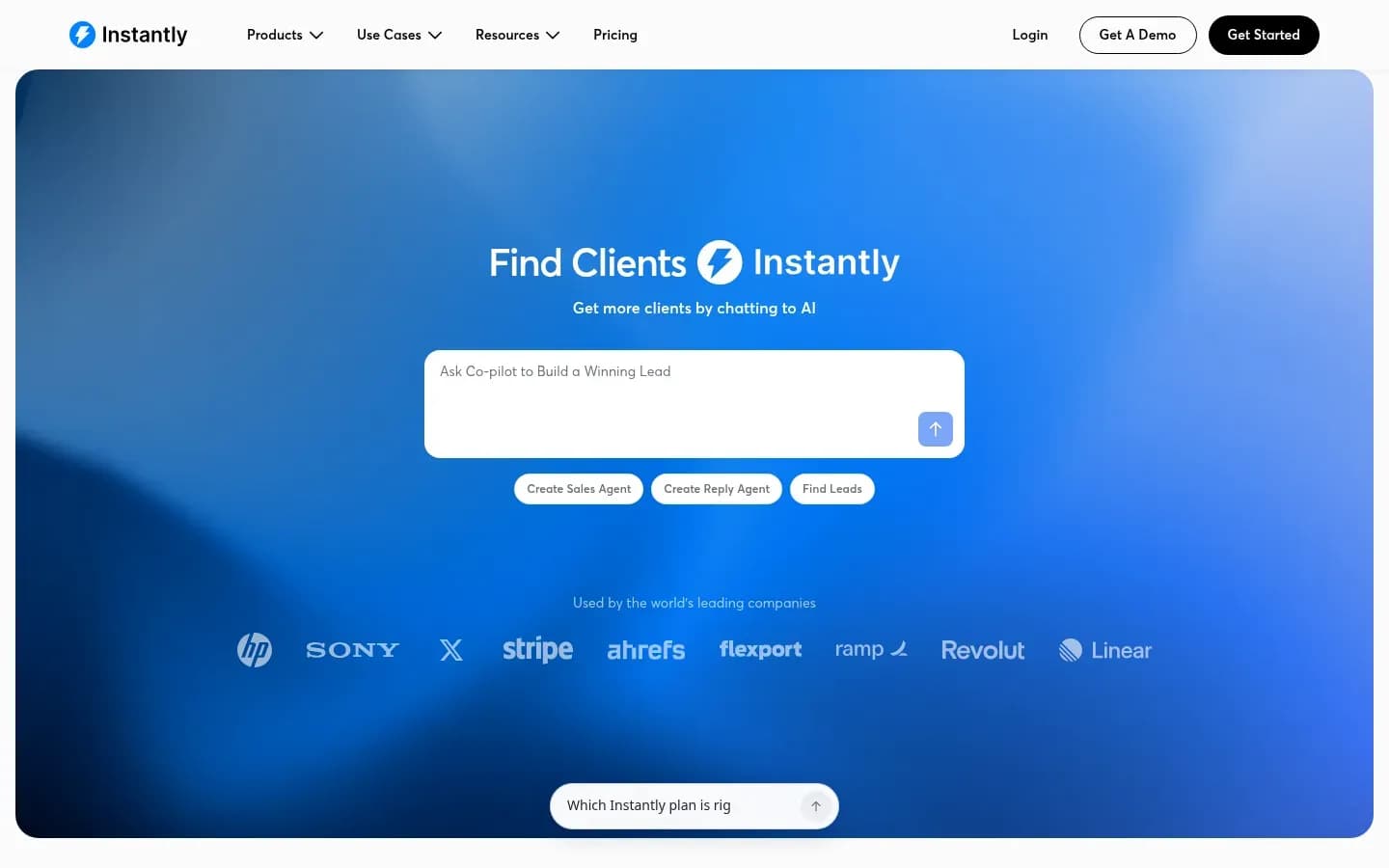
Instantly suits a startup that plans to add sending mailboxes fast, because its entry outreach plan already includes unlimited email accounts and warmup and bills on emails sent and contacts uploaded instead of on mailboxes.
Verdict: The first pick for a seed team that expects to scale sending, as long as the team has its own list or budgets for lead data separately.
What it does: Instantly is a cold email platform that sends sequences from as many connected mailboxes as the team adds, with warmup on those accounts. Its entry Outreach plan, Growth, meters 1,000 uploaded contacts and 5,000 emails a month. The Hypergrowth plan raises those meters to 25,000 uploaded contacts and 125,000 emails a month and adds a built-in CRM tied to Unibox, Instantly's shared reply inbox.
Setup effort: Low on the sending side. A founder connects mailboxes and turns on warmup inside the entry plan, with no per-mailbox charge to plan around. Teams that want the setup done for them can book Instantly's VIP service, which sets up domains, accounts and campaigns, through a call.
Bill meter and add-ons: Instantly bills on three separate meters, each on its own pricing tab. Emails sent per month and uploaded contacts sit on the Outreach tab, lead-data credits sit on the Instantly Credits tab, and Bundles combine outreach and credits. Our breakdown of Instantly's pricing meters shows which limit forces the first upgrade.
Instantly Outreach pricing
| Plan | Price | Billing | Notes |
|---|---|---|---|
| Growth | $47 | per month | |
| Hypergrowth | $97 | per month | |
| Light Speed | $358 | per month | |
| Enterprise | Custom pricing |
Best fit: A seed-stage team with its own list that plans to run several sending mailboxes and grow volume month by month.
Limitations: Instantly sells its lead database, which it describes as 450M+ B2B contacts, through a separate Instantly Credits subscription. A founder who needs both sending and data pays for two subscriptions or buys a Bundle. The CRM linked to Unibox sits above the entry tier, so a team that wants replies and deals in one place moves up a plan.
Why it's on the list: Mailbox count is the meter most likely to grow in a startup's early outbound, and Instantly takes it off the entry outreach plan while offering volume tiers above it.
Saleshandy
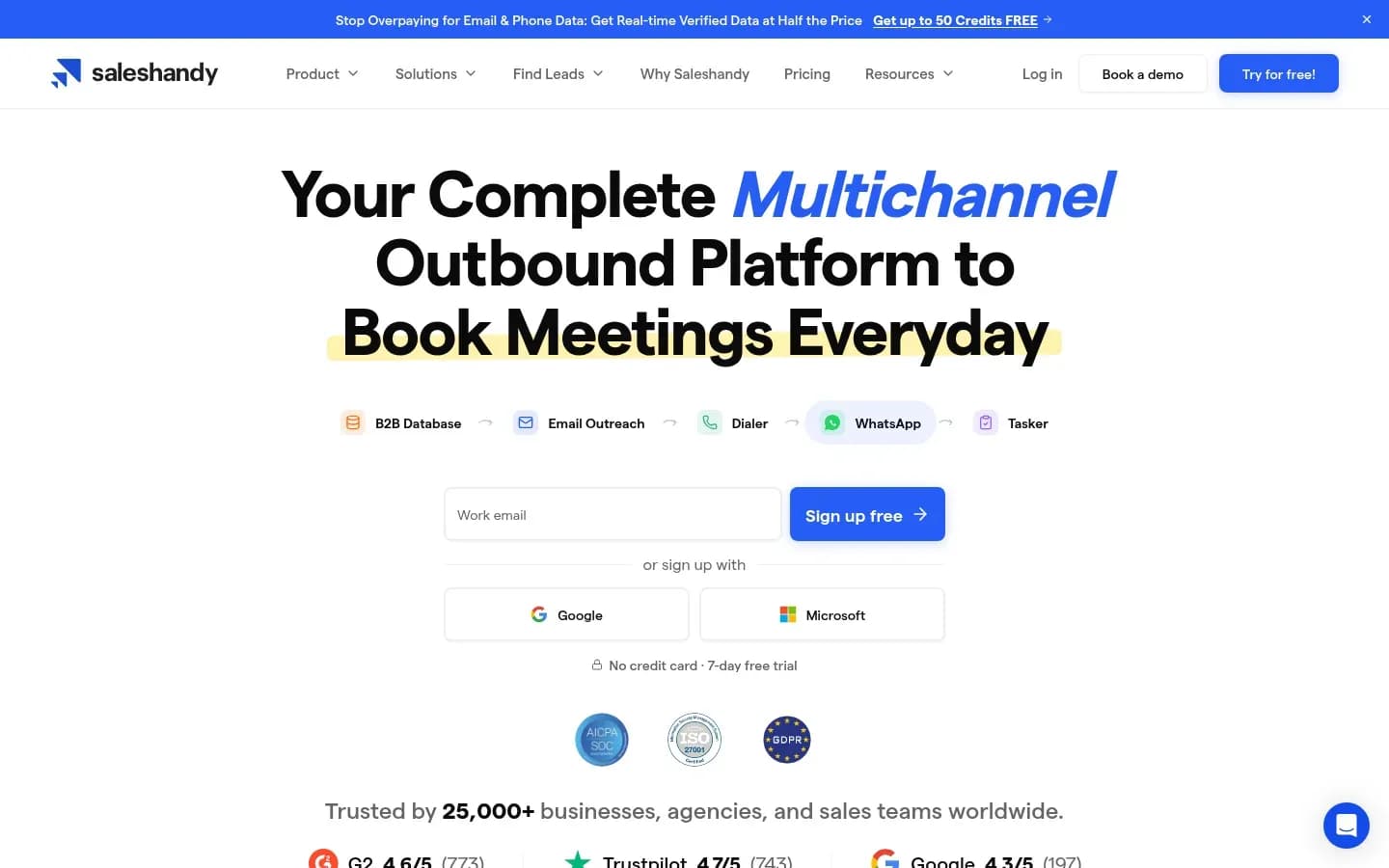
Saleshandy warms mailboxes automatically, configures SPF, DKIM and DMARC for domains bought inside the app and collects replies from every account in one inbox, so a founder can run setup and replies from one product.
Saleshandy
Multichannel outbound sales platform with cold email sequences, a B2B lead finder and deliverability tools for sales teams, agencies, founders and recruiters.
Saleshandy is a multichannel outbound platform with cold email sequences, a B2B lead finder and deliverability tools. For a startup, its appeal is that warm-up, DNS records, lead data and replies sit in one app a founder can run alone.
- Free trial
- 7 days, no card needed
- Platforms
- Android, iOS
- Public API
- Yes
- Compliance
- GDPR, ISO 27001, SOC 2
- Ratings
- G2 4.6/5 (822 reviews)
Verdict: The all-in-one pick for a founder who wants setup handled and lead data in the same product.
What it does: Saleshandy runs cold email sequences, finds B2B leads and puts every reply from every connected account in one unified inbox with a built-in CRM.
Setup effort: Low when the startup buys its domains in the app. Saleshandy auto-configures SPF, DKIM and DMARC for domains bought and connected there, and warm-up runs automatically in the background.
Bill meter and add-ons: Saleshandy bundles its lead finder with sending, so the plan tier is the meter a startup compares. The overview card above carries the pricing model and trial, and a buyer weighs the tier against how much lead data the team expects to pull.
Best fit: A founder without a technical co-founder who wants to buy domains, warm them, find leads and read replies in one place.
Limitations: Saleshandy describes its lead finder as 852M+ contacts across 42M+ companies with 50+ buying signals, and the same site cites 800M+ elsewhere, so the size is a vendor claim that varies. Judge the data on a sample of your own target accounts before relying on it. Saleshandy also serves agencies, managing unlimited clients from one dashboard with white-labelling, so confirm the plan bought is the in-house one.
Why it's on the list: It handles DNS records for domains bought in the app and runs warm-up in the background, and it adds lead data without a second product.
Snov.io
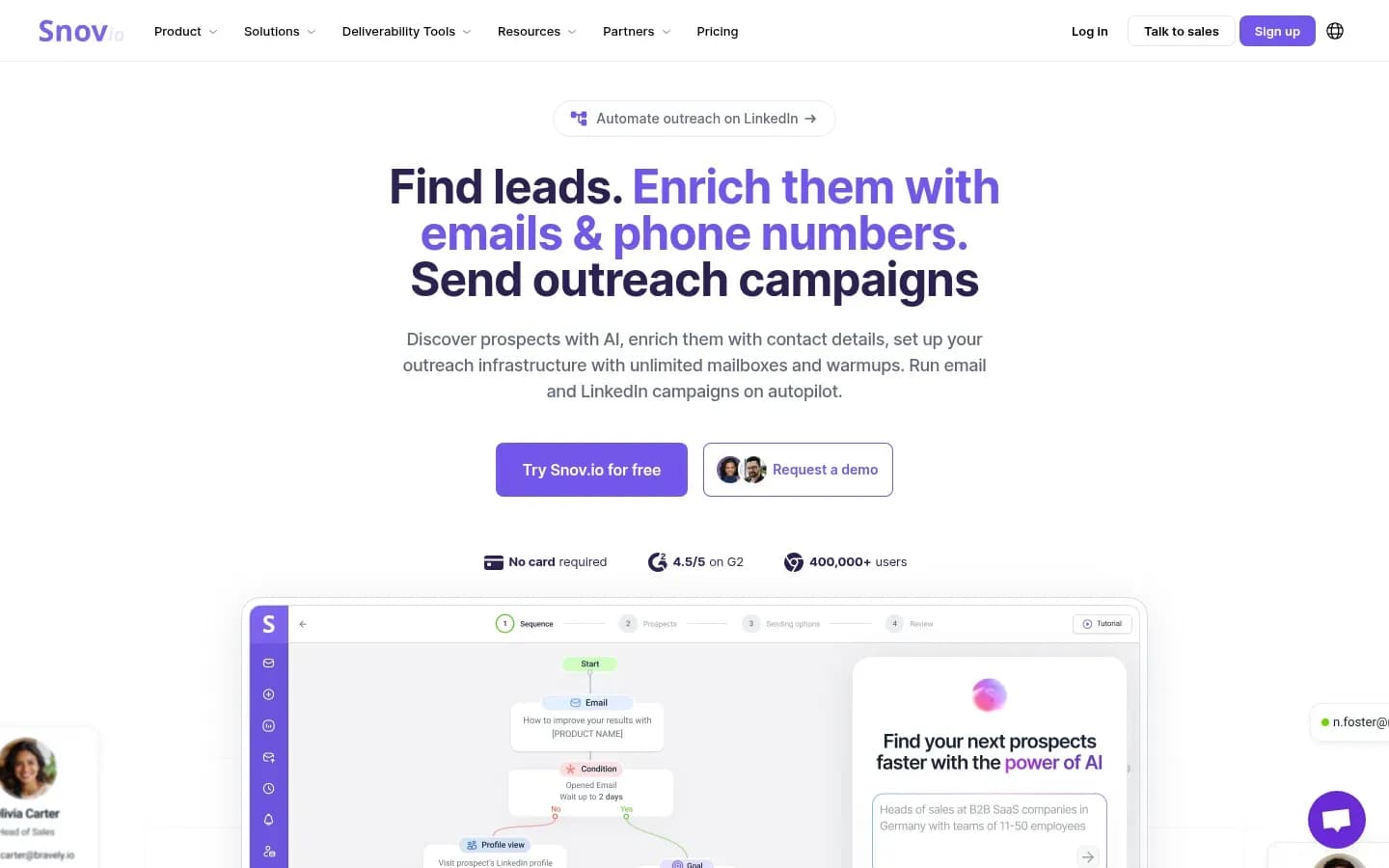
Snov.io charges for credits, recipients and warm-up slots rather than seats, so a startup can add teammates at no seat cost, but LinkedIn automation is a per-slot add-on and done-for-you Google mailboxes cost $5 each a month.
Verdict: The pick for a small team that wants finding, verifying and sequencing under one login, with the bill growing through add-ons rather than headcount.
What it does: Snov.io combines email finding and verification, warm-up, and cold email and LinkedIn campaigns. Every plan includes unlimited team seats and unlimited monthly emails. Starter meters 1,000 credits, 5,000 recipients and 3 simultaneous warm-ups, and Pro S raises that to 5,000 credits, 25,000 recipients and unlimited warm-ups.
Setup effort: A founder can buy sending infrastructure in the same place as the campaigns. Snov.io sells done-for-you preconfigured domains from $12 per year per domain and Google mailboxes at $5 per month per account.
Bill meter and add-ons: Credits, recipients and warm-up slots drive the plan. LinkedIn automation is not part of any plan and is billed per account slot, with volume discounts. Enrichment tokens cost $0.02 each and expire after 90 days, so buying them in bulk ahead of need wastes money.
Snov.io Sales Suite pricing
| Plan | Price | Billing | Notes |
|---|---|---|---|
| Starter (annual billing) | $29.25 | per month, billed annually | |
| Starter | $39 | per month | |
| Pro S (annual billing) | $74.25 | per month, billed annually | |
| Pro S | $99 | per month | |
| Pro M | $189 | per month | |
| Pro L | $369 | per month | |
| Ultra | $738 | per month |
Snov.io LinkedIn Automation pricing
| Plan | Price | Billing | Notes |
|---|---|---|---|
| LinkedIn account slot (annual billing) | $62 | per month, billed annually | |
| LinkedIn account slot | $69 | per month |
Best fit: A two-to-five-person team that wants every teammate in the tool, plus finding and verifying, without paying per seat.
Limitations: The bill grows through add-ons, not seats, so a team that adds LinkedIn slots, domains and mailboxes can end up well above the plan price. Snov.io's pricing page also runs time-limited promotional discounts, with promo codes on annual plans, so the price a buyer sees depends on the current offer and billing term. Budget on the regular price and the term you will actually keep.
Why it's on the list: It combines unlimited seats with built-in finding and verification, which suits a team where several people prospect.
QuickMail
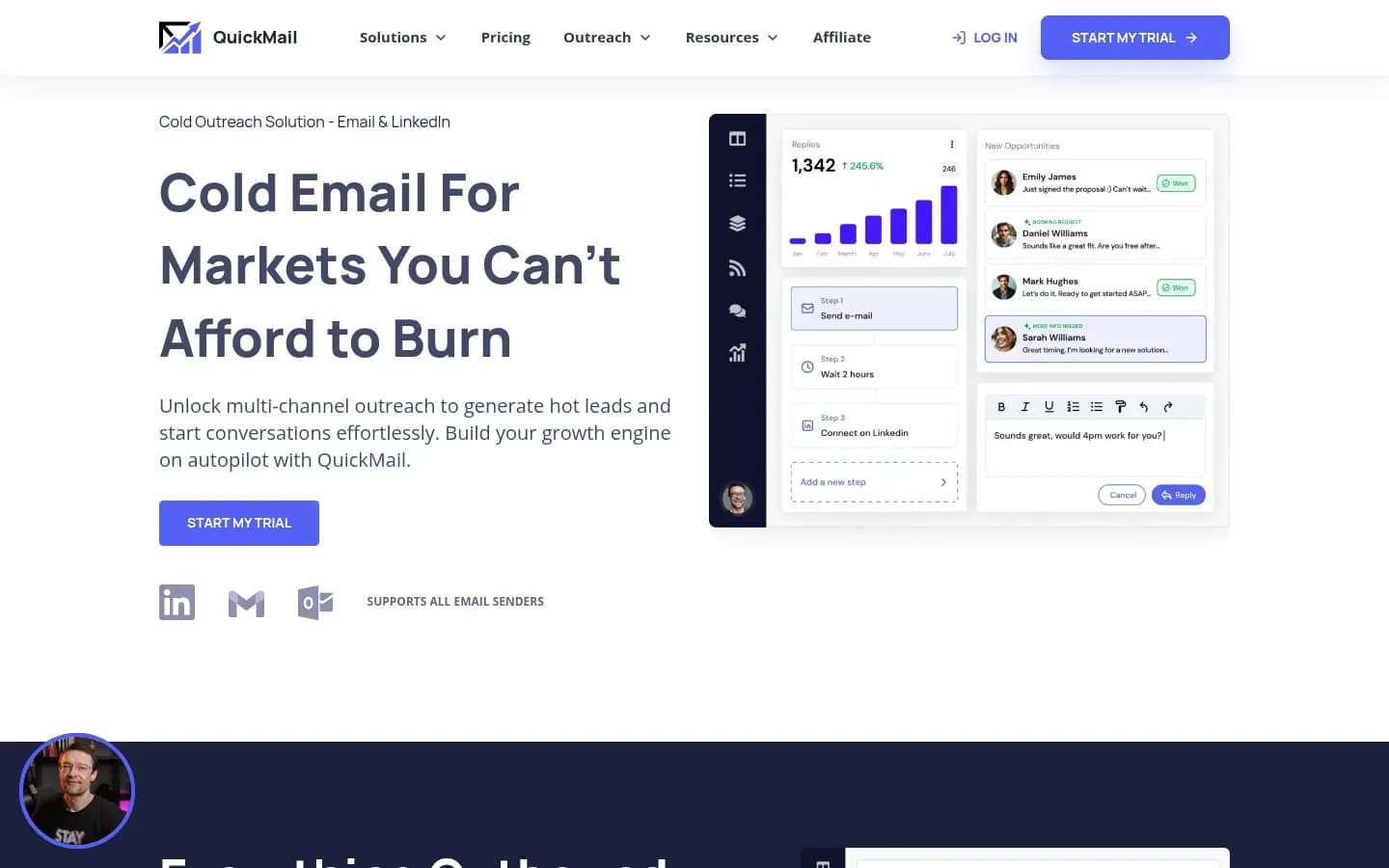
QuickMail includes unlimited email senders, LinkedIn accounts and users on every plan, but its Auto-warmer covers only inboxes bought from QuickMail, so a startup sending from its existing Google Workspace mailboxes has to warm them elsewhere.
Verdict: The pick for a startup adding reps and LinkedIn accounts that wants them all on one flat plan.
What it does: QuickMail runs cold email and LinkedIn outreach with automated follow-ups. Every plan includes unlimited senders, LinkedIn accounts and users, and the Starter plan meters 1,000 uploaded contacts, 5,000 emails a month and 1 workspace.
Setup effort: QuickMail handles much of the sending discipline by default. It rotates inboxes within one campaign, waits 60 to 120 seconds between sends, and verifies leads in-app with verification credits.
Bill meter and add-ons: Uploaded contacts and emails per month drive the plan, not seats or senders. API access starts on the Growth plan, and the Agency plan includes 2 workspaces, with each extra workspace billed on top.
QuickMail pricing
| Plan | Price | Billing | Notes |
|---|---|---|---|
| Starter Plan | $49 | per month | |
| Growth Plan | $99 | per month | |
| Agency Plan | $299 | per month |
QuickMail QuickMail pricing
| Plan | Price | Billing | Notes |
|---|---|---|---|
| Starter | $49 | per month | |
| Growth | $99 | per month | |
| Agency | $299 | per month |
Best fit: A startup with two or more reps who each send email and work LinkedIn, and who want one bill that does not grow with each new hire.
Limitations: The Auto-warmer is available only for inboxes bought from QuickMail. A startup that brings its own Google Workspace mailboxes needs a separate warm-up tool, or buys its inboxes through QuickMail.
Why it's on the list: It keeps senders, LinkedIn accounts and users off the meter on every plan, which suits a team that expects headcount to grow faster than volume.
Hunter
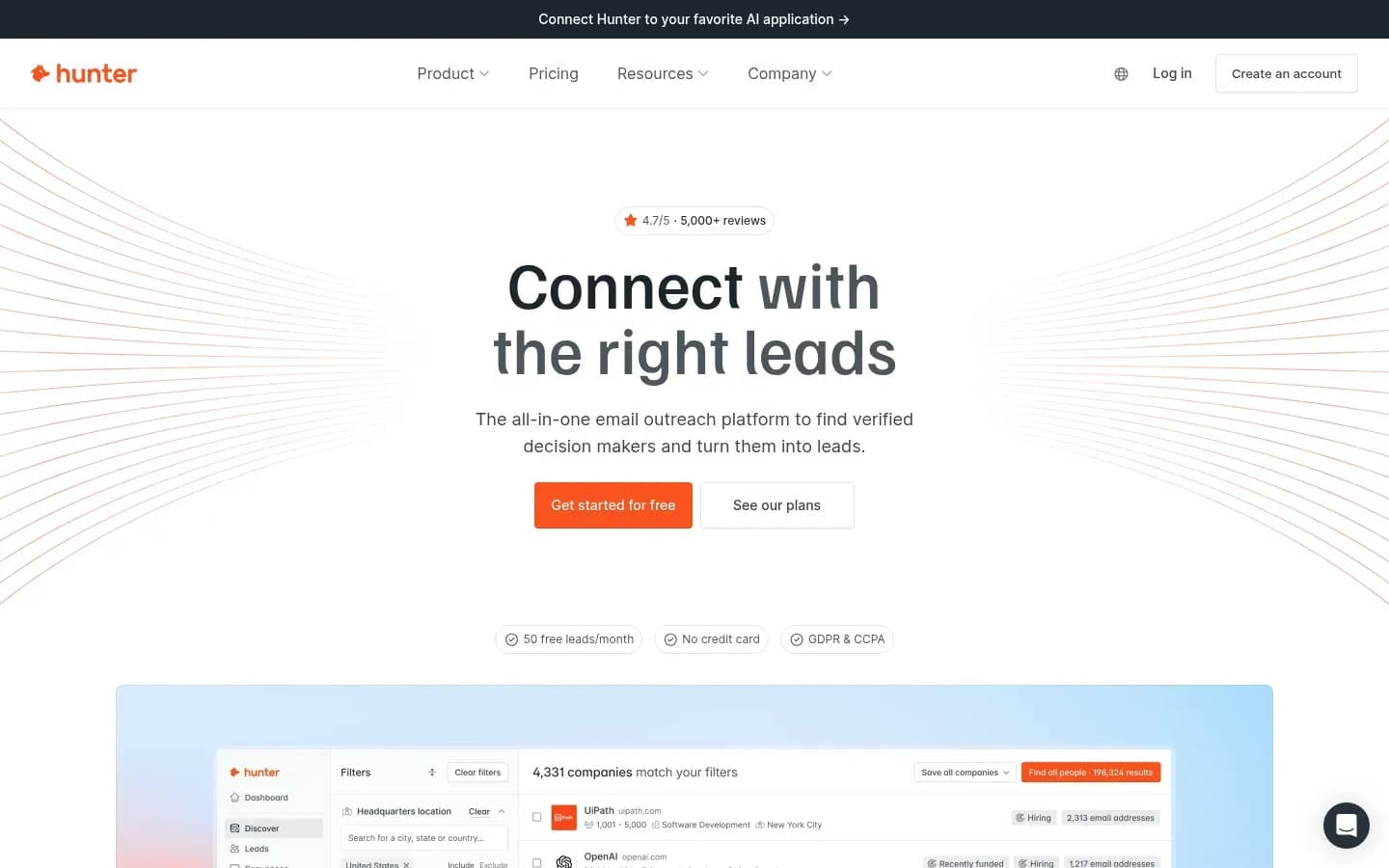
Hunter lets a founder start cold email from an existing Gmail or Outlook inbox, because its Sequences connect natively to both and sit beside its Email Finder and Email Verifier, but its link tracking, reporting, A/B testing and email account rotation sit on paid plans, and each tier caps how many mailboxes a team can connect.
Verdict: A light start for a solo founder testing an offer, with the caveat that learning from campaigns needs a paid tier.
What it does: Hunter is an email finding and verification platform first, with Sequences built beside its Email Finder and Email Verifier. Sequences send up to 5 automatic follow-ups, include email warmup and connect to 5,000+ endpoints through Zapier.
Setup effort: Low for a founder on Gmail or Outlook, because Sequences integrate natively with both. Other providers connect through SMTP/IMAP, which is a paid-plan feature.
Bill meter and add-ons: Hunter bills on connected email accounts per team and recipients per sequence. Its entry tier connects 1 account with 500 recipients per sequence, and its paid tiers connect 3, 10 or 20 accounts with 2,500, 5,000 or 15,000 recipients per sequence. Extra connections can be bought on paid plans. Finding and verifying run on a separate monthly credit allowance of 2,000, 10,000 or 25,000 credits by paid tier.
Hunter All-in-one outreach platform pricing
| Plan | Price | Billing | Notes |
|---|---|---|---|
| Free | $0 | per month | |
| Starter |
|
| |
| Growth |
|
| |
| Scale |
|
| |
| Enterprise | Custom pricing |
Hunter Data Platform pricing
| Plan | Price | Billing | Notes |
|---|---|---|---|
| Bulk credit purchase | $6,500 | one-time | per credit |
Best fit: A founder sending from one existing inbox who needs to find and verify addresses before writing the first sequence.
Limitations: Link tracking, reporting, SMTP/IMAP connections, A/B testing, the AI writing assistant and email account rotation are paid-only. A founder on the entry tier can send, but cannot see enough to learn from the results. Connected accounts are capped by tier, so a team that adds mailboxes moves up a plan or buys extra connections.
Why it's on the list: Sequences connect natively to Gmail and Outlook and sit beside Hunter's Email Finder and Email Verifier, which suits a founder who does not yet need a full cold email platform.
Cold Email Software Selection For Startups
A startup should choose cold email software by the meter that grows with its plan, because Instantly and QuickMail bill on emails and uploaded contacts, Snov.io on credits and recipients, and Hunter on connected mailboxes and recipients per sequence. Pick the tool whose meter you will hit last, then check data, warm-up and reporting.
- Match the bill meter to how your outbound will grow
- Decide whether you need built-in lead data or already have a list
- Confirm warm-up covers the mailboxes you bring
- Make sure reporting and A/B tests are on the plan you buy
- Check the tool supports one-click unsubscribe and authentication setup
Match the meter to your growth. Work out which number will rise first in the next six months. If it is mailboxes, Instantly's entry outreach plan includes unlimited email accounts, and QuickMail includes unlimited senders on every plan. If it is teammates, Snov.io includes unlimited seats. If it is contacts, compare the uploaded-contact meters, because Instantly's Growth plan and QuickMail's Starter plan both stop at 1,000. Hunter caps connected mailboxes by tier, which suits a founder on one inbox and pinches a team adding several.
Decide on lead data. A startup that already has a list pays only for sending. A startup that needs data should prefer a tool where finding sits in the same product, such as Hunter, Snov.io or Saleshandy. Instantly sells its lead database through a separate Instantly Credits subscription, so data there is a second meter. Whatever the source, verify the list before sending, and learn how to interpret email verification statuses so catch-all and unknown results are held instead of sent.
Check warm-up coverage. Instantly includes warmup on its entry outreach plan, and Saleshandy runs warm-up automatically in the background. QuickMail's Auto-warmer covers only inboxes bought from QuickMail, so a team bringing its own Google Workspace mailboxes needs another warm-up source.
Buy a plan you can learn from. A first campaign is an experiment, and an experiment needs results. Hunter keeps link tracking, reporting and A/B testing on paid plans only. Whichever tool you pick, confirm that reply tracking and A/B tests are on the tier you buy.
Confirm sender-rule support. Google's sender guidelines require SPF, DKIM and DMARC for bulk senders and one-click unsubscribe for marketing messages, with unsubscribes honoured within 48 hours. The tool should let you add an unsubscribe link and should not make authentication harder.
Read every "unlimited" with its meter. Unlimited mailboxes, seats or emails always leave another meter billing. Instantly still counts emails and contacts, Snov.io still counts credits and recipients, and QuickMail still counts contacts and emails.
What Cold Email Software Costs A Small Team
A small team's cold email bill is rarely the plan price alone, because lead-data credits, extra mailboxes, LinkedIn slots and workspaces are billed on top, such as Snov.io's Google mailboxes at $5 each a month and QuickMail's extra workspaces on its Agency plan. Each tool's pricing table shows the plan prices.
The add-ons and meters that decide real spend:
Meters and add-ons beyond the plan price
| Tool | Meter or add-on | What it adds to the bill |
|---|---|---|
| Instantly | Instantly Credits | Lead data as a second subscription |
| Instantly | Emails and uploaded contacts | Higher tier when volume grows |
| Saleshandy | Lead finder | Bundled with sending |
| Snov.io | LinkedIn automation | Billed per account slot |
| Snov.io | Domains and Google mailboxes | $12 a year per domain, $5 a month per mailbox |
| Snov.io | Enrichment tokens | $0.02 each, expire after 90 days |
| QuickMail | Extra workspaces | Billed per workspace on Agency |
| QuickMail | API access | Starts on the Growth plan |
| Hunter | Connected email accounts | Capped by tier, extras on paid plans |
| Hunter | Reporting and A/B tests | Paid plans only |
A worked rule. A two-founder startup with three mailboxes and its own list pays for sending only. On Instantly, the mailboxes add nothing, so the bill is the outreach plan that covers its contacts and emails. On Hunter, three connected accounts already needs a paid tier, because the entry tier connects one. The same startup that also buys lead data adds a second meter, Instantly Credits on Instantly, or credits it already holds on Hunter and Snov.io.
Where the sticker moves. Two factors change the price a buyer sees without changing the product. Snov.io's pricing page runs time-limited promotional discounts on annual plans, so budget on the regular price and the term you will keep. Hunter discounts yearly billing by 30%, which helps only if the startup is sure it will keep the tool for twelve months.
Seats versus volume. Snov.io and QuickMail keep seats or users off the meter, so adding a teammate costs nothing on the plan itself. On Hunter, a second founder who connects a second mailbox counts against the tier's connected-account cap.
What to budget first. Start from the meter you will hit, not the lowest tier. A founder testing one offer from one inbox can run on a small plan. A team adding mailboxes, LinkedIn slots or a data subscription should price the full setup, including domains and mailboxes, before it picks a tool.
What To Set Up Before Your First Cold Email Send
Gmail treats any sender of close to 5,000 messages a day to personal Gmail accounts as a bulk sender and requires SPF, DKIM and DMARC, so a startup should authenticate its sending domain before the first campaign, not after volume grows. Most startups send well below that bar at first, and Google's requirements still list what a complete setup includes.
- Buy a separate sending domain and set up its mailboxes
- Add SPF, DKIM and DMARC records to the sending domain
- Warm up each new mailbox before sending campaigns
- Verify the list and hold risky addresses
- Add a one-click unsubscribe and honour requests within 48 hours
- Watch the spam rate and keep it below 0.1%
Set up the sending domain. Pick the domain and mailboxes the campaigns will send from, and set them up before connecting them to the tool. Snov.io and Saleshandy sell domains inside the product, which shortens this step.
Authenticate the domain. Google requires bulk senders to authenticate email with SPF and DKIM and to add a DMARC record to the sending domain. Saleshandy auto-configures all three when domains are bought and connected in the app. With the other tools, a founder adds the records at the domain registrar.
Warm up before you send. New mailboxes need warm-up before campaigns start. Instantly includes warmup on its entry outreach plan and Saleshandy runs it automatically in the background. QuickMail's Auto-warmer covers only inboxes bought from QuickMail, so a startup on its own Google Workspace mailboxes warms them elsewhere.
Make unsubscribing easy. Gmail requires one-click unsubscribe for marketing and promotional messages and expects requests to be honoured within 48 hours. Set the unsubscribe link in the tool's sequence settings before the first send.
Watch the spam rate. Google says senders should keep their user-reported spam rate below 0.1% and never let it reach 0.3% or higher. Bulk senders above 0.3% become ineligible for mitigation, so a spike is a reason to pause and fix targeting, not to push on.
When the bulk bar matters. Gmail's bulk-sender definition counts messages to personal Gmail accounts within 24 hours, so a startup emailing business inboxes at low volume sits well below it. Setting up authentication, one-click unsubscribe and spam-rate monitoring at that size means Google's bulk-sender requirements are already met if volume later crosses the bar.
For the full sequence of steps, from one narrow audience to launch checks, follow our playbook to set up your first cold email campaign.
Is Cold Email Legal For Startups
Cold email is legal in the US when it follows CAN-SPAM, and the FTC says the law makes no exception for business-to-business email, so a startup's cold emails need accurate headers, a physical postal address and an opt-out honoured within 10 business days. B2B outreach gets no lighter treatment.
The FTC's compliance guide sets out what every commercial email must do:
- Use accurate header information, including the "From" and "Reply-To" details.
- Use a subject line that does not deceive the reader about the content.
- Include a valid physical postal address.
- Give a clear way to opt out of future email.
- Honour opt-out requests within 10 business days.
The stakes are real. Each separate email that violates CAN-SPAM is subject to penalties of up to $53,088, the FTC's figure after its January 2024 inflation adjustment.
Most of these duties map to settings in the cold email tool:
- Headers: Send from a real, named mailbox on a domain you control.
- Postal address: Add the company's physical address to every sequence's footer or signature.
- Opt-out: Turn on the unsubscribe link in sequence settings.
- Suppression: Make sure an opt-out stops every future step and every future campaign to that address.
Two clocks, one setting. CAN-SPAM allows 10 business days to honour an opt-out, while Gmail expects unsubscribe requests honoured within 48 hours. A startup that sets its tool to suppress an address as soon as the request arrives meets both, and avoids running two policies for two audiences.
Who sets what. A cold email platform supplies the unsubscribe link and the suppression list, while the founder sets the subject lines, the footer and who gets emailed.
This section is general information, not legal advice.
Which Cold Email Tool Should A Startup Choose
A solo founder testing an offer from one inbox should start with Hunter, a team planning many sending mailboxes should choose Instantly, and a team that wants setup and lead data handled in one app should choose Saleshandy. Snov.io and QuickMail fit teams where headcount grows faster than volume.
Solo founder, one inbox. Hunter connects natively to Gmail and Outlook and sits beside its finder and verifier, so a founder can go from a target account to a sent sequence in one tool. Move to a paid tier once the first sequence is live, because reporting and A/B tests sit there.
Founder who wants setup handled. Saleshandy configures SPF, DKIM and DMARC for domains bought in the app, warms mailboxes in the background and adds a lead finder. It suits a founder who would rather not touch DNS records.
Seed team scaling volume. Instantly includes unlimited email accounts and warmup on its entry outreach plan, so adding mailboxes does not raise the bill. Budget separately for lead data if the team does not have its own list.
Small team, several prospectors. Snov.io includes unlimited team seats and bills on credits, recipients and warm-up slots. It suits a team where everyone prospects, as long as add-ons such as LinkedIn slots are priced in.
Growing rep team with LinkedIn. QuickMail includes unlimited senders, LinkedIn accounts and users on every plan. Plan a separate warm-up source if the team keeps its own Google Workspace mailboxes.
Frequently Asked Questions
Do I need a separate email finder for cold email?
Not always. Hunter, Snov.io and Saleshandy pair sending with built-in lead finding, so a startup can find, verify and send in one tool. Instantly sells its lead database through a separate Instantly Credits subscription, and QuickMail verifies leads in-app with verification credits, so pick by whether you already have data.
How many mailboxes can a startup send from?
It depends on the tool's meter. Instantly includes unlimited email accounts on its entry outreach plan, and QuickMail includes unlimited senders on every plan. Hunter caps connected accounts by tier, from 1 on its entry tier to 3, 10 or 20 on paid tiers, with extra connections for sale on paid plans.
Is a cold email platform the same as a sales engagement platform?
No. A cold email platform sends sequences at volume from many mailboxes, while a sales engagement platform runs a rep team's daily tasks across channels. A startup with one or two senders usually needs the first. Our guide to the cold email platform vs sales engagement platform choice explains how channel scope, ownership and cost decide it.
Sources
Sources
- Email sender guidelines FAQ - Gmail Help · support.google.com
- instantly.ai
- CAN-SPAM Act: A Compliance Guide for Business · ftc.gov
- help.hunter.io