An agency that adds visitor identification to its retainers needs more than a good match rate. It needs each client's data, users and bill kept apart, and a setup it can repeat for the next client without starting over.
These picks apply to agencies running company-level identification on B2B client sites, or US person-level identification with RB2B, where each client needs its own data, integrations and bill. Company-level matching depends on business visitors, so consumer-facing client sites return few matches with any of these tools.
Best Visitor Identification Tools For Agencies
For an agency, the deciding difference between visitor identification tools is how each one separates client data, from Snitcher's client workspaces and RB2B's siloed sub-accounts to Albacross accounts that each track a single domain.
Most rankings of visitor identification tools judge them for one in-house team. An agency has a different problem. It runs the same tool on ten or twenty client sites, and each client expects its own leads, its own logins and its own invoice. The table below puts the five tools side by side on the three things that decide that.
- Client separation model: How the tool keeps one client's identified companies, users and credits away from another's.
- Agency program: How the vendor pays or prices an agency that brings clients.
- Identification level: Whether the tool names companies, people, or both.
| Tool | Pricing model | Free trial | Client separation | Agency program | Identification level |
|---|---|---|---|---|---|
| Snitcher | Paid | 14 days, no card needed | Client workspaces | Commission partner program | Company level |
| RB2B | Freemium | 7 days, no card needed | Siloed master and sub-accounts | Discount plus commission | People (US) and companies |
| Leadfeeder | Freemium | 14 days, no card needed | Separate accounts per client | Five partner tracks | Company level |
| Leadinfo | Paid | 14 days, no card needed | Per-domain dashboards and inboxes | Free agency account | Company level |
| Albacross | Paid | 14 days, no card needed | One domain per account | Separate accounts, one email | Company level |
Snitcher and RB2B give each client a sealed space under one agency login. Leadfeeder gets to the same place by recommending a separate account per client. Leadinfo keeps every client site inside one account with its own dashboard, which suits an agency's own reporting more than client logins. Albacross ties each account to one domain, so separation comes from opening a new account for every site.
- SnitcherBest for agencies running many B2B client workspaces
- RB2BBest for agencies with US clients that want named people
- LeadfeederBest for agencies giving each client its own account
- LeadinfoBest for agency reporting across many client sites
- AlbacrossBest for one or two clients, account by account
How We Chose These Tools
Each tool here had to identify companies on a client's site, sell to a single client without an enterprise contract, and document a way to run several client sites, and it was then judged first on how it keeps one client's data apart from another's.
Three conditions set the bar for inclusion.
- Single-client route: A self-serve plan or a published price, so an agency can start one client without an enterprise deal.
- Company matching: Documented company-level identification, since most agency clients sell to businesses.
- Multi-client setup: A documented way to run more than one client site, whether that is workspaces, sub-accounts, separate accounts or several domains.
The five tools that passed were then weighed on six criteria, in this order of weight:
- Client separation, meaning who can see which client's data, users and credits.
- Rollout reuse, meaning what carries over from one client install to the next.
- Client reporting, meaning what the agency can show a client about the companies it identified.
- Agency billing and payout, meaning who can be invoiced and how the agency earns.
- Per-client running cost, meaning the meter that sets each client's bill.
- Limitations that would stop an agency rolling the tool out.
Several names that appear often in agency rankings were left out of this shortlist:
Considered, not included
| Tool | Why not included |
|---|---|
| 6sense | Enterprise ABM platform |
| Demandbase | Enterprise ABM platform |
| HubSpot Breeze Intelligence | Part of HubSpot, not a standalone agency tool |
Snitcher
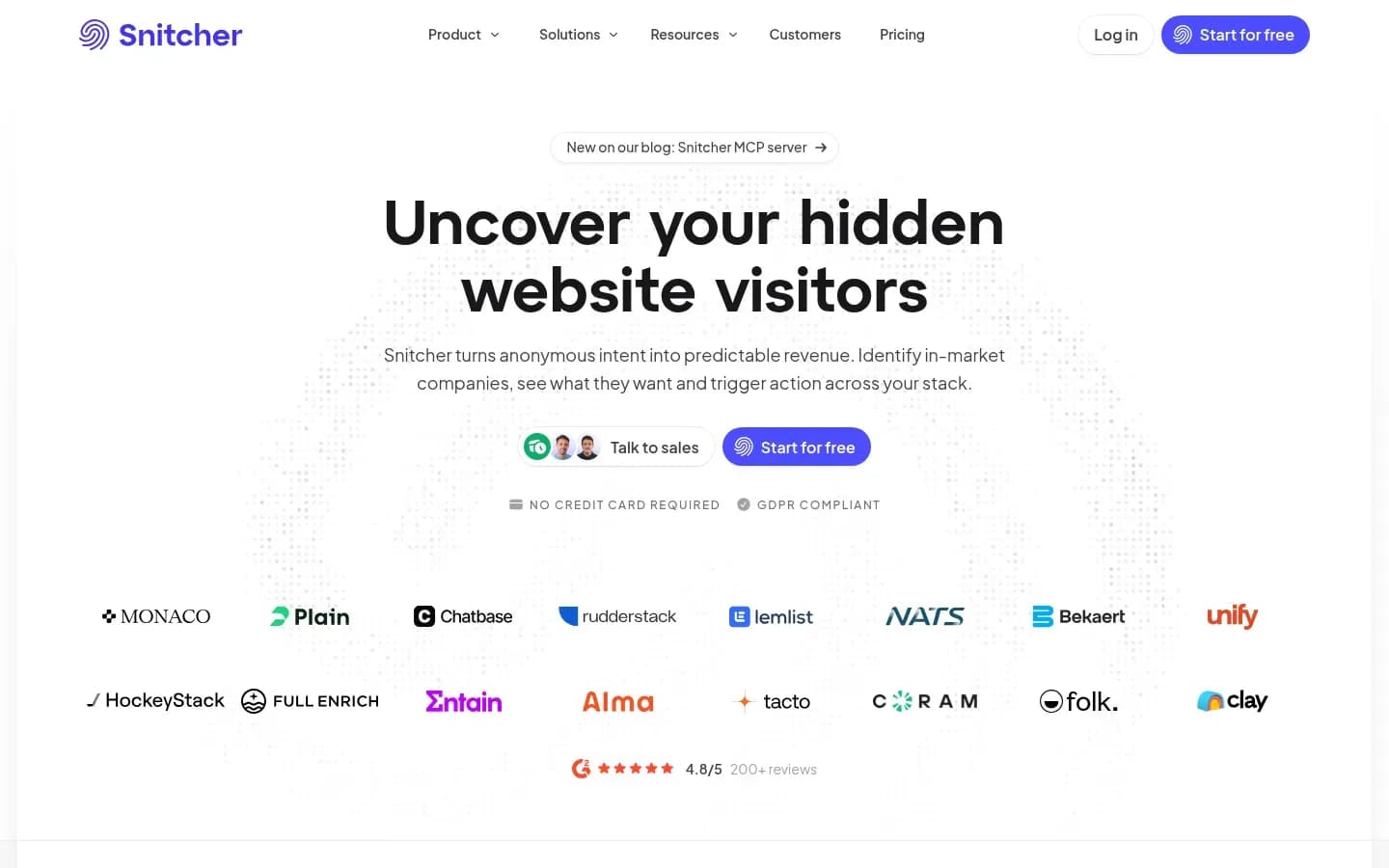
Snitcher gives an agency one workspace per client, each with its own data, users and access under a single agency login, and lets the agency decide for each workspace whether it or the client pays.
Snitcher
Website visitor identification platform that shows which companies visit a site and their intent, for sales, marketing and RevOps teams.
Snitcher identifies the companies visiting a website and runs a dedicated Agency Partner Program, with client workspaces, partner pricing and partner support for agencies managing several clients.
- Free trial
- 14 days, no card needed
- Public API
- Yes
- Compliance
- GDPR
- Ratings
- G2 4.8/5 (247 reviews)
Verdict: Snitcher ranks first because its agency program documents a workspace per client, a choice of payer for each workspace and an install handoff to the client's site owner, plus commission on each account.
Client separation: Each client gets its own workspace, with separate data, users and access. A client's sales team can log in and see only its own identified companies.
Switching and access: The agency manages every workspace from one agency login and moves between clients without logging out and back in.
Billing and payer: When the agency activates a workspace, it picks whether the client pays Snitcher directly or the agency pays for it. The Partnerships view under Settings lists every client with its status, payer and monthly price, which makes a monthly reconciliation quick.
Agency economics: Snitcher pays commission rather than a discount. The agency earns a share of each client's monthly recurring revenue for as long as the client stays active, and the commission does not come out of the client's bill. The share rises by tier:
- Certified, 10%, with no entry requirement
- Bronze, 15%, from EUR 500+ in generated revenue and 2+ active customers
- Silver, 17.5%
- Gold, 20%
- Platinum, 22.5%, from EUR 10,000+ in generated revenue and 50+ active customers
Each tier also includes a monthly allowance of free identifications on the agency's own site, from 100 at Certified to 5,000 at Platinum.
Rollout: Add client creates a workspace from the client's website, name and country and starts its trial. The snippet goes in the page head or through install tabs for Google Tag Manager, WordPress, Webflow, Wix and Squarespace. A Send to client button emails the install steps to whoever manages the site, and each workspace connects the client's own CRM or Slack. For client reports, Snitcher says it links identified companies to the campaigns that brought them in.
Real cost meter: Plans are set by the number of unique companies identified each month, per workspace. A busy client site moves up the scale. White-label use under your own brand sits only on the Custom plan for platforms and developers, not in the standard agency setup.
Snitcher Platform pricing
| Plan | Price | Billing | Notes |
|---|---|---|---|
| Platform 0-50 company IDs |
|
| |
| Platform 51-100 company IDs |
|
| |
| Platform 101-250 company IDs |
|
| |
| Platform 251-500 company IDs |
|
| |
| Platform 501-750 company IDs |
|
| |
| Platform 751-1,000 company IDs |
|
| |
| Platform 1,001-2,000 company IDs |
|
| |
| Platform 2,001-3,000 company IDs |
|
| |
| Platform 3,001-4,000 company IDs |
|
| |
| Platform 4,001-5,000 company IDs |
|
| |
| Platform Custom | Custom pricing |
Best fit: An agency with many B2B clients whose teams will log in themselves, and which wants the freedom to bill some clients directly and absorb others into a retainer.
Limitations: Snitcher's own onboarding guide says it identifies companies on corporate networks, so consumer-focused client sites are unlikely to show results. Commission tiers above Certified also depend on revenue and client counts a new agency will take time to reach.
RB2B
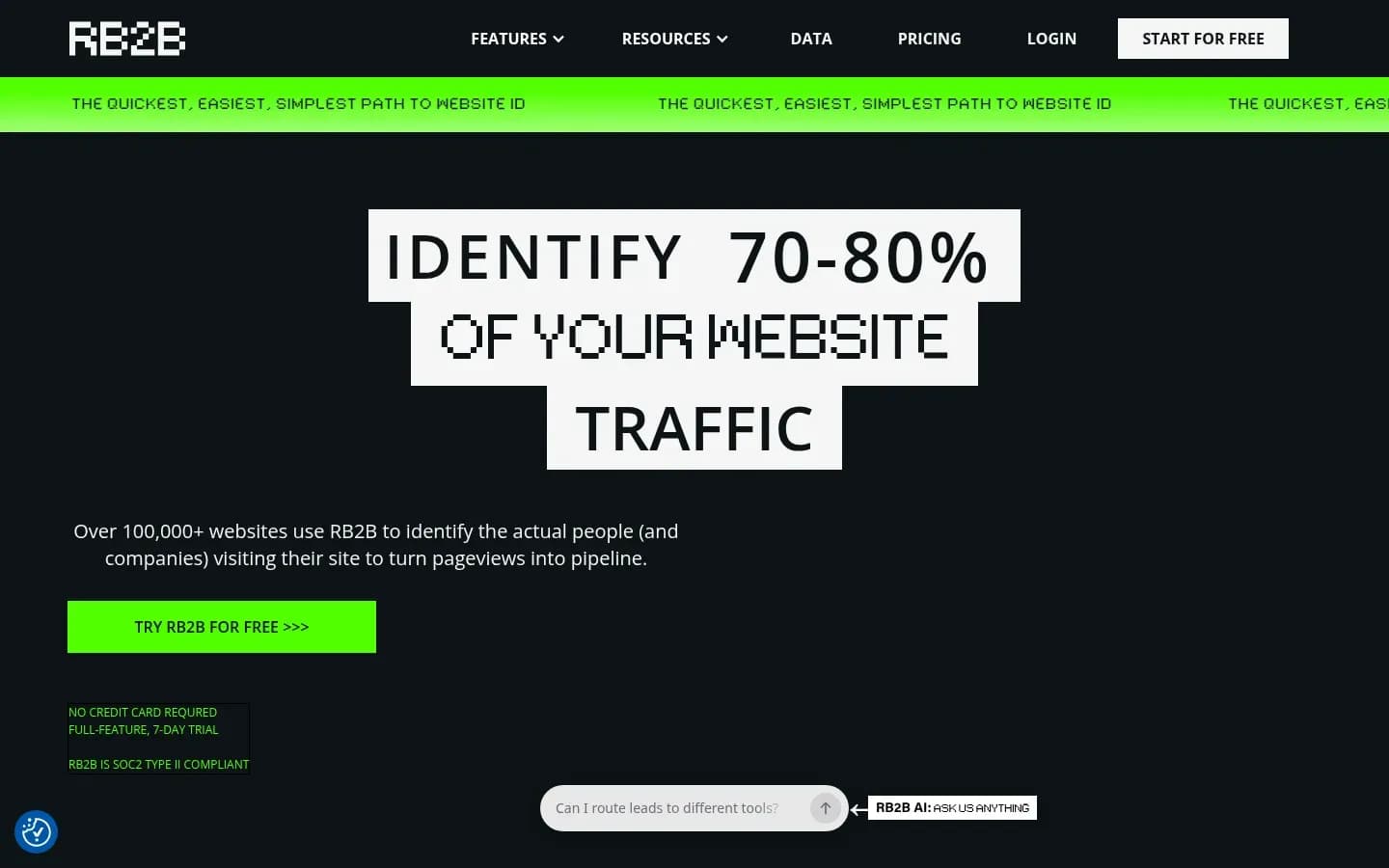
RB2B runs agencies on a master and sub-account structure in which each client sub-account keeps its own data, integrations, subscription and credit pool, and it names people only for US visitors.
RB2B
Website visitor identification tool that identifies visitors and sends their details to Slack, Teams and CRMs, for sales and marketing teams.
RB2B identifies website visitors and sends their details to Slack, Teams and CRMs. Its agency program runs client accounts as sub-accounts under an agency master account.
- Free plan
- Yes
- Free trial
- 7 days, no card needed
- Platforms
- Web
- Compliance
- GDPR, SOC 2
- Ratings
- G2 4.5/5 (284 reviews) · Capterra 1/5 (1 reviews)
Verdict: RB2B is the pick when clients want named people on US traffic, and its sub-accounts keep each client fully sealed off, though the discount rules need reading before an agency moves existing clients across.
Client separation: Each sub-account is siloed from data to integrations. It has its own subscription and its own credit pool, and credits cannot be pooled across clients.
Switching and access: From the master account the agency onboards clients, switches between accounts and sees an aggregate view of activity across its client accounts. Clients keep access to their own dashboards.
Billing and payer: The agency chooses agency billing or client billing for each sub-account, so one client can sit on the agency's card while another pays RB2B directly.
Agency economics: RB2B offers two separate benefits.
- A permanent 20% discount on client sub-accounts in the master and sub-account structure. It applies only to sub-accounts created from the Sub-Account Dashboard with their own subscriptions, not to existing accounts linked in by hand.
- A 20% commission on client spend for as long as the client uses the tool.
Rollout: New client spaces start in the Sub-Account Dashboard, and each one connects its own integrations. An agency can take over management of a client's existing RB2B account only after the client authorises it.
Real cost meter: Usage is counted in monthly resolutions. Overage costs 45 cents per resolution on Starter and 25 cents on Pro and Pro+. Pro and Pro+ can add extra domains for a monthly fee each, up to five.
RB2B pricing
| Plan | Price | Billing | Notes |
|---|---|---|---|
| Free | $0 | per month | |
| Starter | $79 | per month | |
| Pro | $149 | per month | |
| Pro+ | $199 | per month |
Best fit: An agency whose clients sell into the US and want person-level visitor identification sent straight to their sales team, each from its own sub-account.
Limitations: Contact-level identification is US only, while company-level identification is global, so EU and UK clients get companies rather than names. An agency that tries to save money by adding client domains to one account loses separation, because RB2B combines a multi-domain account into one visitor feed.
Leadfeeder
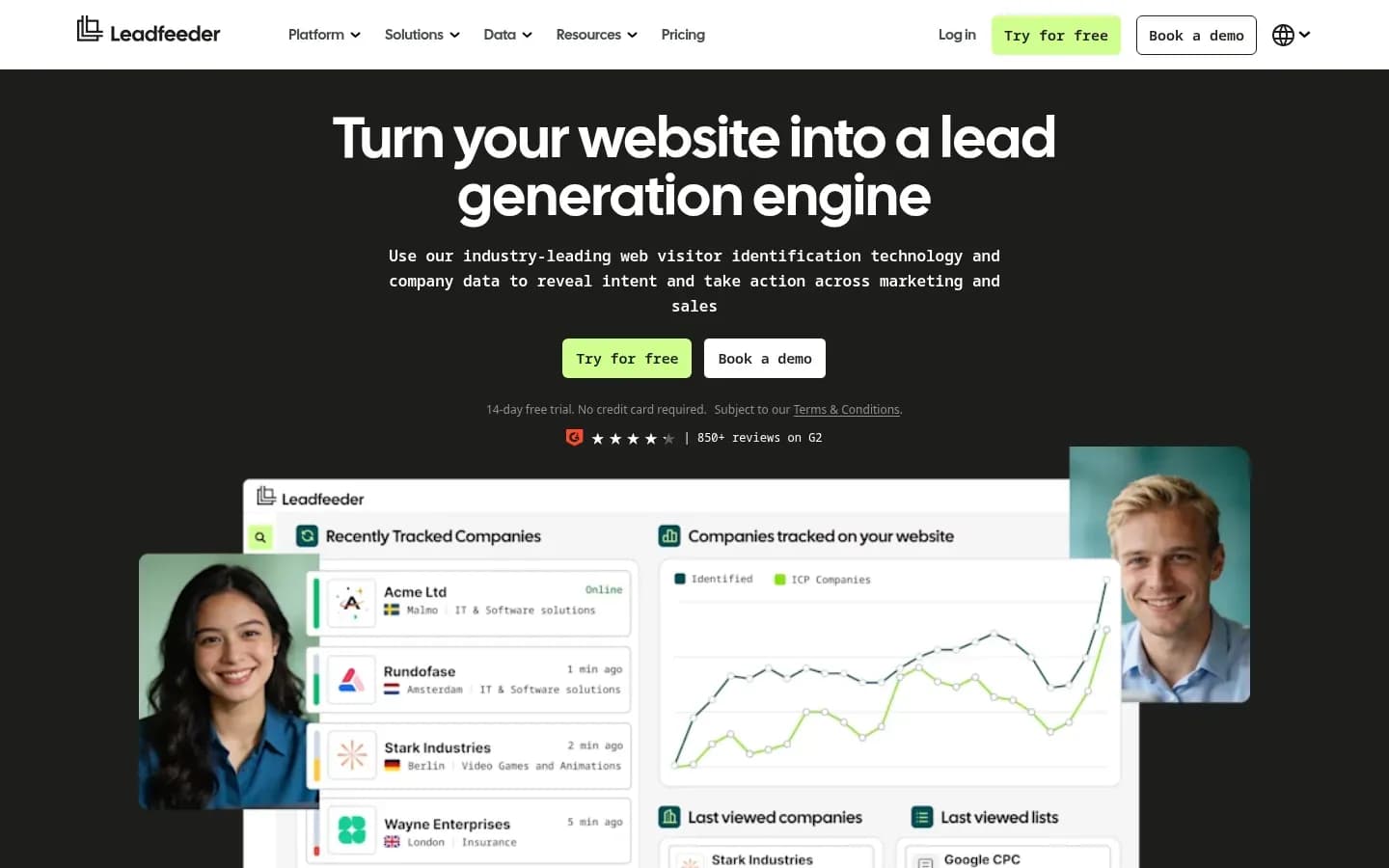
Leadfeeder's help centre recommends that agencies give each client a separate, unconnected account with its own tracking script, data and subscription, because a shared account shows every user every identified company.
Leadfeeder
Website visitor identification software that shows B2B marketing and sales teams which companies visit their site and syncs them to their CRM.
Leadfeeder shows B2B marketing and sales teams which companies visit their site and syncs them to the CRM. Its partner program runs five tracks, two of them built for agencies.
- Free plan
- Yes
- Free trial
- 14 days, no card needed
- Platforms
- API, Chrome extension, Web
- Public API
- Yes
- Compliance
- GDPR, ISO 27001
- Ratings
- G2 4.3/5 (869 reviews)
Verdict: Leadfeeder suits an agency that wants each client to own its account outright, with the vendor's partner tracks deciding whether the agency or Leadfeeder handles the billing.
Client separation: For clients that manage their own accounts, Leadfeeder recommends separate, unconnected accounts. Each has its own tracking script, data set, subscription and payment method.
Switching and access: Users move between accounts linked to the same company from the account menu. A shared account works differently. Every user sees every identified company and draws on one credit pool, which suits an agency's own sites but not its clients.
Billing and payer: Because each unconnected account has its own subscription and payment method, the client can pay Leadfeeder directly with its own payment method.
Agency economics: Two of the five partner tracks fit agencies, and there is no fee to join and no minimum commitment.
- Solutions: For agencies that sell, implement and run Leadfeeder for clients, earning margin or commission while the client stays.
- Sales: For agencies that sell while Leadfeeder bills and supports the client directly, with commission rising as the client base grows.
Rollout: One tracking script can run on multiple websites, up to 150 domains in a single account. That is useful for one client with many regional sites, not for many clients, because a single account shares its data.
Real cost meter: Plans are tiered by identified companies per month and monthly credits. Every plan includes unlimited users, so adding a client's whole sales team does not raise the bill.
Leadfeeder pricing
| Plan | Price | Billing | Notes |
|---|---|---|---|
| Lite | €0 | per month | |
| Discover | €79 | per month, billed annually | |
| Activate | €369 | per month, billed annually | |
| Scale | €599 | per month, billed annually | |
| Enterprise | Custom pricing |
Best fit: An agency that sells and runs the tool as a managed service under the Solutions track, or one that prefers Leadfeeder to invoice and support each client under the Sales track.
Limitations: One Salesforce user token connects to at most four Leadfeeder accounts, which caps how far an agency can run several clients through one Salesforce login.
Leadinfo
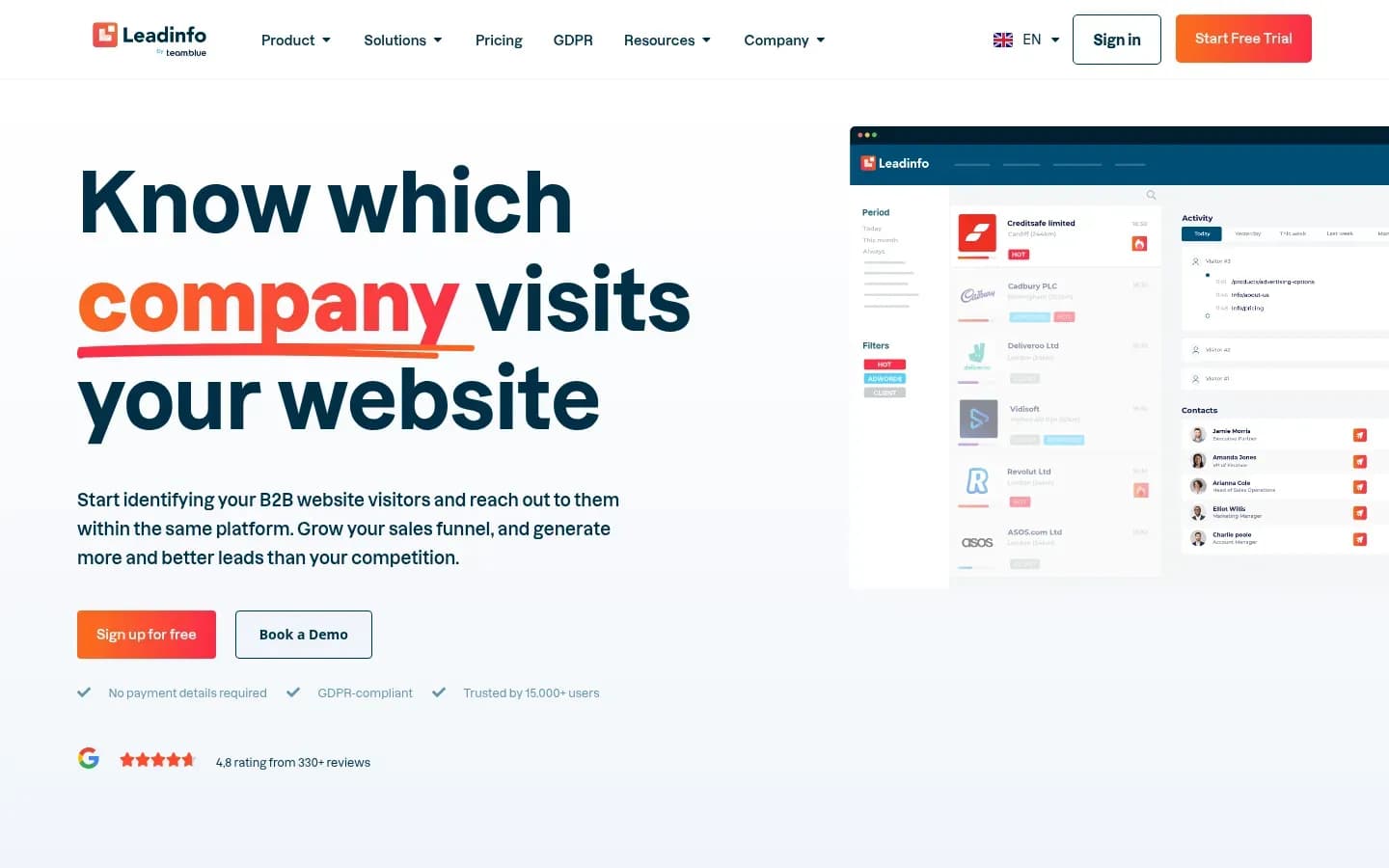
Leadinfo gives agencies a free agency account with unlimited client installs and tracks each client website in its own dashboard and inbox, all inside one account.
Leadinfo
B2B website visitor identification software that links visits to company data so sales and marketing teams can generate leads.
Leadinfo is B2B website visitor identification software that links visits to company data. Its partner program is aimed at marketing, digital and internet agencies.
- Free trial
- 14 days, no card needed
- Compliance
- GDPR
- Ratings
- G2 4.3/5 (836 reviews)
Verdict: Leadinfo is a low-commitment way in for an agency that wants identified companies in its own client reporting, but its single-account model keeps it below Snitcher and RB2B for clients who will log in.
Client separation: One account tracks several websites. Each site has a separate dashboard and inbox, and the user picks which domain to view.
Switching and access: There is no switching between accounts. The agency changes domain inside the same account.
Agency economics: The agency account is free and includes all add-ons. Agencies that resell earn a 15% recurring commission, or pass the 15% on to the client as a discount, and there is no requirement to resell at all. Partner status runs through Certified, Bronze, Silver, Gold and Diamond tiers.
Rollout: Client installs are unlimited on the agency account. After sign-up, a Partner Manager contacts new partners within 24 hours for a kick-off.
Real cost meter: Each added domain counts toward the account's subscription limit, with upgrades handled under Account and Billing. An agency adding many small client sites should watch that limit.
Leadinfo pricing
| Plan | Price | Billing | Notes |
|---|---|---|---|
| Starter |
|
| |
| Scale |
|
| |
| Pro |
|
|
Best fit: An agency adding identified companies to its own reporting across many small client sites, without handing each client a login.
Limitations: Per-domain dashboards sit inside one account, so client users and data are not separated the way sub-accounts or workspaces separate them. A client who needs its own team in the tool is better served elsewhere.
Albacross
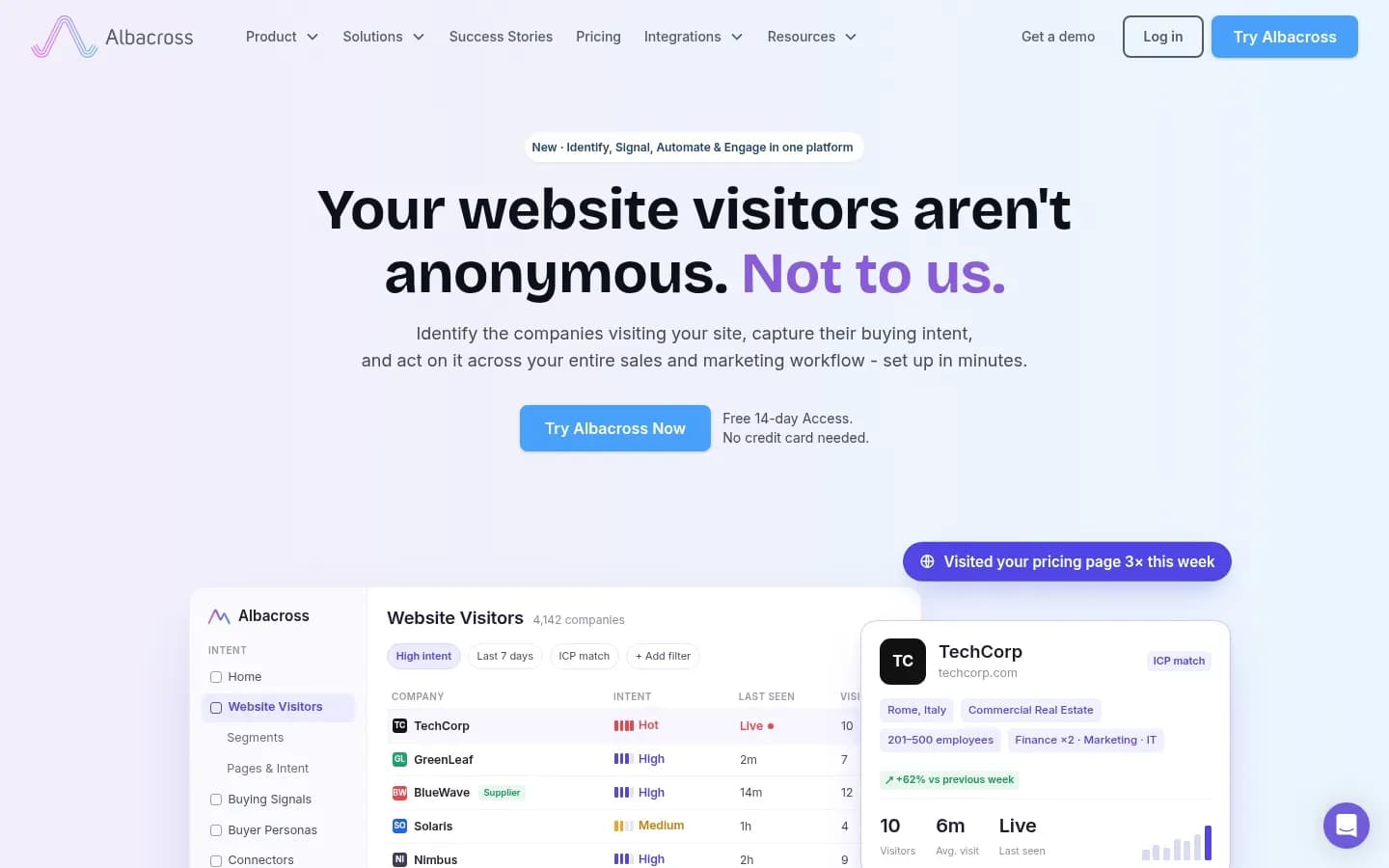
Albacross limits each account to tracking one domain, so an agency runs a separate account per client site and switches between them under one login email.
Albacross
B2B website visitor identification and buying-intent platform that shows sales and marketing teams which companies visit their site and syncs scored accounts to their CRM.
Albacross is a B2B visitor identification and buying-intent platform. It identifies companies from IP data and links repeat visits with first-party cookies.
- Free trial
- 14 days, no card needed
- Platforms
- Chrome extension
- Public API
- Yes
- Compliance
- GDPR
- Ratings
- G2 4.6/5 (129 reviews)
Verdict: Albacross works for an agency handling a client or two account by account, but the one-domain rule makes it slow to scale across a client book.
Client separation: Each account tracks one domain, so every client site is its own account, with its own data.
Switching and access: One email address can hold several accounts, and the agency switches between them from the account name in the dashboard's top-right corner.
Rollout: Each new client means a new account. Tracking more domains on one account goes through Albacross support. Once set up, each account connects to 30+ integrations, including Salesforce, HubSpot, LinkedIn, Slack, Microsoft Teams and Pipedrive.
Real cost meter: Plans are tiered by identified companies per month and include verified email and phone credits. Extra credits come in add-on bundles, for example monthly email credits from 100 credits for EUR 17.00.
Albacross pricing
| Plan | Price | Billing | Notes |
|---|---|---|---|
| Starter |
|
| |
| Professional |
|
| |
| Organisation | Custom pricing |
Best fit: An agency running identification for one or two clients, where a separate account per client is simple to manage.
Limitations: One domain per account means a new account for every client site, so the admin grows with each client an agency adds.
How Do Agencies Keep Client Data Separate In Visitor Identification Tools?
Adding client domains to one visitor identification account does not separate client data, because RB2B merges a multi-domain account into one visitor feed and Leadfeeder shows every user of a shared account every identified company. Real separation comes from sub-accounts, client workspaces or separate accounts.
The four models differ in who can see what.
- Sub-accounts under a master: The agency holds a master account, and each client sits in its own sub-account with its own data, integrations and credits.
- Client workspaces under an agency login: The agency logs in once and moves between client workspaces, each with separate data, users and access.
- Separate, unconnected accounts: Each client has an account of its own, with its own script and subscription.
- Several domains in one account: Every client site lives inside the same account. Some tools give each domain a dashboard, others merge the data.
Client separation models
| Model | How it works | Who sees what | Tools |
|---|---|---|---|
| Sub-accounts under a master | Client sub-accounts under agency master | Each client sees its own | RB2B |
| Client workspaces | Workspaces under one agency login | Each client sees its own | Snitcher |
| Separate accounts | Own script, data and subscription | Each client sees its own | Leadfeeder, Albacross |
| Several domains, one account | Domains share one account | Account users see all domains | Leadinfo, shared RB2B or Leadfeeder |
The first three models keep each client sealed off. The difference is how much admin they cost the agency. Snitcher and RB2B keep every client under one agency login with central switching. Leadfeeder's separate accounts each carry their own subscription and payment method. Albacross separates clients by necessity, because one account can only track one domain.
The fourth model is where agencies get caught out. Leadinfo's per-domain dashboards keep each site's identified companies in its own view, which is tidy for agency reporting. Users and the subscription are still shared, though. RB2B and Leadfeeder both allow one account across several domains, and both say so plainly. RB2B combines the visitor data into one feed. Leadfeeder's shared account lets every user see every identified company from one credit pool.
The decision rule is simple. If a client's sales team will log in, use a model where users and credits belong to that client, meaning sub-accounts, workspaces or separate accounts. Keep several-domains-in-one-account setups for the agency's own monitoring across client sites, where no client will see the data.
How To Roll Out Visitor Identification Across Client Sites
Roll out visitor identification across client sites by building each client's own space first, reusing one install route, handing the install to the site owner and connecting the client's own CRM or Slack, once the client's traffic checks out.
Snitcher's client onboarding guide says a site with a few hundred business visitors a week should show identified companies within days, while consumer-focused sites are unlikely to show results. So check the client's traffic before promising anything. After that, the work repeats from client to client, so the aim is to build the steps once and reuse them. The general mechanics of how to install a website visitor identification tool are the same for every vendor. What an agency adds is the client layer around them.
- Create the client's own space first, with Add client in Snitcher or the Sub-Account Dashboard in RB2B
- Reuse one install route for every client, Google Tag Manager or the CMS tab
- Send the install steps to whoever owns the client's site
- Check the client's consent tool, since it can block the snippet
- Confirm the client has business traffic before promising results
- Build two or three starter segments and save them as a template
- Connect the client's own CRM or Slack inside its space
Create the client space first: Snitcher's Add client builds a workspace from the client's website, name and country. RB2B's discount applies only to sub-accounts created from its Sub-Account Dashboard, so starting there matters for the margin as well as the setup.
Reuse one install route: Snitcher offers install tabs for Google Tag Manager, WordPress, Webflow, Wix and Squarespace. An agency that standardises on Google Tag Manager writes one internal guide and uses it on every client.
Hand the install to the site owner: Snitcher's Send to client button emails the install steps to whoever manages the site. That avoids chasing a client's developer for admin access.
Check consent tooling: If no companies appear within a day despite traffic, Snitcher's guide says the snippet may be missing from pages or blocked by a consent tool. Check the consent setup on day one.
Reuse a starter template: Snitcher's guide suggests two or three starter segments, such as ideal customer profile, pricing-page visitors and returning visitors. Build them once and copy them to each new client.
Connect the client's own tools: Each Snitcher workspace and each RB2B sub-account connects its own CRM or Slack, so identified companies land in the client's systems rather than the agency's.
How To Report Identified Companies To Clients
Report identified companies to clients as named, in-profile accounts tied to the campaigns that brought them in and handed to sales, not as a click count. In 6sense's 2025 Buyer Experience Report of nearly 4,000 B2B buyers, buyers initiated 79% of engagements with sellers, so the companies already on a client's site are the ones worth naming.
The same 6sense study found first contact with sellers came at 61% of the buying journey. By the time a prospect fills in a form, it is often already comparing vendors. The companies on a client's site before that point are the ones a report should surface.
A useful client report covers three things.
- Companies tied to campaigns: Snitcher says it links identified companies to the campaigns that brought them in, so an agency can show which companies a client's ad spend reached, what they read and which became pipeline.
- Activity across clients: RB2B's master account gives the agency an aggregate view of activity across its client accounts, which helps spot which clients need attention before the monthly call.
- Segment counts: The number of companies in each starter segment, such as in-profile accounts and pricing-page visitors, shows the client where interest is building.
Report the pipeline handed to sales, not raw match counts. A client cares which in-profile companies looked at pricing and which of them became meetings. A total of identified companies says little on its own, because it rises with traffic whether or not the right buyers came. Agree up front with the client's sales team which accounts count as in-profile and how to route identified accounts to sales, so the report measures what they acted on.
What Visitor Identification Costs An Agency To Run
What a visitor identification tool costs an agency depends on each client's meter, such as RB2B's monthly resolutions or Snitcher's identified companies, and on whether the agency is paid by a discount, as with RB2B's 20% off sub-accounts, or by commission.
Plan prices sit in each tool's pricing table above. The table here covers what moves a client's bill and how the agency earns on it. Albacross's meter, identified companies plus verified email and phone credits, is covered under the usage meters below.
Per-client cost and agency payout
| Tool | Per-client meter | Add-ons that raise the bill | How the agency is paid |
|---|---|---|---|
| Snitcher | Identified companies per month | Higher company tiers | Commission, 10% to 22.5% |
| RB2B | Monthly resolutions | Overage, extra domains | 20% discount plus 20% commission |
| Leadfeeder | Identified companies and credits | Higher tiers, more credits | Solutions margin or Sales commission |
| Leadinfo | Domains toward subscription limit | Upgrades for more domains | 15% commission or client discount |
Discount versus commission: A discount lowers what the agency pays the vendor. It only becomes the agency's margin when the agency pays for the account and bills the client its own price. A commission is paid on top of what the client pays, so the agency earns even when the client is billed directly. RB2B offers both, a 20% discount on sub-accounts created from its dashboard and a 20% commission on client spend. Snitcher pays commission only, from 10% to 22.5% by tier, and the commission does not come out of the client's bill. Leadinfo pays a 15% recurring commission, or lets the agency pass the 15% to the client as a discount.
Who pays decides the margin: Snitcher and RB2B let the agency choose, per client, whether the client or the agency pays. If the client pays, the agency's income is the commission. If the agency pays, the agency can mark the tool up inside the retainer, and RB2B's discount widens the gap.
Watch the usage meters: RB2B's overage runs at 45 cents per resolution on Starter and 25 cents on Pro and Pro+, and each extra domain adds a monthly fee, up to five. Albacross sells extra email credits in bundles, for example 100 monthly credits for EUR 17.00. A client whose traffic jumps after a campaign can push these costs up mid-month.
Is Visitor Identification GDPR Compliant For Agency Clients?
Under the European Commission's GDPR guidance, a data processor must notify every data breach to the data controller, so an agency running visitor identification for a client carries processor duties whatever the vendor says about its own compliance. The client is normally the controller for its own site.
The same guidance says the controller and the processor must ensure that anyone processing personal data under their authority does so only on the controller's instructions, unless the processing is based on law. For an agency, that sets out a clear chain of roles. The basics of what is website visitor identification and how matching works sit underneath this, but the agency's own position is what changes.
- The client: Normally the controller for its site, deciding why visitor data is processed.
- The agency: Acting on the client's behalf when it installs and runs the tool, so it takes on processor duties, including acting only on instructions and reporting breaches to the client.
- The vendor: Sits beneath the agency in the chain, processing the data the tool collects.
Agree these roles in writing before installing anything on a client's site. A vendor's compliance claim, such as Albacross's own statement that it is GDPR and CCPA compliant, is the vendor's statement about its own product. It does not settle the agency's duties or the client's.
Consent is the practical side of the same question. Snitcher's onboarding guide notes that a consent tool can block the snippet, so the client's consent setup decides both what is lawful and what data arrives.
This section is general information, not legal advice.
Which Visitor Identification Tool Should An Agency Choose?
An agency whose clients will log in themselves should choose a tool with per-client workspaces or sub-accounts, such as Snitcher or RB2B, and keep single-account tools like Leadinfo for its own reporting across client sites. The right pick then depends on where clients sell and who bills them.
Match the tool to the agency's situation.
- Many B2B clients who log in: Choose Snitcher, for client workspaces and a choice of who pays per workspace.
- US clients who want named people: Choose RB2B, for siloed sub-accounts and contact-level identification in the US.
- A managed service, or vendor billing: Choose Leadfeeder, through its Solutions track to run the tool for clients or its Sales track to let Leadfeeder bill them.
- Agency reporting across many small sites: Choose Leadinfo, for a free agency account and a dashboard per domain.
- One or two clients, account by account: Choose Albacross, since each account tracks one domain.
Best for
- Agencies with many B2B clients whose teams log in, with client or agency paying
Not for
- Agencies whose clients run consumer-facing sites
Best for
- Agencies with US clients that want named people sent to sales
Not for
- Agencies whose clients need named people in the EU or UK
Best for
- Agencies that sell, implement and run the tool, or want the vendor to bill clients
Not for
- Agencies wanting every client under one login with central switching
Best for
- Agencies adding identified companies to their own reporting across many small client sites
Not for
- Clients whose own sales team needs separate logins and data
Best for
- Agencies serving one or two clients, account by account
Not for
- Agencies rolling identification out across a large client book
Two questions settle most choices. First, will the client's team log in? If yes, rule out a shared account and pick Snitcher, RB2B or Leadfeeder's separate accounts. Second, who sends the invoice? Snitcher and RB2B let the agency choose per client, Leadfeeder splits it by partner track, and Leadinfo's single account suits an agency that keeps the tool in-house.
How To Evaluate Visitor Identification Software Before You Commit
Before committing to visitor identification software for clients, an agency should confirm that each client gets its own users, data and credits, because RB2B, for one, does not pool credits across sub-accounts and Leadfeeder pools them in a shared account.
Ask each vendor these questions before signing the first client.
- Does each client get its own users, data and credits?
- Can the agency or the client be billed, client by client?
- Does the agency discount apply to existing client accounts?
- Where does person-level identification work?
- How many domains does one account track?
- How many accounts can one CRM login connect?
- What does the client need on its site to see results?
- Can the agency trial the tool on one real client site?
The answers differ more than the marketing suggests. RB2B's discount covers sub-accounts created from its dashboard, not existing accounts linked in by hand. RB2B names people only in the US. Leadfeeder tracks up to 150 domains in one account, while Albacross tracks one per account. One Salesforce user token connects to at most four Leadfeeder accounts. Snitcher says consumer-focused sites are unlikely to show results.
Run a trial on one real client site with business traffic before rolling out to the rest. One clean rollout shows the match volume, the reporting and the admin load better than any feature list.
Frequently Asked Questions
Snitcher's Custom plan for platforms and developers includes white-label use under an agency's own brand, along with a data-only option.
Can agencies white-label visitor identification tools?
Yes, with Snitcher's Custom plan. Snitcher's Custom plan for platforms and developers includes white-label use under your own brand, along with a data-only option. Snitcher places it outside the standard agency setup, so an agency that wants a branded client service plans for the Custom plan rather than the partner program.
Can one tracking script cover several client websites?
Yes, but the data is then shared. Leadfeeder lets one tracking script run on up to 150 domains in a single account, and RB2B adds domains on Pro and Pro+. Both combine the data, so this suits one client's many sites rather than many clients, who need sub-accounts, workspaces or separate accounts.
Do agencies earn commission for reselling visitor identification tools?
Yes, with Snitcher, RB2B, Leadinfo and Leadfeeder. Snitcher pays 10% to 22.5% of each client's monthly recurring revenue by partner tier. RB2B pays 20% commission on client spend. Leadinfo pays a 15% recurring commission or lets the agency pass it on as a discount. Leadfeeder's Solutions and Sales partner tracks pay margin or commission while the client stays.
Does person-level visitor identification work outside the US?
Not with RB2B, the one person-level tool in this shortlist. RB2B states that contact-level identification is US only, while its company-level identification is global. For EU and UK clients, an agency should plan on company-level results, which Snitcher, Leadfeeder, Leadinfo and Albacross also provide, rather than named people.
Sources
Sources