The clearest record of what AI bots ask for, and what they get back, sits in your server or CDN logs. These five tools read that record.
The picks apply when you can export or stream server or CDN logs, or when your site already runs through Cloudflare. Crawler analytics shows which AI bots fetch your pages and what they get back, not whether AI answers cite you, so pair it with citation tracking.
Best AI Crawler Analytics Tools Comparison
The best AI crawler analytics tools for most B2B teams are Cloudflare AI Crawl Control for sites on Cloudflare, JetOctopus for verified log analysis with real-time alerts, Botify and Oncrawl for enterprise SEO platforms, and Screaming Frog Log File Analyser for low-cost desktop audits.
The five tools differ most on where their data comes from and how they decide a bot is genuine. The table sets those differences side by side:
AI crawler analytics tools at a glance
| Tool | Pricing model | Data source | Bot identification | Best for |
|---|---|---|---|---|
| Cloudflare AI Crawl Control | Cloudflare edge | By crawler and operator | Sites already on Cloudflare | |
| JetOctopus | Paid | CDN logs, Nginx stream | Reverse DNS, vendor IP ranges | Verified logs and real-time alerts |
| Botify | Raw logs via CDN, daily | Training, assistant, indexation groups | Enterprise SEO platform teams | |
| Oncrawl | Server logs | User agent plus IPs | Existing Oncrawl teams | |
| Screaming Frog Log File Analyser | Imported log files | Presets, optional IP check | Periodic desktop log audits |
Read the bot identification column first. A count of AI bots built on user-agent strings alone can include spoofed traffic, so a tool that checks IP addresses or runs reverse DNS gives a cleaner number. The data source column comes next. It shows the setup each tool needs, from nothing at the Cloudflare edge to a CDN log feed or a manual import.
- Cloudflare AI Crawl ControlBest for sites already on Cloudflare
- JetOctopusBest for verified logs and real-time alerts
- BotifyBest for enterprise SEO platform teams
- OncrawlBest for existing Oncrawl teams
- Screaming Frog Log File AnalyserBest for periodic desktop log audits
Cloudflare AI Crawl Control ranks first because it pairs per-crawler status codes and paths with an allow or block switch, with no log pipeline to build. JetOctopus ranks second as the one tool here that documents reverse DNS on every request, backed by real-time Log Alerts. Botify ranks third for setting AI bot activity against Search Console impressions. Oncrawl ranks fourth because it separates training from user bots, but each bot needs switching on and can raise the log line quota. Screaming Frog Log File Analyser ranks fifth because its data is only as current as the last import.
How We Chose These Tools
Each tool on this list had to report AI crawler activity from server logs or the CDN edge, and name AI bots such as GPTBot and ClaudeBot, or the operators behind them.
Five tools were considered against that bar, and all five made the list. Prompt-tracking AI visibility tools were left out, because they capture AI answers rather than the bot requests that reach your server.
The ranking weighed five things:
- Bot verification. How the tool proves a bot is genuine, by reverse DNS, published IP ranges or user agent alone.
- AI bot coverage. Which crawlers it names, across training, search and user-triggered bots.
- Log source and freshness. Where the data comes from and how quickly it appears.
- Crawl failure views. How clearly it shows 4xx and 5xx responses, redirects and pages bots never reach.
- Running cost. What meter drives the bill as log volume and team size grow.
Vendor claims are reported as vendor claims, and features in beta do not count toward a ranking.
Cloudflare AI Crawl Control
Cloudflare AI Crawl Control (formerly AI Audit) runs on every Cloudflare plan and shows each AI crawler's requests, response codes and most-requested paths at the edge, with a per-crawler allow or block switch beside the data.
Cloudflare AI Crawl Control
Cloudflare AI Crawl Control is Cloudflare's built-in view of AI crawler traffic. It serves teams whose site already runs through Cloudflare and who want to see and control AI bots in the same place.
Verdict: A direct way to see and control AI crawlers on a site already behind Cloudflare, with no log export to set up.
What it does: Cloudflare AI Crawl Control shows which AI services access a site's content, lets owners allow or block individual crawlers and tracks robots.txt compliance. Its analytics show total, allowed and unsuccessful requests, and a status code distribution from 2xx to 5xx, with 403 blocked and 402 payment-required responses in the 4xx band. Most popular paths and filters by date, crawler, operator, hostname and path show which URLs each bot asked for.
AI bot coverage: Crawlers are grouped by operator, including OpenAI, Microsoft, Google, ByteDance, Anthropic and Meta. Requests can be charted over time by crawler, category, operator or host.
Log data and bot checks: The data comes from Cloudflare's own edge and works automatically on all Cloudflare plans, so there is no log export or integration step. Per-crawler detection IDs are for Bot Management customers.
Pricing:
Real cost driver: The core analytics come with the Cloudflare plan a site already runs. Referral analytics need a paid plan, and per-crawler Security Analytics and detection IDs are for Bot Management customers.
Best fit: Teams whose site already runs through Cloudflare and who want control and analytics without a log pipeline. It does not suit sites served through another CDN.
Limitations:
JetOctopus
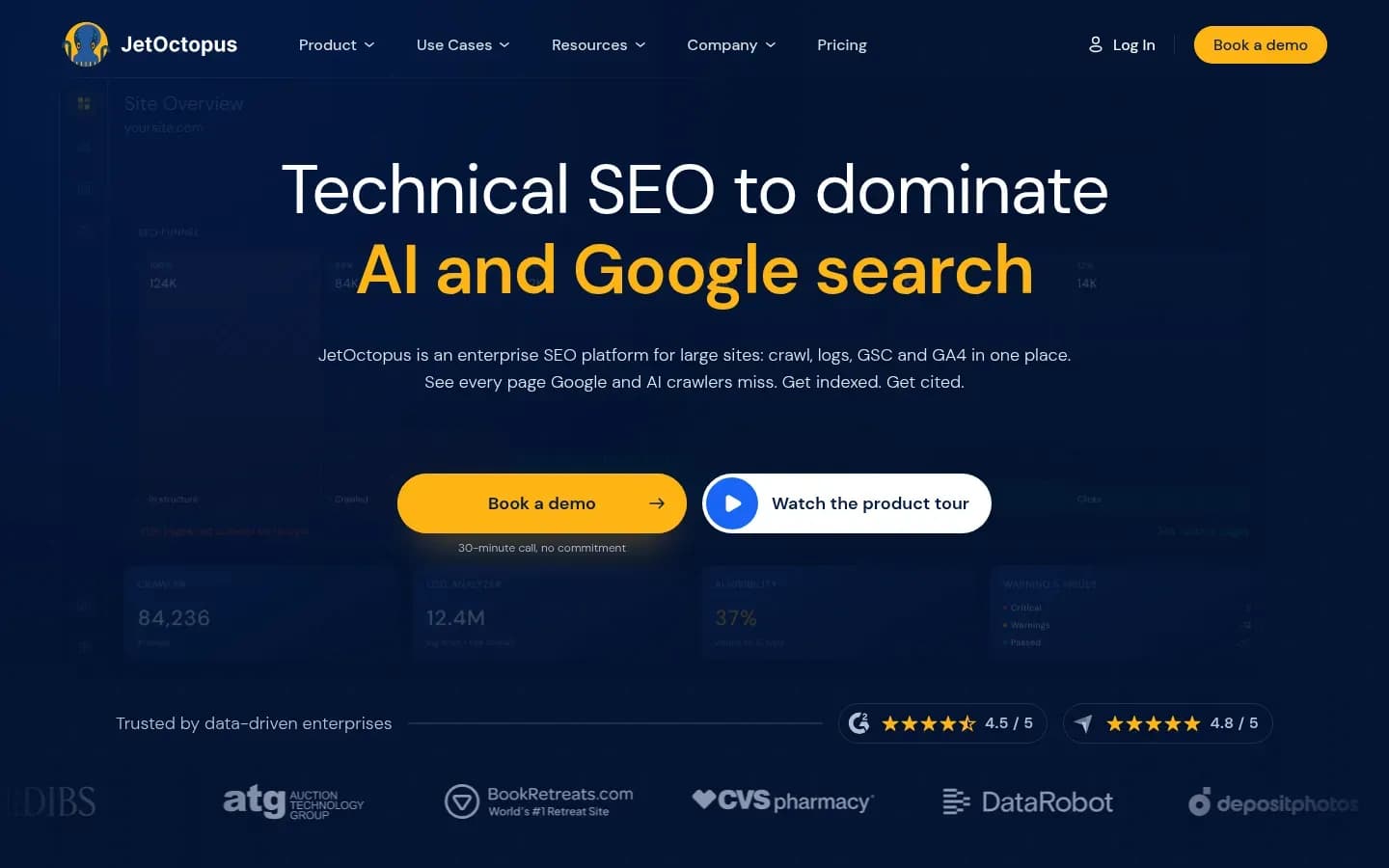
JetOctopus verifies AI bot visits by running a reverse DNS lookup on every request, reports the status codes GPTBot, ClaudeBot and PerplexityBot receive, and sends real-time Log Alerts to email, Slack or MS Teams.
JetOctopus
Cloud technical SEO platform combining a site crawler with log analysis and Search Console data for large websites.
JetOctopus is a cloud technical SEO platform that keeps logs, crawl and Search Console data in one place. It serves technical SEO teams on larger sites that need verified AI bot data and alerts.
- Platforms
- Web
- Public API
- Yes
- Compliance
- GDPR
Verdict: The one tool here that documents a reverse DNS check on every request, paired with detailed failure views and real-time alerts.
What it does: JetOctopus tracks AI crawler activity across a site, showing crawl distribution by section, visit frequency and crawl waste on parameter URLs and redirect chains. It shows the status codes returned to bots, including 404s, 301 and 302 chains and 5xx errors, plus pages with no AI bot hits and slow pages. Log Alerts run in real time with no extra crawls and fire when AI bots hit non-indexable pages or fail to reach the homepage.
AI bot coverage: It recognises 40+ preconfigured bots, including GPTBot, OAI-SearchBot, ChatGPT-User, ClaudeBot, anthropic-ai, Claude-User, Claude-SearchBot, PerplexityBot and Perplexity-User.
Log data and bot checks: Cloudflare, AWS CloudFront, Google Cloud CDN, Fastly, Akamai, Azure Front Door, Vercel and Shopify connect natively, and real-time data comes through the Nginx stream integration. JetOctopus runs a reverse DNS lookup on every request and checks bots against vendor IP ranges, filtering out traffic that pretends to be Googlebot or an AI agent.
Pricing:
JetOctopus pricing
| Plan | Price | Billing | Notes |
|---|---|---|---|
| Growth (in-house teams) | $349 | per month, billed annually | |
| Growth (agencies tab) | $409 | per month, billed annually | |
| Growth (in-house teams, Quarterly) | $459 | per month | |
| Growth (agencies tab, Quarterly) | $549 | per month | |
| Pro (agencies tab) | $809 | per month, billed annually | |
| Pro (in-house teams) | $809 | per month, billed annually | |
| Pro (agencies tab, Quarterly) | $1,089 | per month | |
| Pro (in-house teams, Quarterly) | $1,089 | per month | |
| Ultra (in-house teams) | $1,559 | per month, billed annually | |
| Ultra (agencies tab) | $1,729 | per month, billed annually | |
| Ultra (in-house teams, Quarterly) | $2,069 | per month | |
| Ultra (agencies tab, Quarterly) | $2,299 | per month | |
| Unlimited (agencies tab) | Custom pricing | ||
| Unlimited (in-house teams) | Custom pricing |
JetOctopus lists in-house team plans separately from agency plans, and the in-house plans are the ones that apply to this reader.
Real cost driver: JetOctopus states that its packages carry no log line limits. The package tiers themselves sit in the pricing widget.
Best fit: Larger sites on one of the supported CDNs that want verified AI bot data with alerting. Teams that only open a log file a few times a year will use a fraction of it.
Limitations: The native Cloudflare integration is for Cloudflare Enterprise, and orphan page views come from crawl data rather than logs.
Botify
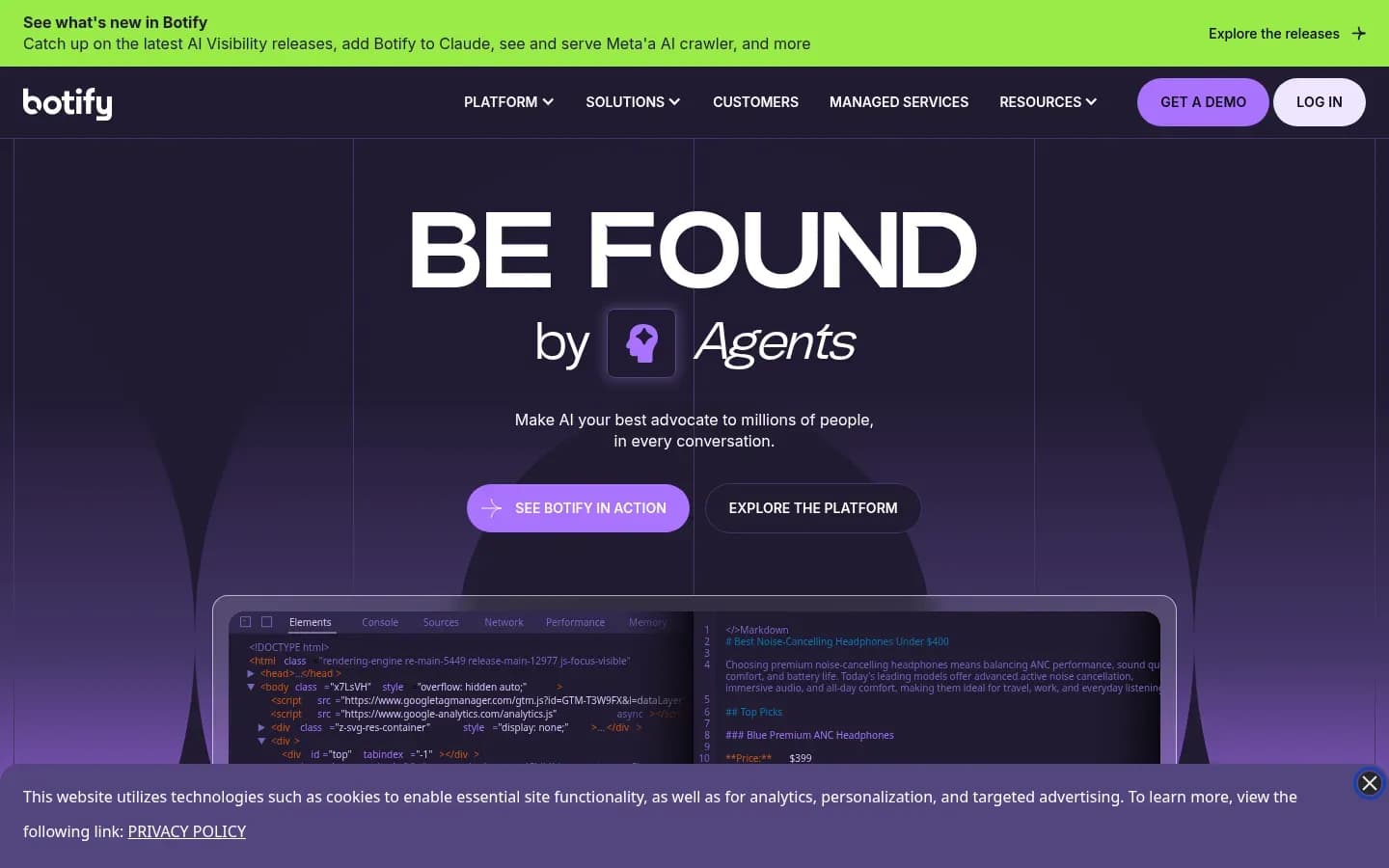
Botify's LogAnalyzer reads raw server logs from the CDN, refreshes daily and splits AI crawlers into training, assistant and indexation bots, then sets their activity beside Google Search Console impressions in its AI Discovery report.
Botify
AI search optimization platform for enterprise and growth-stage websites, covering technical SEO, AI search visibility and bot management.
Botify is an AI search optimization platform for enterprise and growth-stage websites. It serves SEO teams that want AI bot crawl data in the same platform as their crawl and Search Console reporting.
Verdict: A strong choice for enterprise SEO teams that want AI bot activity read against search performance inside one platform.
What it does: LogAnalyzer covers GPTBot, ChatGPT-User, OAI-SearchBot, PerplexityBot and ClaudeBot. The AI Discovery report compares bot behaviour with Google Search Console impressions, and an AI Bots in Search report template sits beside it. Botify also publishes log studies drawn from its own dataset, which are the vendor's own research rather than independent figures.
AI bot coverage: Botify sorts AI crawlers into three groups:
- Training bots: GPTBot, ClaudeBot, CCBot, Bytespider, FacebookBot, Meta-ExternalAgent and YouBot
- AI assistant bots: ChatGPT-User and PerplexityBot
- Indexation bots: AmazonBot and OAI-SearchBot
These are labelled as OpenAI Bots or Other AI Bots, and LogAnalyzer filters the data by bot.
Log data and bot checks: LogAnalyzer uses raw web server log files reached through the CDN, with data refreshed daily.
Pricing:
Real cost driver: Pricing is set through a demo booking. Bot data also depends on integrating web server logs with the Botify project, so log delivery is part of the setup work.
Best fit: Enterprise SEO teams already working in Botify, or choosing a platform for crawl, logs and search data together. It is more platform than a team needs for a one-off check of AI bot access.
Limitations: Bot activity appears only once web server logs are integrated with the Botify project, and AI search traffic also needs third-party analytics data.
Oncrawl
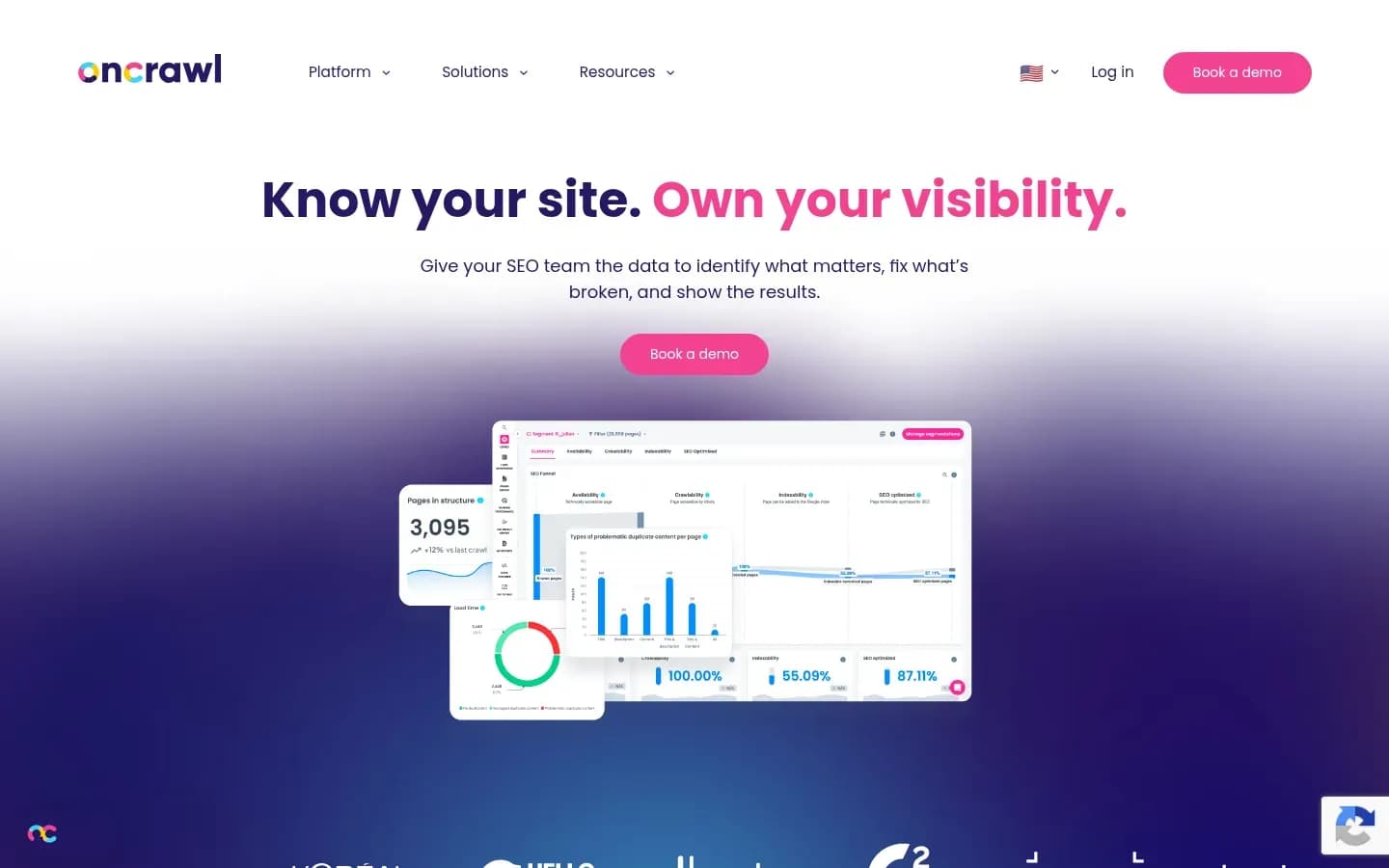
Oncrawl's Log Monitoring identifies OpenAI, Perplexity, Claude and Mistral bots by user agent and published IP addresses, but an Oncrawl CSM or technical support must enable each bot's detection, and that can raise the daily log line quota.
Oncrawl
Cloud technical SEO platform that combines crawl, log and performance data for SEO teams.
Oncrawl is a cloud technical SEO platform that combines crawl, log and performance data. It serves SEO teams already on Oncrawl that want AI bot activity beside their crawl data.
- Free plan
- Yes
- Platforms
- Web
- Public API
- Yes
- Compliance
- GDPR, ISO 27001, SOC 2
Verdict: A sound choice for teams already on Oncrawl, provided they plan for the setup step and the effect on their log line quota.
What it does: The Log Analyzer separates AI training bots from AI user bots and cross-analyses SEO metrics with bot activity. Automated alerts flag regressions.
AI bot coverage: Log Monitoring detects four operators:
- OpenAI: GPTBot, OAI-SearchBot and ChatGPT-User
- Perplexity: PerplexityBot and Perplexity-User
- Claude: ClaudeBot, Claude-User and Claude-SearchBot
- Mistral: MistralAI-User
Log data and bot checks: Oncrawl reads server logs once log monitoring is active, and it matches the user-agent string and the public IP addresses each platform publishes. Its help page lists IP ranges for OpenAI and Perplexity but not for Claude and Mistral, so Claude and Mistral hits rest more on the user agent.
Pricing:
Free option: Free plan. Plans and prices on Oncrawl’s site →
Real cost driver: The bill tracks a daily log lines quota, and Oncrawl warns that enabling several bots can significantly increase it.
Best fit: Teams already running Oncrawl for crawl data that want AI bots in the same reports. It suits less well a team that wants AI bot tracking without a support request for each bot.
Limitations: Log monitoring must be active, an Oncrawl CSM or technical support must enable detection for each bot, and bot activity stays hidden unless the user agent and IP address are present in your logs.
Screaming Frog Log File Analyser
Screaming Frog Log File Analyser imports server logs by drag and drop, ships presets for GPTBot, OAI-SearchBot, ClaudeBot and PerplexityBot, and can check each bot against publicly confirmed IP lists before it reports requested URLs and response codes.
Screaming Frog Log File Analyser
Screaming Frog Log File Analyser is a desktop app for analysing server log files. It serves technical SEOs who audit server logs from time to time rather than monitor them continuously.
Verdict: The low-cost route to a thorough AI bot audit, for teams that can work with imported log files.
What it does: It analyses raw server access logs that you drag and drop into a desktop project, with events over time, IPs and countries alongside the bot views. The URLs tab lists request counts and response codes for each URL, and a Response Codes tab breaks responses down from 2XX to 5XX. User Agents, Referers and Directories tabs show which bot asked for which section.
AI bot coverage: Presets cover GPTBot, OAI-SearchBot, ChatGPT-User, ClaudeBot, Claude-User, PerplexityBot, Perplexity-User and CCBot, and custom user agents can be added.
Log data and bot checks: The data is whatever log files you import, so it is as fresh as your last export. An optional setting verifies bots on import by a lookup against publicly confirmed IP lists.
Pricing:
Real cost driver: Licences are per user and last one year, with bulk discounts from 5 licences. Without a licence, the app keeps the same features within a 1,000-line log event limit and one project. A licence removes the project cap and sets the log event ceiling by hard drive capacity.
Best fit: Small teams and consultants running periodic AI bot audits on a tight budget. Its data is only as current as the last import, so it fits batch reviews better than continuous monitoring.
Limitations: Logs come from files you import into the desktop app, and each user needs their own licence.
What Is AI Crawler Analytics?
AI crawler analytics is the practice of reading server or CDN logs to see which AI bots request which URLs, how often and with what response, and it matters because AI bots averaged 4.2% of HTML requests in 2025 on Cloudflare's network. That share sits just under Googlebot's 4.5% on the same network.
The same Cloudflare Radar 2025 Year in Review found that user-action crawling grew more than 21 times from January to early December 2025, and that training crawling ran at 7 to 8 times search crawling at its peak. Cloudflare also sells AI Crawl Control, so these are a vendor's network figures, not an independent study.
AI bots fall into three groups by purpose, and the AI vendors' own documentation names each one:
- Training crawlers collect content that may be used to train models, such as OpenAI's GPTBot and Anthropic's ClaudeBot.
- Search crawlers index pages so they can appear in AI search results, such as OAI-SearchBot and Claude-SearchBot.
- User-triggered agents fetch a page when a person's question needs it, such as ChatGPT-User and Claude-User.
The split matters because each group serves a different goal. Search and user bots decide whether your pages can show up when someone asks an AI assistant a question, which is the core of AI search visibility. Training bots decide whether your content feeds future models.
Crawler analytics answers three practical questions for each group. Can the bot reach the pages that matter? Does it get a 200 response or an error? Is the traffic genuine, or a scraper using a copied user agent?
Which AI Crawlers Should You Track?
Track the search and user bots first, because OpenAI's documentation says OAI-SearchBot is for search while GPTBot gathers training data and ChatGPT-User acts for users, and Anthropic splits its crawlers the same way into ClaudeBot, Claude-SearchBot and Claude-User. Training bots matter most when content use is the concern.
Both vendors publish a list of IP addresses for each crawler, which is what makes verification possible:
OpenAI and Anthropic crawlers to track
| Crawler | Operator | Purpose | Published IP list |
|---|---|---|---|
| GPTBot | OpenAI | Model training | gptbot.json |
| OAI-SearchBot | OpenAI | ChatGPT search results | searchbot.json |
| ChatGPT-User | OpenAI | User actions in ChatGPT | chatgpt-user.json |
| ClaudeBot | Anthropic | Model training | bots.json |
| Claude-SearchBot | Anthropic | Search results | bots.json |
| Claude-User | Anthropic | User questions | bots.json |
Robots.txt behaviour differs between the two operators. OpenAI says disallowing GPTBot signals that content should not be used for training, but ChatGPT-User visits are started by a user, so robots.txt rules may not apply to them.
Anthropic says its bots respect robots.txt do-not-crawl signals and anti-circumvention technologies such as CAPTCHAs. Anthropic also warns that blocking its published IP addresses may not reliably opt a site out, and recommends robots.txt instead.
OpenAI keeps GPTBot and OAI-SearchBot apart. GPTBot crawls content that may be used to train OpenAI's foundation models, while OAI-SearchBot surfaces sites in ChatGPT search results. Blocking GPTBot to keep content out of training leaves OAI-SearchBot free to index the site, and blocking OAI-SearchBot by mistake removes a route into ChatGPT search. Track them as separate lines in any dashboard.
That gap has a practical consequence. A dashboard that shows a crawler as blocked in robots.txt does not prove the matching user-triggered agent has stopped arriving. Check the logs for ChatGPT-User after any block.
Beyond OpenAI and Anthropic, the tools on this list track more bots:
- PerplexityBot and Perplexity-User are presets in Screaming Frog Log File Analyser and detected by Oncrawl. Botify groups PerplexityBot with AI assistant bots.
- CCBot is a Screaming Frog preset, and Botify groups it with training bots.
- MistralAI-User is detected by Oncrawl's Log Monitoring.
Decision rule: If AI search visibility is the goal, track OAI-SearchBot, ChatGPT-User, Claude-SearchBot, Claude-User, PerplexityBot and Perplexity-User first. If content use is the concern, add GPTBot, ClaudeBot and CCBot, and watch whether your robots.txt rules change their behaviour.
How To Verify AI Bot Visits Are Real
A genuine AI bot visit is one whose IP address matches the range its operator publishes, the check OpenAI and Anthropic support with their IP files, because a user-agent string alone can be copied by anyone.
Google gives two ways to verify its own crawlers. A manual reverse DNS lookup with command line tools is enough for most cases. An automatic match of the requesting IP against published ranges suits large-scale lookups, and Google notes it is useful when spammers or others claim to be from Google. Among the tools here, JetOctopus documents a reverse DNS lookup on every request.
The AI vendors make the second method possible by publishing their IP addresses:
- OpenAI publishes gptbot.json, searchbot.json and chatgpt-user.json, one file per crawler.
- Anthropic publishes its crawlers' IP addresses at claude.com/crawling/bots.json.
The tools on this list handle verification in different ways:
How each log tool checks a bot
| Tool | How it checks a bot |
|---|---|
| JetOctopus | Reverse DNS on every request, plus vendor IP ranges |
| Screaming Frog Log File Analyser | Optional IP list lookup on import |
| Oncrawl | User agent plus published IP addresses |
Oncrawl's help page lists IP ranges for OpenAI and Perplexity but not for Claude and Mistral. Those two operators' hits lean on the user-agent string within Oncrawl.
Decision rule: If a spoofed bot would distort a decision, such as unblocking a crawler or reporting AI bot growth to leadership, use a tool that checks every request by reverse DNS or IP range. In Screaming Frog Log File Analyser, switch the IP verification setting on before you import.
How To Find AI Crawler Failures And Requested URLs
To find AI crawler failures, filter your logs to AI user agents and read the 4xx and 5xx responses each bot received, which Cloudflare AI Crawl Control charts as a status code distribution and JetOctopus breaks down into 404s, redirect chains and server errors.
Work through the same checks every time, and note which tool shows each view:
- Filter the data to AI bots only, by crawler or operator. Cloudflare AI Crawl Control filters by crawler, operator, hostname and path, and Screaming Frog Log File Analyser has a User Agents tab.
- List the most-requested paths for each AI bot. Cloudflare shows most popular paths, and Screaming Frog's URLs tab gives request counts per URL.
- Read the 4xx and 5xx responses. Cloudflare charts status codes from 2xx to 5xx, with 403 blocked and 402 payment-required responses in the 4xx band.
- Look for 404s, 301 and 302 redirect chains and 5xx errors returned to AI bots. JetOctopus reports each of these by bot.
- Find important pages with no AI bot hits at all. JetOctopus lists pages AI bots never reached.
- Check slow pages that AI bots request. JetOctopus flags slow pages alongside status codes.
- Compare response codes by user agent. Screaming Frog's Response Codes tab breaks responses down from 2XX to 5XX for each bot.
- Set an alert for the failures you care most about. JetOctopus Log Alerts fire when AI bots hit non-indexable pages or fail to reach the homepage.
Check a 403 on an important page against your firewall and bot rules, in case one blocks a crawler you meant to allow. A 402 on Cloudflare means a payment-required response went out. For a cluster of 404s, look for old URLs still linked where the bots can follow them.
Pages with no AI bot hits need a different check. Review how each page is linked internally and whether it sits in your sitemap before changing access rules.
Once you know which URLs fail, the next step is to audit pages for AI retrieval, confirming that each one can be reached, read and used once a bot gets a 200 response.
What AI Crawler Analytics Costs To Run
The running cost of AI crawler analytics depends on the meter each vendor uses, which is a per-user yearly licence for Screaming Frog Log File Analyser, a daily log line quota for Oncrawl and a paid Cloudflare plan for AI Crawl Control's referral data.
Plan prices sit in each tool's pricing widget above. The table shows what moves the bill:
What drives the bill for each tool
| Tool | Billing meter | What raises the cost |
|---|---|---|
| Cloudflare AI Crawl Control | Cloudflare plan | Referral data, Bot Management |
| JetOctopus | Package, no log line limits | Moving up a package tier |
| Oncrawl | Daily log line quota | Each extra bot detected |
| Screaming Frog Log File Analyser | Per user, per year | More users |
Cloudflare AI Crawl Control runs on all Cloudflare plans, so the base view costs nothing beyond the plan a site already has. Referral analytics need a paid plan, and per-crawler Security Analytics and detection IDs come with Bot Management.
JetOctopus states that its packages have no log line limits, a vendor claim, and its package tiers sit in its pricing widget. Its native Cloudflare integration needs Cloudflare Enterprise, which adds cost for Cloudflare sites on lower plans.
Oncrawl bills against a daily log lines quota. Oncrawl warns that enabling detection for several bots can significantly increase that quota, so model the extra log lines before asking support to switch each bot on.
Screaming Frog Log File Analyser charges per user per year, with bulk discounts from 5 licences. Without a licence, imports stop at 1,000 log events and one project, which suits a sample check. The paid licence's event ceiling depends on the hard drive of the machine running it.
Botify's LogAnalyzer page leads to a demo booking, and its pricing widget shows its current status.
Every log tool carries one more cost that sits outside its bill. Logs have to reach the tool, through CDN log streaming or regular exports, and that work falls on your CDN plan or your engineering team. Cloudflare AI Crawl Control avoids it for sites already on Cloudflare.
Where Crawler Analytics Fits In AI Visibility Software Selection
Crawler analytics shows whether AI bots can reach and read your pages, not whether AI answers cite them, and the gap is wide, since the same Cloudflare Radar 2025 Year in Review found Anthropic's crawl-to-refer ratio reached as much as 500,000 to 1.
OpenAI's crawl-to-refer ratio peaked at 3,700 to 1 in March 2025 on Cloudflare's network. Heavy crawling by an AI platform does not mean that platform sends visitors back.
Two tools on this list come closest to outcomes. Botify's AI Discovery report compares bot behaviour with Google Search Console impressions. Cloudflare AI Crawl Control reports AI referrals on paid plans. Neither replaces a tool that captures the AI answers themselves.
That makes the two categories complements rather than alternatives. Crawler access is the first thing to fix, and crawl volume alone does not show that a page appears in answers.
Decision rule: Buy crawler analytics to fix access and coverage, so the right bots reach the right pages and get a 200 response. Buy a citation tracker to measure the answers, and compare the AI citation tracking tools for that job.
When a page is crawled but still missing from answers, use the workflow to investigate missing AI citations, which starts with crawler access and moves on to prompt relevance and source selection.
Which AI Crawler Analytics Tool Should You Choose?
If your site already runs through Cloudflare, start with Cloudflare AI Crawl Control, and if you need every AI bot request verified by reverse DNS with real-time alerts across several CDNs, choose JetOctopus. Enterprise SEO teams should look at Botify or Oncrawl, and teams that audit logs now and then can start with Screaming Frog Log File Analyser.
Match your situation to one of these rules:
- Your site runs through Cloudflare and you want control with analytics. Choose Cloudflare AI Crawl Control. It works automatically, shows status codes and paths per crawler, and puts the allow or block switch beside the data.
- You need verified bots, CDN log streaming and real-time alerts. Choose JetOctopus. It runs reverse DNS on every request, connects natively to eight CDNs and platforms, and sends Log Alerts to email, Slack or MS Teams.
- You are an enterprise SEO team that wants AI bots beside crawl and Search Console data. Choose Botify. Its AI Discovery report sets bot activity against Search Console impressions, once server logs are integrated.
- You already use Oncrawl and can manage the log line quota. Choose Oncrawl. It separates training bots from user bots, but each bot's detection must be switched on and can raise the quota.
- You run occasional audits on a small budget. Choose Screaming Frog Log File Analyser. It imports logs by drag and drop, can check bots against published IP lists, and licences are per user per year.
Two of these rules can apply at once. A Cloudflare site on a lower plan can start with AI Crawl Control and add Screaming Frog Log File Analyser for deeper, verified audits of exported logs.
Teams that also need to see how AI answers describe their brand should compare AI visibility platforms next, since none of these five tools captures the answers.
Frequently Asked Questions
Do AI crawlers obey robots.txt?
Anthropic says its crawlers respect robots.txt, but OpenAI says robots.txt rules may not apply to ChatGPT-User because its visits are started by a user. Anthropic's bots also respect anti-circumvention measures such as CAPTCHAs. Check your logs after any block to see which user agents still arrive.
Can you track AI crawlers for free?
Cloudflare AI Crawl Control runs on all Cloudflare plans, so a site already on Cloudflare can see AI crawler requests without a separate tool. Screaming Frog Log File Analyser works without a licence up to 1,000 log events in one project, enough to spot-check a sample of AI bot requests. Each tool's pricing widget shows its plans.
How often is AI bot data updated in these tools?
Freshness depends on where the data comes from. JetOctopus offers real-time data through its Nginx stream integration, Botify's LogAnalyzer refreshes daily, and Screaming Frog Log File Analyser shows whatever logs you last imported. Cloudflare AI Crawl Control works automatically at the edge, with no log export step.
Sources
Sources
- The 2025 Cloudflare Radar Year in Review: The rise of AI, post-quantum, and record-breaking DDoS attacks · blog.cloudflare.com
- Overview of OpenAI Crawlers · developers.openai.com
- Does Anthropic crawl data from the web, and how can site owners block the crawler? · support.claude.com
- Verify Requests from Google Crawlers and Fetchers · developers.google.com
- Analyze AI traffic - Cloudflare AI Crawl Control docs · developers.cloudflare.com
- How To Monitor AI Bots In The Log File Analyser - Screaming Frog · screamingfrog.co.uk
- Log File Analyser Pricing - Screaming Frog · screamingfrog.co.uk
- How to detect and analyze AI and LLMs bots hits using log monitoring - Oncrawl Help · help.oncrawl.com
- AI Crawl Control - Cloudflare Docs · developers.cloudflare.com
- Understanding AI bot data in Botify - Botify Support · support.botify.com
- LogAnalyzer - Botify · botify.com
- How to Track AI Crawler Activity - JetOctopus · jetoctopus.com