A product explainer has one job. It shows a buyer or user how your software works, so the footage has to be your real interface and the script has to match the current release. The five tools below are ranked on how well they do exactly that.
These picks apply to B2B software teams explaining their own product to buyers or users, where showing the real interface accurately matters more than cinematic footage. Generative footage is a different job, and for campaign footage and ads the AI video generators comparison fits better.
Best AI Video Tools For Product Explainers
For product explainers of a B2B software product, Descript ranks first because it records the screen and edits the video by editing its transcript, ahead of Synthesia, HeyGen, VEED and Vyond. All five are AI video generation tools that can take an explainer from script to export, but they reach the real product by different routes.
- DescriptBest for screen walkthroughs of the real product
- SynthesiaBest for presenter-led explainers at scale
- HeyGenBest for short avatar-led feature videos
- VEEDBest for quick browser demos with an AI narrator
- VyondBest for animated concept explainers
The table below compares the five on the points that decide a product explainer. The pricing model and starting price columns come from each tool's record, and each tool's section explains its cost meter.
| Tool | Pricing model | Starting price | Best for | Product footage path | Factual control |
|---|---|---|---|---|---|
| Descript | Freemium | From $16 per month, billed annually | Screen walkthroughs | Screen recorder, every plan | Edit the transcript |
| Synthesia | Freemium | From $14 per month, billed annually | Presenter-led at scale | Screen Recorder, Enterprise column | Editable script, avatar speaks |
| HeyGen | Freemium | From $24 per month, billed annually | Short avatar feature videos | Screen and webcam capture | Script, templates, subtitles |
| VEED | Freemium | From $12 per month, billed annually | Quick browser demos | Browser screen recorder | Regenerate voice after edits |
| Vyond | Paid | From $58 per month, billed annually | Animated concept explainers | Animation and avatars | Vyond Go from script |
Inclusion bar: A tool had to carry a product explainer from script to export, give a path for real product footage through screen capture or upload, and let a team change the narration or script without re-recording.
Criteria: Product footage path, factual control, presenter or animation options, the cost meter at explainer volume and team features.
Limits: Features change by plan, so each section names the plan where a feature starts. Beta features are labelled and carry no weight in the ranking.
Two of the ranking lists for this search are published by vendors that place their own tool at the top, and none of those lists states a scoring method.
Tools Considered But Not Included
InVideo AI and Pictory appear often in explainer video rankings but miss this list's bar, because both build videos from stock or repurposed footage rather than from screen captures of your own product. Both are capable tools for other jobs. The bar here is footage of the software you sell.
Tools considered but not included
| Tool | Why it is not on the list |
|---|---|
| InVideo AI | Built for fast, high-volume videos from stock footage |
| Pictory | Built to cut long-form content into short videos |
Descript
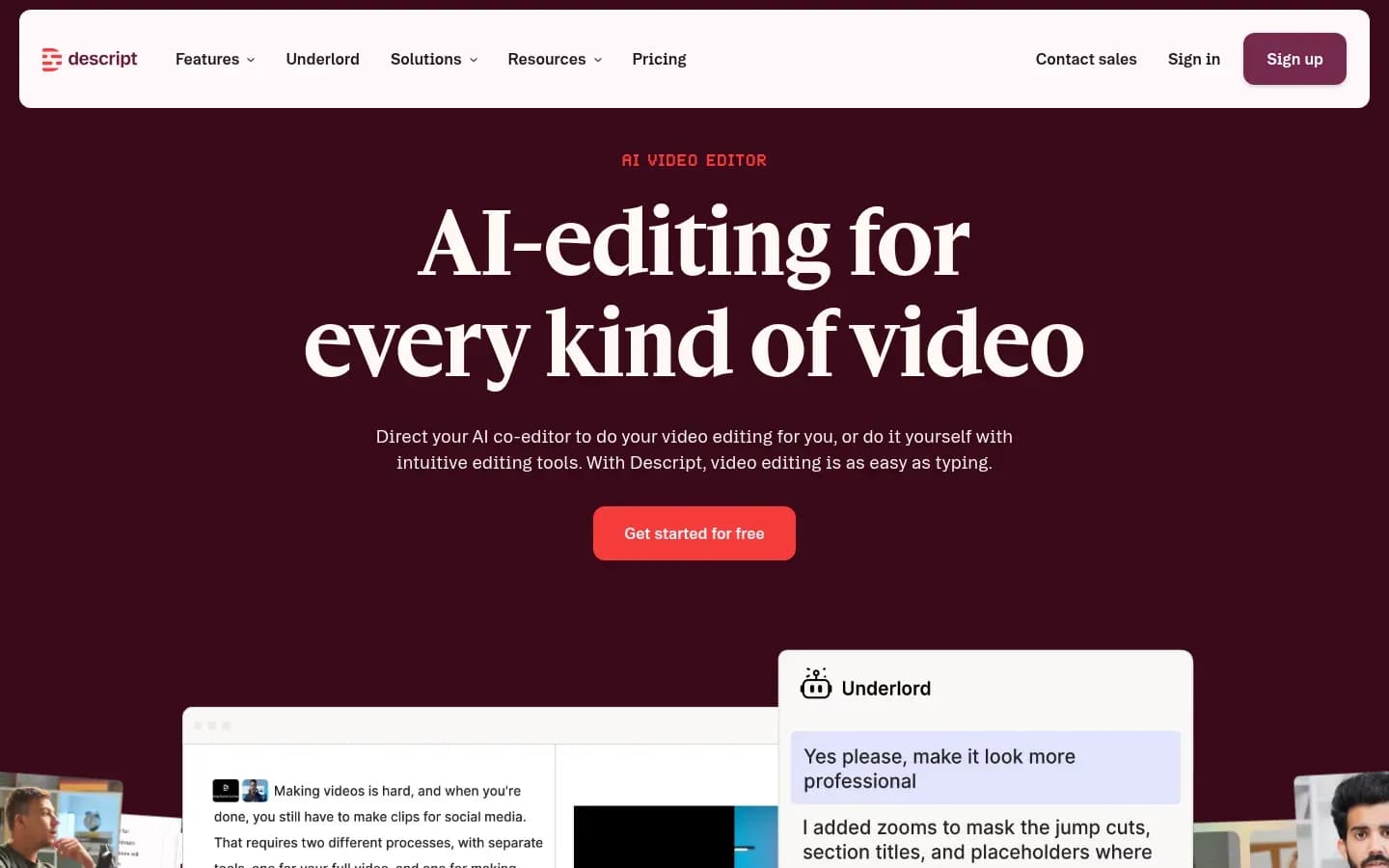
Descript fits product explainers built from real screen footage, because it records up to two screens with a webcam overlay on every plan and lets a team cut mistakes by deleting words from the transcript.
Descript
AI video and audio editor where you edit footage by editing its transcript, for business teams, podcasters and creators.
Descript is an AI video and audio editor where you edit footage by editing its transcript. For product explainers it works as a recorder and editor in one, so a walkthrough of the real interface can be captured, corrected and exported without leaving the app.
- Free plan
- Yes
- Platforms
- Mac, Windows
- Public API
- Yes
- Compliance
- GDPR, SOC 2
Verdict: The pick for walkthroughs of the real interface, made and revised by a small team.
Product footage path: Descript's screen recorder captures up to two screens at once with a picture-in-picture webcam overlay, on all plans.
Factual control: Mistakes come out by deleting text in the transcript. That covers filler words, a wrong sentence or a whole section, with no re-recording.
Presenter and visuals: The avatar gallery is limited on the entry plan and included on paid plans. Underlord, Descript's AI co-editor, is in beta. It adds pans, zooms, animated callouts and captions, and turns slides or documents into narrated video.
Cost meter: Descript meters media minutes and AI credits per editor per month. Hobbyist includes 10 hours of media and 400 credits, Creator 30 hours and 800 credits, and Business 40 hours and 1,500 credits. Creator takes one to three seats and Business up to five. Exports reach 1080p on Hobbyist and 4K on Creator and Business.
Best fit: Product marketers and customer education teams who record the real product and revise videos as releases ship. Team-wide Brand Studio starts on Business, and Enterprise adds shared templates and company-wide guardrails.
Limitation: Underlord is a beta feature. Every prompt and tool run draws AI credits, and the cost varies between runs of the same prompt. Presenter avatars are secondary to recorded footage, so a team planning an avatar-led series is better served by Synthesia or HeyGen.
Why it's on the list: Recording and correcting happen in one editor, which keeps a walkthrough tied to the real interface from first take to final export.
Synthesia
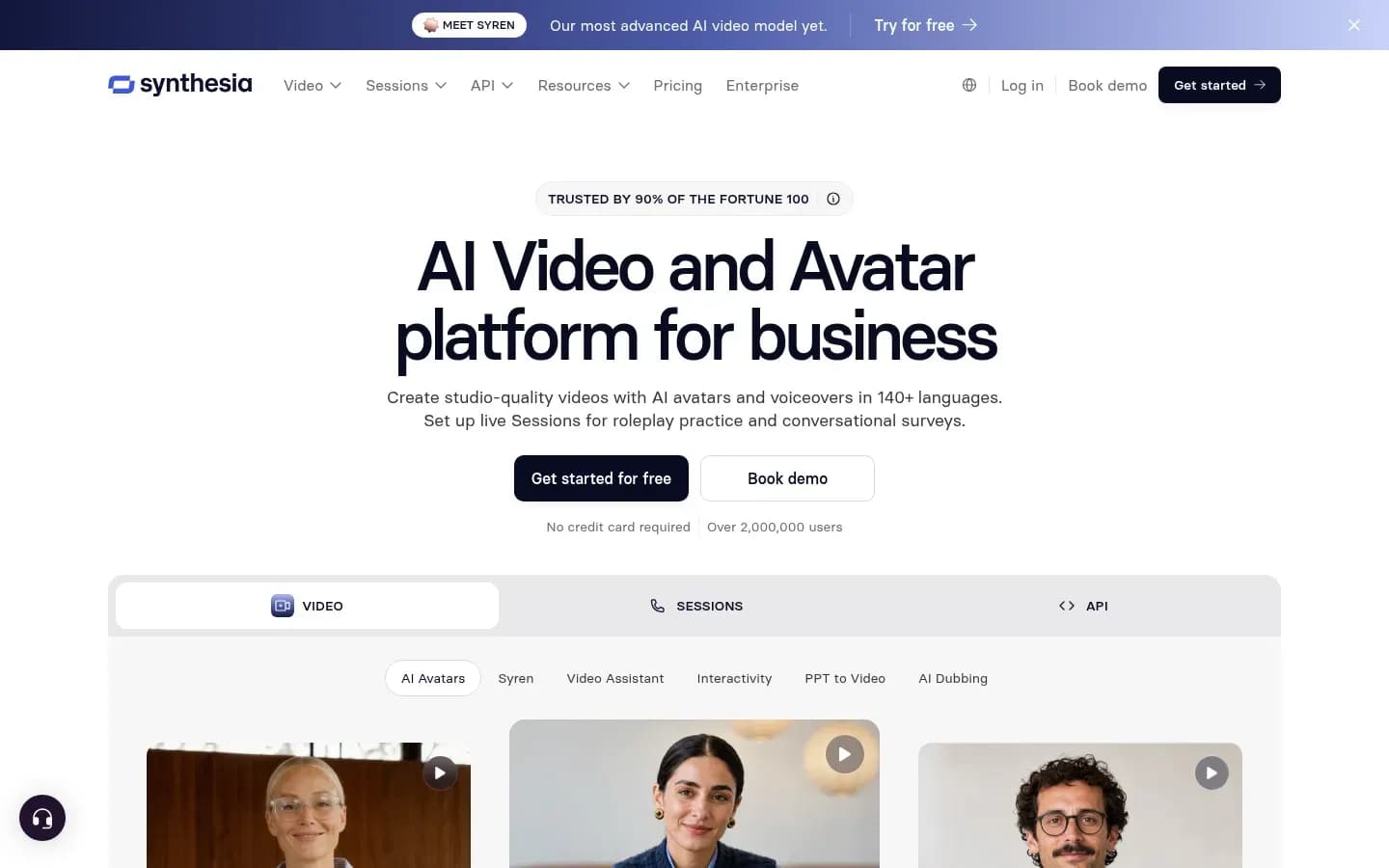
Synthesia turns a screen recording into scenes with an editable script that an avatar presenter speaks, but its plan table lists the AI Screen Recorder, brand kits and live collaboration in the Enterprise column.
Synthesia
AI video platform for businesses that creates avatar presenter videos in 140+ languages, aimed at training, HR and sales enablement teams.
Synthesia is an AI video platform that creates avatar presenter videos in more than 140 languages, used by training, HR and sales enablement teams. For product explainers it pairs a consistent presenter with recorded or uploaded product footage.
- Free plan
- Yes
- Platforms
- API, Chrome extension
- Public API
- Yes
- Compliance
- GDPR, ISO 27001, SOC 2
- Ratings
- G2 4.6/5 (2,855 reviews)
Verdict: A strong choice for presenter-led explainers and onboarding at enterprise scale, less so for a small team on a lower plan.
Product footage path: After a live recording, the AI Screen Recorder transcribes the voiceover, removes filler words and splits the recording into logical scenes. Recordings can be trimmed and each scene edited.
Factual control: An uploaded MP4 becomes an editable script that an avatar speaks. A team changes a line in the script and the presenter says the new line, with no reshoot.
Presenter and visuals: Pro includes five personal avatars. Dubbing minutes run up to 16 a month on Starter and up to 78 on Pro.
Pricing: Synthesia's plans are shown below.
Synthesia pricing
| Plan | Price | Billing | Notes |
|---|---|---|---|
| Basic | $0 | per month | |
| Starter |
|
| |
| Pro |
|
| |
| Enterprise | Custom pricing |
Cost meter: Synthesia's credits are a shared currency across its AI features. Synthesia says a one-minute video typically uses 1,000 to 2,000 credits, and lip-sync doubles credit use when it is on. Video minutes are capped by plan, from 10 a month on Basic to about 12 on Starter on top of the free allowance and about 60 on Pro, with unlimited minutes on Enterprise. Basic, Starter and Pro each include one editor, with three guests on Starter and five on Pro.
Best fit: Enterprise product marketing and customer education teams that need one presenter across many explainers, along with SAML single sign-on.
Limitation: The AI Screen Recorder, brand kits, live team collaboration and SAML single sign-on all appear in the Enterprise column of the plan table. Reviewers on G2's Synthesia alternatives page cite pronunciation issues and more basic video editing among its cons.
Why it's on the list: It turns a product recording into a presenter-led explainer with an editable script, which suits teams producing explainers in volume.
HeyGen
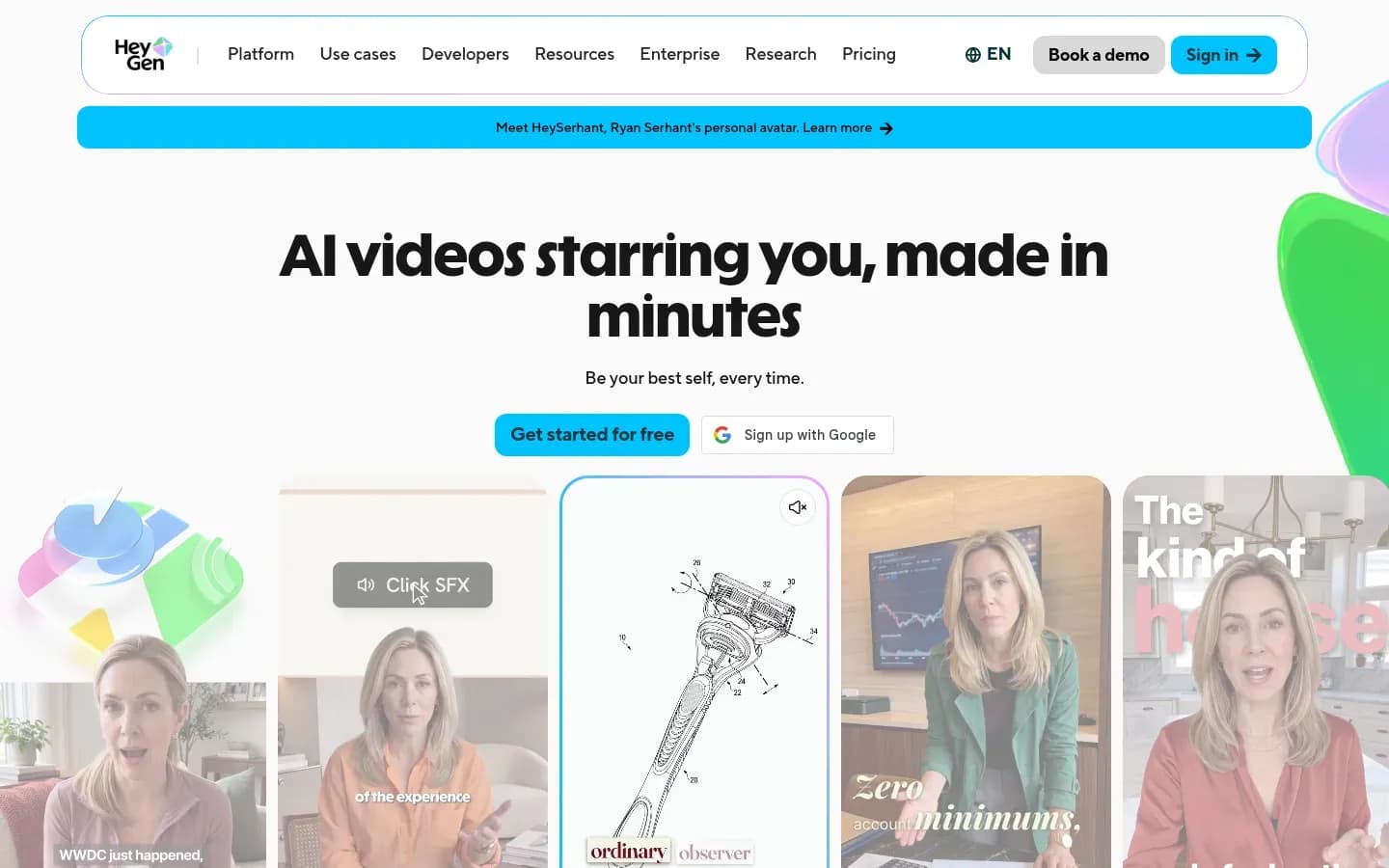
HeyGen suits short avatar-led feature videos, but Capterra reviewers repeatedly report credits running out and lip sync slipping on unusual words, which matters when a script is full of product names.
HeyGen
AI video platform that turns scripts into videos with AI avatars and voices, for marketing, sales and training teams.
HeyGen is an AI video platform that turns scripts into videos with AI avatars and voices, used by marketing, sales and training teams. For product explainers it combines an avatar presenter with screen capture and explainer templates.
- Free plan
- Yes
- Public API
- Yes
- Compliance
- GDPR, SOC 2
- Ratings
- G2 4.8/5 (1,974 reviews) · Capterra 4.7/5 (320 reviews)
Verdict: A good fit for short, avatar-led release and feature videos where the script is planned before generation.
Product footage path: HeyGen's built-in tool captures the screen, the webcam or both for tutorial videos, and its agent applies edits and transitions.
Factual control: The explainer workflow runs from a written or pasted script to an explainer template, then media and subtitles, and exports as MP4 with aspect-ratio resizing.
Presenter and visuals: Avatars can be styled to match branding, and Pro exports in 4K.
Cost meter: Credits are HeyGen's single currency for video and asset creation, with 600 on Creator and 1,000 on Pro. Each video is capped at 30 minutes on Creator and Pro. Extra custom avatars are a paid add-on on Creator and above.
Best fit: Product marketers announcing features and releases in short presenter videos, often one person on the single seat that Creator and Pro include.
Limitation: The same Capterra review patterns note costs climbing with premium and extra custom avatars, some words mispronounced, slow or automated support and slow renders on longer videos.
Why it's on the list: Screen capture, an avatar presenter and explainer templates sit in one workflow, which keeps a short feature video quick to produce.
VEED
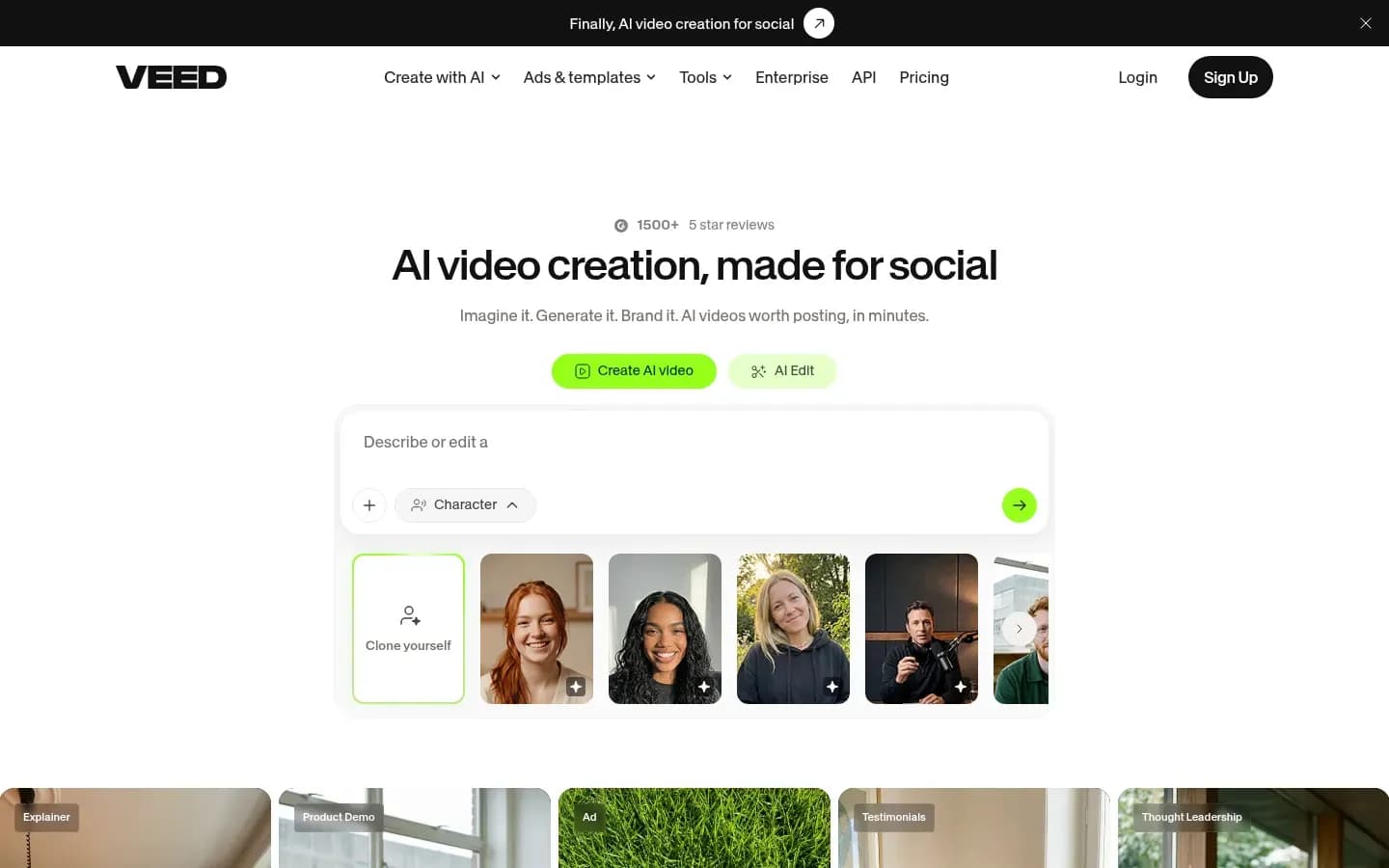
VEED lets a team edit the script of a recorded demo and regenerate the AI voiceover or avatar without re-recording, though G2 reviewers most often tag it for slow performance on large projects.
VEED
Online AI video creation and editing platform with AI avatars, dubbing and subtitles, for marketers and creators.
VEED is an online AI video creation and editing platform with AI avatars, dubbing and subtitles, used by marketers and creators. For product explainers it records the screen in the browser and adds an AI narrator on top.
- Free plan
- Yes
- Platforms
- Web
- Public API
- Yes
- Compliance
- GDPR
- Ratings
- G2 4.6/5 (2,190 reviews)
Verdict: A practical choice for quick product demos edited in the browser by a small team.
Product footage path: VEED's screen recorder captures a screen, tab or window in screen-only or screen-plus-camera layouts, with unlimited retakes. Magic Cut removes filler words, and the editor offers clean audio, eye contact correction and background removal.
Factual control: After the script is edited, the AI voiceover or talking avatar regenerates with no need to re-record. Screen recordings, avatars, voiceovers and text can be updated in saved projects.
Presenter and visuals: Narration comes from AI avatars, text-to-speech or a cloned voice, with auto-subtitles. A brand kit for custom assets is on Pro.
Pricing: VEED's plans are shown below.
VEED pricing
| Plan | Price | Billing | Notes |
|---|---|---|---|
| Creator | $12 | per month, billed annually | per user |
| Pro | $22 | per month, billed annually | per user |
| Studio | $39 | per month, billed annually | per user |
| Enterprise | Custom pricing |
Cost meter: VEED charges per seat, multiplied by the number of editors. Each plan includes a set amount of AI credits for the month or year, and unused credits do not carry over. Translations are billed by the minute against the plan allowance, and paid plans include unlimited subtitles under a 50-hour monthly fair use limit.
Best fit: Small product marketing or support teams making short demo edits who want to fix narration without booking another recording.
Limitation: Beyond slow performance, G2 tags also point to limited features, cost and AI limitations. Reviewers add that technical terms in subtitles need manual fixes and that the browser editor needs a stable connection.
Why it's on the list: Regenerating narration after a script change keeps a demo current when the product copy changes.
Vyond
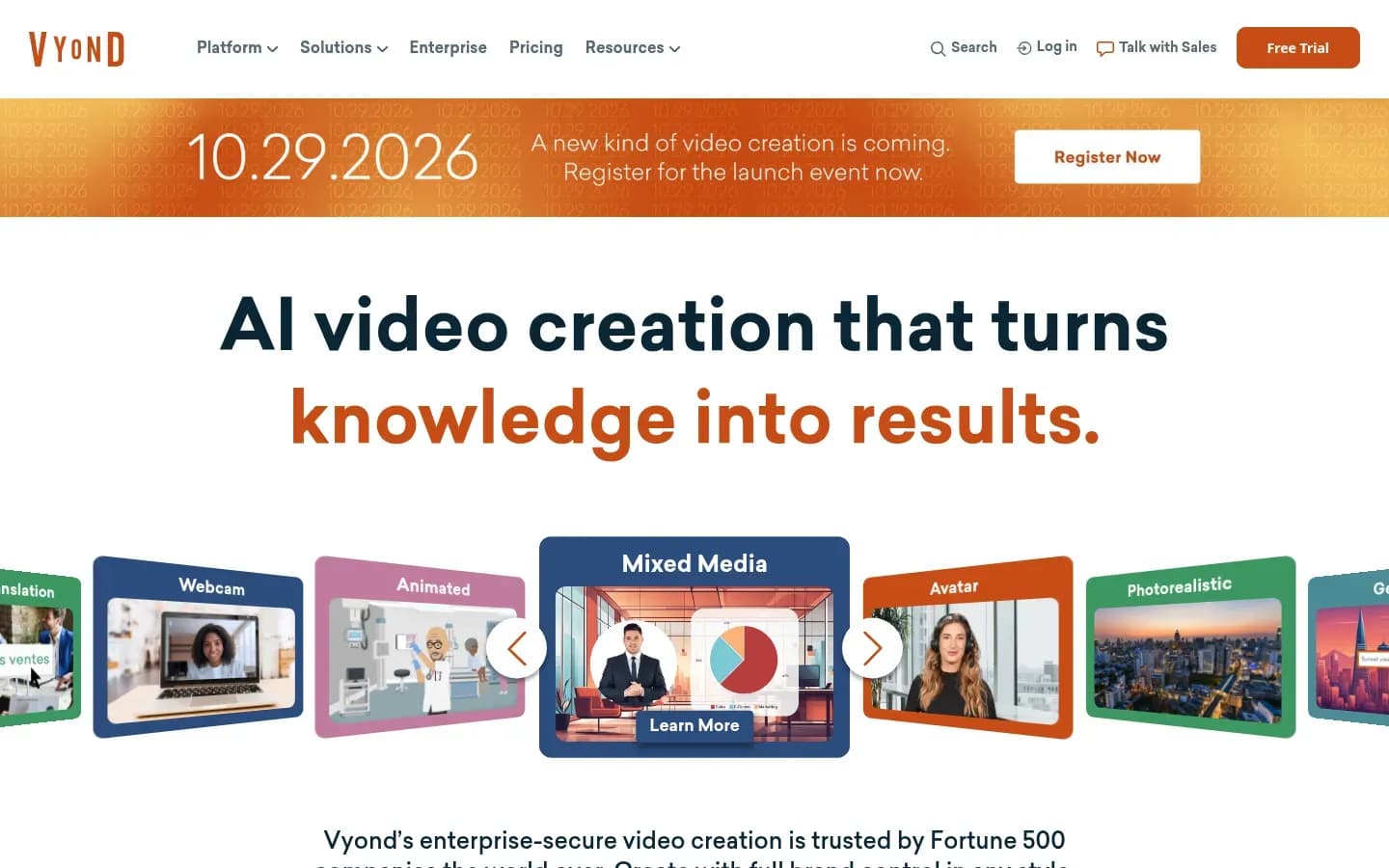
Vyond fits animated explainers that show the problem and the workflow, and each Vyond Go generation from text, a document or a URL costs 800 credits against a per-user monthly allowance.
Vyond
AI video creation platform for businesses to make animated and explainer videos for training, HR, internal communications, marketing and sales.
Vyond is an AI video creation platform for animated and explainer videos, used for training, HR, internal communications, marketing and sales. For product explainers it suits the story around the product more than the interface itself.
- Compliance
- GDPR, ISO 27001
Verdict: The right tool for animated concept explainers, and a weaker fit for exact interface walkthroughs.
Product footage path: Vyond's screen and webcam recording captures up to 15 minutes in Screen + Camera, Screen Only or Camera Only modes. The feature is in beta, and saving recordings needs a paid subscription.
Factual control: Vyond Go turns text, a document, a script or a URL into a video, so a corrected script can be regenerated into a new cut.
Presenter and visuals: More than 1,300 avatars are on all plans. Text-prompt avatar generation is not on Starter and costs 160 credits on Professional, and Shutterstock stock media needs Professional or higher.
Pricing: Vyond's plans are shown below.
Vyond pricing
| Plan | Price | Billing | Notes |
|---|---|---|---|
| Starter |
|
| per user |
| Enterprise |
|
| per user |
| Agency |
|
| per user |
| Professional |
|
| per user |
Cost meter: Vyond meters AI credits per user per month, with 10,000 on Starter, 20,000 on Professional, a virtually unlimited allowance on Enterprise and 400,000 on Agency. Starter is a single-user plan and the others are billed per user. Downloads are capped at 100 per user a month on Starter and 200 on Professional.
Best fit: Teams explaining the problem a product solves and the workflow around it, and training teams that need SCORM export to an LMS on Enterprise or Agency.
Limitation: The Brand Management Suite, SCORM export and PowerPoint scene export sit on Enterprise and Agency only, and the screen footage path is still in beta.
Why it's on the list: Vyond is built around animated video, which suits the story around a product and the workflow it supports.
Avatar, Screen Recording Or Animation? Which Explainer Format Fits Your Product
A product explainer that shows the real interface should start from a screen recording, because 96% of people have watched an explainer video to learn about a product and the interface is what they are deciding on. That figure comes from Wyzowl's video marketing survey in 2026. Choose a presenter for a consistent narrator and animation for the concept.
Picking the format comes before picking the tool, because each tool is built around one format.
Explainer formats compared
| Format | Best for | Main risk | Tools |
|---|---|---|---|
| Screen walkthrough | Showing the real interface | Dates when the UI changes | Descript, VEED |
| Presenter-led avatar | A consistent narrator, localisation | Product names mispronounced | Synthesia, HeyGen |
| Animated | Concepts and problem framing | Drifts from the real interface | Vyond |
Screen walkthrough: A screen recording shows the screens the buyer will use. Descript records up to two screens with a webcam overlay, and VEED records a screen, tab or window in the browser. The cost is upkeep, because every interface change can date a walkthrough.
Presenter-led avatar: An avatar gives a series one narrator and makes new language versions simpler. Synthesia turns a screen recording into scenes with an editable script an avatar speaks, and HeyGen pairs screen capture with an avatar presenter. For custom avatars, consent and languages, the comparison of AI avatar video tools goes further.
Animated: Animation suits the problem, the workflow and the idea behind a feature. Vyond is built for this format, and Vyond Go turns a script or document into an animated video. It works less well when the buyer needs to see the exact screen.
Many teams combine formats, with an animated opener for the problem and a screen walkthrough for the product. For a primer on the three forms of AI video generation, start with the definitions before you pick a tool.
How To Choose An AI Video Tool For Product Explainers
Choose an AI video tool for product explainers by checking which plan records or imports your own screens, because screen capture sits on every Descript plan but in the Enterprise column of Synthesia's plan table. Then check how a line is corrected, which meter your volume hits and where seats and brand controls start.
- Does it capture or import your own product screens, and on which plan?
- Can you change a line without re-recording?
- Which meter will your volume hit, credits, video minutes or media hours?
- Who needs a seat, and is it billed per editor?
- Where do brand kits and collaboration start?
- Is the feature you depend on in beta?
Product screens: Descript records screens on all plans. Synthesia's AI Screen Recorder is shown in the Enterprise column. Vyond's screen recording is in beta, and saving recordings needs a paid subscription.
Line changes: Descript removes mistakes by deleting transcript text. VEED regenerates the voiceover or avatar after a script edit. Synthesia turns an uploaded MP4 into an editable script an avatar speaks.
The meter: Synthesia says a one-minute video typically uses 1,000 to 2,000 credits. HeyGen spends credits on every video and asset. Vyond charges 800 credits per Vyond Go generation, and Descript meters media minutes and AI credits per editor.
Seats: Synthesia's Basic, Starter and Pro plans include one editor each. VEED multiplies its plan price by the number of editors, and Descript allows one to three seats on Creator and up to five on Business.
Brand controls: Brand kits start on Enterprise for Synthesia, on Pro for VEED and on Business for Descript's team-wide Brand Studio. Vyond's Brand Management Suite is on Enterprise and Agency only. For how those controls hold up across a library, see the guide to brand consistency in AI video.
Beta features: Vyond's screen recording and Descript's Underlord are both in beta. Treat them as extras rather than the reason to buy.
How To Keep AI Product Explainers Accurate
Keep AI product explainers accurate by locking the script to the release notes, recording the real interface and checking every product name, because avatar lip sync and pronunciation slip most on unusual words. Review captions and AI edits before export, and regenerate narration from the corrected script rather than recording again.
- Lock the script first. Check every claim and feature name against the release notes or product docs before you generate a frame.
- Record the real interface. Screen footage of your product shows what the buyer will see, which generated or stock footage cannot.
- Spell product names for the voice. Capterra review patterns for HeyGen note lip sync looking off on unusual words, and G2 reviewers list pronunciation issues among Synthesia's cons.
- Correct by script, not by reshoot. Descript removes errors by deleting transcript text, VEED regenerates the voiceover or avatar after a script edit, and Synthesia lets you edit scenes and the script an avatar speaks.
- Keep AI edits under review. Descript's Underlord, in beta, can search the web but cannot read a specific page, so paste the source text into the prompt.
- Check captions for technical terms. VEED reviewers note that technical terms in subtitles need manual fixes, and the same check applies to any auto-caption tool.
When the product changes, update the script first and regenerate from it. A screen walkthrough may also need the changed screen recorded again, while an avatar narration only needs the new line.
What AI Product Explainer Videos Cost To Run
The cost of AI product explainers is set by each tool's meter, and on Synthesia a one-minute video typically uses 1,000 to 2,000 credits, with lip-sync doubling the credits it draws. Each tool counts something different, so the same month of explainers can cost very differently. Plan prices for Synthesia, VEED and Vyond sit in their pricing tables, and the meters below set what each tool costs to run.
What each tool meters
| Tool | What you spend | What drives an upgrade or overage |
|---|---|---|
| Descript | Media minutes and AI credits per editor | More editors, more AI edits |
| Synthesia | Shared credits and video minutes | Lip-sync, minutes per month, Enterprise features |
| HeyGen | Credits per video and asset | Video length caps, extra custom avatars |
| VEED | Seats and AI credits | More editors, credits that expire |
| Vyond | AI credits per user | 800 credits per Vyond Go generation |
Descript: Media minutes and AI credits are counted per editor. Underlord, in beta, charges credits for each prompt and tool run, and the cost varies between runs of the same prompt.
Synthesia: Video minutes run from 10 a month on Basic to about 60 on Pro, with unlimited minutes on Enterprise. Each custom avatar action b-roll asset costs 230 credits, and generated AI video assets also draw credits.
HeyGen: Credits pay for both video and assets, and Business offers top-up credits when a month runs short.
VEED: Credits do not carry over, so an unused allowance is spend, not savings. Translations also count against the minute allowance.
Vyond: Starter's 10,000 monthly credits cover roughly twelve Vyond Go generations at 800 credits each.
To estimate a month, count three things. First, the finished minutes you will publish. Second, the regenerations each video needs after review, since each one draws credits again, such as 800 credits per Vyond Go generation or 1,000 to 2,000 credits per minute of Synthesia video. Third, the number of people who edit, since Descript and VEED bill per editor and Vyond per user above Starter. Multiply finished minutes by the regenerations you expect, and check the result against the plan's allowance before you choose a tier.
Do You Need To Disclose AI Avatars In Product Videos
Under Article 50 of the EU AI Act, deployers of AI that generates a deep fake video must disclose that it is artificially generated, so an avatar video that counts as a deep fake needs a clear label. For EU audiences, label avatar presenters on screen or in the video description to stay on the safe side.
The two duties sit with different parties. The team that publishes an explainer is the deployer and owns the disclosure, while the company that makes the AI video tool is the provider and owns the machine-readable marking.
The practical step is a short line on screen when the presenter first appears, or in the video description, saying the presenter is AI-generated.
This is general information, not legal advice.
Which AI Video Tool Should You Choose For Your Product Explainer
If your explainer is a walkthrough of the real interface and one or two people make it, choose Descript; if you need an avatar presenter across many videos with enterprise controls, choose Synthesia. For short avatar releases, quick browser demos or animated concepts, HeyGen, VEED and Vyond each fit one job.
Small team, real interface: Descript.
Enterprise, presenter-led series: Synthesia.
Short feature announcements: HeyGen.
Fast browser demos: VEED.
Concept and training explainers: Vyond.
If your video work goes beyond explainers into social, ads and webinars, the shortlist of AI video tools for B2B marketing covers that wider job.
Frequently Asked Questions
Can AI make a product explainer from a screen recording?
Yes, AI can turn a screen recording into a product explainer, and Synthesia's AI Screen Recorder transcribes the voiceover, removes filler words and splits the recording into scenes. Descript records up to two screens with a webcam overlay on all plans and lets you edit the result by editing its transcript.
Can I fix a mistake in an AI explainer without re-recording?
Yes, in most of these tools. Descript removes a mistake when you delete the words from the transcript, including filler words and whole sections. VEED regenerates the AI voiceover or talking avatar after you edit the script, and saved projects can have screen recordings, voiceovers and text updated later.
Can AI video tools translate a product explainer?
Yes, some can. Synthesia includes dubbing minutes on Starter and Pro, up to 16 and 78 a month. Descript's Underlord co-editor, which is in beta, translates subtitles or a full video. VEED bills translations by the minute against the plan allowance, so a long explainer in several languages uses up minutes quickly.
Do AI video tools have a free plan for explainers?
Some do, and the tool card in each section shows whether that tool has a free plan, with Descript, Synthesia and VEED the ones to check first. Synthesia's and VEED's pricing tables also list every plan. Before you build an explainer on the cheapest plan, check its export limits, because watermarks and capped resolution make a video hard to publish on a product page or in a help centre.
Do explainer videos help buyers understand a product?
Survey evidence says yes. In Wyzowl's survey in 2026, 96% of people said they have watched an explainer video to learn about a product or service, which makes the explainer a common step in how buyers learn a product. Showing the real interface, rather than stock or generated footage, makes what they learn match the software they will use.
Sources
Sources
- The Explainer Video Effect: Turn Clicks into Customers · wyzowl.com
- HeyGen Reviews 2026. Verified Reviews, Pros & Cons | Capterra · capterra.com
- AI explainer video generators for product marketing · lumalabs.ai
- synthesia.io
- VEED Reviews | G2 · g2.com
- Top 10 Synthesia Alternatives & Competitors in 2026 | G2 · g2.com
- descript.com
- help.descript.com
- veed.io
- descript.com
- Article 50: Transparency obligations for providers and deployers of certain AI systems · ai-act-service-desk.ec.europa.eu