These picks apply to agencies producing video for several clients that need assets, reviewers and spend kept apart per account. Per-client separation often sits on Enterprise or partner tiers, so confirm which tier your client count needs before you commit.
What Makes An AI Video Tool Good For Agencies?
An AI video tool is agency-ready when it keeps each client's assets, brand kit and reviewers apart, and that matters now that 63% of video marketers have used AI to create or edit video, up from 51% a year earlier. A tool that only makes good footage still fails an agency that cannot keep clients separate.
The four tests every pick in this guide is judged on:
- Client separation. Each client gets its own workspace, sub-workspace or brand space, with its own members and assets. Without it, one client's footage, references and credits sit next to another's.
- Brand controls. Each client has a brand kit with logos, fonts, colours and voice that editors cannot change by accident. A lockable kit protects the agency from off-brand output.
- Client review. Clients can see drafts, leave time-stamped comments and approve work. The best setups let a client reviewer in without a paid seat.
- Output rights. The agency knows what the vendor licence allows, who holds ownership, whether training on client data is excluded and whether any indemnity applies.
Most ranking lists mix these tests together or score only output quality. An agency running many client accounts feels the gaps in separation and review long before it notices a difference in footage.
The catch with separation: Real per-client separation is often a top-tier feature. Runway's Organization spaces, which connect several workspaces and move credits between them, sit on its Enterprise plan. HeyGen's sub-workspaces, each with its own members, permissions and billing, are offered to certified HeyGen Agency Partner members. Runway's Team plan gives one shared workspace for every client, so the tier decision is part of the tool decision.
How We Chose These Tools
Each tool here generates or edits video with AI, sells a team tier, and documents at least two of four agency needs, namely client separation, brand controls, client review and output rights. A tool had to meet all three conditions to make the list.
The inclusion bar:
- The tool generates or edits video with AI, not only hosts or schedules it.
- The tool sells a team or business tier that an agency can put several people on.
- The tool's own documentation, help centre or plan pages describe at least two of the four agency tests.
The candidates were the five tools covered here plus the tools that recur across agency ranking lists. Each pick is judged on what it documents for multi-client work, and the order reflects how many of the four tests it passes and at which tier. Output quality is outside the scope of this ranking, since it depends on the brief, the model and the editor.
Two tools that appear on many agency lists did not make this one:
Considered, not included
| Tool | Why it is not on this list |
|---|---|
| Synthesia |
|
| Higgsfield | Does not pass the client separation test for agencies |
Synthesia is compared with HeyGen in our AI avatar video guide.
Best AI Video Tools For Agencies Compared
HeyGen leads for agencies that run presenter and localisation work across many clients, Runway for generated footage made by a shared creative team, and Adobe Firefly where a client's legal team asks about IP indemnity. VEED and Creatify follow for review-heavy editing and ad variation testing.
The table ranks the five tools in order. Pricing model and public API columns fill from each tool's record.
| Tool | Pricing model | Public API | Best for | Client separation | Brand controls | Standout agency feature |
|---|---|---|---|---|---|---|
| HeyGen | Freemium | Yes | Presenter and localised video | Sub-workspaces for Agency Partners | Brand Kit per client | 175+ languages, Brand Voice |
| Runway | Freemium | Yes | Generated campaign footage | Organization spaces on Enterprise | Shared Brand Kit | Credit limits per workspace |
| Adobe Firefly | Freemium | Yes | Clients asking about IP risk | Admin tools for teams | Custom Models on brand assets | IP indemnity, qualifying agreements |
| VEED | Freemium | Yes | Review-heavy editing | Team spaces per department | Multiple lockable Brand Kits | Reviewers need no paid seat |
| Creatify | Freemium | Yes | Ad variation testing | Brand Spaces per client | Logos, palette, fonts, tone | Batch Mode ad variations |
- HeyGen is best used for presenter-led and translated video, where each client needs its own sub-workspace and brand kit.
- Runway is best used by a creative team generating and editing campaign footage together in one workspace.
- Adobe Firefly is best used for brand work that a client's legal team reviews for IP risk.
- VEED is best used for editing, subtitling and social cutdowns that go through several rounds of client feedback.
- Creatify is best used for e-commerce and paid-social accounts that test many short ad versions per product.
HeyGen
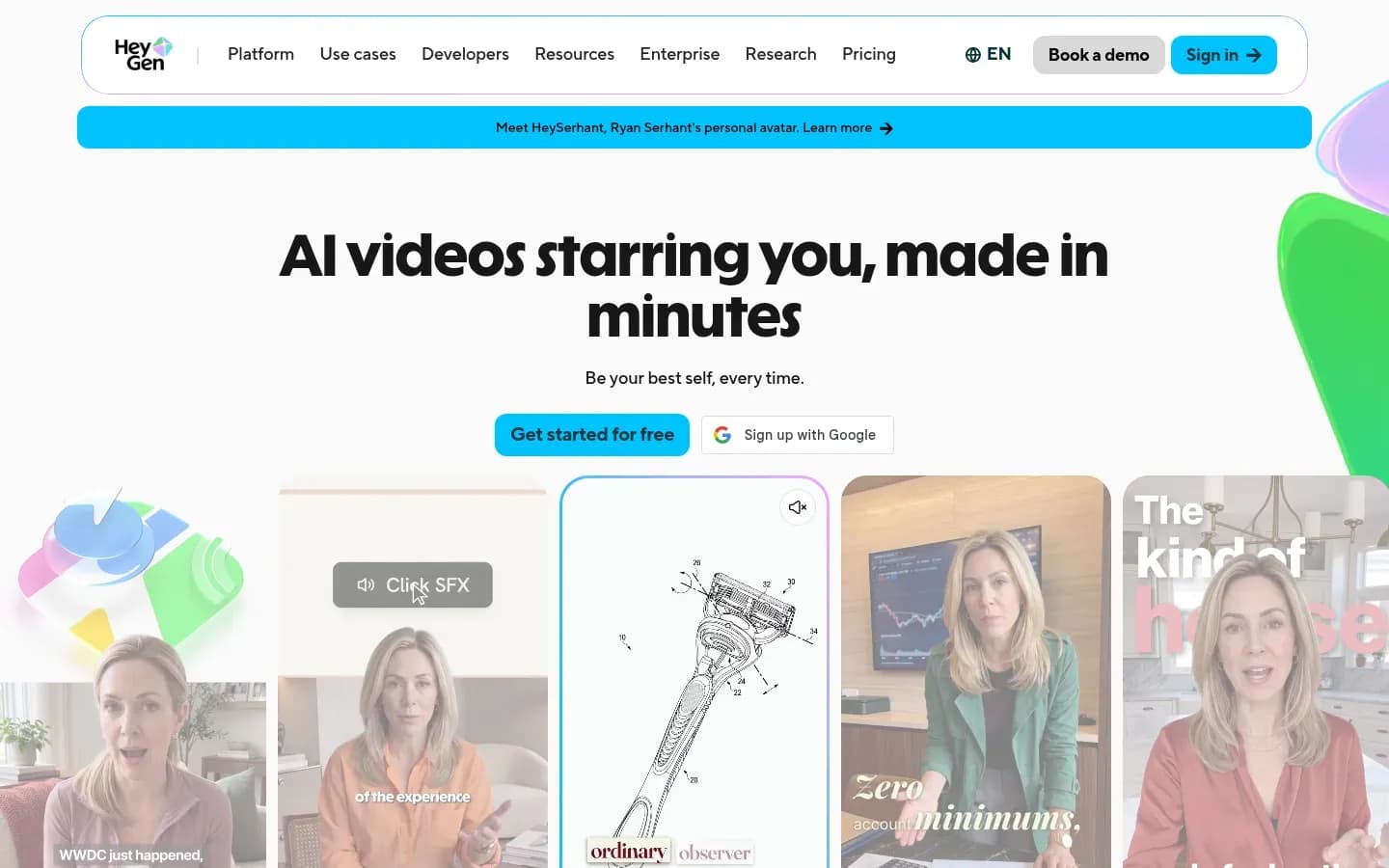
HeyGen suits agencies producing presenter-led and localised video for many clients, because its agency programme gives each client a sub-workspace with its own members, permissions, billing and API usage. HeyGen's agency sub-workspaces control billing and API usage per client and campaign.
HeyGen
AI video platform that turns scripts into videos with AI avatars and voices, for marketing, sales and training teams.
HeyGen turns scripts into videos with AI avatars and voices. For agencies, its draw is per-client workspaces, a brand kit per client and translation into 175+ languages and dialects.
- Public API
- Yes
- Compliance
- GDPR, SOC 2
- Ratings
- G2 4.8/5 (1,974 reviews) · Capterra 4.7/5 (320 reviews)
Verdict: HeyGen ranks first because its Agency Partner sub-workspaces separate members, permissions, billing and API usage per client, and its localisation features suit presenter and translation work.
What it does: HeyGen builds avatar and presenter videos in its AI Studio editor and translates them into 175+ languages and dialects without dubbing or voice actors. Brand Voice keeps translated videos consistent, and remote likeness consent lets a client's spokesperson approve a custom avatar without attending a shoot.
Client separation: HeyGen for Agencies organises client workspaces with sub-workspace support. Each sub-workspace has its own members, permissions and settings, so an agency controls access, billing and API usage per client and campaign. Workspace join rules can be set to auto-join by company email domain, request to join, or invite only.
Brand controls: Each client gets a Brand Kit holding fonts, colours, logos and assets inside the AI Studio editor.
Output rights and data: HeyGen states that customer data remains private and is not used to train AI models, and that it enforces guidelines on consent and avatar usage. Optional AI-Assisted Watermarking applies a watermark to every video created in a workspace.
Cost drivers: Per-client billing in sub-workspaces lets an agency see and pass on each client's spend. Collaboration, centralised billing and multi-user workflows sit on HeyGen's Business plan, so a solo seat does not cover a production team.
Pricing: HeyGen's plans are shown below.
Best fit: Agencies selling explainer, training, sales and localised campaign video across many client accounts. Teams comparing presenter tools in depth can see our guide to AI avatar video tools.
Limitations: The sub-workspace model is available to certified Agency Partner members. HeyGen is built around presenters and avatars, which makes it a weaker fit for cinematic generated footage.
Runway
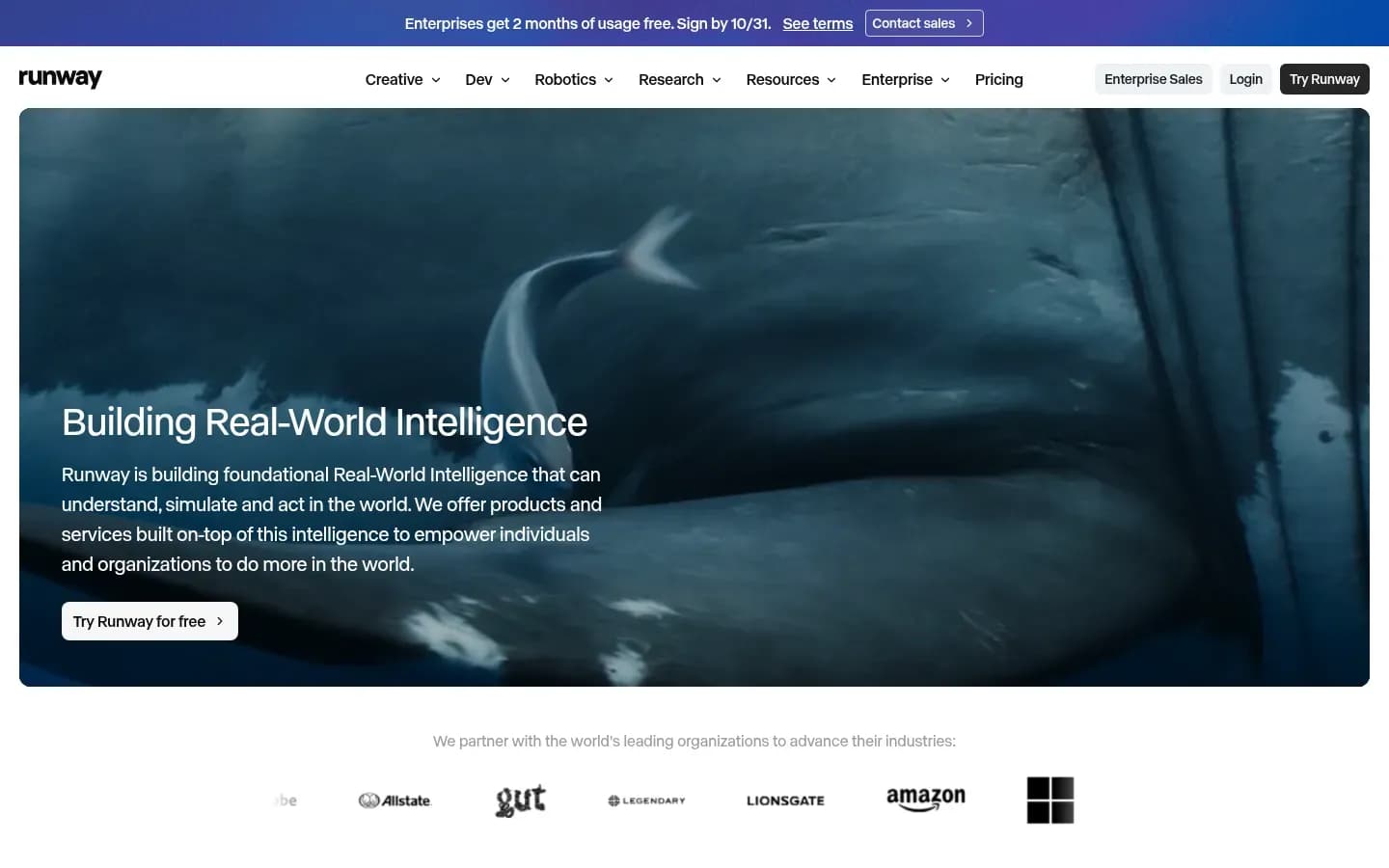
Runway fits agencies whose creative team generates and edits footage together, since its Team plan puts every project, Brand Kit and reference in one shared workspace drawing on one pooled credit balance. Runway is strongest when one team serves many clients from a common library.
Runway
AI platform for generating and editing video, images and audio, for creatives, teams and developers.
Runway is an AI platform for generating and editing video, images and audio. Agencies use it for campaign footage, with team workspaces and Enterprise tools for separating client accounts.
- Free plan
- Yes
- Public API
- Yes
- Compliance
- SOC 2
- Ratings
- G2 4.2/5 (40 reviews)
Verdict: Runway ranks second because it suits generated campaign footage well, but its per-client separation sits on Enterprise rather than the Team plan.
What it does: Runway's Team plan gives one shared workspace where every asset, reference, Brand Kit, session and workflow sits in projects the whole team can access. The Team plan holds up to 100 shared projects and 1TB of workspace storage.
Client separation: Runway Organization spaces, on the Enterprise plan at no added fee, connect several workspaces so admins manage projects, users and credits from one place. Admins can create workspaces, tag them by team, region or project, and move credits between them. Runway's own example is a marketing company with an internal team and two sub-agencies.
Brand controls: The Team workspace holds a shared Brand Kit and a common library of references for product, social and brand work.
Client review: Frame-accurate commenting with @mentions works on any generation. User roles, permissions and sharing policies are listed under the Enterprise plan, not Team.
Output rights and data: Runway's help centre says content created with Runway carries no non-commercial restrictions from Runway and that users retain ownership and all rights in their creations. That is a licence position, not a copyright ruling.
Cost drivers: The Team plan starts with two seats, and each seat adds 6,900 credits a month to a single shared pool with one month of rollover. Admins can set credit limits for workspaces or individual users and see spend by tool in Analytics.
Pricing: Runway's plans are shown below.
Runway Runway Creative pricing
| Plan | Price | Billing | Notes |
|---|---|---|---|
| Free | $0 | per month | |
| Standard |
|
| |
| Pro |
|
| |
| Max |
|
| |
| Enterprise | Custom pricing |
Best fit: Creative and production agencies that generate campaign footage, product shots and social video as one team. Our comparison of AI video generators for marketing teams covers Runway's generation modes in more depth.
Limitations: On Team, every client shares one workspace and one credit pool, and roles and sharing policies are absent. Real client separation needs Enterprise.
Adobe Firefly
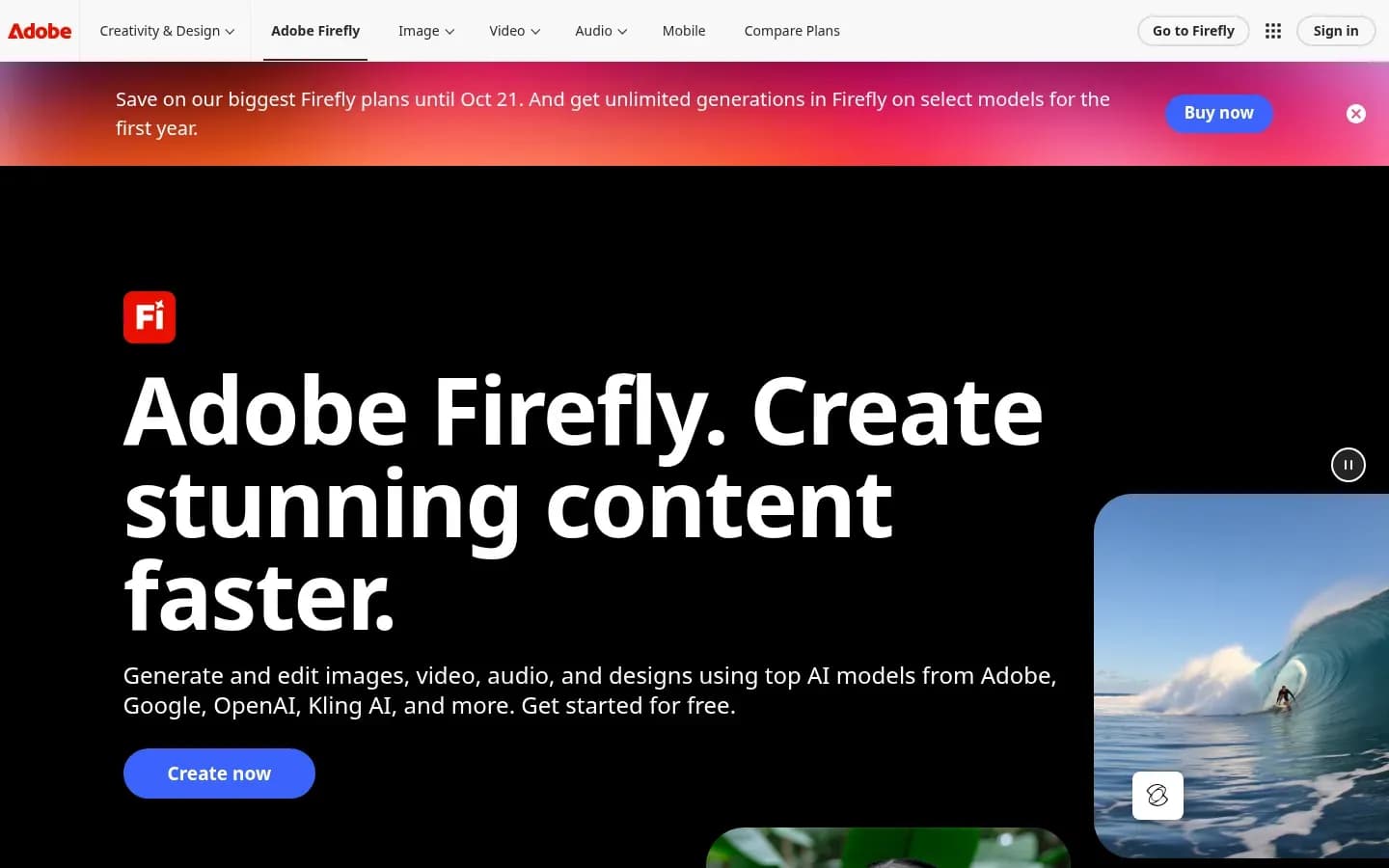
Adobe Firefly is the pick for agencies whose clients ask who carries the IP risk, because Adobe extends IP indemnification to Firefly video features under qualifying agreements, but not to outputs from non-Adobe models. That distinction decides whether Firefly answers a client's legal question.
Adobe Firefly
Adobe's generative AI app for creating and editing images, video, audio and vector graphics from text prompts, for designers, marketers and creators.
Adobe Firefly is Adobe's generative AI app for images, video, audio and vector graphics. It suits agencies that already work in Adobe apps and need a clear answer on IP risk for clients.
- Free plan
- Yes
- Free trial
- Yes
- Platforms
- Android, iOS, Web
- Public API
- Yes
Verdict: Firefly ranks third because Adobe documents IP indemnity for eligible video features and applies Content Credentials on export. Runway and HeyGen document per-client separation, while Firefly's strength here is indemnity and Content Credentials.
What it does: Firefly Premium for teams includes unlimited video generation with the Firefly Video Model across Firefly apps, plus admin tools and 24x7 support. Non-Adobe models in Firefly draw on monthly generative credits.
Brand controls: On Firefly enterprise, organisations can train Custom Models on their brand assets to generate imagery tailored to the brand.
Output rights and data: Adobe's IP indemnification applies to customers whose agreement links to the Firefly product description. Eligible features include Text to Video, Image to Video, Translate Audio/Video, Generative Extend and Text to Avatar across Firefly, Premiere, Photoshop and Adobe Express. The indemnity is triggered when a user on a qualifying plan downloads the output. Adobe also applies Content Credentials (C2PA metadata) automatically on download or export with qualifying tools.
What the indemnity excludes: Capabilities the interface marks as powered by non-Adobe models, and features labelled beta or trial, sit outside it. "Commercially safe" marketing is broader than that scope, so an agency should never tell a client that every Firefly output is covered.
Cost drivers: Firefly Video Model generation is unlimited on Premium for teams, but partner-model generations draw down a monthly credit allowance. An agency that switches to non-Adobe models for a client loses both the unlimited meter and the indemnity on those outputs.
Pricing: Adobe Firefly's plans are shown below.
Adobe Firefly pricing
| Plan | Price | Billing | Notes |
|---|---|---|---|
| Firefly Standard | $9.99 | per month | |
| Firefly Pro for teams | $19.99 | per month, billed annually | per seat |
| Firefly Pro | $19.99 | per month | |
| Firefly Pro Plus (first-year offer, save 30%, ends Oct 21) | $34.97 | per month | |
| Firefly Pro Plus for teams | $49.99 | per month, billed annually | per seat |
| Firefly Pro Plus | $49.99 | per month | |
| Firefly Premium (first-year offer, save 30%, ends Oct 21) | $139.91 | per month | |
| Firefly Premium for teams | $199.99 | per month, billed annually | per seat |
| Firefly Premium | $199.99 | per month |
Best fit: Agencies serving regulated or brand-sensitive clients whose legal teams review IP risk, and teams already using Premiere and Photoshop.
Limitations: The indemnity depends on the customer agreement and on which model made the output. Custom Models are offered on Firefly enterprise.
VEED
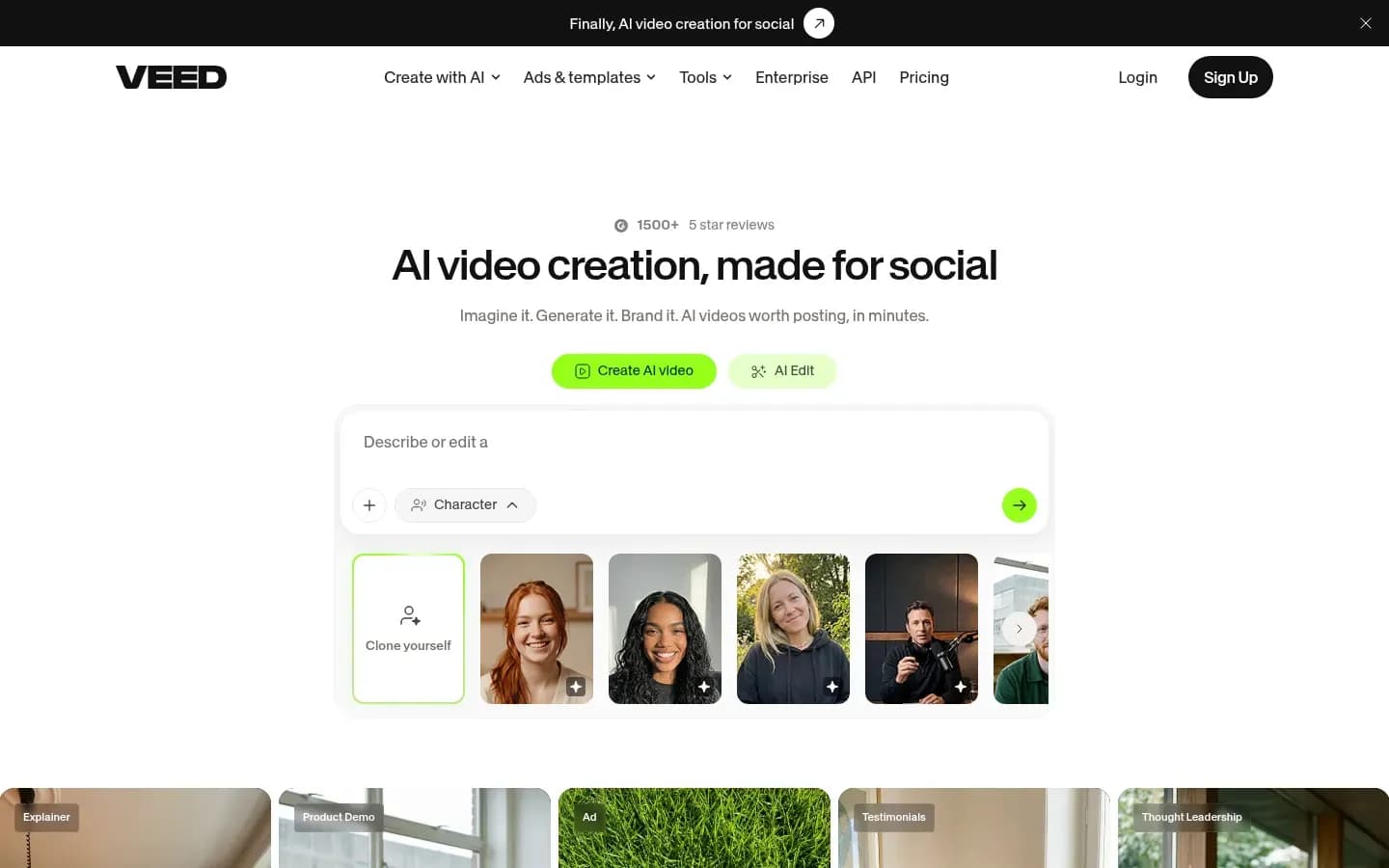
VEED suits agencies whose bottleneck is client review rather than generation, since clients can view, comment on and download videos in Review Mode without taking a paid seat. For agencies that lose days to feedback rounds, that matters more than the model.
VEED
Online AI video creation and editing platform with AI avatars, dubbing and subtitles, for marketers and creators.
VEED is an online video editor with AI avatars, subtitles and script-to-draft. Agencies use it for editing, social cutdowns and client approvals across several brands.
- Free plan
- Yes
- Public API
- Yes
- Ratings
- G2 4.6/5 (2,190 reviews)
Verdict: VEED ranks fourth because it documents reviewers without a paid seat, locked Brand Kits, time-stamped comments and link-based review, but it is an editor with AI features rather than a generator of original footage.
What it does: VEED offers AI avatars for talking-head marketing and social videos, subtitle generation for global audiences, and VEED AI, which builds a first draft from a script.
Client separation: VEED team spaces can be set up per department, each with assigned editors and reviewers.
Brand controls: An agency can create and manage multiple Brand Kits (logos, templates, fonts, colours) in one workspace and lock a Brand Kit so only approved users can change it.
Client review: Editors and reviewers leave time-stamped comments. Outside reviewers give feedback through a shared video link, and a built-in review tool handles approvals. Enterprise accounts allow more editors plus unlimited reviewers.
Cost drivers: Review Mode lets stakeholders view, comment on and download videos without a paid seat, so client reviewers do not add to the seat count.
Pricing: VEED's plans are shown below.
VEED pricing
| Plan | Price | Billing | Notes |
|---|---|---|---|
| Creator | $12 | per month, billed annually | per user |
| Pro | $22 | per month, billed annually | per user |
| Studio | $39 | per month, billed annually | per user |
| Enterprise | Custom pricing |
Best fit: Social and content agencies producing edits, subtitled cutdowns and avatar clips that pass through several client approval rounds.
Limitations: VEED is an editing and review platform with AI features, not a generative model for original footage, so agencies needing generated scenes pair it with a generator.
Creatify
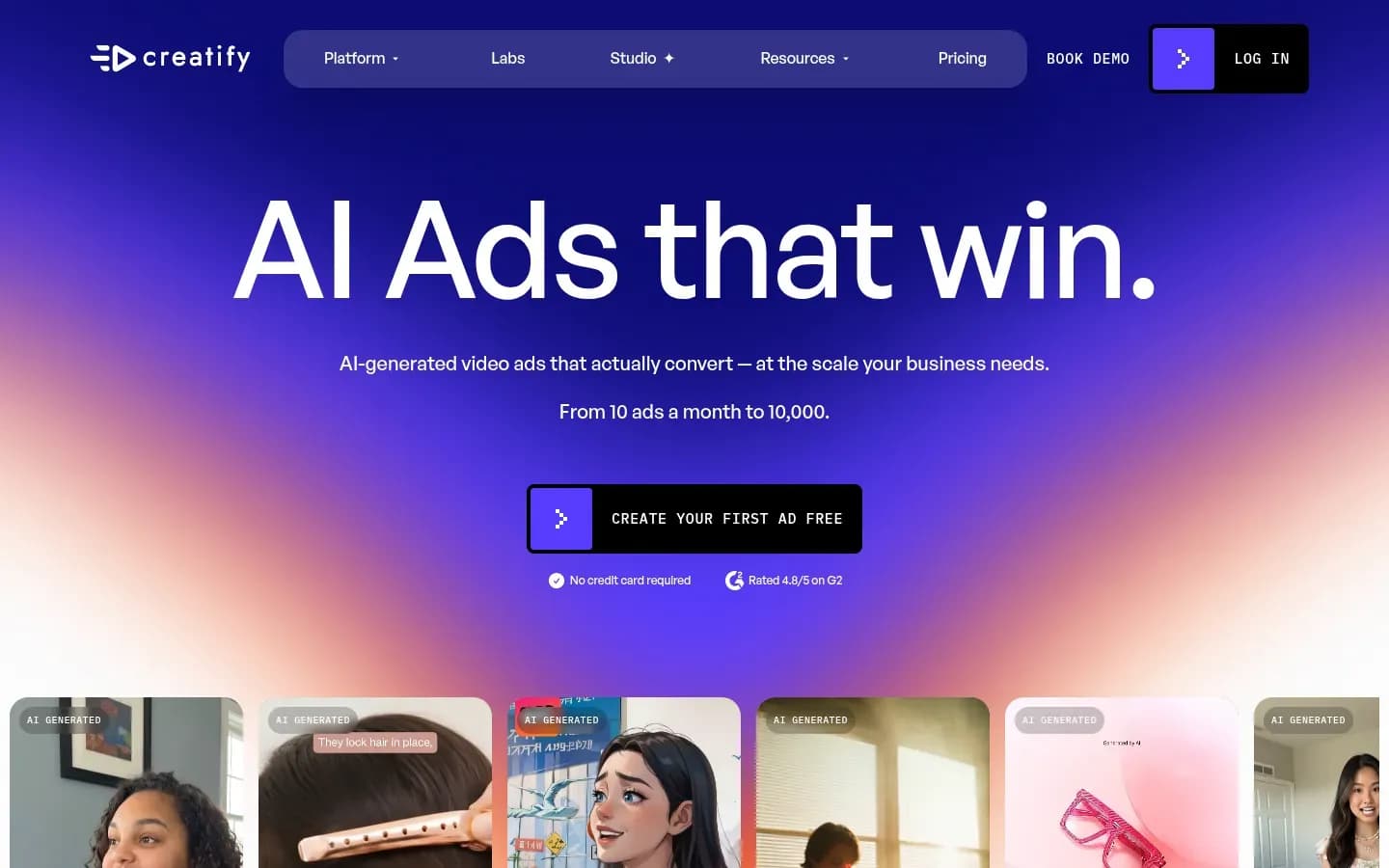
Creatify fits performance agencies that need many short ad variations per client, because Batch Mode combines product URLs, scripts, templates and avatars into multiple versions in one run. That suits accounts where creative testing volume drives results.
Creatify
AI ad generator that turns product URLs into video ads, for marketers, e-commerce brands and agencies.
Creatify is an AI ad generator that turns product URLs into video ads. It serves e-commerce brands, marketers and agencies running paid social.
- Free plan
- Yes
- Platforms
- API
- Public API
- Yes
- Compliance
- SOC 2
Verdict: Creatify ranks fifth because it is built for short performance ads, with Brand Spaces aimed at agencies handling several clients.
What it does: Creatify's URL to Video pulls assets from a product page, including Amazon, Shopify and Etsy listings, writes the script and returns a ready-to-run video ad, which Creatify says takes under 60 seconds. It offers 1,000+ AI avatars and use-case pages for TikTok, Instagram, Facebook, YouTube, Snapchat and CTV ads, and lists MCP among its integrations.
Client separation: Brand Spaces are dedicated areas for creating, organising and managing multiple brands, aimed at agencies and businesses handling several clients or products.
Brand controls: Each Brand Space stores primary and secondary logos, an official colour palette, brand fonts and optional voice and tone notes.
Pricing: Creatify's plans are shown below.
Free option: Free plan. Plans and prices on Creatify’s site →
Best fit: Performance and e-commerce agencies testing many short ad versions per product across paid social channels.
Limitations: Creatify is built for short-form performance ads, not brand films. Its creative-testing page quotes 2.7x more leads and 1.7x ROI, but those figures come from a 2021 Bunny Studio post comparing video with image ads, and the rest are customer testimonials. None is an independent benchmark of Creatify, so do not promise them to a client.
Which AI Video Tool Should An Agency Use?
Choose by the deliverable you sell most, so presenter and translation work points to HeyGen, generated campaign footage to Runway, legally reviewed brand work to Adobe Firefly, review-heavy edits to VEED and ad variations to Creatify. Then check that the tier you can afford carries the client separation your account count needs.
Pick by agency situation
| Situation | Pick | Decision rule |
|---|---|---|
| Presenter and localised video across many clients | HeyGen | Choose if clients need translation and separate billing |
| Generated campaign footage by a shared creative team | Runway | Choose if one team serves all clients |
| Clients with legal review of IP risk | Adobe Firefly | Choose if indemnity on outputs is a contract term |
| Review-heavy editing and social cutdowns | VEED | Choose if many client reviewers approve each edit |
| E-commerce and paid-social variation testing | Creatify | Choose if you test many ads per product |
Presenter and localisation work: If you sell training, explainer or sales video in several languages and want each client's billing kept apart, choose HeyGen and plan for the Agency Partner programme. Its sub-workspaces and 175+ language translation fit that mix.
Generated campaign footage: If one creative team produces footage for every client and you can live with one shared workspace, choose Runway on Team. If you also need each client walled off, budget for Runway Enterprise and its Organization spaces.
Legally reviewed brand work: If a client's contract asks who carries the IP risk, choose Adobe Firefly and keep generations on the Firefly Video Model. Outputs from non-Adobe models and beta features fall outside Adobe's indemnity.
Review-heavy edits: If your slowest step is client feedback and you edit more than you generate, choose VEED. Reviewers comment through shared links without paid seats, and locked Brand Kits keep editors on-brand.
Ad variation testing: If your clients sell products online and judge creative by test volume, choose Creatify. Batch Mode builds many versions per product, and Brand Spaces keep each client's assets apart.
Two tools at once: A generator and a review layer can work side by side. One workable split is Runway or Firefly for generated scenes, with VEED for edits and approvals, when clients want both footage and fast feedback rounds.
How Much Do AI Video Tools Cost For Agencies?
An agency's AI video bill is set less by the plan price than by its meter, meaning seats, pooled credits, credits spent on partner models, and whether client reviewers need paid seats. Each tool's pricing table above shows plan prices. The meters below decide what an agency actually spends as its client list grows.
Seats versus shared credit pools: Runway's Team plan starts with two seats, and every seat adds 6,900 credits a month to one shared pool with one month of rollover. Adding a seat raises the pool for every client in the workspace, not only the client that person works on.
Credits that partner models consume: On Adobe Firefly Premium for teams, Firefly Video Model generation is unlimited, but non-Adobe models draw on a monthly credit allowance. An agency that lets editors pick partner models for one client can run down the allowance for all of them.
Per-workspace limits and analytics: Runway admins can set credit limits for each workspace or individual user and see spend by tool and most active users in Analytics. Those controls turn a pooled balance into something an agency can bill against.
Per-client billing: HeyGen's agency sub-workspaces control billing and API usage per client and campaign, which maps spend directly to the account that caused it.
Reviewers without paid seats: VEED's Review Mode lets clients view, comment on and download videos without a paid seat, and Enterprise accounts allow unlimited reviewers. For an agency with several stakeholders per client, that removes a seat cost that grows with every new account.
The hidden cost of pooling: A pooled credit balance hides which client consumed it unless limits or separate workspaces are set. Without them, the agency absorbs overruns it cannot trace, or bills clients on guesswork.
Who Owns AI Generated Video For Clients?
Owning an AI video under a vendor's terms is not the same as holding copyright in it, because the U.S. Copyright Office found that prompts alone do not make an AI output protectable. A vendor licence, copyright and an indemnity are three different protections, and an agency contract should name each one.
The vendor licence: This sets what the vendor lets you do with outputs. Runway's help centre says content made with Runway carries no non-commercial restrictions from Runway and that users retain ownership and all rights in their creations. That gives an agency freedom to use and hand over outputs, but it is a licence position, not a ruling on copyright.
Copyright: This is decided by law, not by the vendor. In its 2025 report on copyright and AI, the U.S. Copyright Office said generative AI outputs can be protected only where a human author has determined sufficient expressive elements. Perceptible human-authored work, or a creative arrangement or modification of the output, can qualify. The mere provision of prompts cannot.
Indemnity: This sets who pays if a third party claims infringement. Adobe extends IP indemnification to eligible Firefly video features for customers whose agreement links to the Firefly product description, triggered when a user on a qualifying plan downloads the output. Outputs from non-Adobe models and beta or trial features are excluded.
What this means for client contracts: Promise clients the licence rights the vendor grants, not copyright the law may not recognise. Where a client needs a stronger position, add human creative work on top of the generation and document it.
Avoid the word "guarantee": No tool here makes outputs commercially safe in every case. Write rights clauses around the specific licence, the model used and any indemnity that applies.
This section is general information, not legal advice.
Do You Need To Disclose AI Generated Video?
Agencies running EU campaigns must label realistic AI video, since Article 50 of the EU AI Act requires deployers of deep fakes to disclose that the content was artificially generated or manipulated. Article 50(4) places the duty on deployers of the AI system, and sets a lighter form of disclosure for evidently artistic, creative, satirical or fictional work.
What counts as a deep fake: Article 50(4) covers AI-generated or manipulated image, audio or video content that constitutes a deep fake.
The lighter rule for creative work: For evidently artistic, creative, satirical or fictional work, the disclosure is limited to a form that does not hamper display or enjoyment of the work.
Tools that help: Two of the picks build labelling support into exports.
- Adobe Firefly applies Content Credentials (C2PA metadata) automatically when content is downloaded or exported with qualifying tools, which Adobe positions as support for generative AI transparency laws.
- HeyGen offers optional AI-Assisted Watermarking applied to every video created in the workspace where it is switched on.
This section is general information, not legal advice.
How To Set Up AI Video Tools For Multiple Clients
Set up each client before the first brief, with its own workspace or brand space, a locked brand kit, credit limits and reviewer links, so assets and spend never cross between accounts. Then agree rights and disclosure terms in writing, and switch on export labelling, so every deliverable leaves the tool ready for that client.
- Create one workspace, sub-workspace or brand space per client (Runway Organization spaces, HeyGen sub-workspaces, Creatify Brand Spaces)
- Load the client's brand kit with logos, fonts, colours and voice, then lock it (HeyGen Brand Kit, VEED locked Brand Kits)
- Set join rules and roles so only the right people enter each client space (HeyGen join rules, Runway Enterprise roles)
- Set a credit limit for each client workspace and review spend in analytics (Runway admin limits)
- Give client reviewers access through shared links rather than paid seats (VEED Review Mode)
- Agree the rights clause with the client, covering licence, human edits and any indemnity
- Agree the AI disclosure format for campaigns that reach EU audiences
- Switch on Content Credentials or workspace watermarking for exports (Adobe Firefly, HeyGen)
Start with separation: Decide the tier before the first client moves in. Moving a client out of a shared workspace later means re-sorting assets, references and credit history by hand.
Lock brand kits early: A brand kit only protects a client if editors cannot change it. VEED's locking and HeyGen's per-client kits keep fonts, colours and logos fixed across every editor.
Treat reviewers as a cost line: Count the client stakeholders who will approve work. Where a tool charges seats for reviewers, that number can outgrow the production team.
Report per client: Agencies that already send clients monthly reports on other channels can add video spend and output to the same report. Our guide to AI visibility tools for agencies covers how agencies structure per-client reporting for a related channel.
Frequently Asked Questions
Can agencies use free AI video plans for client work?
Plan client work around the paid tier that carries collaboration, not the free plan. At HeyGen, collaboration, centralised billing and multi-user workflows sit on the Business plan, so a single seat does not cover a production team serving several clients. Each tool's pricing table above shows its plans.
Can clients review AI videos without a paid seat?
Clients can review VEED videos without a paid seat, since its Review Mode lets stakeholders view, comment on and download work through a shared link. VEED Enterprise accounts also allow unlimited reviewers. That keeps client feedback inside the tool without adding a seat for every stakeholder an account brings.
Can AI video be used in paid ads?
Yes, where the vendor licence allows commercial use. Runway says its outputs carry no non-commercial restriction from Runway, and Adobe indemnifies eligible Firefly video features under qualifying agreements. For realistic synthetic people in EU campaigns, add the disclosure the EU AI Act requires, and check each ad platform's own rules.
Do AI video tools train on client footage?
HeyGen states that customer data remains private and is not used to train AI models. Add a clause to client contracts naming which tools may receive the client's assets and on what terms. That clause sets the agency's position before any footage is uploaded, and it gives the client a record of where its material goes.
Sources
Sources
- Video Marketing Statistics 2026 (12 Years of Data) | Wyzowl · wyzowl.com
- creatify.ai
- veed.io
- creatify.ai
- veed.io
- Copyright Office Releases Part 2 of Artificial Intelligence Report | U.S. Copyright Office · copyright.gov
- helpx.adobe.com
- adobe.com
- Article 50: Transparency obligations for providers and deployers of certain AI systems | AI Act Service Desk · ai-act-service-desk.ec.europa.eu